
Resources
Guides, how-tos, and tips for getting more done with Plus AI.
-
Resources
Why you should use sections in PowerPoint
What’s the purpose of sections in PowerPoint? How do you use sections in PowerPoint?
-
Resources
10 common types of presentations
Wondering what kind of slideshow should you create? Here are the 10 most common presentation types.
-
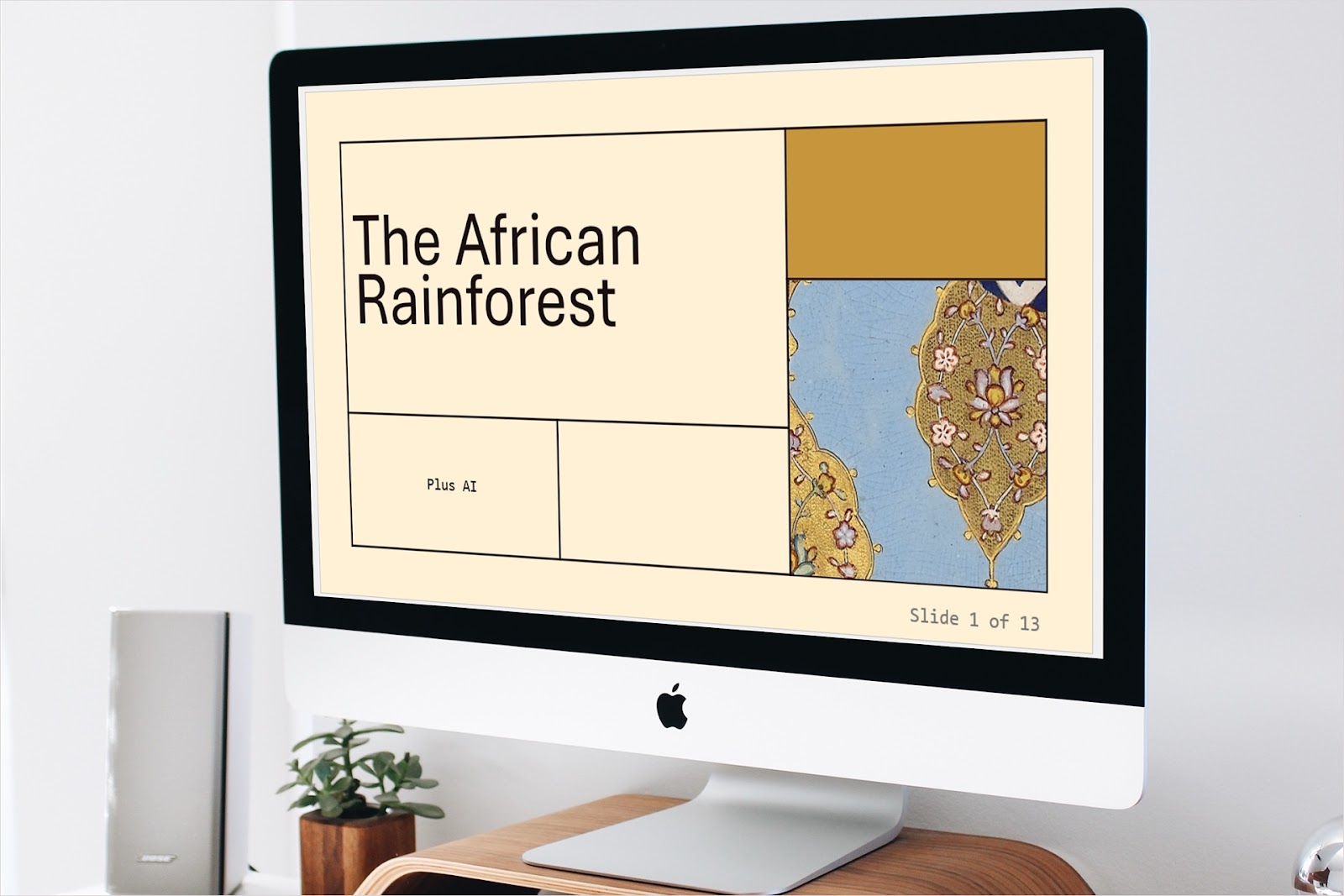
Resources
How to insert and format slide numbers in PowerPoint
Slide numbers help you and your audience navigate your presentation. Learn how to insert and format slide numbers in PowerPoint.
-
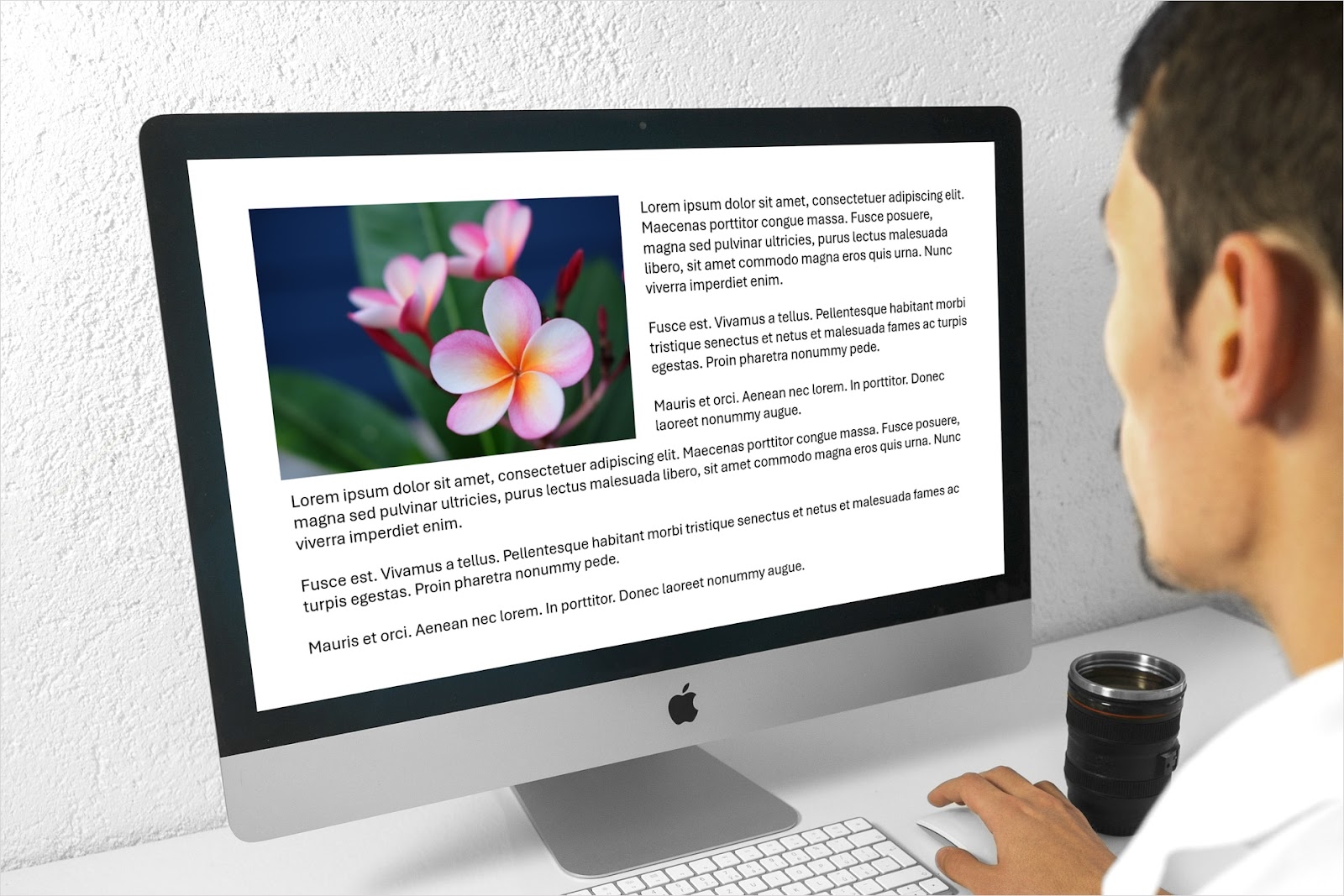
Resources
How to wrap text in PowerPoint
Scratching your head as to how to wrap text in PowerPoint? We’ll show you a few methods!
-

Resources
How to use AI for project plans
Learn how to take advantage of AI when creating plans for your project.
-
Resources
How to improve a PowerPoint presentation with AI
Take your PowerPoint presentation from ordinary to outstanding with a little help from AI.
-
Resources
How to create a picture in PowerPoint
Can’t find the image you need? Here are four ways to create a picture in PowerPoint yourself.
-
Resources
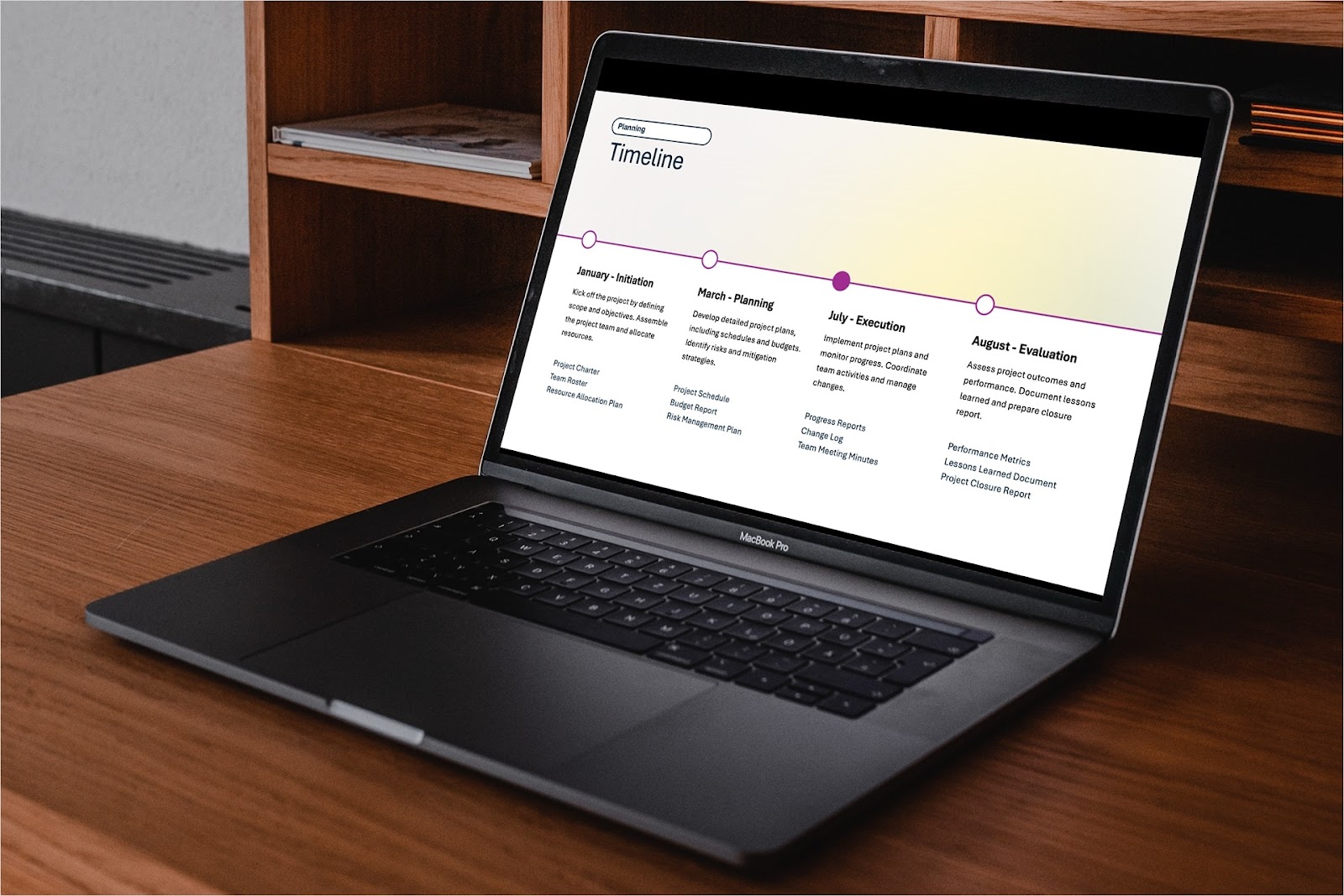
How to make a timeline in PowerPoint
For project milestones, company history, or a business roadmap, we’ll show you three different methods to make a timeline in PowerPoint.
-
Resources
In-depth review of Simplified and alternative AI presentation tools
Learn how how Simplified stacks up to other AI presentation makers in features, quality, pricing, and more.
-
Resources
How to create custom PowerPoint themes
Need to maintain consistency with colors and fonts to match your style? Here’s how to create custom PowerPoint themes.
-
Resources
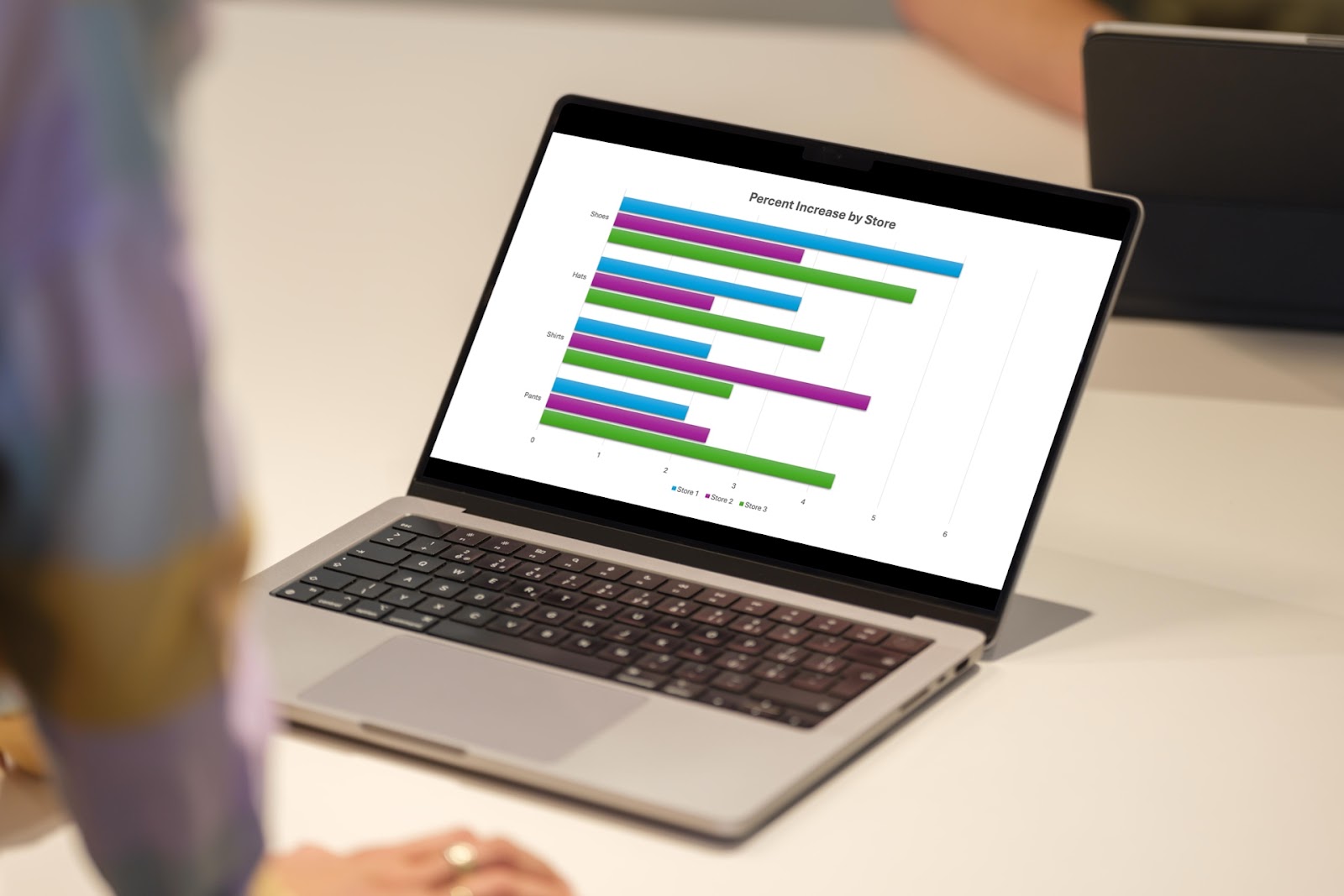
How to create a bar chart in PowerPoint
-
Resources
How to convert Napkin AI into PowerPoint
Learn how to turn your Napkin AI creation into a PowerPoint presentation