
Presentation templates
Professionally designed templates, fully compatible with Plus AI for generation and editing.
-
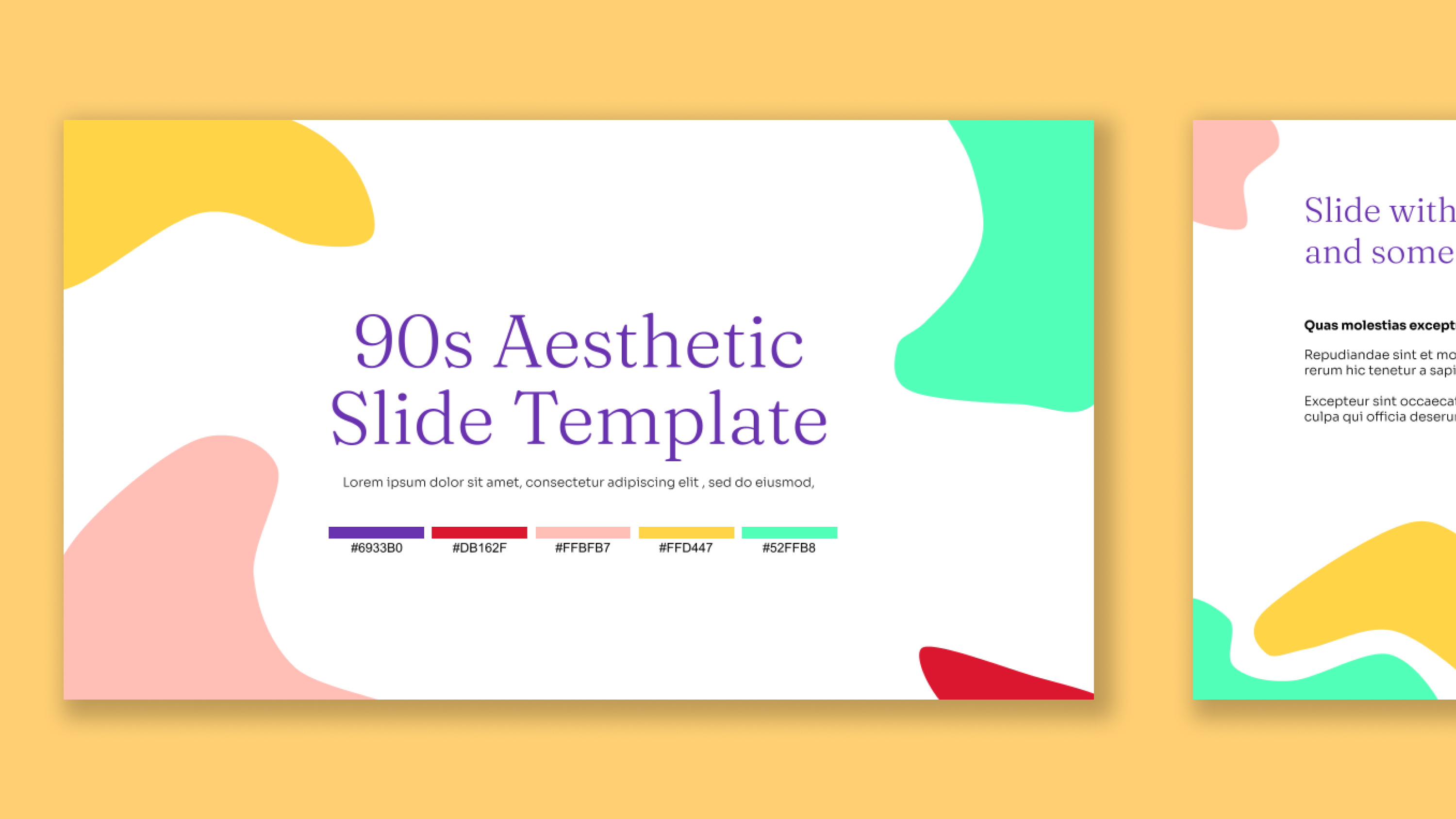
90s aesthetic presentation template
-
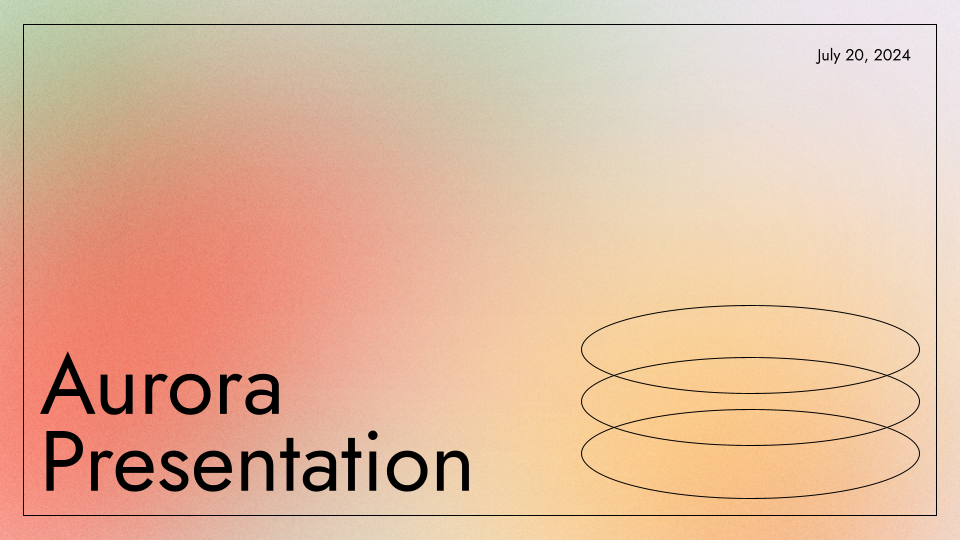
Aurora Gradient Presentation Template
-
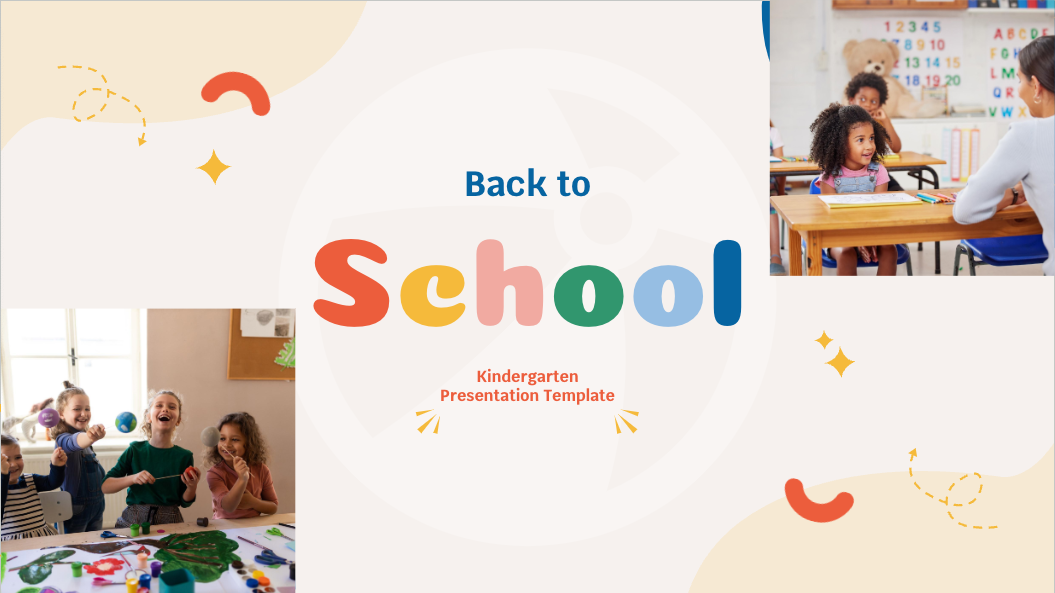
Back to school template for Kindergarten
-
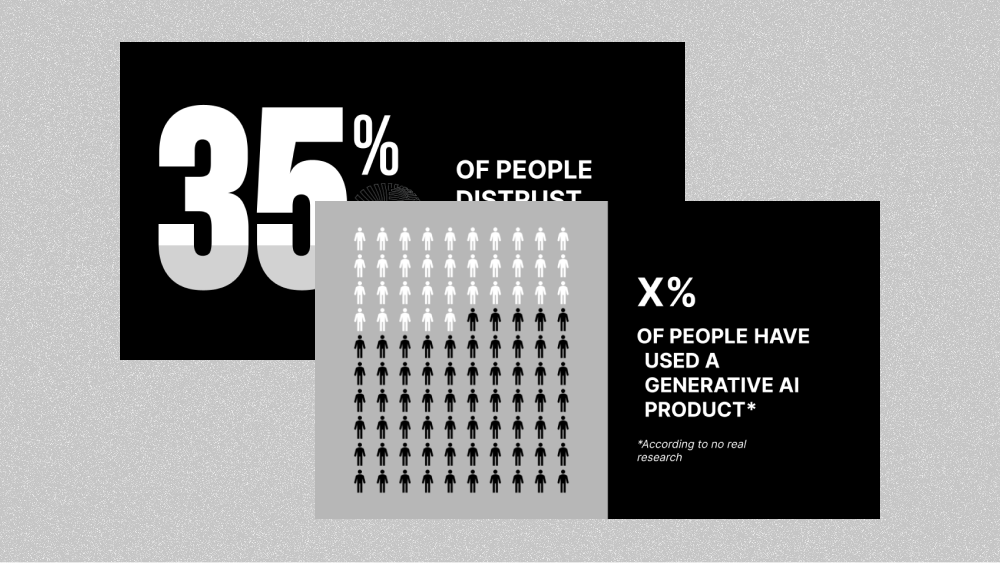
Black and white data visualizations
-
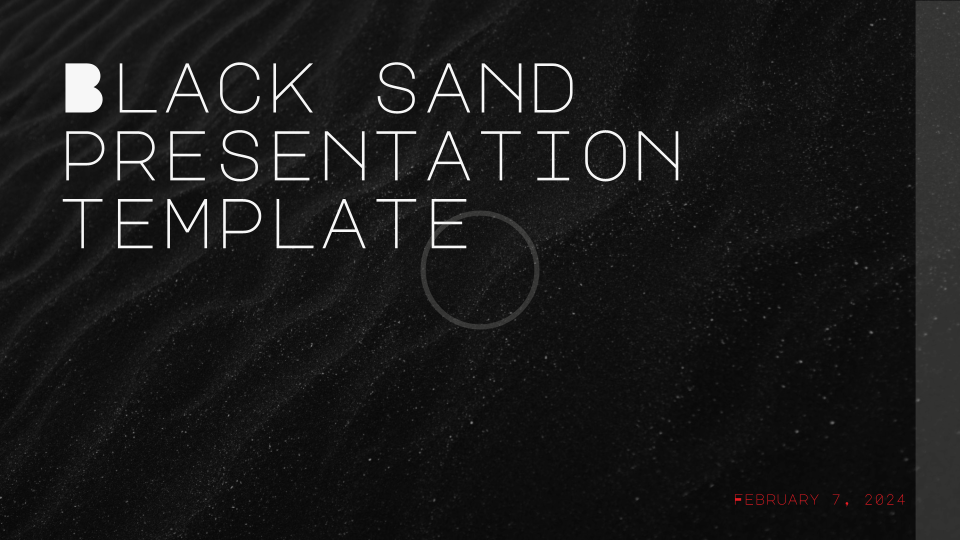
Black Sand Texture Background Template
-
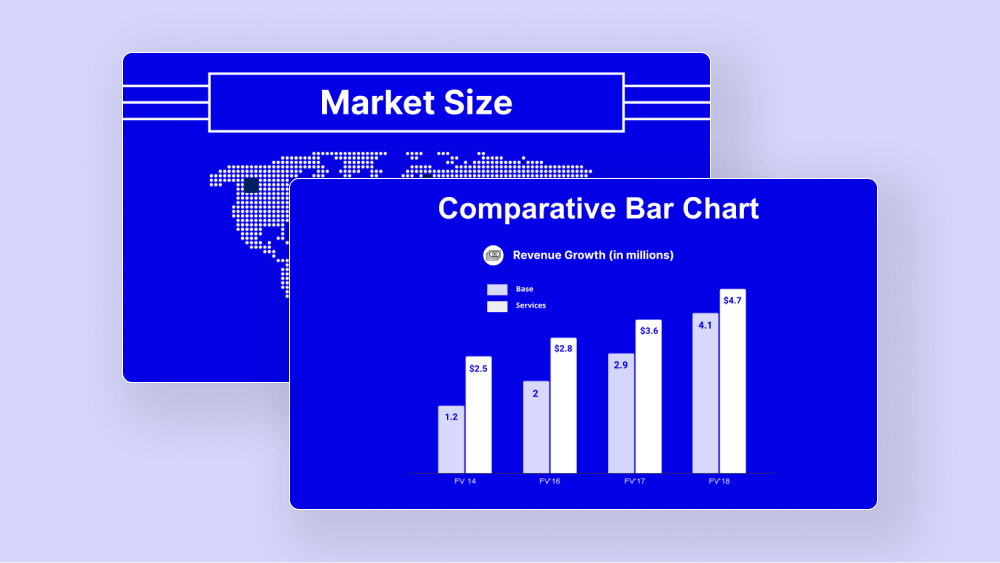
Blue data visualizations
-
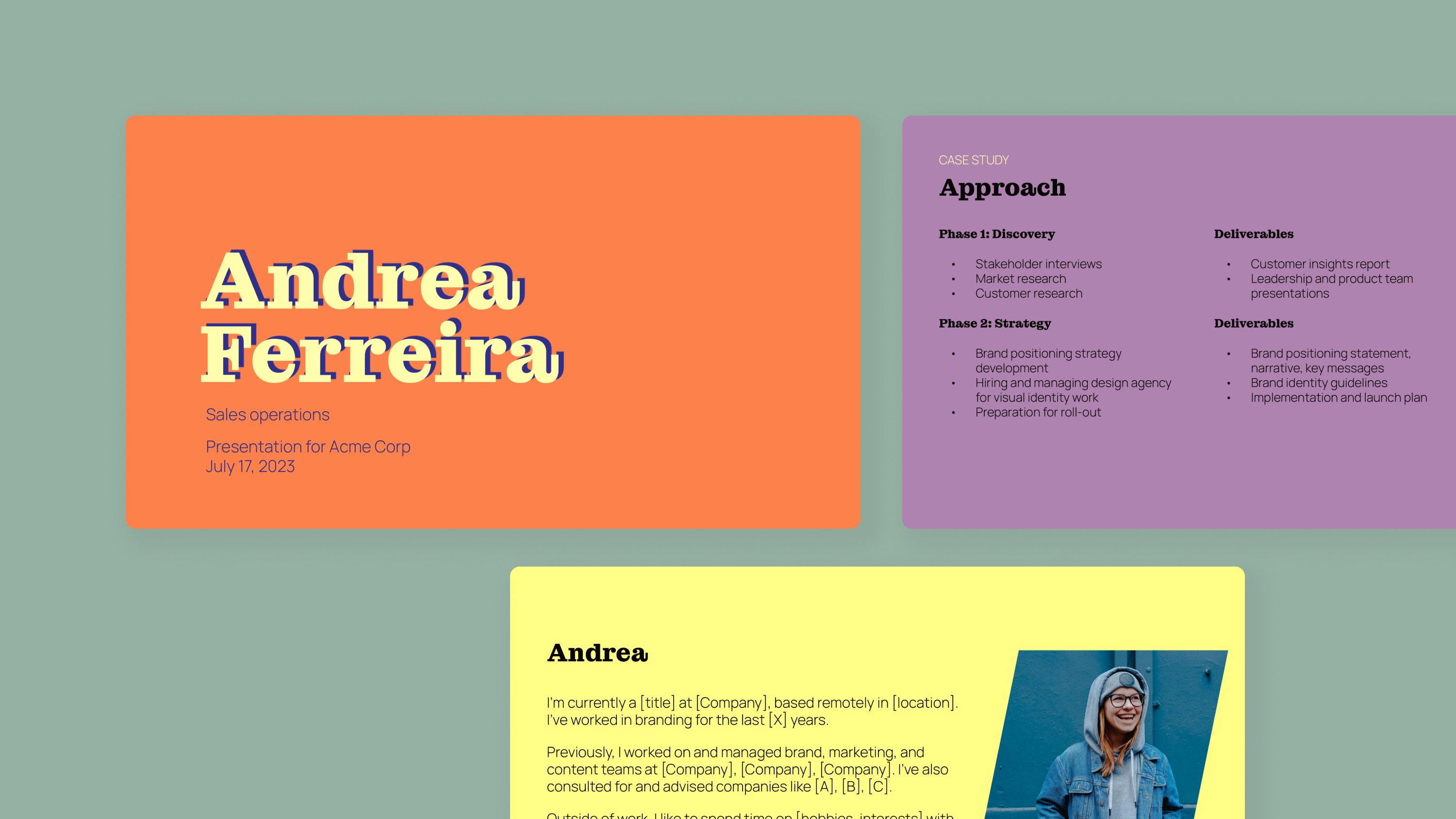
Bold Job Interview and Case Study
-
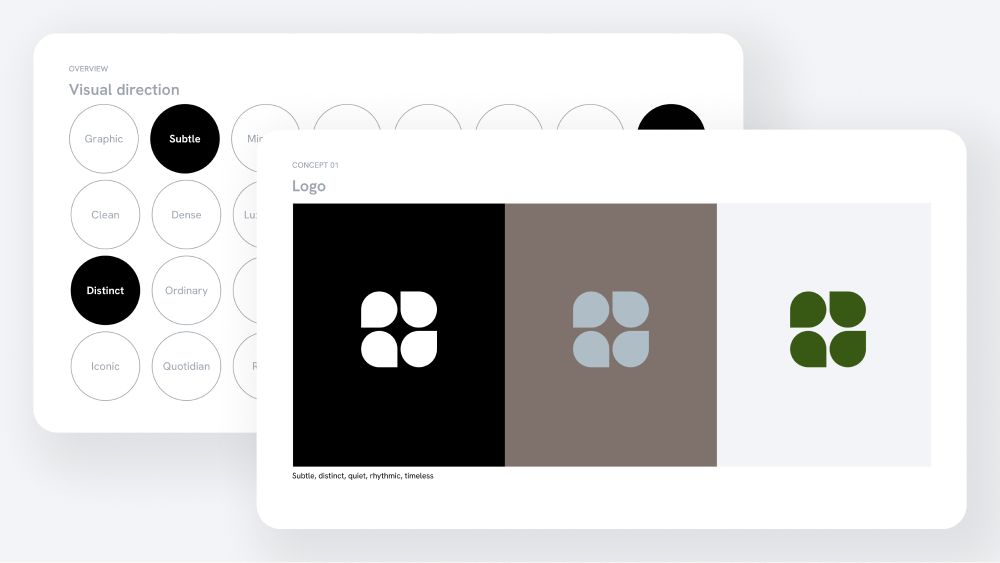
Brand and Logo Presentation Template
-
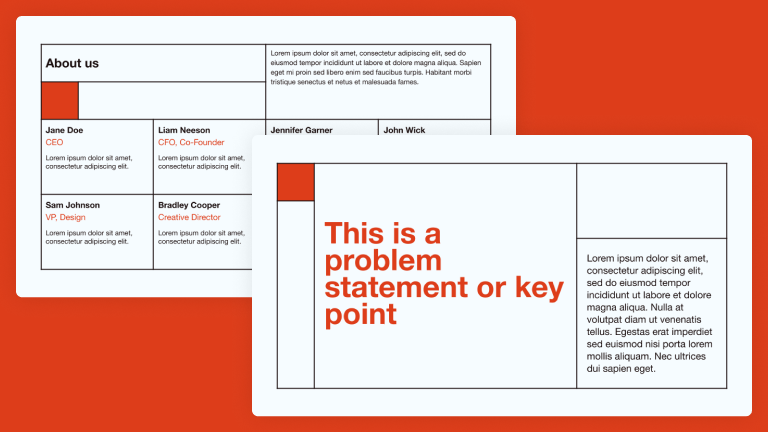
Brut Brick
-
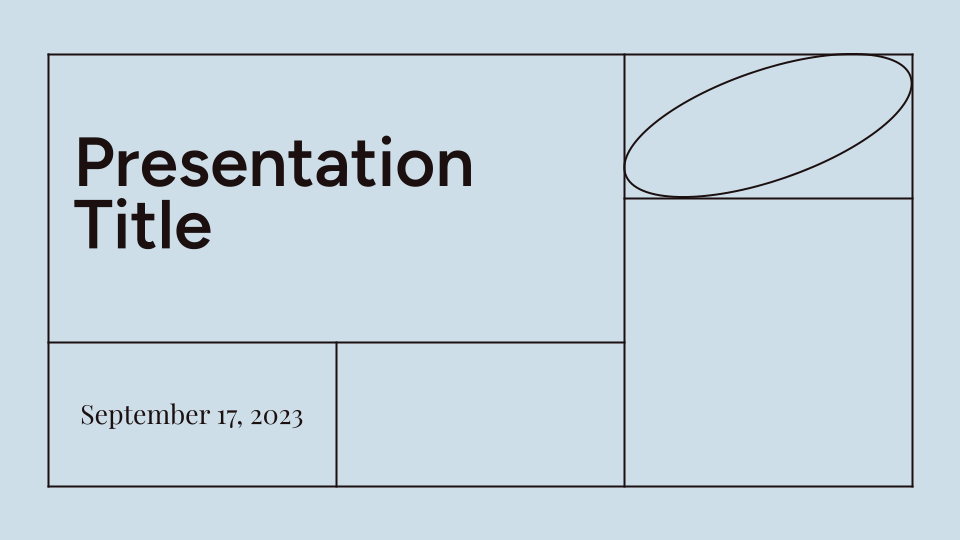
Brut Seascape
-
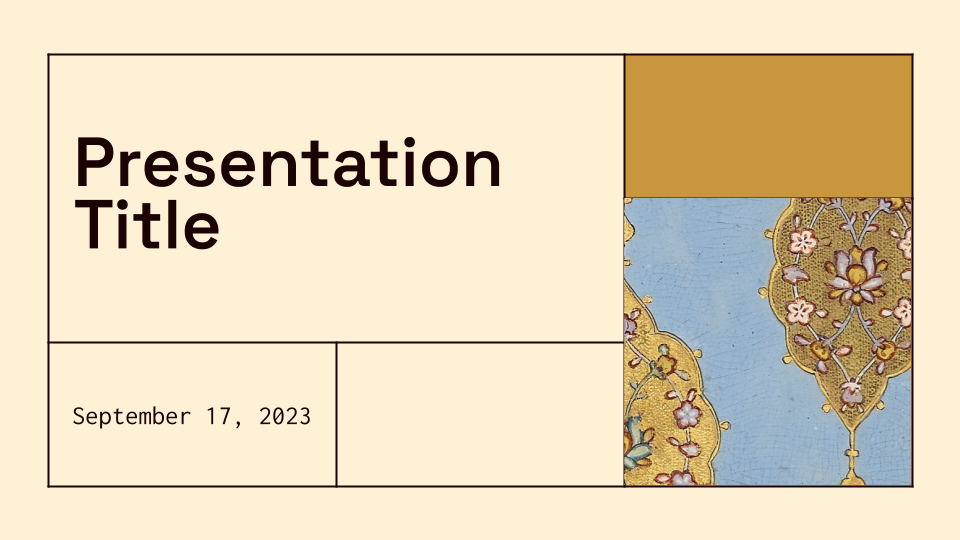
Brut Tigris
-
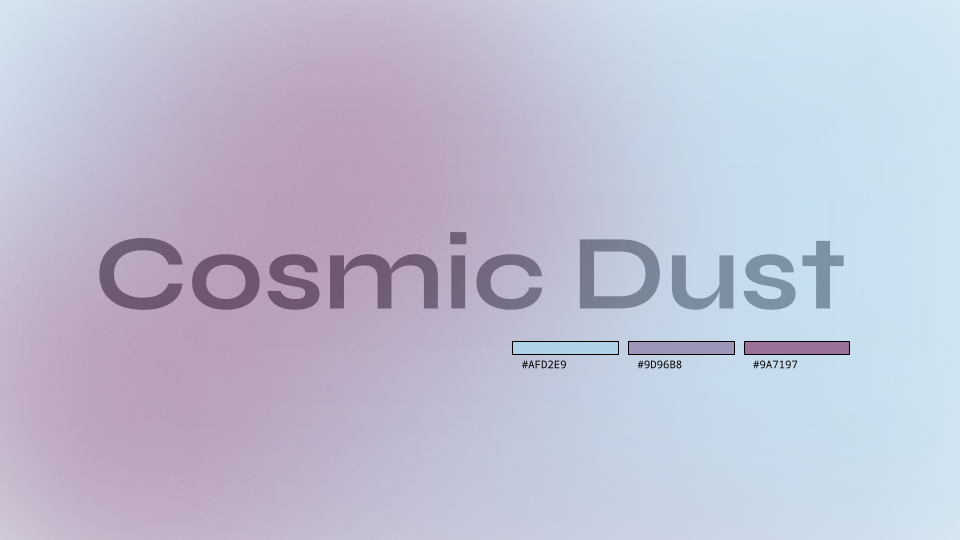
Cosmic Dust Gradient Background Template
-
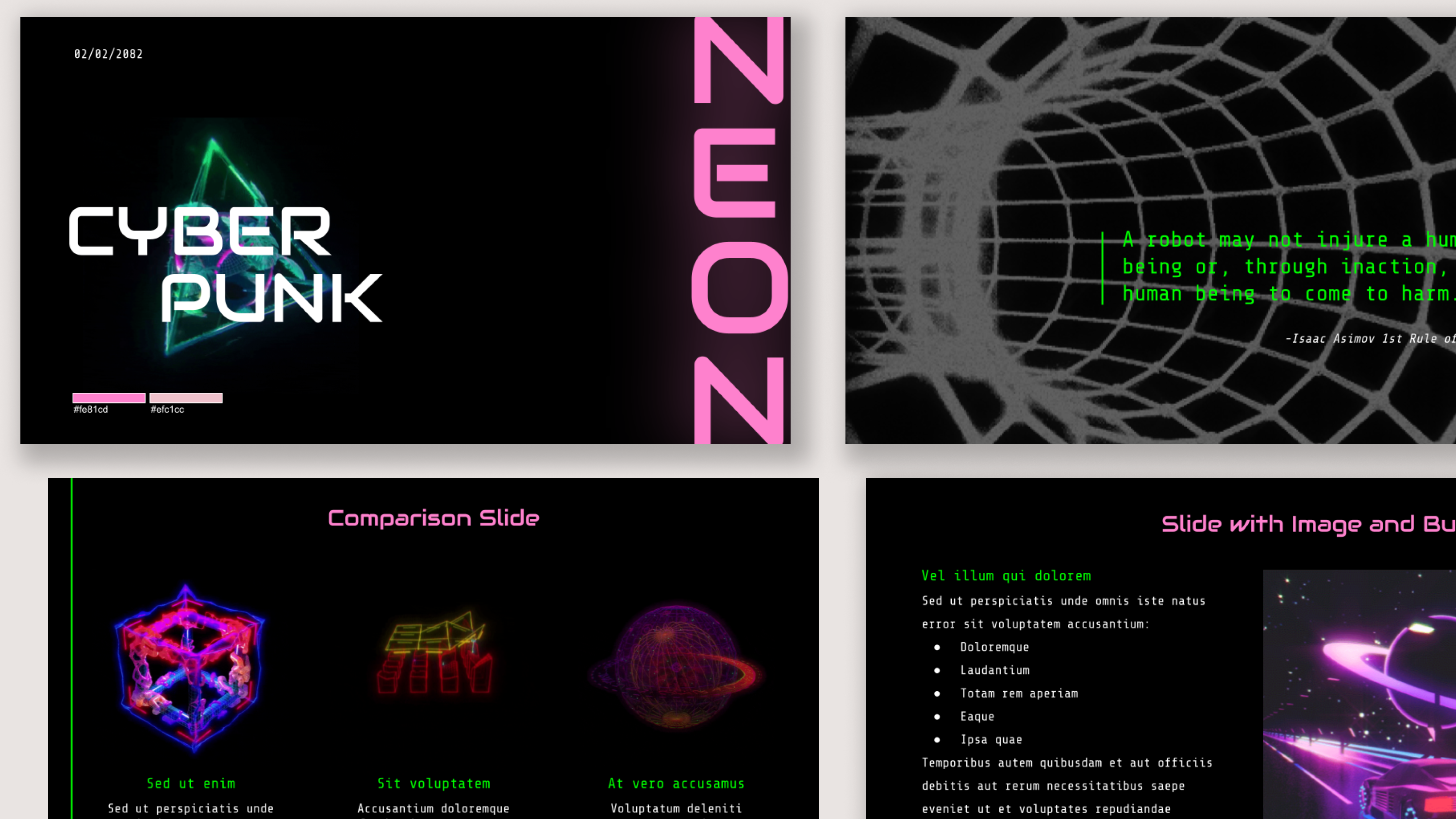
Cyberpunk neon presentation template
-
Dark Fairy Gradient Background Template
-
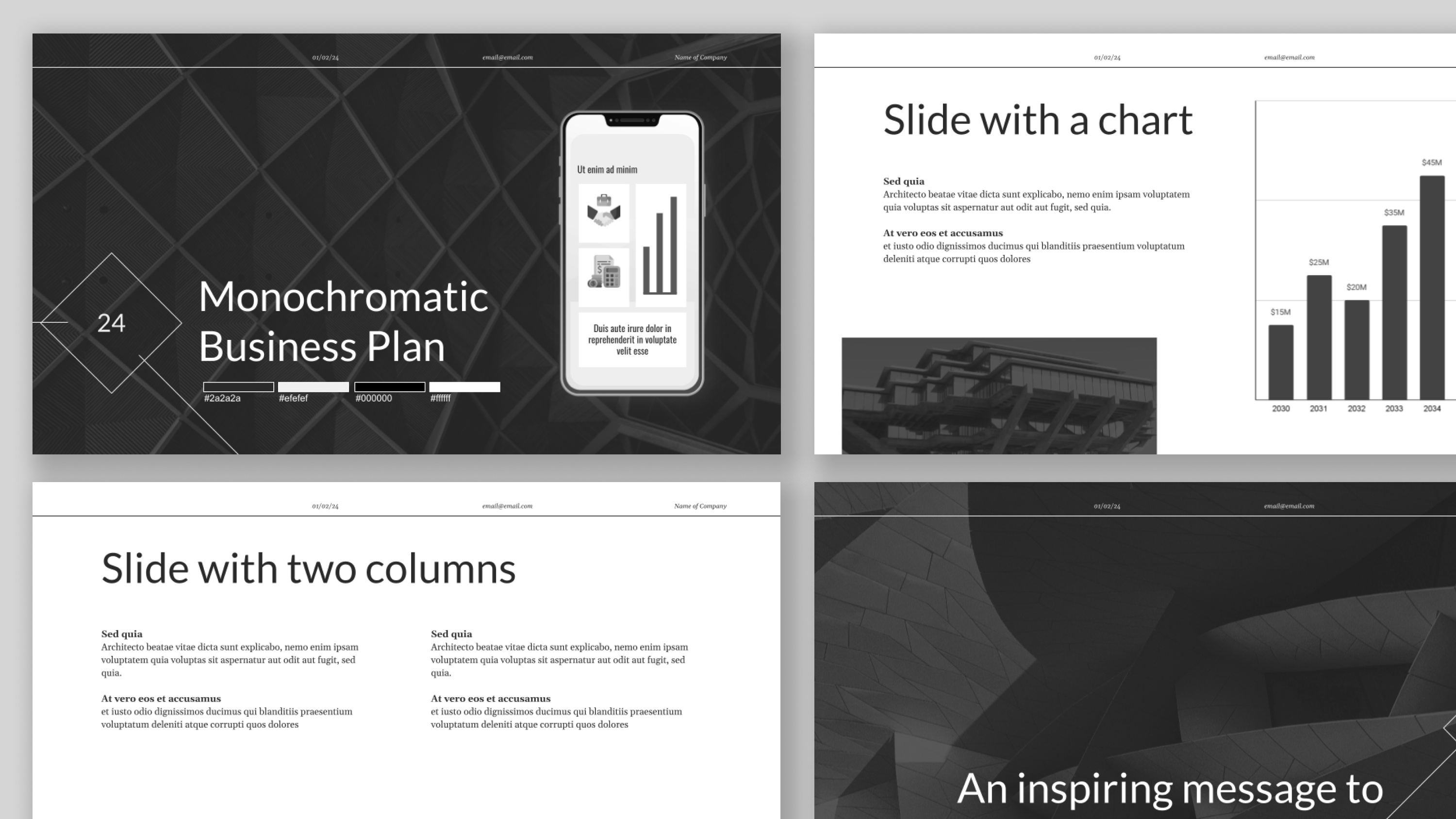
Dark monochromatic presentation template
-
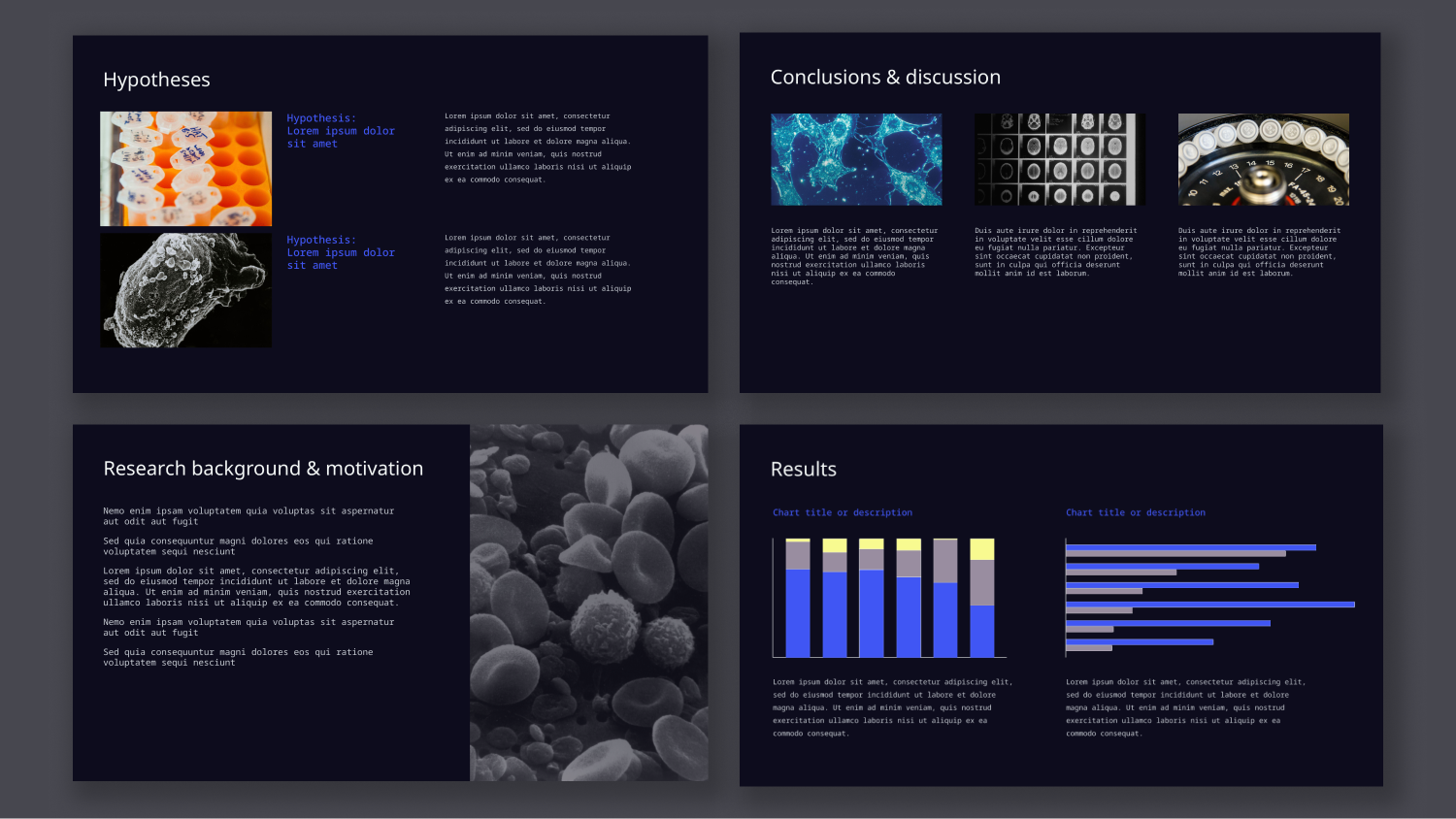
Dark Science and Academic Research Presentation Template
-
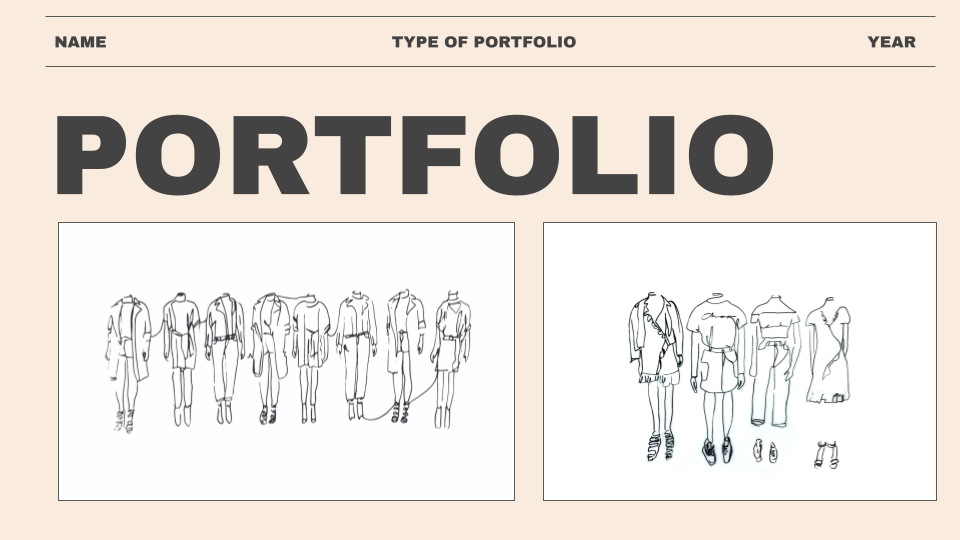
Designer Portfolio Template
-
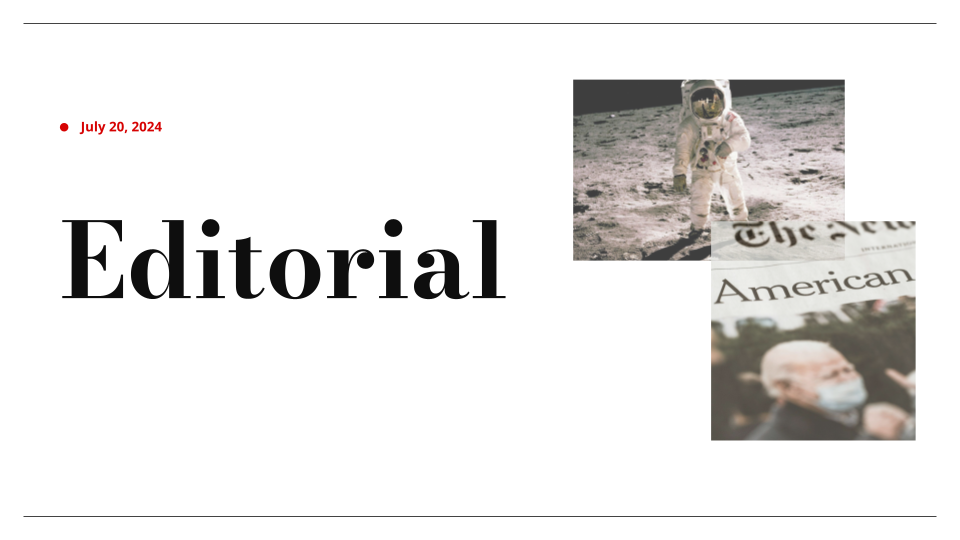
Editorial Presentation Template
-
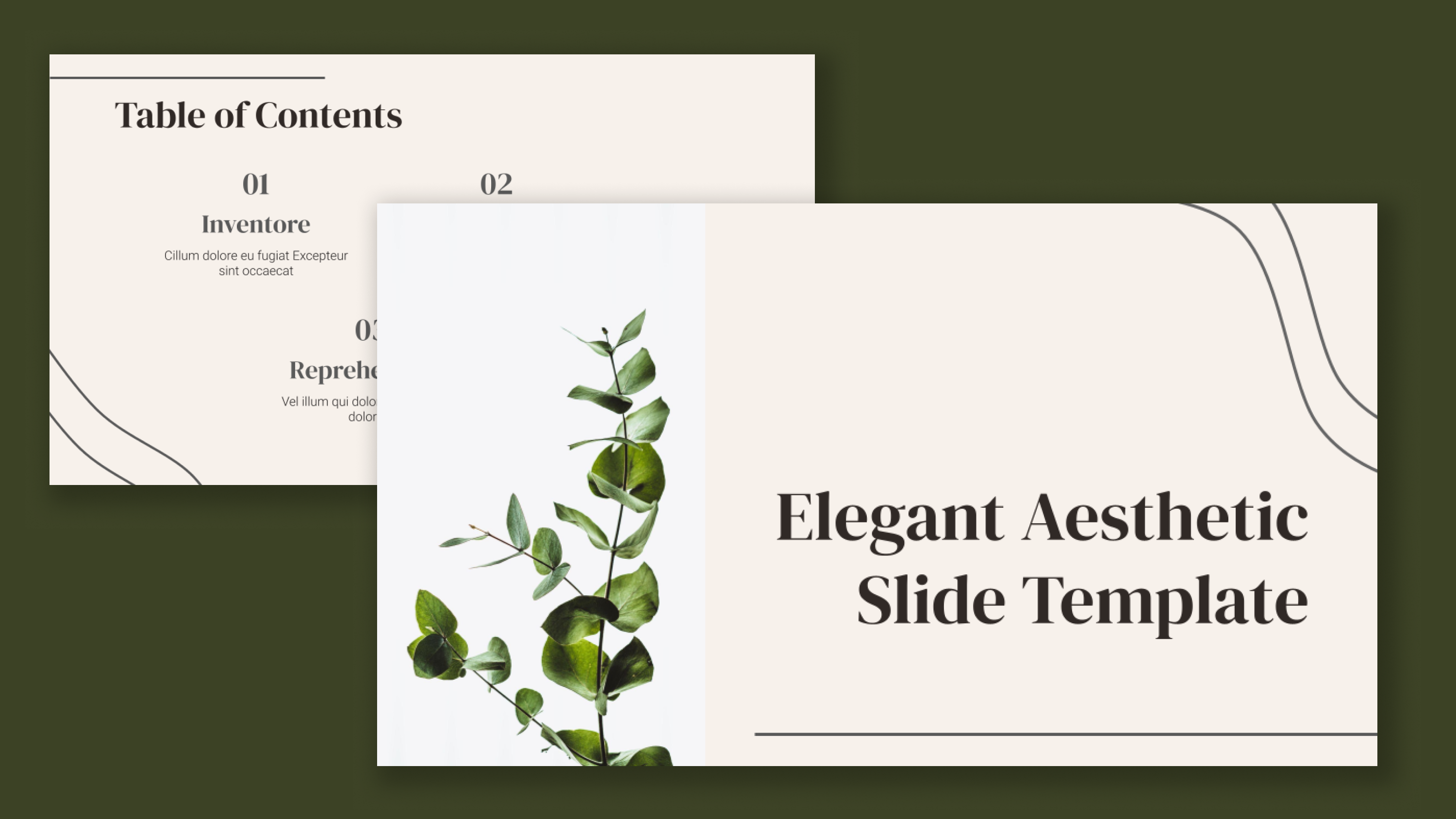
Elegant aesthetic presentation template
-
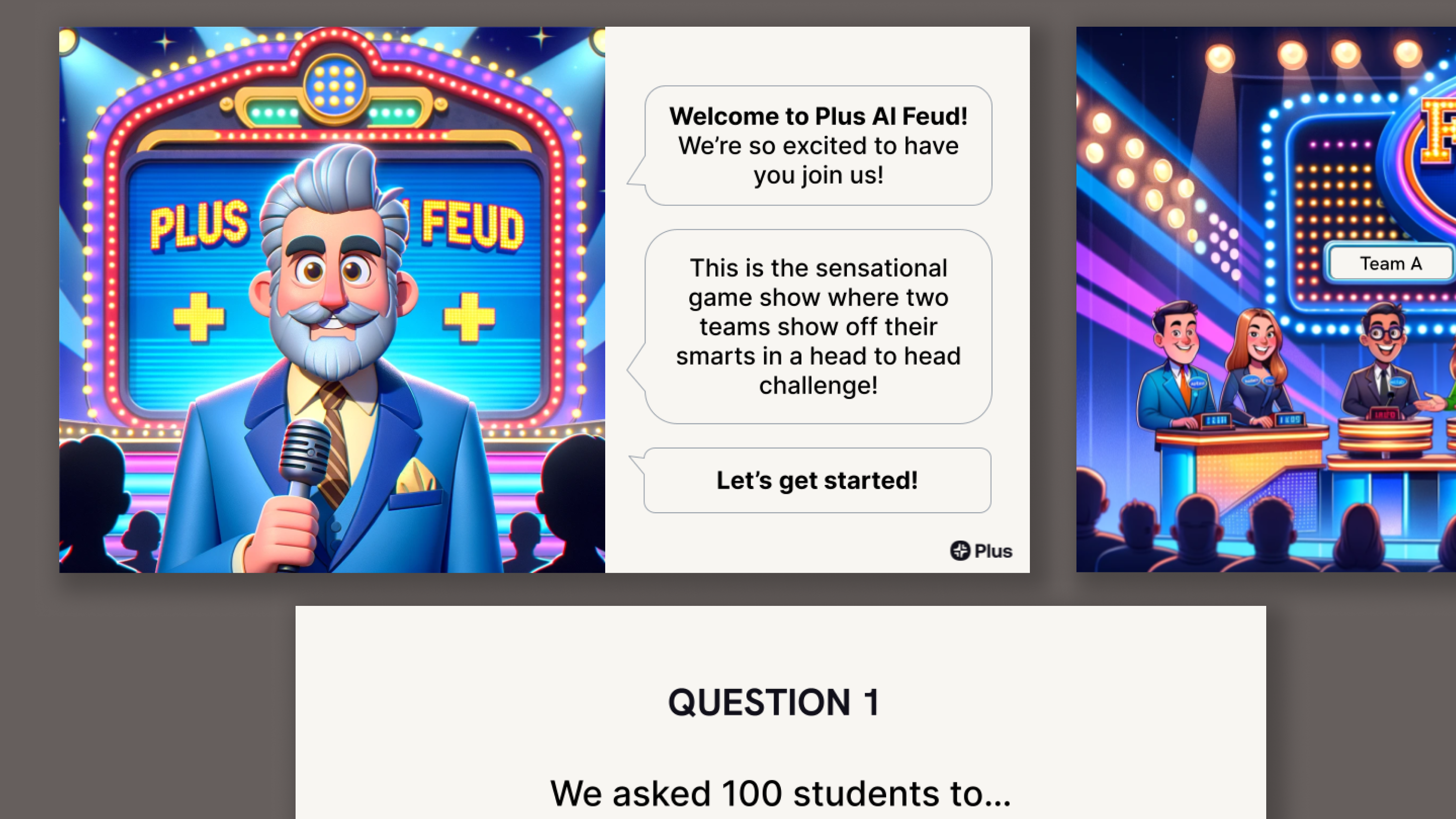
Family Feud template
-
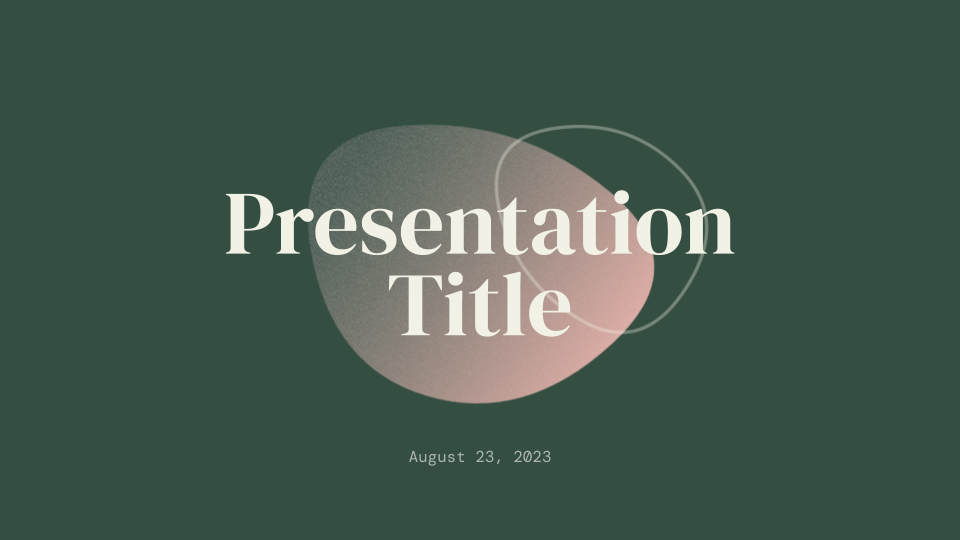
Forest Floor Presentation Template
-
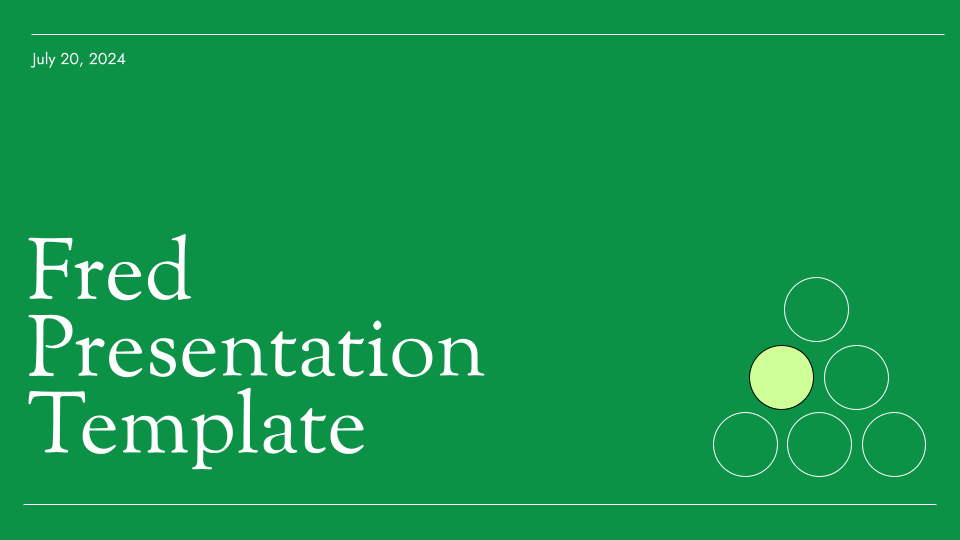
Fred
-
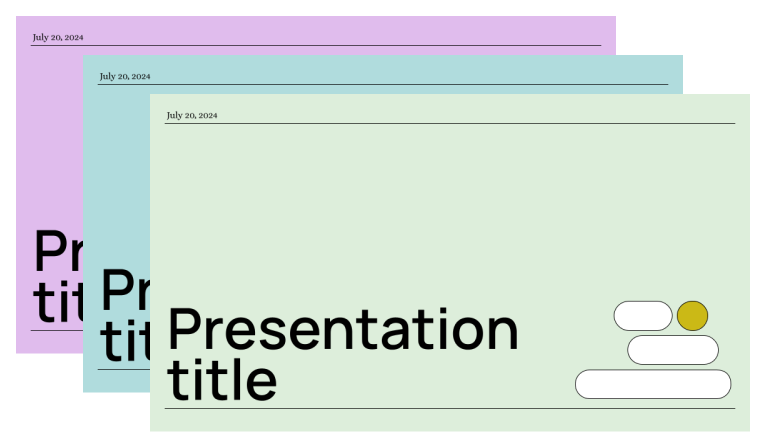
Herbert
-
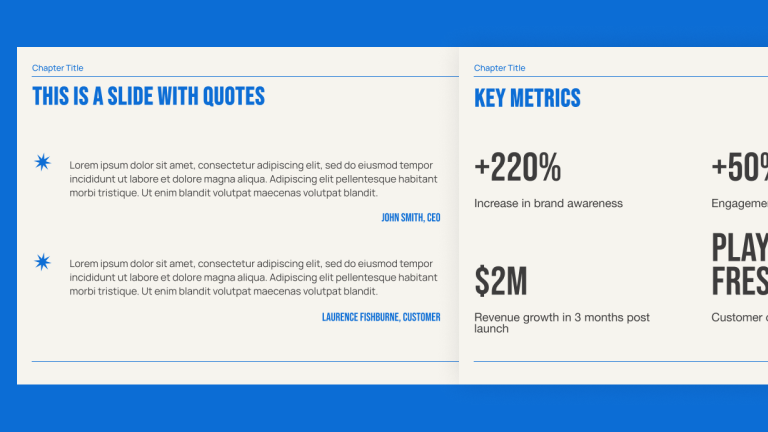
Indigo
-
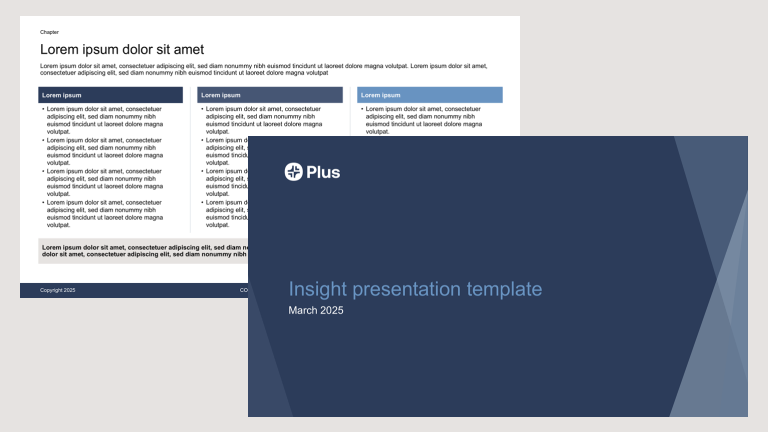
Insight
-
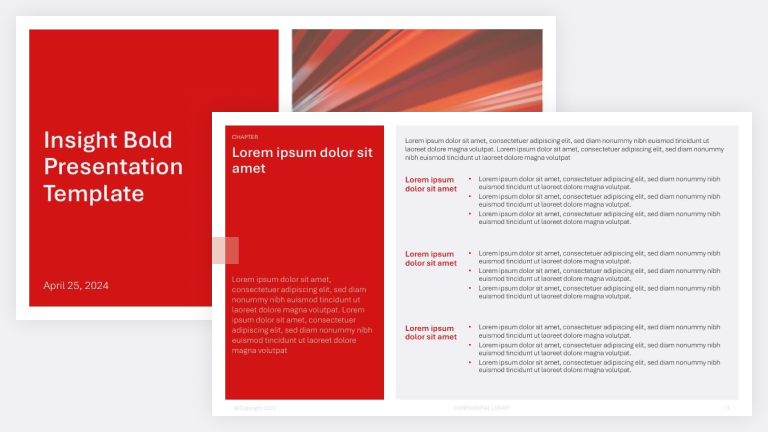
Insight Bold
-
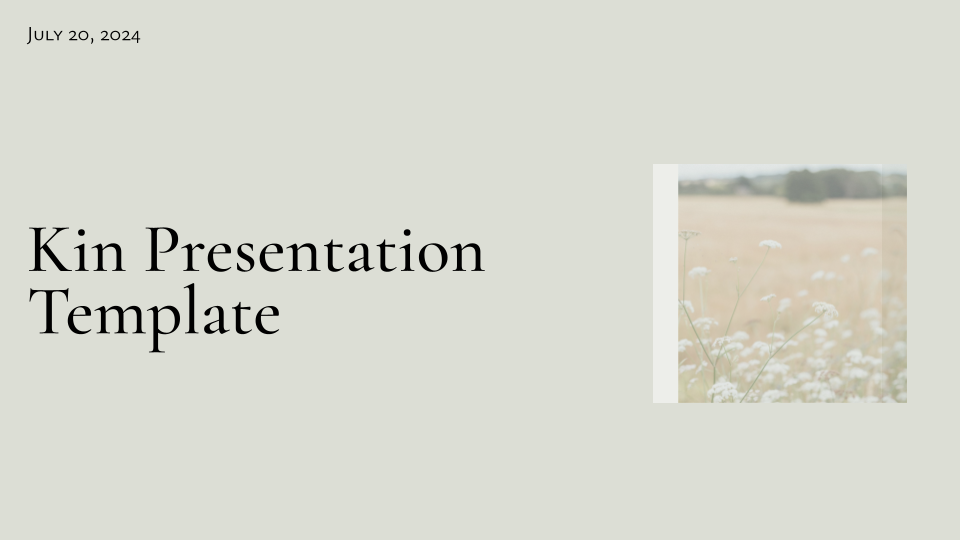
Kin
-
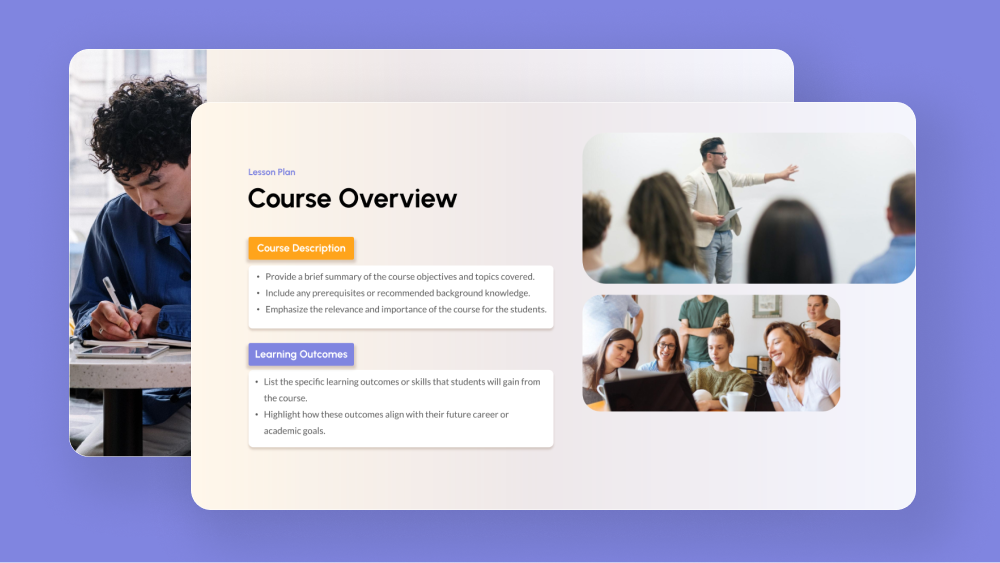
Lesson Plan Template
-
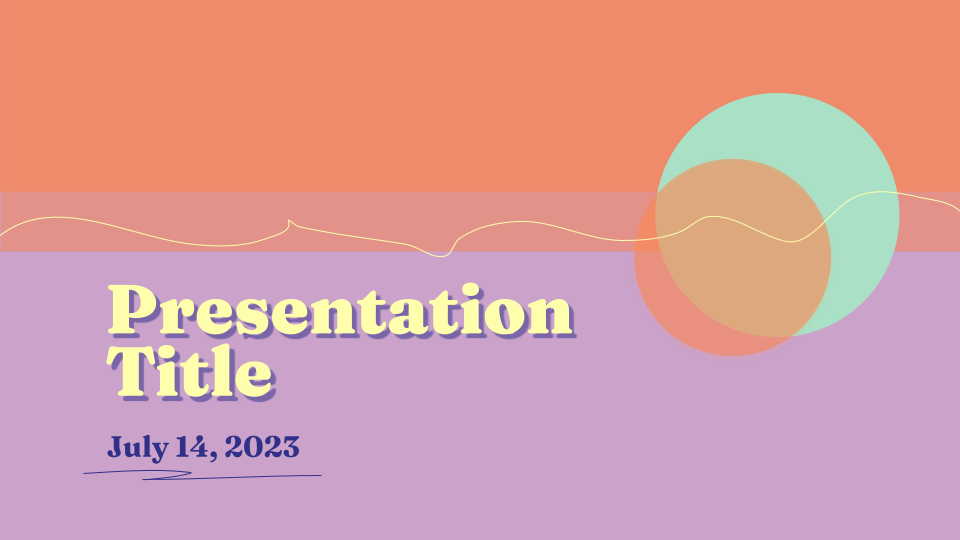
Mallorca Colorful Presentation Template
-

Manila
-
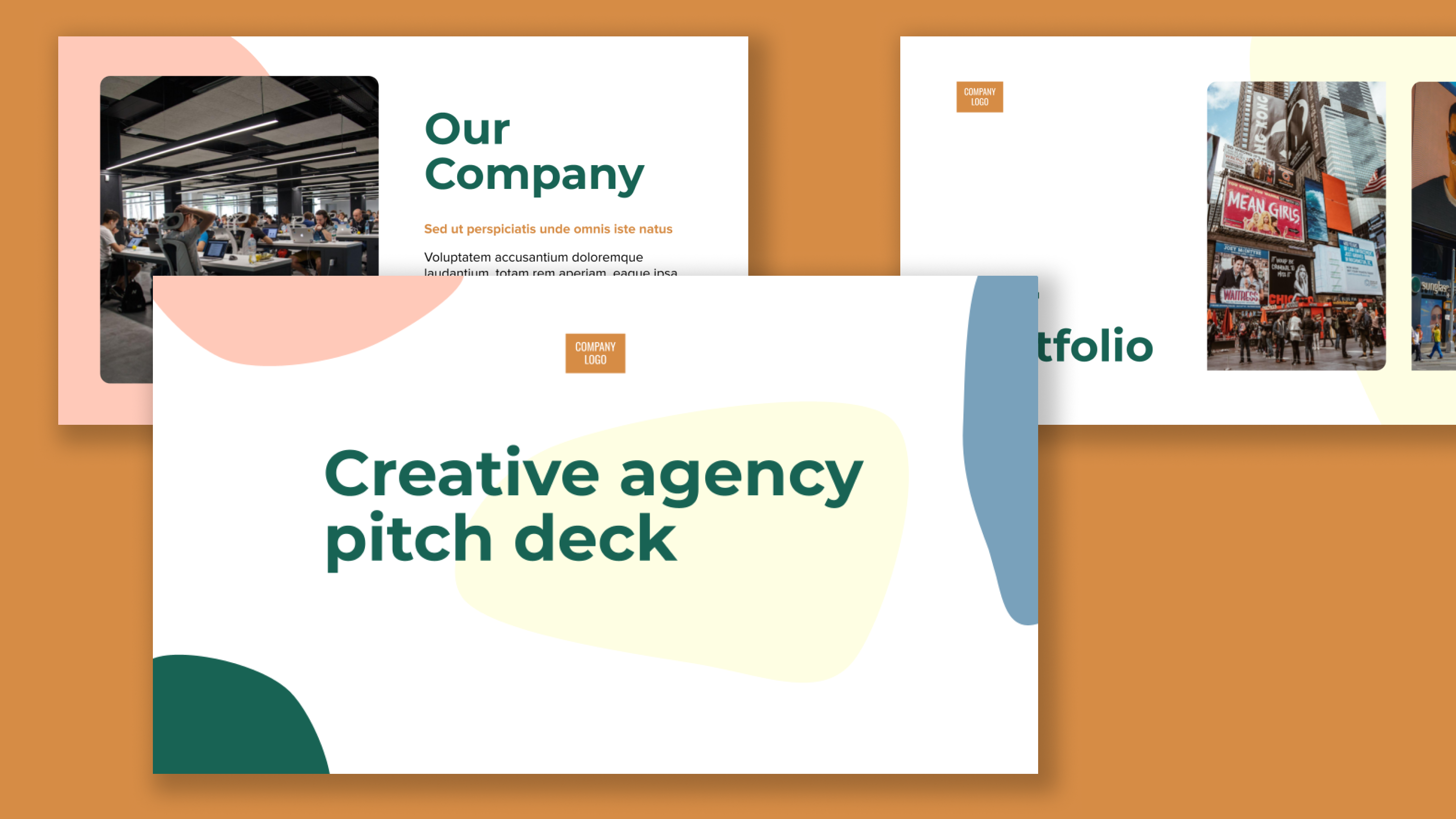
Marketing agency pitch deck template
-
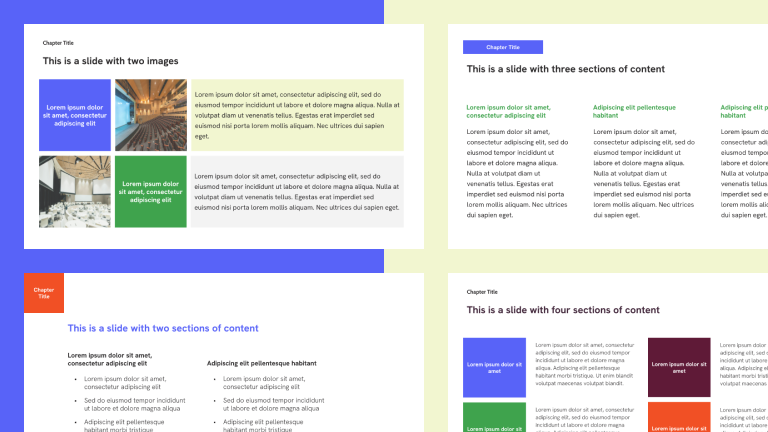
Metro
-
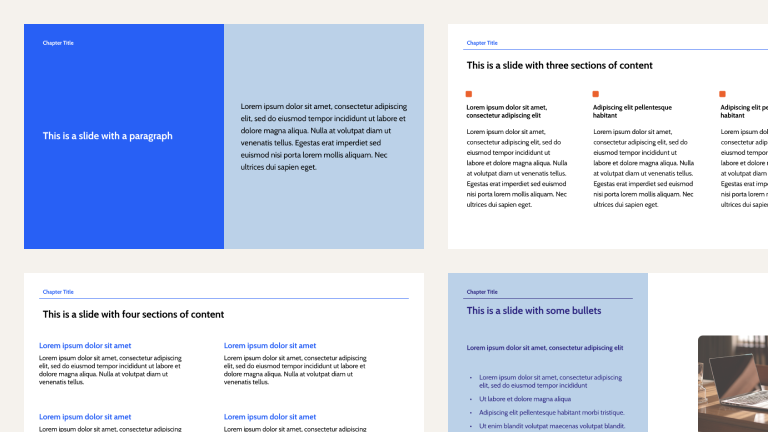
Minimalist Blue
-
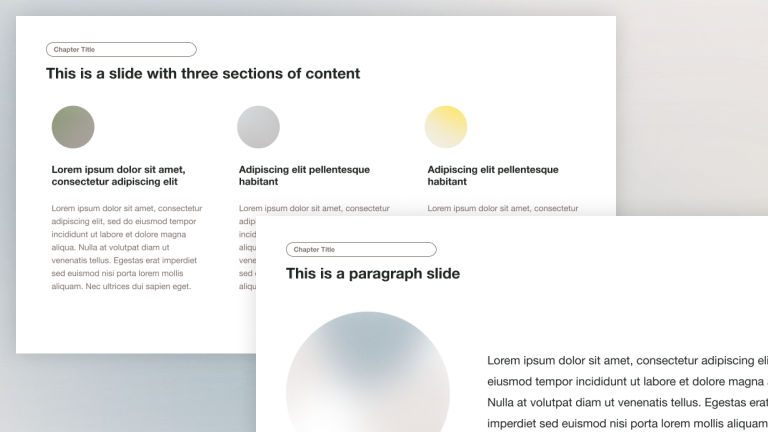
Minimalist Light Professional Presentation Template
-
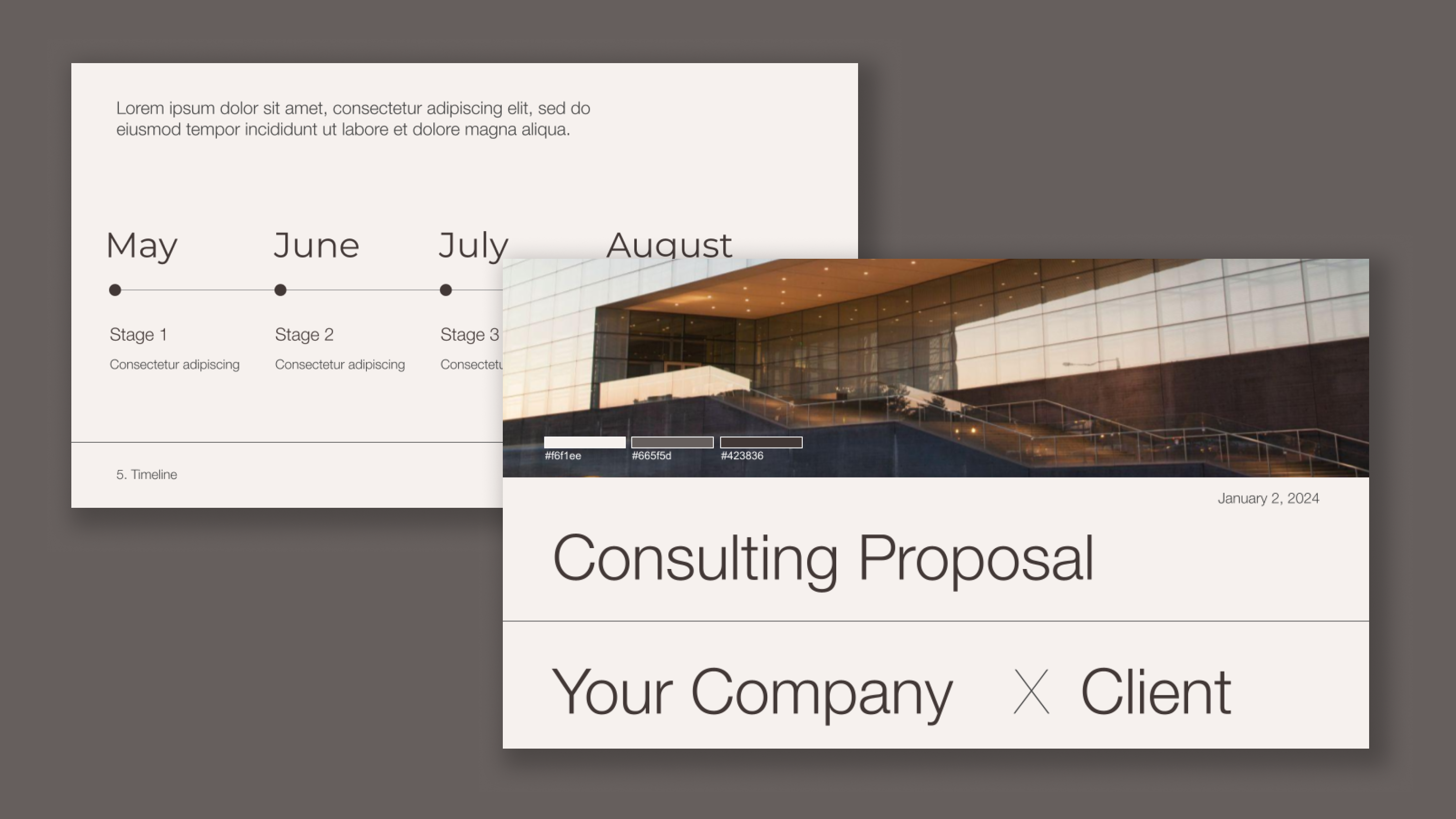
Modern aesthetic consulting client proposal
-
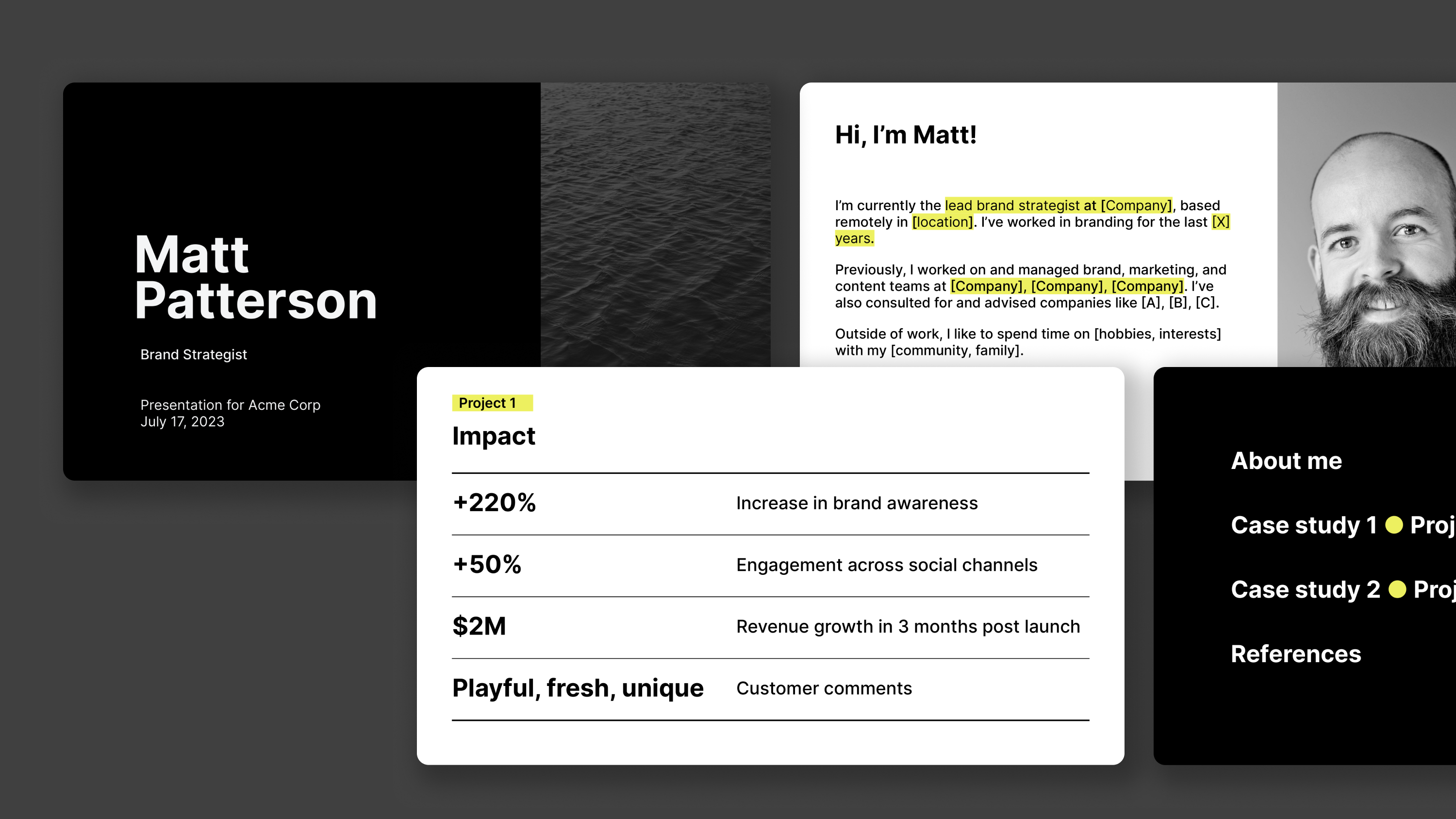
Modern Job Interview and Case Study
-
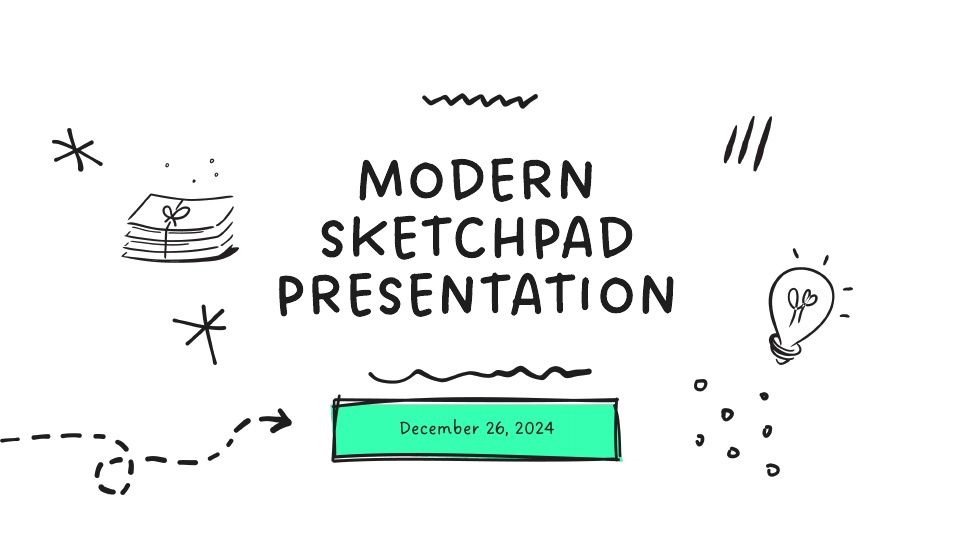
Modern Sketchpad
-
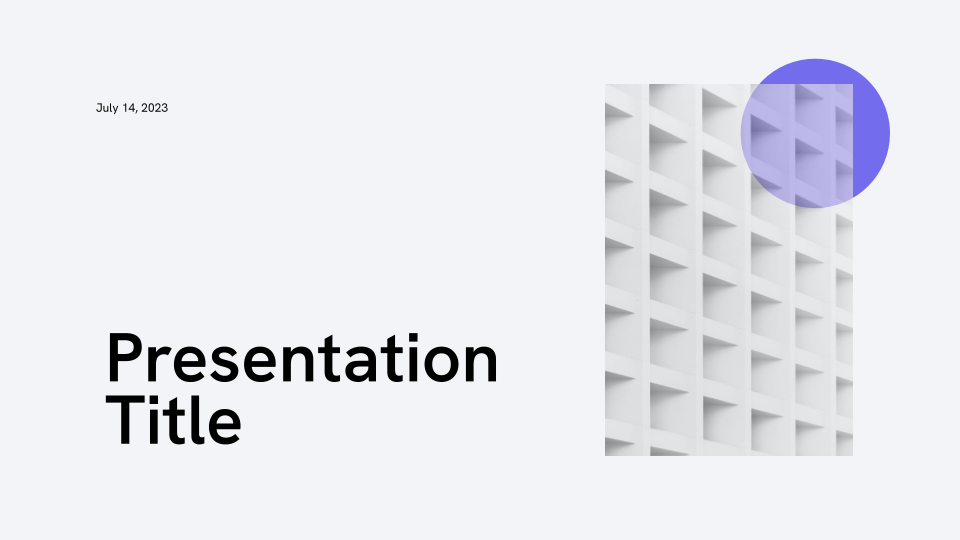
Modernist Professional Presentation Template
-
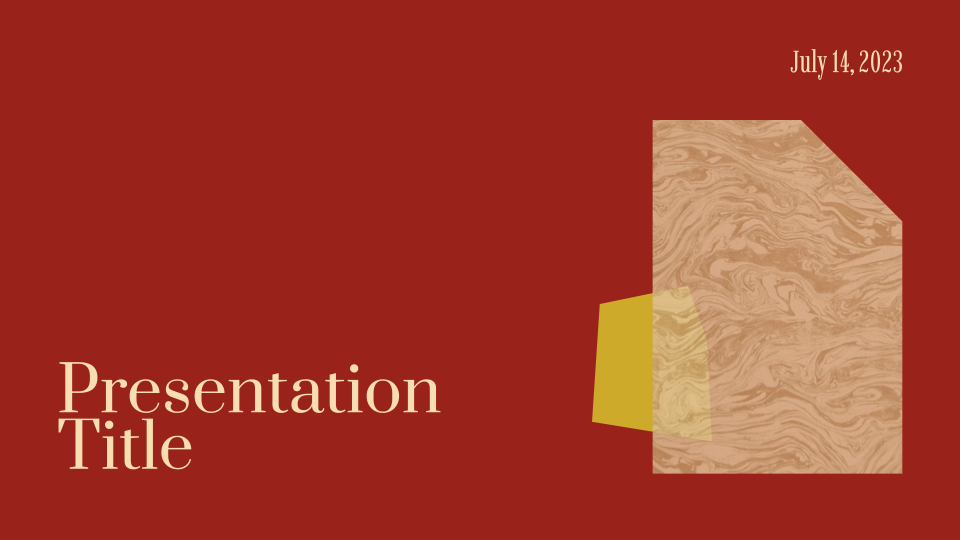
Modernist Siena
-
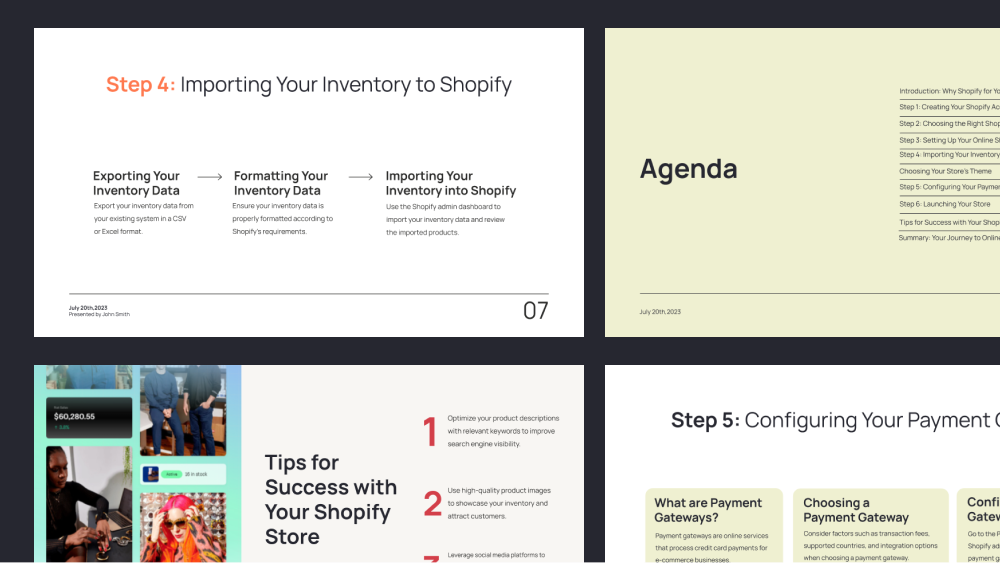
Online course template: How to set up a Shopify store
-
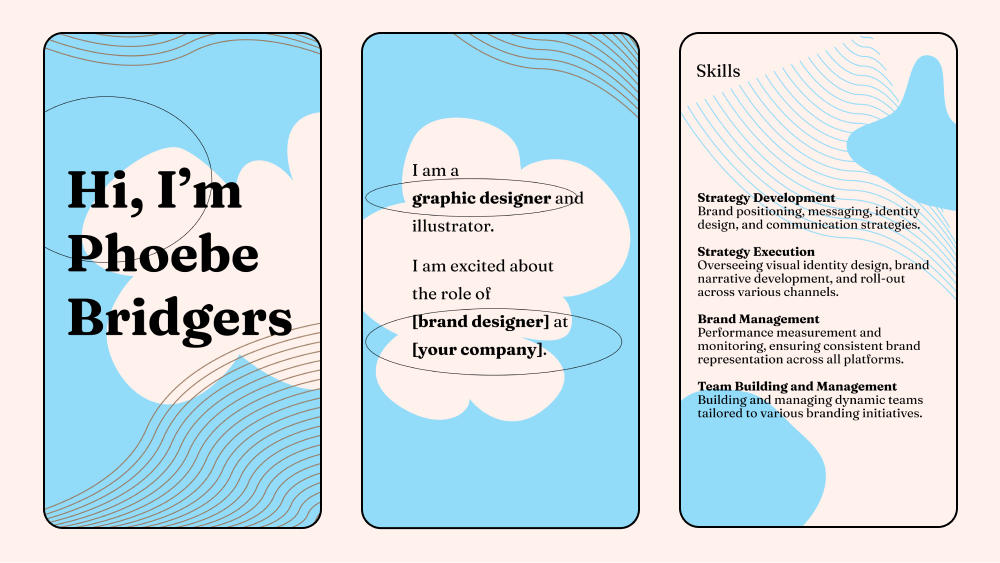
Playful resume for job interview (vertical)
-
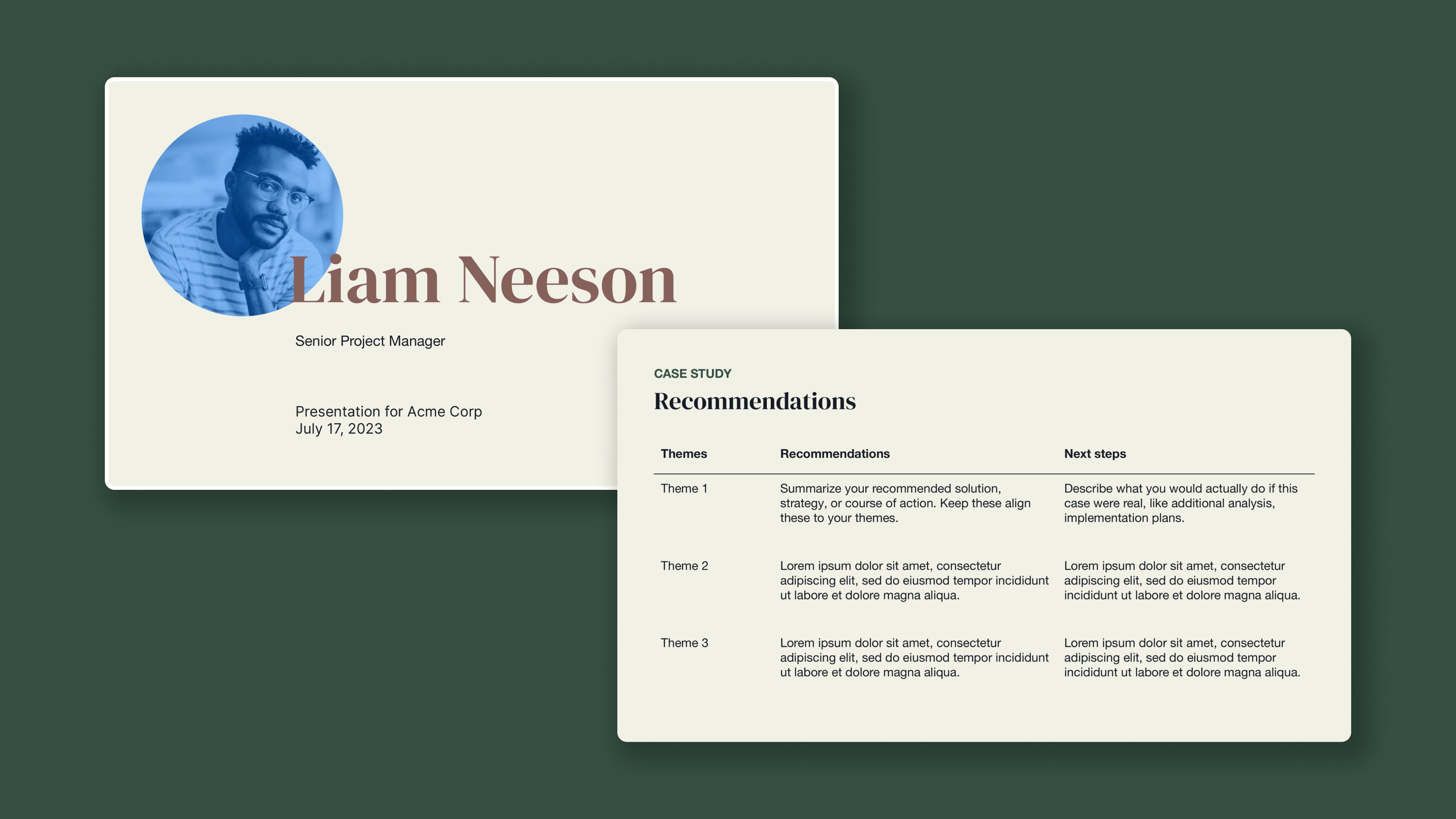
Professional Job Interview and Case Study
-
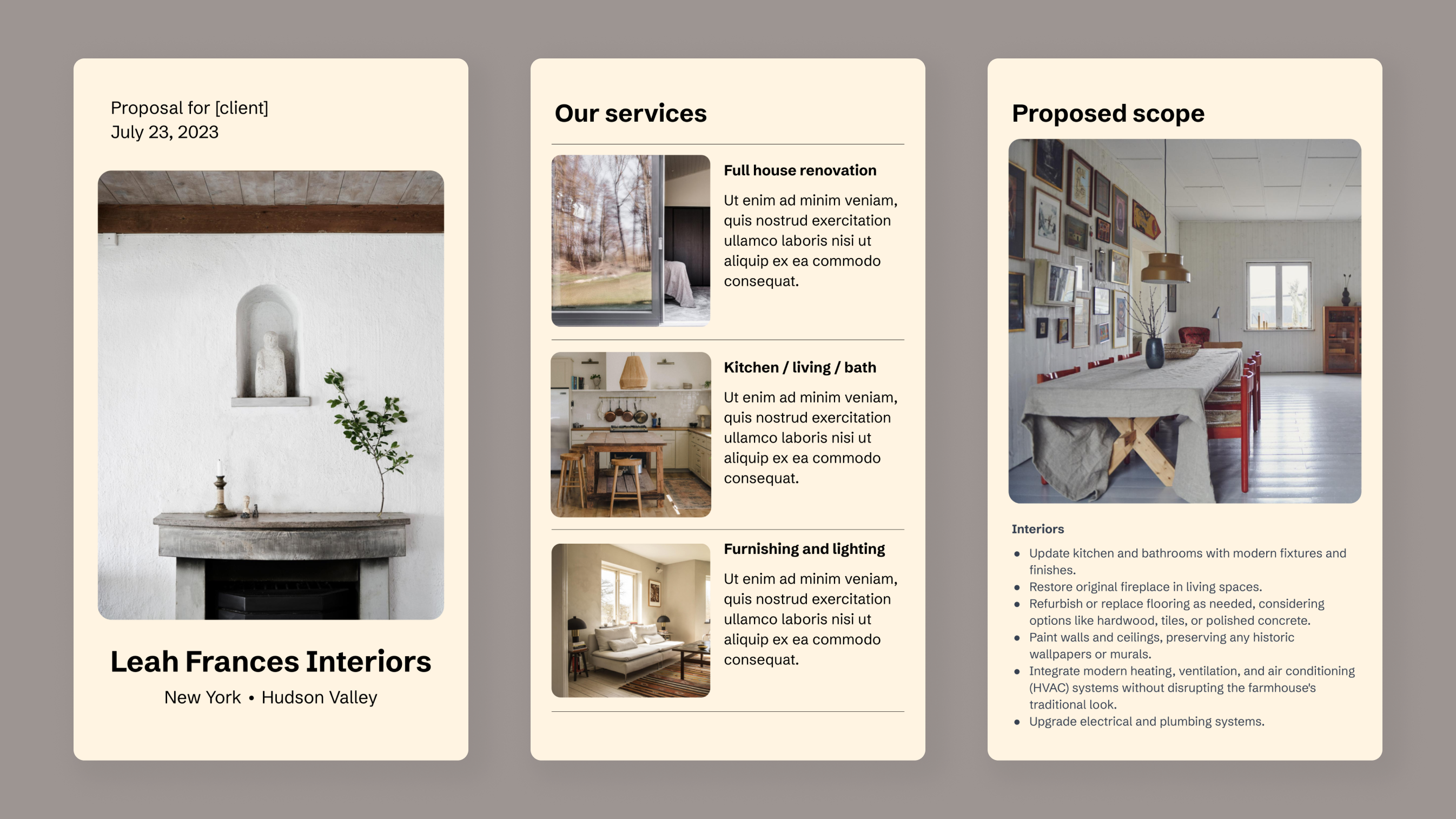
Refined project proposal for clients (vertical)
-
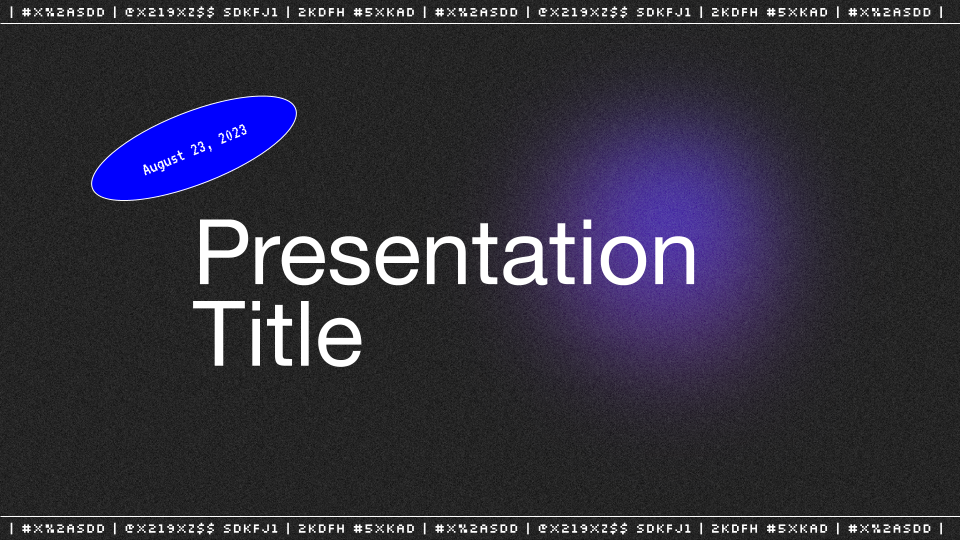
Retro Analog Presentation Template
-
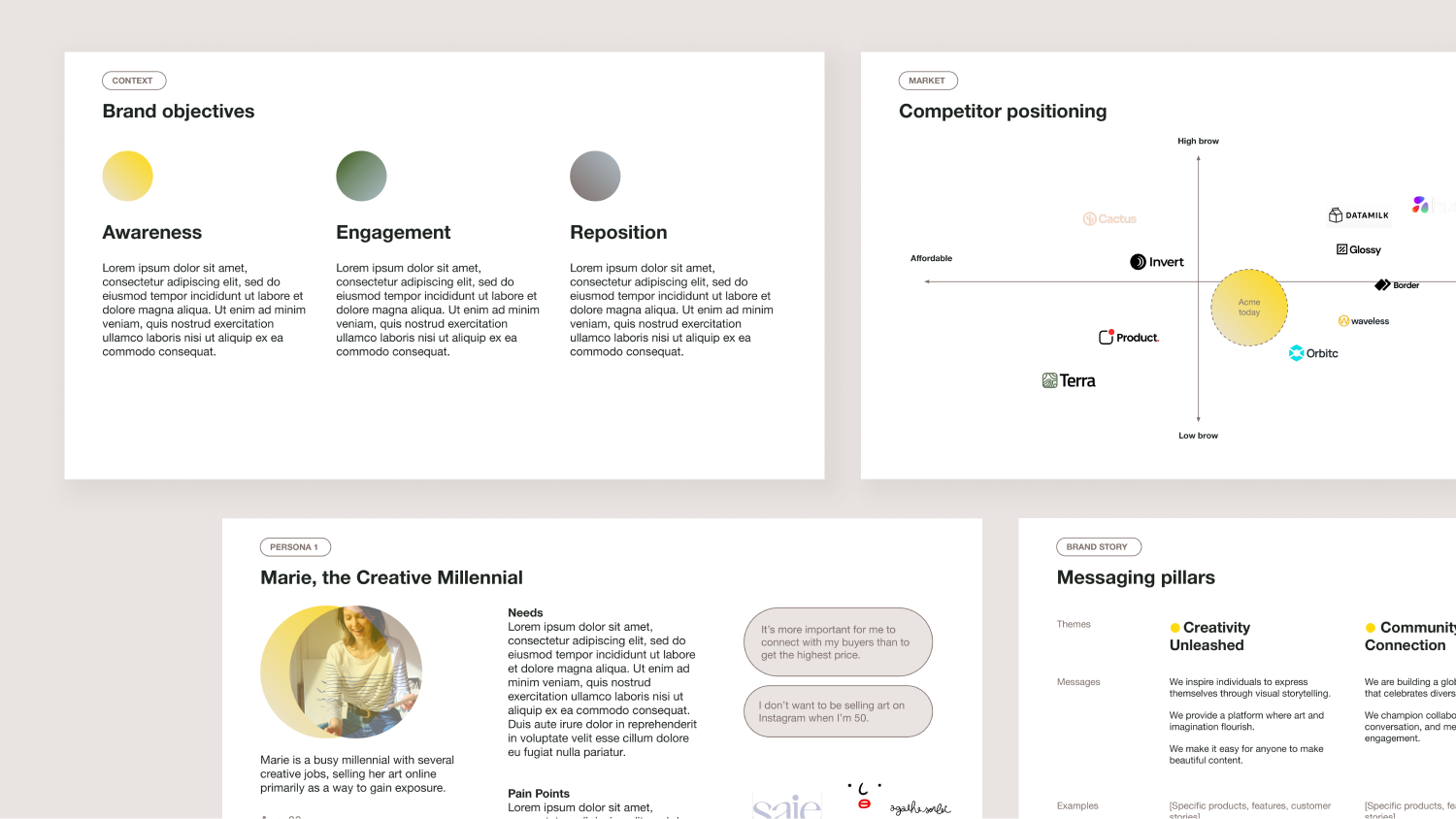
Simple Brand Strategy Template
-
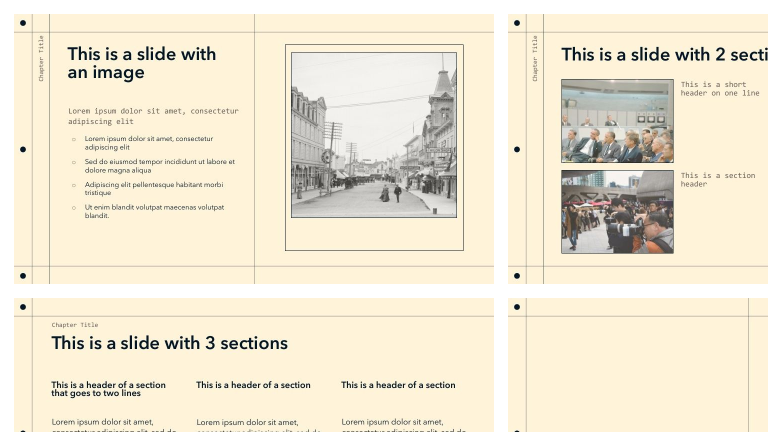
Simple Notebook
-
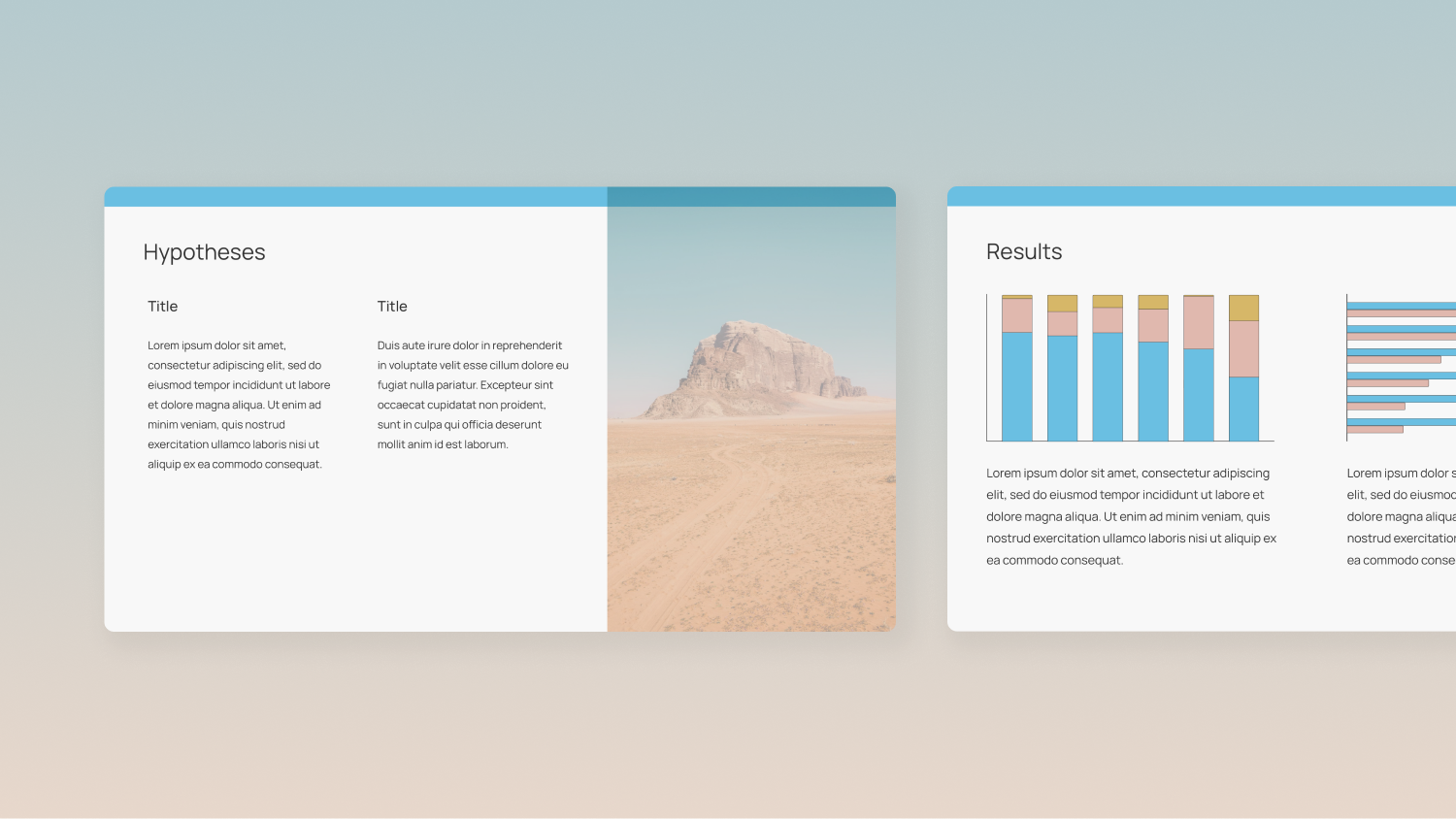
Soft Hued Science and Academic Research Presentation
-
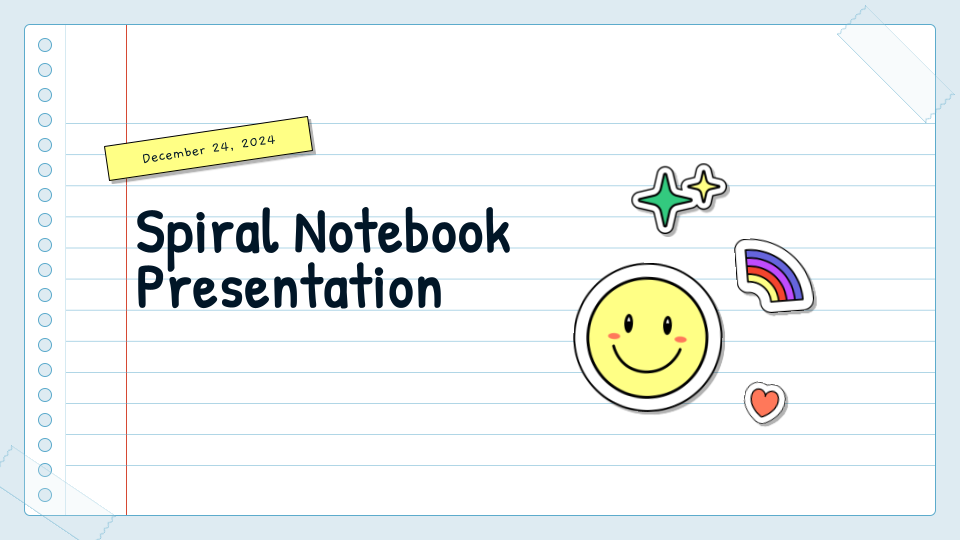
Spiral Notebook
-
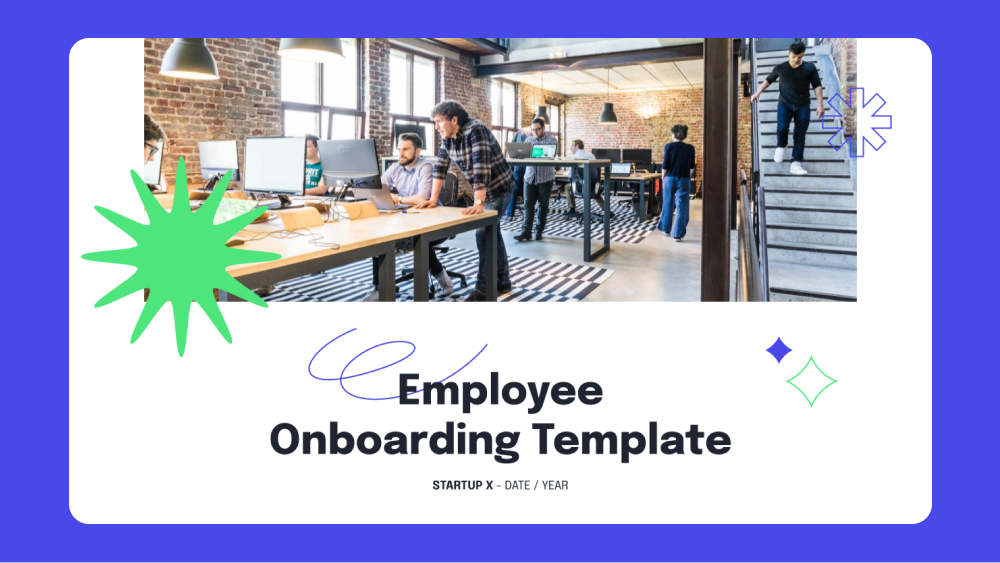
Startup Employee Onboarding Template
-
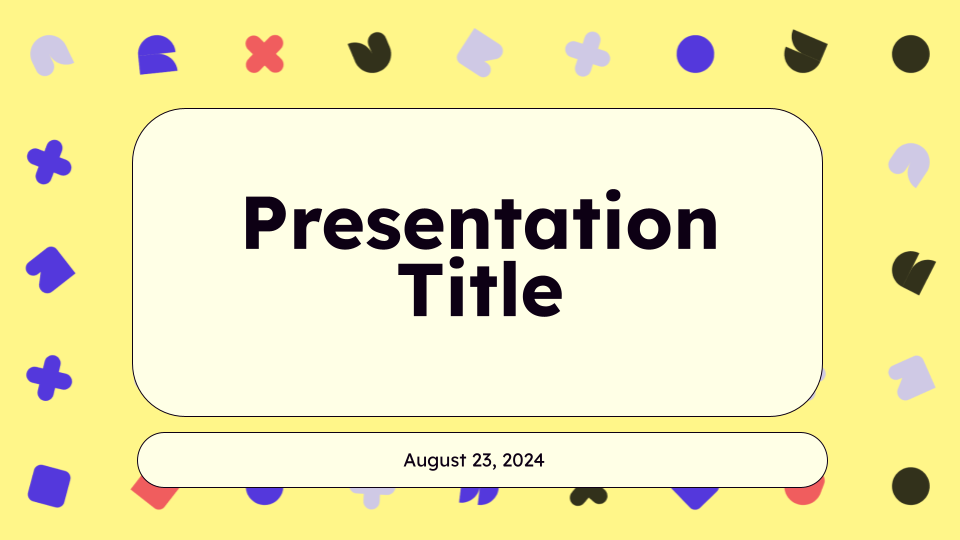
Sunnyside Education Presentation Template
-
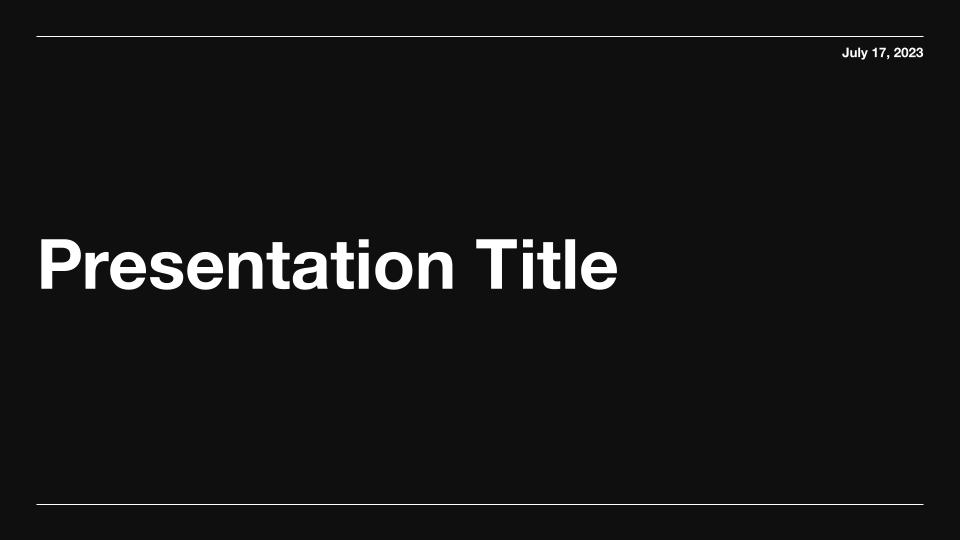
Swiss Dark Professional Presentation Template
-
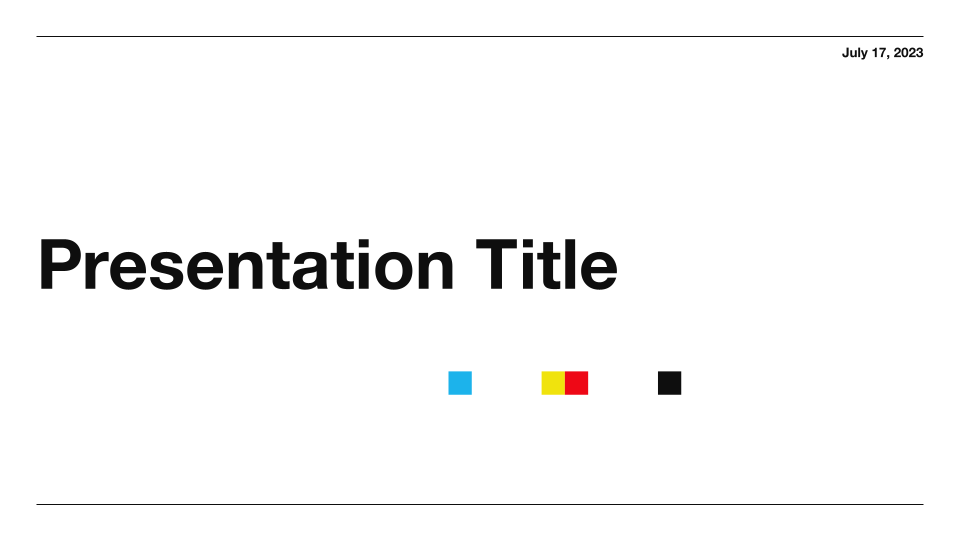
Swiss Light Professional Presentation Template
-
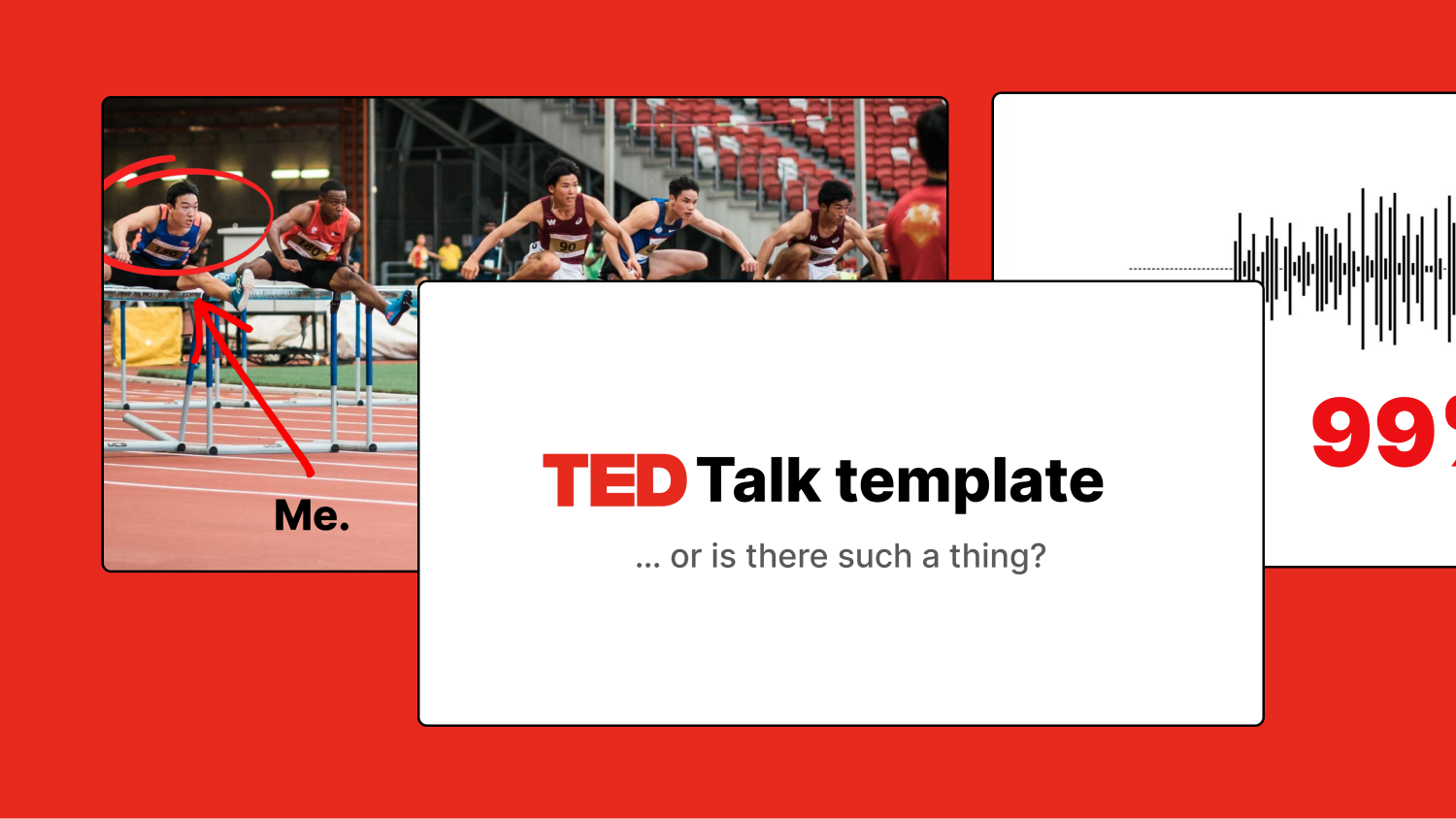
TED Talk Style Presentation Template
-
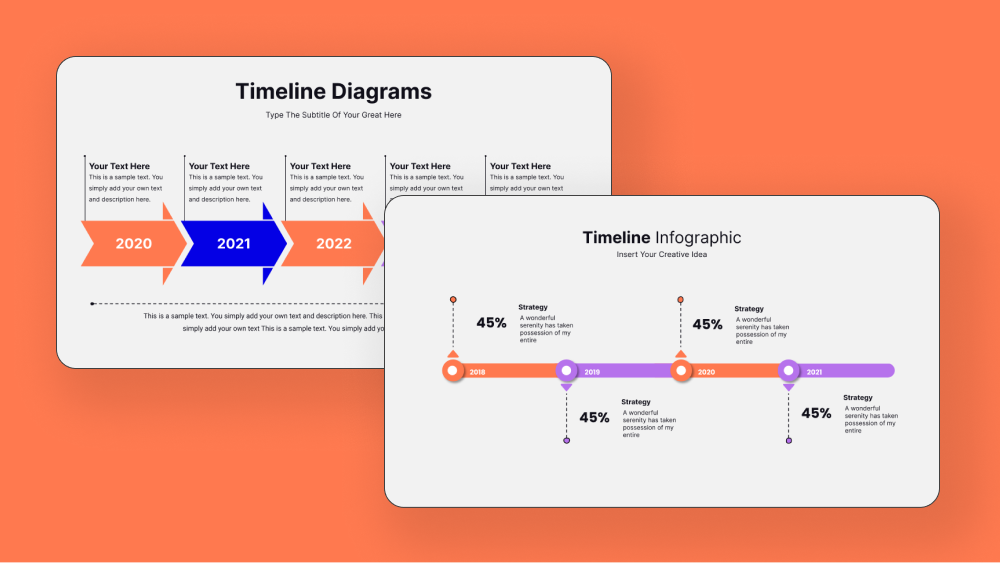
Timeline Infographics
-
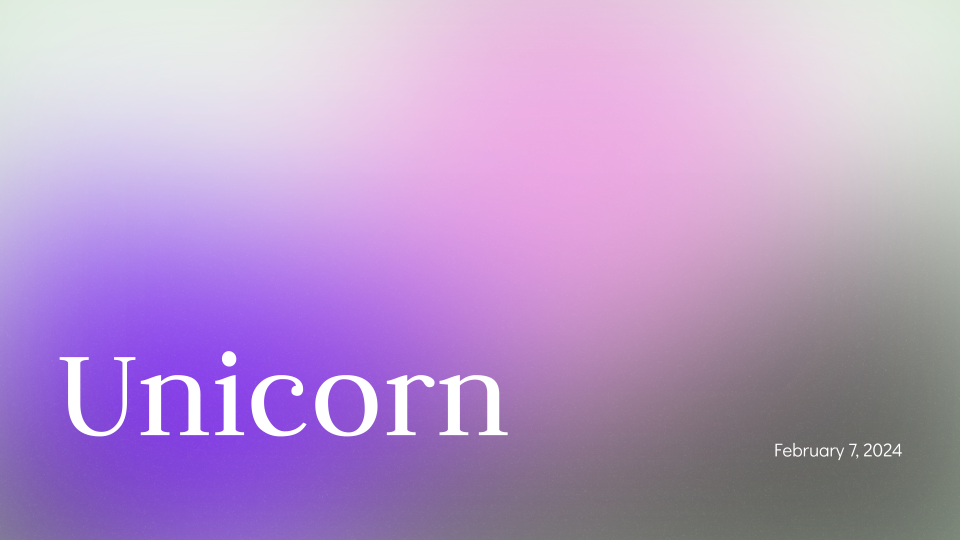
Unicorn Gradient Background Template
No templates in this category yet.
Use these templates with AI
-
Generate with AI
Don't know where to start? Just describe your presentation in a few sentences.
-
Upload a file
Convert an existing PDF, document, or text file into a custom presentation.
-
Edit slides with AI
Fine tune your presentation with AI-powered tools.
-
Reformat slides
Remix existing content into polished slides in one click.
-
Use any language
International audience? Translate your presentation into any language.
AI templates for PowerPoint and Google Slides
Our Google Slides templates and PowerPoint templates work seamlessly with Plus AI, so your presentations will be compatible with your existing documents and workflows.
The Plus AI slide generator allows you to:
- Build slides from scratch by simply describing what you want in a few sentences
- Convert PDFs and other documents into customized Google Slides and PowerPoint presentations
- Format slides and refine writing with built-in remix and rewrite tools
- Translate your presentation into any language
Create your next presentation in minutes
Plus AI cuts presentation time down by 80%, leaving you to focus on what matters most — connecting with your audience to tell your story.
Get started for freeFrequently asked questions
Can AI generate presentation slides from text?
Yes! With Plus AI, you can generate presentation slides from text by describing what you want in a few sentences. Our AI will then create a customized presentation for you, based on your prompt.
Which AI is best for making presentations?
Plus AI is the best AI presentation maker, offering AI-powered design chops, aesthetic Google Slides templates and PowerPoint templates, and editing tools to upgrade your copy. Whether you're using Google Slides or PowerPoint, Plus AI can craft an engaging presentation based on your prompt and presentation template.
What should an AI presentation look like?
AI slides created with Plus AI will look engaging, professional, and tailored to your needs. Our Google Slides templates and PowerPoint templates cover a wide range of styles — from creative and colorful to sleek and corporate — so you can grab your audience's attention from the first slide.
Can I customize AI-generated presentations?
Absolutely. Our AI can create Google Slides and PowerPoint presentations based on your prompts or existing files. From there, you can add your personal touch to the slides.
Do I need any design skills to use Plus AI?
No. Our AI handles all the design work for you, ensuring that your Google Slides and PowerPoint presentations look good — even if you have no prior design experience.
How can I make a custom Google Slides template?
Follow these instructions to make a custom Google Slides template for your company or organization. Want to make it compatible with Plus AI? Reach out to us here!
How do I find and download Google Slides templates?
You can download Google Slides templates from the Plus AI website. We have a wide-ranging selection of professionally designed templates that work seamlessly with our AI-powered tools, making it easy to create stunning presentations in minutes.
How do I find and download PowerPoint templates?
To find PowerPoint templates, visit the Plus AI website and navigate to our template library. In addition to Google Slides templates, we also offer a wide selection of PowerPoint templates, organized by category and style.
How do I get free presentation templates?
You can get free presentation templates from Plus AI's website. Simply visit our template library, browse our selection of free templates, and download the ones that best suit your needs.
Where can I get ideas for AI presentations?
You can get ideas for presentations by browsing our library of Google Slides presentation templates and PowerPoint presentation templates, above — and by checking out examples of Plus AI-generated presentations. And, of course, you can always feed your ideas into our AI and watch it work its magic.
Plus AI for Enterprise
AI slides to make the whole team look good
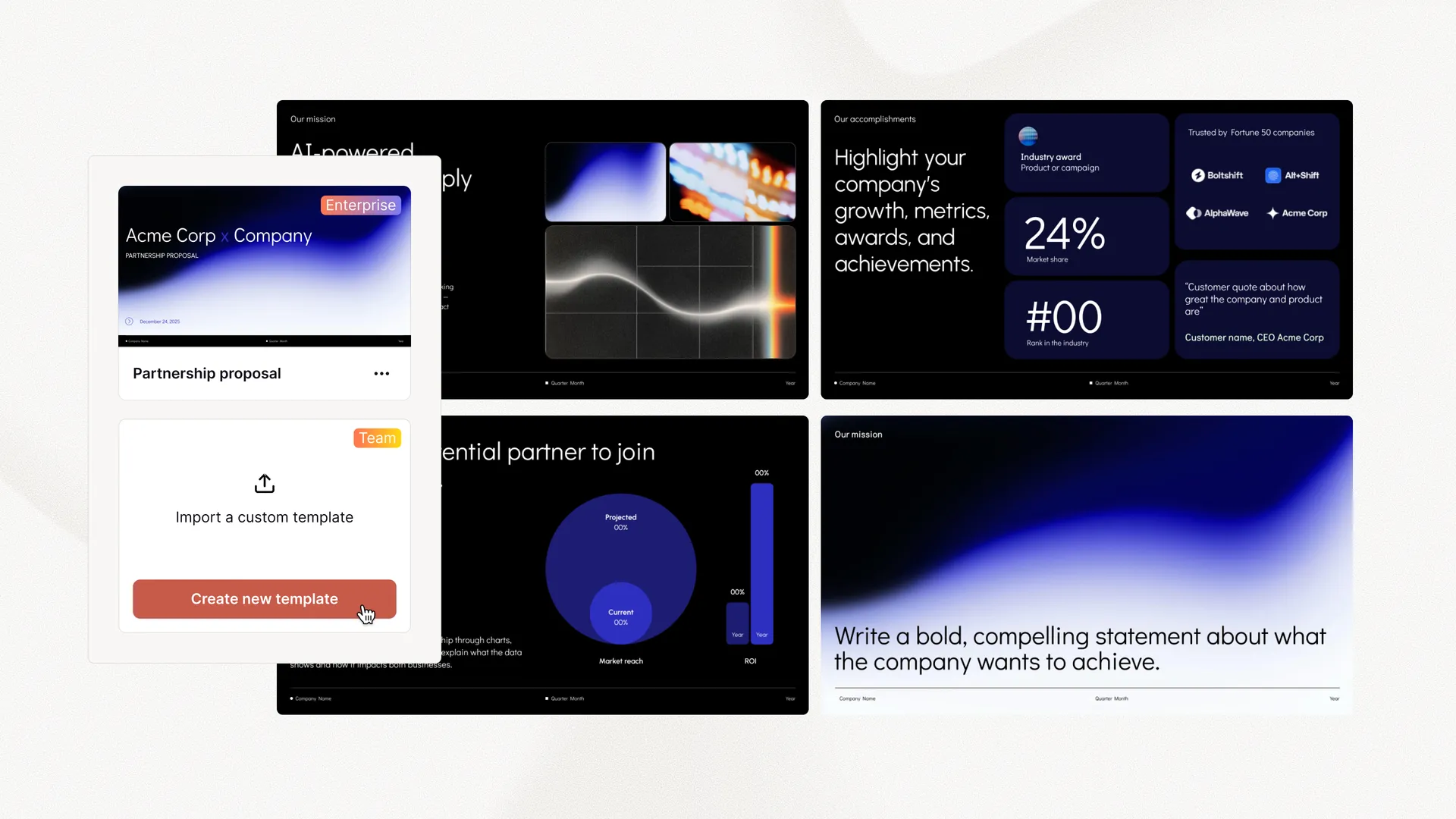
Everything your team needs to create polished, on-brand presentations at scale. Custom templates, integrated asset libraries, and automated workflows - all powered by Plus AI. Includes SSO, user management, and white-glove onboarding to customize everything for your organization.
-
Advanced templates
Support for unlimited slides and specialized designs like case studies and diagrams
-
Asset libraries
Plus AI can pull from your existing resource slides, pre-approved image and icons, and more
-
Works where you do
Works within PowerPoint and Google Slides — no new apps to install or tools to learn
Tired of wasting time on slides?
Start with a 7-day free trial. Cancel any time. Edit and collaborate seamlessly — directly in Google Slides or PowerPoint.
Get started for free