
Start for free with a 7-day trial

All plans start with a 7-day free trial with 1,000 AI credits. Includes both Google Slides and Powerpoint.

Plans and pricing

Plans and pricing

All paid plans start with a 7-day free trial. Prices shown per user/month, billed annually.

Basic

$10

per user/month, billed annually. $15/user billed monthly.

Best for individuals who need to create basic presentations.

Start free trial

AI features

  • Create AI presentations in Google Slides and PowerPoint
  • 1,500 AI credits per month Tasks typically use between 40–170 credits, depending on complexity
  • Insert single slides Insert a single slide in a specific format. More control than generating an entire presentation.
  • Rewrite and remix slides with AI Improve your writing or transform text into a different layout (e.g., paragraph → 3 columns)
Team

$30

per user/month, billed annually. $40/user billed monthly.

Best for individuals and teams who need to stay on brand.

Start free trial

AI features

  • Everything in the Pro plan
  • 6,000 AI credits per month Tasks typically use between 40–170 credits, depending on complexity
  • Customize branding (logo, colors, and fonts) Use your colors and fonts with our templates
  • Use advanced AI image models
  • Save presets and custom AI instructions Plus AI can remember context about you or your company to improve responses.

Collaboration

  • Unlimited team members
  • Team-wide custom branding and templates
  • Shared preset library

Max

$200

per user/month, billed annually. $240/user billed monthly.

Best for power users and teams who use the AI Agent every day.

Start free trial

AI features

  • Everything in the Team plan
  • Unlimited AI credits Tasks typically use between 40–170 credits, depending on complexity
  • Priority email support

Collaboration

  • Unlimited team members
  • Team-wide custom branding and templates
  • Shared preset library

Plus AI for Enterprise

AI slides to make the whole team look good

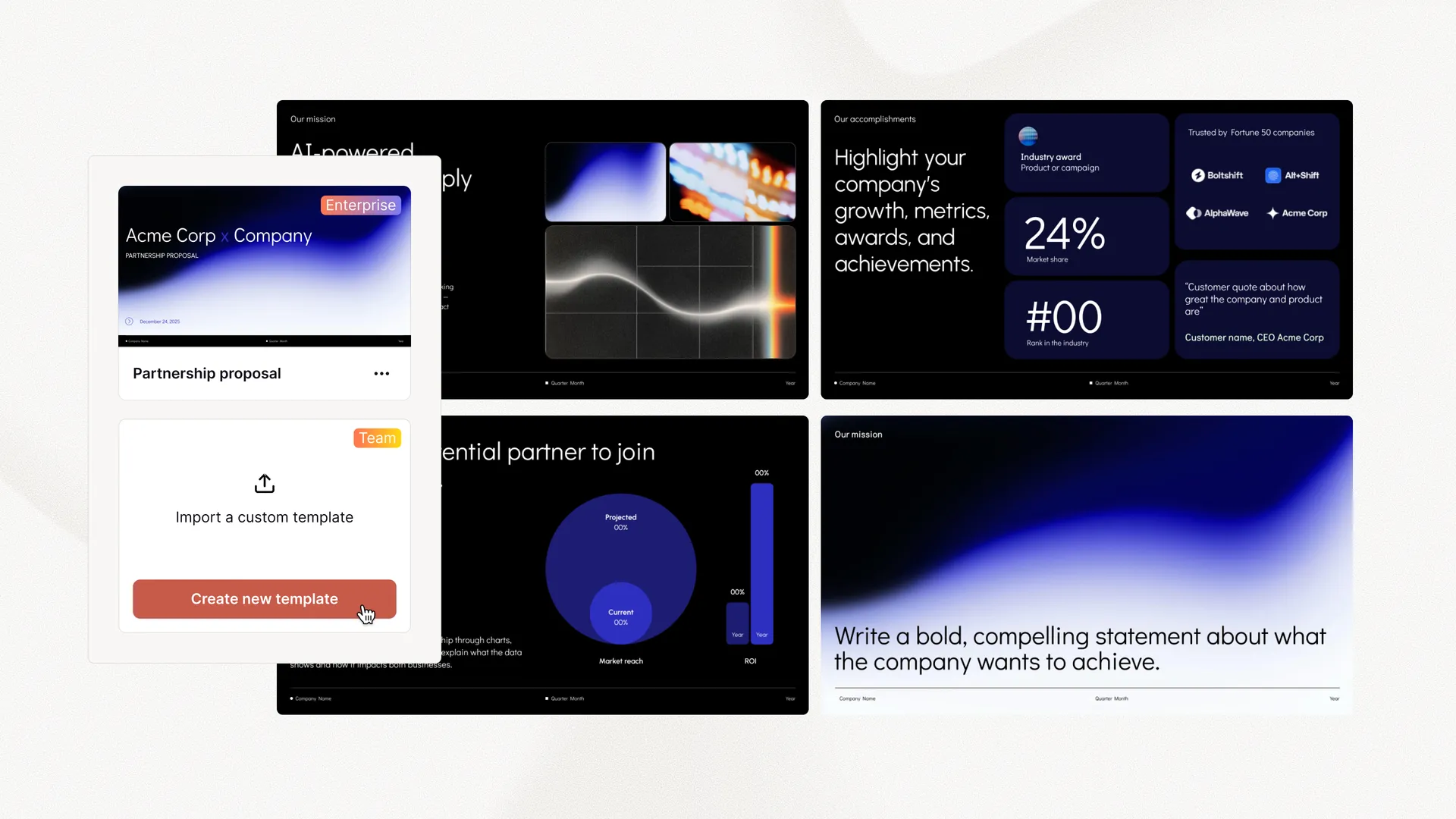
Everything your team needs to create polished, on-brand presentations at scale. Custom templates, integrated asset libraries, and automated workflows - all powered by Plus AI. Includes SSO, user management, and white-glove onboarding to customize everything for your organization.

  • Advanced templates

    Support for unlimited slides and specialized designs like case studies and diagrams

  • Asset libraries

    Plus AI can pull from your existing resource slides, pre-approved image and icons, and more

  • Works where you do

    Works within PowerPoint and Google Slides — no new apps to install or tools to learn

Get a demo
Custom, on-brand presentation templates from Plus AI

Frequently asked questions

Why should I use Plus AI?

Plus AI is the top-rated AI presentation tool for professional presentation makers, particularly for people who want to use AI in their existing presentations apps (PowerPoint and Google Slides).

We focus on creating professional slides that look great at work or school. Try it out and you'll see for yourself!

Can I use Plus with a custom presentation template?

Yes. We have multiple options to customize your Plus AI slides.

Custom branding allows you to set the style, colors, fonts, and logo on your slides. You can try custom branding by signing up for the Team plan on Google Slides or PowerPoint.

Custom templates allow you to create slides using your organization's actual slides and slide masters. To set up Plus AI with your custom template contact us about an Enterprise plan.

I need help getting started with Plus AI.

Check out our Help Center to get help with setting up Plus AI and to learn more about our features, like generating presentations, remix and rewrite, and using a custom template.

Do you have an affiliate program?

Yes! Get in touch here.

Can I invite my team?

You can invite team members to your organization.

If you're on a paid plan, everyone in your organization will have access to premium features.

How does the 7 day free trial work?

Once you install Plus AI, you'll have the option to try one of our paid plans for free for 7 days. A credit card is required to start the trial.

During the trial, you'll get 1,000 AI credits and full access to your chosen plan's features. When your trial ends, your card will be charged automatically and you'll receive your plan's full monthly credits.

What limitations are there for the free trial?

All free trials include 1,000 AI credits, regardless of which plan you select. You'll have full access to all features included in your chosen plan. If you use all your trial credits before the 7 days are up, you can upgrade to a paid plan to get more credits.

Only new Plus AI customers are eligible for the free trial. If you previously signed up for the Plus free plan or upgraded to a paid plan, you will not be able to start a new free trial.

How do I cancel my trial or subscription?

Go to our Help Center to learn how to manage or cancel your paid subscription (and more).

Does Plus AI work with PowerPoint or Google Slides?

Yes, your Plus AI subscription includes access to the Plus AI extension in both Google Slides and PowerPoint.

Can I use Plus AI through an API?

Yes, the Plus AI API allows you to create native PowerPoint slides using an API. You can also use Plus AI through Zapier or an MCP server.

How does Plus handle security?

Security is a priority for us. We encrypt all sensitive data on your computer before it is sent to our servers, your data is encrypted in transit and at rest.

Plus has attained SOC2 Type II compliance. You can request a copy of our report and learn more on our security page.

Start with a 7-day free trial. Cancel any time.

Edit and collaborate seamlessly — directly in Google Slides or PowerPoint.

Get started for free