
Plus AI Feature
AI Narrator for Presentations
Convert presentations into engaging videos by adding text to speech AI voiceovers to your slides.

Turn your slides into a video with an AI narrator
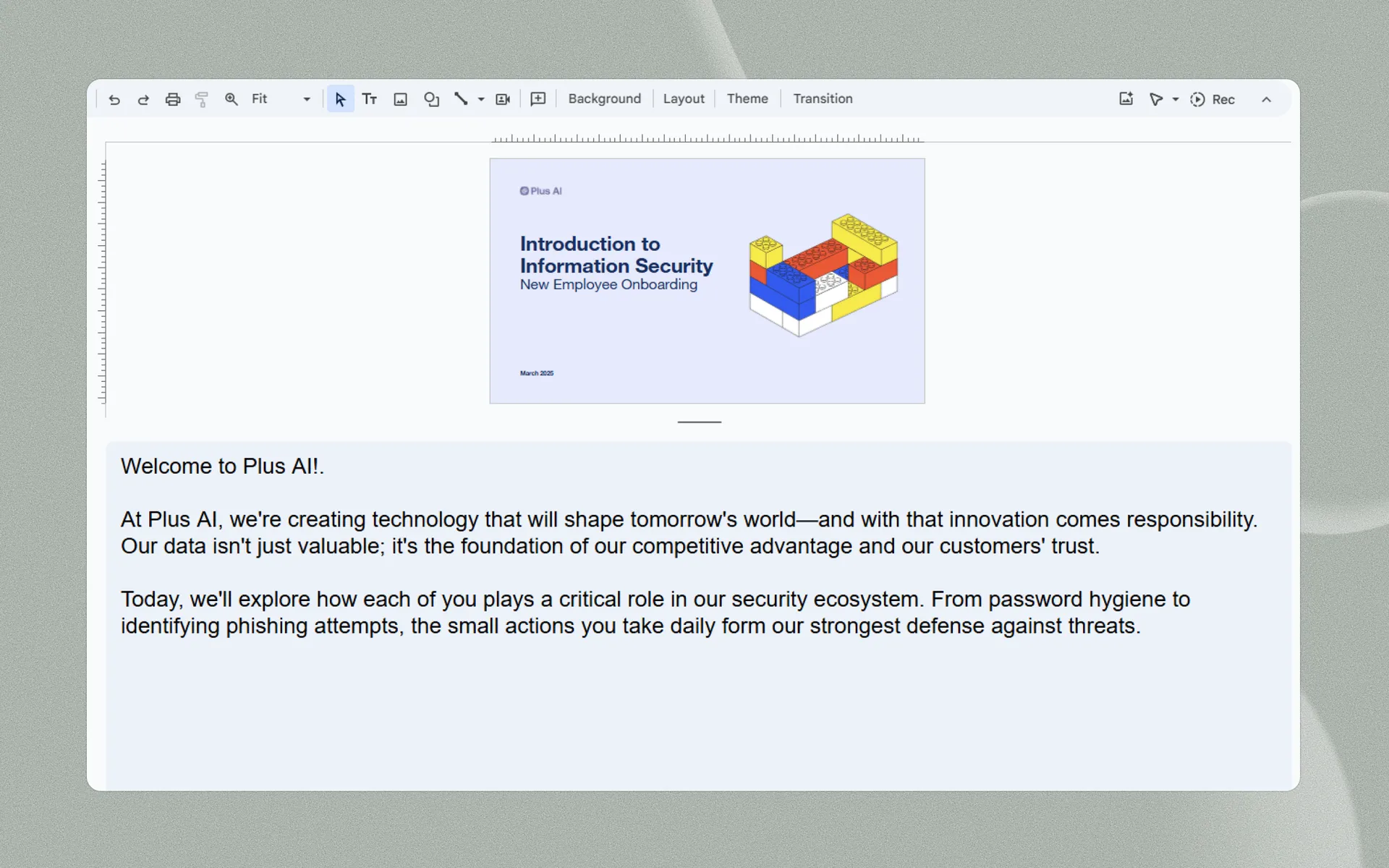
AI presentation voiceover features
AI presentation voiceover features
-
Native integrations
Plus AI Narrator works in your existing tools. Just open the add-on in Google Slides and click generate.
-
Best-in-class AI
Plus AI uses the latest AI avatars and text-to-speech models to make sure your videos look great.
-
Generate scripts
Have your own script? Great! Need us to generate one for you? Plus AI can generate a script for your presentation, too.
-
Seamless syncing
Don't worry about splicing and timing different video and audio tracks. Plus AI Narrator handles all of the transitions for you.
-
Save time on narration
Finish "recording" voiceovers in one take, thanks to the consistency of AI! Don't worry about recording multiple takes.
-
It's free!
Best of all, you can use the Plus AI Narrator for free.
Can I turn my presentation into a video?
AI narration works for any type of presentations
Convert your training decks, pitch decks, and webinars into engaging videos.
-
Learning and development
Create engaging learning experiences quickly and efficiently using Plus AI for presentation generation and AI narration.
-
Sales and marketing
Try sending a short, customized video with your presentation instead of hoping someone will go through all of your slides.
-
Virtual events and social media
Host virtual events or share video content on social media to offer asynchronous opportunities to connect with your brand.
More AI presentation features
-
Generate with AI
Don't know where to start? Just describe your presentation in a few sentences.
-
Edit slides with AI
Fine tune your presentation with AI-powered tools
-
Reformat slides
Remix existing content into polished slides in one click
-
Use any language
International audience? Translate your presentation into any language.
Testimonials
What our users say about Plus AI
-
Hands down the best AI presentation maker on the market when it comes to Google Slides. I can generate entire presentations from a prompt, or I can turn text into slides.

-
I'm particularly impressed by the "Remix" feature that reformats existing slides into new layouts. Love this feature Great work👍

-
Plus AI created a great structure and talking points for my presentation . I really like the tips on each slide to help me choose images or expand on a point. This tool is now in my arsenal!

-
The integration into Google Slides is seamless. It feels like something that should have been there all along! 5/5 stars overall.

-
Excellent tool that saves me a significant amount of time. It creates a presentation that needs only minor editing when used with detailed prompts . Our team loves it for brainstorming and account reps use it for collaborating with clients.

-
It really helped me to structure my outline which was a time and life saver for a presentation which was due. I like the fact that it can be implemented in Google Slides, a tool I'm already using for presentations anyway!

-
Tried most of the AI slide generators out there for Google Slide & PPT. This one just hands down the best - it just works.

-
The integration into PowerPoint is what makes this product so helpful . Making plenty of decks on a weekly basis, I turn to Plus AI for powerpoint first.

FAQs
Can I use AI to narrate a presentation?
Yes, there are a few different ways to add an AI voiceover to your presentation. You could record your presentation slides and then sync it to an audio voiceover file. Or you could use a tool like Plus AI Narrator which will use AI text to speech to convert your speaker notes and slides into a video file.
Can I get AI to read my PowerPoint presentation?
Yes, using AI to narrate your PowerPoint presentation is a great way to avoid headaches around recording voiceovers and doing many takes of the same recording. Plus AI Narrator is a free tool that can use AI to read your slides out loud.
Is there an AI for voiceover?
Yes, there are a number of different AI apps for voiceovers. These AI tools are often developer-focused, so if you need a voiceover for a specific use case, try searching for that specifically.
For example, if you are looking for an AI voiceover tool for presentations, the best option is Plus AI, which integrates into your existing presentation tools to make it easy to turn presentation scripts into voiceovers and videos.
How can I add an AI voice to a presentation?
The easiest way to add an AI voice to a presentation is using an add-on like Plus AI Presentation Narrator. Just add your script to your speaker notes, and Plus will use text-to-speech to read the script out loud and automatically advance your slides.
Stop wasting your time on slides. Try Plus AI for free.
Edit and collaborate seamlessly — directly in Google Slides or PowerPoint.
Get started for free