
Plus AI Feature
Write and edit painlessly, directly in Google Docs.
Plus AI is your content generation copilot that works where you do. Start for free.

Never stare at a blank page again.
-
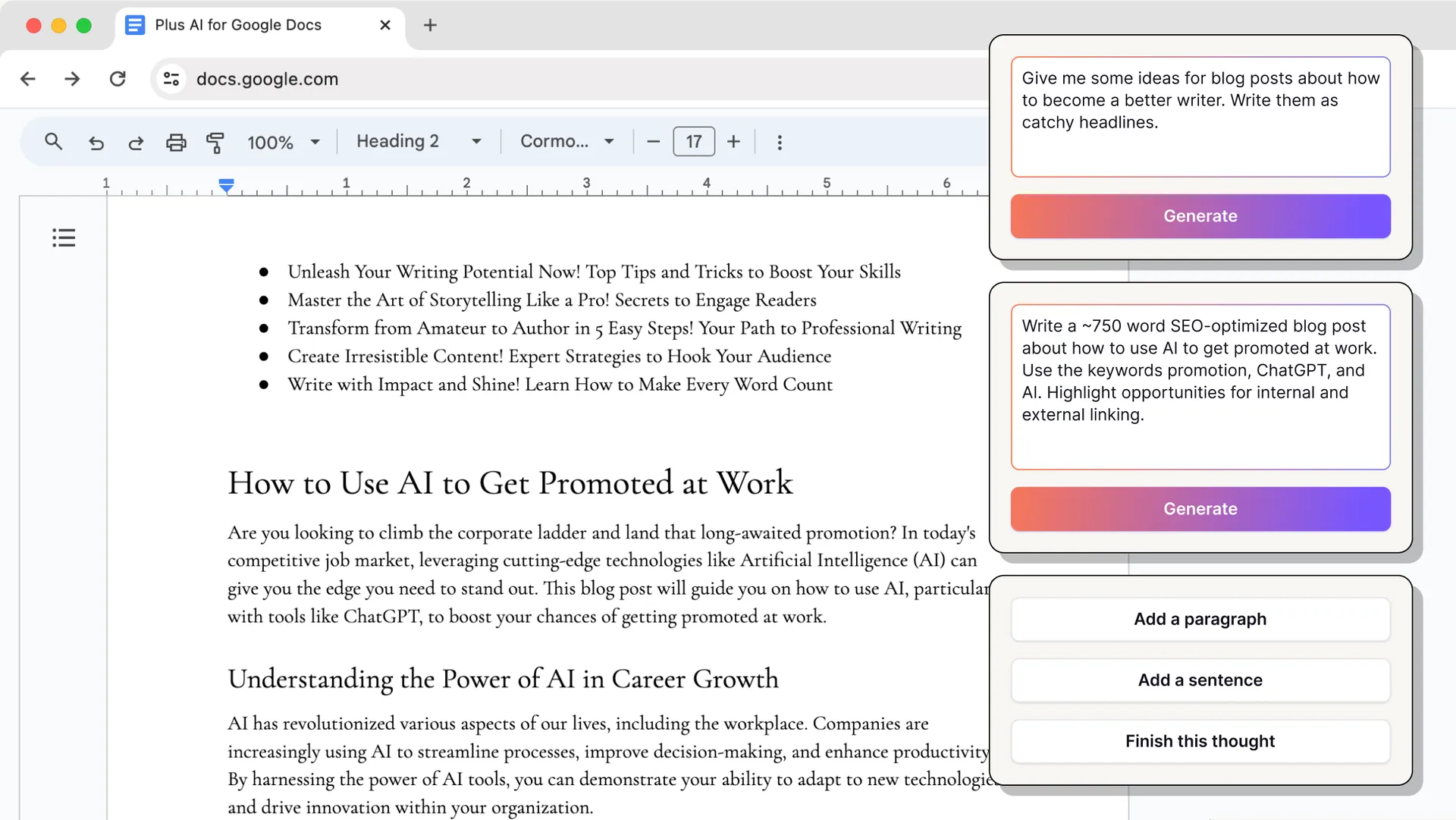
Get unstuck
Generate a first draft in seconds. Ask to see multiple variants when you're not sure what you want. Plus will also offer some tips and suggestions along the way.
-
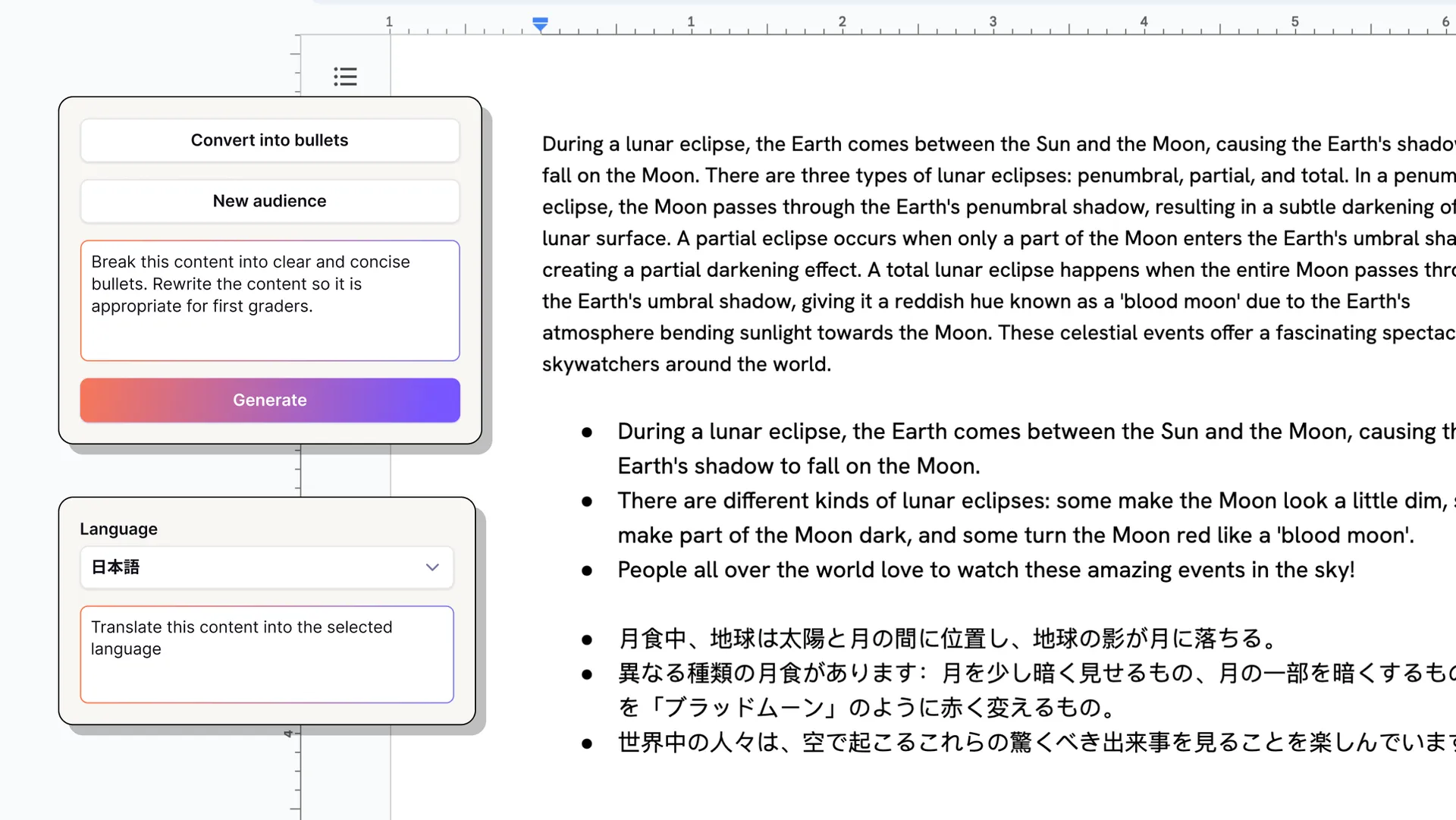
Painless revisions
Summarize, bulletize, proofread, and translate in seconds.
-
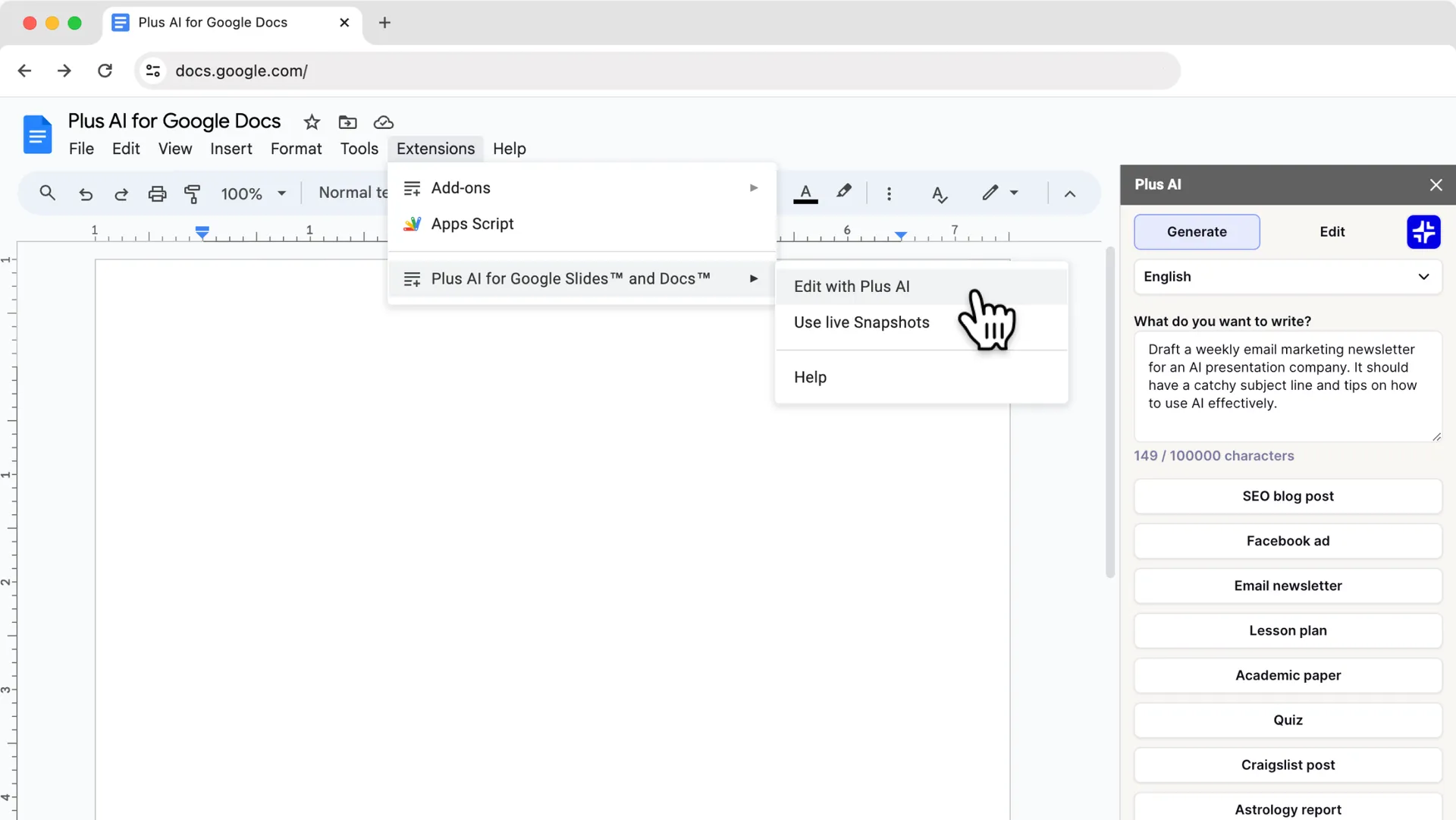
Work directly in Google Docs
No more copy paste. Use undo and redo on all of Plus AI's changes.
AI that works directly in Google Docs
-
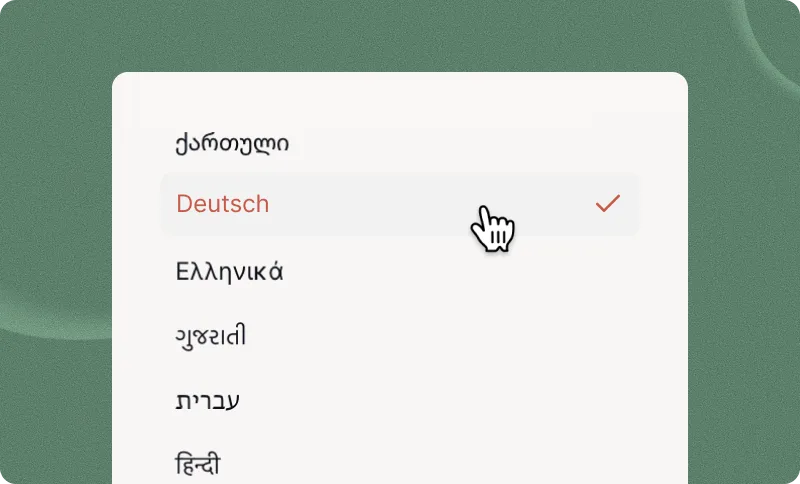
Languages
Plus can understand, write, and translate content in nearly any language.
-
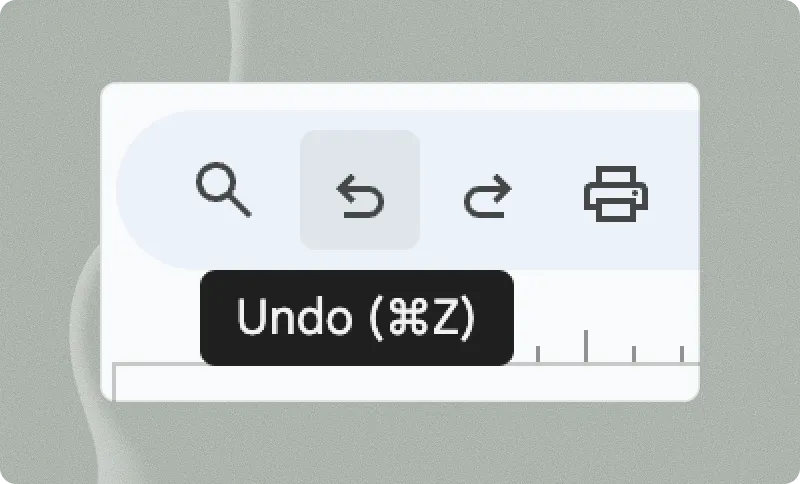
History
Plus makes changes directly in Google Docs, so you can undo them and see them in your history.
-
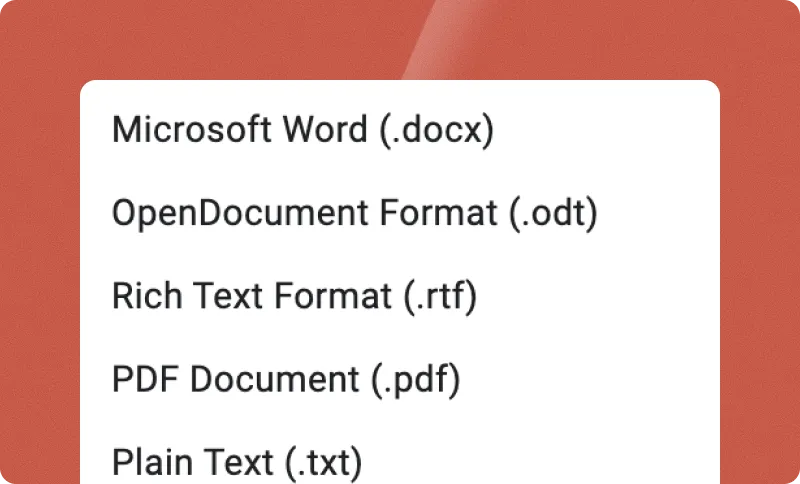
Export
Use Google Docs to export Plus-generated content as PDFs, Word documents, and more.
-

Google Slides
The Plus AI extension works across Google Slides and Docs — all in one subscription.
Explore what's possible.
-
Meeting recap
Transform a transcript into takeaways and action items.
-
Executive summary
Add an executive summary to the top of your document that highlights key insights.
-
Blog post
Write and iterate on an outline, key ideas, or just ask Plus AI to create a first draft.
-
Education
Generate lesson plans and quizzes. Ask Plus to add an answer key to make it easy.
-
Outbound emails
Generate multiple variants to test outbound messaging.
-
FAQs
Summarize help content into an easy to digest FAQ.
-
Proofread
Fix typos and improve grammar.
-
New audience
Rewrite content for a specific age group or target demographic.
-
Translate
Write and translate in any language.
-
Expand
Add a sentence, paragraph, or just ask Plus AI to finish your thought.
-
Convert to bullets
Transform a dense block of text into easy-to-digest bullets.
Plus AI for Enterprise
AI slides to make the whole team look good
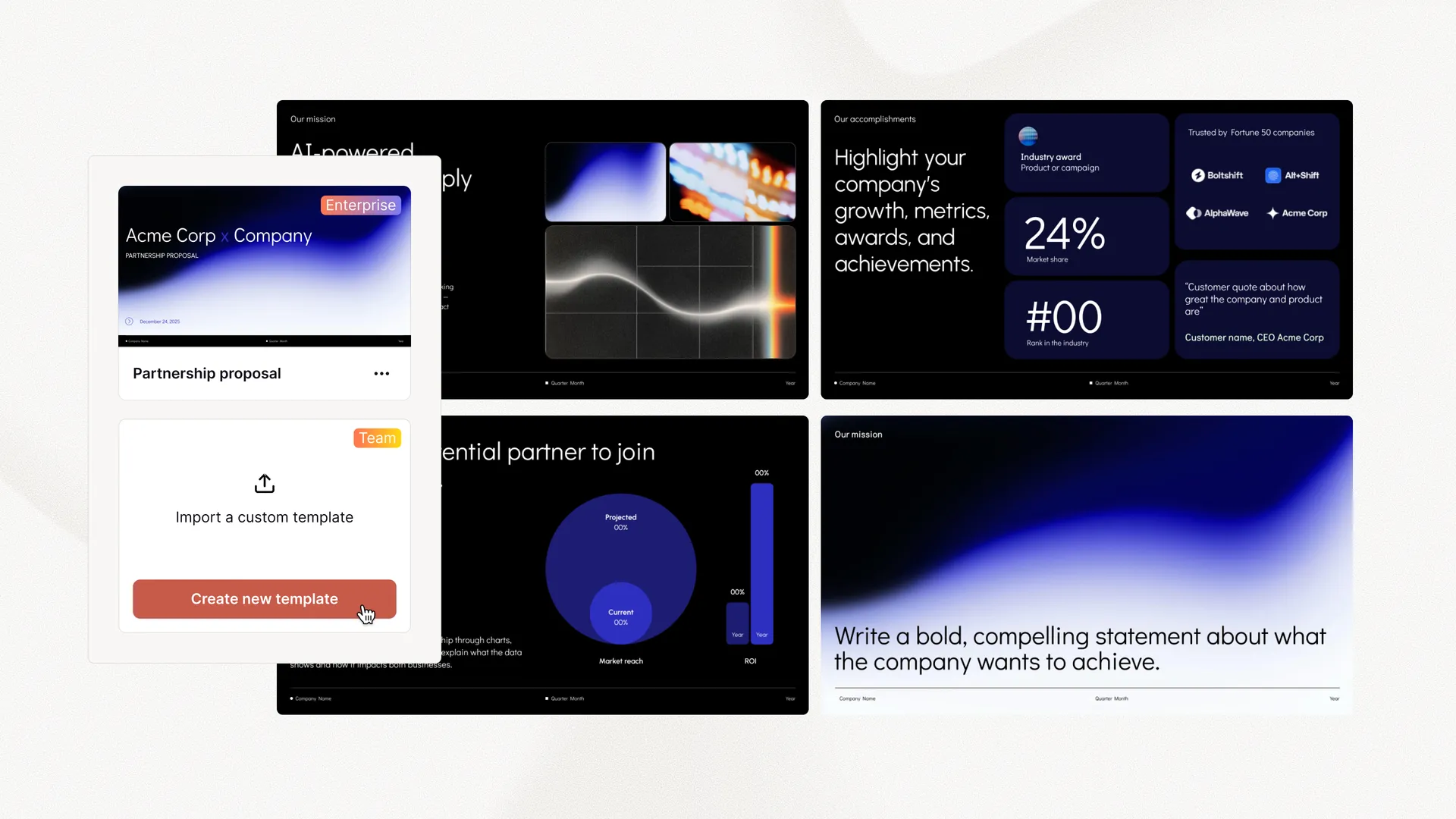
Everything your team needs to create polished, on-brand presentations at scale. Custom templates, integrated asset libraries, and automated workflows - all powered by Plus AI. Includes SSO, user management, and white-glove onboarding to customize everything for your organization.
-
Advanced templates
Support for unlimited slides and specialized designs like case studies and diagrams
-
Asset libraries
Plus AI can pull from your existing resource slides, pre-approved image and icons, and more
-
Works where you do
Works within PowerPoint and Google Slides — no new apps to install or tools to learn
Empowering content creators at companies big and small.



















Testimonials
What our users say about Plus AI
-
Hands down the best AI presentation maker on the market when it comes to Google Slides. I can generate entire presentations from a prompt, or I can turn text into slides.

-
I'm particularly impressed by the "Remix" feature that reformats existing slides into new layouts. Love this feature Great work👍

-
Plus AI created a great structure and talking points for my presentation . I really like the tips on each slide to help me choose images or expand on a point. This tool is now in my arsenal!

-
The integration into Google Slides is seamless. It feels like something that should have been there all along! 5/5 stars overall.

-
Excellent tool that saves me a significant amount of time. It creates a presentation that needs only minor editing when used with detailed prompts . Our team loves it for brainstorming and account reps use it for collaborating with clients.

-
It really helped me to structure my outline which was a time and life saver for a presentation which was due. I like the fact that it can be implemented in Google Slides, a tool I'm already using for presentations anyway!

-
Tried most of the AI slide generators out there for Google Slide & PPT. This one just hands down the best - it just works.

-
The integration into PowerPoint is what makes this product so helpful . Making plenty of decks on a weekly basis, I turn to Plus AI for powerpoint first.

Tired of wasting time on slides?
Try Plus AI for free. Start with a 7-day free trial. Cancel any time. Edit and collaborate seamlessly — directly in Google Slides or PowerPoint.
Get started for free