
Blog
Guides, reviews, and tips for making better presentations with AI.
-
Resources
How to wrap text in PowerPoint
Scratching your head as to how to wrap text in PowerPoint? We’ll show you a few methods!
-

Resources
How to use AI for project plans
Learn how to take advantage of AI when creating plans for your project.
-
Resources
How to improve a PowerPoint presentation with AI
Take your PowerPoint presentation from ordinary to outstanding with a little help from AI.
-
Resources
How to create a picture in PowerPoint
Can’t find the image you need? Here are four ways to create a picture in PowerPoint yourself.
-
Resources
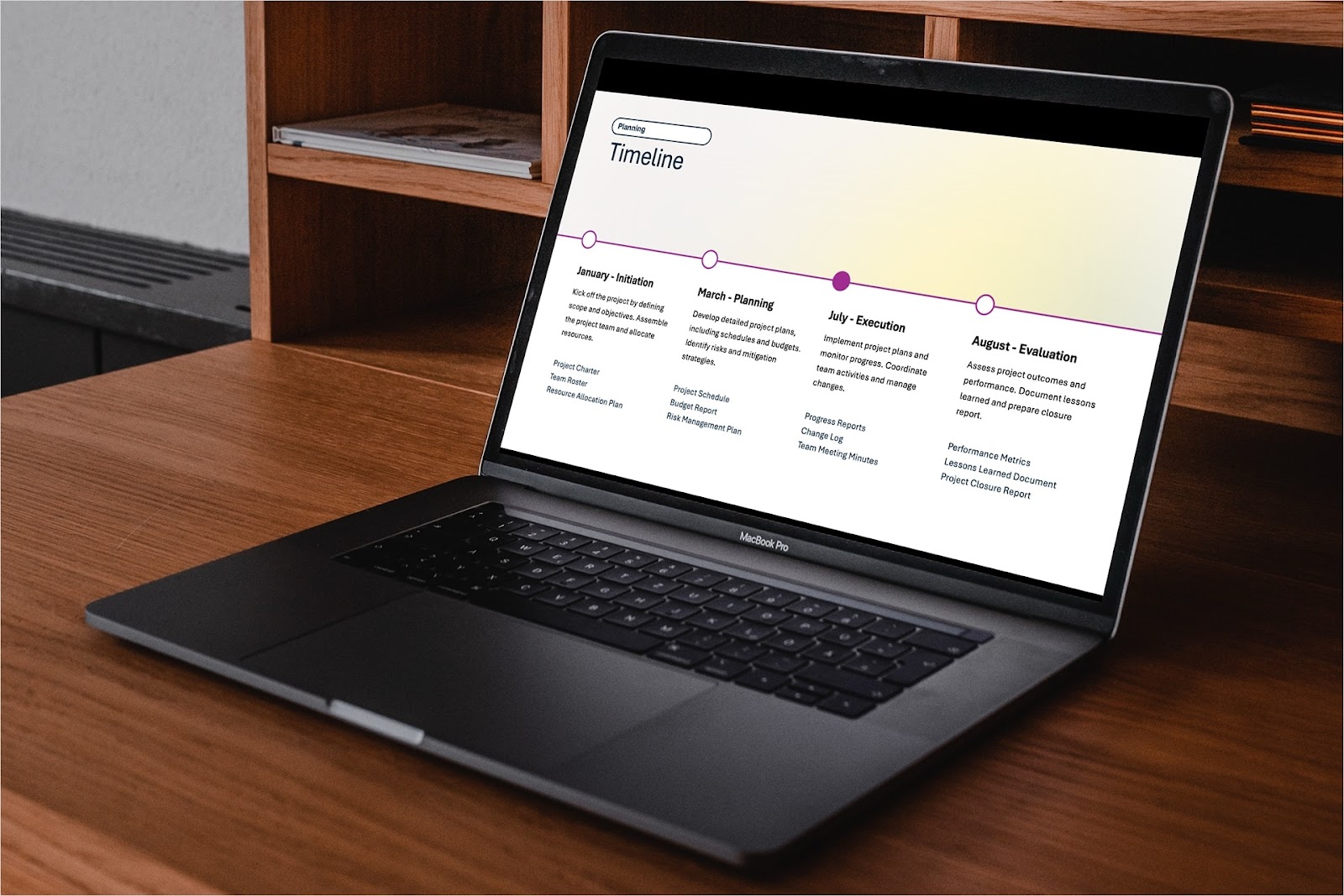
How to make a timeline in PowerPoint
For project milestones, company history, or a business roadmap, we’ll show you three different methods to make a timeline in PowerPoint.
-
Resources
In-depth review of Simplified and alternative AI presentation tools
Learn how how Simplified stacks up to other AI presentation makers in features, quality, pricing, and more.
-
Resources
How to create custom PowerPoint themes
Need to maintain consistency with colors and fonts to match your style? Here’s how to create custom PowerPoint themes.
-
Comparisons
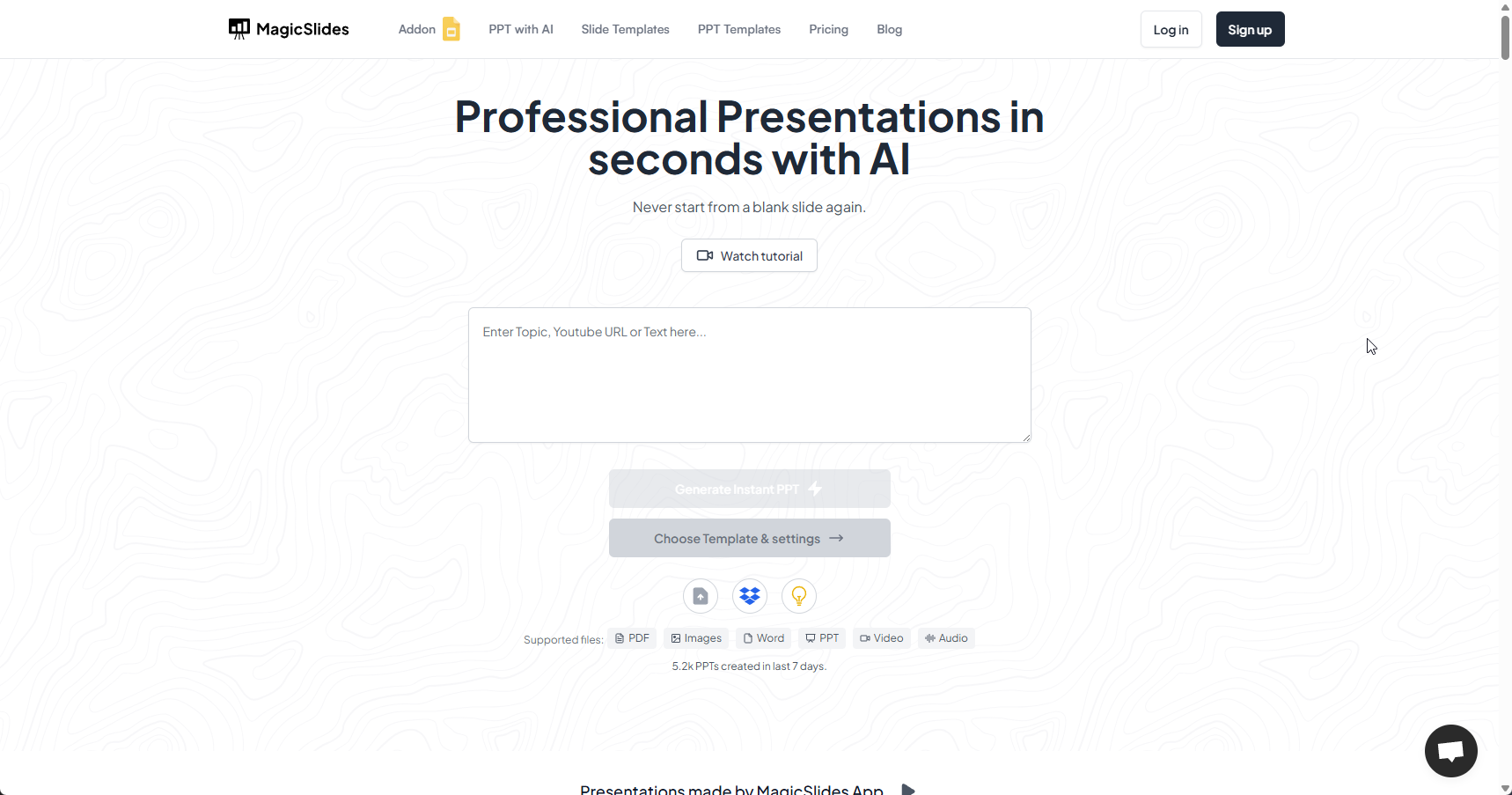
In-depth review of MagicSlides and alternative AI presentation tools
MagicSlides promises professional decks in seconds, but can it deliver? Explore its capabilities and see which alternatives may suit you better.
-
Resources
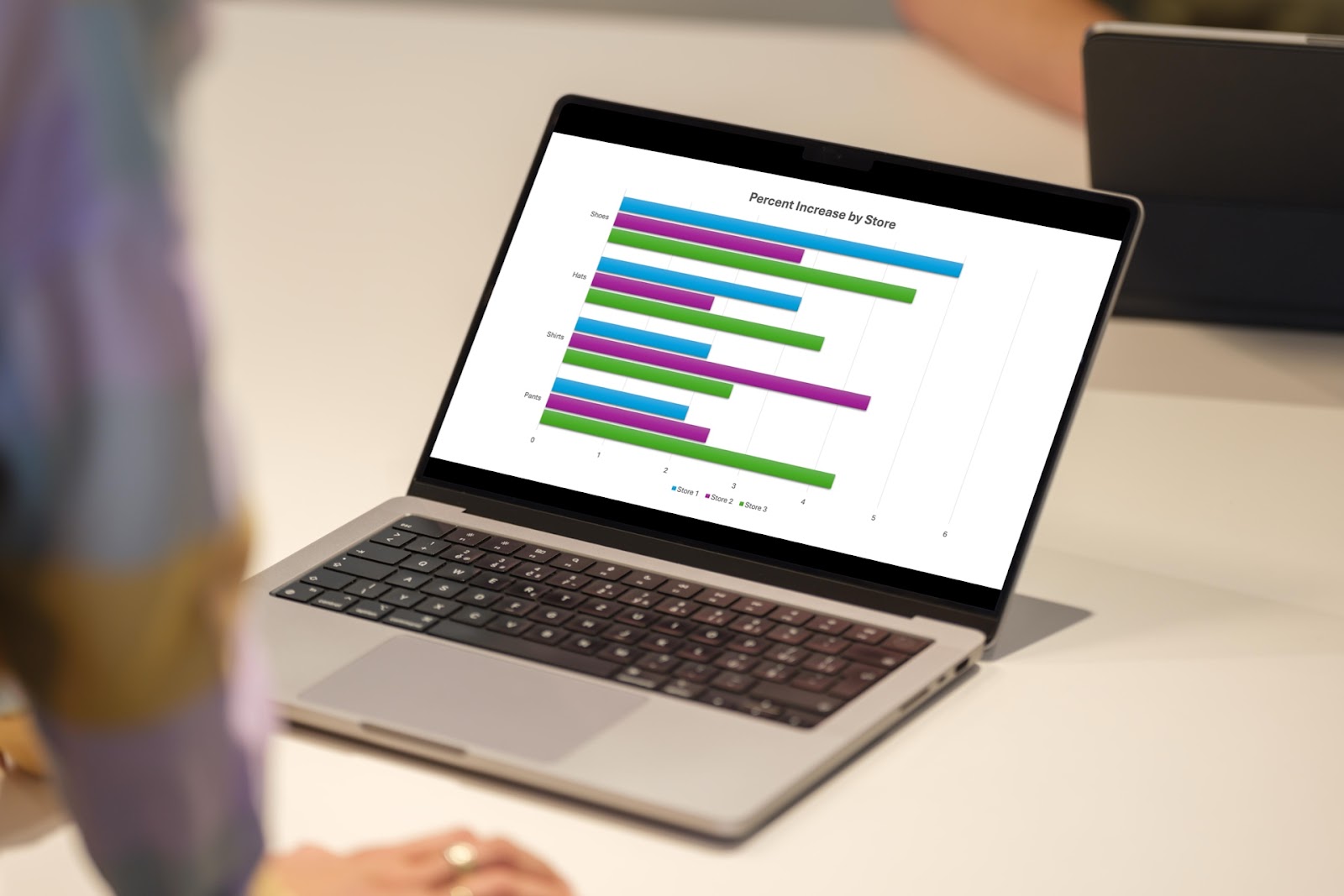
How to create a bar chart in PowerPoint
-
Resources
How to convert Napkin AI into PowerPoint
Learn how to turn your Napkin AI creation into a PowerPoint presentation
-
Resources
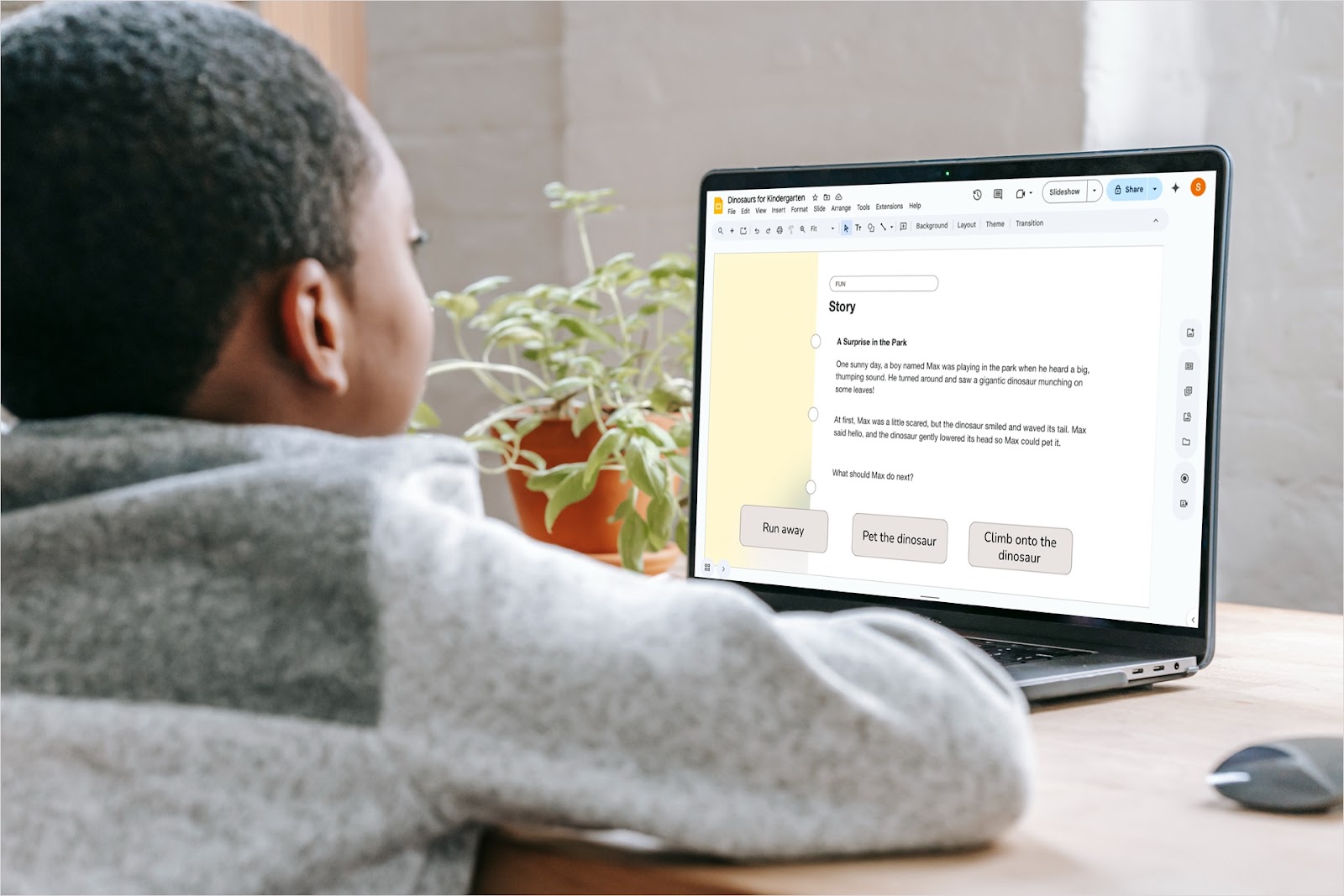
10 ways to make interactive Google Slides
Want to increase engagement and interest in your presentation topic? Look at these ways to make interactive Google Slides.
-
Resources
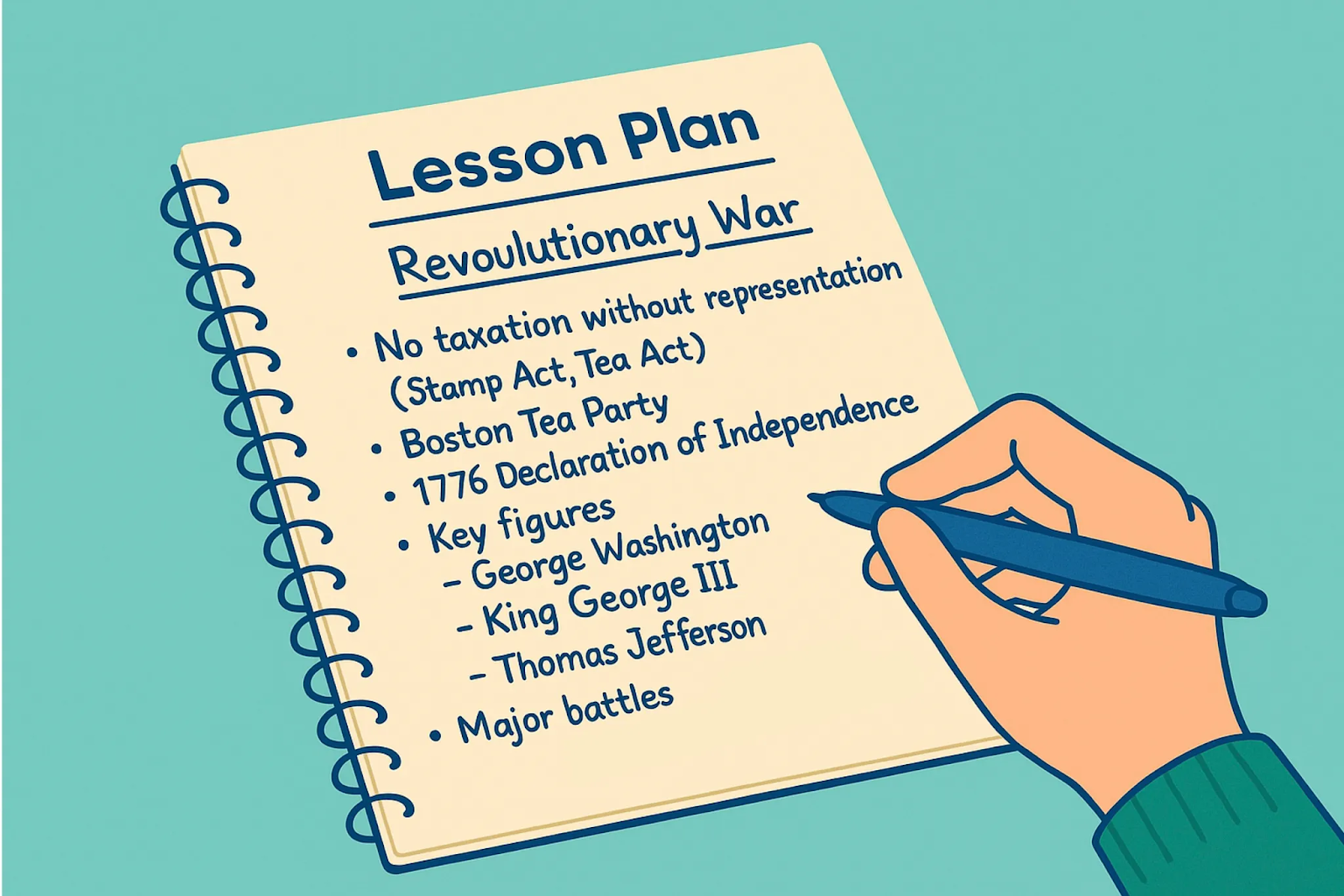
AI Presentations for Teachers: Step by Step Guide
Discover how teachers can save hours using AI tools like Plus AI to create engaging lesson slides in minutes. Step-by-step guide to building smart presentations with ChatGPT and Google Slides or PowerPoint.