
Resources
Guides, how-tos, and tips for getting more done with Plus AI.
-
Resources
How to create custom PowerPoint themes
Need to maintain consistency with colors and fonts to match your style? Here’s how to create custom PowerPoint themes.
-
Resources
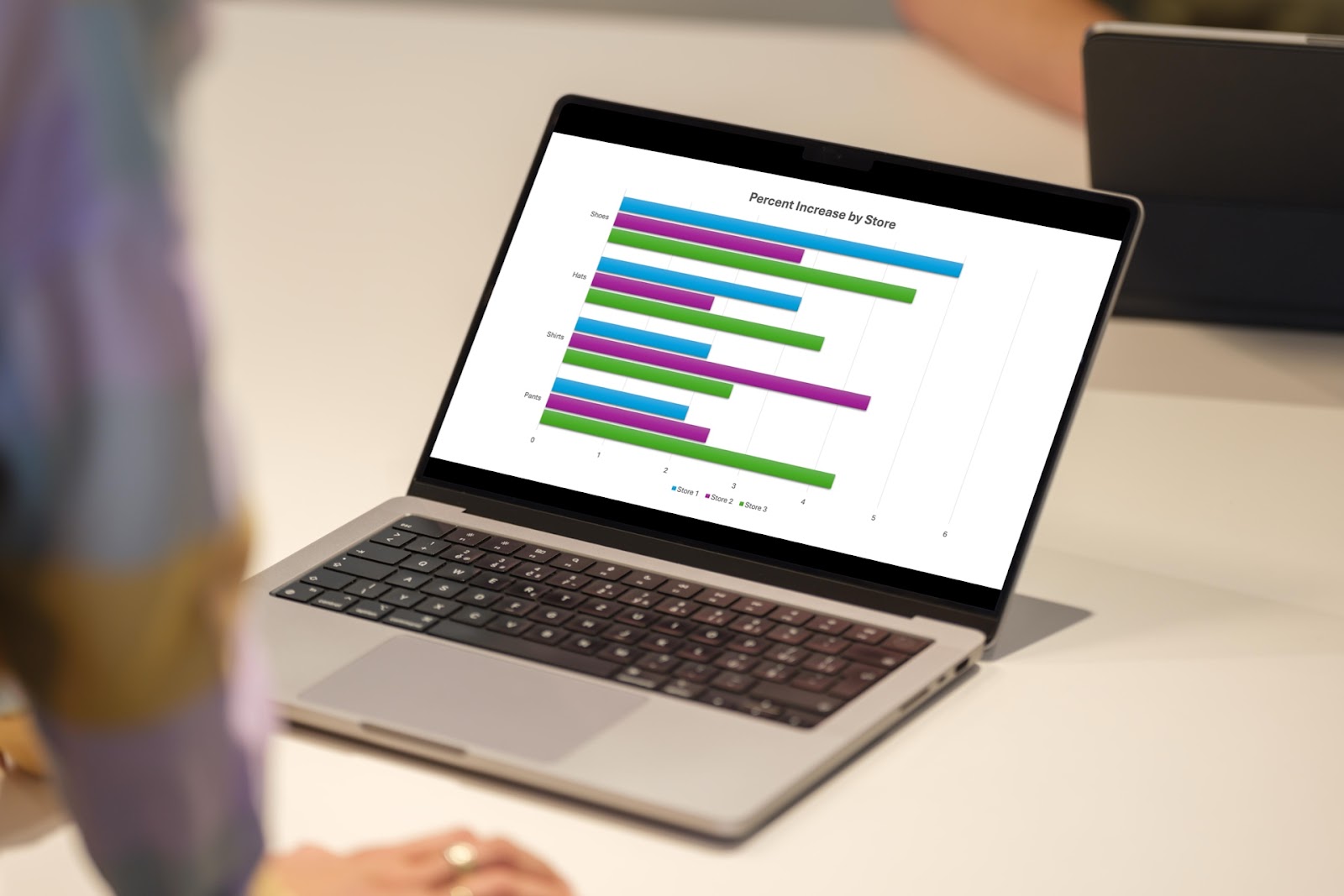
How to create a bar chart in PowerPoint
-
Resources
How to convert Napkin AI into PowerPoint
Learn how to turn your Napkin AI creation into a PowerPoint presentation
-
Resources
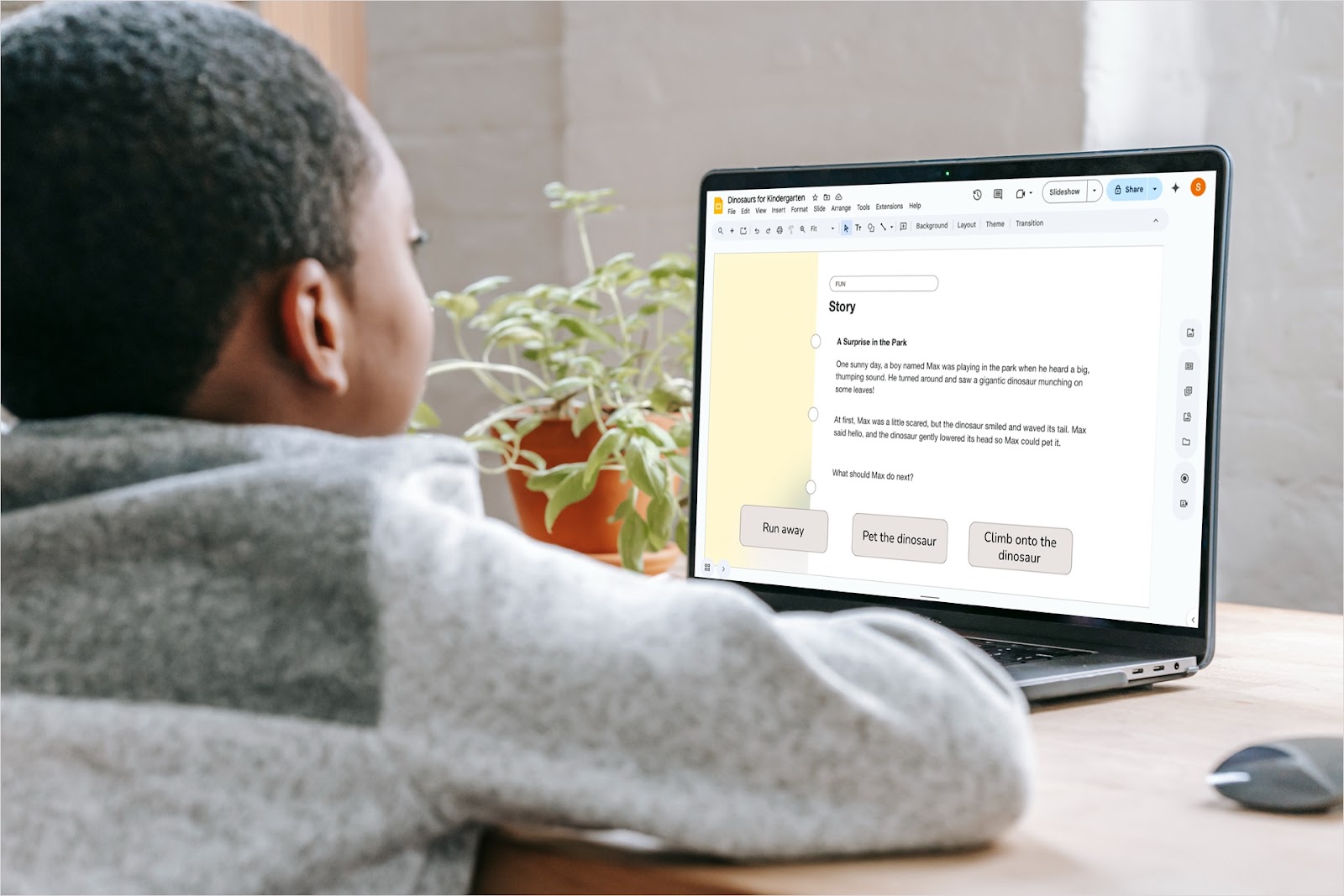
10 ways to make interactive Google Slides
Want to increase engagement and interest in your presentation topic? Look at these ways to make interactive Google Slides.
-
Resources
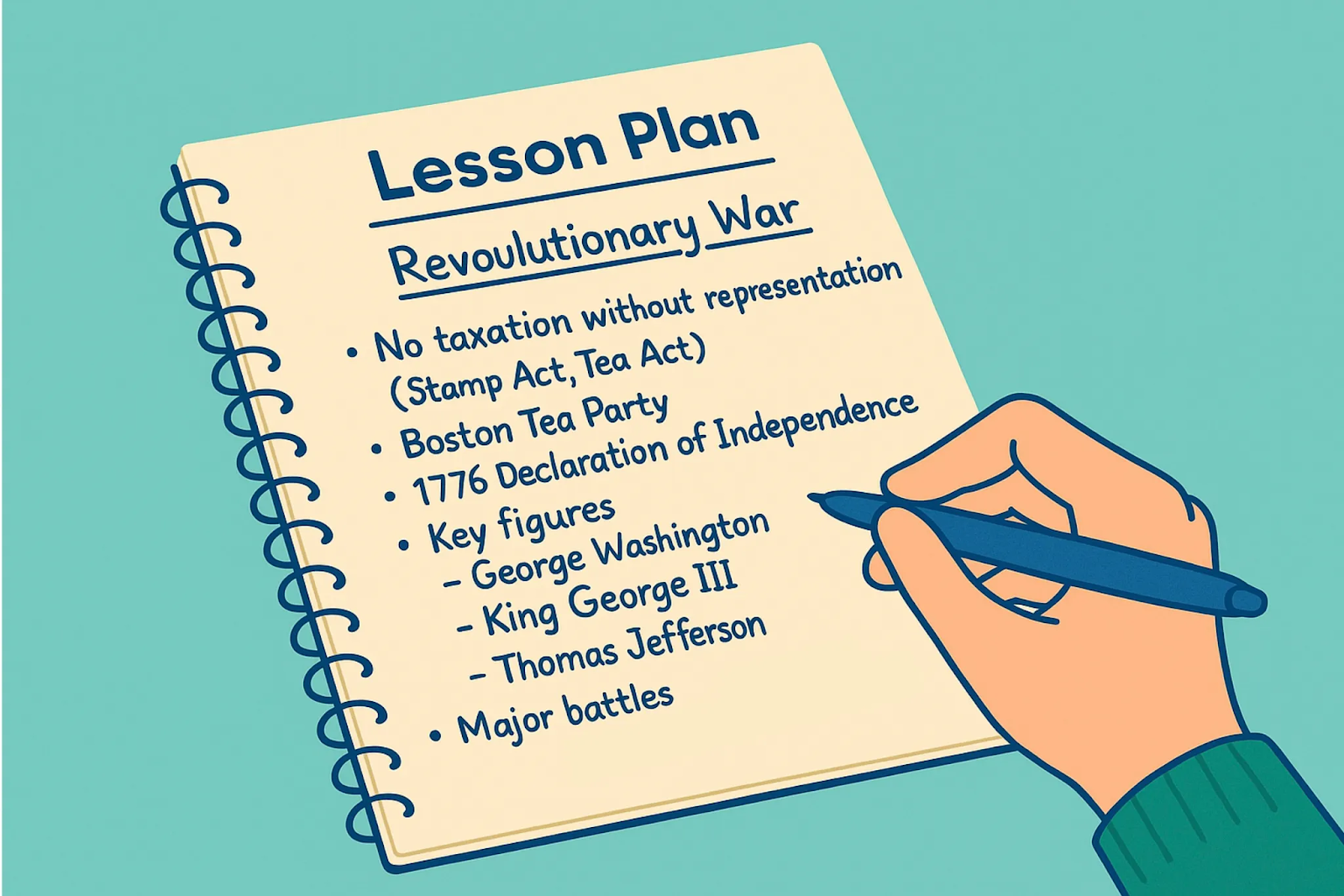
AI Presentations for Teachers: Step by Step Guide
Discover how teachers can save hours using AI tools like Plus AI to create engaging lesson slides in minutes. Step-by-step guide to building smart presentations with ChatGPT and Google Slides or PowerPoint.
-
Resources
How to add an AI voiceover to Google Slides
Wondering how to add narration to a Google Slides presentation? Learn how to create an AI voiceover!
-
Resources
Top AI Presentations on Plus AI (March 2025)
-
Resources
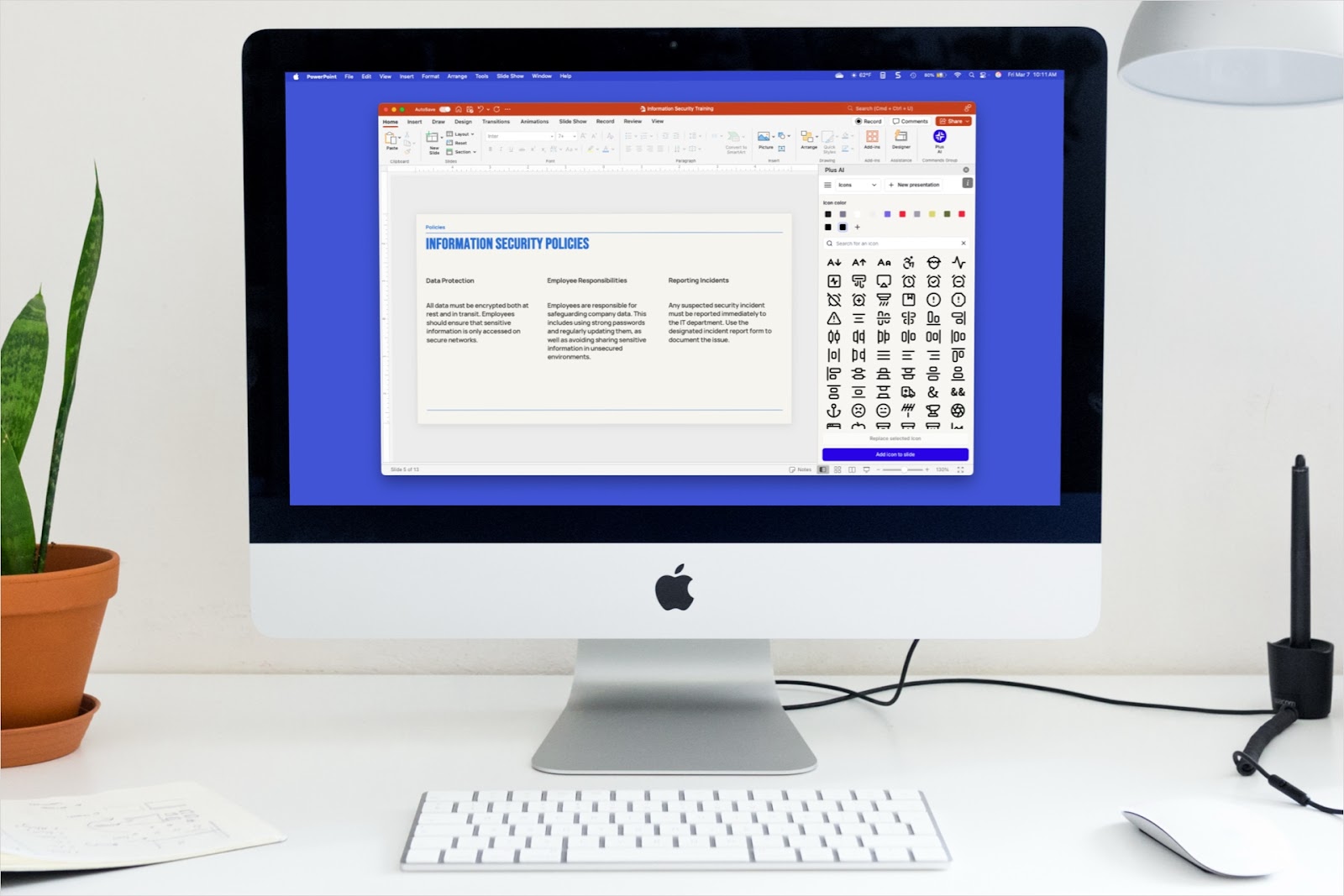
How to insert icons in PowerPoint
Adding icons is an easy way to make professional slides more visually appealing
-

Resources
Guide to creating case study presentations: Key elements, structure, and delivery tips
Case study presentations don’t need to be dry and boring. Learn how to build case studies that educate and inform your audience.
-
Resources
6 red flags to watch for when picking an AI PowerPoint maker
AI can speed up your presentation workflows, but picking the wrong tool means you'll waste hours fixing ugly slides and fighting formatting bugs.
-
Resources
How to insert an Excel file into a PowerPoint presentation
Learn how to use your Excel spreadsheets in PowerPoint presentations.
-

Resources
Best free AI outline generators
For a jumpstart on your next project, check out these free AI outline generators.