
Blog
Guides, reviews, and tips for making better presentations with AI.
-

Resources
McKinsey presentation examples: 40+ downloadable presentations (and a template)
Learn how the world's best consulting firm creates presentations with 40+ real McKinsey presentations
-
Resources
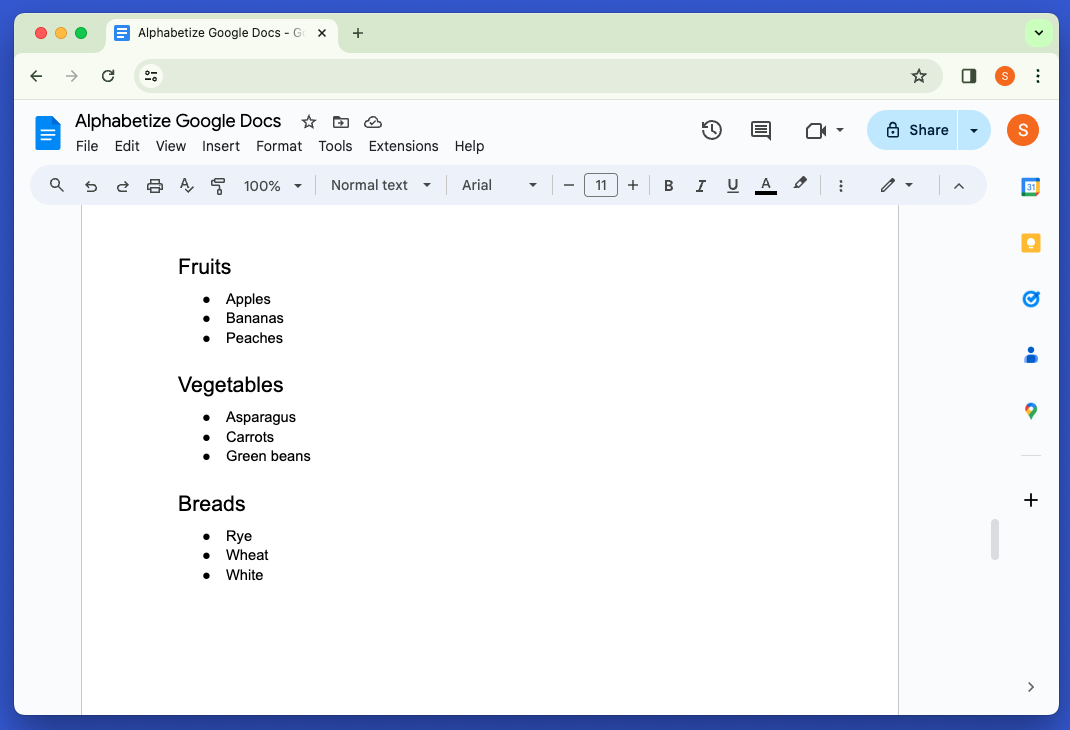
How to alphabetize in Google Docs
Learn how to sort lists in alphabetical order inside of Google Docs
-
Resources
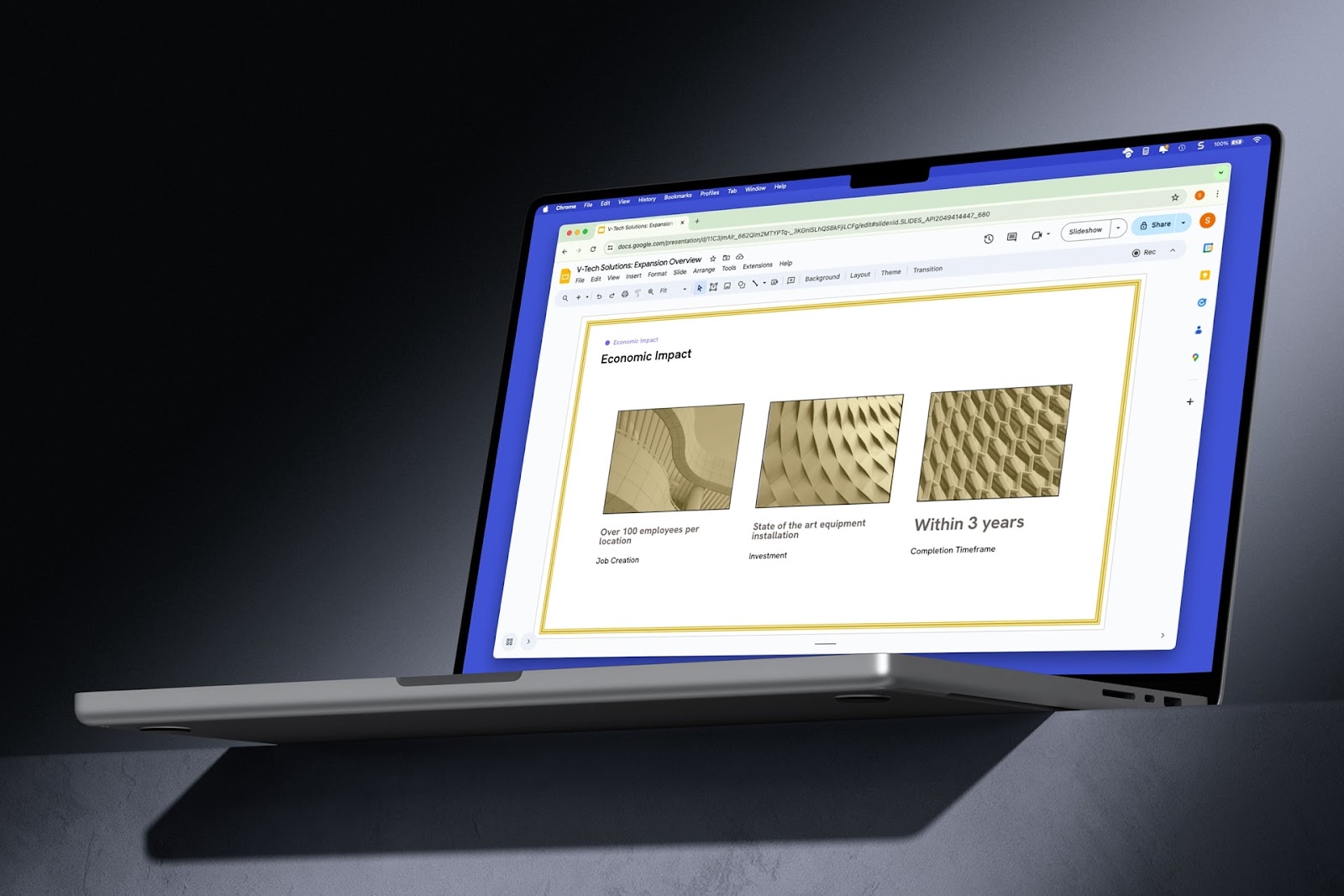
How to add a border in Google Slides
Step-by-step guide on how to add a border in Google Slides with screenshots
-

Resources
Should students be allowed to use AI?
6 reasons students should be allowed to use AI and 6 reasons student should not be allowed to use AI
-

Resources
How to do strikethrough in Google Slides
Learn how to add a strikethrough in Google Slides using the Format menu or a keyboard shortcut
-
Resources
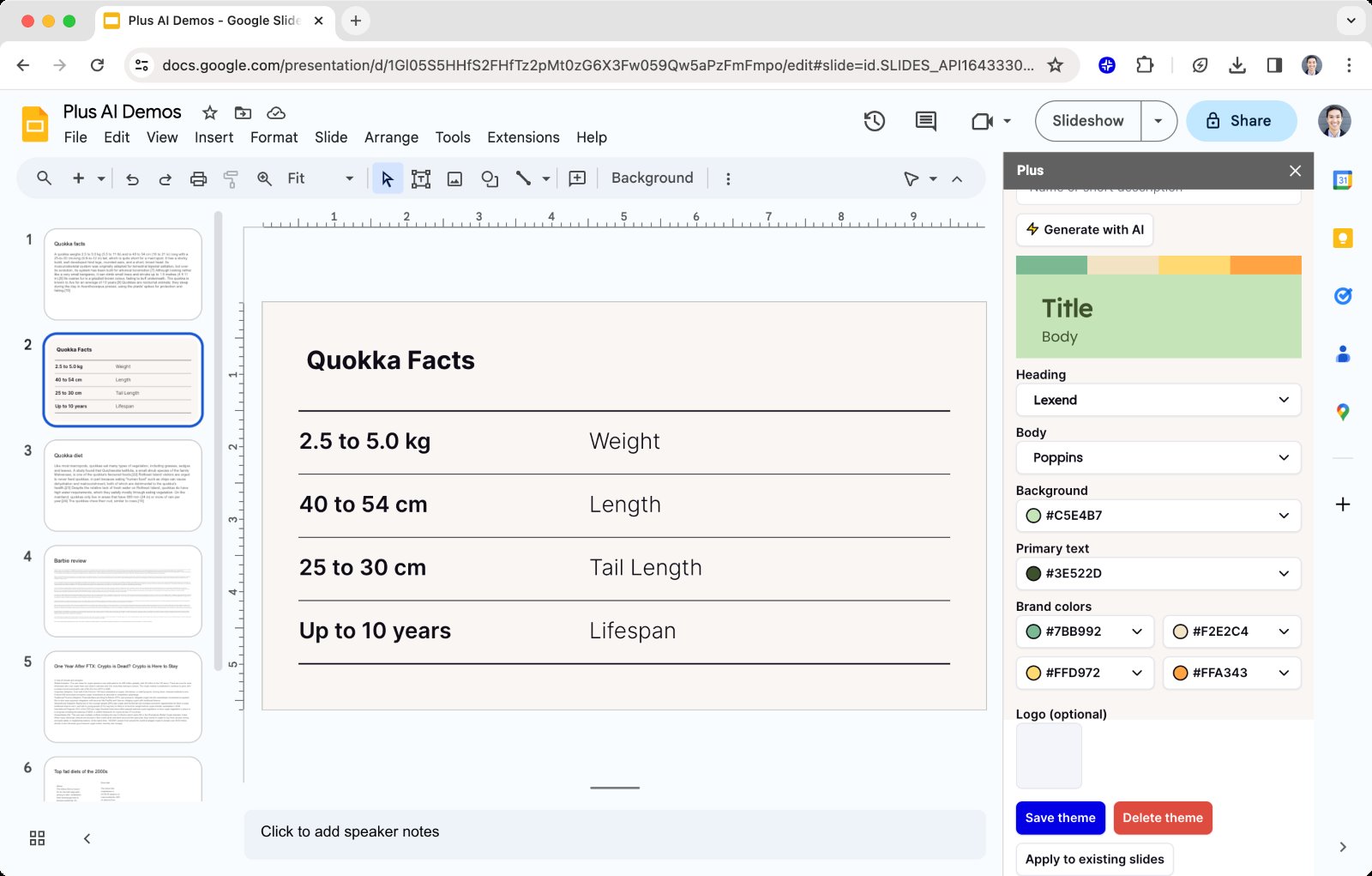
How to change the background in Google Slides (step-by-step guide)
Need to change a Google Slides background? Here are four different methods to change your background.
-
Resources
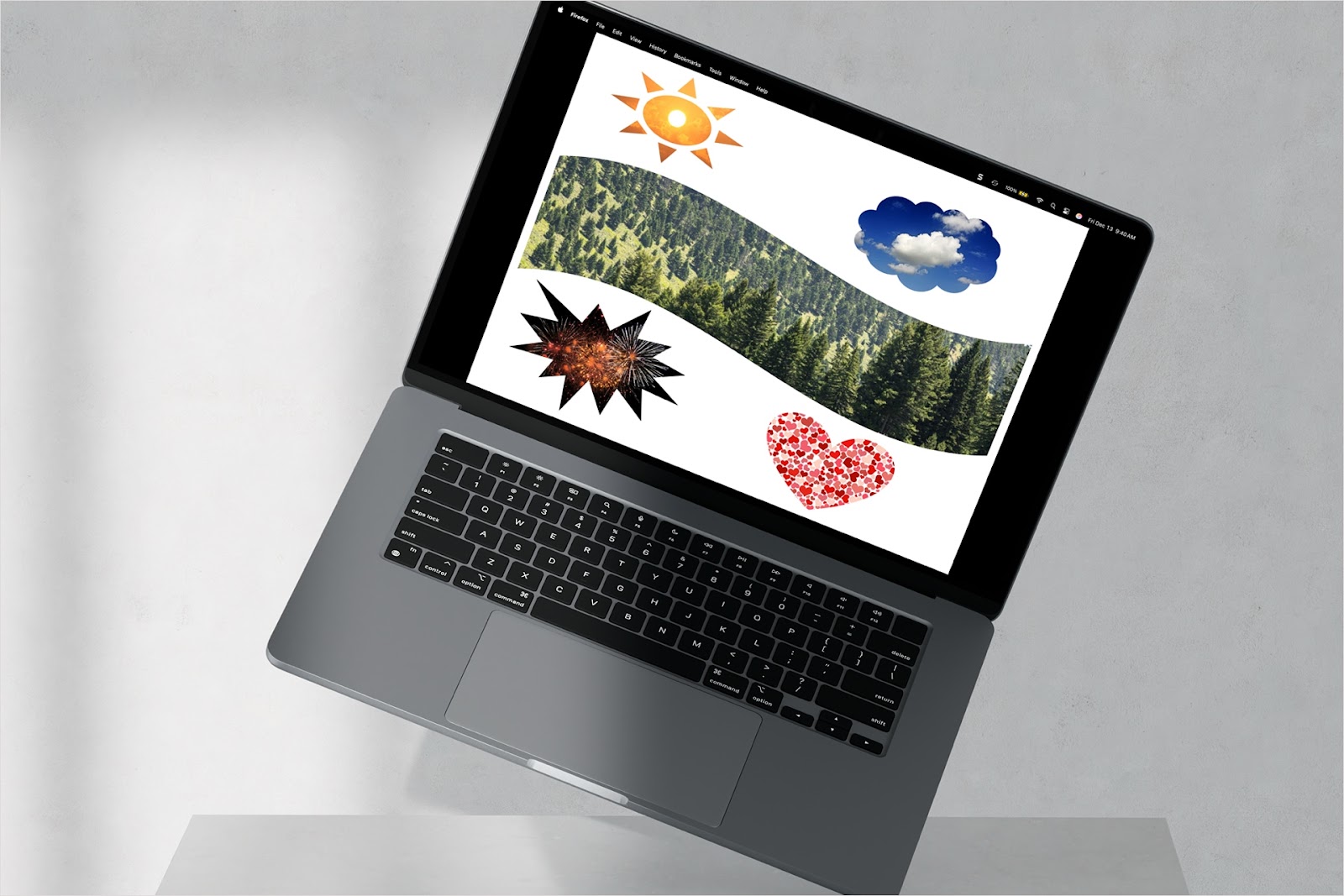
How to put image in shape in Google Slides
Learn how to put an image in a shape in Google Slides to spruce up your presentation.
-

Resources
How to merge shapes in PowerPoint
Walkthrough for how to combine shapes in PowerPoint to create a new one
-

Resources
How to put a video in a shape in PowerPoint
Make your video stand out by putting it inside of a shape in PowerPoint.
-
Resources
How to convert a slideshow to a quiz
Want to follow up a presentation with a test? Here’s how to convert a slideshow to a quiz.
-
Resources
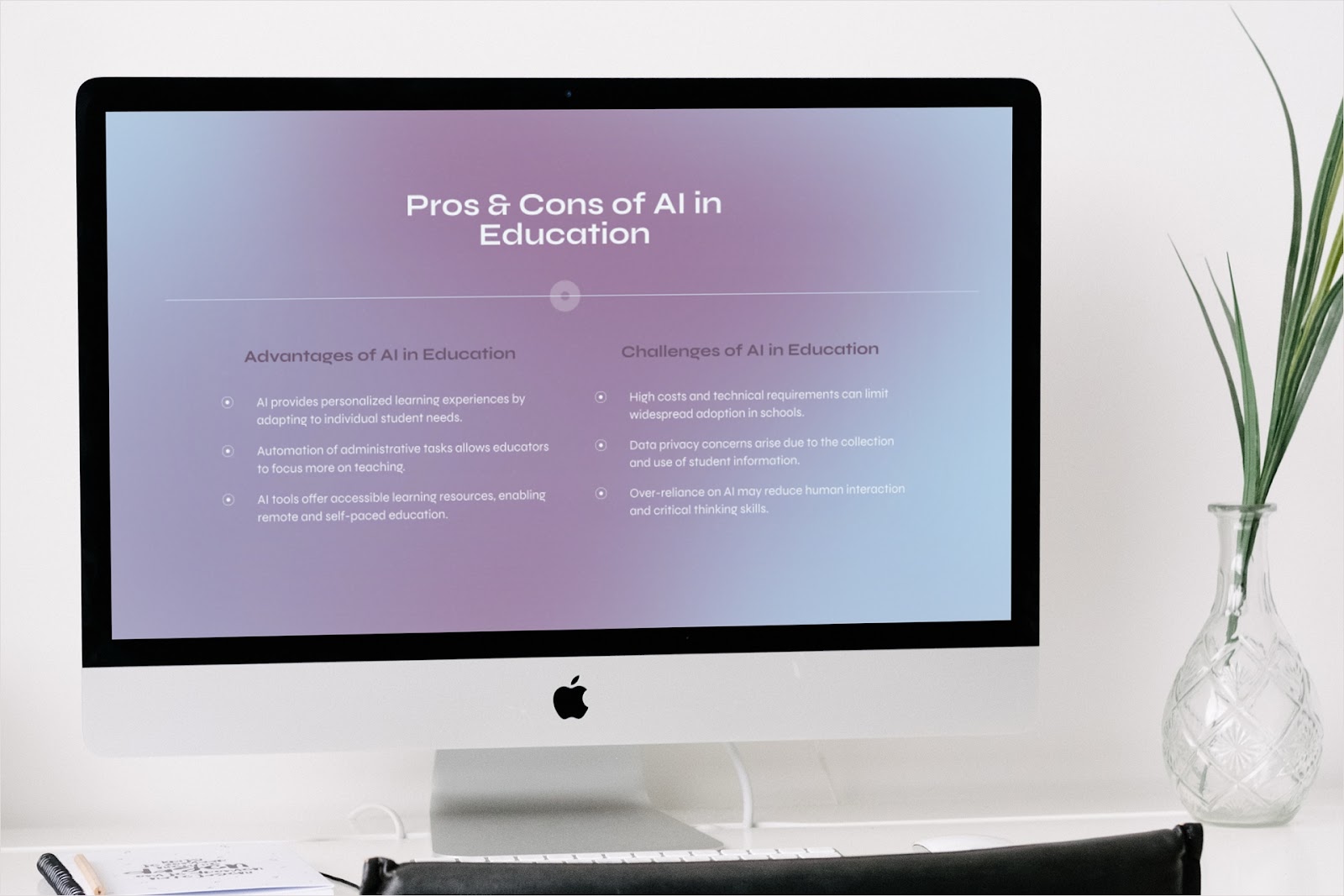
Pros and cons of AI in education
Mixed emotions on the topic of AI in education? Here's a look at the pros and cons.
-
Resources
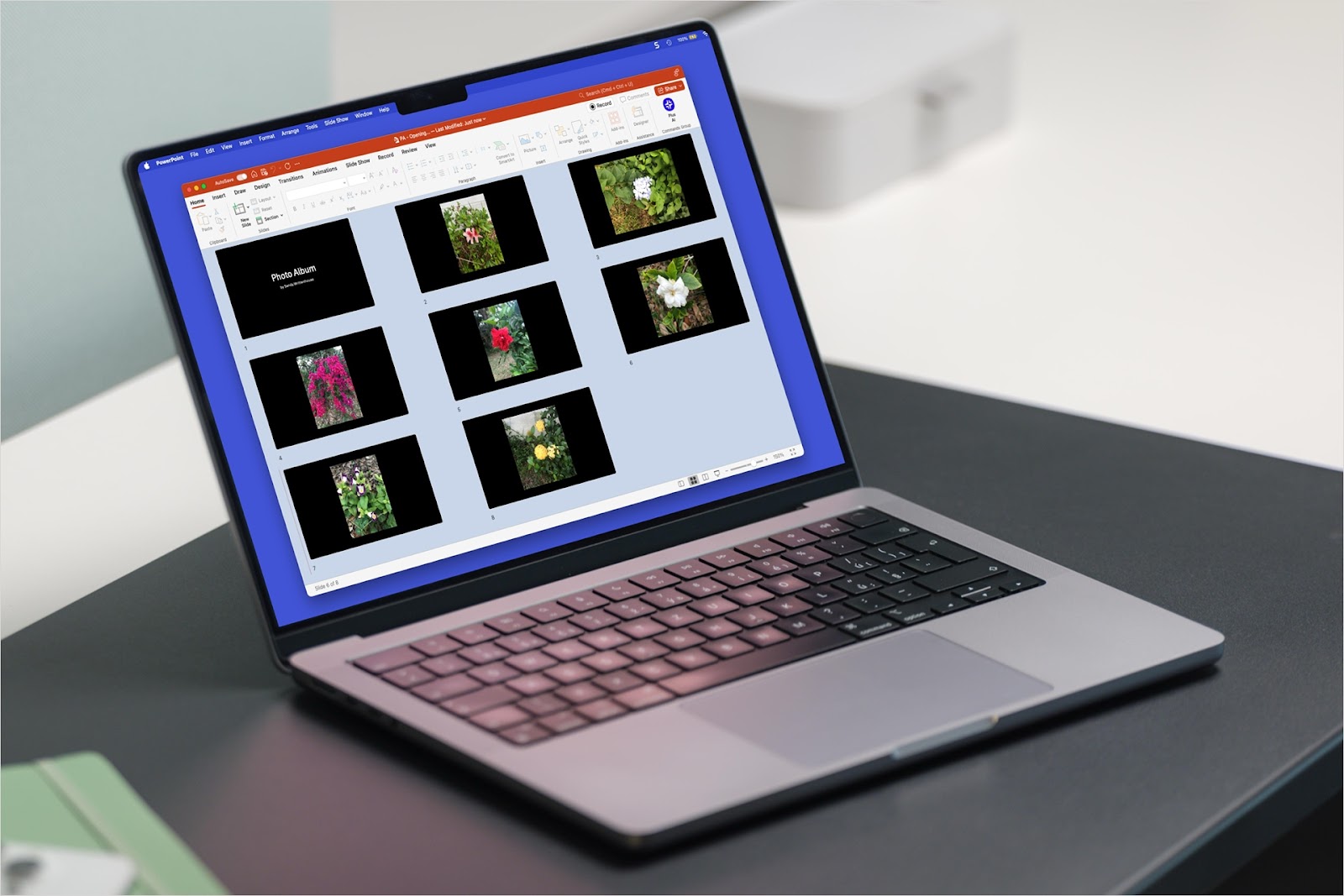
How to insert pictures in PowerPoint as individual slides
Want a photo presentation? Here's how to insert pictures as slides in PowerPoint.