
Blog
Guides, reviews, and tips for making better presentations with AI.
-
Resources
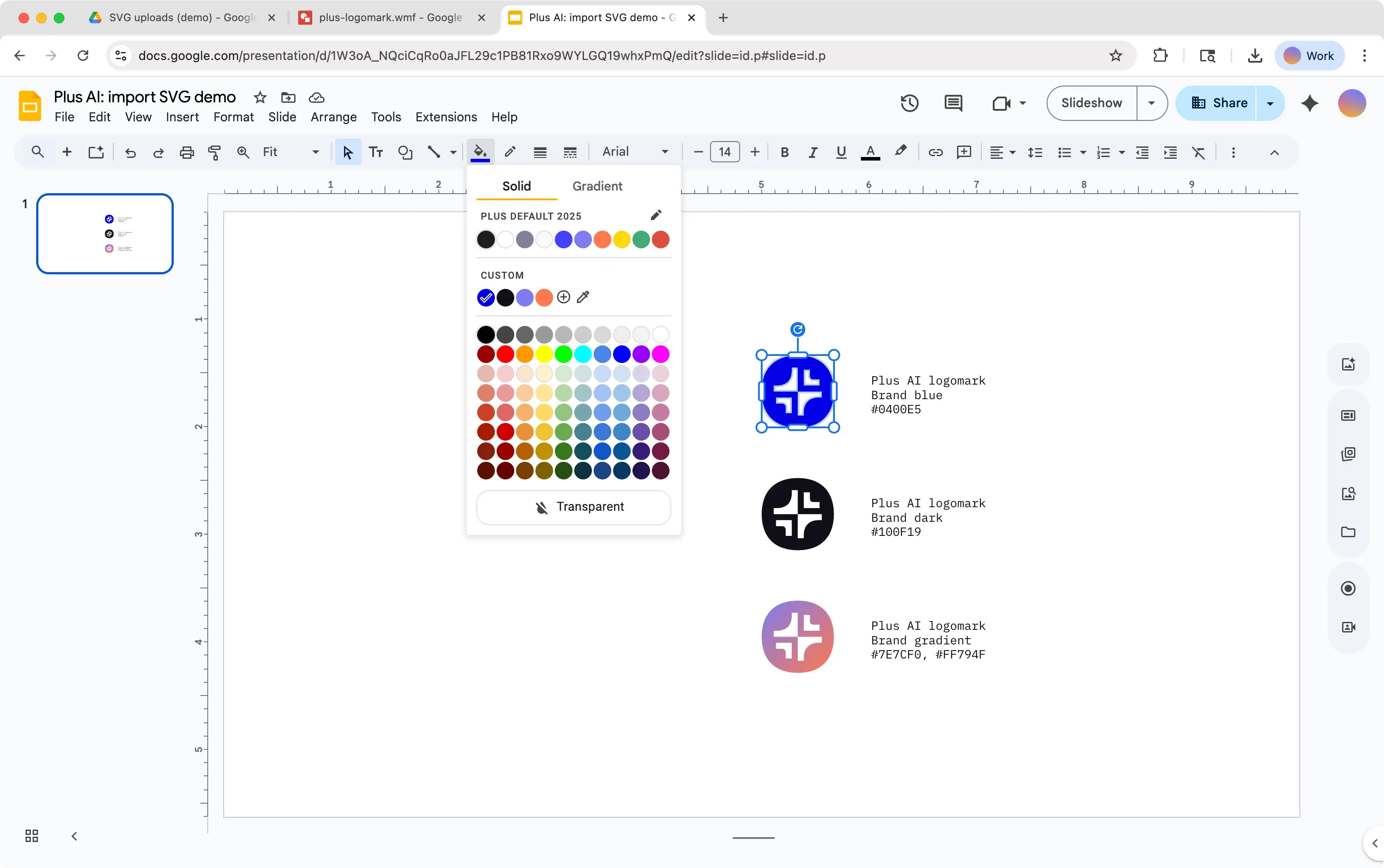
Guide: How to import an svg into Google Slides
Learn a workaround to add an svg image to your Google Slides presentation.
-
Resources
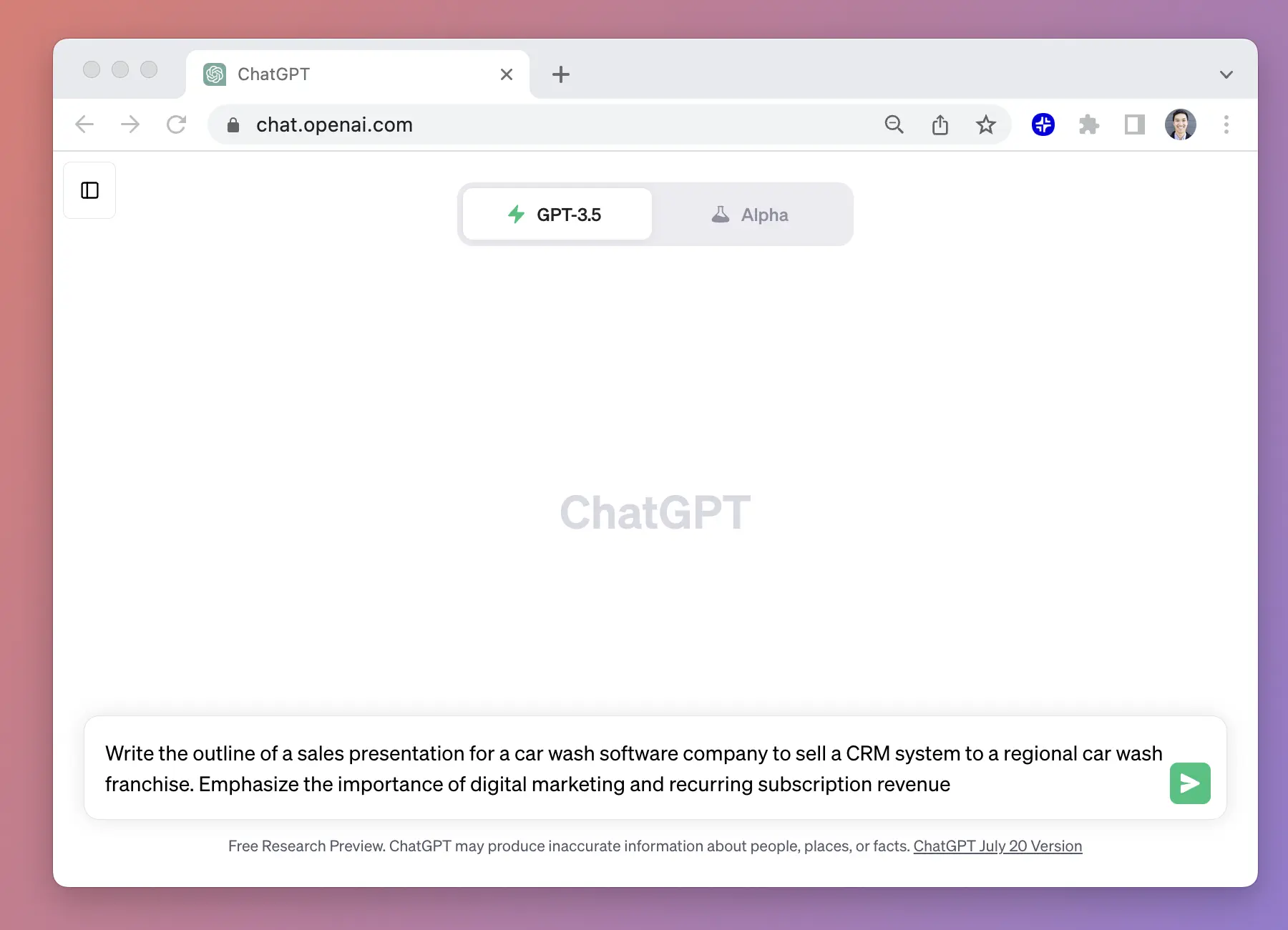
How to use ChatGPT to create a PowerPoint
Looking for ChatGPT for PowerPoint? Here's a step-by-step guide on how to use ChatGPT to create PowerPoint slides
-
Resources
How to add a watermark in PowerPoint
Need to add a watermark to your slides? Learn how to add a watermark in PowerPoint!
-
Resources
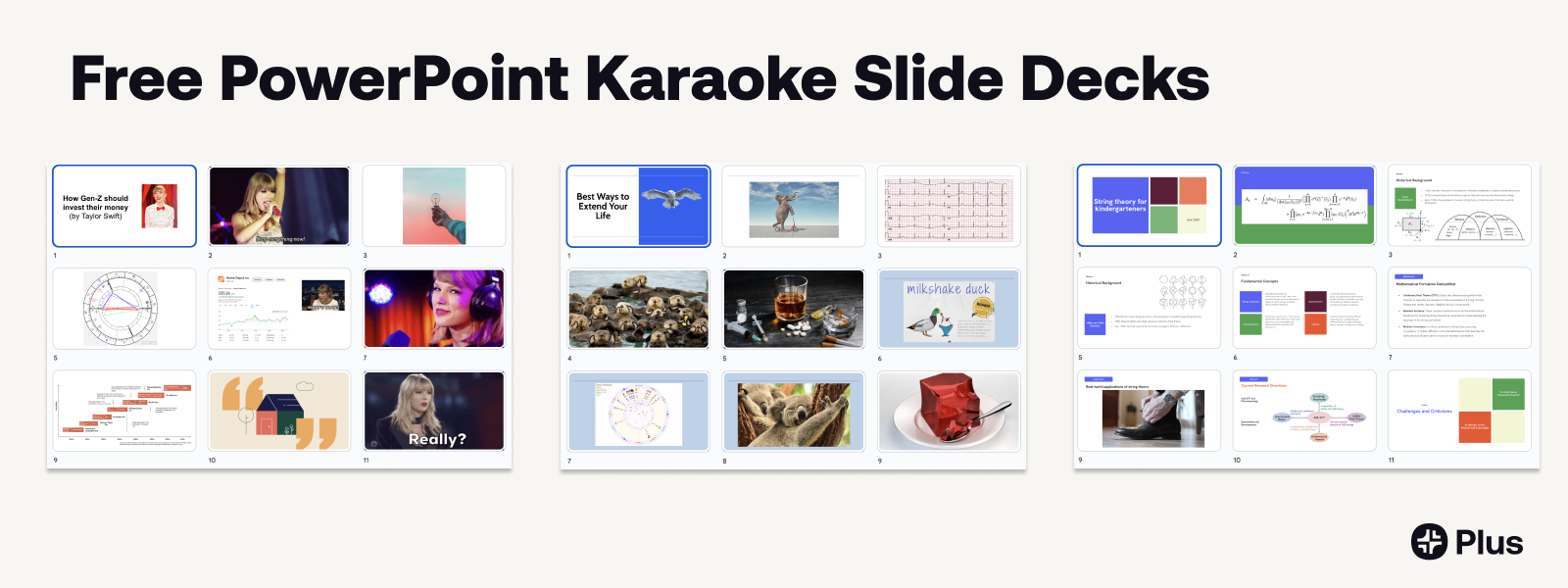
PowerPoint Karaoke: Rules, tips, and free slide decks
Complete guide to PowerPoint Karaoke with rules, free slide decks, and AI solutions
-
Resources
How to master Google Slides transitions and animations
Learn how to use transitions and animations in Google Slides.
-
Resources
How to record presentations on Google Slides
Learn how to make a recording of a Google Slides presentation and share it with others.
-
Resources
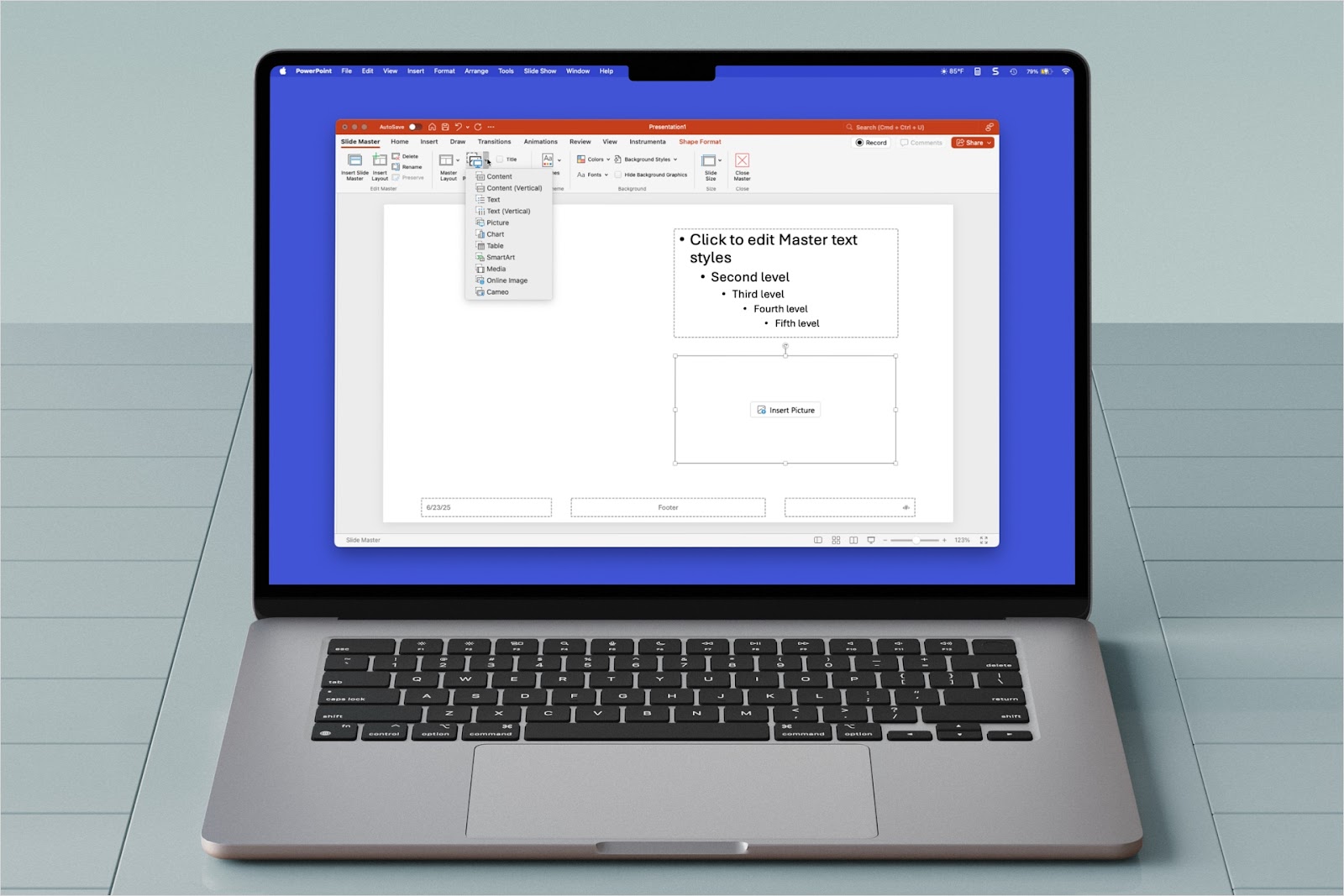
How to use placeholders in PowerPoint
Need customized slide layouts in PowerPoint? Learn how to use placeholders in PowerPoint.
-
Resources
How to use PowerPoint macros
Intimidated by the process to create macros in PowerPoint? Try this macro toolbar for PowerPoint
-
Resources
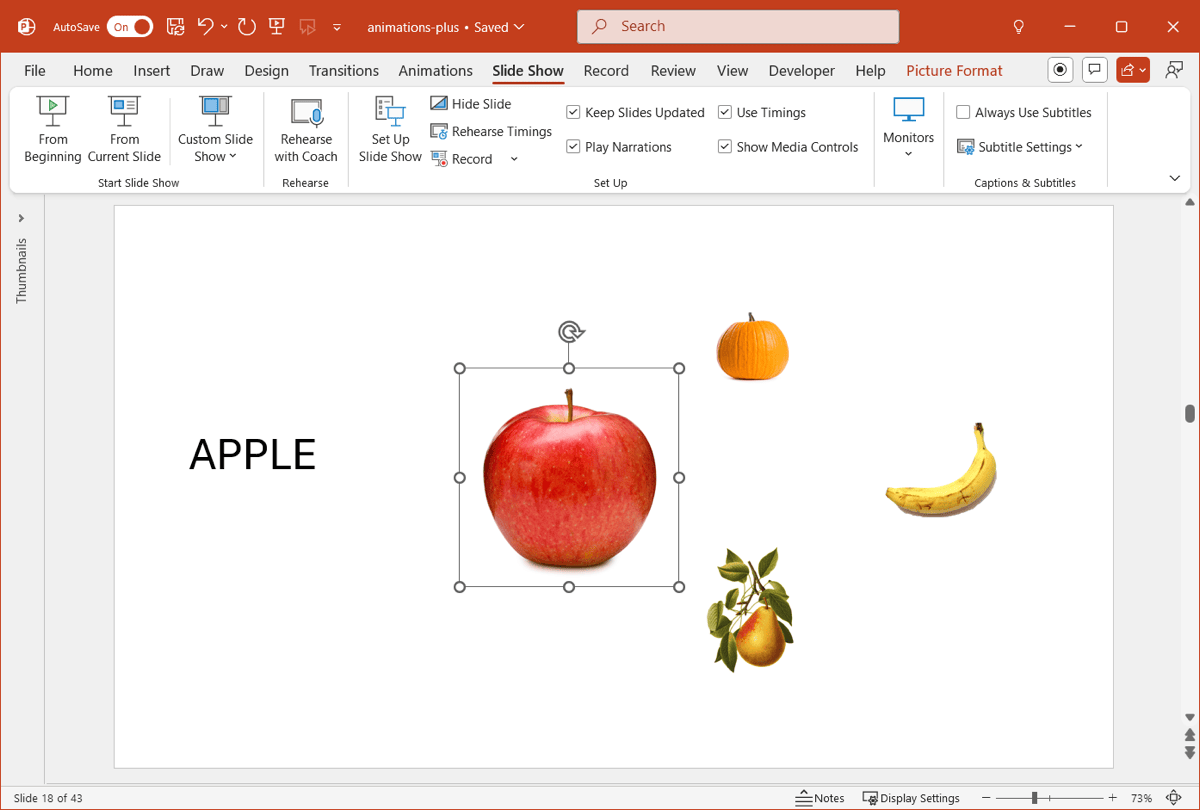
Unique slideshow animations for PowerPoint
Looking for something to make your PowerPoint more exciting? Try these unique animations
-

Resources
Why you should use sections in PowerPoint
What’s the purpose of sections in PowerPoint? How do you use sections in PowerPoint?
-
Resources
10 common types of presentations
Wondering what kind of slideshow should you create? Here are the 10 most common presentation types.
-
Resources
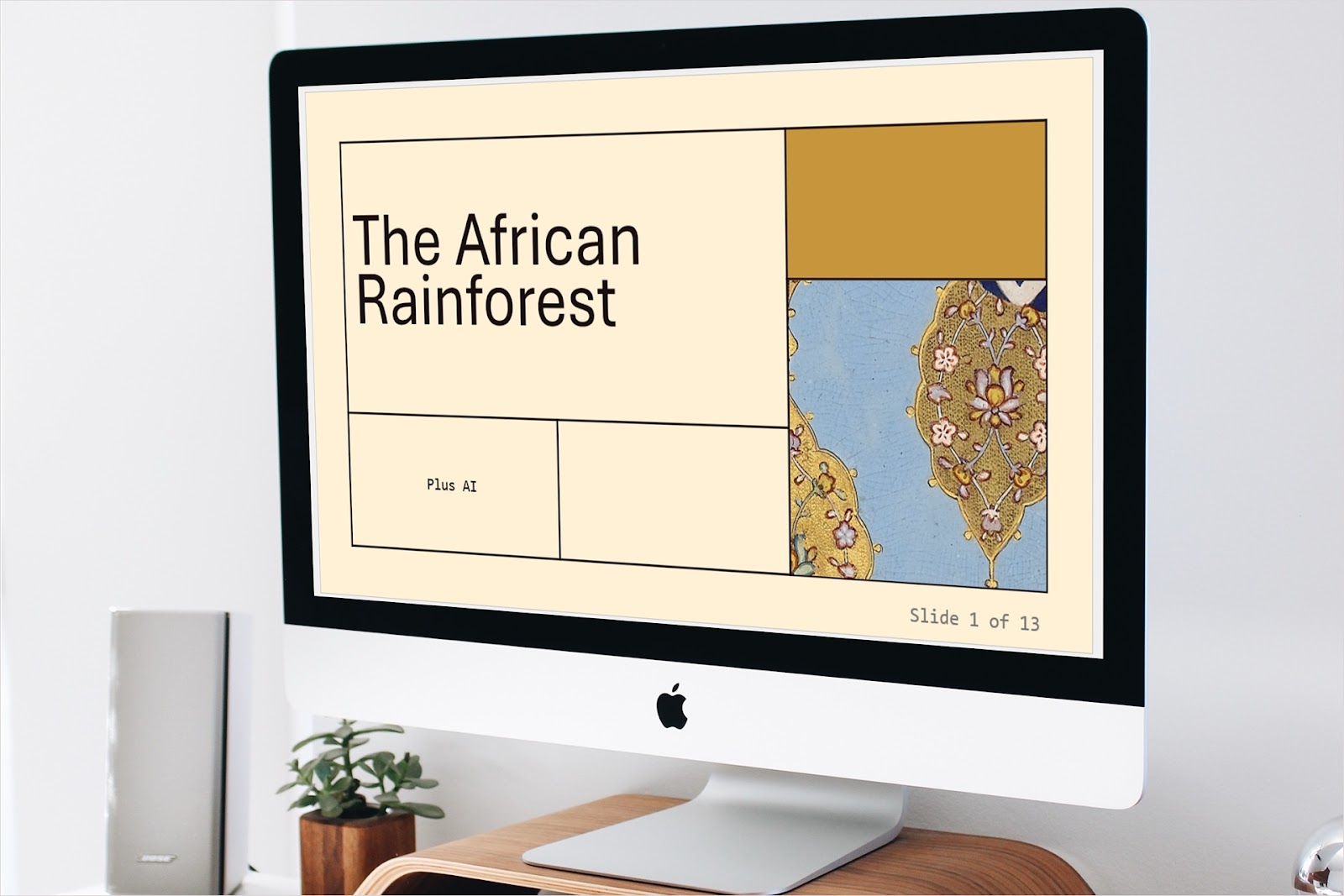
How to insert and format slide numbers in PowerPoint
Slide numbers help you and your audience navigate your presentation. Learn how to insert and format slide numbers in PowerPoint.