
Blog
Guides, reviews, and tips for making better presentations with AI.
-
Resources
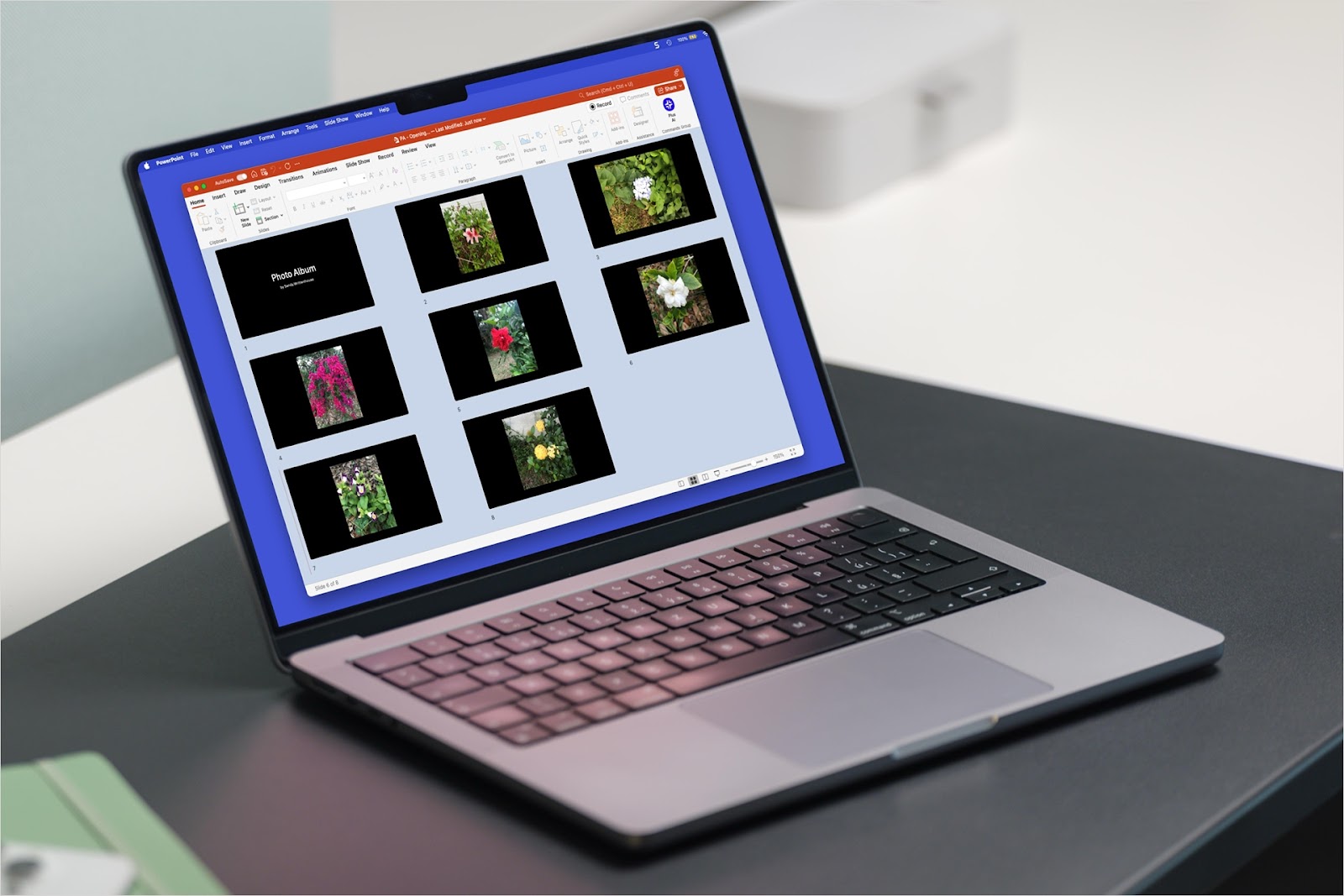
How to insert pictures in PowerPoint as individual slides
Want a photo presentation? Here's how to insert pictures as slides in PowerPoint.
-

Resources
How to lock a shape in place on Google Slides
Learn how to lock a shape in place on Google Slides to keep your design elements in place.
-
How to learn AI for teachers
If you’re an educator wondering how to effectively use AI for your class, here are great resources for you.
-
Resources
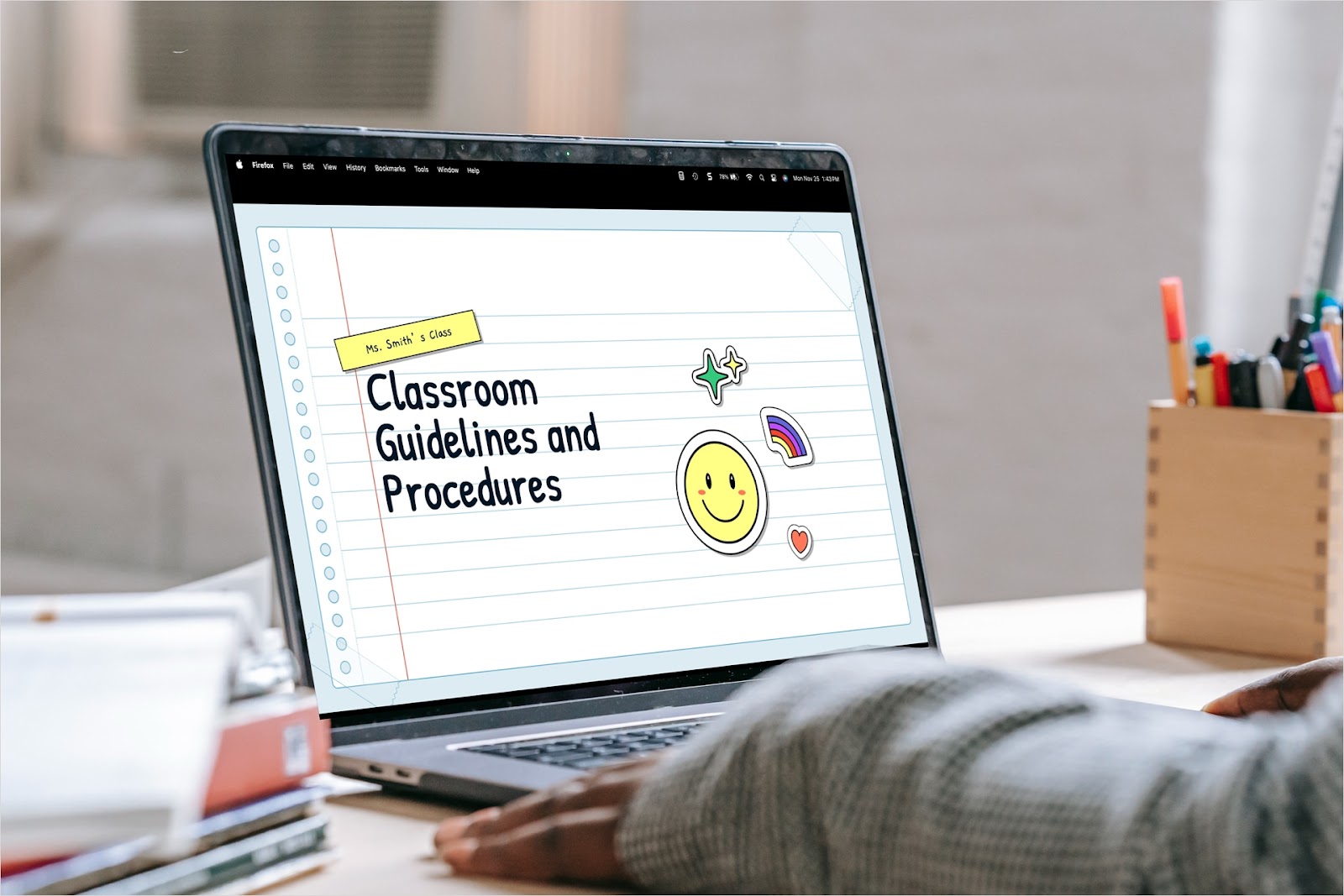
How to add stickers to Google Slides
Four fun and easy ways to add stickers to Google Slides.
-
Resources
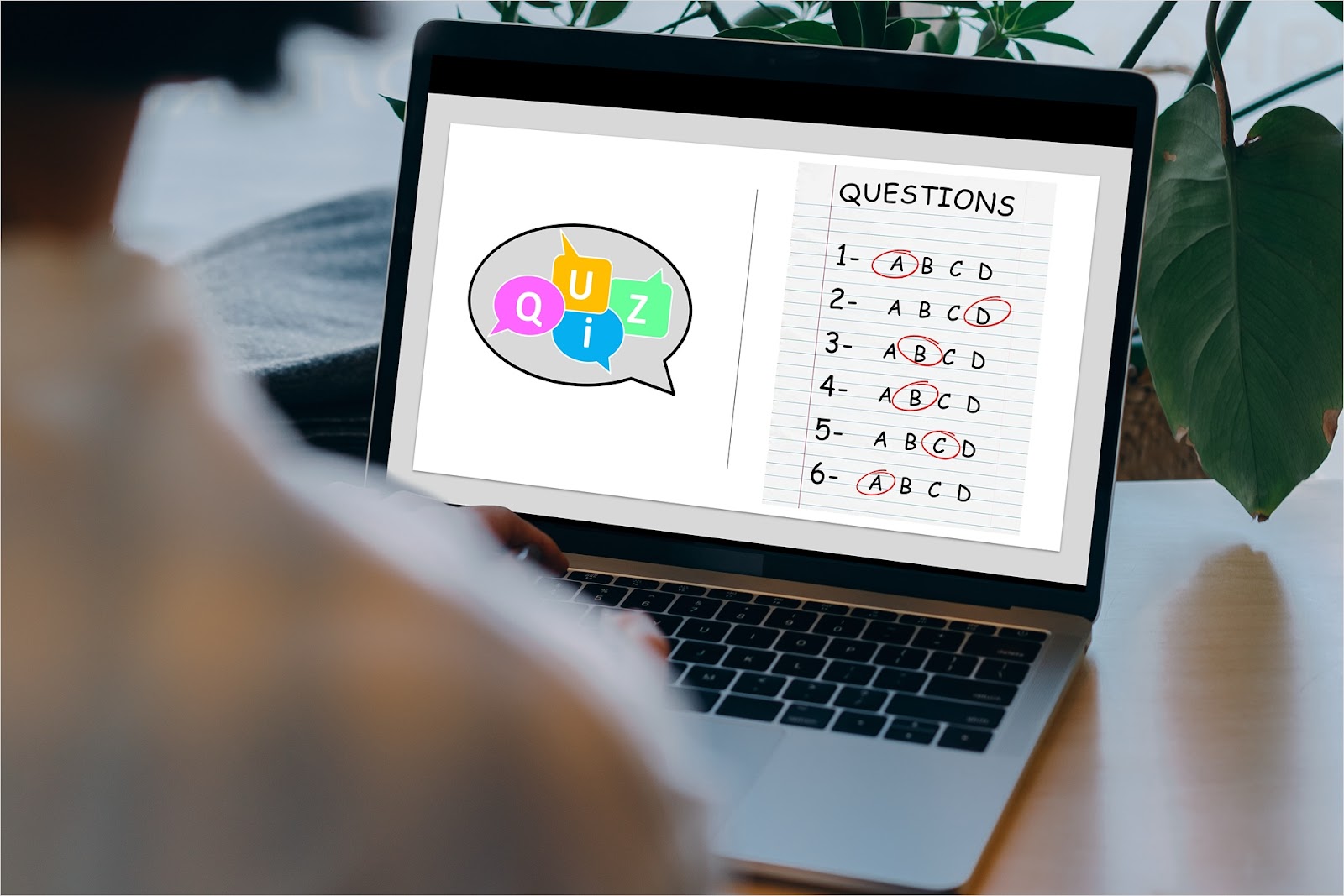
How to convert a slideshow to flashcards
Don’t start from scratch! Here's how to convert a slideshow to flashcards using free online tools.
-

Resources
PowerPoint presentation examples for students (and tips for making your own slides)
Student presentation examples are hard to come by. We made some great examples just for you
-
Resources
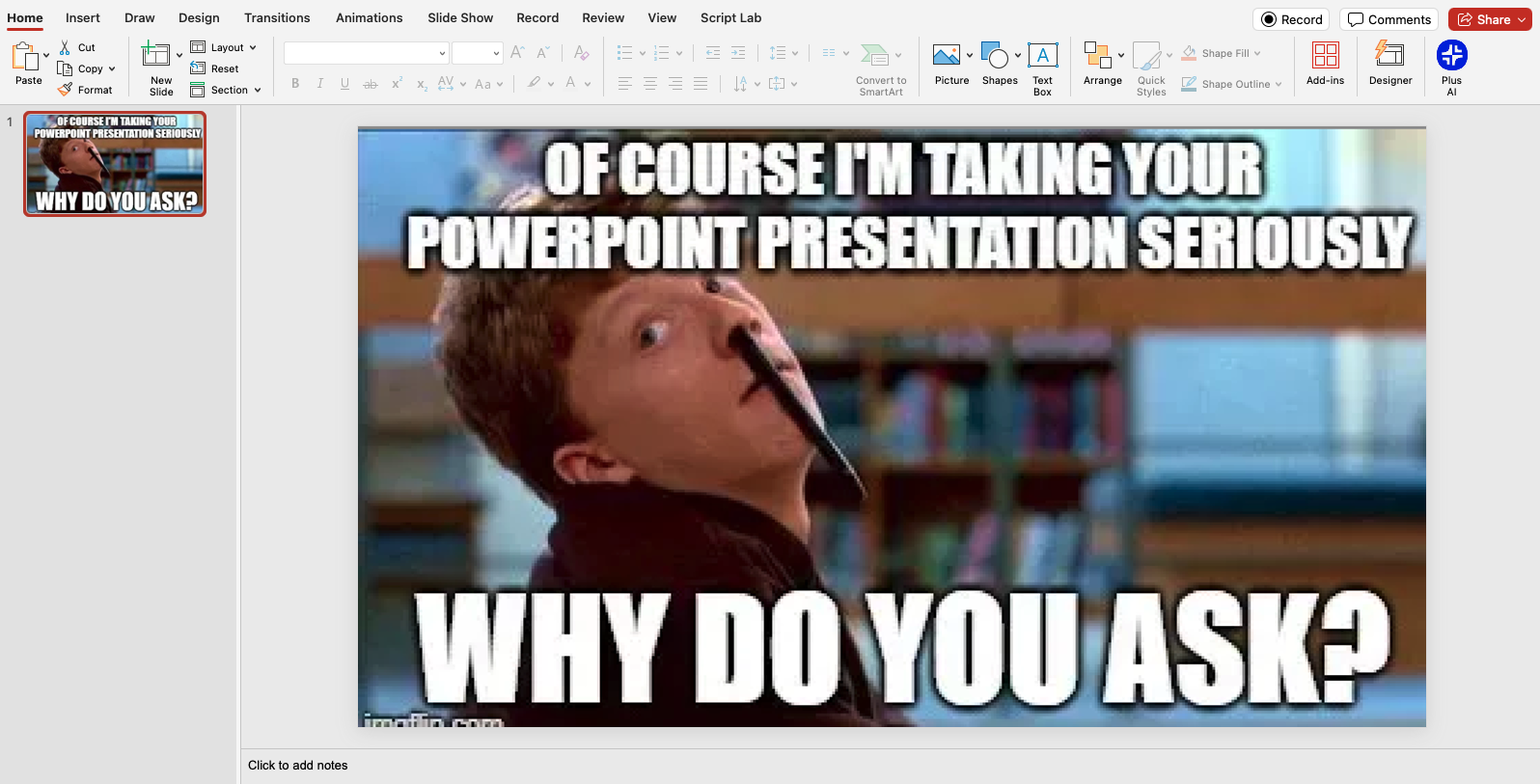
PowerPoint memes to jazz up your next presentation
We curated some of our favorite memes for your next presentation
-
Resources
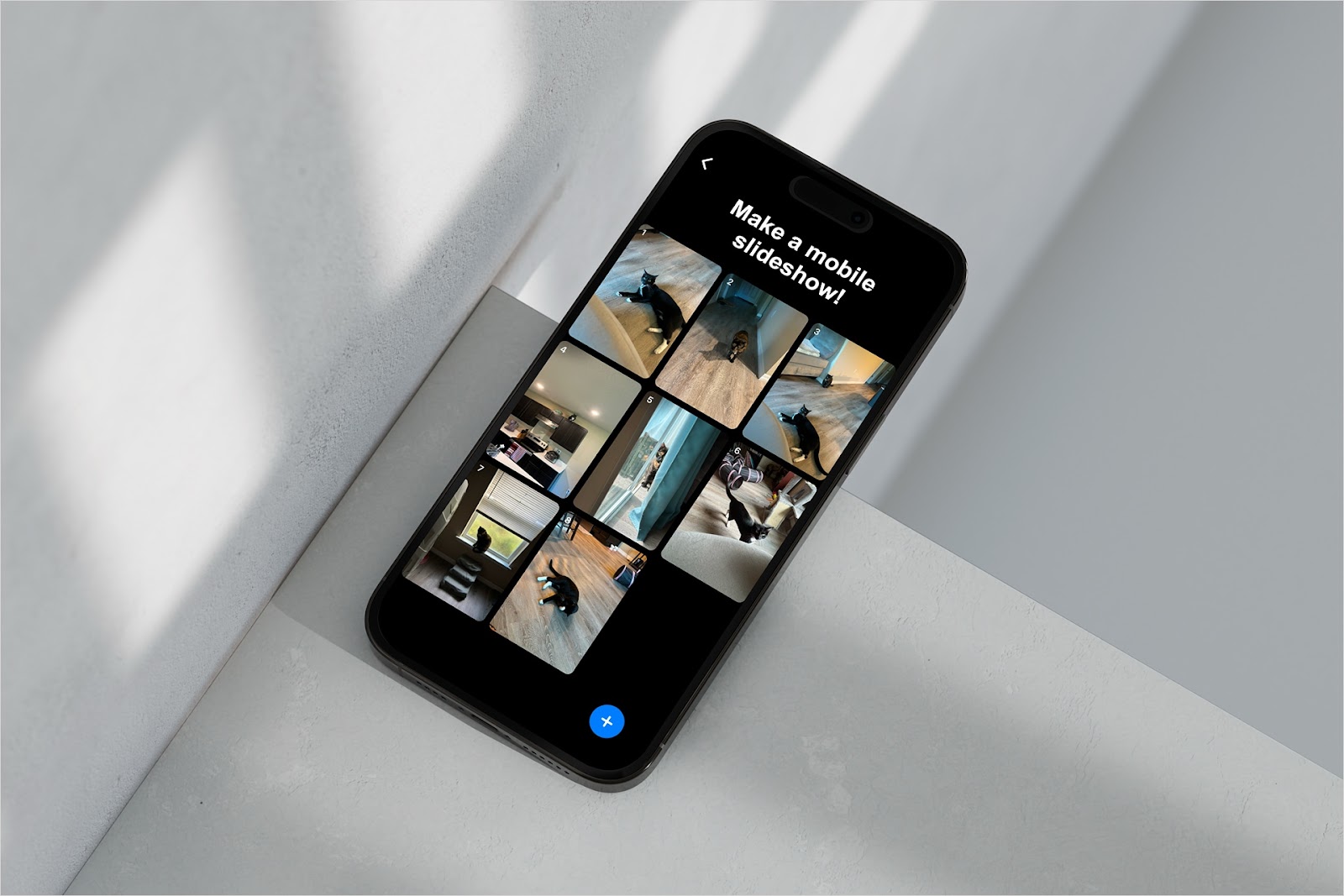
How make a slideshow on your phone
Here are a few ways to make photo slideshows and presentations on iOS and Android.
-
Resources
How to make a slideshow on TikTok
Learn how to make a slideshow on TikTok for telling your story with photos instead of a video.
-
Resources
How to make a Google Slides link shorter
Four free options for Google Slides link shorteners
-
Resources
How to make a checkbox in Google Slides
How to make a checkbox in Google Slides using three different methods.
-
Resources
How to stop receiving notifications during presentations
Learn how to stop notifications during presentations on both Windows and Mac.