Marketing agency pitch deck template
A playful, pastel-colored template for pitch decks for marketing agencies.
Get this template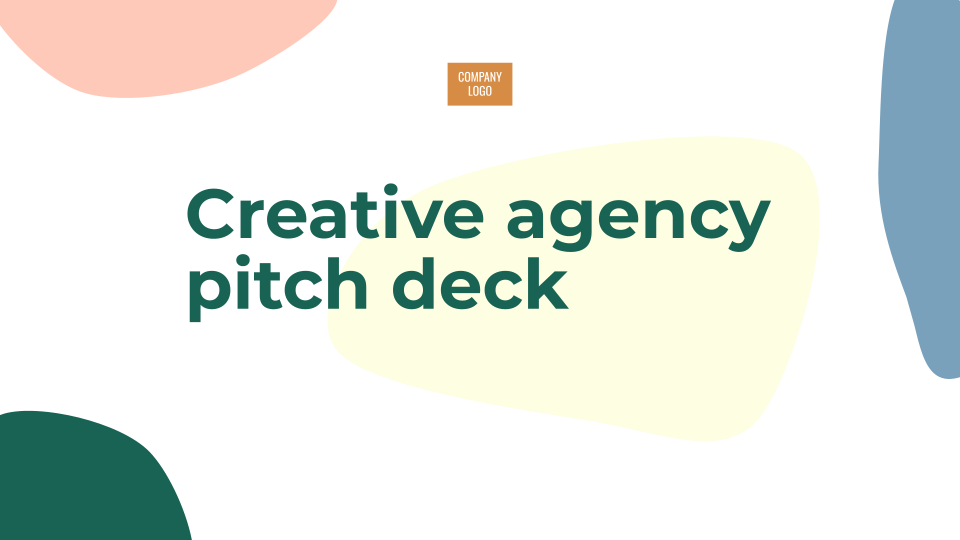







1 / 10
This marketing agency pitch deck template is perfect for building a creative, professional slide deck to share with prospective clients. It uses pastel-colored shapes and blobs as the basis for a theme that is fun to rearrange and design.
Features of this template
- 10 slides to use as templates for a marketing agency pitch deck.
- Simple proposal structure and design can be adapted for a variety of uses.
- Sample slides include agenda, team, portfolio, and simple text and image slides.
- Playful design highlights your team’s experience and prior work.
Tips and tricks
Plus AI for Google Slides & PowerPoint
How to use this template
Generate a custom presentation using this template in a few clicks.
Get this template- Install Plus AI for Google Slides or PowerPoint.
- Launch the add-in to create a new presentation.
- Go to “Start from a template” and select your template.
- Enter a prompt or upload a file to generate a custom presentation.
- Continue editing with Insert, Remix, and Rewrite.