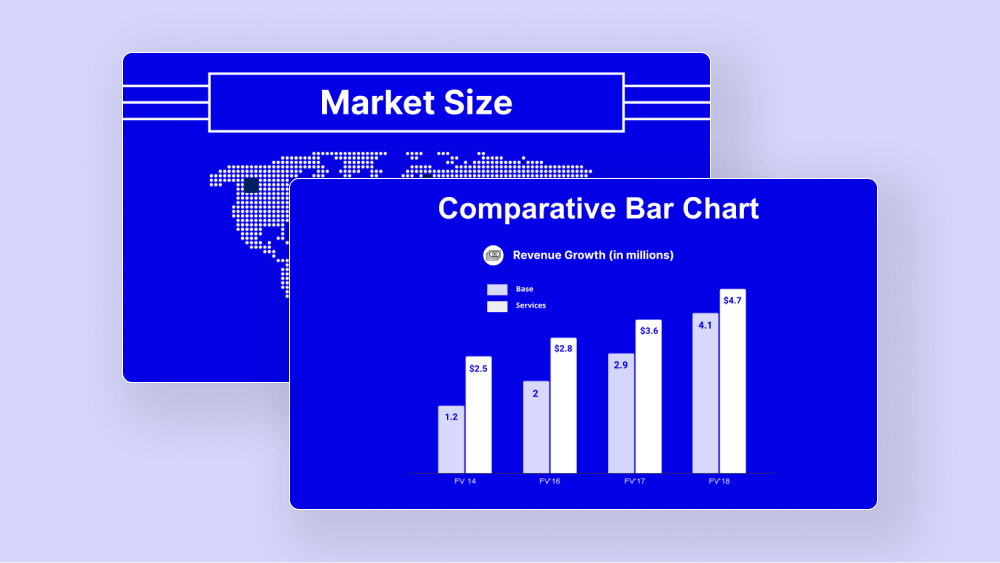
Simple Brand Strategy Template
Use this template to create a brand strategy presentation for clients or internal stakeholders.
Get this template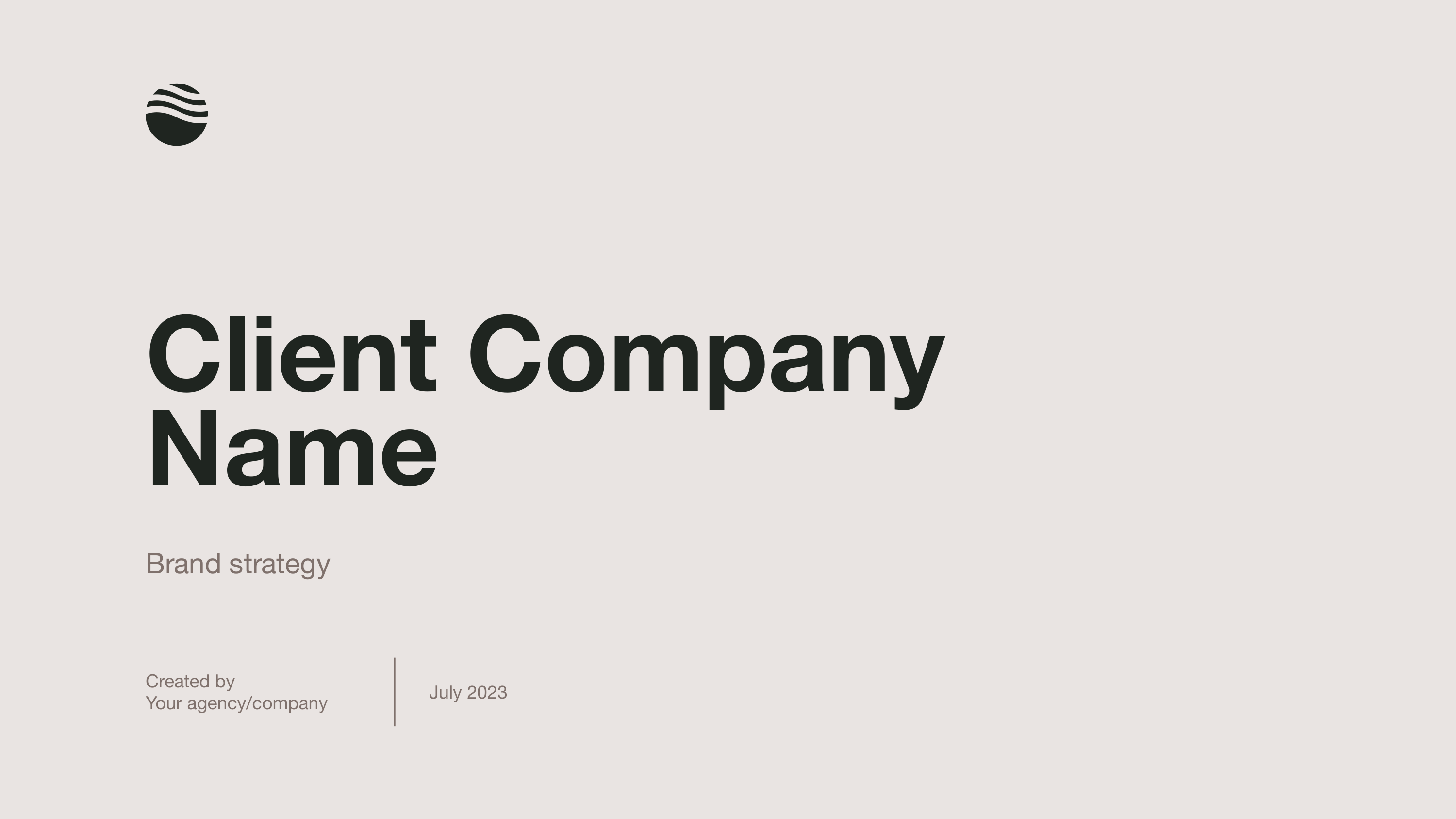




1 / 22
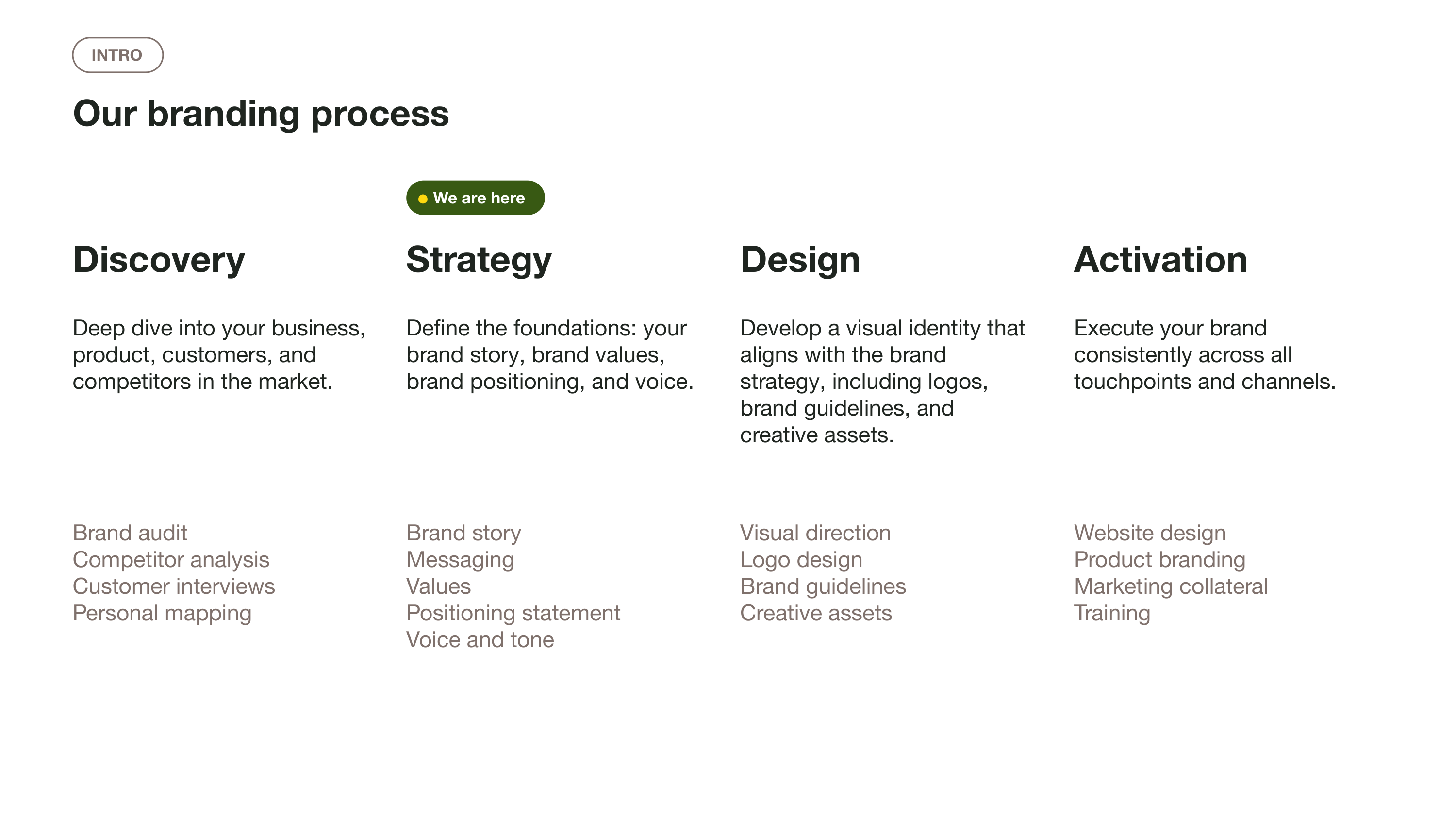
Use this template to present brand design work, including logo and brand identity concepts to clients and other stakeholders. This is not a brand guideline document. It is intended to help you present design work to clients and bring them along during the process.
Features of this template
- Simple and minimal visual style, easily adapted for designers and agencies
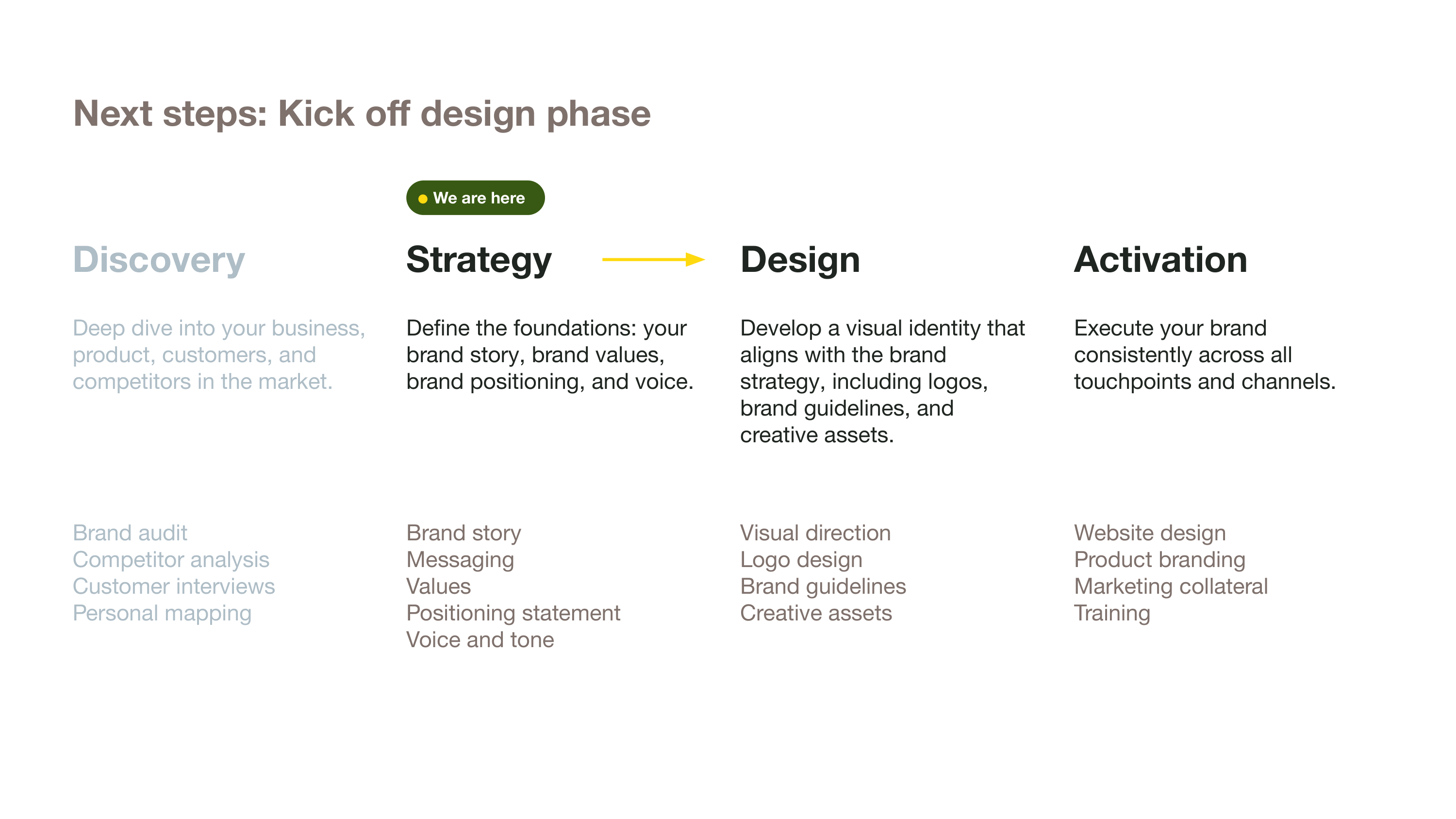
- Flexible template for guiding your client (or other audiences) through the branding process.
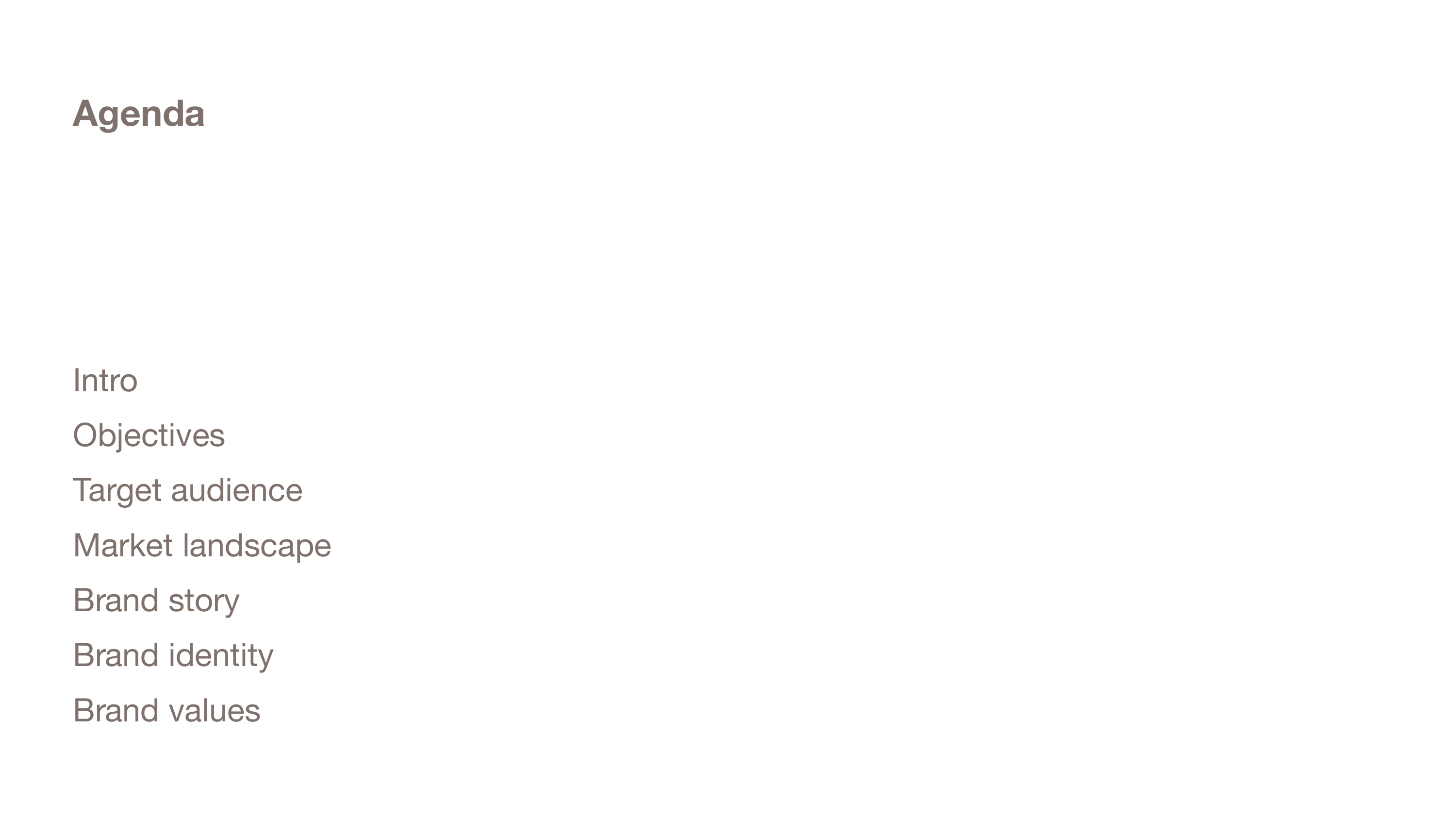
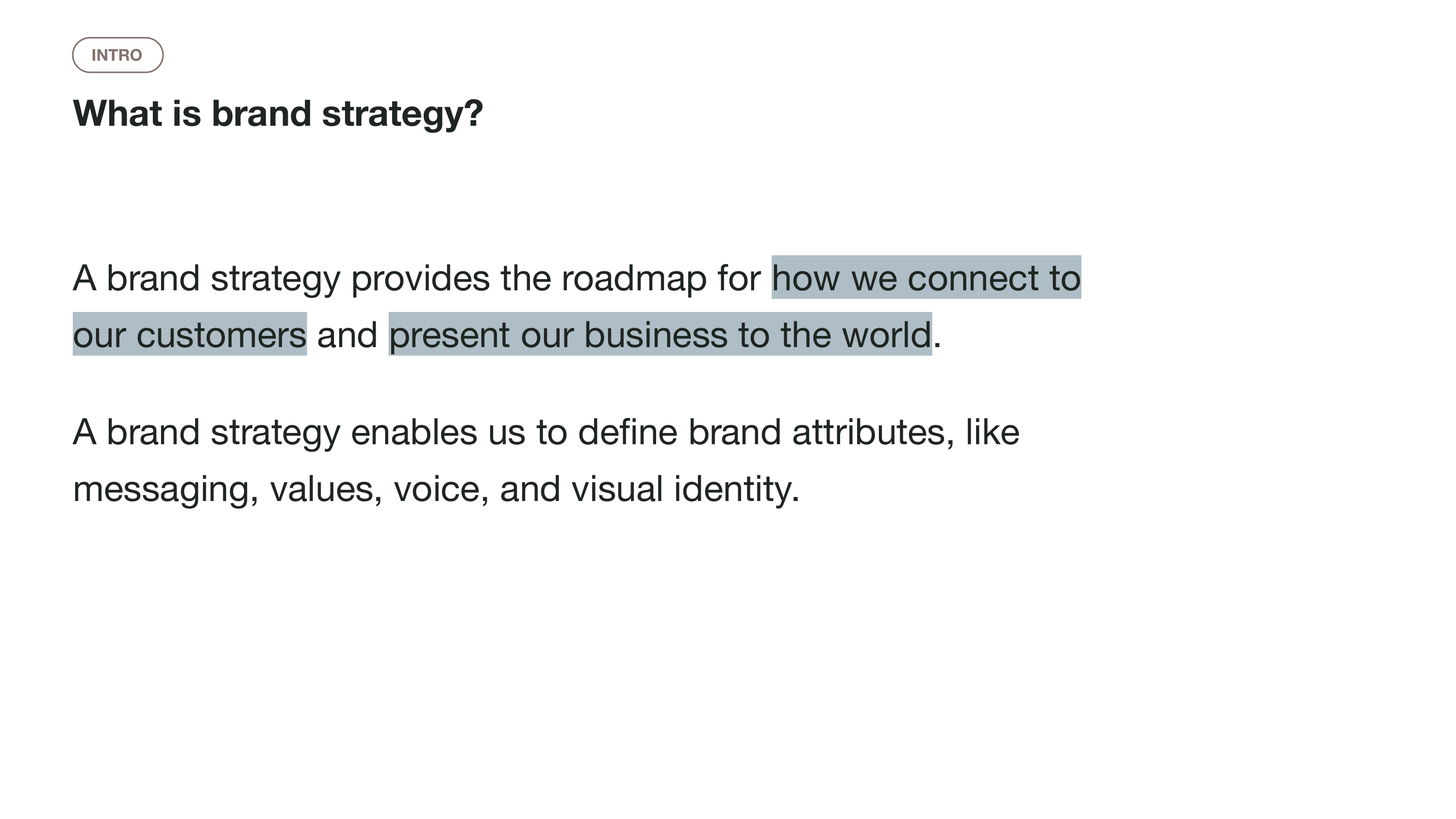
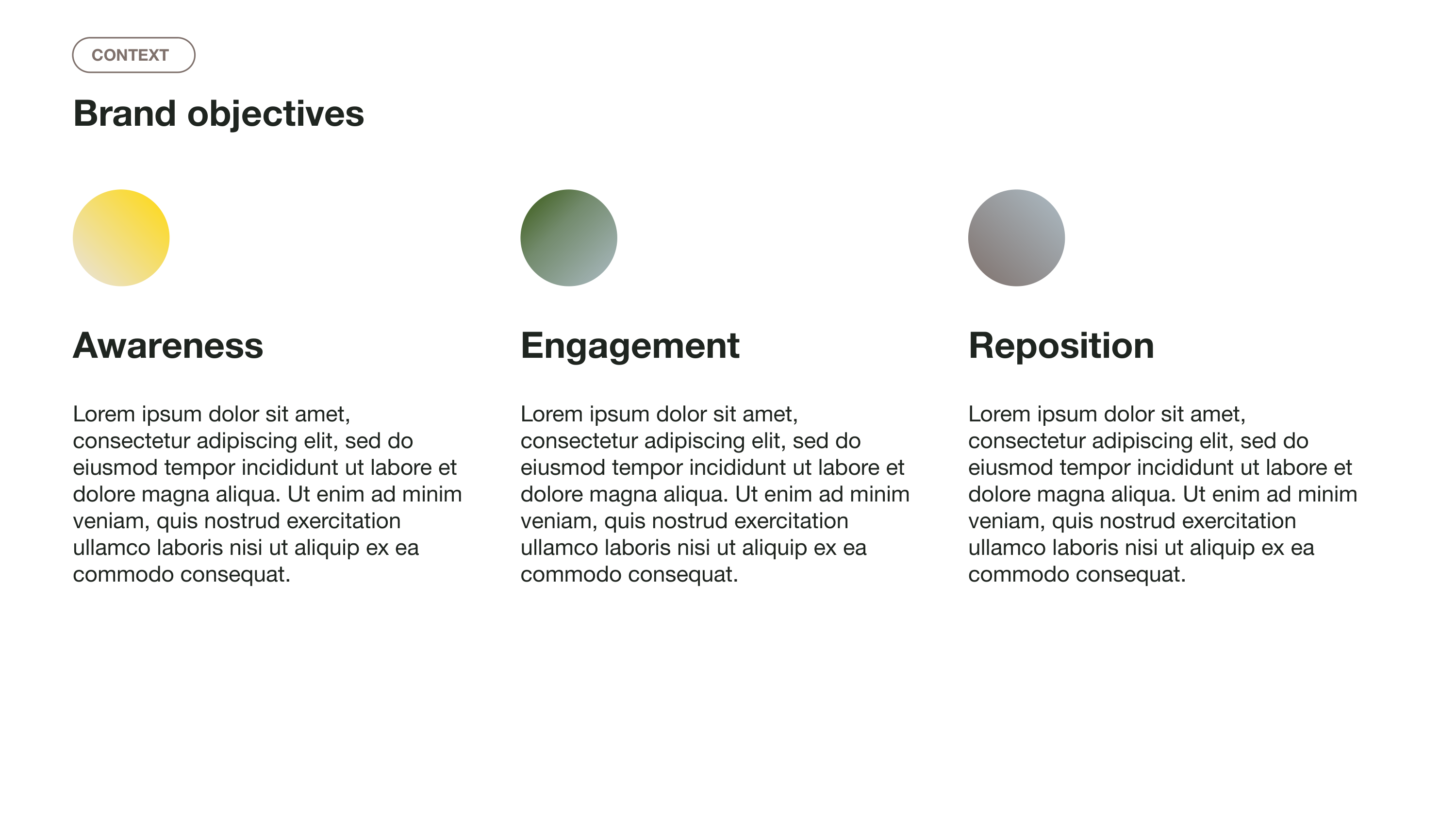
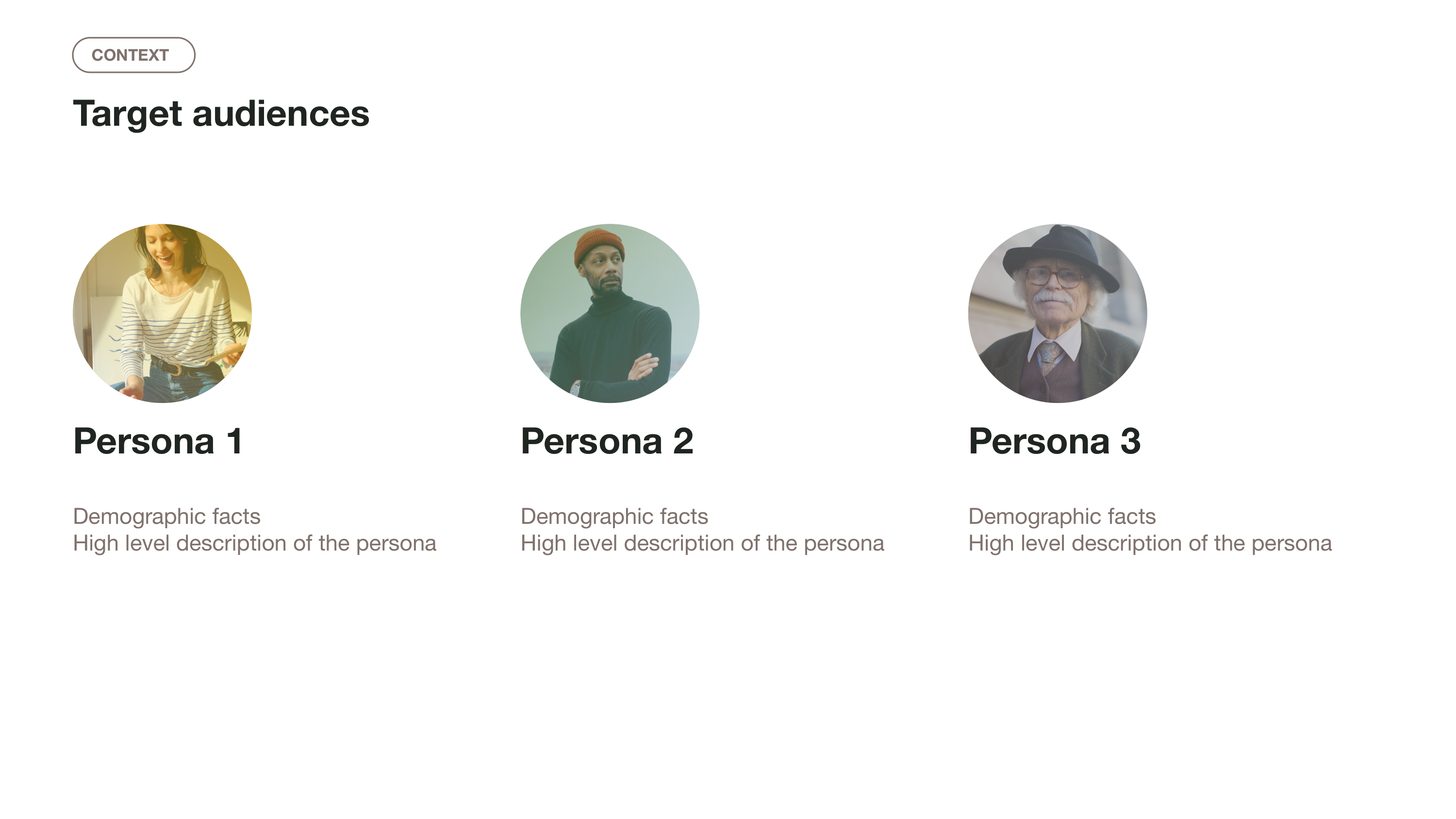
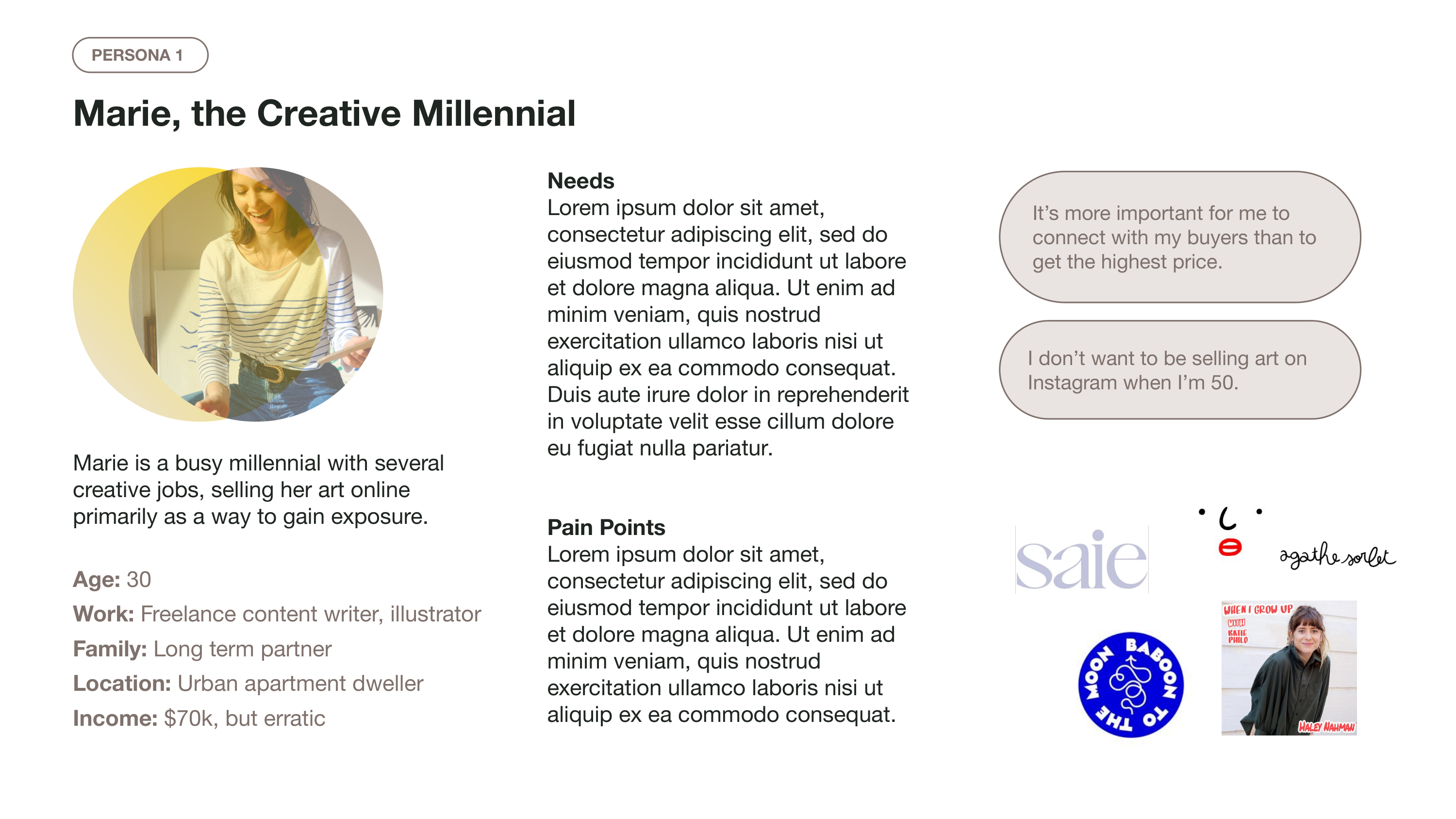
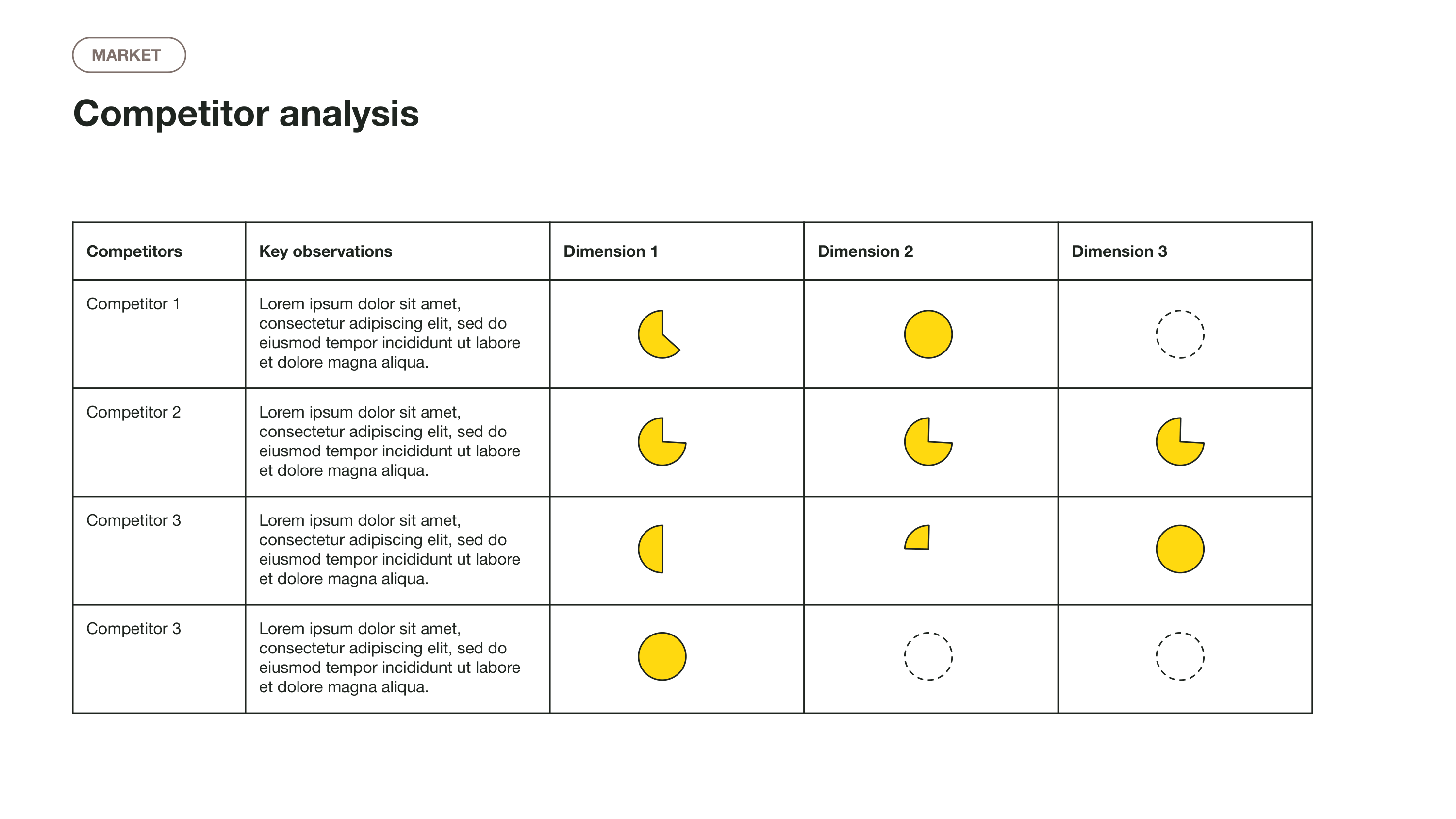
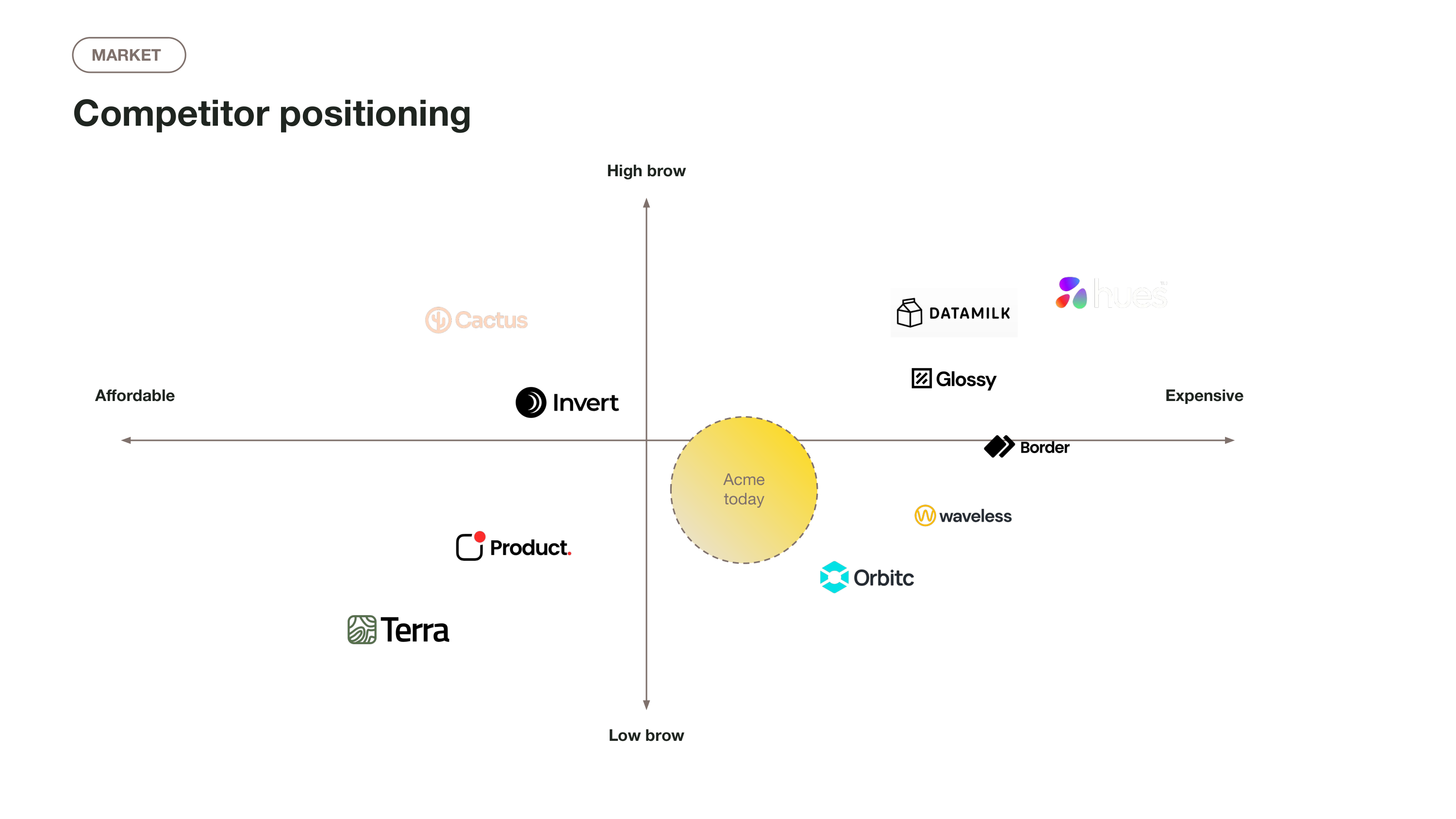
- Includes slides you can use to “recap” prior conversations, like goals and objectives, competitor analysis, market landscape, to ground the presentation.
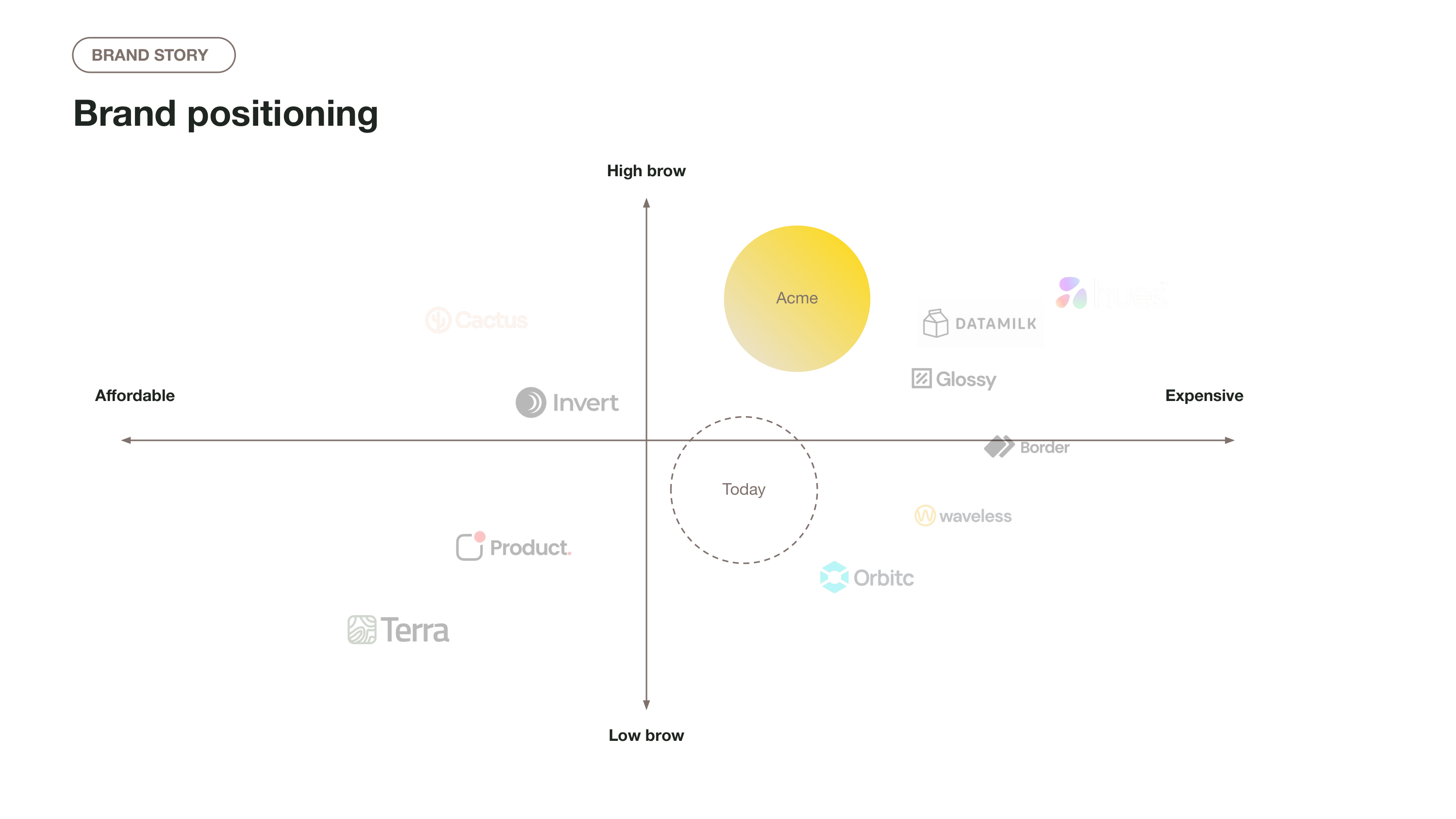
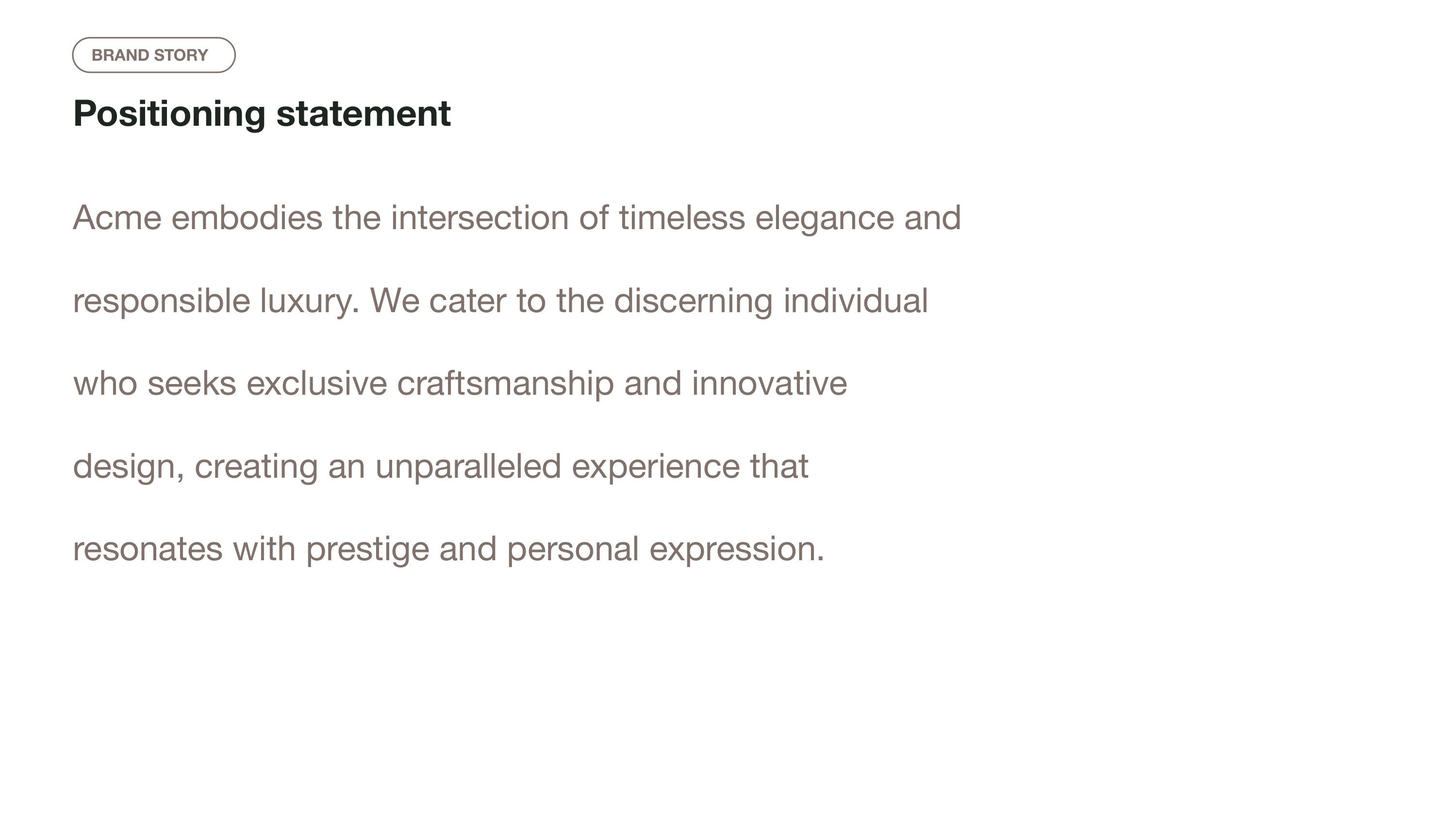
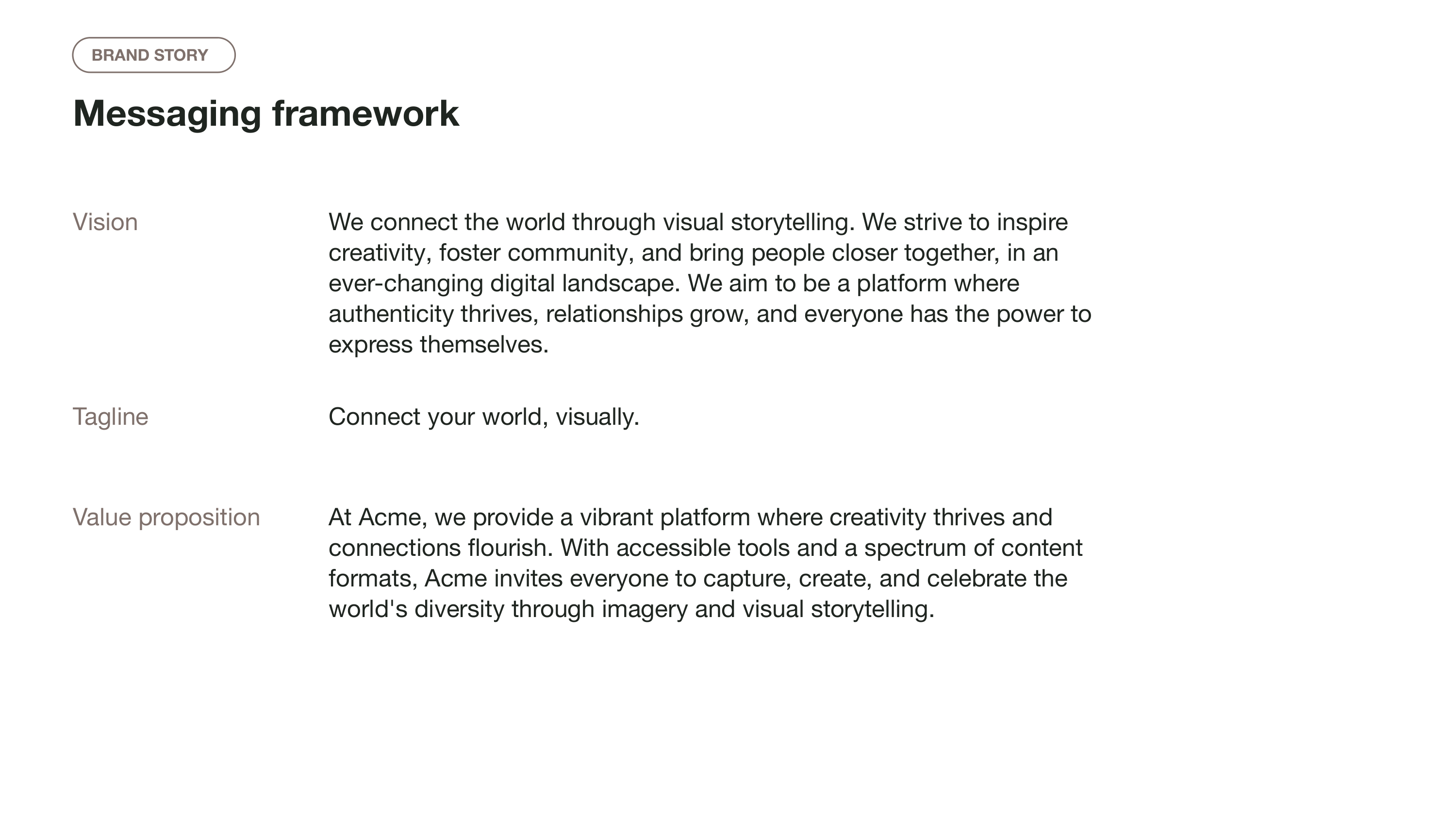
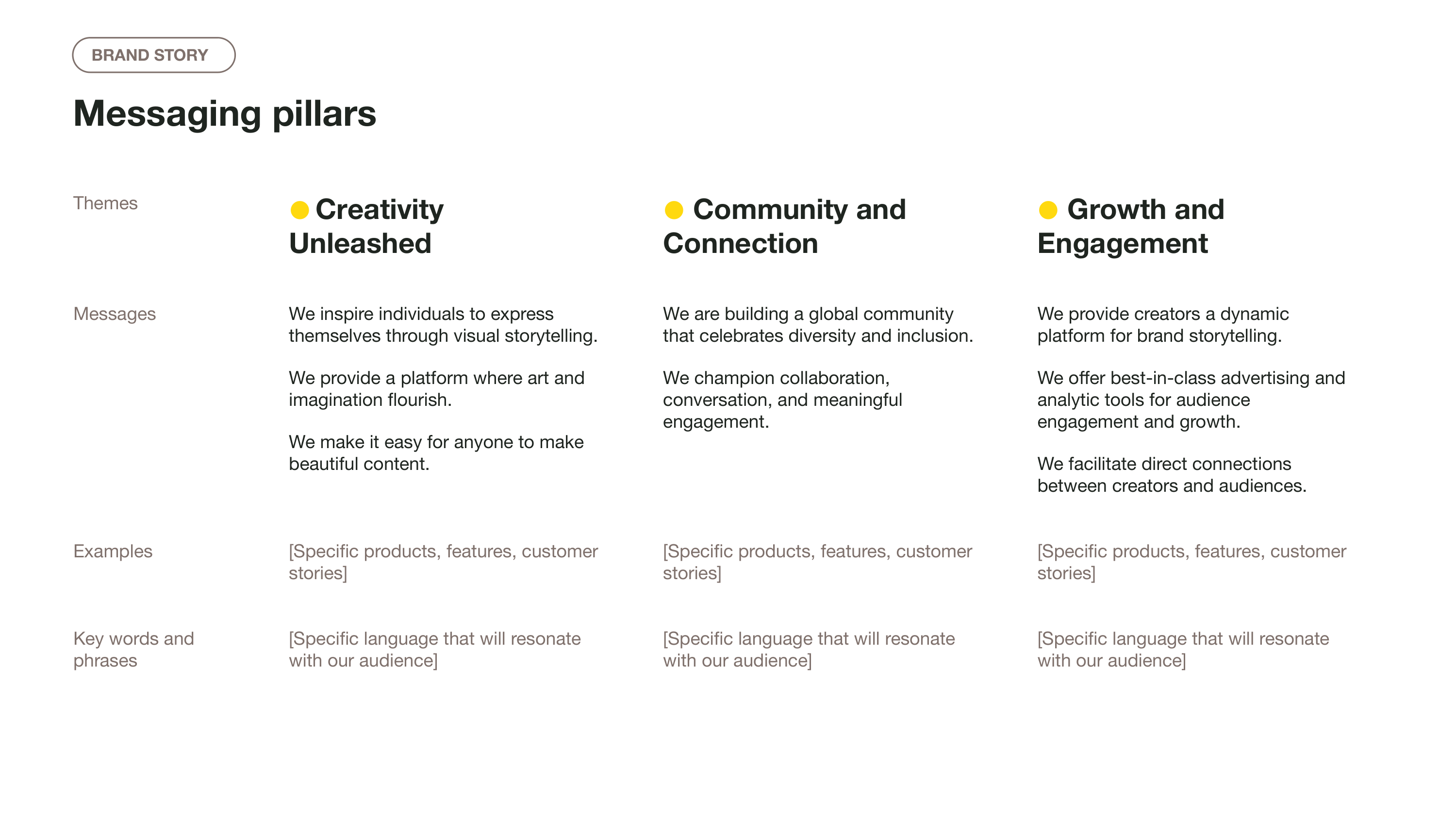
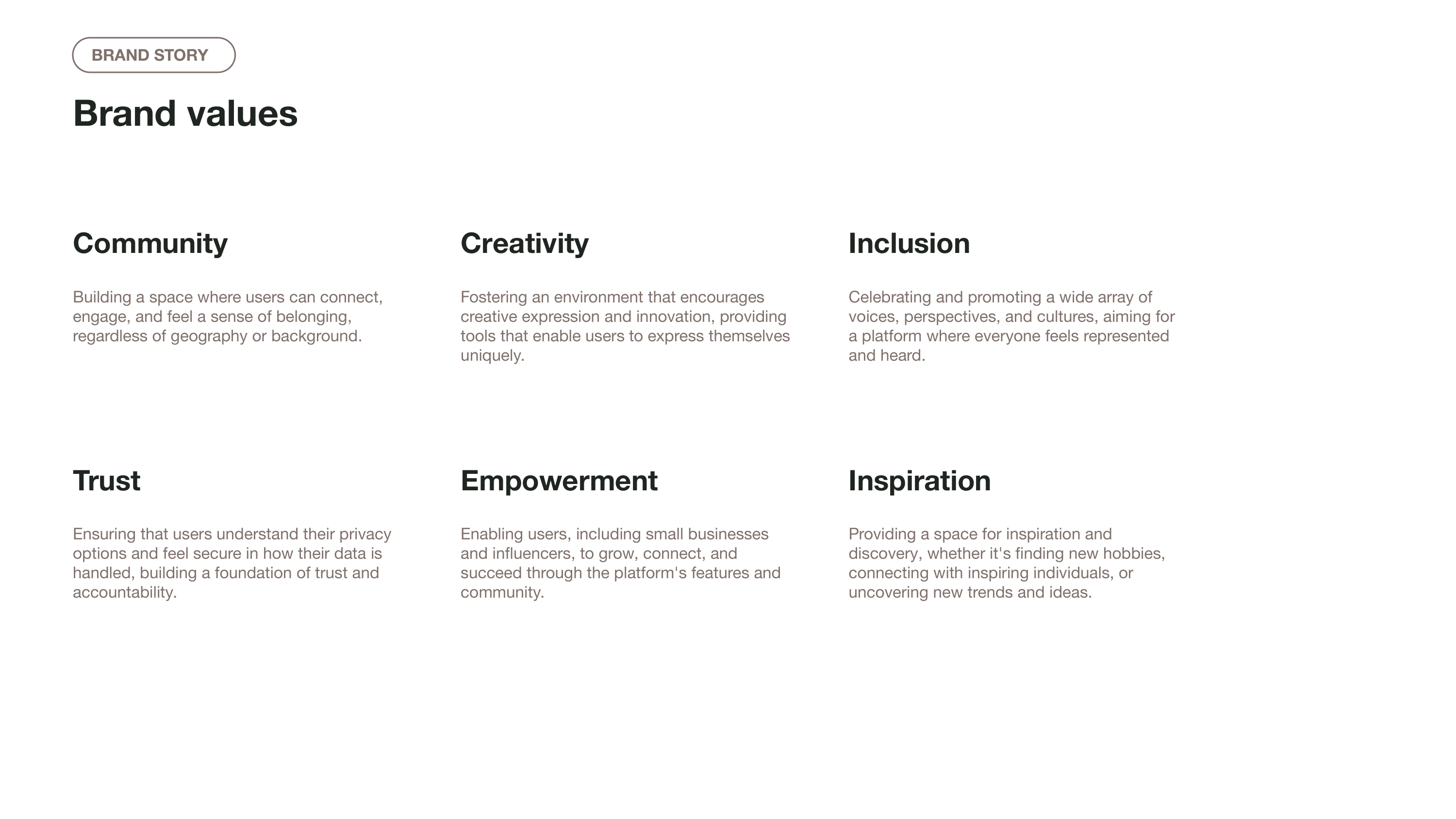
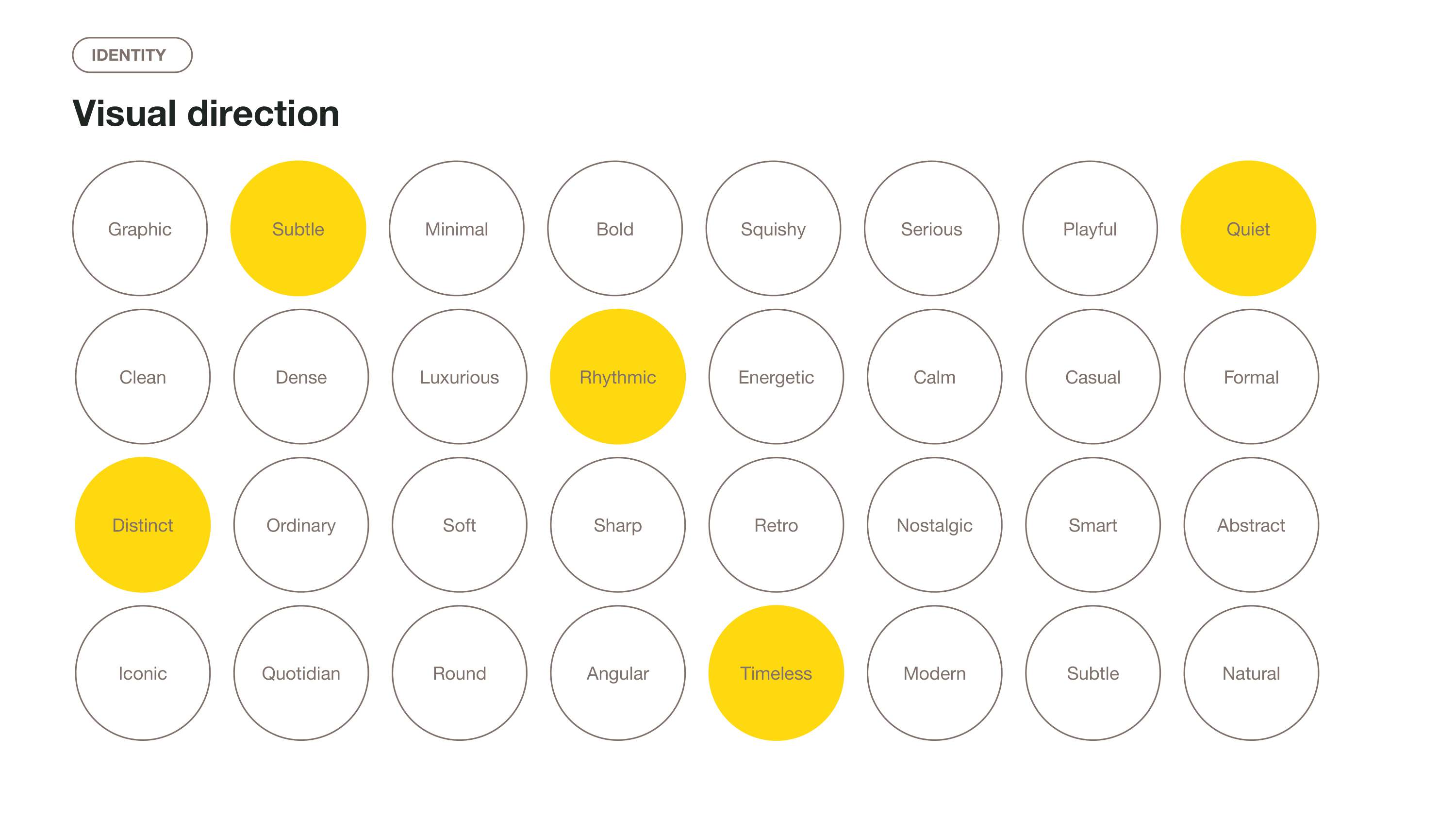
- Includes slides for brand positioning, a positioning statement, brand messaging framework, brand values, brand identity elements.
Similar resources
Plus AI for Google Slides & PowerPoint
How to use this template
Generate a custom presentation using this template in a few clicks.
Get this template- Install Plus AI for Google Slides or PowerPoint.
- Launch the add-in to create a new presentation.
- Go to “Start from a template” and select your template.
- Enter a prompt or upload a file to generate a custom presentation.
- Continue editing with Insert, Remix, and Rewrite.