Indigo
Vintage inspired, minimalist template. Looks great with black and white imagery and text-heavy content
1 / 19
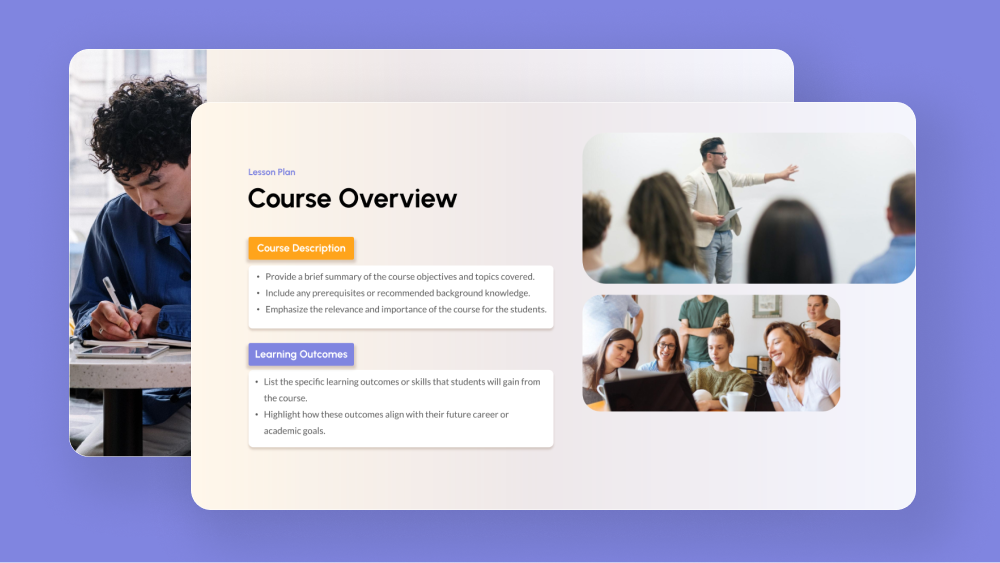
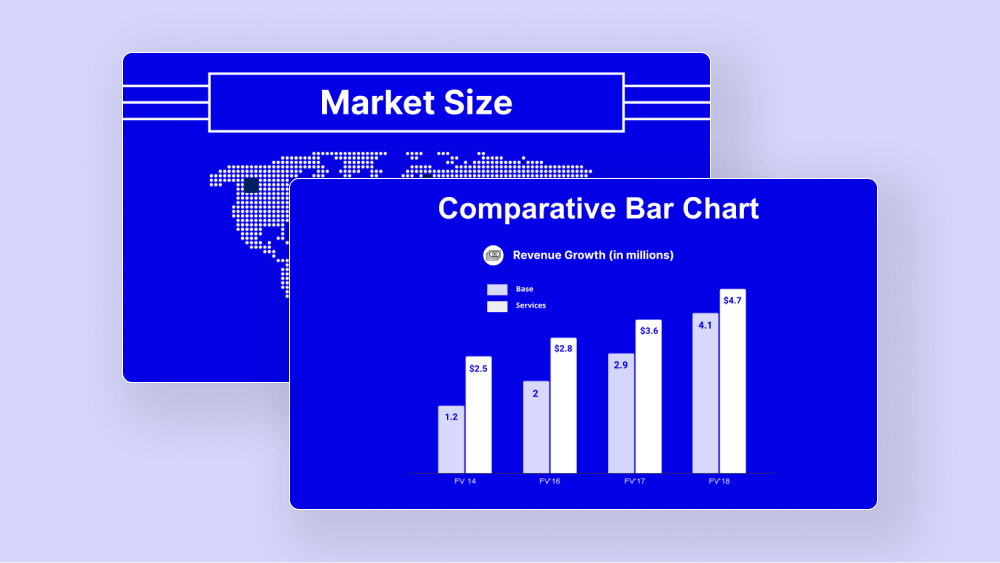
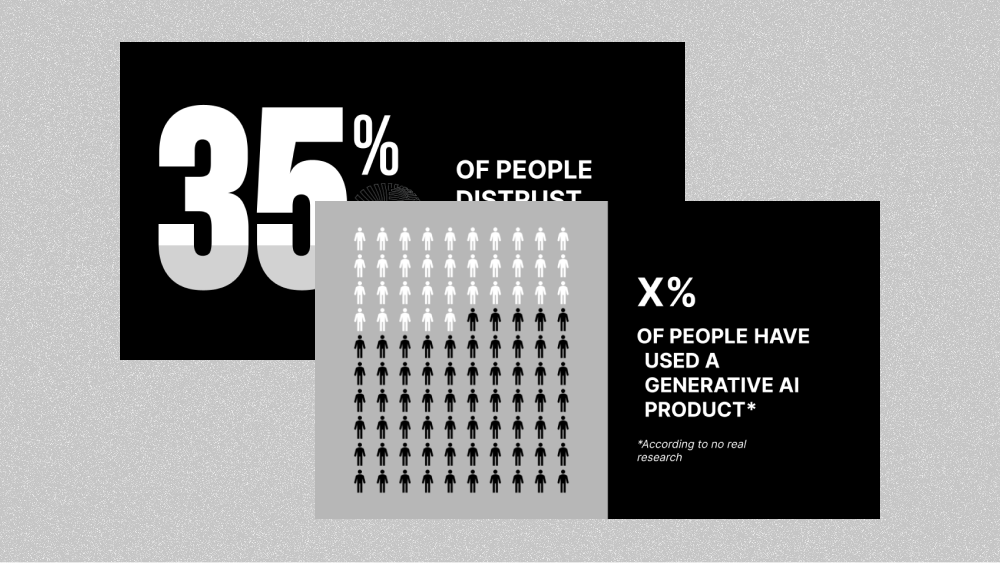
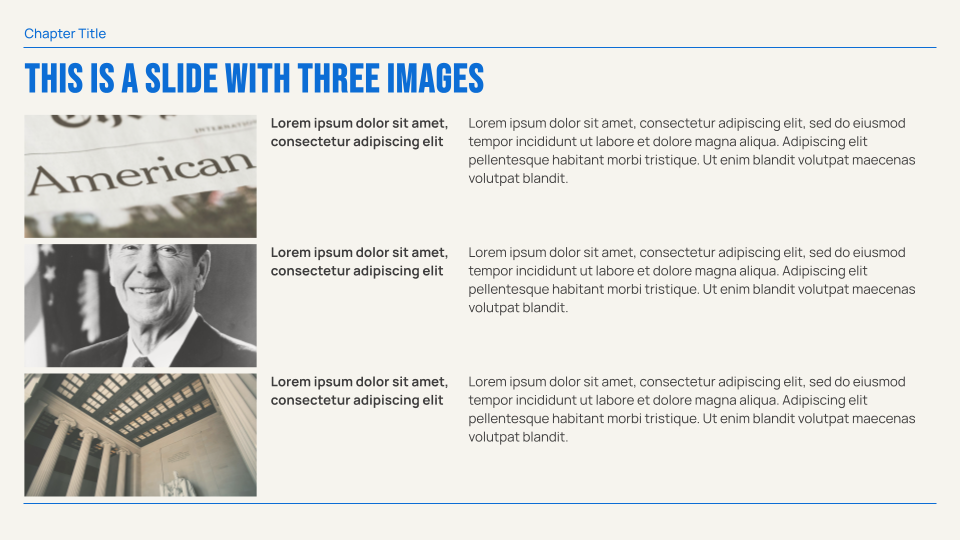
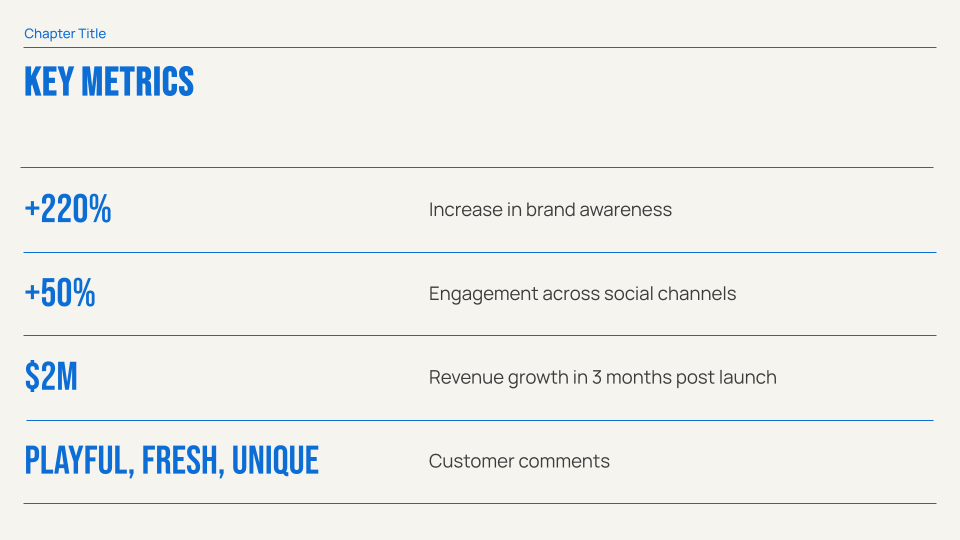
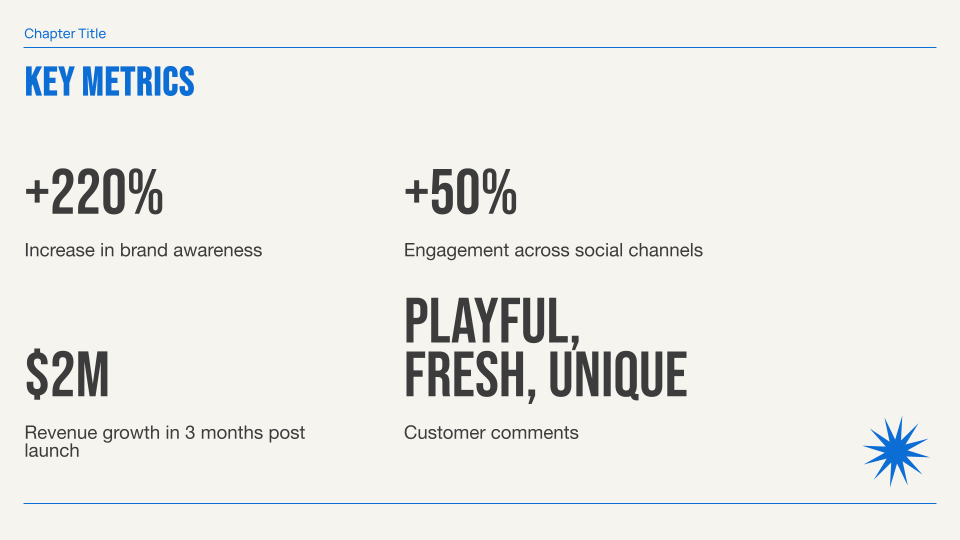
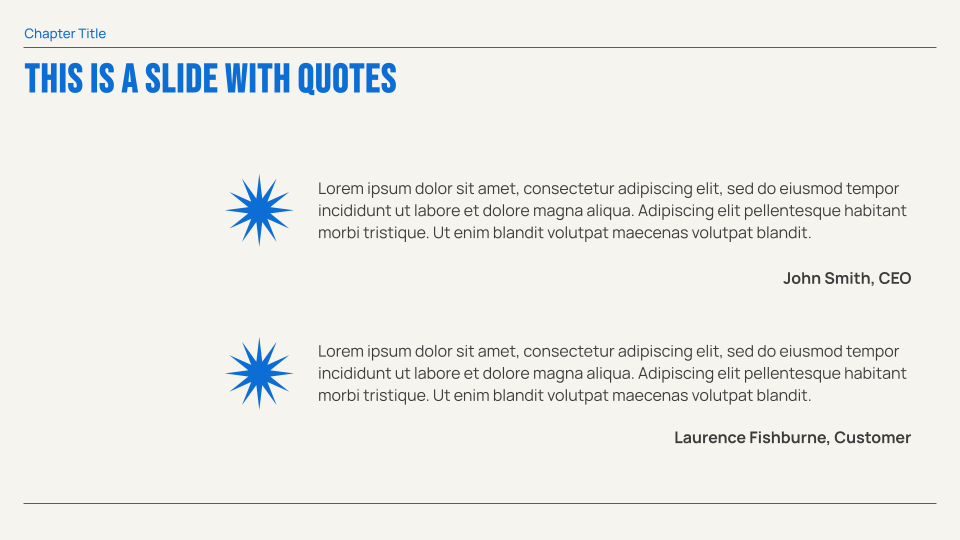
Vintage-inspired presentation template that uses strong typographic elements. The minimalist color palette and simple layouts ensure this is still suitable for all sorts of presentations. Looks equally great with text-only or image-heavy content.
When you generate slides with Plus AI, this template contains a matching image style.
Features of this template
- Vintage inspired design and color palette
- Bold typography and simple geometric accents
- Professional but unique design
- Custom AI generated image style
Tips and tricks
Plus AI for Google Slides & PowerPoint
How to use this template
Generate a custom presentation using this template in a few clicks.
- Install Plus AI for Google Slides or PowerPoint.
- Launch the add-in to create a new presentation.
- Go to “Start from a template” and select your template.
- Enter a prompt or upload a file to generate a custom presentation.
- Continue editing with Insert, Remix, and Rewrite.