
Blog
Guides, reviews, and tips for making better presentations with AI.
-
Resources
How to use AI to create individual slides
Need just one slide? Save time by asking AI to create individual slides!
-
Resources
How to change opacity in Google Slides
Need to change opacity in Google Slides? We’ll explain opacity and show you a shortcut to create slides with Plus AI.
-
Resources
How to play PowerPoint slides automatically without clicking
Need to make your PowerPoint slides play automatically? We’ll guide you through the process.
-
Resources
How to present technical knowledge to a non-technical audience
Need to explain a technical topic? Here are tips and suggestions to help you present successfully.
-
Resources
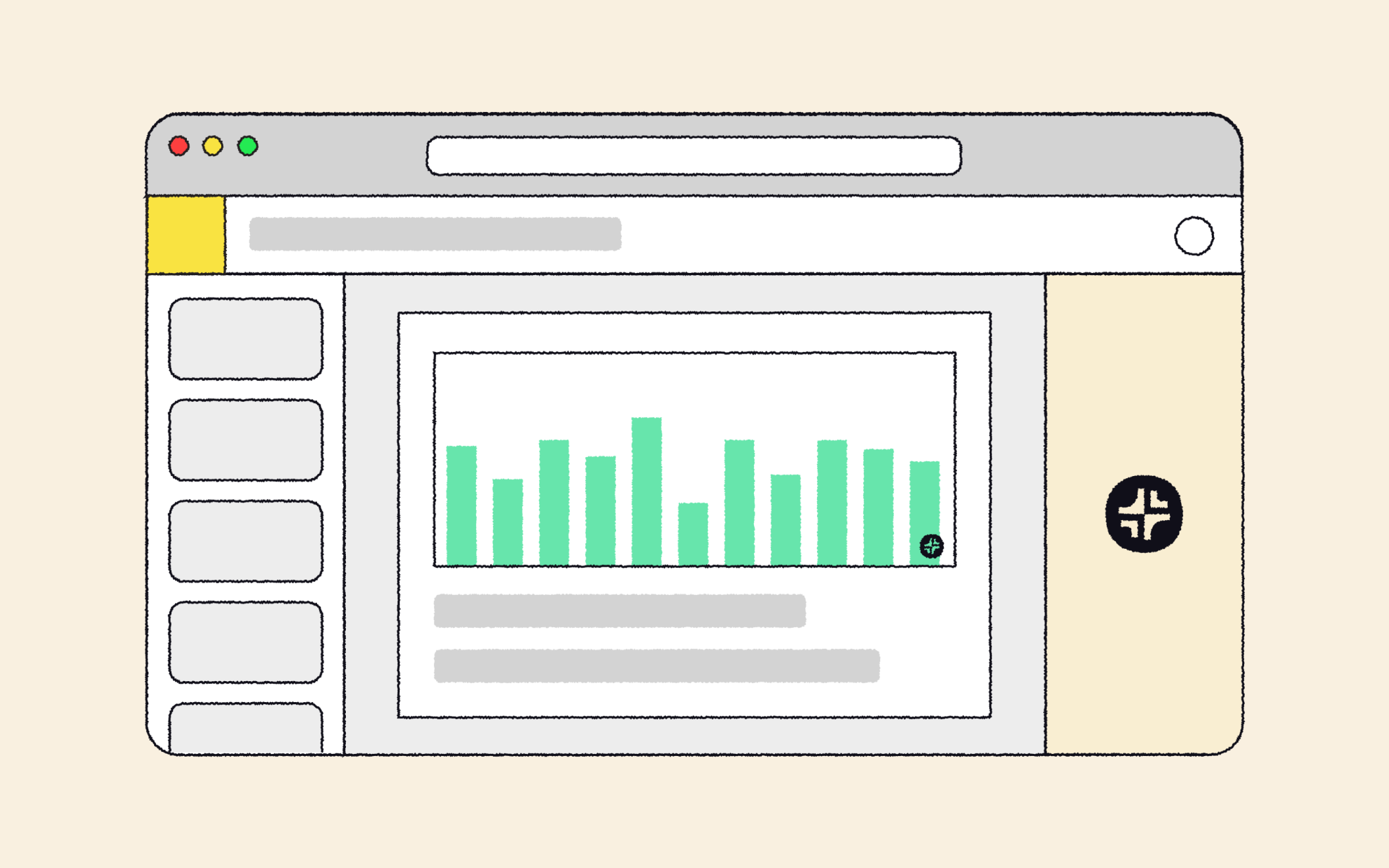
6 best PowerPoint add-ins for making presentations
Reviews of the 6 best add-ins to elevate your PowerPoint presentations
-
Resources
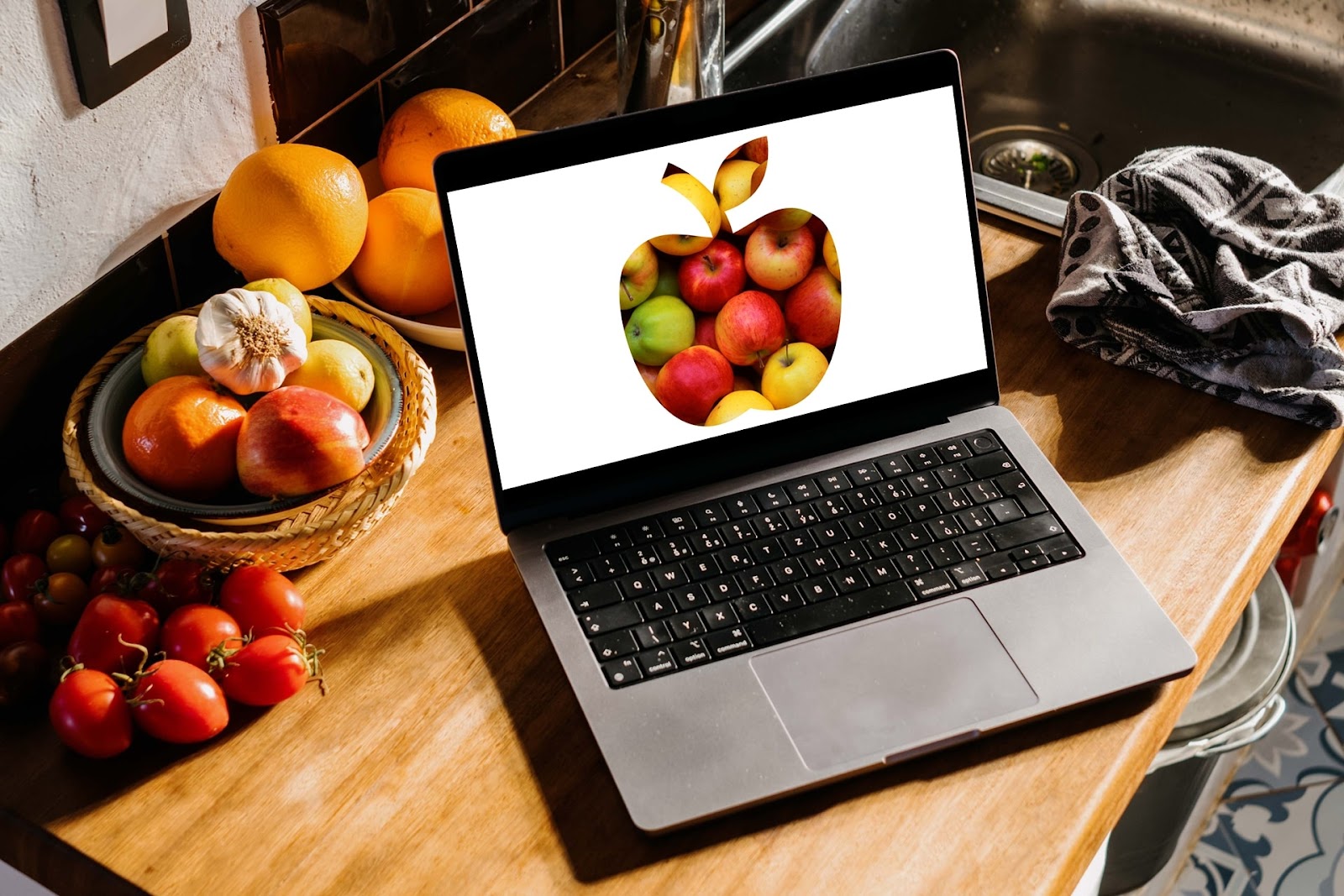
How to insert a photo inside a shape in PowerPoint
Need help making a shape with an image inside? Here’s how to put a photo inside a shape in PowerPoint.
-
Resources
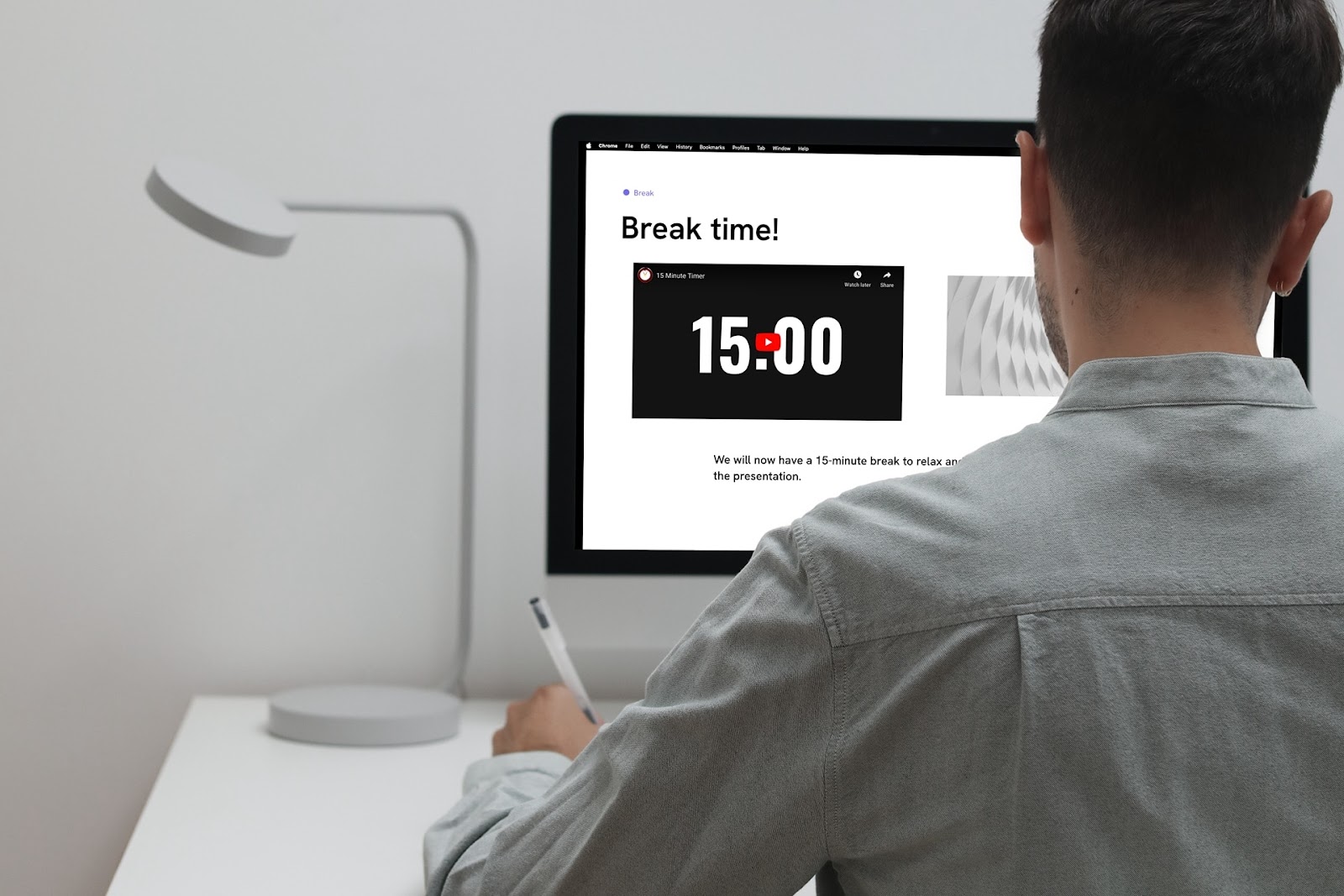
How to insert a timer into Google Slides
Need a timer in a Google Slides presentation? We’ll show you two easy ways to add a timer.
-
Resources
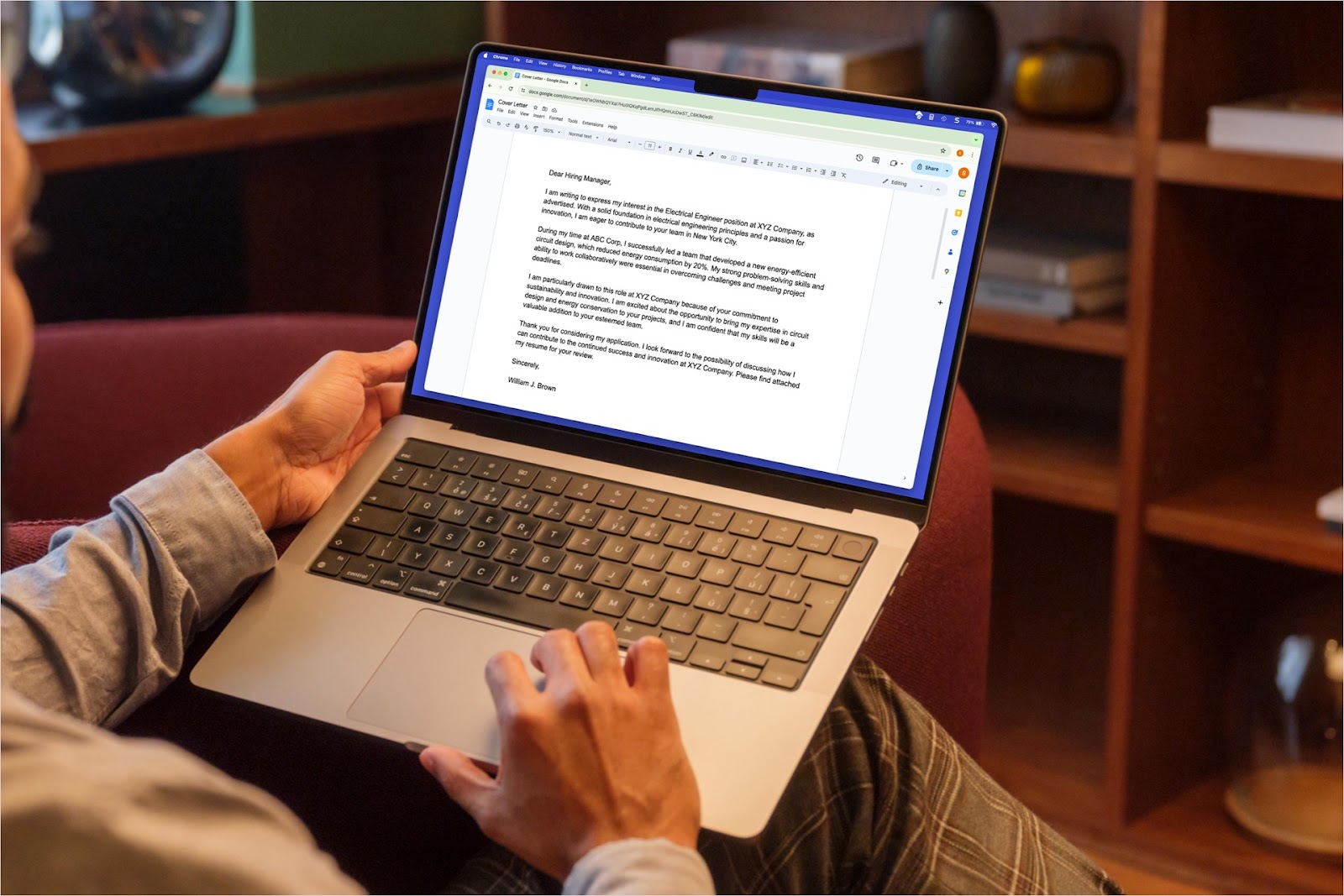
How to write a cover letter on Google Docs
Guide to writing a cover letter in Google Docs with tips, tricks, and a free template from Plus AI.
-
Resources
The 7 Best Google Slides Add-Ons
From better visuals, to AI and automation, here are the 7 best Google Slides add-ons
-

Resources
How can AI help teachers
Look at various ways that AI can help teachers including tackling tasks and speeding up the creation process.
-
Resources
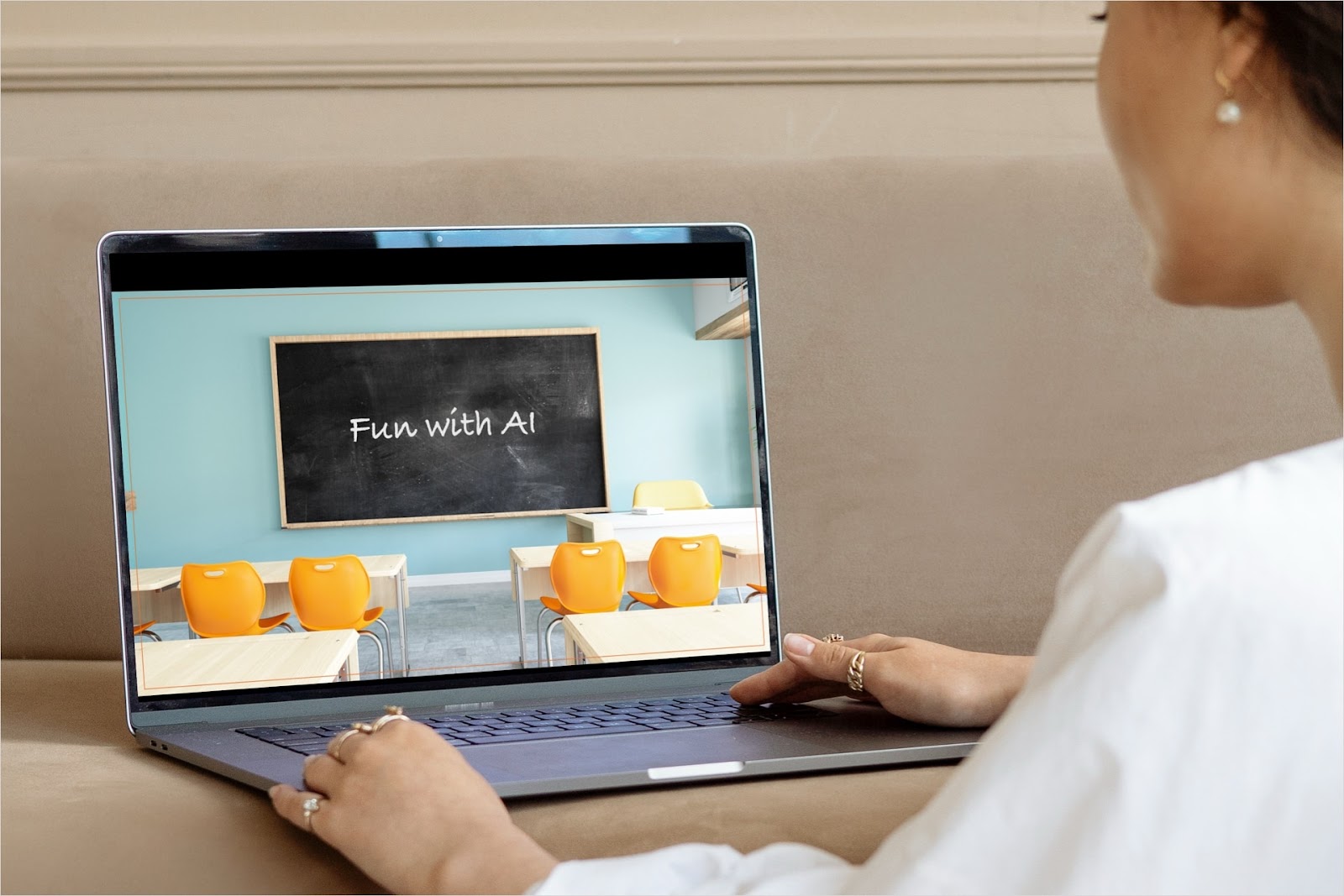
12+ Fun AI activities for students
Looking for engaging ways to teach your students about AI? Here are 12 ideas for activities.
-
Resources
How to use AI in PowerPoint
When you need help creating content and layouts for your PowerPoint, AI is the ideal tool. Here are two ways to use AI in PowerPoint for your next presentation.