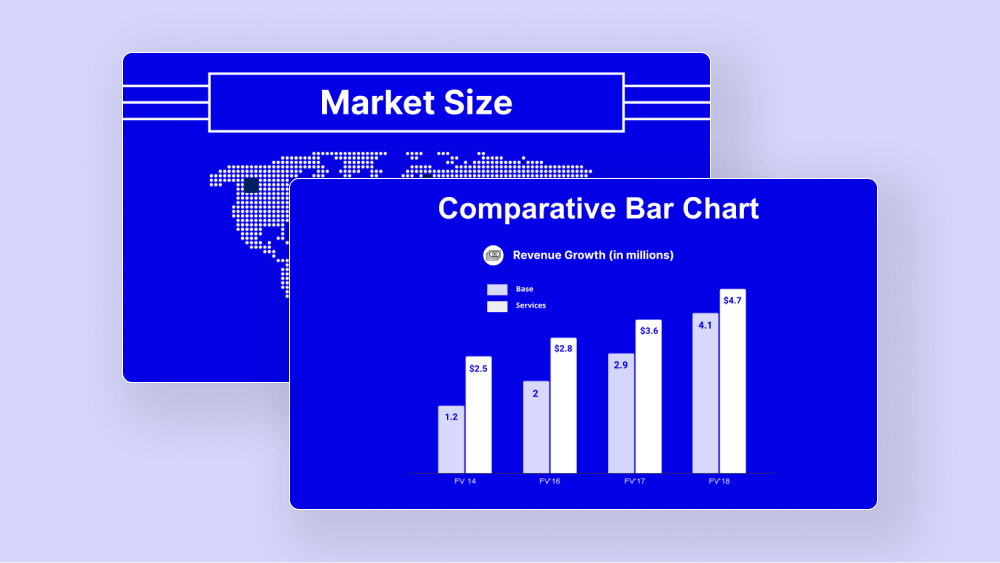
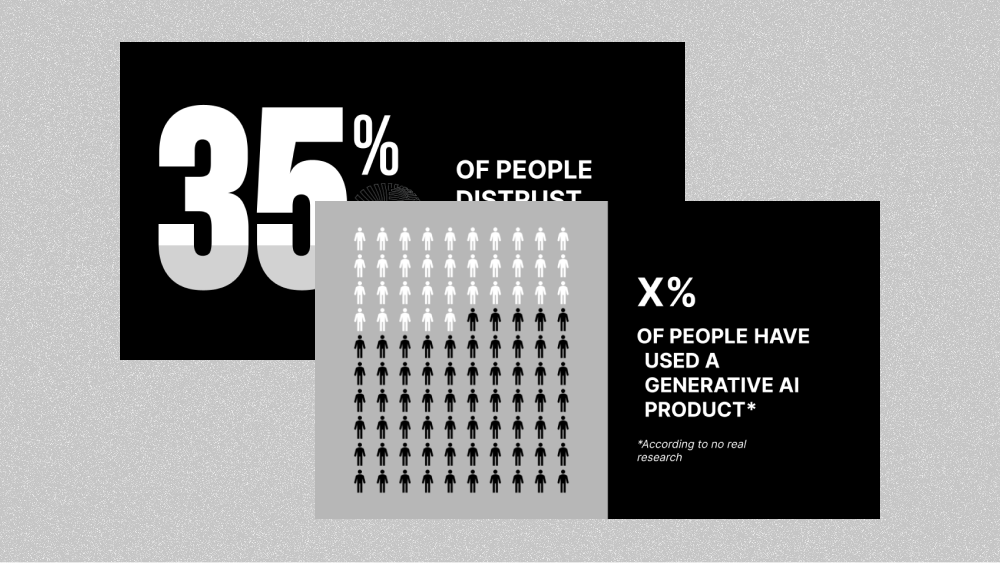
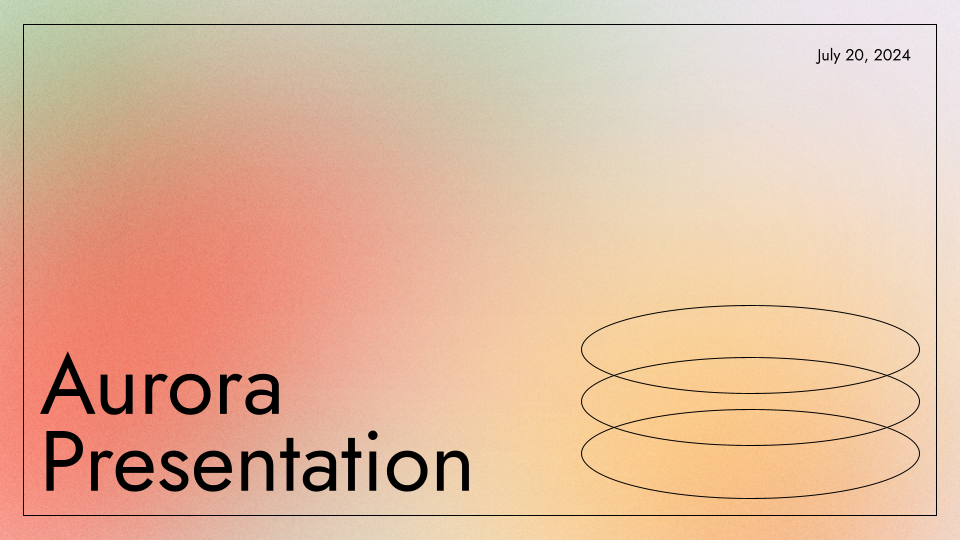
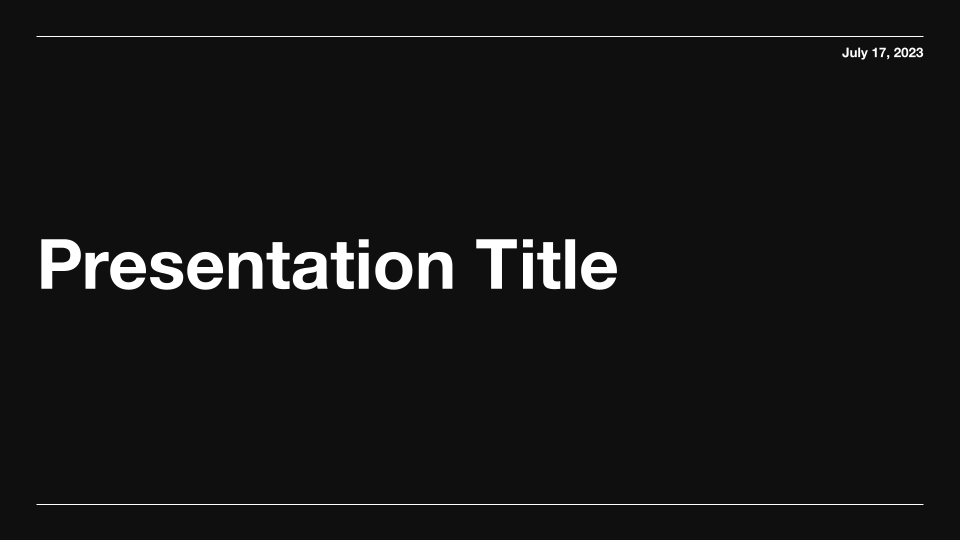
Swiss Dark Professional Presentation Template
A clean and modern dark-mode template for use with Plus AI

1 / 20
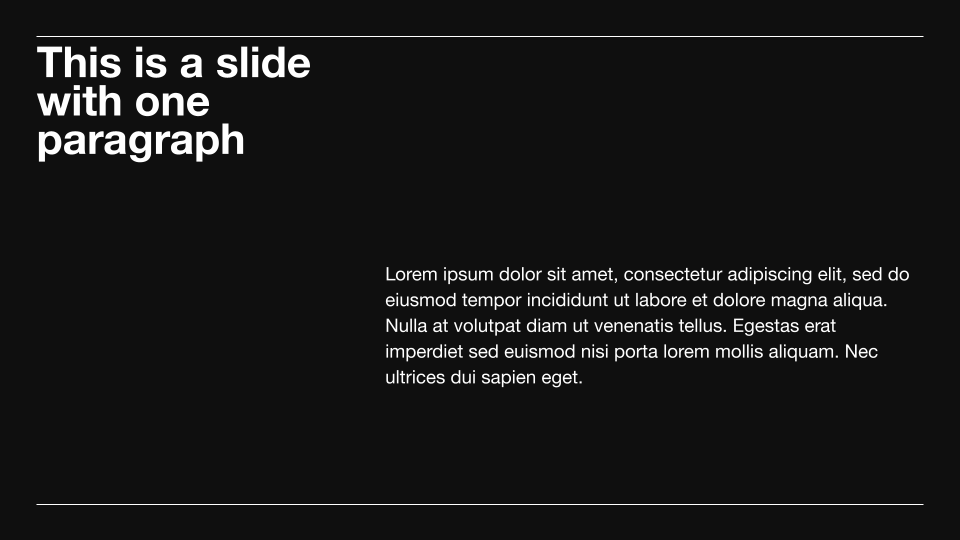
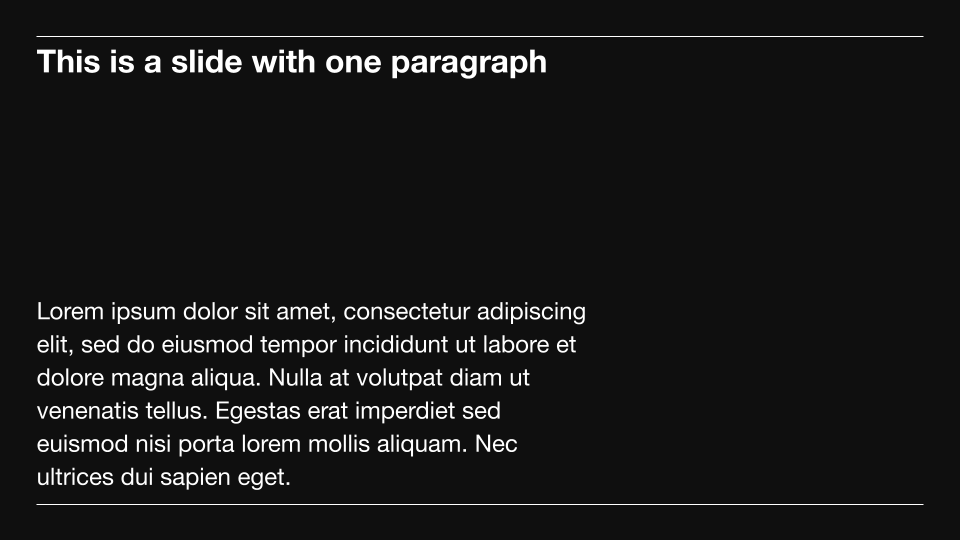
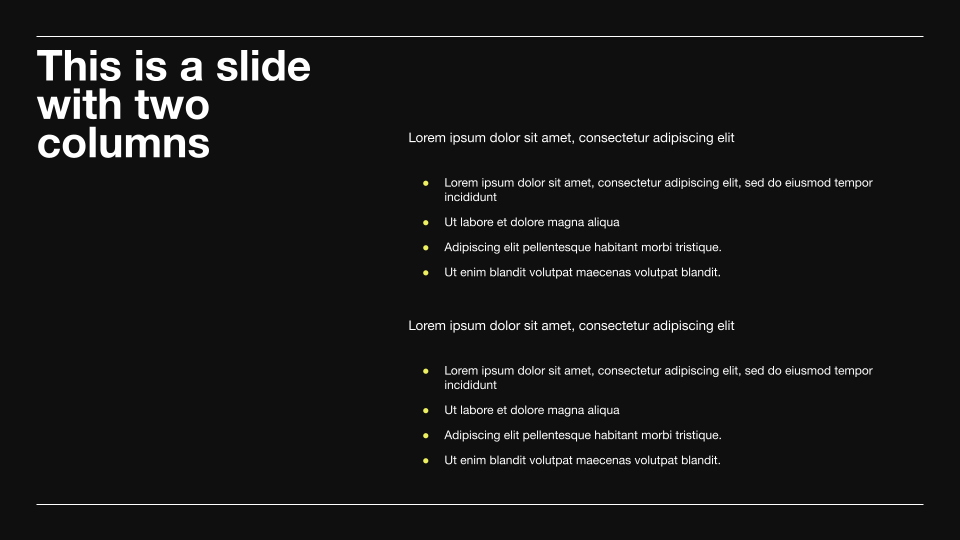
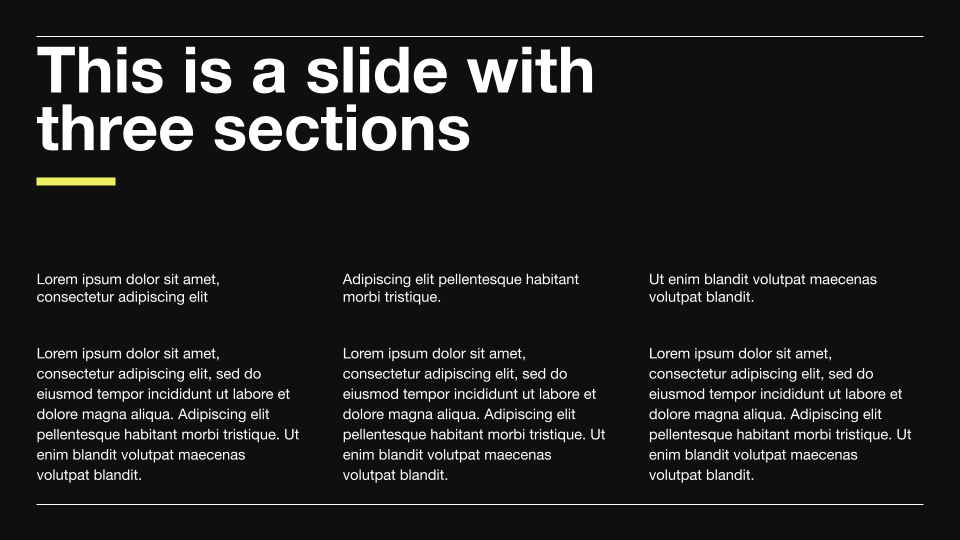
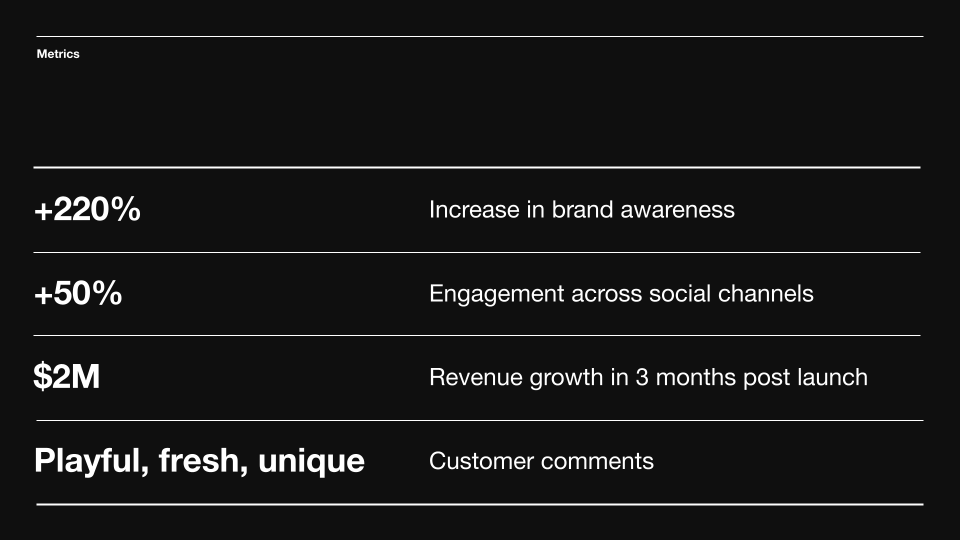
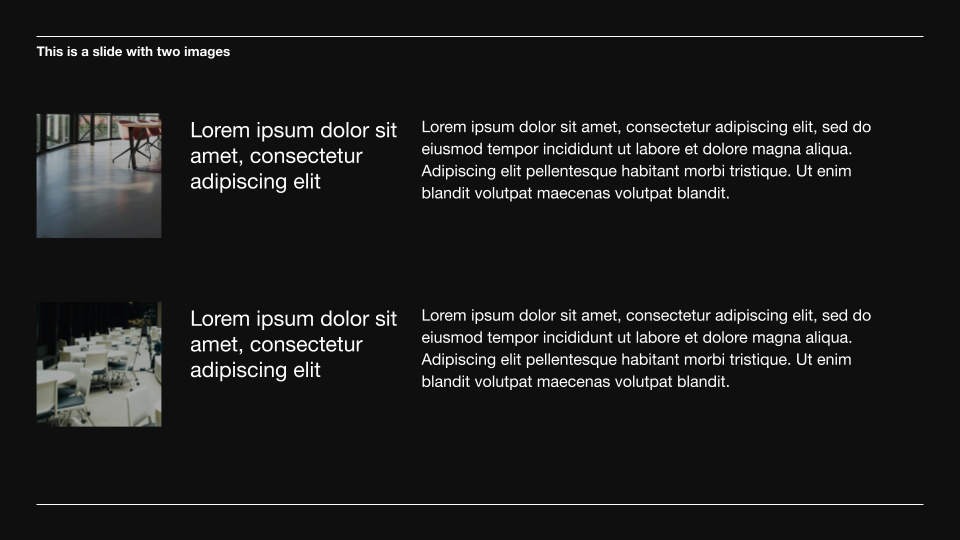
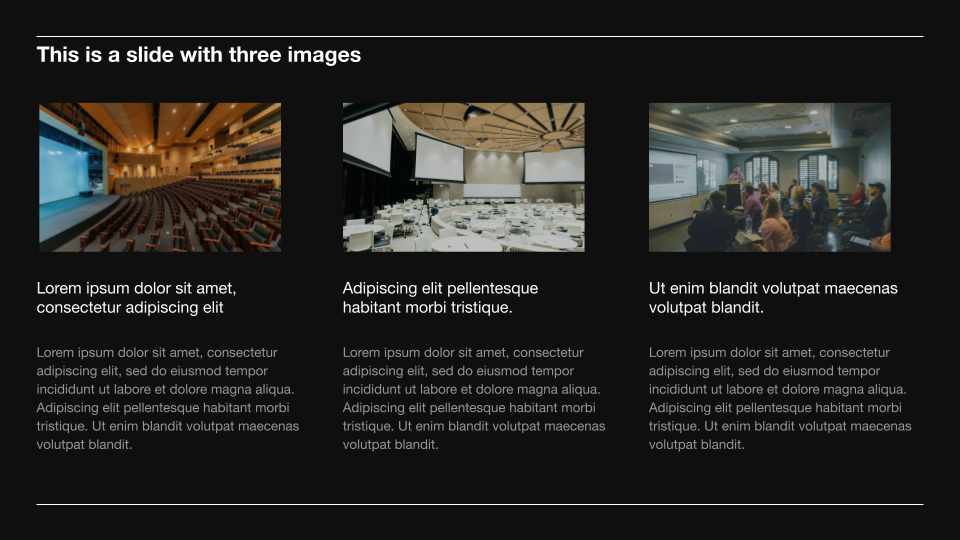
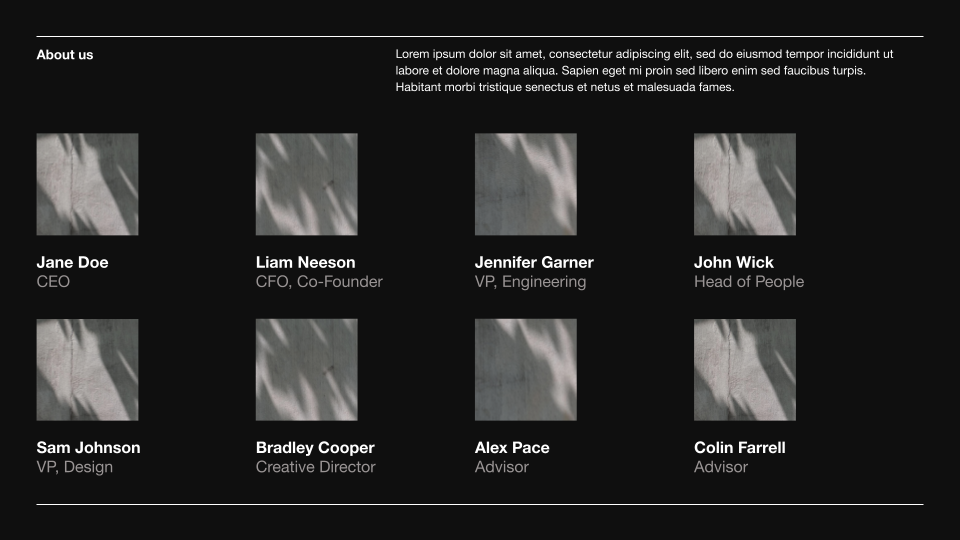
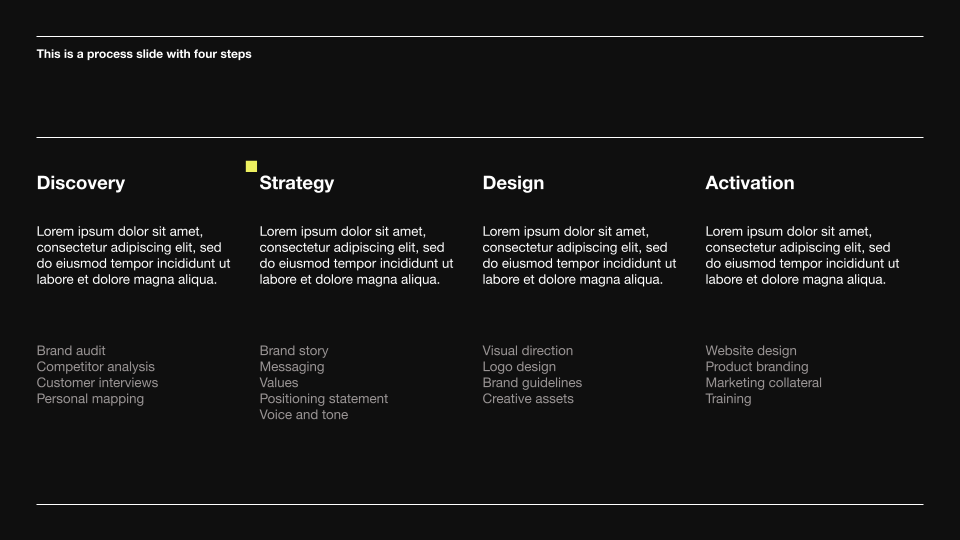
Looking for a minimalist dark presentation theme for business decks? Try this Swiss Dark Professional template using Plus AI in Google Slides or PowerPoint. Designed for professional use, it comes with special slides for metrics, testimonials, graphs, team intro, and project plan.
The black and white background creates a sophisticated canvas for text-only and image-heavy designs. Also available in light mode variant.
Features of this template
- Black and white presentation theme for business use
- Dark mode template
- Highly legible designs emphasize simple typography.
- Minimalist slides work well with text-only and image-heavy designs.
- Complete with business-oriented slides like project plan, testimonials, and metrics
- Suitable for company updates, pitch decks, interviews, case studies, and other use cases.
- Free to use with PlusAI inside Google Slides and PowerPoint
More than a static template
So much better than a “normal” template that you have to fill out manually.
- Generate a custom presentation in a minute or two.
- Start from any prompt you want, or upload an existing document.
- Use remix to transform your existing slides in just a few clicks.
- Use any language.
Keep exploring
- Learn about Plus AI, presentation maker for Google Slides
- Get the Plus AI for Google Slides add-on in Google Marketplace
- Compare Plus with AI presentation generators like Gamma and Slidesgo
Plus AI for Google Slides & PowerPoint
How to use this template
Generate a custom presentation using this template in a few clicks.
- Install Plus AI for Google Slides or PowerPoint.
- Launch the add-in to create a new presentation.
- Go to “Start from a template” and select your template.
- Enter a prompt or upload a file to generate a custom presentation.
- Continue editing with Insert, Remix, and Rewrite.