
Set up custom branding with Plus for Teams
-
 Customize fonts and colors
 - Upload your logo

AI presentations for consultants
Prompt, polish, and present. Spend less time on slides and more time with clients.
Generate
Recommending new technology and AI investments to your clients? It's time to start using AI yourself. Use Plus AI to create a new client presentation. Start with a prompt or a doc, and Plus AI will take your ideas and convert them into slides.
Wish you had a full-time slide design team? Plus AI works 24/7 to automatically use AI to reformat slides for you. You can write a few notes or copy-paste a full article onto your page. Then use Plus AI's Remix feature to pick a slide template and format your content into the desired slide type.
Plus AI offers a library of professionally-designed slide templates for consultants. If you want more customization, you can explore our custom branding options and our ability to use your custom slide templates.
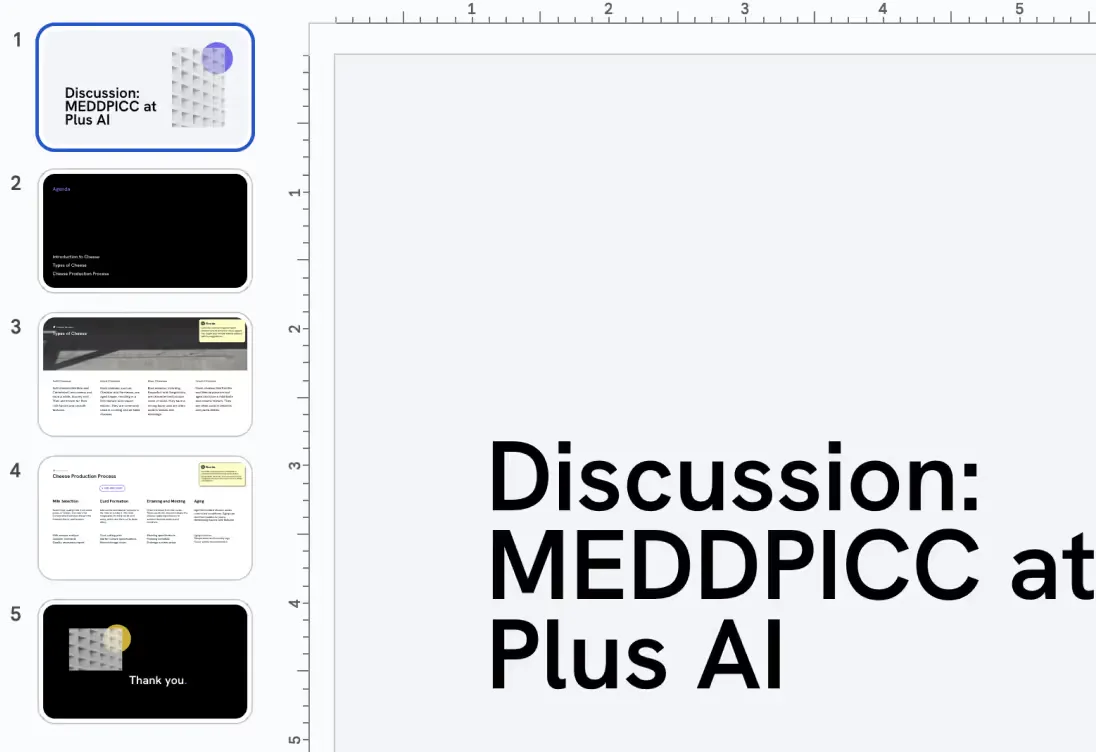
Create customized decks for each of your prospects and customers.
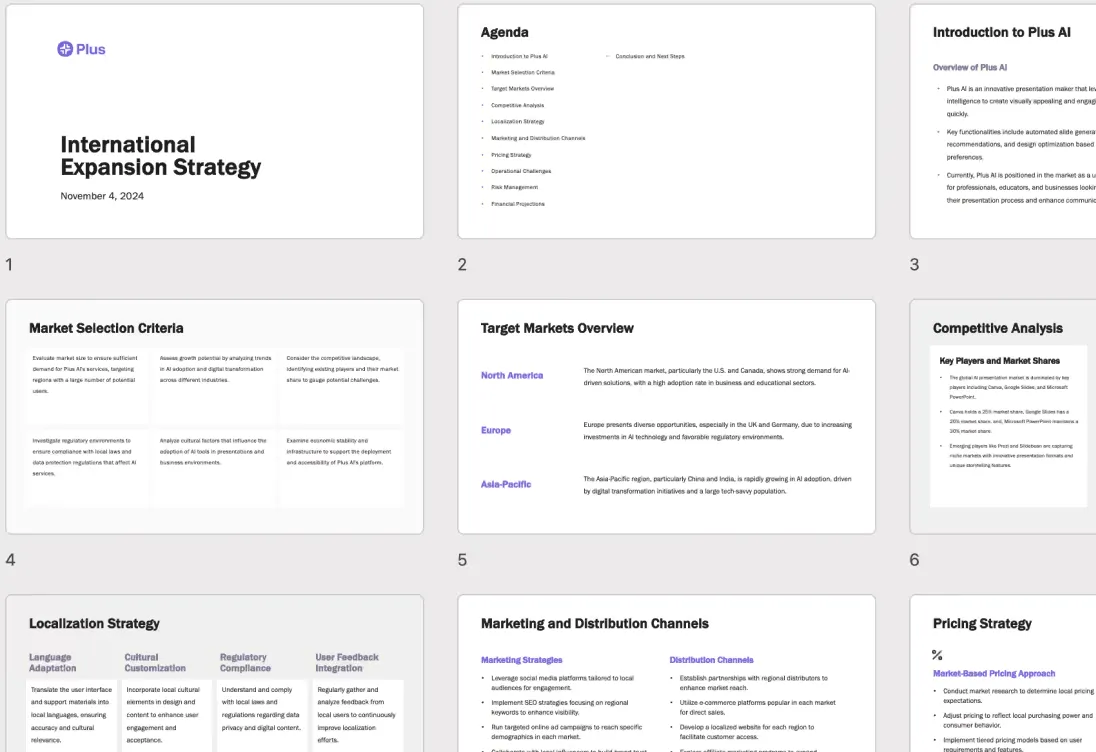
Plus AI is the perfect partner to help you draft your strategy presentation.
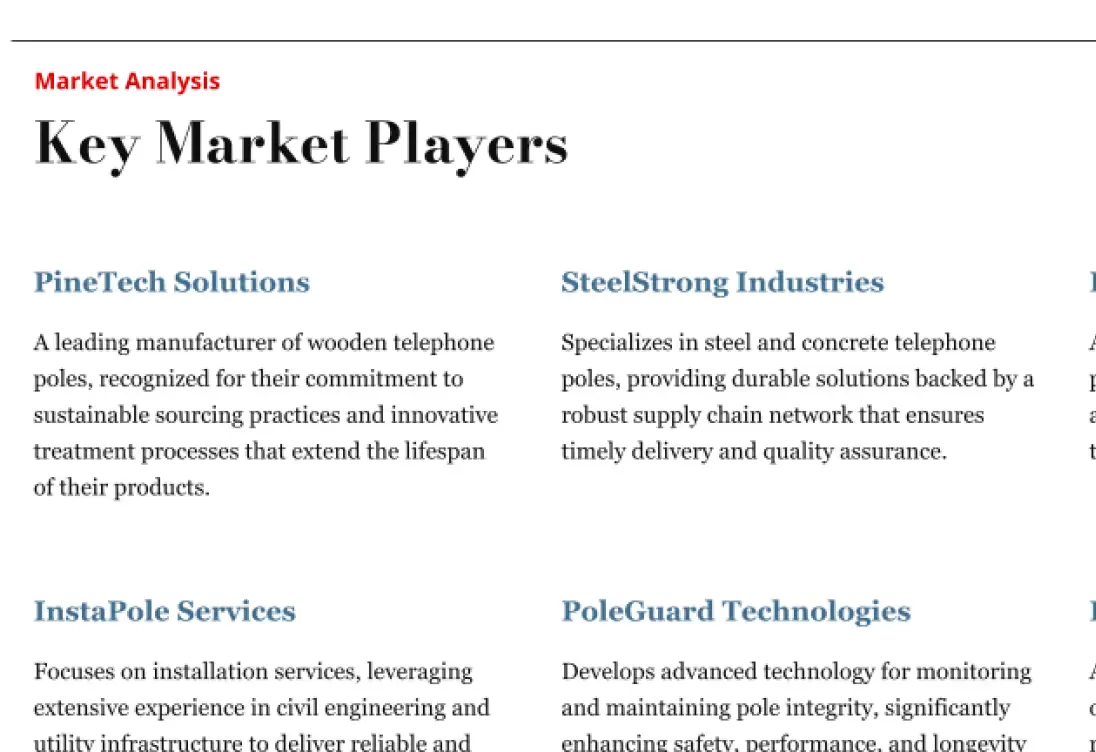
Use AI to quickly create materials and get up to speed on new topics.
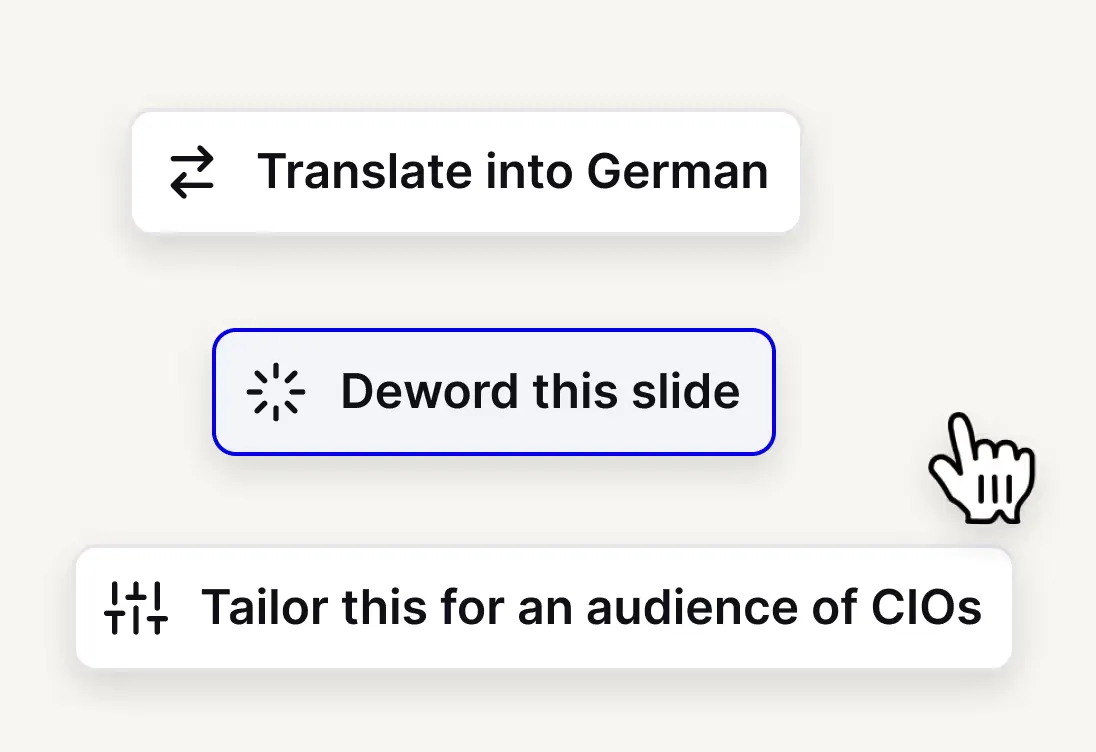
Deword, reword, and tailor your message for different audiences.
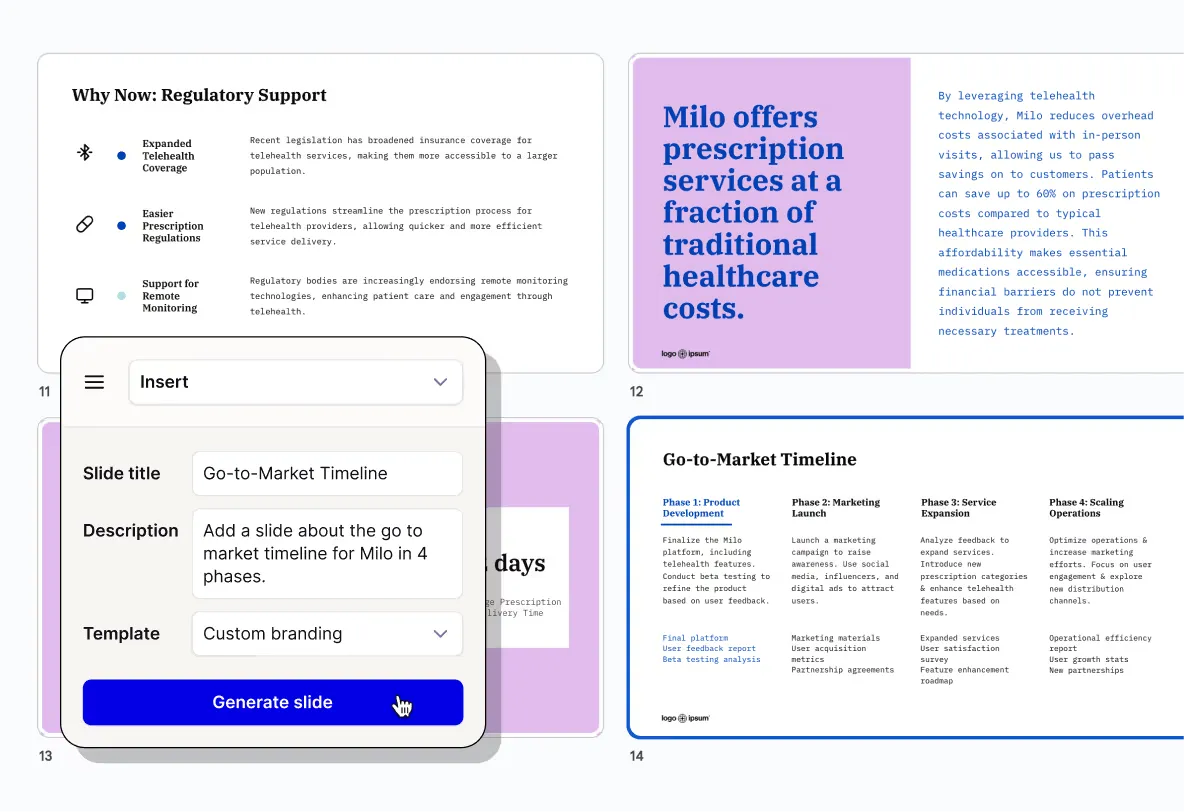
Make branded presentations easy by uploading a logo and brand colors
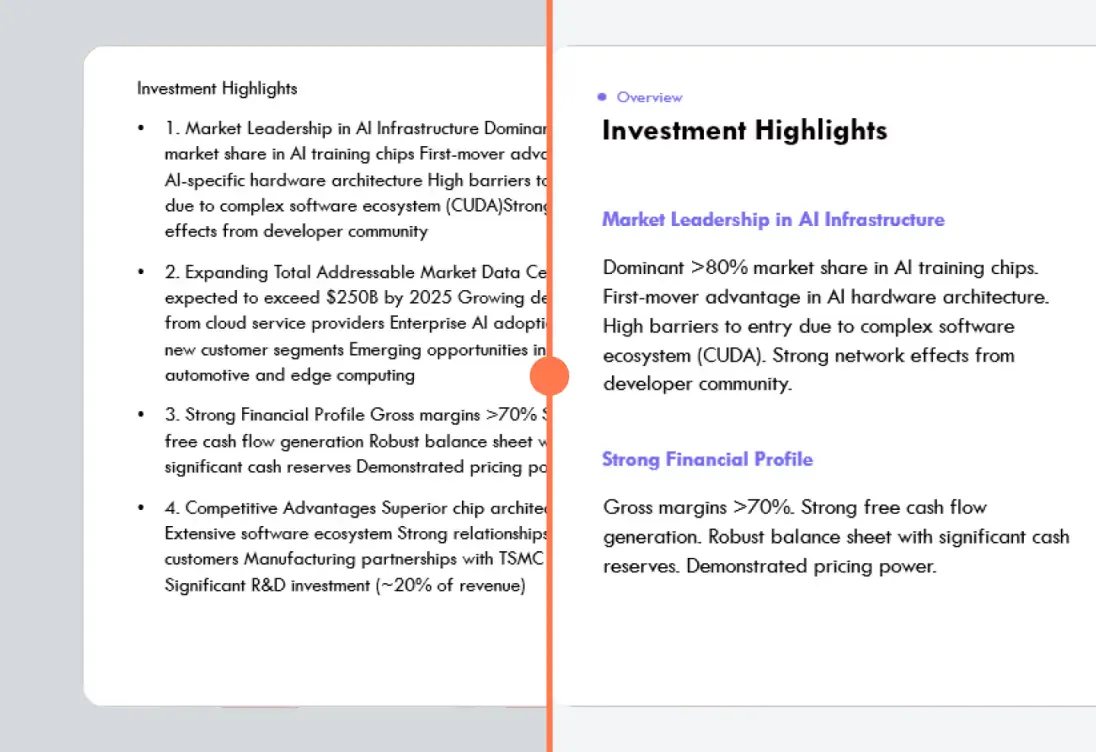
Just write down your thoughts, and let AI turn them into formatted slides for you
Sie brauchen keine weitere App
Plus funktioniert überall, wo Sie es tun, sodass Sie Präsentationen direkt in erstellen und bearbeiten können Google Slides und Powerpoint. Everything you generate with Plus is yours forever.
Kostenlose Testversion starten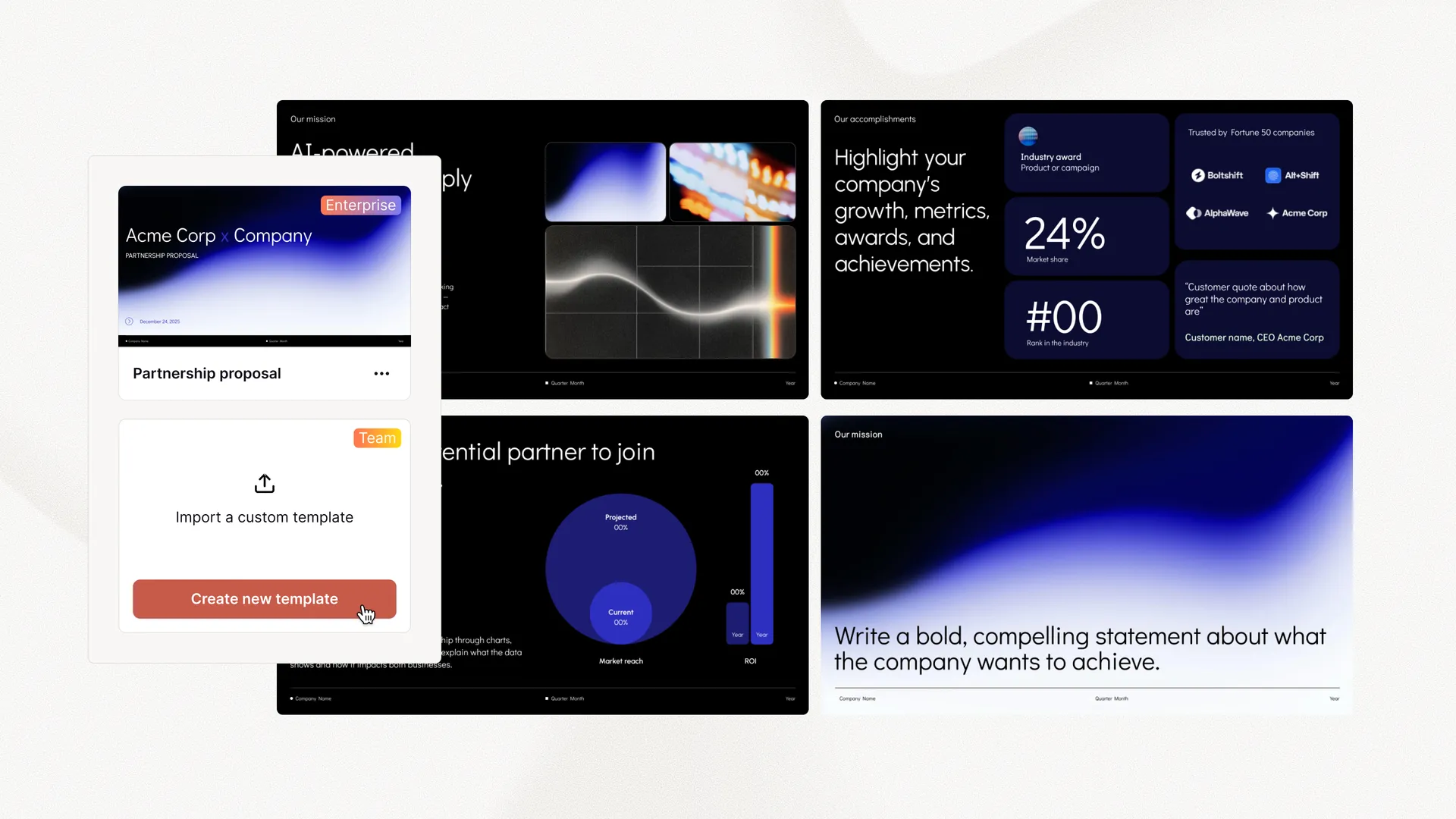 Customize fonts and colors Upload your logo Convert existing templates Custom layouts and assets
 Yes, you can use a custom presentation template with your company branding, but it requires an upgrade to our Enterprise plan. You can request a demo and more details here.
Plus AI works inside of both Google Slides and PowerPoint as a native add-on. We recommend signing up for our free trial to make sure the product is compatible with your presentation workflows. If you have any issues, contact us or check out our guide.
Plus AI offers a free 7 day trial. You can try out the features of any of our paid plans and choose the one that best fits your needs.
Wir befolgen Sicherheitspraktiken auf Enterprise-Niveau und haben die SOC 2 Type II-Konformität erreicht. Mehr über unsere Sicherheitsrichtlinien und -verfahren erfahren Sie auf unserer Sicherheitsseite.
Testen Sie Plus AI kostenlos. Starten Sie mit einer 7-tägigen kostenlosen Testversion. Jederzeit kündbar. Bearbeiten und arbeiten Sie nahtlos zusammen – direkt in Google Slides oder PowerPoint.
Kostenlos loslegen