

Plus AI für Teams
-
 Eigene Vorlagen importieren
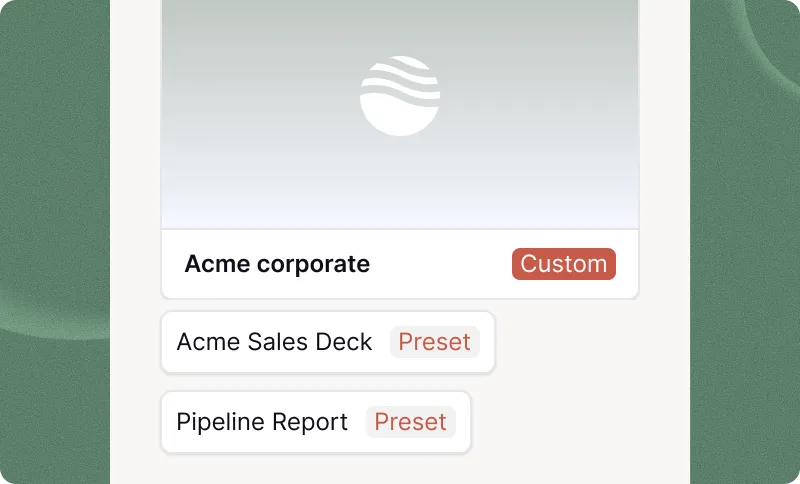
 - Logo, Schriftarten und Farben hinzufügen
- Geteilte Voreinstellungen, individuelle Anweisungen

Plus AI-Funktion
Let your AI agents and dev tools create — and keep improving — native PowerPoint and Google Slides presentations using the Plus AI MCP server.
Fast, template-based generation: a prompt, a slide count, and a language in — a finished, native PowerPoint out. The quickest way to a solid deck.
The full Plus AI Presentation Agent: it plans the story, writes the content, and designs every slide — from a prompt or from a deck you already have. Returns PPTX, PDF, and a thumbnail.
Agent runs take a few minutes, so each one is tracked as a session. Your agent can check on a run later — even from a different conversation — using its session id.
The Presentation Agent
Most AI slide tools are one-shot: prompt in, deck out, done. The Presentation Agent works the way real decks get made — in passes. Upload a PowerPoint through the Plus AI API, hand its file ID to the agent over MCP, and every follow-up call can pick that same deck back up.
Generate from scratch, or pass a pptx_file_id and the agent revises, extends, restyles, or translates the deck you already have — layout and branding preserved.
Not quite right? Ask again. Pass the same file ID with new instructions — tighten the story, swap the branding, translate it for another region — and the agent takes another pass.
Long runs don't block the conversation. Every run returns a session ID your agent can poll now or hours later, so multi-step workflows never lose a deck in progress.
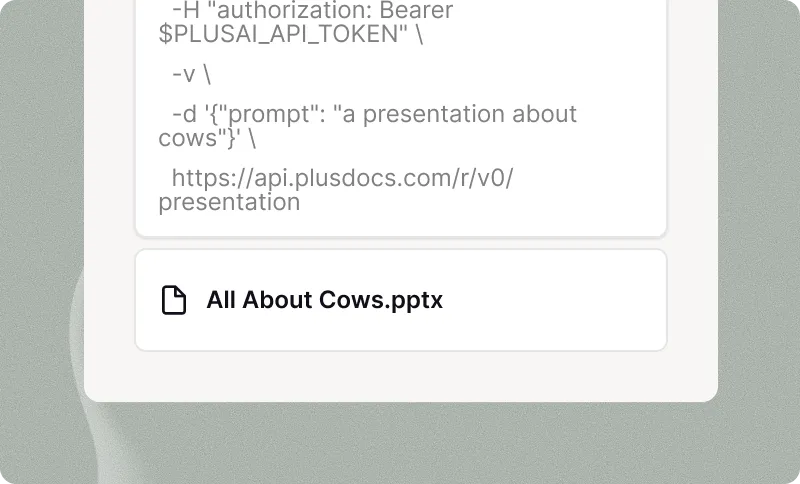
PDF, Word-Dokument (.docx), PowerPoint (.pptx) oder Textdatei.
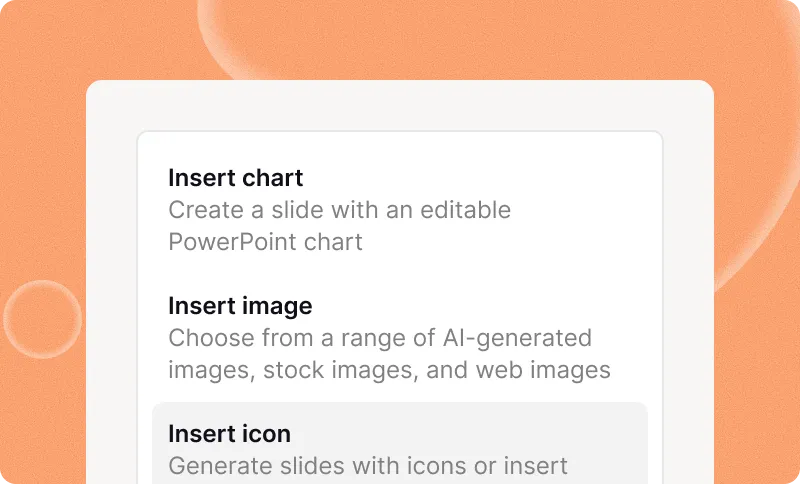
Datei wird nicht unterstützt? Fügen Sie beliebigen Klartext ein, bis zu 100.000 Zeichen.
Benötigen Sie eine Präsentation in verschiedenen Sprachen? Plus erledigt das für Sie.
Ansprechender, wenn es sich um eine Präsentation handelt
Bereinigen Sie unformatierte Besprechungsnotizen, Gesprächsprotokolle, E-Mail-Threads und anderen unstrukturierten Text und fassen Sie sie zusammen.Plus AI API.
Laden Sie die neuesten Nachrichtenartikel, wissenschaftliche Arbeiten, Investoren-Updates und mehr hoch.
Verwenden Sie Ihre eigenen Texte, Teamdokumentationen, interne Wikis oder andere urheberrechtlich geschützte Inhalte.
Quickstart
Add the remote server to any MCP-capable client and sign in with your Plus AI account when prompted — OAuth handles the rest. Then just ask for a deck.
claude mcp add --transport http plus-ai https://mcp.plusai.com/{
"mcpServers": {
"plus-ai": {
"url": "https://mcp.plusai.com/"
}
}
}“Make a 10-slide pitch deck for an AI bookkeeping startup.”
“Take the deck with file ID file_abc123 and restyle it with our Q3
brand template — then give me a German version of the same deck.”Sie wissen nicht, wo Sie anfangen sollen? Beschreiben Sie einfach Ihre Präsentation in ein paar Sätzen.
Optimieren Sie Ihre Präsentation mit unseren KI-gestützten Insert-, Remix- und Rewrite-Tools.
Internationales Publikum? Übersetzen Sie Ihre Präsentation in eine beliebige Sprache.
Create new presentations or translate existing slides into any language.
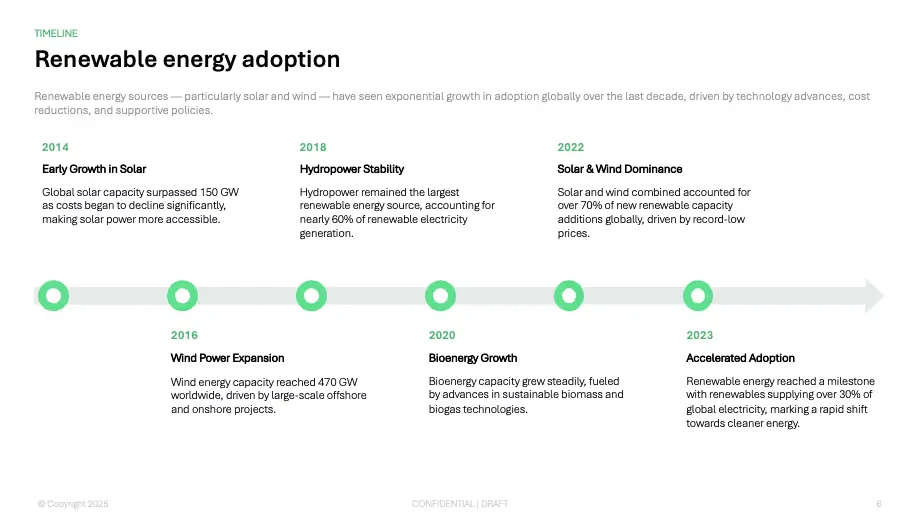
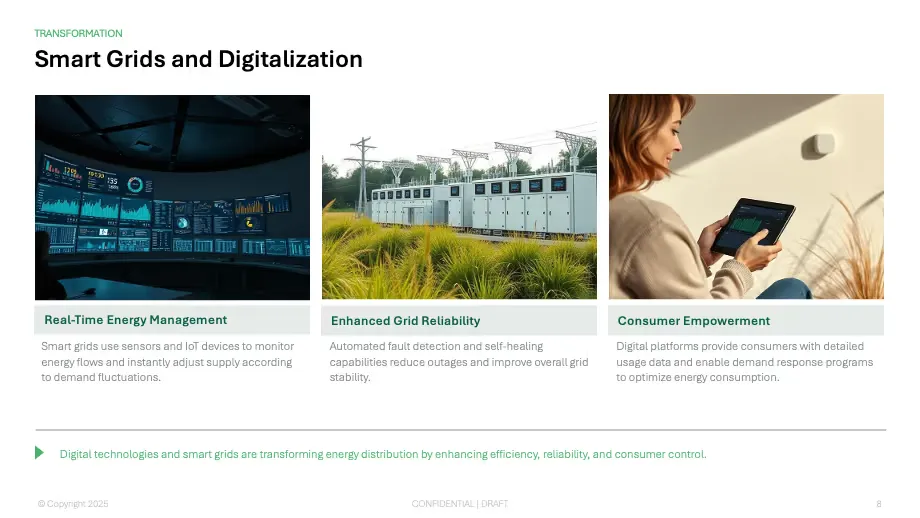
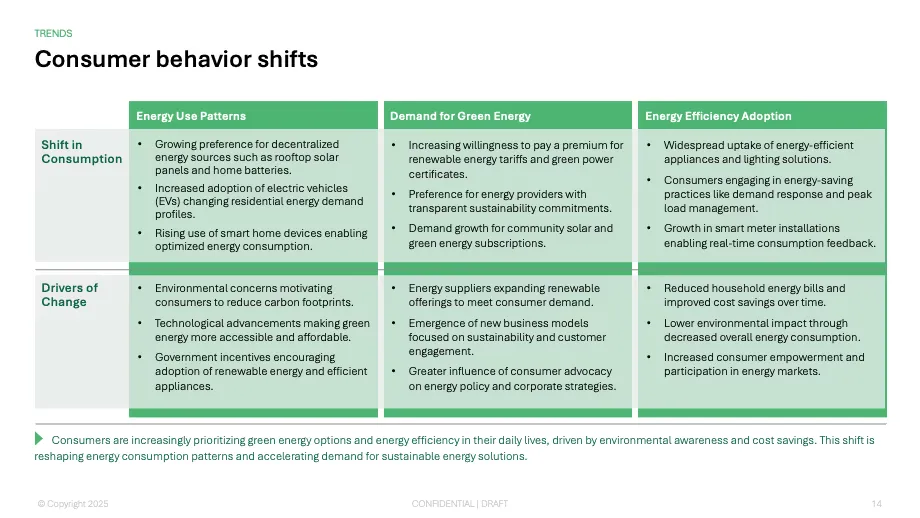
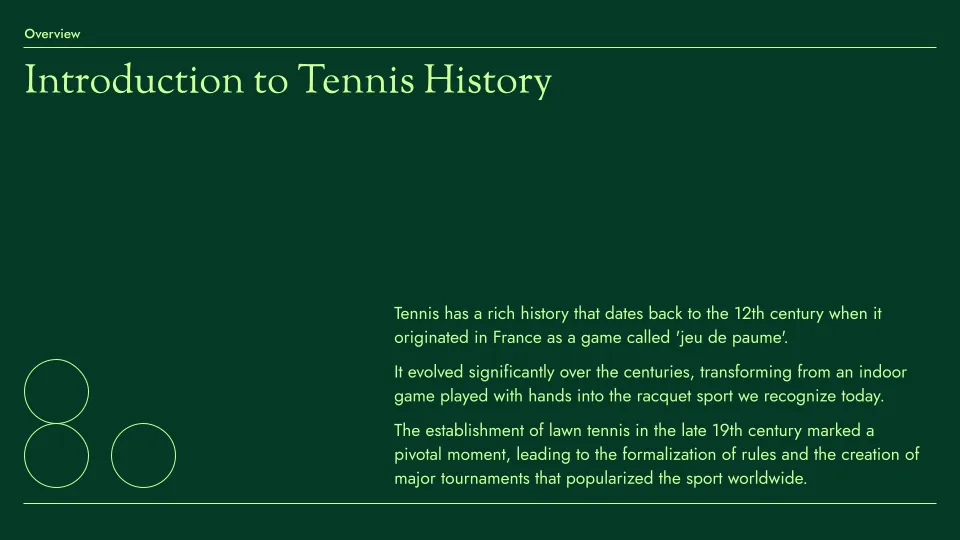
Designer-Vorlagen – von Ihnen anpassbar
Die Vorlagen sind vollständig mit all unseren KI-Tools zur Erstellung und Bearbeitung kompatibel.
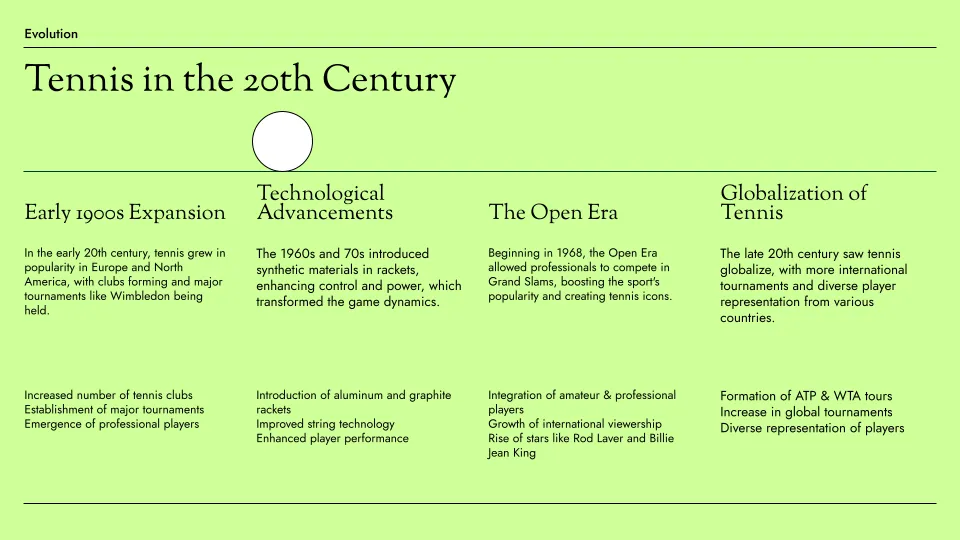
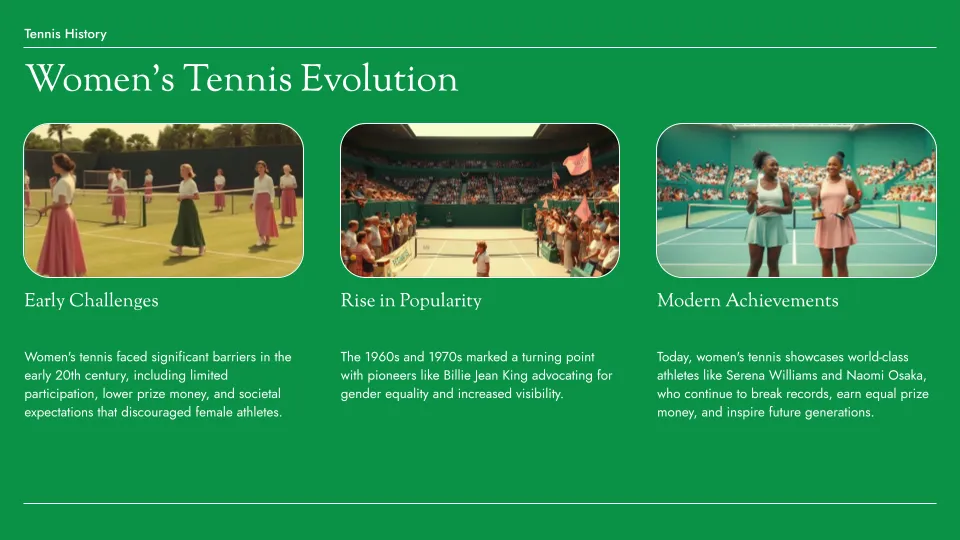
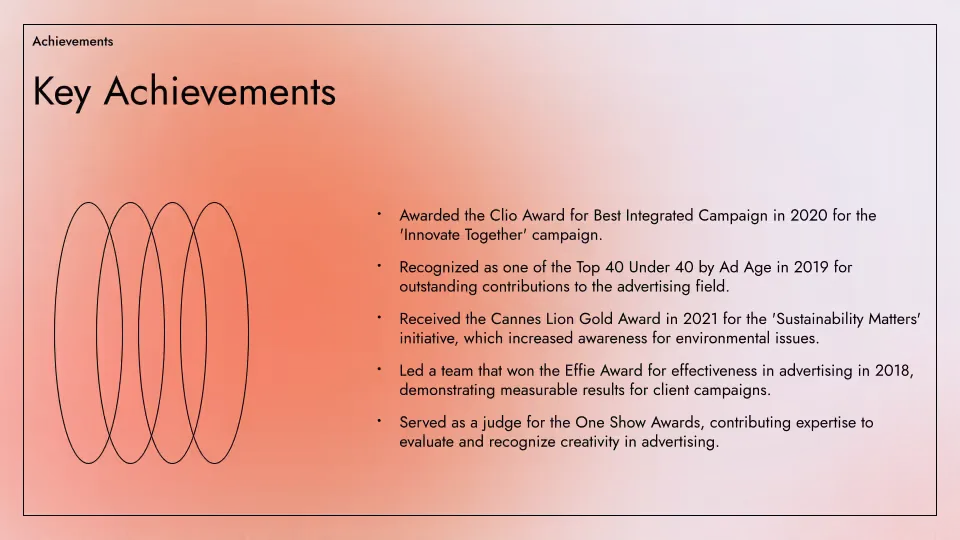
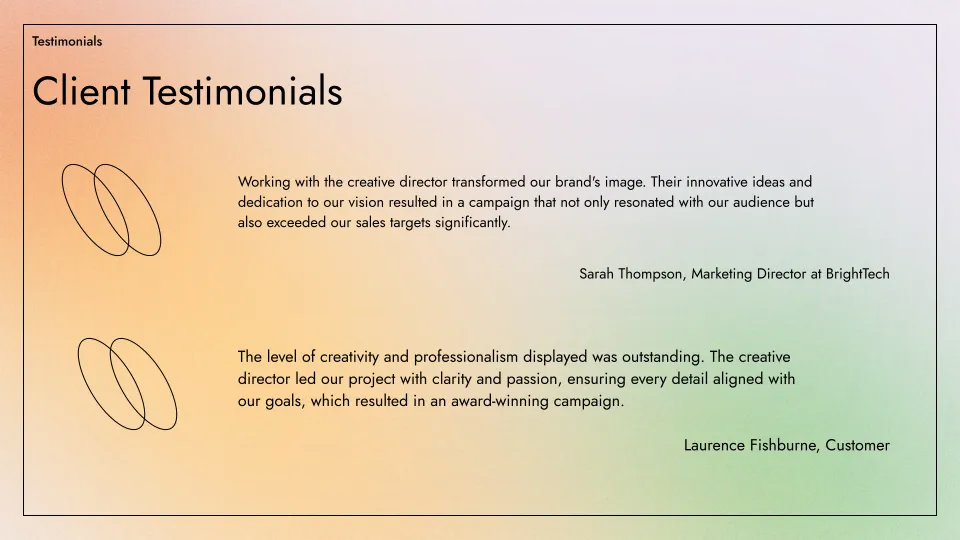
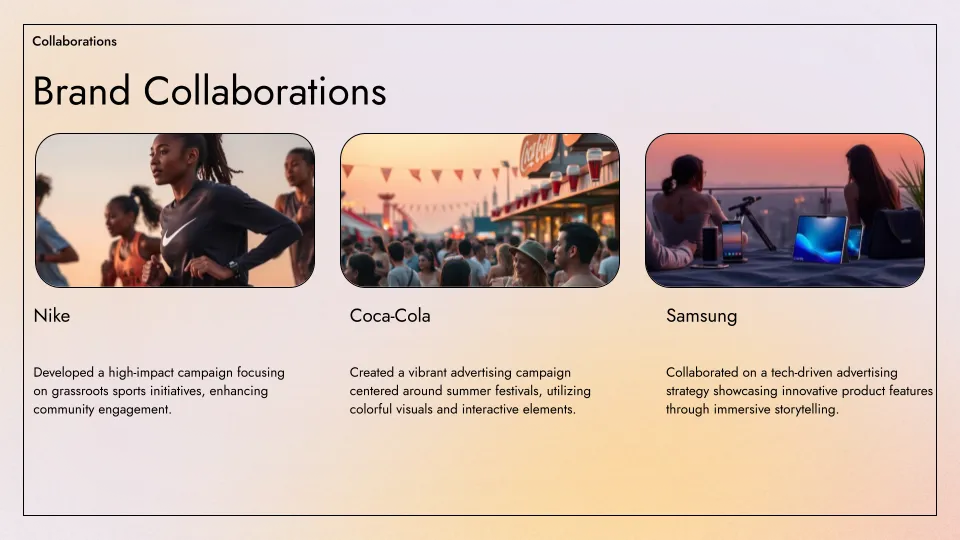
Halten Sie Ihr gesamtes Team markenkonform
Individuelle Vorlagen und geteilte Bibliotheken – für Teams jeder Größe
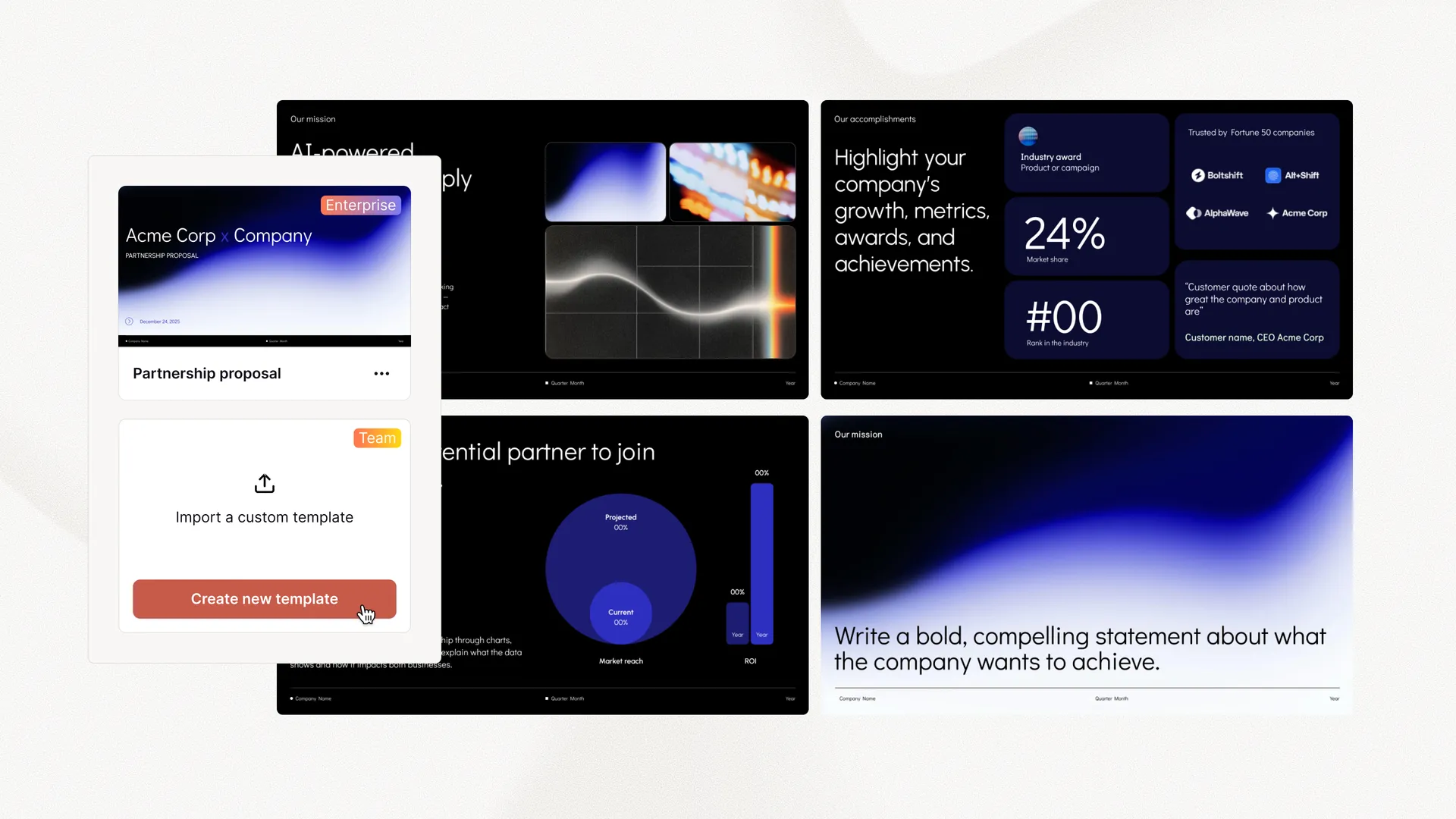 Eigene Vorlagen importieren Logo, Schriftarten und Farben hinzufügen Geteilte Voreinstellungen, individuelle Anweisungen Rundum-Service bei der Vorlagenkonvertierung Erweiterte Folien – Anzeigen-Mockups, Fallstudien und mehr Individuelle Folienbibliotheken und Assets


















Absolut umgehauen von Plus AI! Die KI-gestützten Vorschläge sind wegweisend. Es ist, als hätte man einen persönlichen Präsentationsassistenten. Ich kann dieses fantastische Tool nur jedem empfehlen, der Präsentationsmagie braucht!
Einfache und auf den Punkt gebrachte Foliendesigns, die für Unternehmen geeignet sind. Die Integration zwischen Google Slides und Powerpoint ist nahtlos, daher wird dies mein primärer Arbeitsablauf beim Generieren von Folien sein.
Die Integration in Google Slides ist nahtlos. Es fühlt sich an wie etwas, das die ganze Zeit dort hätte sein sollen! 5/5 Sterne insgesamt.
The Plus AI Model Context Protocol (MCP) server allows AI agents and LLMs to interact with Plus AI using natural language commands.
This makes it easier for end-users and developers to access Plus AI features without setting up a complex integration, and it makes it easier for third-party AI agents to create presentations using Plus AI.
Three tools:
create_presentation — fast, template-based generation from a prompt, a slide count, and a language.create_presentation_with_agent — the full Presentation Agent, which plans, writes, and designs the deck. It can start from scratch or from an existing deck, and returns native PPTX, PDF, and thumbnail files.get_presentation_agent_session — check on a long-running agent session and fetch its results by session id.Yes. Upload a .pptx through the Plus AI API to get a file ID, then pass it as pptx_file_id when your agent calls create_presentation_with_agent. The agent revises, extends, restyles, or translates that deck instead of starting fresh — and passing the same file ID again in a later call lets it take another pass at the same deck, so agents can iterate across multiple turns.
Unlike other AI presentation providers, Plus AI creates native PowerPoint slides. This means each of the slides is formatted and editable like a standard presentation slide, making it easier to integrate Plus AI presentations into existing workflows.
Wir befolgen Sicherheitspraktiken auf Enterprise-Niveau und haben die SOC 2 Type II-Konformität erreicht. Mehr über unsere Sicherheitsrichtlinien und -verfahren erfahren Sie auf unserer Sicherheitsseite.
Setting up the Plus AI MCP server is a quick process. You just add the remote MCP URL (https://mcp.plusai.com/) into your app, and authenticate via OAuth.
For more detailed instructions, you can follow the step-by-step MCP server guide in our guide page.
The Plus AI MCP makes it easy to add presentations to other AI workflows. Here are some examples:
Start with a 7-day free trial. Cancel any time. Edit and collaborate seamlessly — directly in Google Slides or PowerPoint.
Kostenlos loslegen