
Set up custom branding with Plus for Teams
-
 Customize fonts and colors
 - Upload your logo

AI for course creation
Create presentations in minutes, so you can build new courses faster and spend more time with students.
Generate
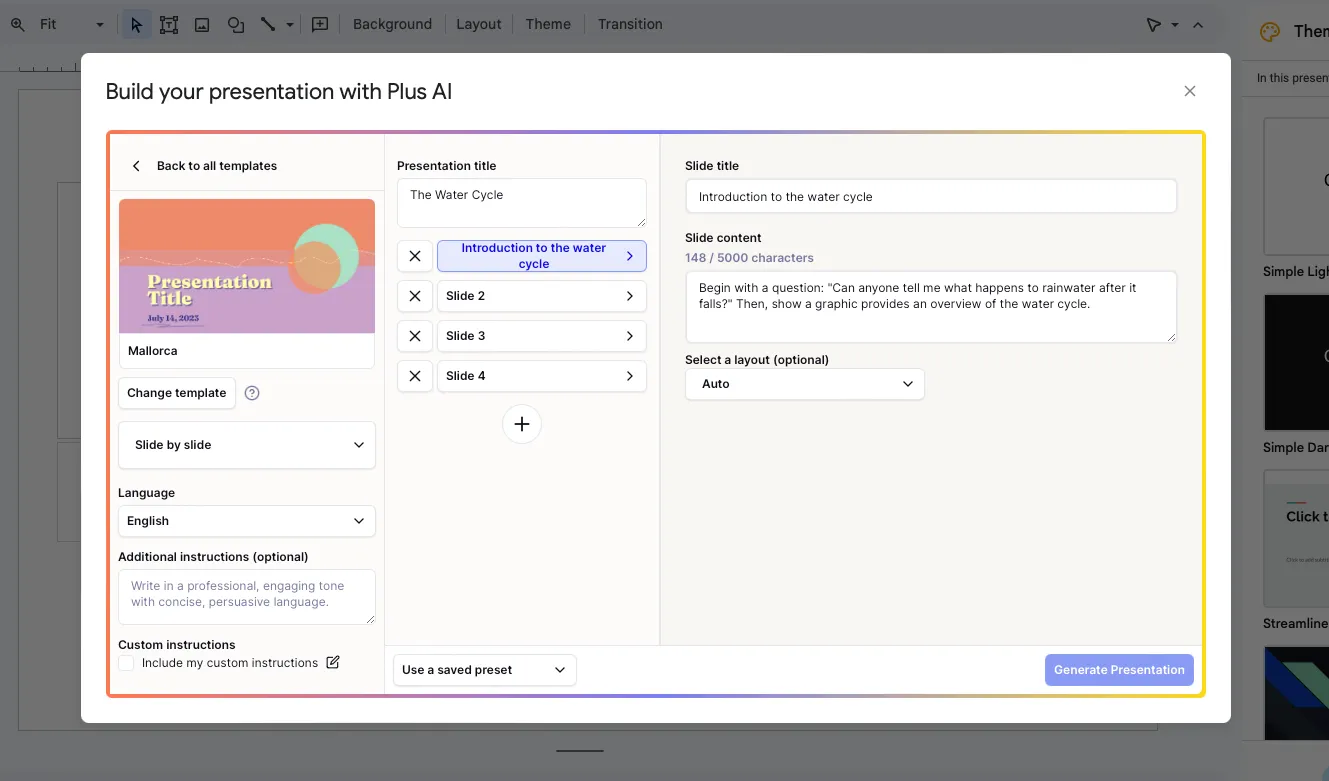
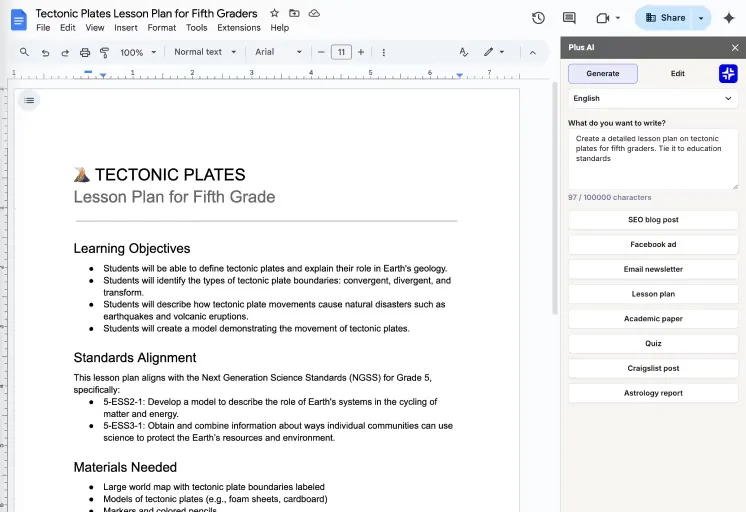
Upload an existing document or start from a short prompt. Generate unlimited presentations to build out every chapter of your curriculum.
Use our professionally-designed templates to generate polished content right away. Or use Remix to transform your existing slides or text content.
Generate presentations in any language. Translate existing course materials in one click.
AI that works where you do
Edit, present, and share Plus-generated content just like you would with any other Google Slides or PowerPoint file. Everything you generate with Plus belongs to you forever.
Kostenlose Testversion starten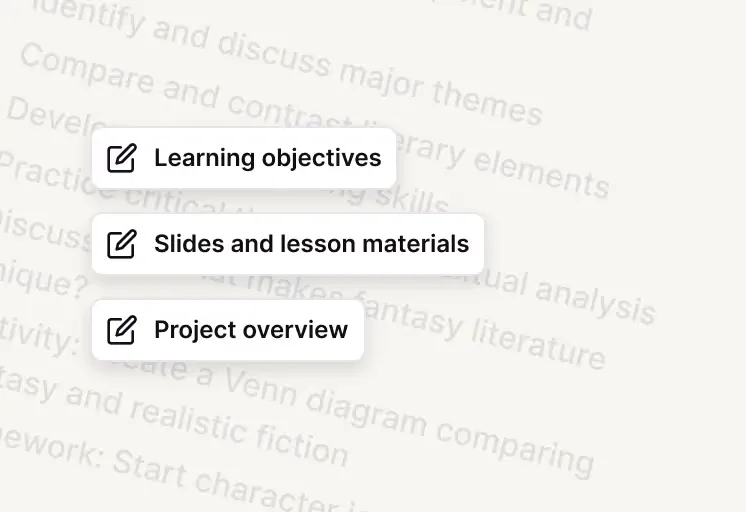
Focus on the content, and let Plus handle the formatting.
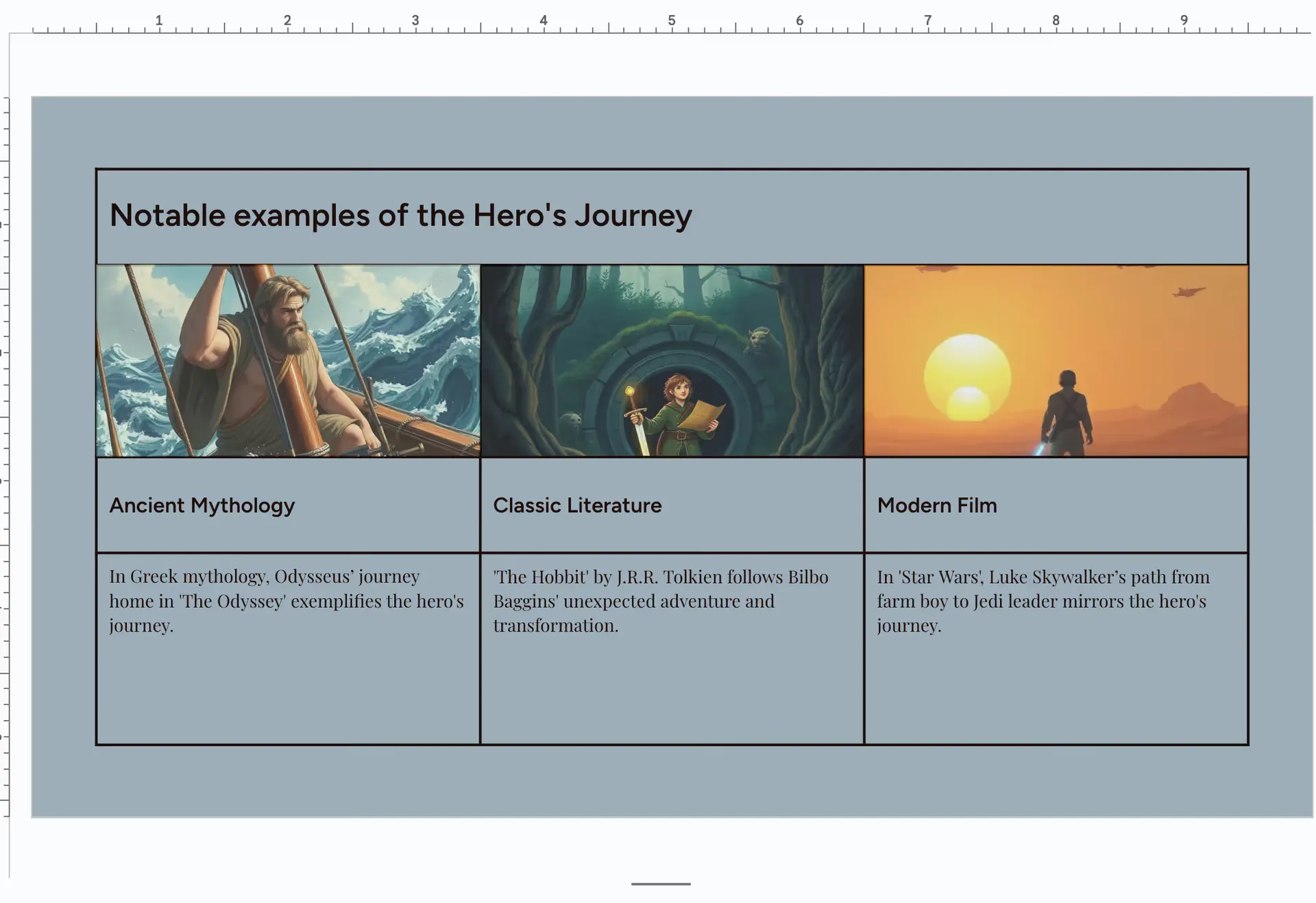
In addition to slides, Plus AI will generate images for your presentation.
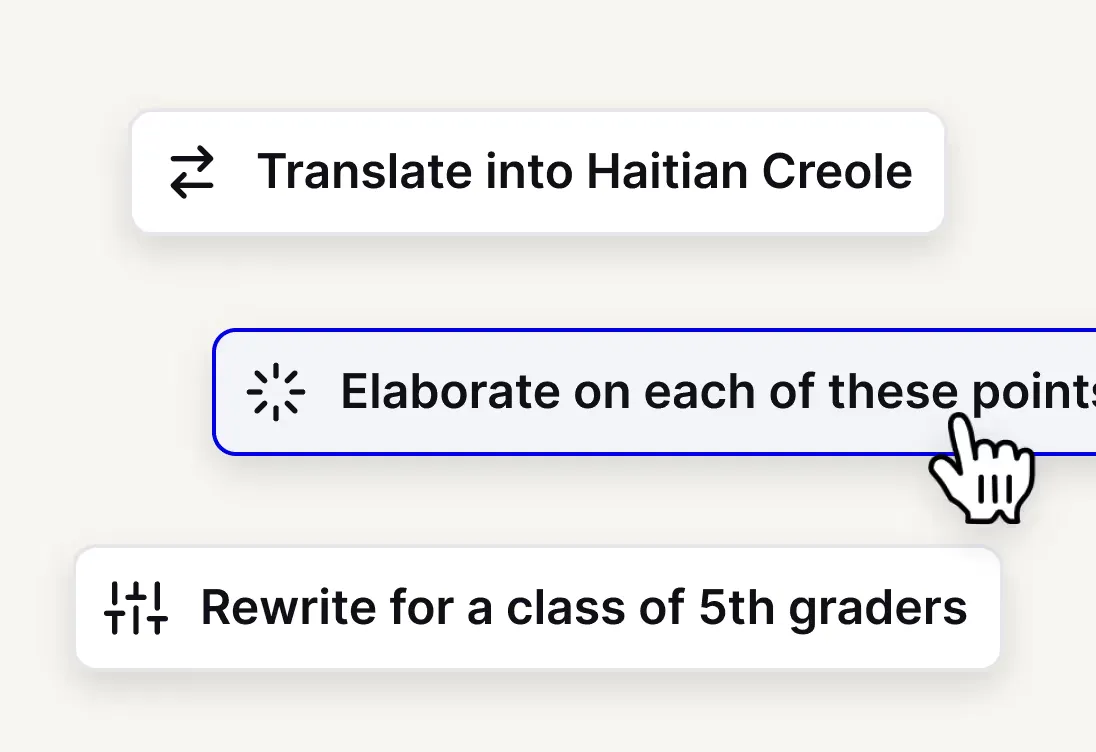
AI makes it easy to rewrite or translate your slides for different audiences.
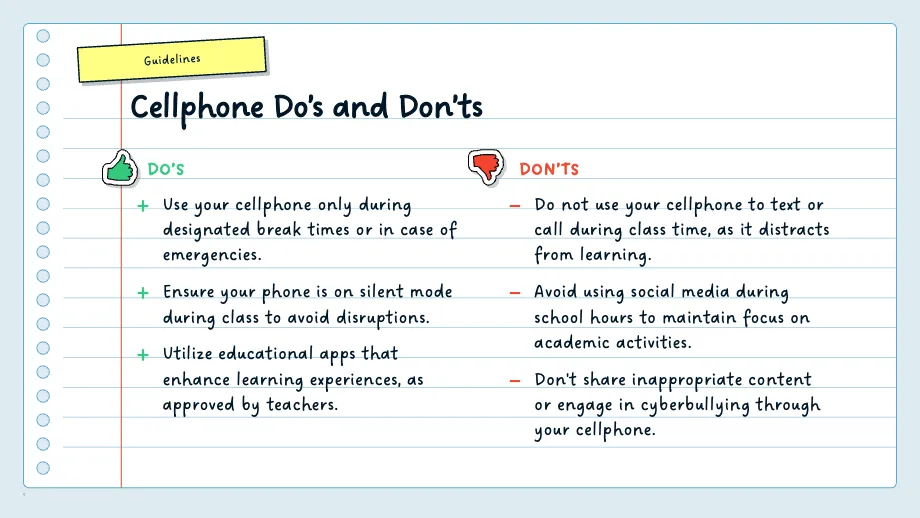
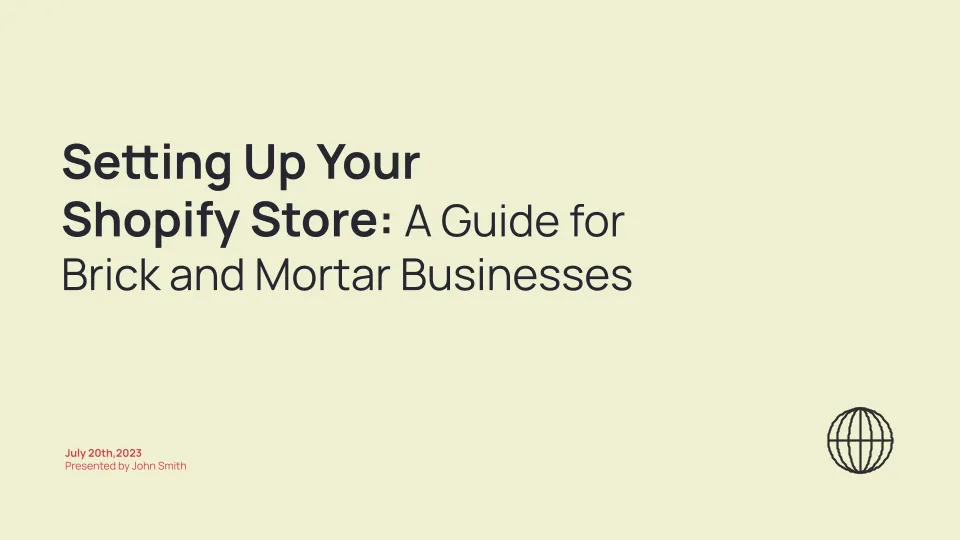
Look great with our selection of professional slide templates.
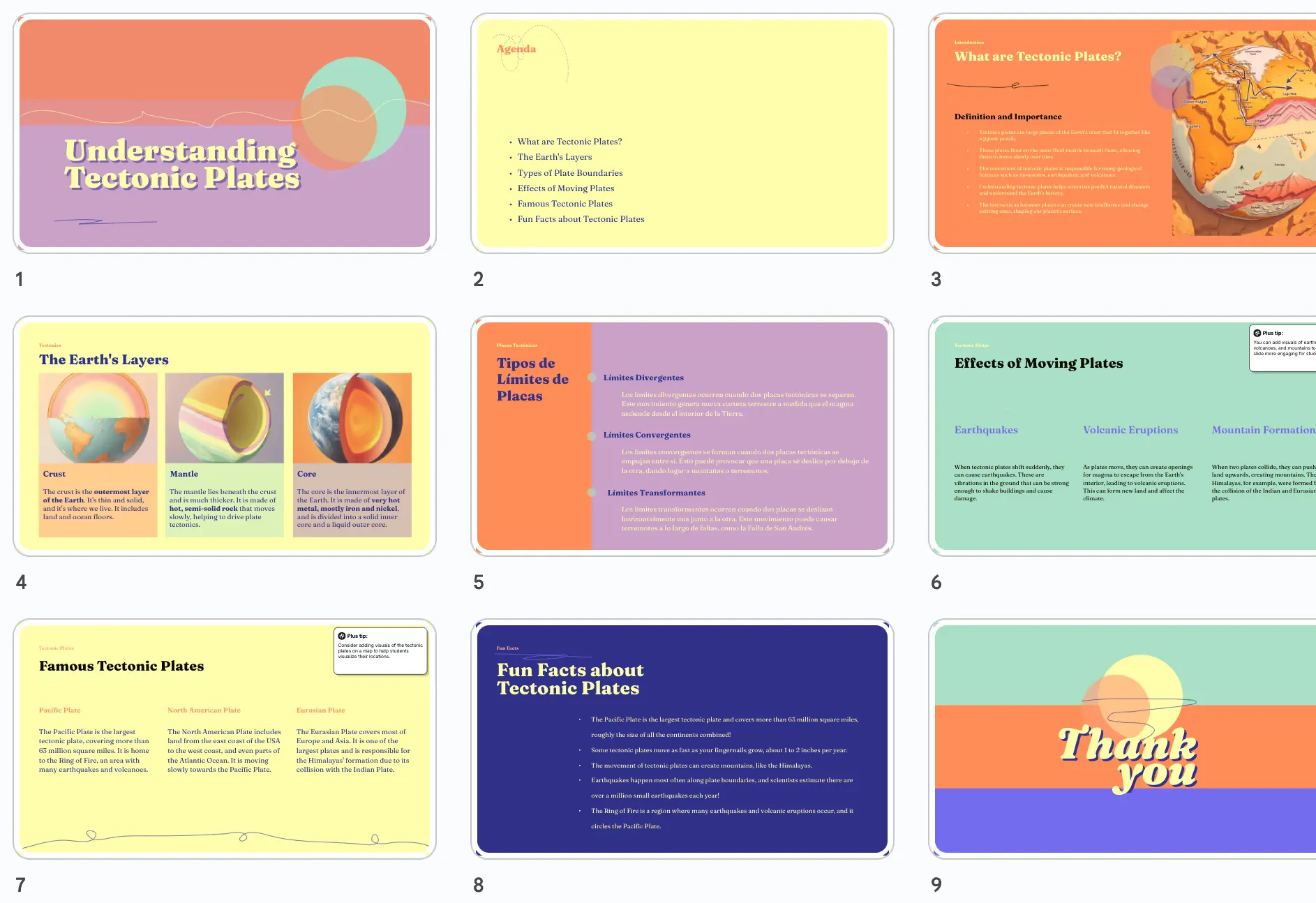
Use Plus AI to outline your course and then generate slides for each section.
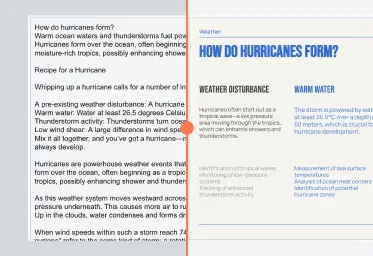
Transform existing slides into modern formats using our AI.
Professionally designed templates
Plus templates are fully compatible with our entire suite of AI tools, so you can create beautiful course materials effortlessly.
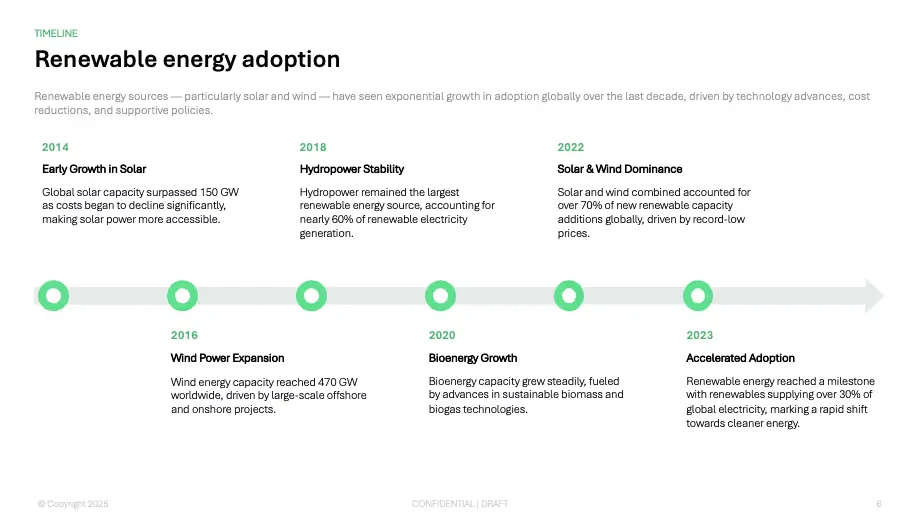
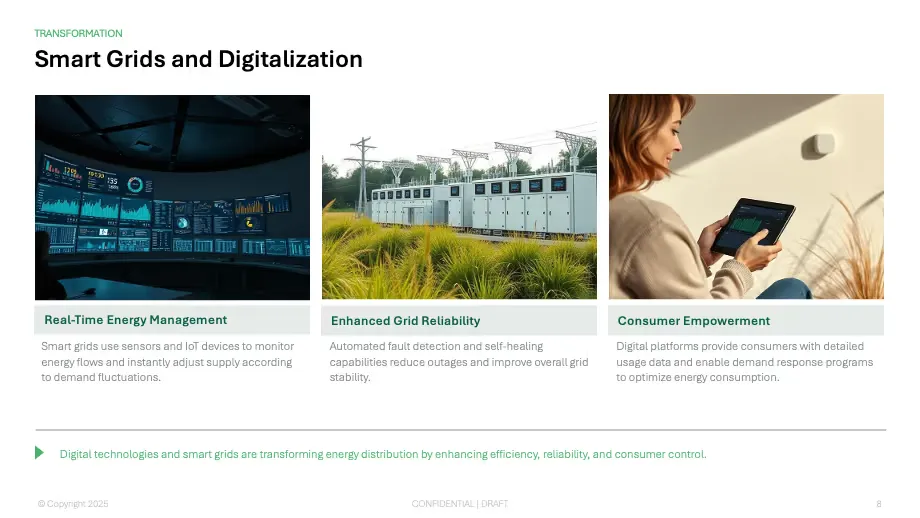
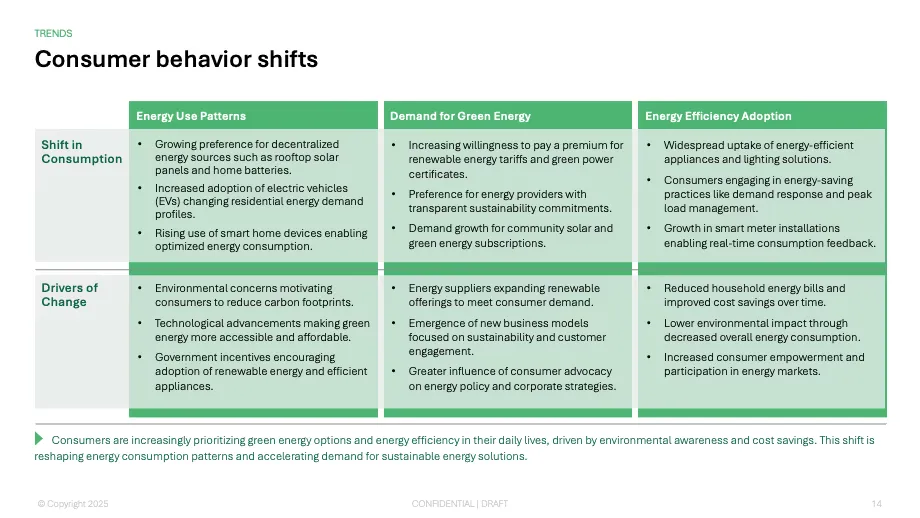
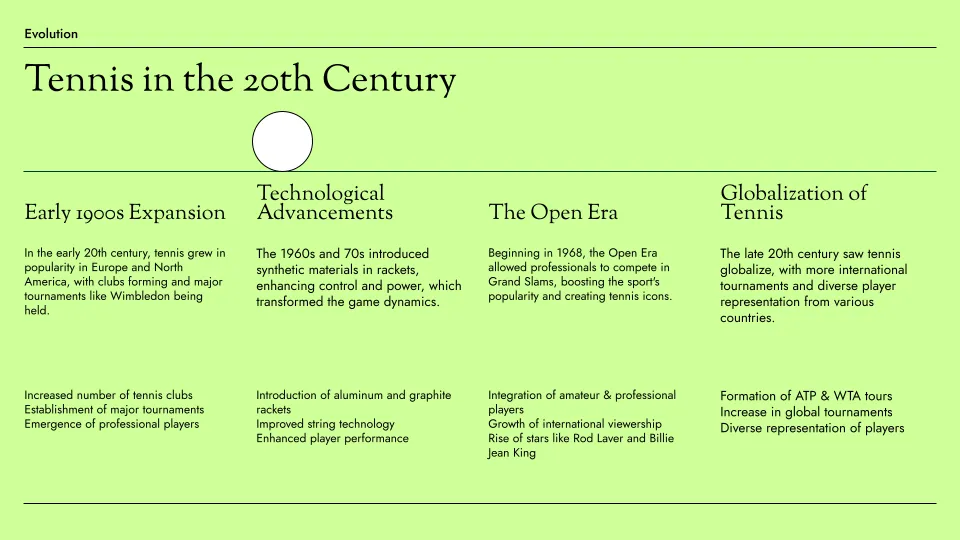
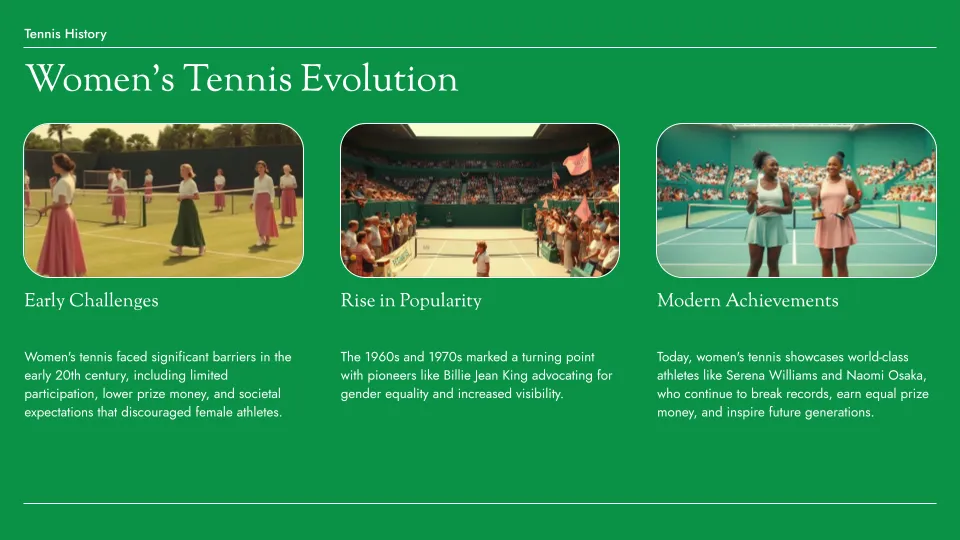
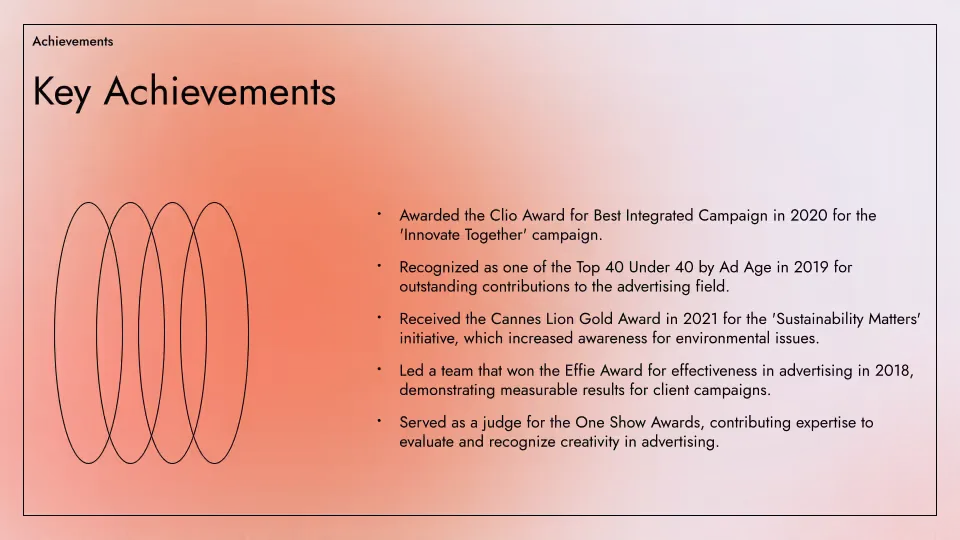
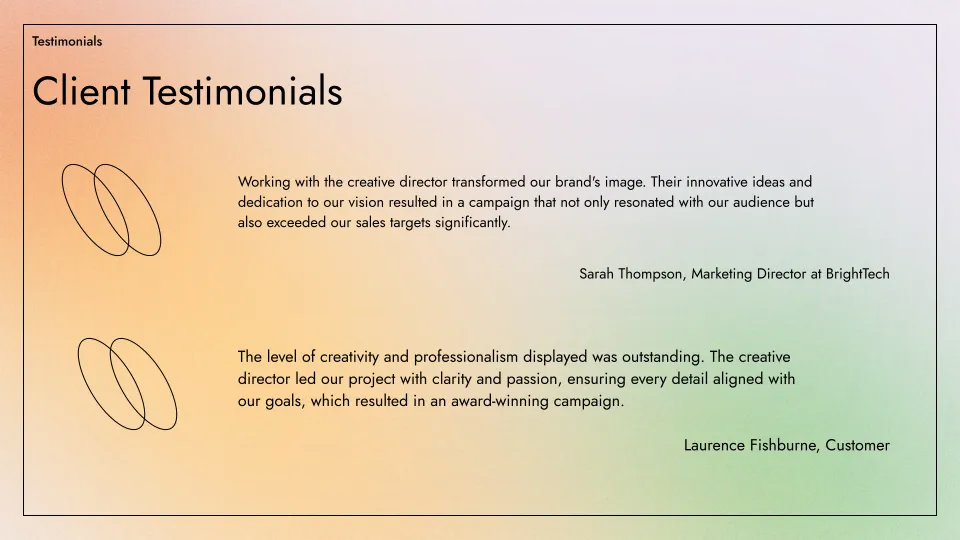
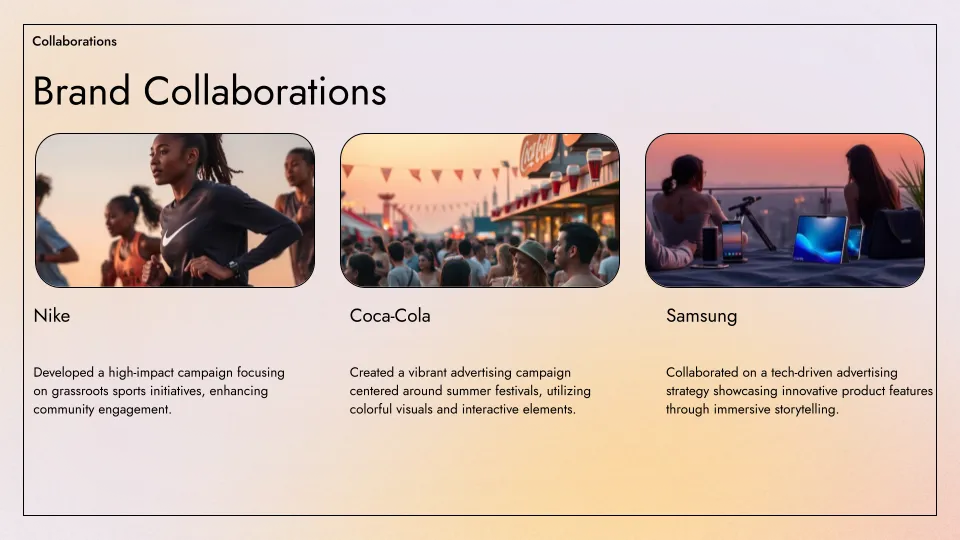
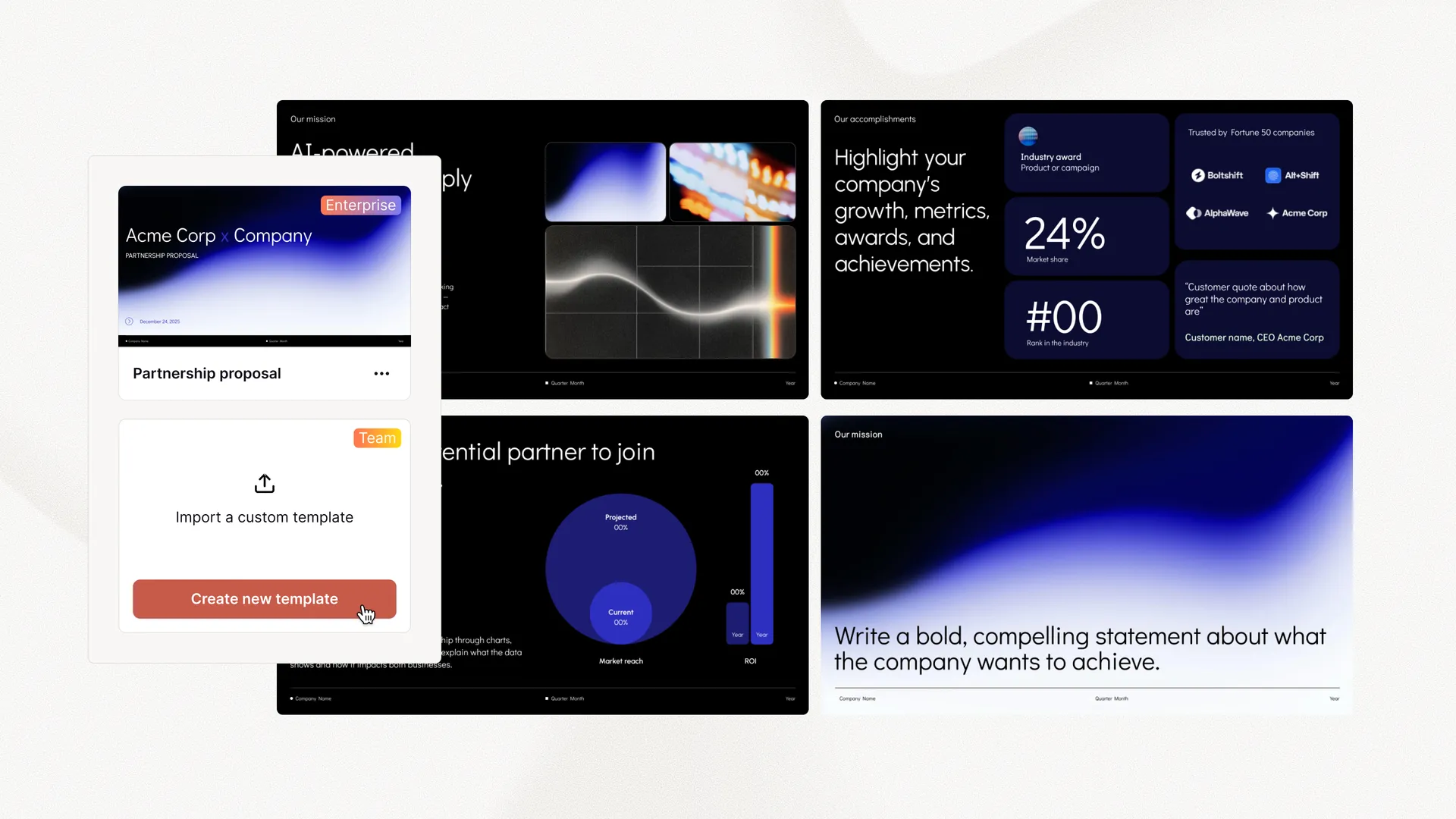 Customize fonts and colors Upload your logo Convert existing templates Custom layouts and assets
 Start with rough notes or an outline of your lesson, and Plus AI will automatically convert your ideas into a presentation for you.
For longer courses, we recommend writing an outline for the full course and then using Plus AI to generate the slides for each lecture.
Yes! Plus AI is a native add-on for PowerPoint and Google Slides, so when we create new slides for you, they are just regular slides. You can save them to your desktop or Google Drive and share them like regular slides.
Not yet. Right now, Plus only works to create slides. But we'd love to hear from you if you want to use Plus AI to create training and onboarding videos. Shoot us an email or fill out this form.
Plus AI offers a free 7 day trial. We have multiple paid plans, and you can choose the one that best fits your needs.
Yes. You're free to sell and commercialize any of the content that is generated with Plus AI.
Yes, you can either generate a syllabus or course outline in Google Docs. You can also try creating it as a slide.
Wir befolgen Sicherheitspraktiken auf Enterprise-Niveau und haben die SOC 2 Type II-Konformität erreicht. Mehr über unsere Sicherheitsrichtlinien und -verfahren erfahren Sie auf unserer Sicherheitsseite.
Testen Sie Plus AI kostenlos. Starten Sie mit einer 7-tägigen kostenlosen Testversion. Jederzeit kündbar. Bearbeiten und arbeiten Sie nahtlos zusammen – direkt in Google Slides oder PowerPoint.
Kostenlos loslegen