Black and white data visualizations
Customizable black & white data visualizations for your presentation
Get this template
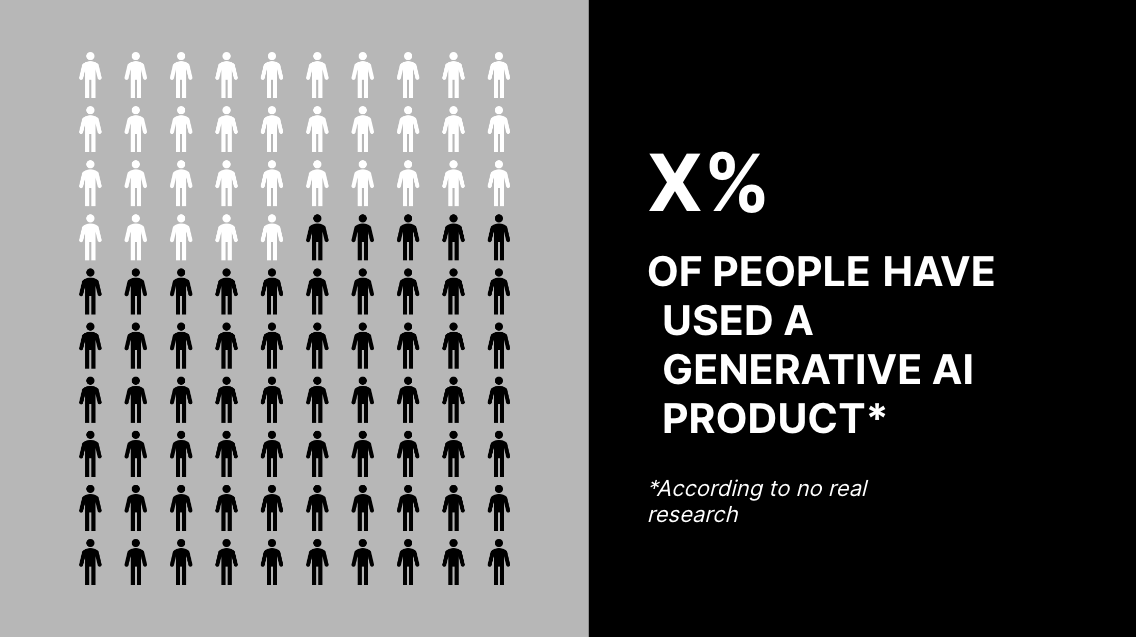
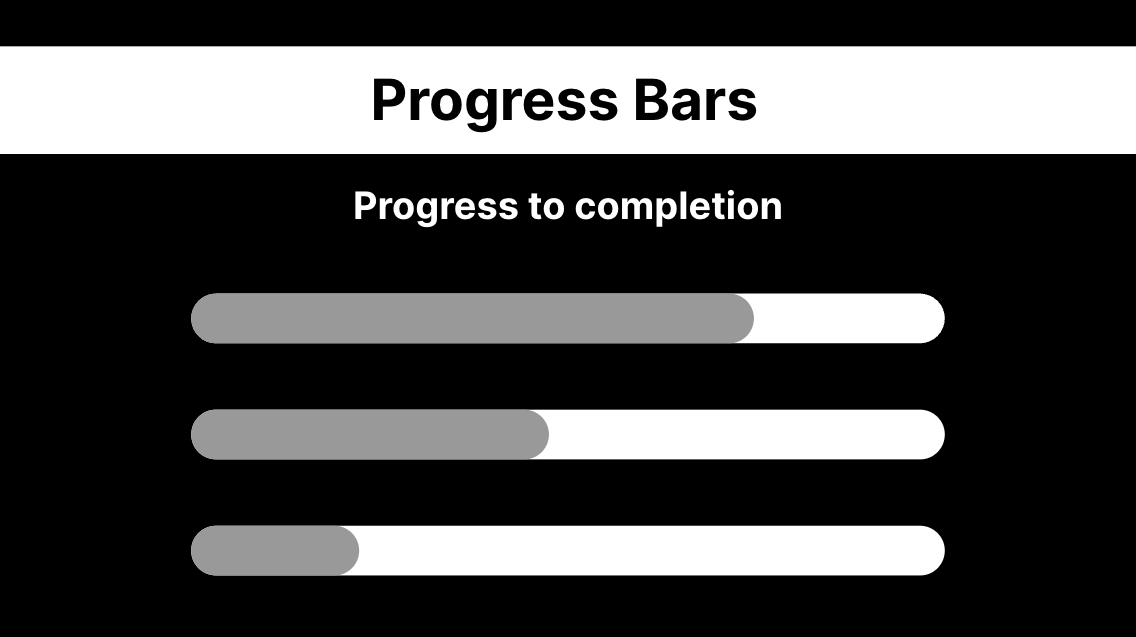

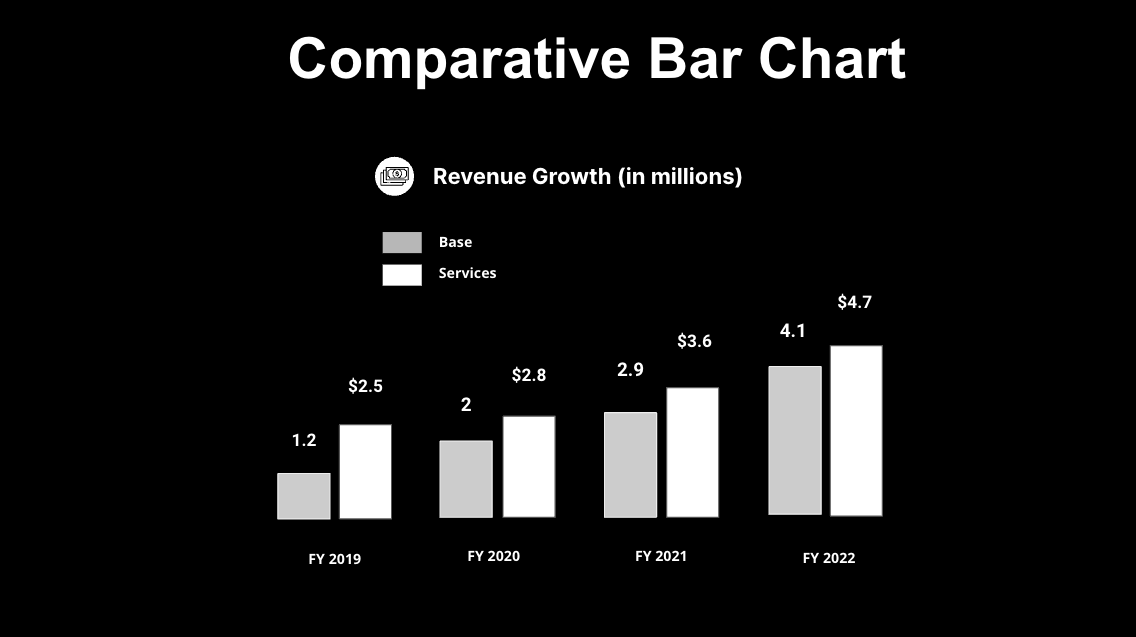
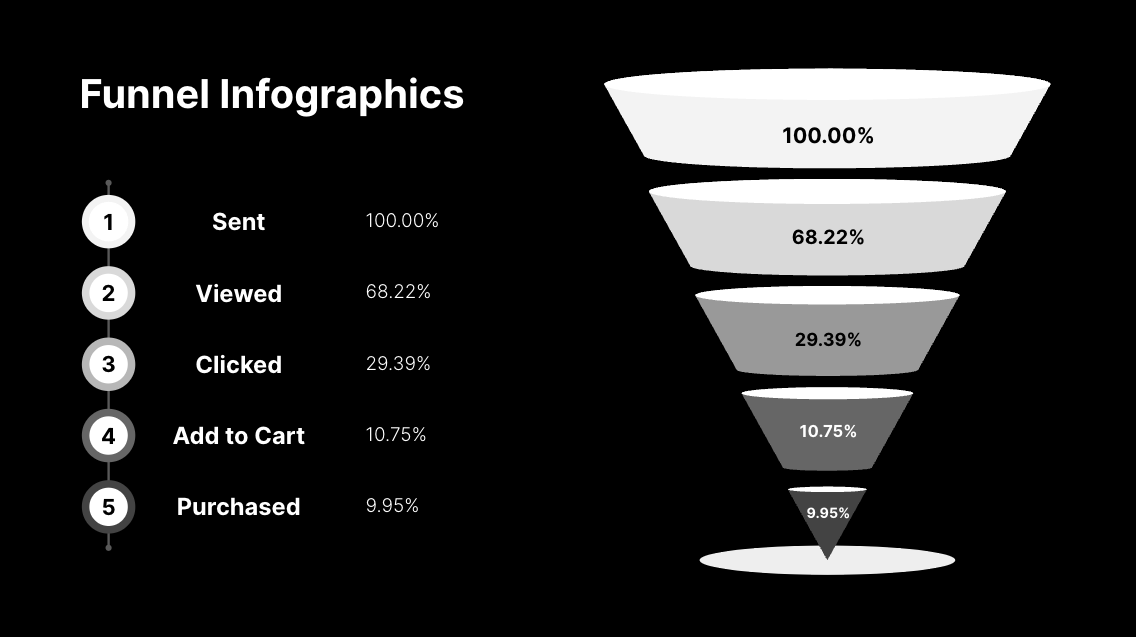
1 / 9
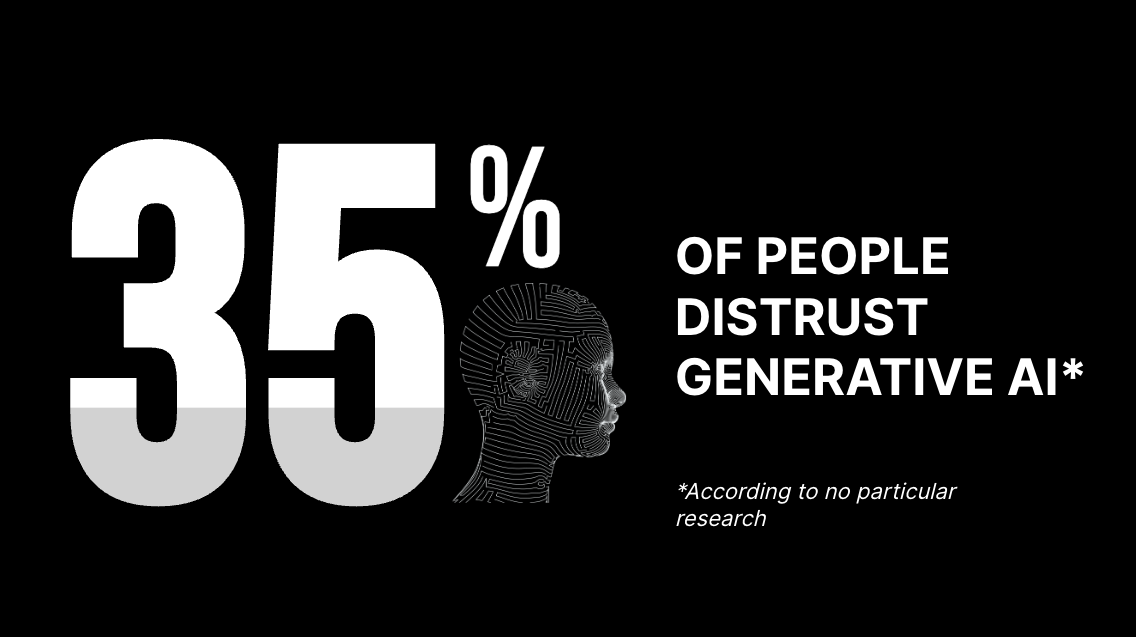
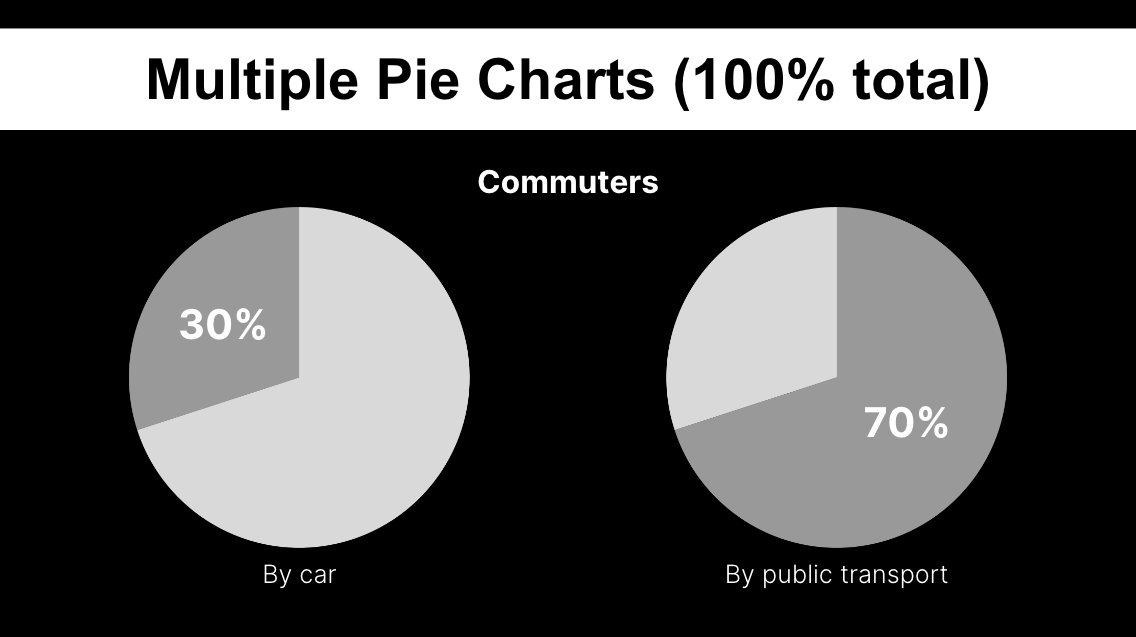
This slide template brings the dark aesthetic into Google Slides with a focus on data visualization.
Effective data visualization can be key to getting your point across in a presentation. However it is often difficult to visualize the data in a way that can be easily digested by an audience - this Google Slides template is a great way to get you started with a range of ways to present data in a simple, bold and focused manner.
Features of this slide template
- Black, white and grey aesthetics throughout
- Includes 8 customizable charts
- Made in Google Slides, but can also be used as a PowerPoint template
- Free to use
Continue exploring
- Dark Science: Theme for presenting academic research
- Timeline Graphics for use in Google Slides
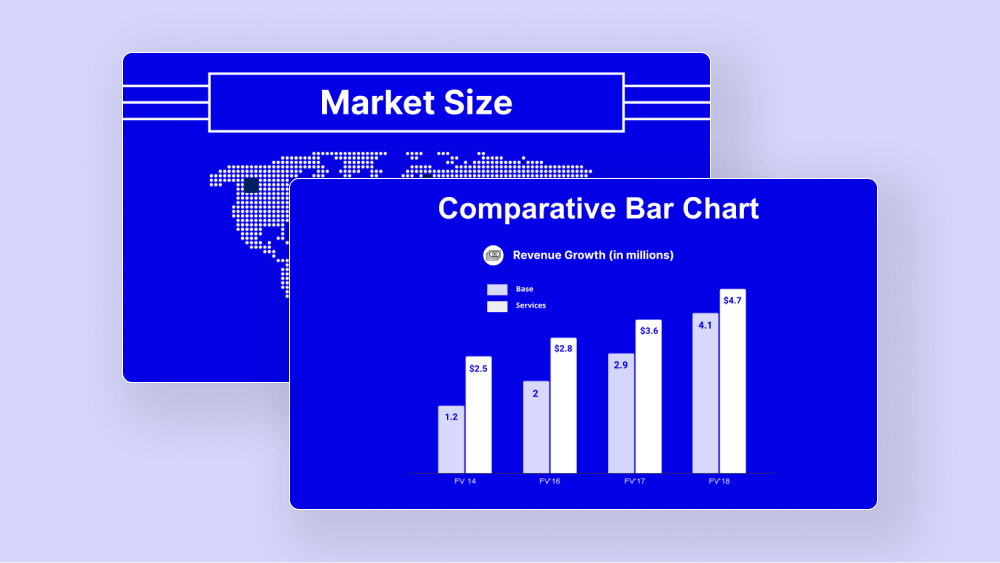
- Blue and White Data Visualization Slide Template
- Generate PowerPoint Presentations with ChatGPT
- The Plus AI Presentation Maker for Google Slides
Plus AI for Google Slides & PowerPoint
How to use this template
Generate a custom presentation using this template in a few clicks.
Get this template- Install Plus AI for Google Slides or PowerPoint.
- Launch the add-in to create a new presentation.
- Go to “Start from a template” and select your template.
- Enter a prompt or upload a file to generate a custom presentation.
- Continue editing with Insert, Remix, and Rewrite.