
Resources
Guides, how-tos, and tips for getting more done with Plus AI.
-

Resources
How to start a presentation
Looking for a good way to start a presentation? We’ll walk you through several types of example openings you can use to get your audience’s attention.
-
Resources
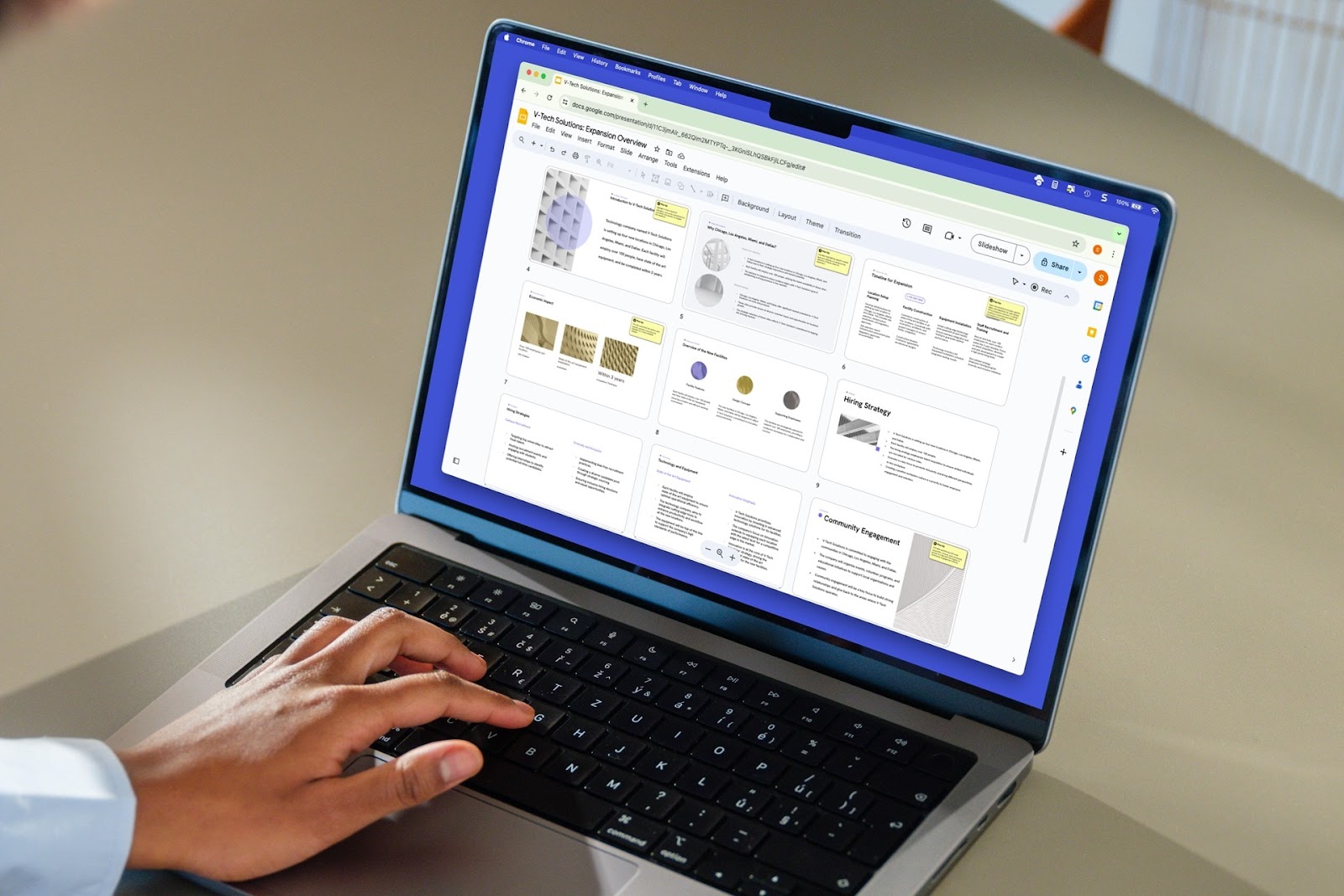
How to delete a slide in Google Slides
Learn how to delete a slide or delete multiple slides in Google Slides, as well as how to use Plus AI to remix your slide content instead of removing it.
-
Resources
Best GIFs for Presentations: Keep Your Viewers Engaged (or Awake)
Find the best GIFs for any situation to liven up your next presentation
-

Resources
How to add footnotes in Google Slides
Step-by-step guide to add a footnote to your slides in Google SLides
-
Resources
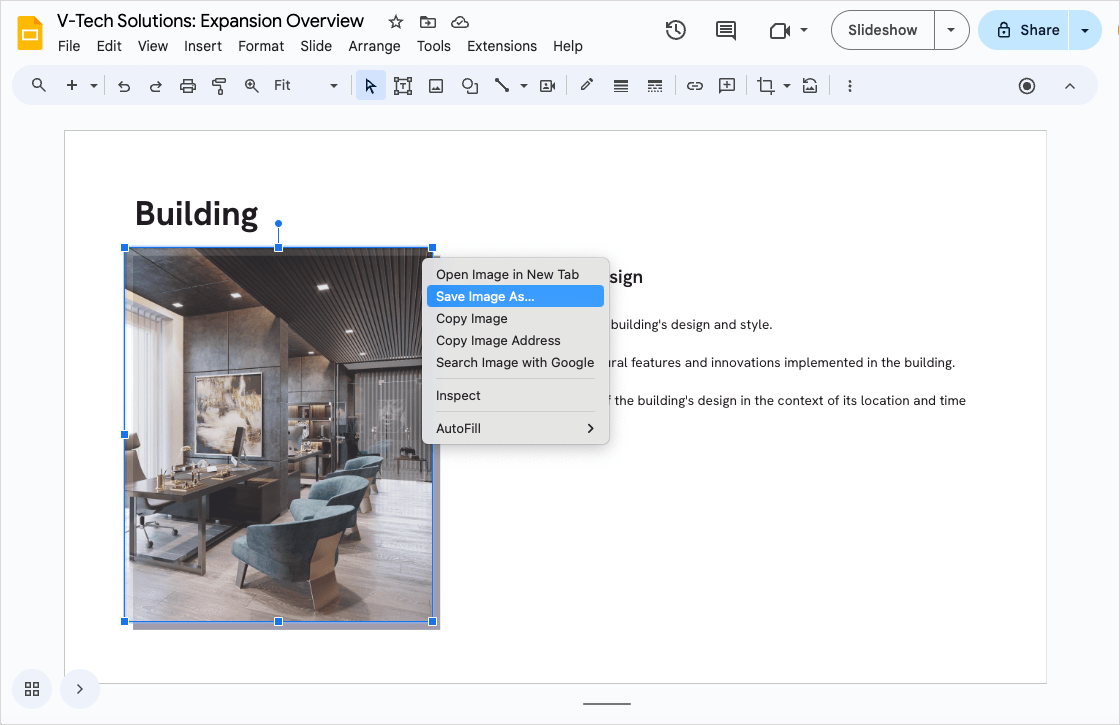
How to download an image from Google Slides
Four methods to download an image from Google Slides, from right click and save as to using Google Keep
-
Resources
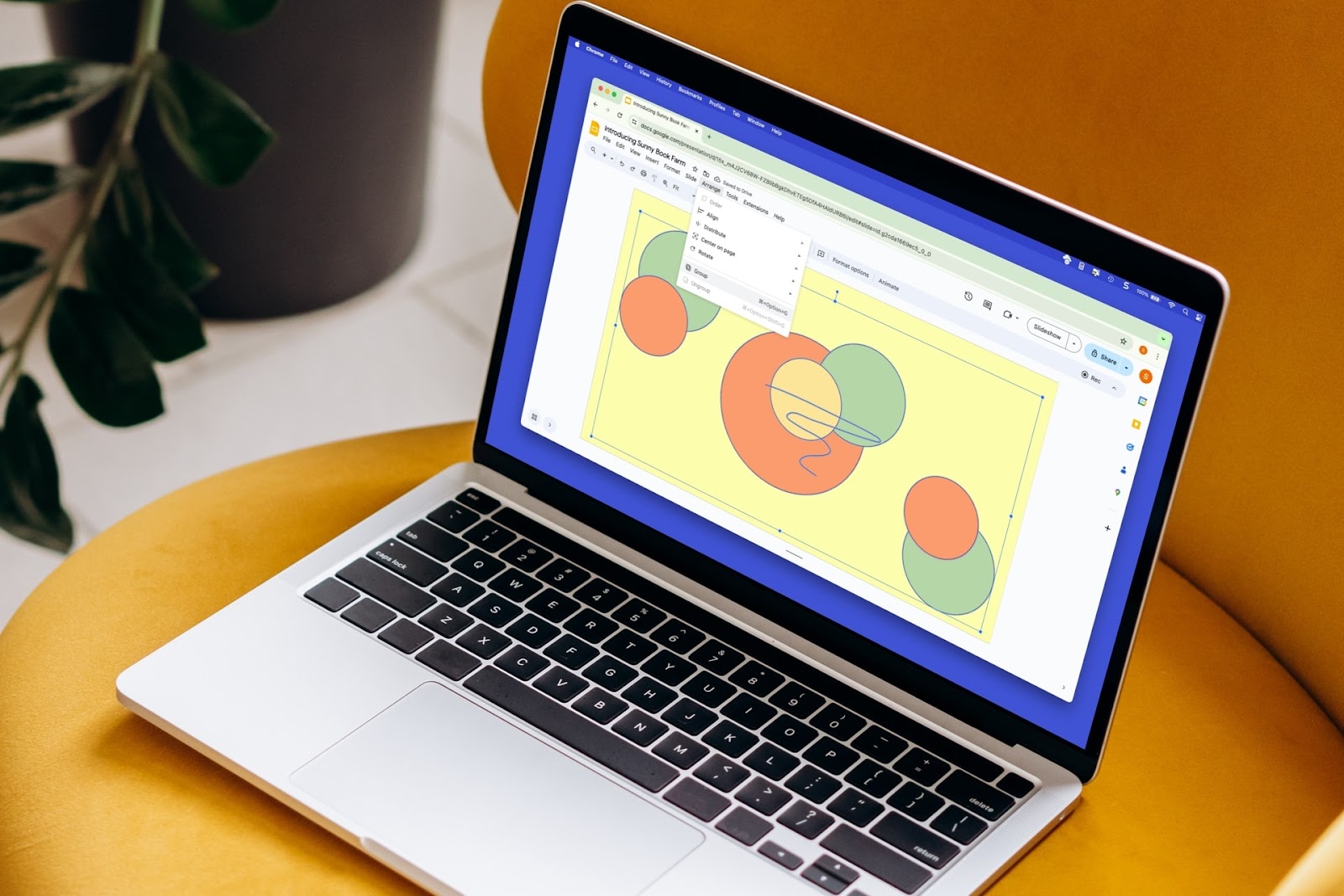
How to group things on Google Slides
To more easily resize, move, or manage a group of slide elements, you can group them. Here’s how to group things in Google Slides.
-
Resources
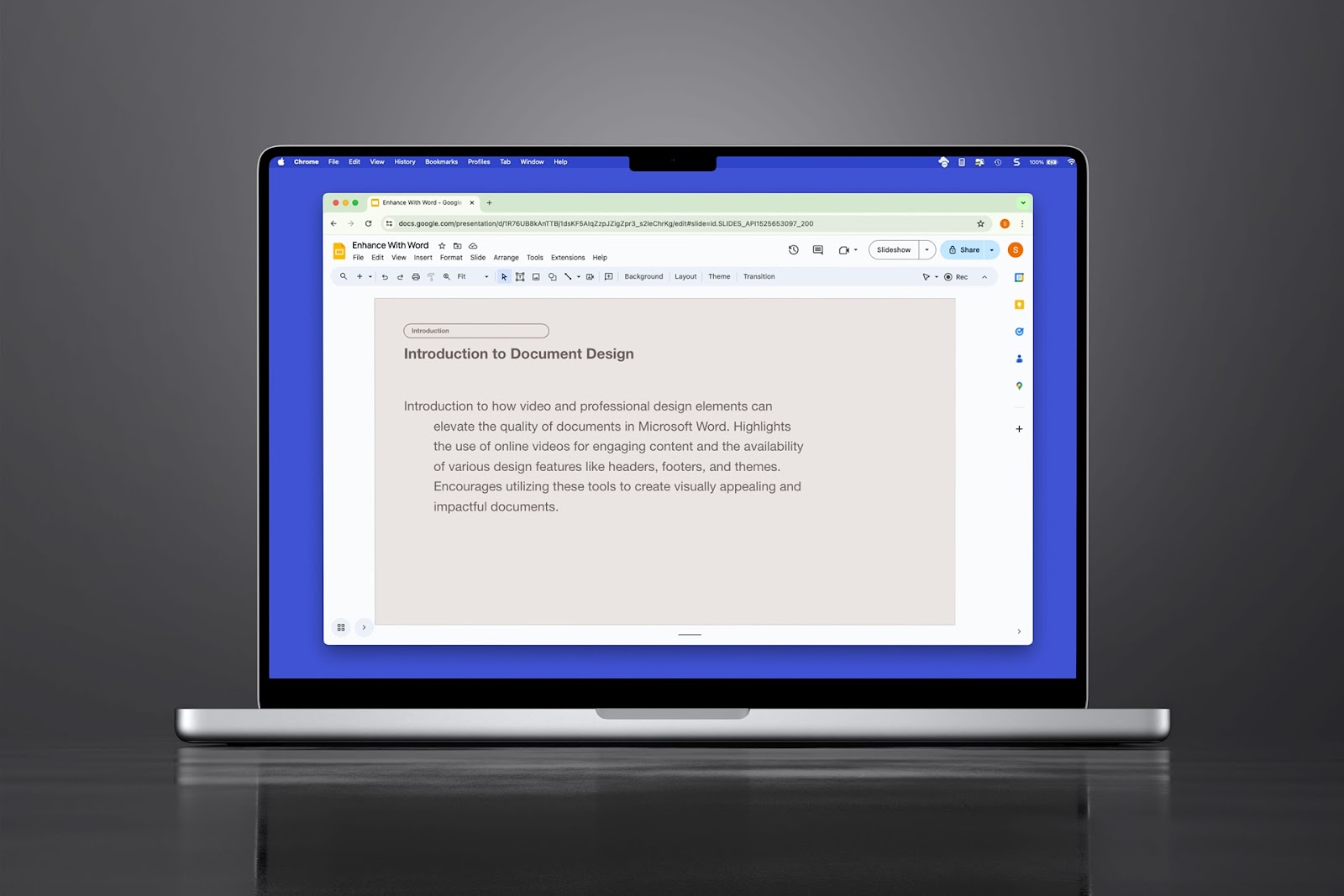
How to do a hanging indent in Google Slides
Need to create a bibliography on your slide or just want a unique paragraph appearance, here’s how to do a hanging indent in Google Slides three different ways.
-
Resources
MagicSlides and alternative AI presentation tools
An in-depth review of MagicSlides features, pricing, and alternative AI slide creation tools
-
Resources
How many slides do I need for my presentation?
How many slides for a 10 minute presentation and the 3-2-1 rule for presentations
-
Resources
How to create a statement of work (with example templates)
Step-by-step guide on how to write a statement of work, and a shortcut using Plus AI
-
Resources
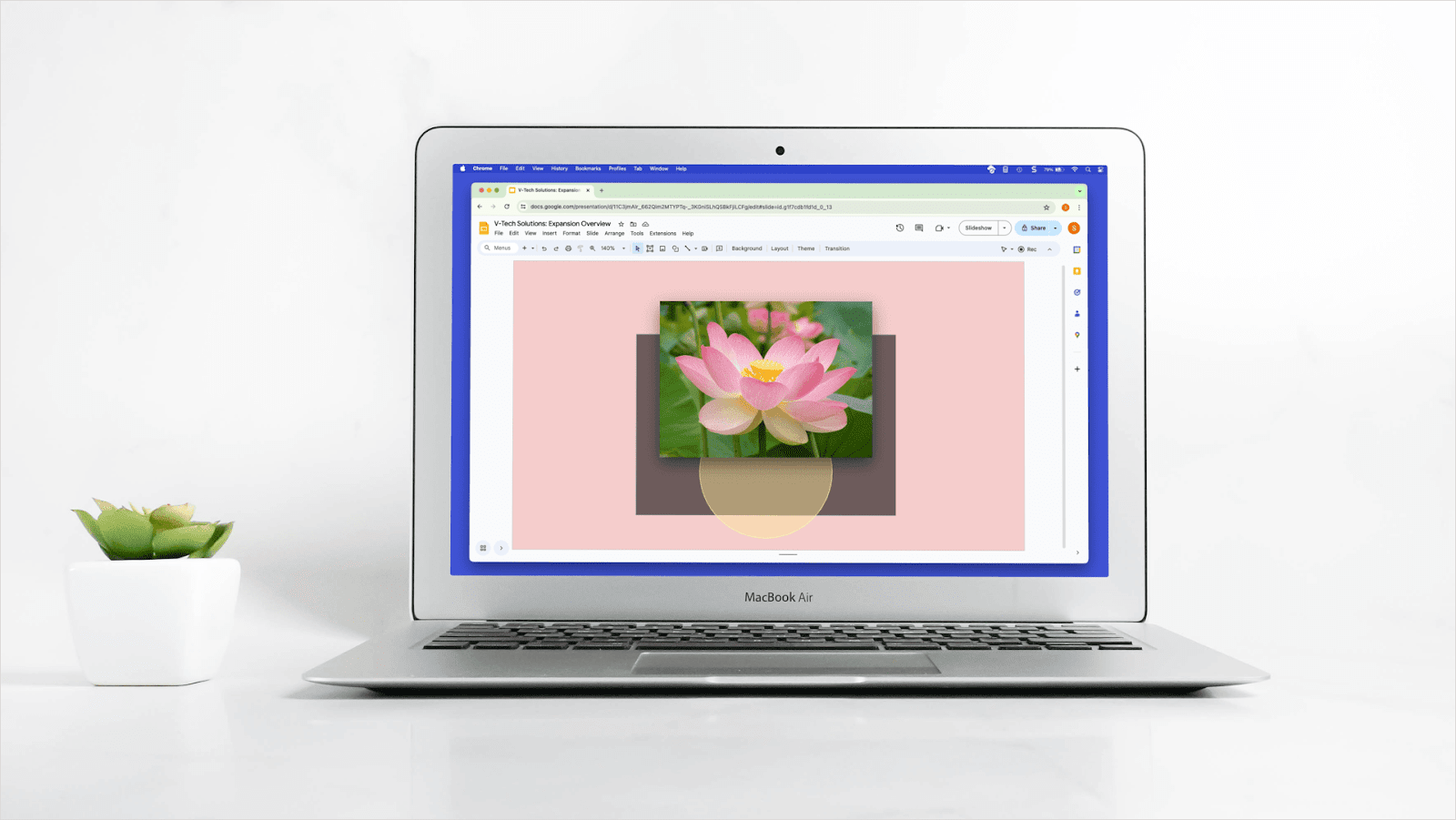
How to bring an image forward in Google Slides
Learn how to bring an image forward in Google Slides and how to use Plus AI to create just the right look for your slides.
-
Resources
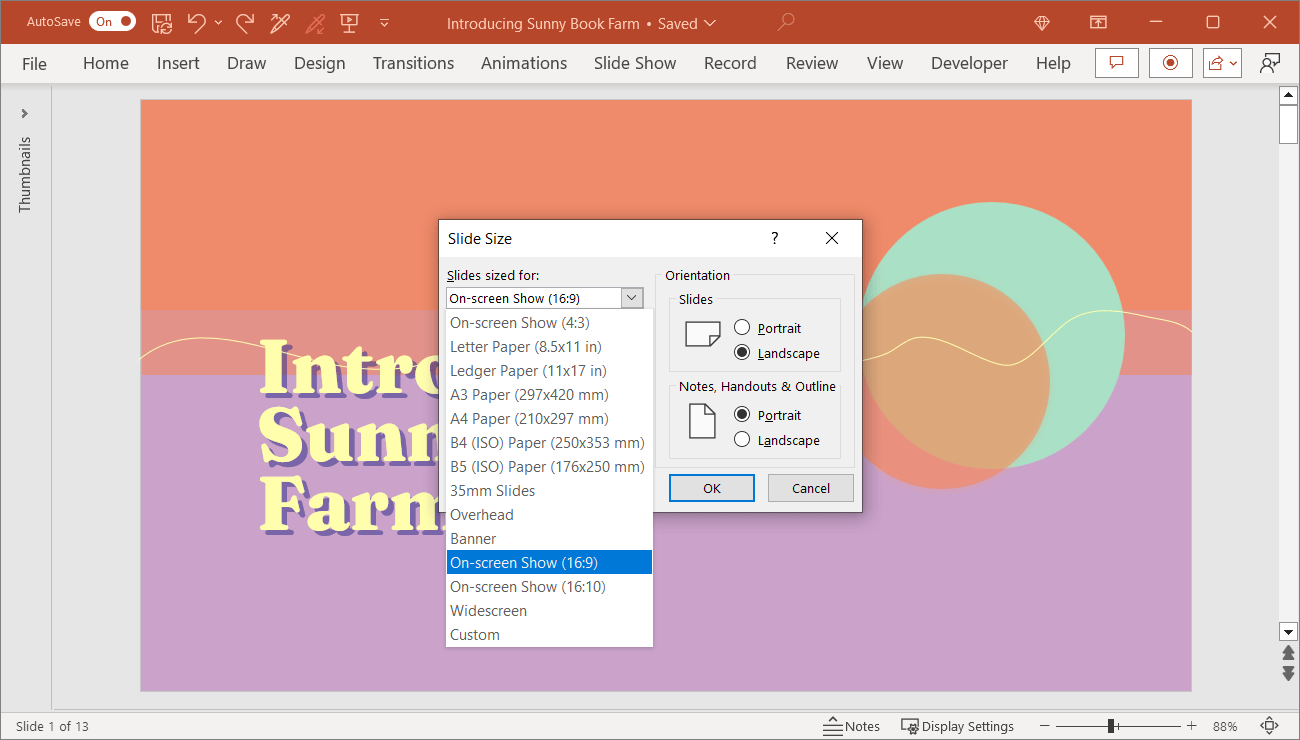
PowerPoint slide size and dimensions
Are you creating a presentation for a device other than a widescreen display? Our guide shows you how to change the slide size in PowerPoint for the right fit.