
Resources
Guides, how-tos, and tips for getting more done with Plus AI.
-
Resources
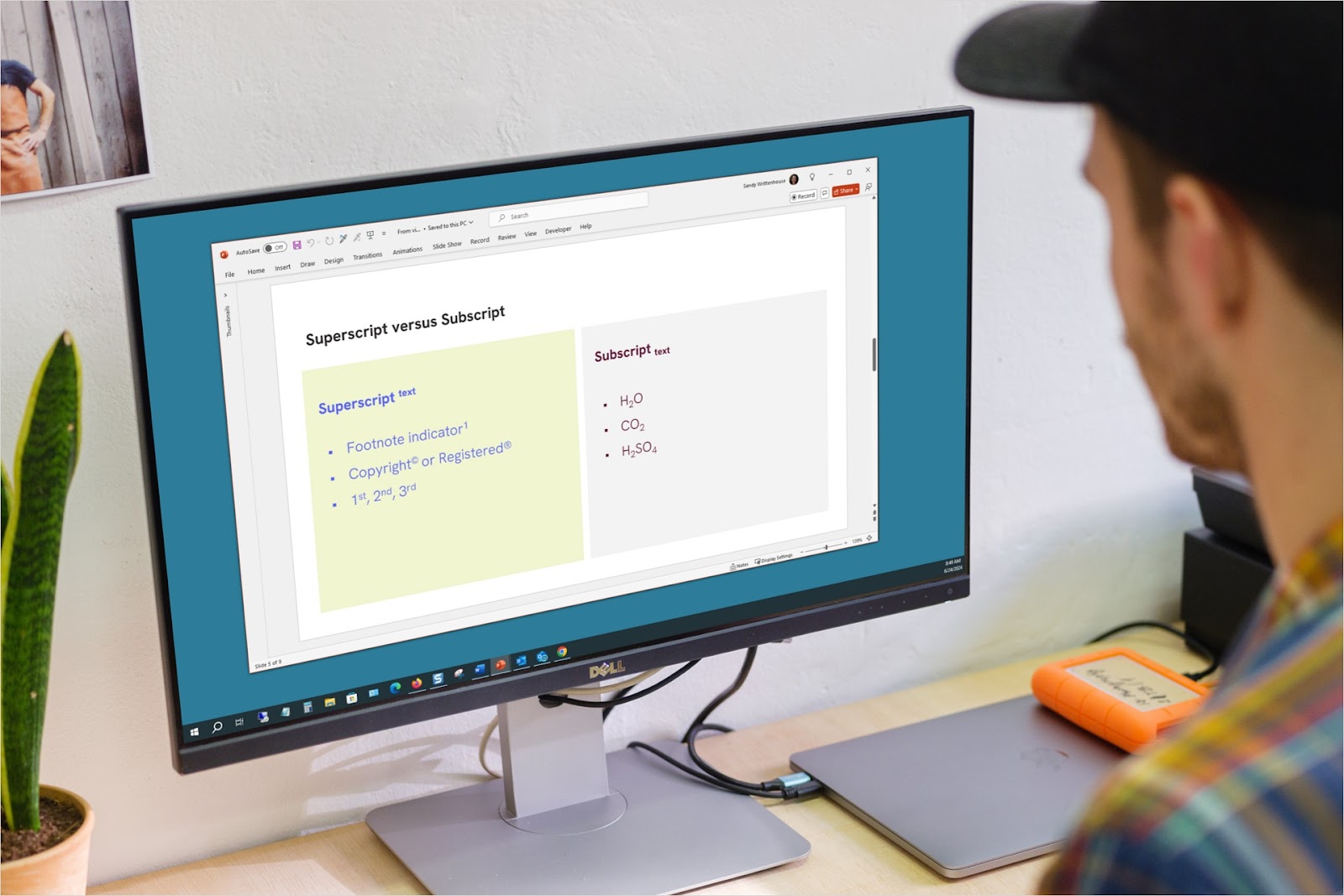
How to apply superscript and subscript in PowerPoint
For math, science, or common symbols, you can apply superscript or subscript to text in PowerPoint in just a couple of steps on Windows, Mac, and the web.
-
Resources
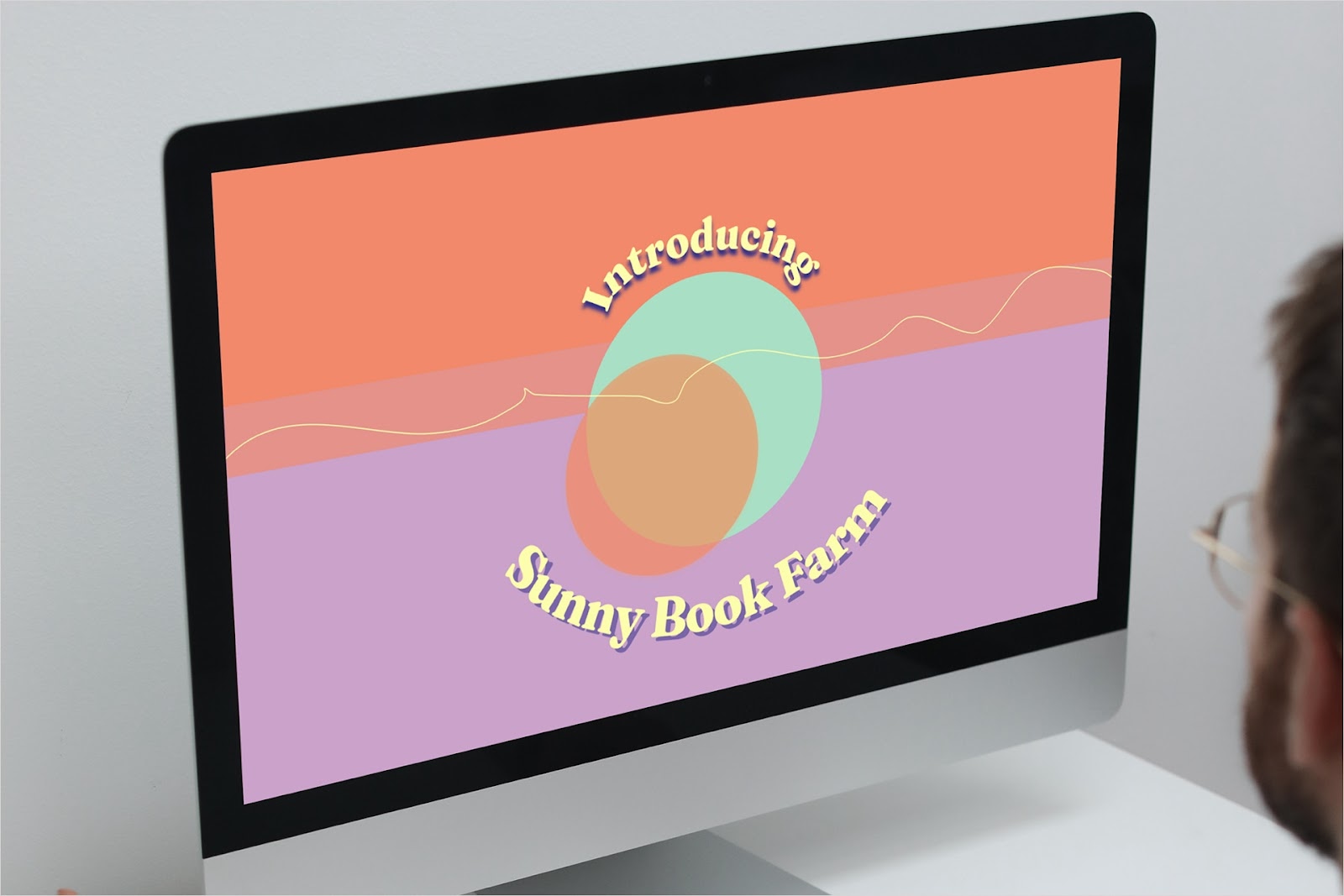
How to curve text in PowerPoint
Follow the path of a shape or create a unique image of your own. Our guide shows you how to curve text in PowerPoint to add a distinct look to your content.
-
Resources
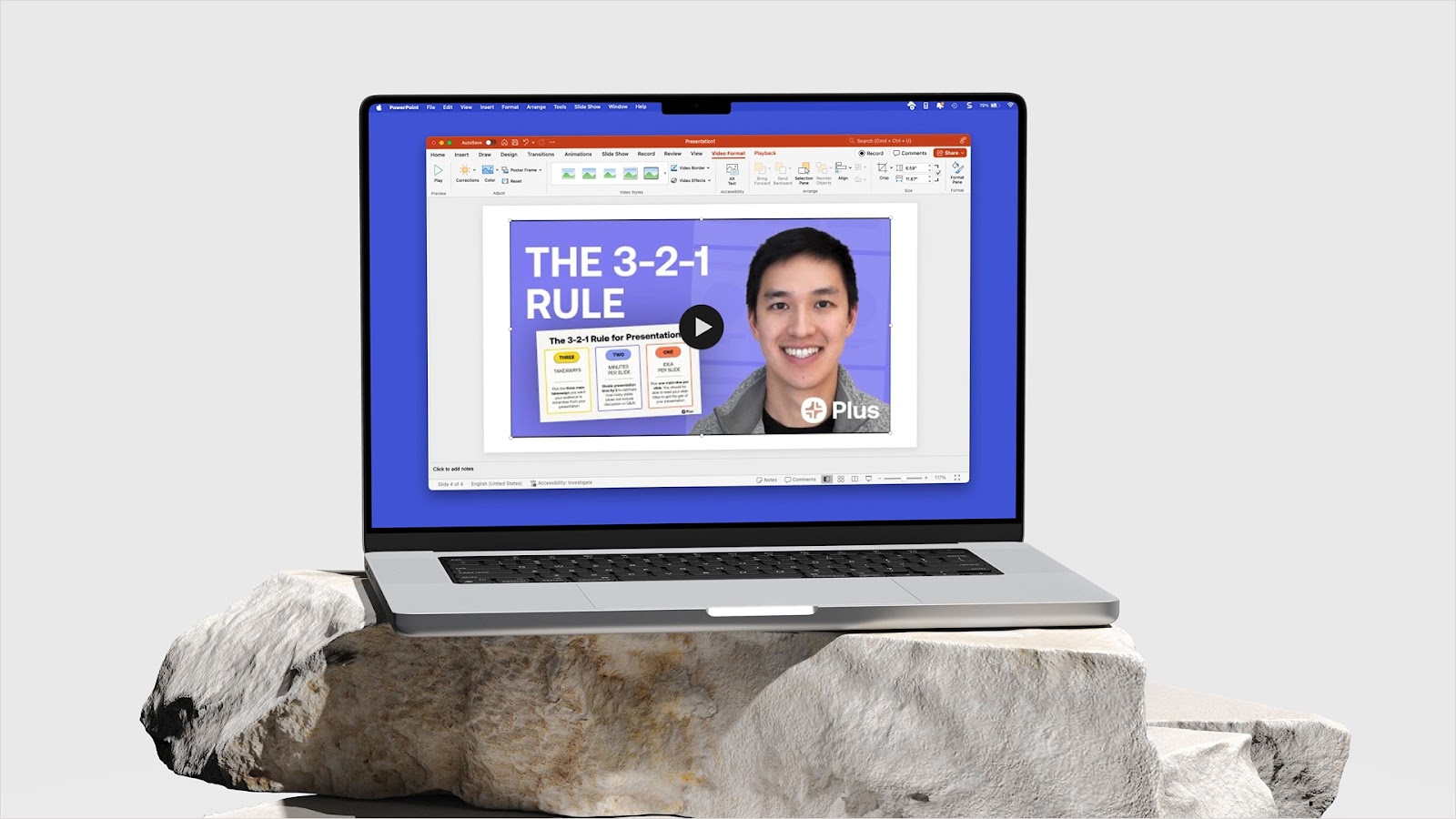
How to add a video to PowerPoint
Does your slideshow need instructions, a demo, or even a little pizzazz? Our guide shows you how to insert a video in PowerPoint using different methods.
-
Resources
How to combine PowerPoints
Wondering how to merge or combine PowerPoints to save time, blend ideas, or address a different audience? These methods for combining slideshows have you covered.
-
Resources
How to prepare presentation slides
Tips, tricks, and a shortcut to getting your next slide deck ready
-

Resources
How to give a great presentation: Move your viewers with these tips and tricks
Learn how to structure and give a killer presentation on any topic.
-
Resources
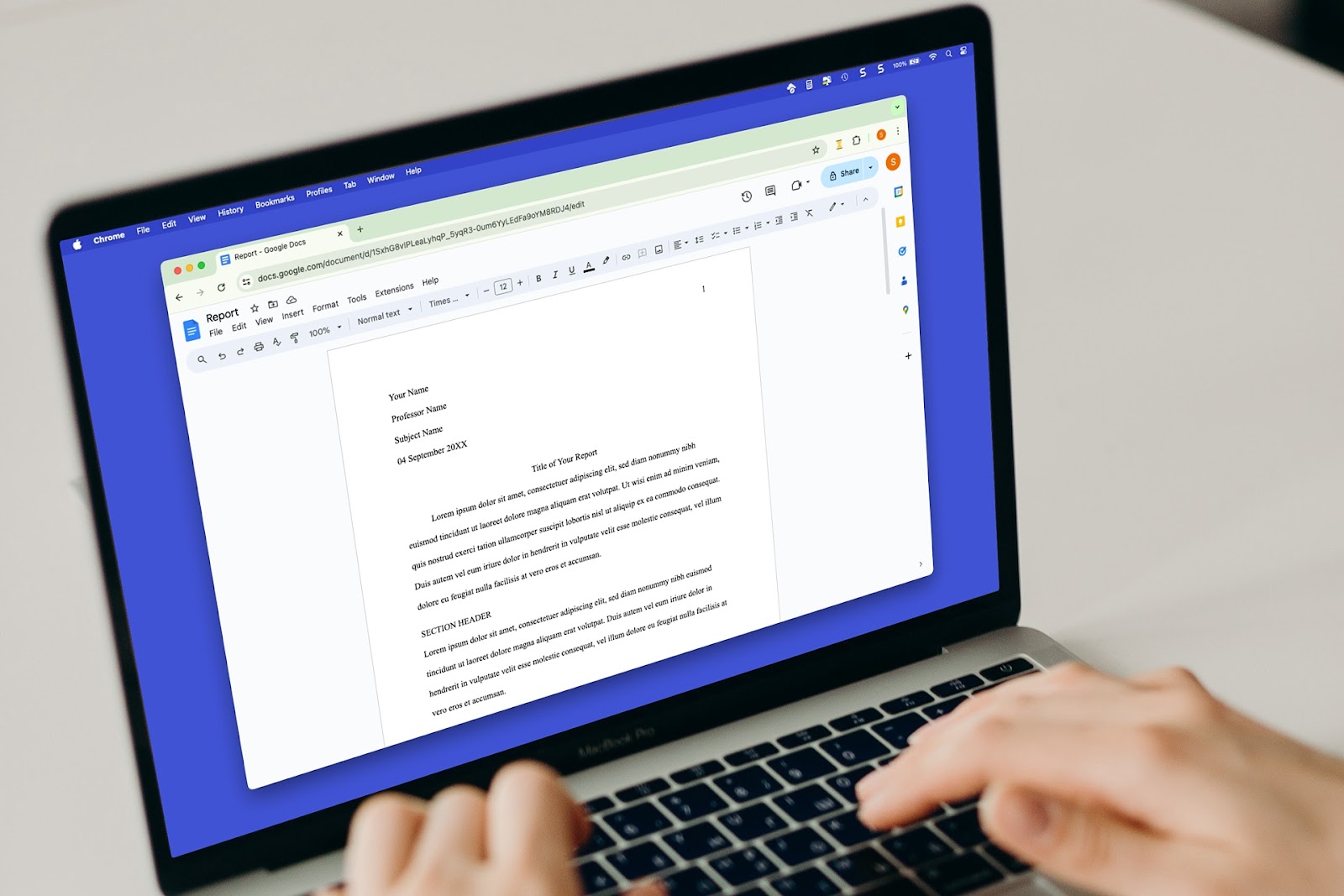
How to do MLA format in Google Docs
Need to create a document using MLA format? We’ll explain this format’s specifications and how to create your paper using MLA in Google Docs.
-

Resources
How to add a watermark to Google Slides
For a word, logo, or other image, we’ll show you how to add a watermark in Google Slides. Whether on one slide or all, our guides make the process easy.
-
Resources
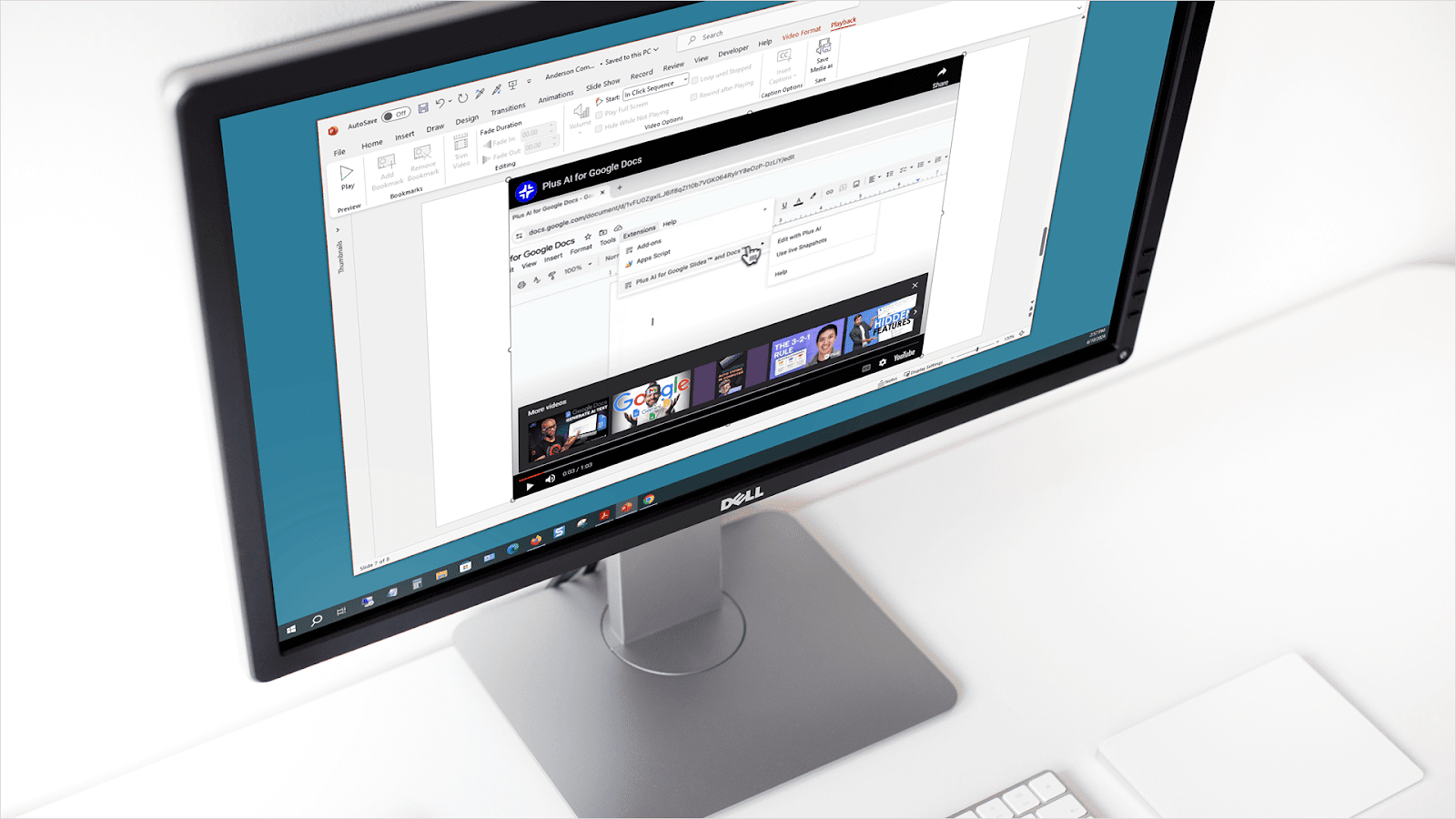
How to embed a YouTube video in PowerPoint
A video in your slideshow can invoke emotion, provide information, or demonstrate a product or task. Here’s how to embed a YouTube video in PowerPoint.
-
Resources
How to insert a PDF into PowerPoint
Enhancing your slideshow may mean adding a report, article, or other document. Here’s how to insert a PDF in PowerPoint to present the information you need.
-
Resources
7 Best AI Tools for Teachers: Make Lessons, Presentations, Quizzes, and More
Explore some of the best tools to use AI in your classroom
-

Resources
How to end a presentation
Not quite sure how to wrap up your slideshow? We’ll explain what you need to successfully end your presentation along with a tool for creating the slides.