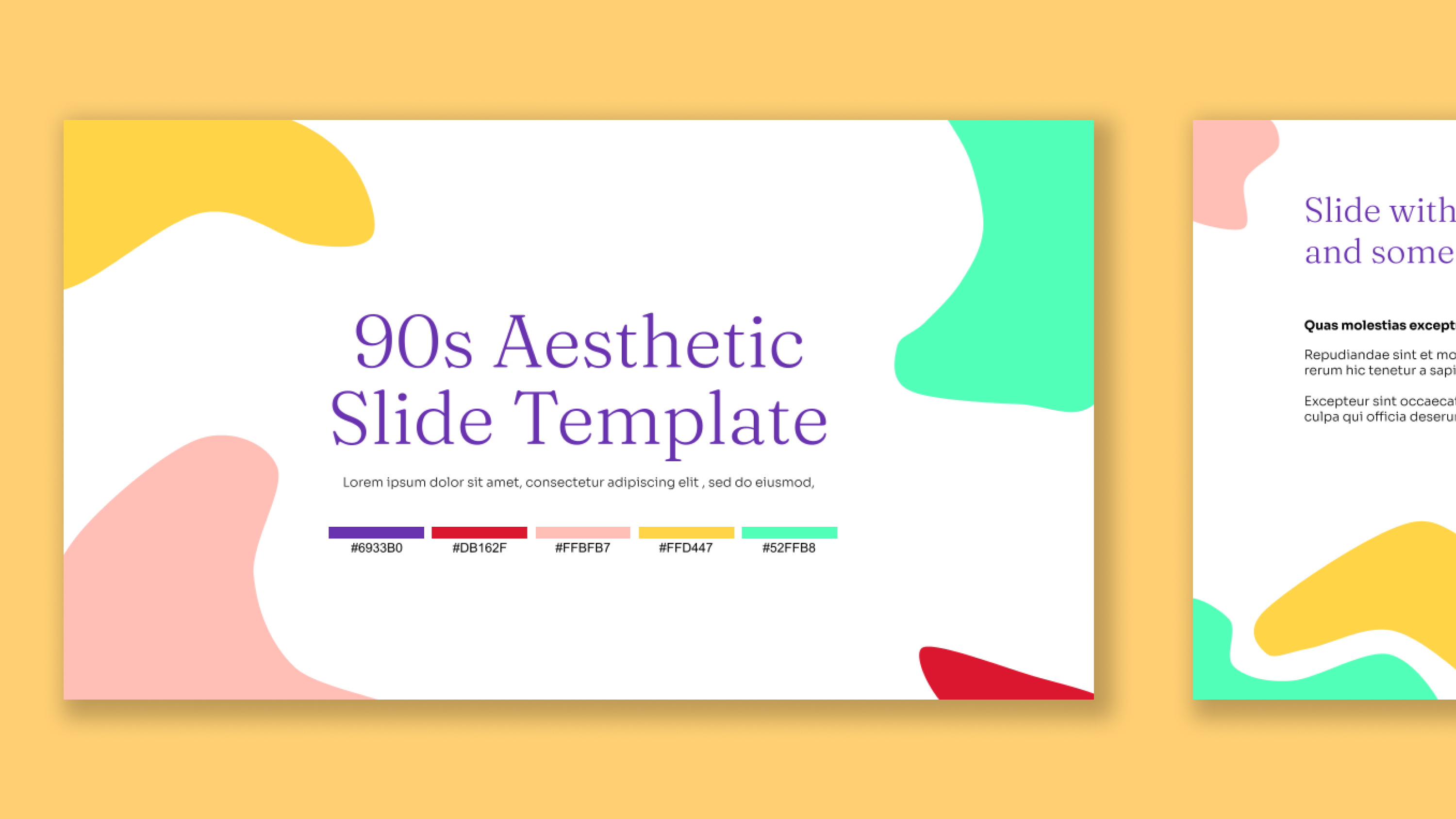
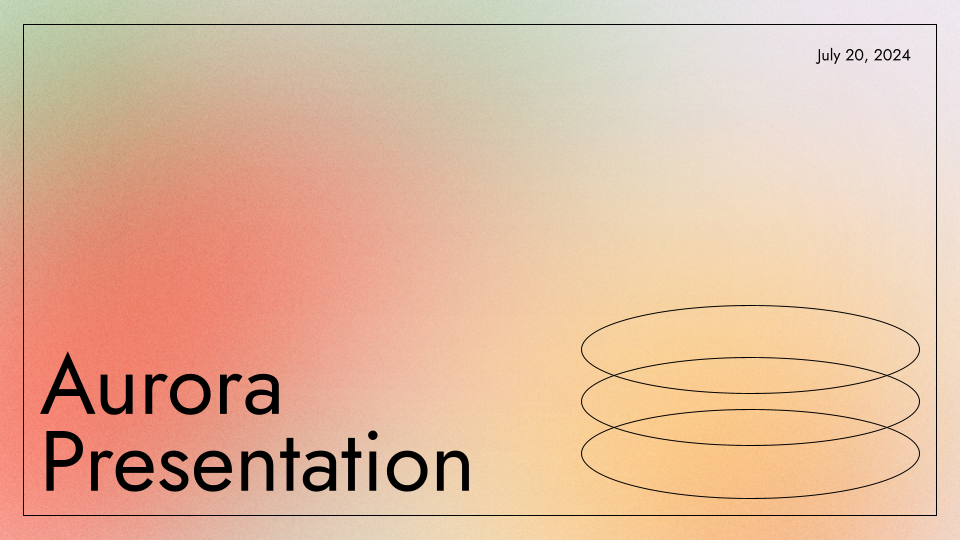
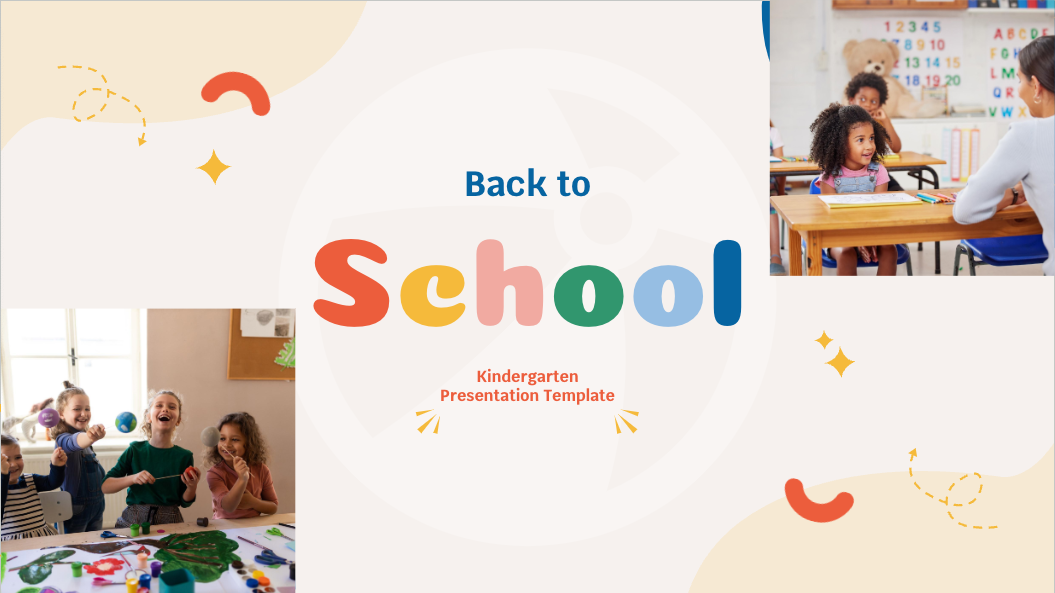
Sunnyside Education Presentation Template
A bright and cheerful education-friendly template. For use with Plus AI
1 / 13
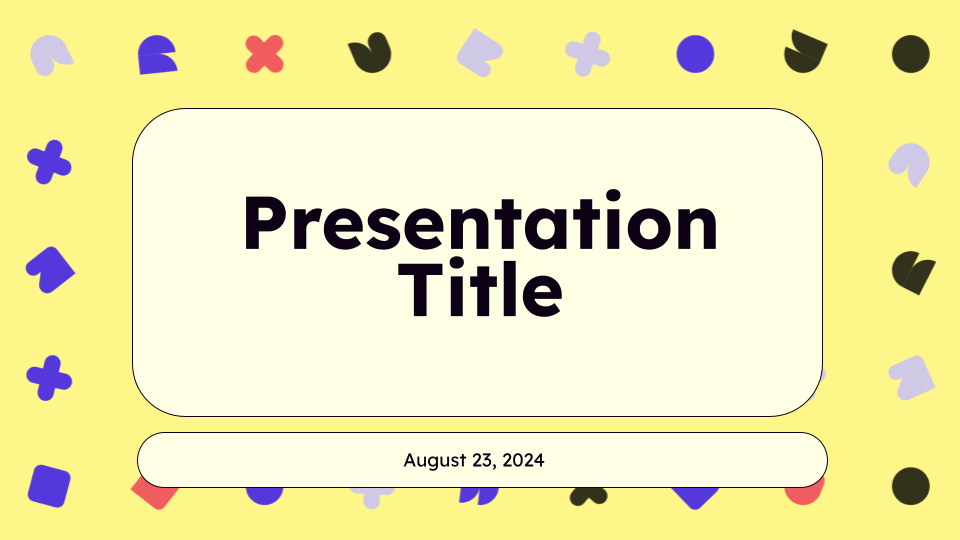
Brighten up your lessons with our child-friendly Sunnyside Education Presentation Template! 🌞 🌈
This light yellow presentation theme has colorful geometric accents and a few purple slides mixed in to keep your young learners engaged.
The rounded typography makes the text easy to read, and there’s plenty of space you can fill up with fun graphics. This sunny slide theme works for both online and in-person class presentations!
Features of this template
- A mix of light yellow and purple backgrounds
- Fun, colorful geometric accents
- Lots of blank space for pictures and other graphic
- Edit directly in Google Slides with Plus AI
- Can be imported into PowerPoint
More than a static template
So much better than a “normal” template that you have to fill out manually.
- Generate a custom presentation in a minute or two.
- Start from any prompt you want, or upload an existing document.
- Use remix to transform your existing slides in just a few clicks.
- Use any language.
Keep exploring
- Learn about Plus AI, presentation maker for Google Slides
- Get the Plus AI for Google Slides add-on in Google Marketplace
- Compare Plus with AI presentation generators like Gamma and Slidesgo
Plus AI for Google Slides & PowerPoint
How to use this template
Generate a custom presentation using this template in a few clicks.
- Install Plus AI for Google Slides or PowerPoint.
- Launch the add-in to create a new presentation.
- Go to “Start from a template” and select your template.
- Enter a prompt or upload a file to generate a custom presentation.
- Continue editing with Insert, Remix, and Rewrite.