
Blog
Guides, reviews, and tips for making better presentations with AI.
-
Resources
How to create a great onboarding presentation
Need help creating a presentation for your new employees? Our guide walks you through how to create a great onboarding presentation from start to finish.
-
Resources
How to cite photos in PowerPoint
Wondering how to cite photos in PowerPoint for a school project or public presentation? Here’s everything you need to do to add citations to your images.
-
Resources
Keyboard shortcuts for PowerPoint
Give your productivity a boost with these PowerPoint keyboard shortcuts. Edit slides quickly and easily using simple key presses.
-
Resources
How to make a signup sheet in Google Forms
Need an easy way for people to sign up for an event? We’ll show you how to make a signup sheet in Google Forms
-
Resources
How to loop a PowerPoint presentation
Want to restart your slideshow as soon as it ends? We’ll explain how to loop a PowerPoint presentation continuously until you manually stop the playback.
-
Resources
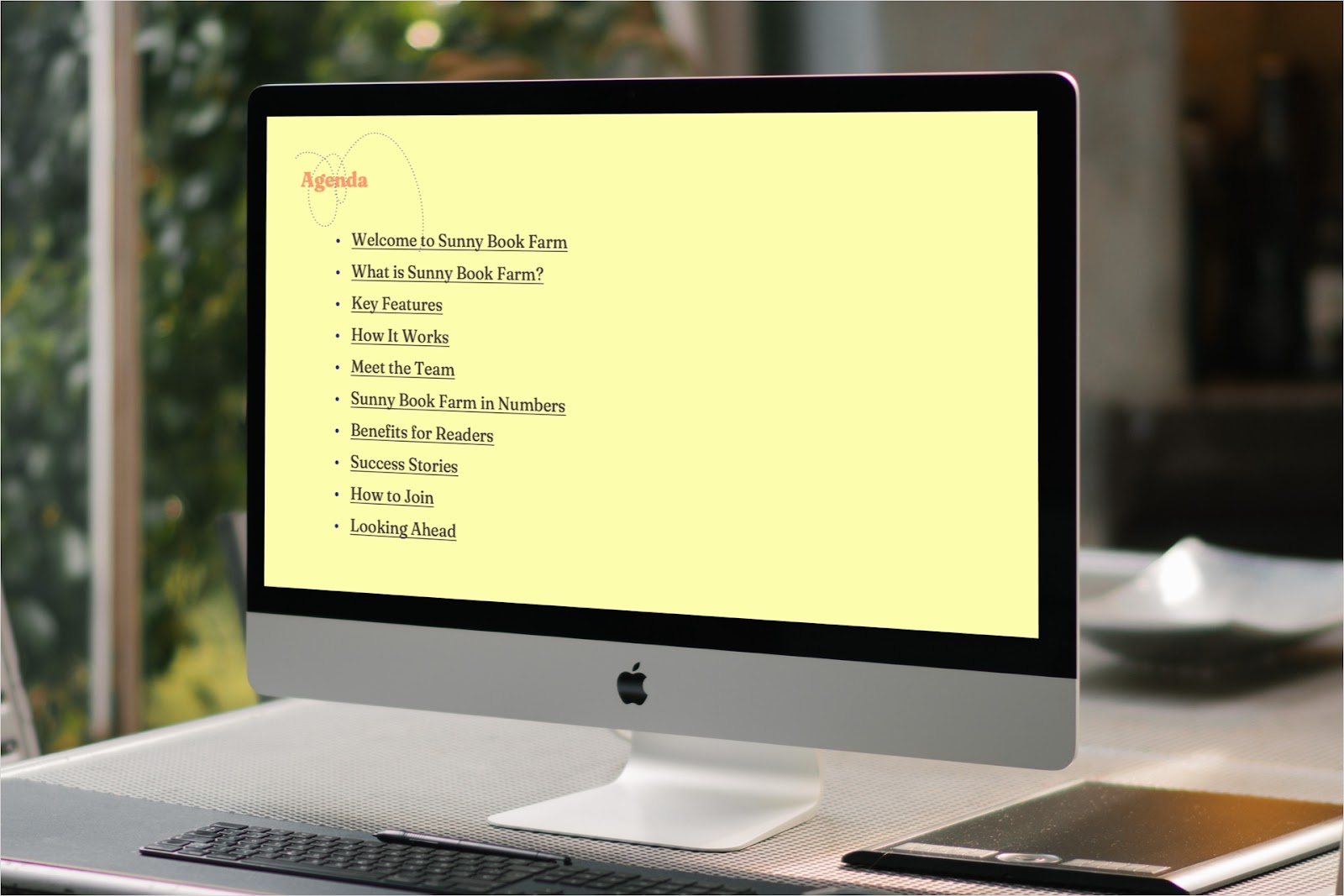
How to create a table of contents in PowerPoint
To easily move through your presentation and jump to the slides you’re referencing, here’s how to add a PowerPoint table of contents and link the headings.
-
Resources
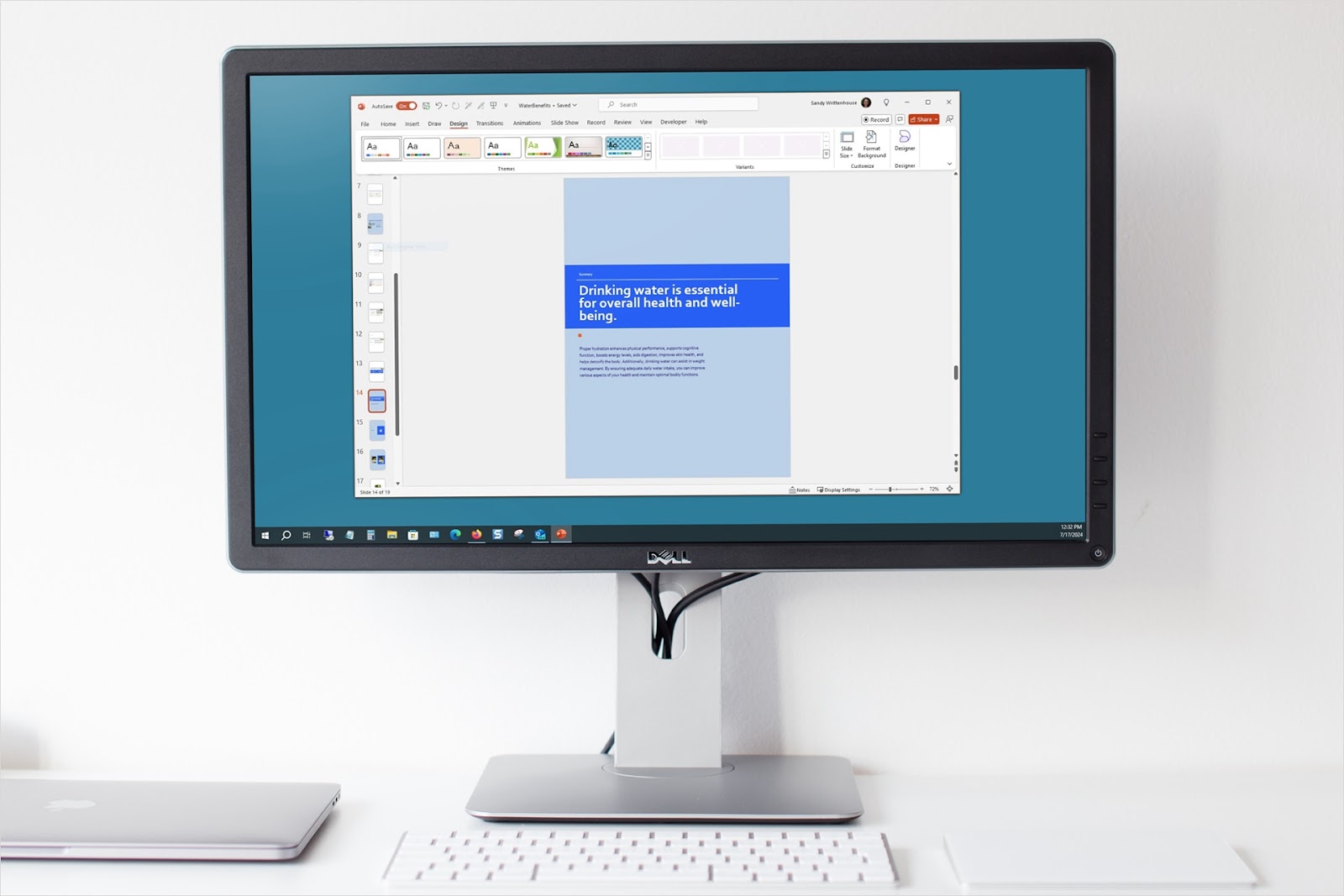
How to change slide size in PowerPoint
Need your slides to be sized specifically for a special monitor, screen, or print? We’ll show you different ways to change the slide size in PowerPoint.
-

Resources
How to make a picture transparent in PowerPoint
Want to make a picture transparent in PowerPoint but not sure where to begin? We’ll show you three ways to apply transparency to an image in your slideshow.
-
Resources
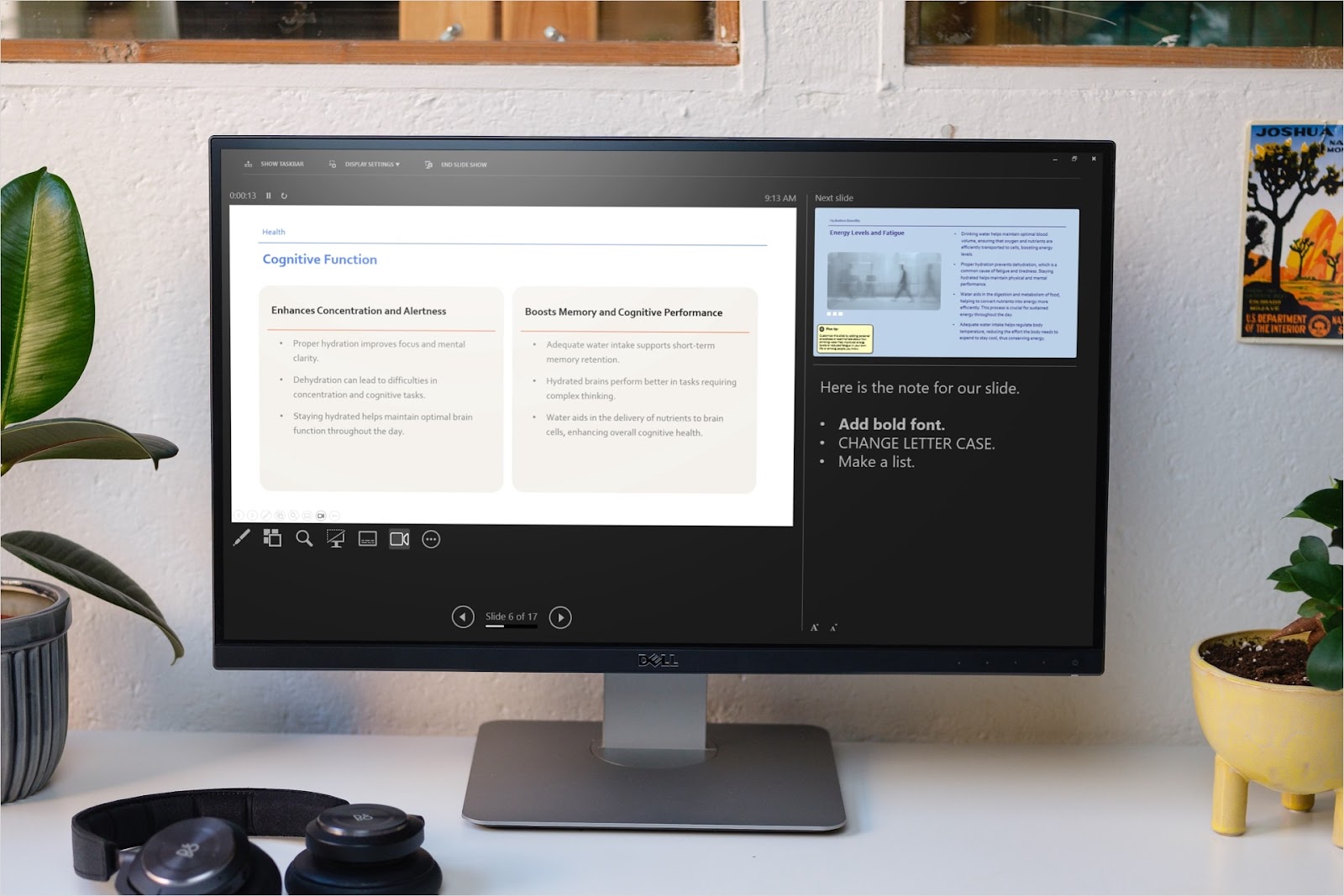
How to add notes in PowerPoint
To add speaker notes to PowerPoint for talking points, additional explanations, or supporting details, take advantage of the Notes feature in PowerPoint. Here’s how to use it.
-
Resources
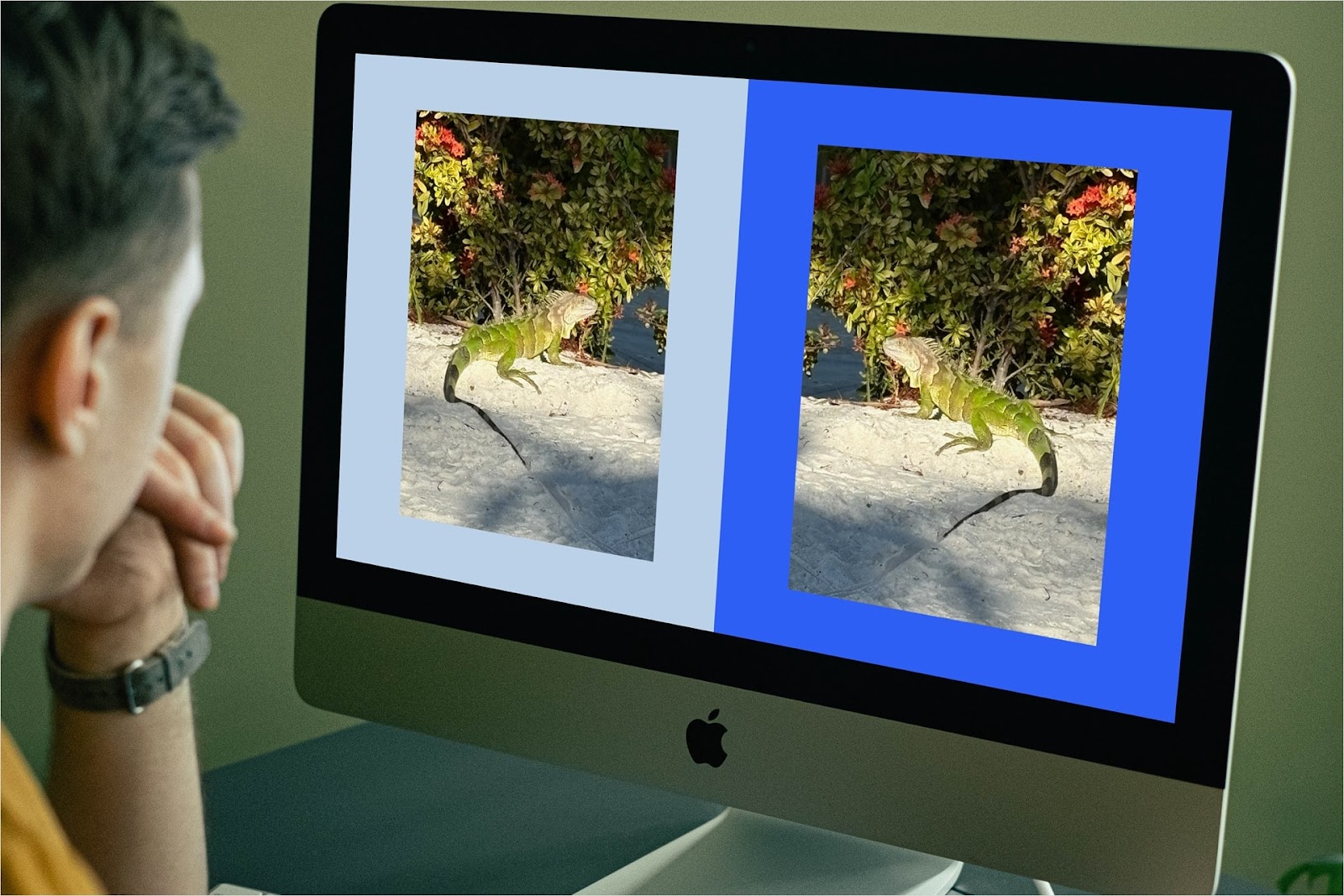
How to flip an image in PowerPoint
Simple guide to flipping an image vertically or horizontally in PowerPoint
-
Resources
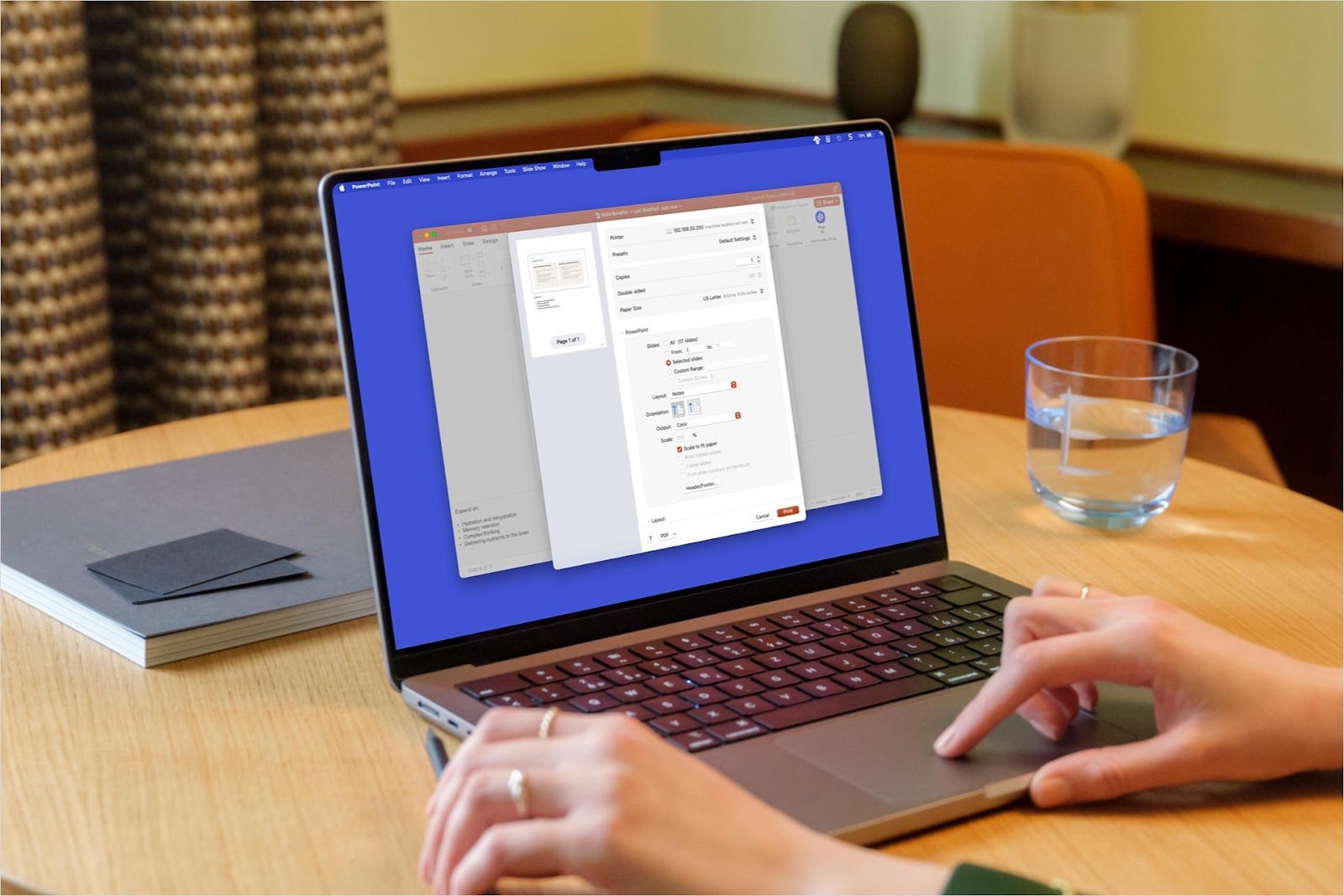
How to print PowerPoint speaker notes
Whether you want to review, save, or share your speaker notes, you can create a hard copy. Here’s how to print PowerPoint notes on Windows, Mac, and the web.
-
Resources
An introduction to Tome and alternative AI presentation tools
A introduction to Tome, how to use it and which alternatives are available