
Blog
Guides, reviews, and tips for making better presentations with AI.
-
Resources
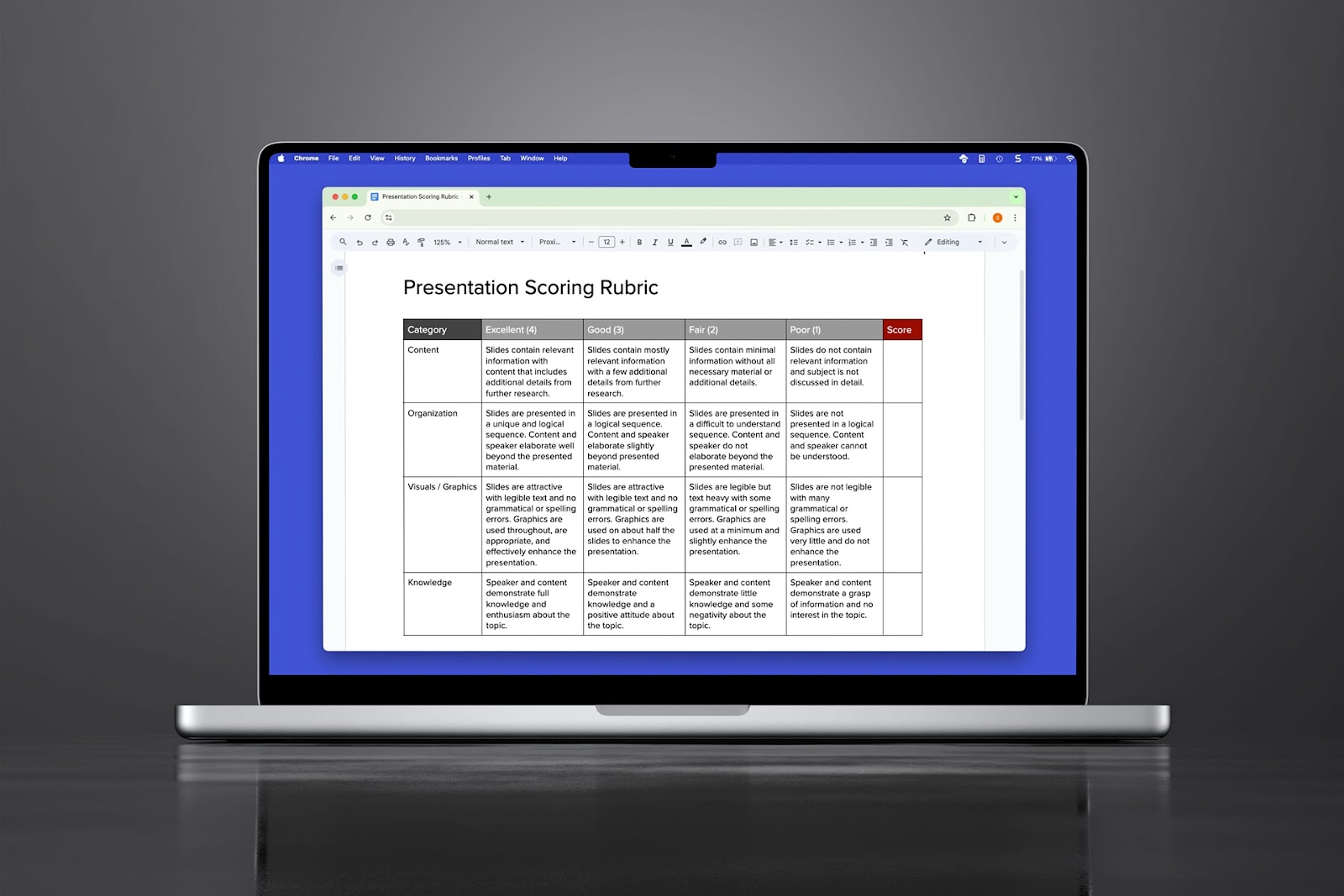
Presentation scoring rubric: What is it and how to make one
Need a presentation scoring rubric? Here's a helpful template to get started
-
Resources
How to insert text to speech in PowerPoint
Play the spoken word to accompany your PowerPoint. How to insert text to speech in PowerPoint.
-

Resources
How to see who edited what in PowerPoint
Need to know who edited what in your PowerPoint slideshow? Four ways to see PowerPoint edit history
-
Resources
PowerPoint vs Keynote: How Microsoft’s slidemaker compares to its challenger from Apple
Comparing Microsoft’s PowerPoint to Apple’s Keynote. Which is the best slidemaker in town? Read on to find out.
-
Resources
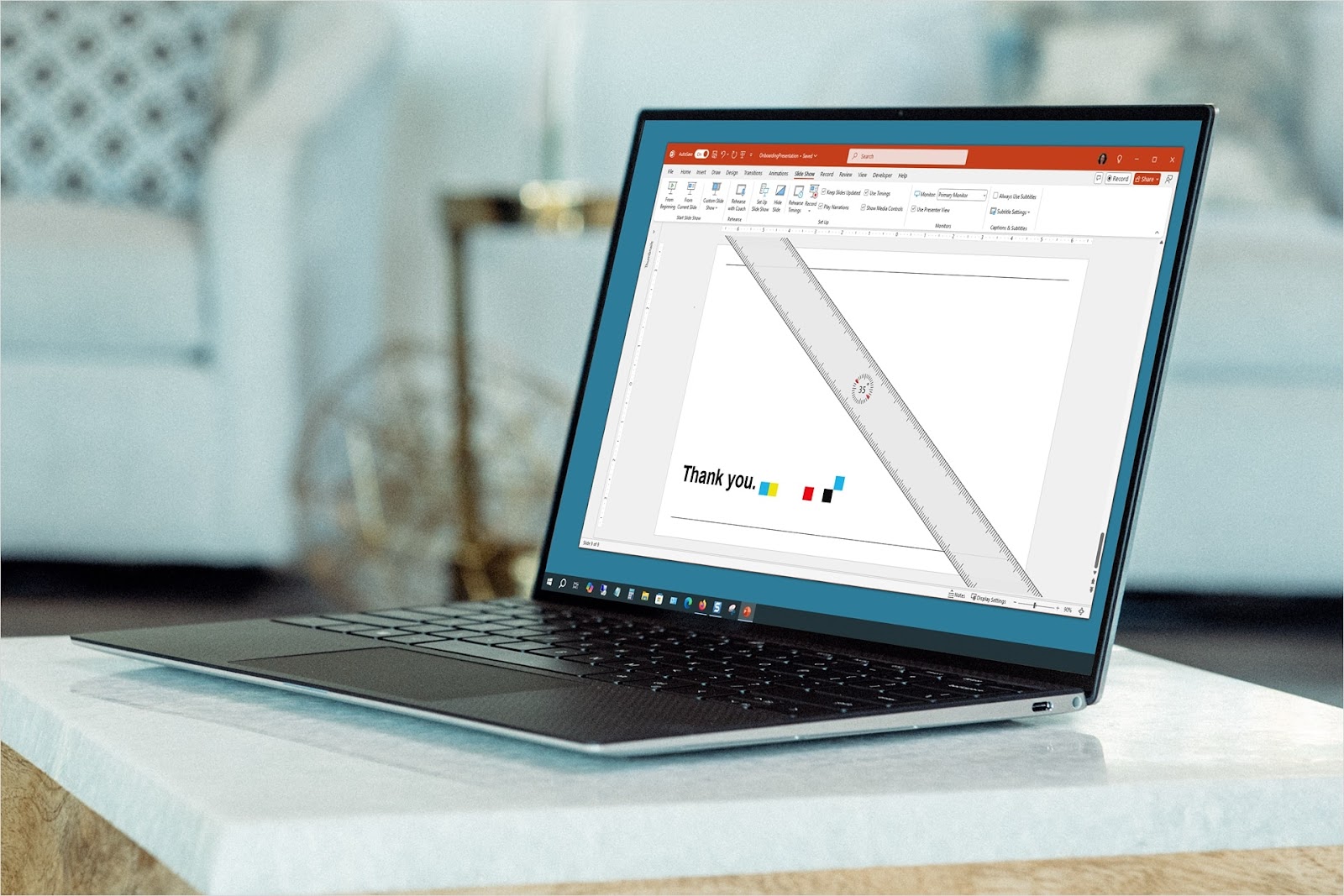
How to add the ruler in PowerPoint
Want to learn how to make the ruler slide in PowerPoint or simply display it for use? We’ll walk you through using the draw, horizontal, and vertical ruler.
-

Resources
How to have internal slide link in PowerPoint
Want a simple way to move to a particular slide or display a custom show? Here’s how to set up internal links in PowerPoint for easy navigation.
-
Resources
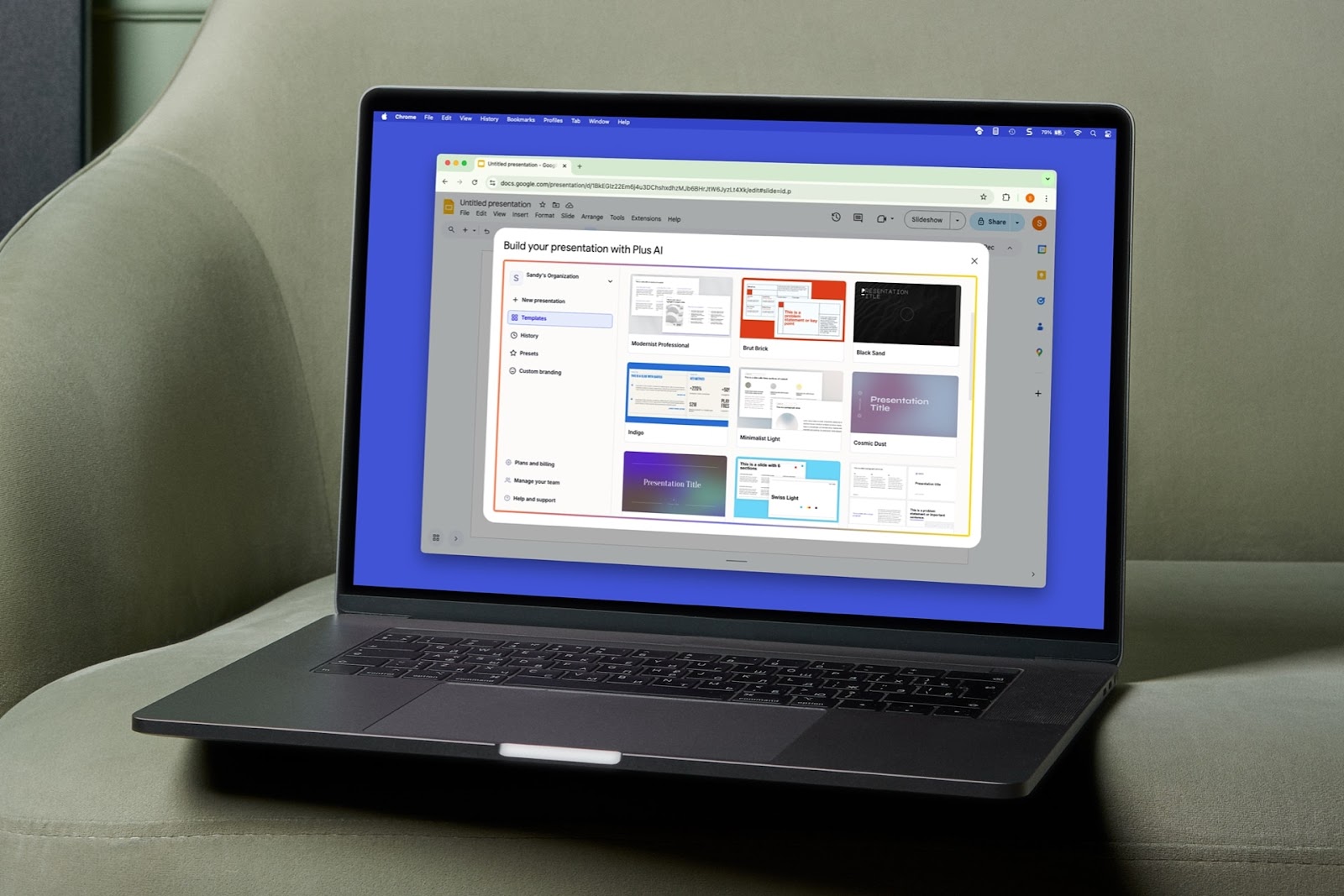
How to get rid of a theme in Google Slides
Want to get rid of your current theme in Google Slides? We’ll show you your options for editing and changing themes in Google Slides.
-
Resources
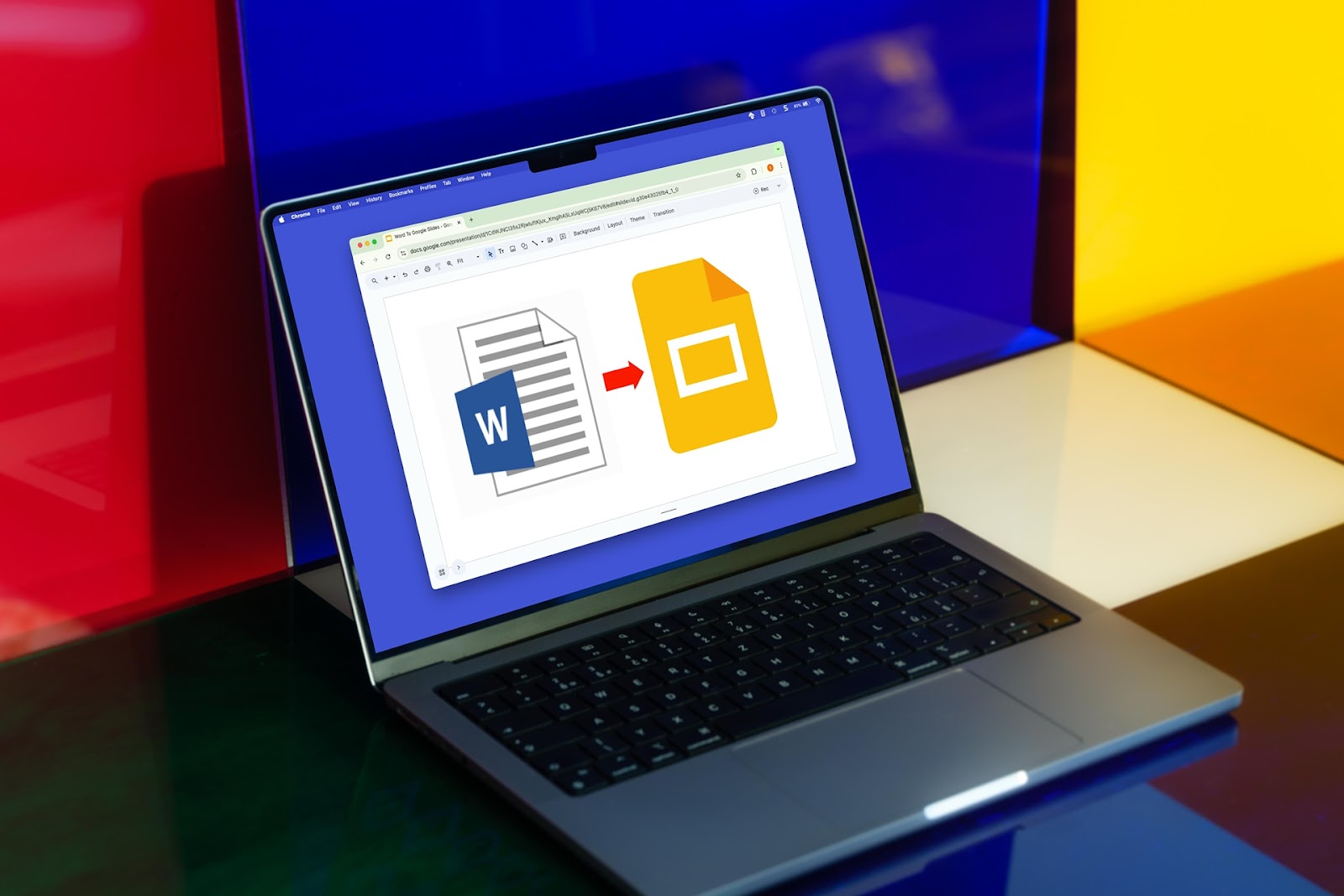
How to convert a Word document to Google Slides
It’s easier to convert a Word document to Google Slides than you might think! With Plus AI, you can turn your file into a slide deck and edit it with ease.
-
Resources
How to change the Google Slides default font
Searching for how to change the default font in Google Slides? We’ll walk you through the process, so you can use your favorite font on each slide.
-
Resources
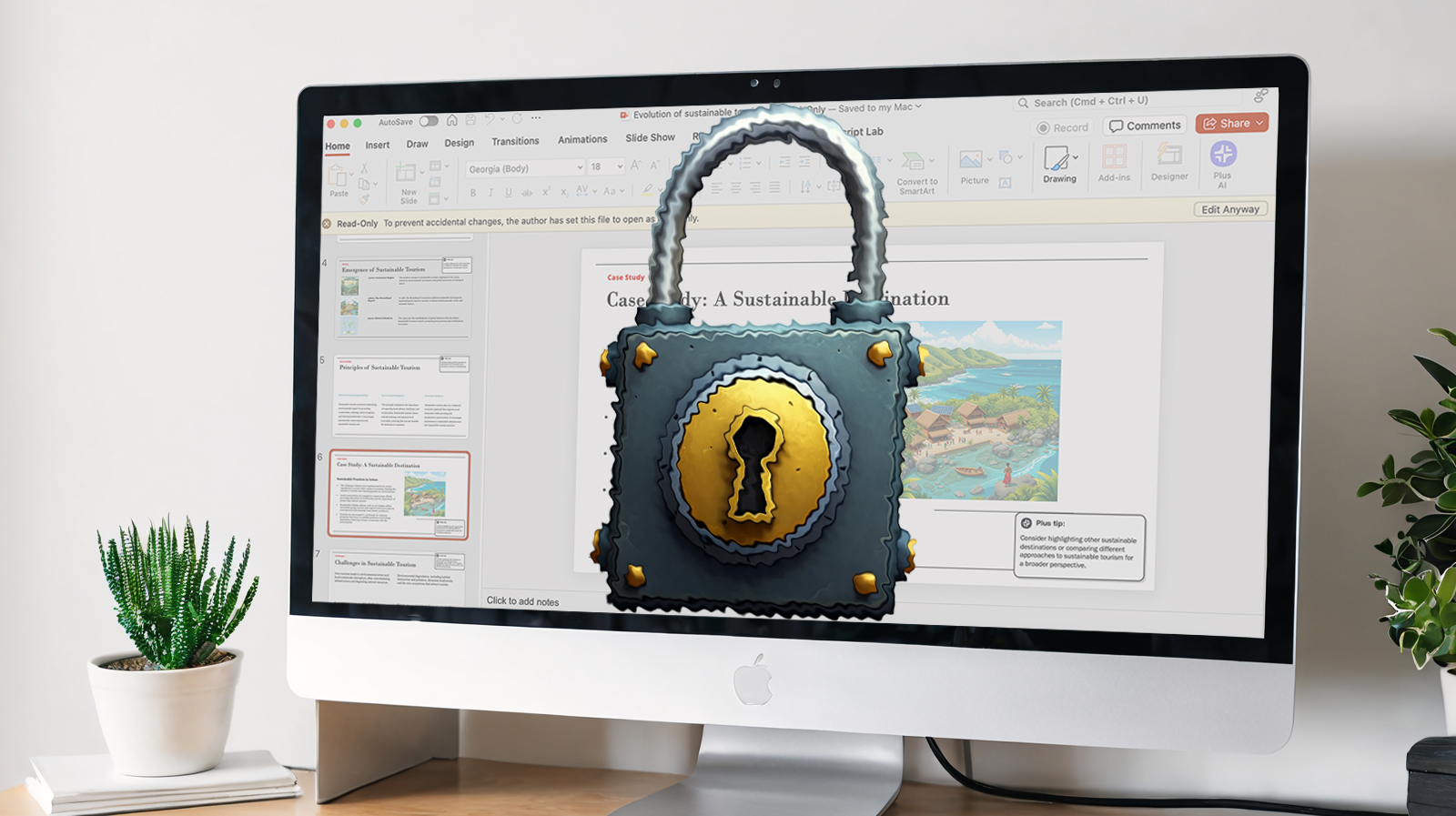
Full guide to PowerPoint read-only files on Windows, Mac, and the web
Learn how to enable and disable the PowerPoint read-only setting on a Windows, Mac, or the web.
-
Resources
How to add video to Google Slides: Two easy methods
Learn how to insert videos into Google Slides with two easy methods and enhance your presentations with engaging videos.
-
AI news
Can AI tools replace content writers?
When do you think AI will replace writers? My thoughts as a professional content writer