
Create a free webinar presentation
Give us a description of your business and get a customized presentation for your next webinar, powered by Plus AI.


How does it work?
How does it work?
- 1
You give us a webinar topic
Tell us about your company and the work you are doing for your clients
- 2
Our AI creates a webinar
We use the latest AI technologies to create an easy-to-digest webinar presentation
- 3
We send you the link to the slides
Customize your presentation and share it with coworkers and clients
Beyond webinars
-
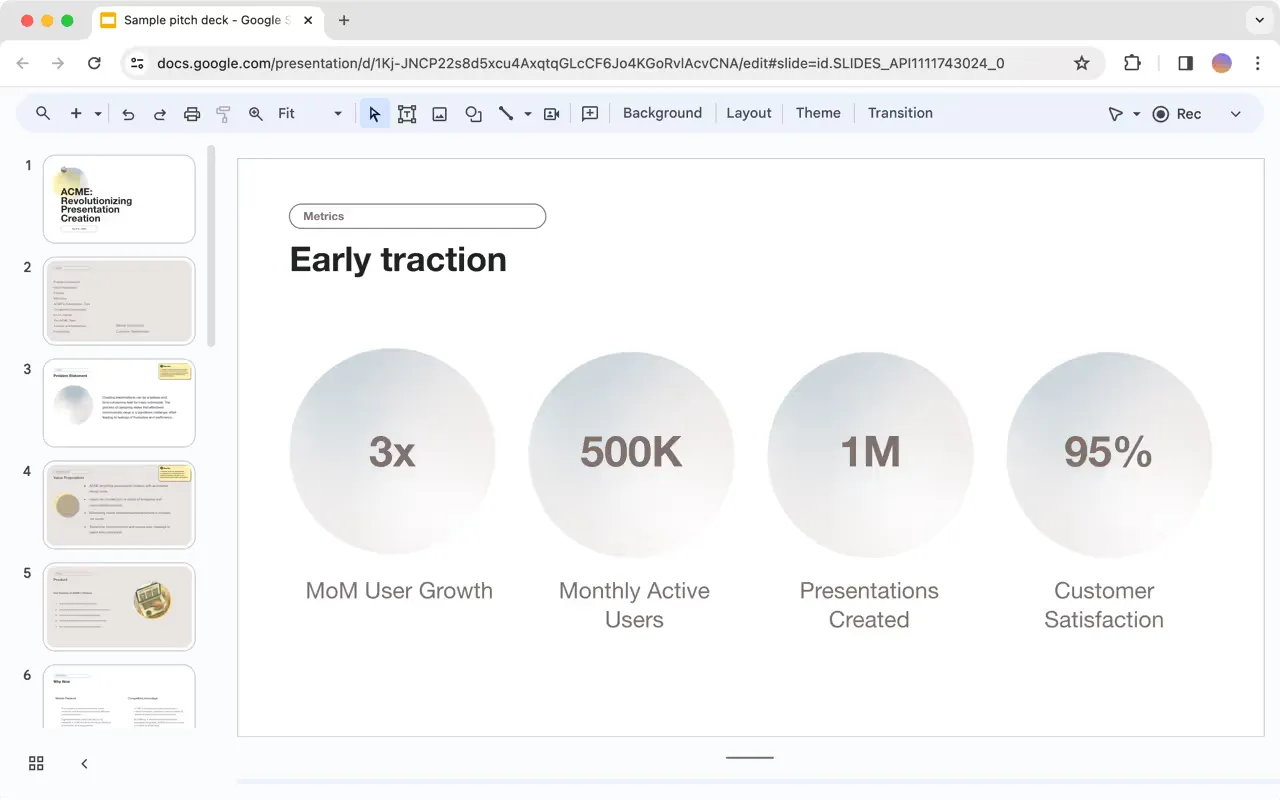
QBRs and sales presentations
Automate your client reports and generate presentations for pitch meetings.
-
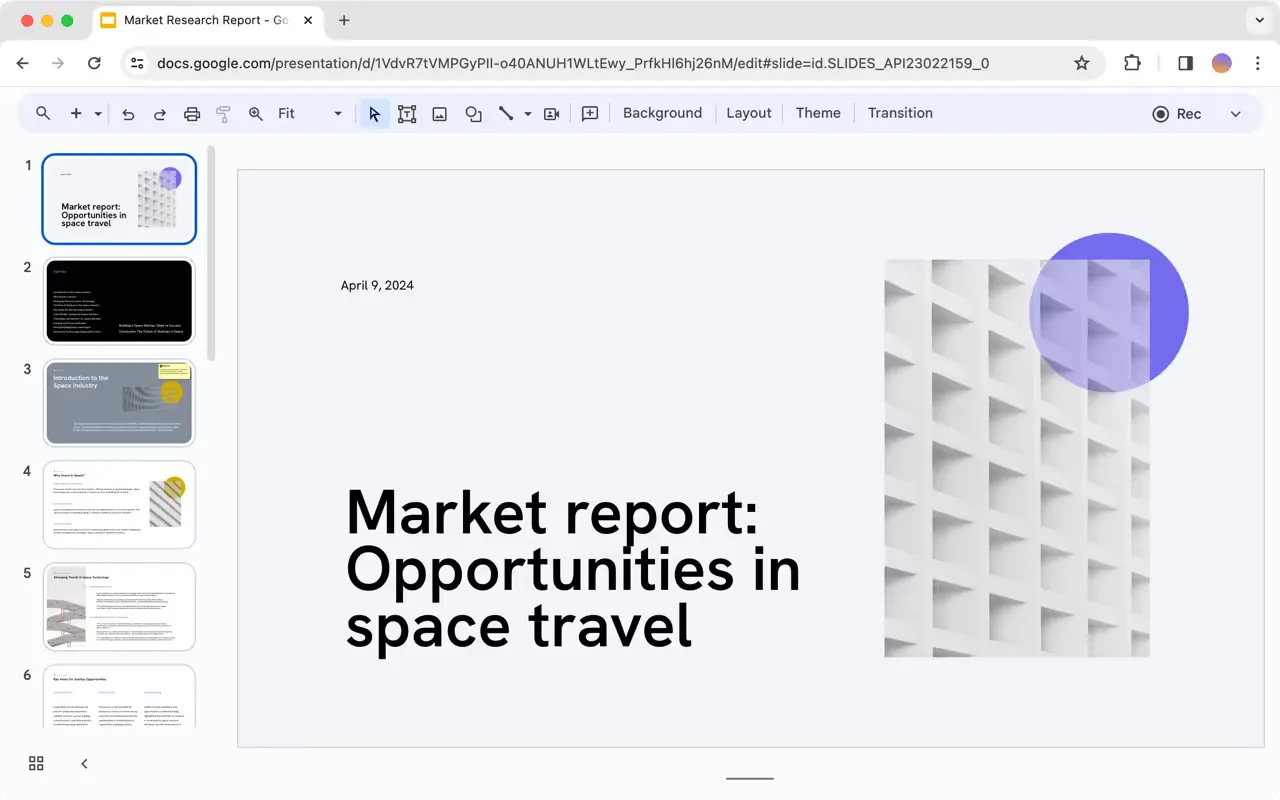
Strategy and research reports
Let our AI develop the first draft of your next strategy or research presentation.
-
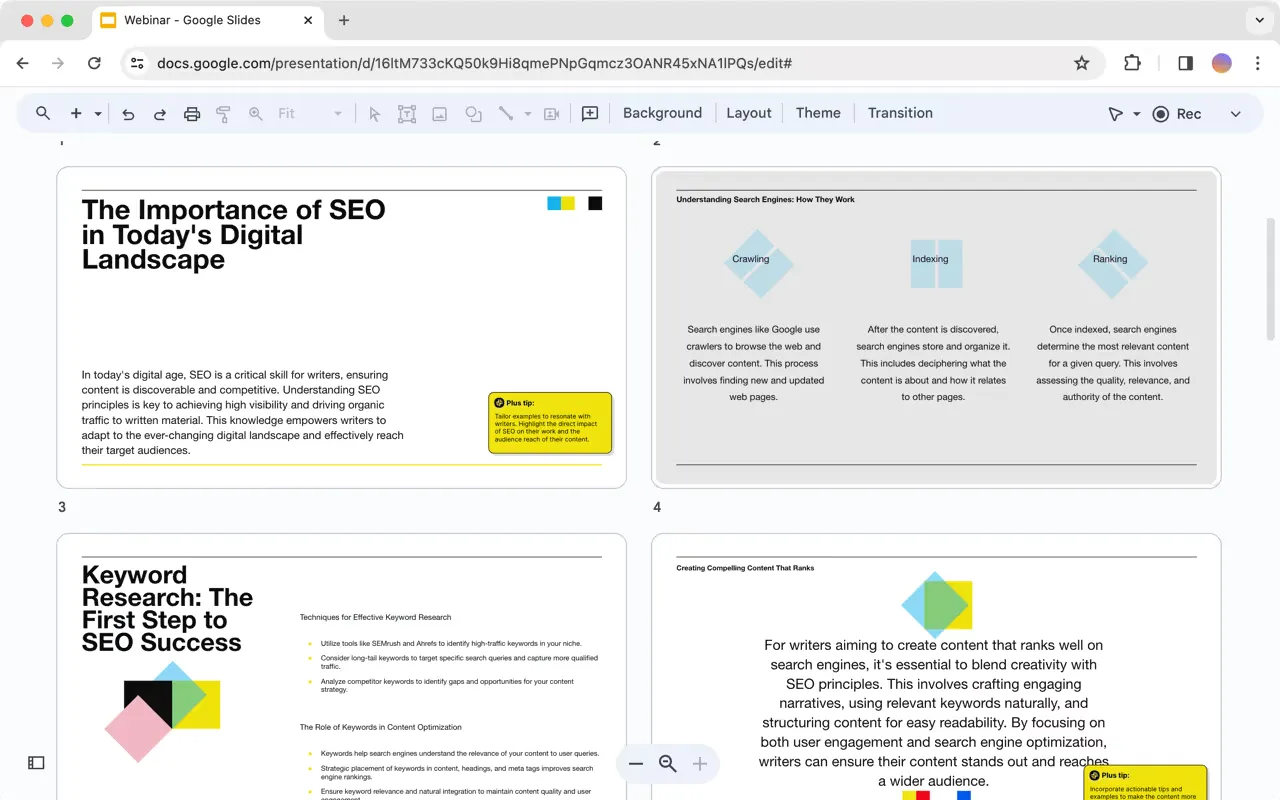
Any of your other presentations
Pitch decks, client overviews, weekly meetings, book reports, and anything else you need
Do it yourself with Plus AI
- 1
Install the Plus AI extension
Works with Google Slides and PowerPoint
- 2
Generate a presentation
Never start from scratch again. Use a prompt or upload a file.
- 3
Make it yours
With our AI-powered editing tools for writing, formatting, translation, and more.
Plus AI for Enterprise
AI slides to make the whole team look good
Everything your team needs to create polished, on-brand presentations at scale. Custom templates, integrated asset libraries, and automated workflows - all powered by Plus AI. Includes SSO, user management, and white-glove onboarding to customize everything for your organization.
-
Advanced templates
Support for unlimited slides and specialized designs like case studies and diagrams
-
Asset libraries
Plus AI can pull from your existing resource slides, pre-approved image and icons, and more
-
Works where you do
Works within PowerPoint and Google Slides — no new apps to install or tools to learn
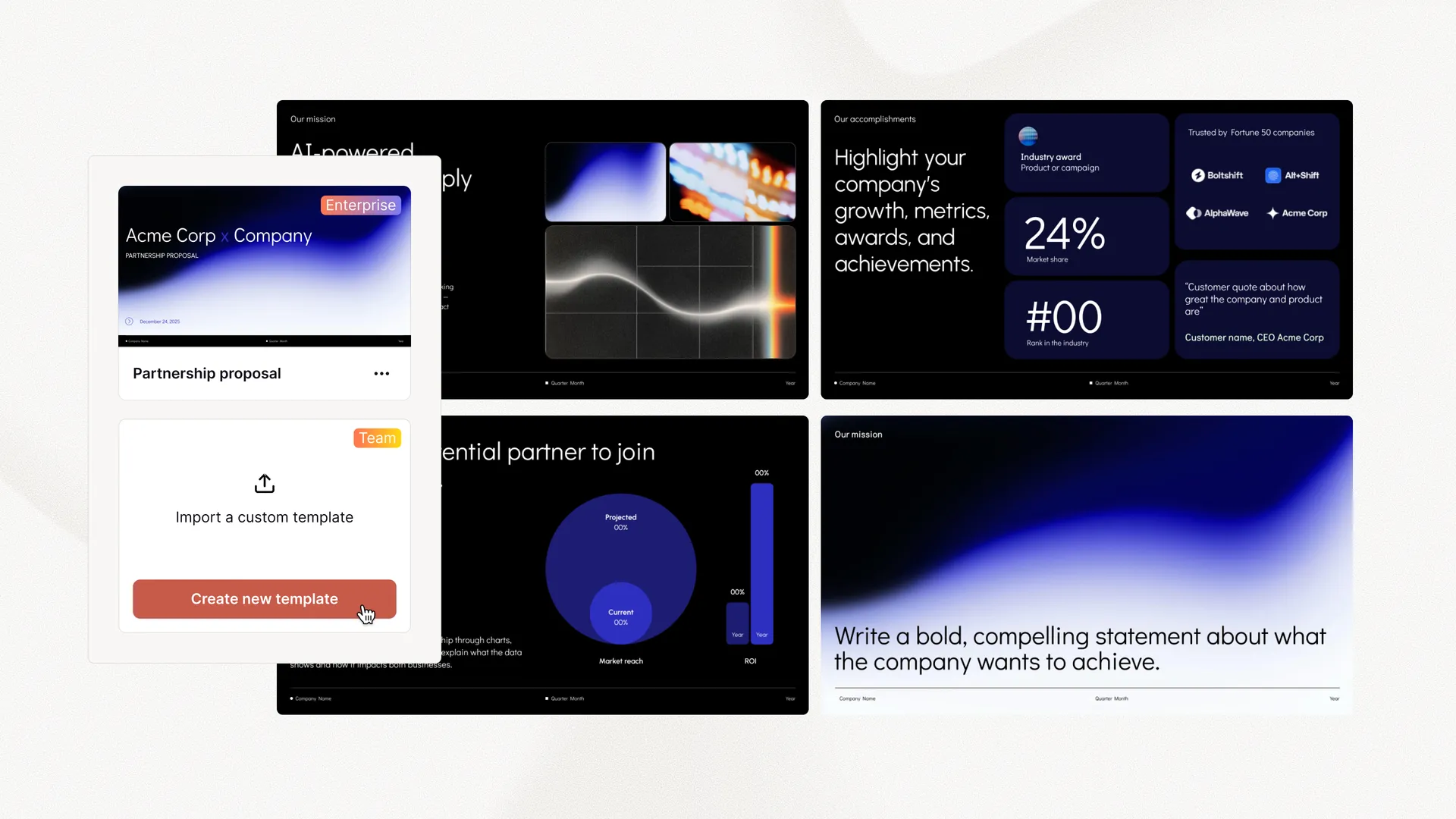
Empowering content creators at companies big and small.



















Testimonials
What our users say
-
This is the easiest way to build dashboards I have ever seen — no training or extra tools required. This will save my team hours of work each week.
-
Plus makes it easier for us to get value out of our tools, rather than struggling to aggregate data.
-
Plus is the perfect solution for our weekly executive meetings, where we review data from a dozen different tools.
Tired of wasting time on slides? Try Plus AI for free.
Start with a 7-day free trial. Cancel any time. Edit and collaborate seamlessly — directly in Google Slides or PowerPoint.
Get started for free