
Resources
Guides, how-tos, and tips for getting more done with Plus AI.
-
Resources
How to change the global font in PowerPoint
Updating all of your fonts doesn’t have to be time-consuming. We’ll show you two quick methods to change the global font in PowerPoint.
-
Resources
How to get a previous version of a PowerPoint presentation
No need to panic! We’ll show you how to get a previous version of a PowerPoint presentation on your desktop or the web.
-

Resources
How to make a PowerPoint a screen saver
Here are our step-by-step guides to convert a PowerPoint presentation into a screensaver on Mac and Windows
-
Resources
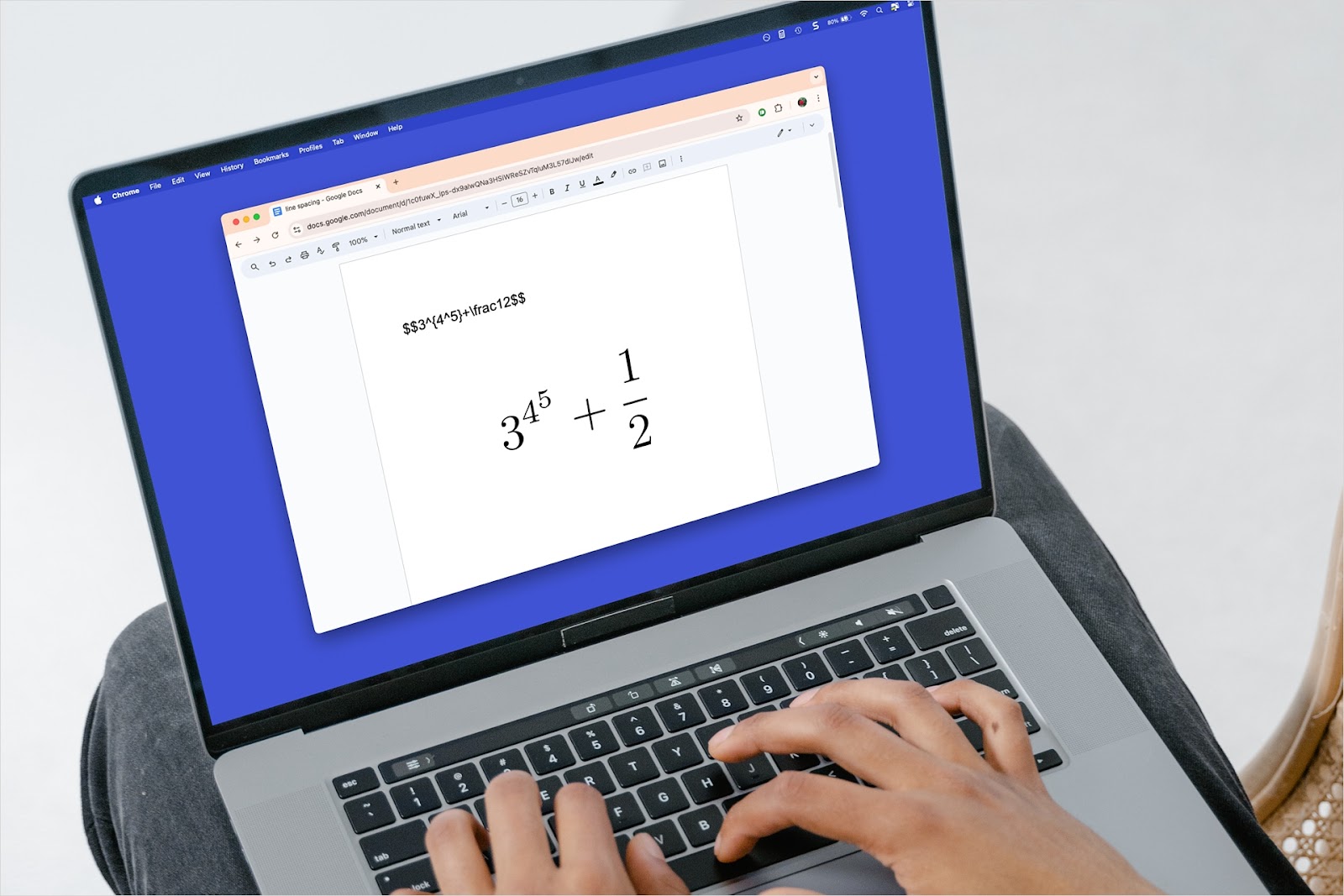
How to insert LaTeX in Google Docs
If you’re writing a document or paper with mathematical equations, here are several methods to insert LaTeX in Google Docs.
-
Resources
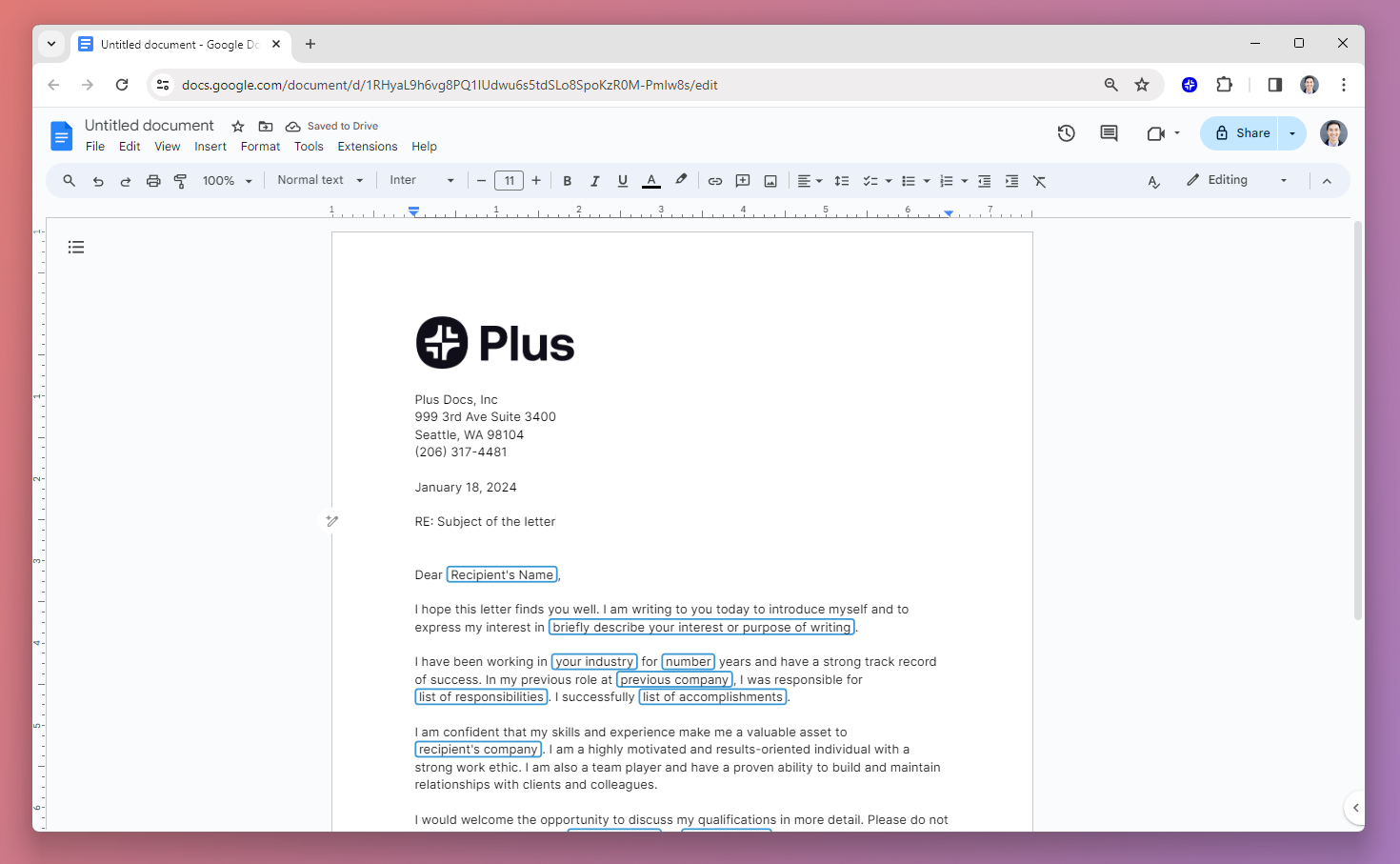
How to create a Google Docs letterhead template (with example templates)
Step-by-step guide to creating a letterhead template in Google Docs
-

Resources
The MECE framework: Guide and examples of the MECE principle
Learn to use the MECE principle to make your presentations more digestible, clear, and compelling.
-
Resources
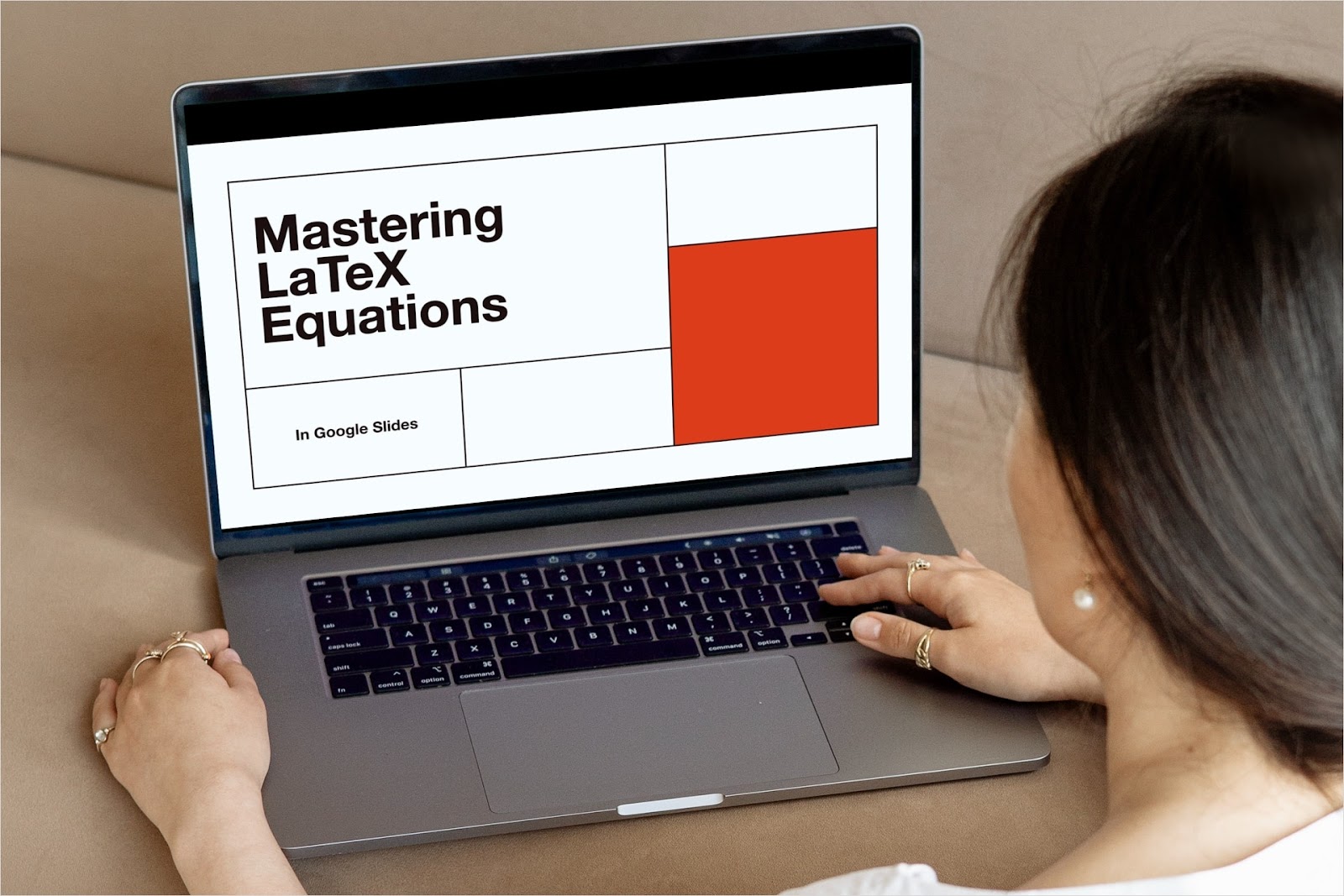
How to insert LaTeX in Google Slides
Creating a presentation where you need to display equations? Here’s how to insert LaTeX in Google Slides using two methods.
-
Resources
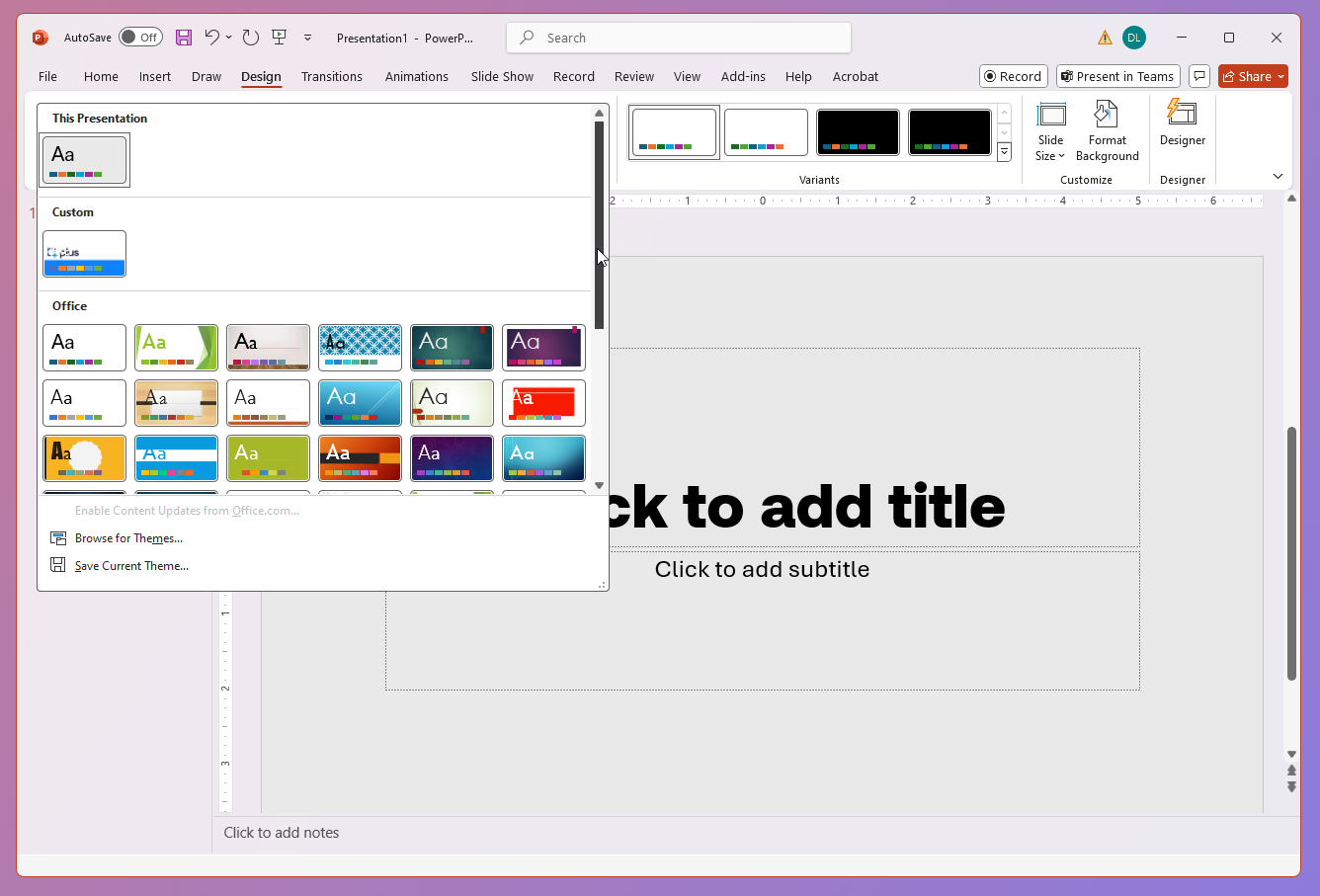
How to create a custom PowerPoint template
Step-by-step guide with three methods for creating custom PowerPoint templates
-
Resources
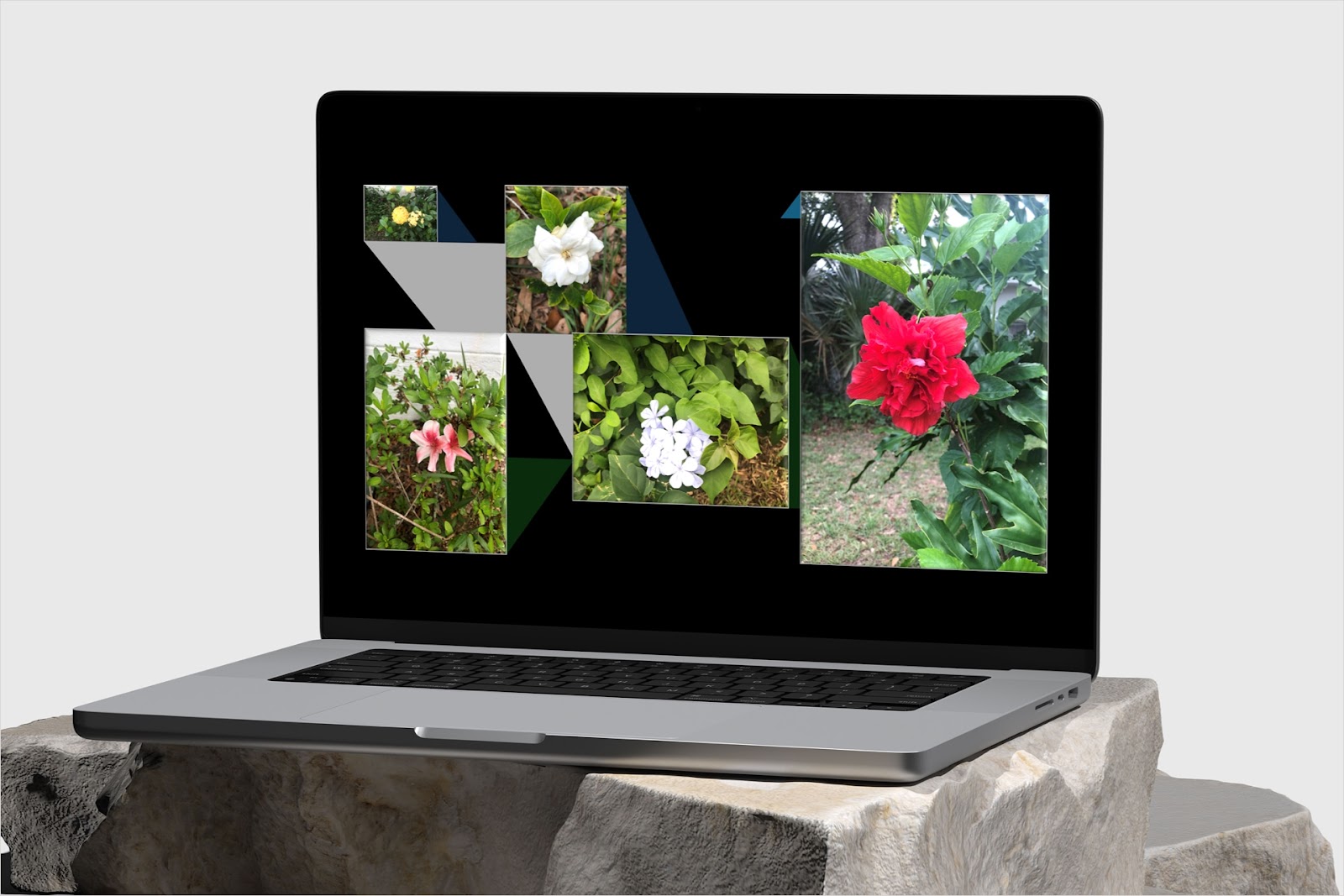
How to make a photo collage in PowerPoint
Do you want a presentation or slide with pictures that look amazing? We’ll show you several methods to make a photo collage in PowerPoint.
-
Resources
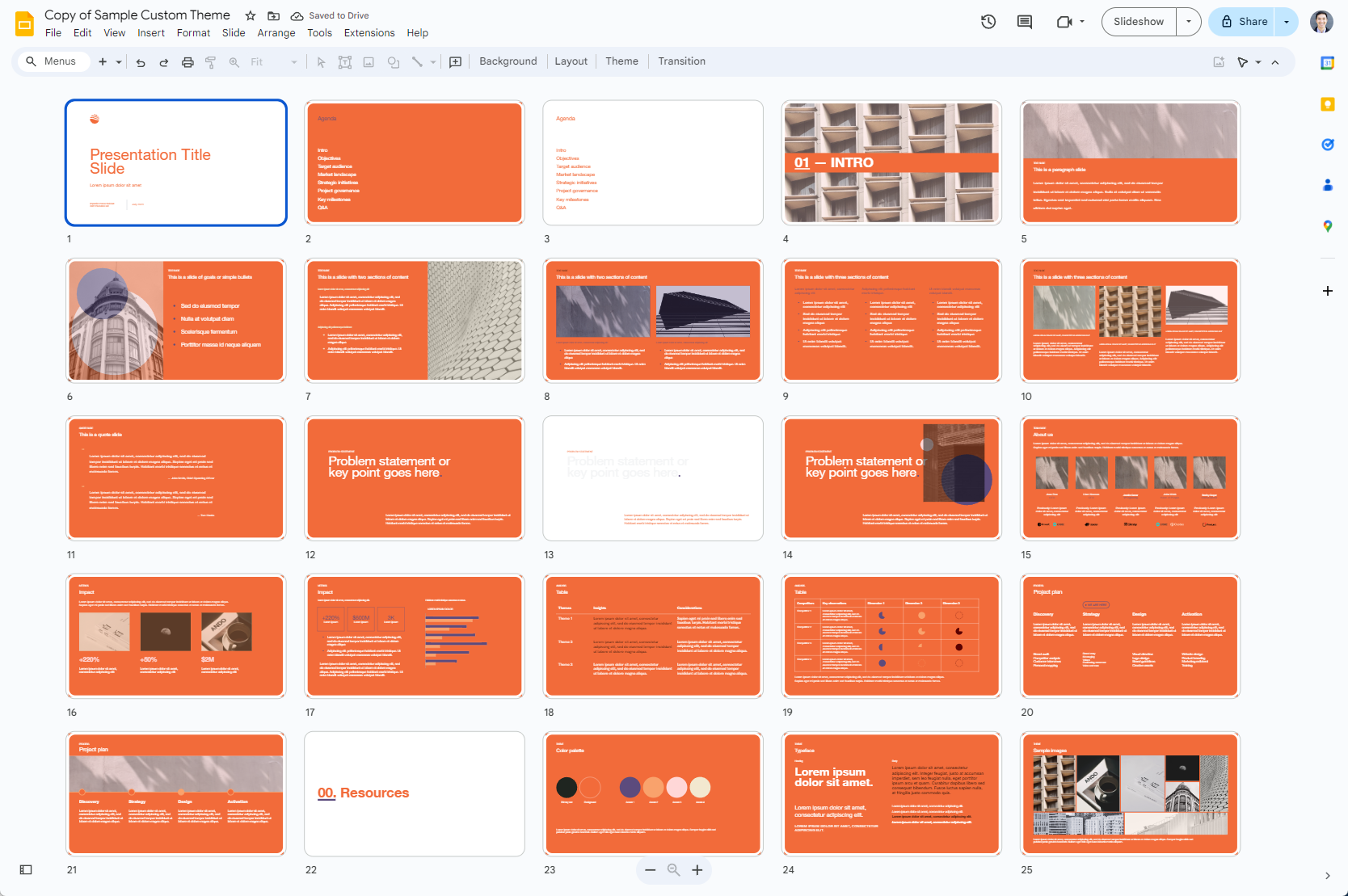
How to create a custom template for Google Slides
Step-by-step guide to create custom presentation templates in Google Slides
-
Resources
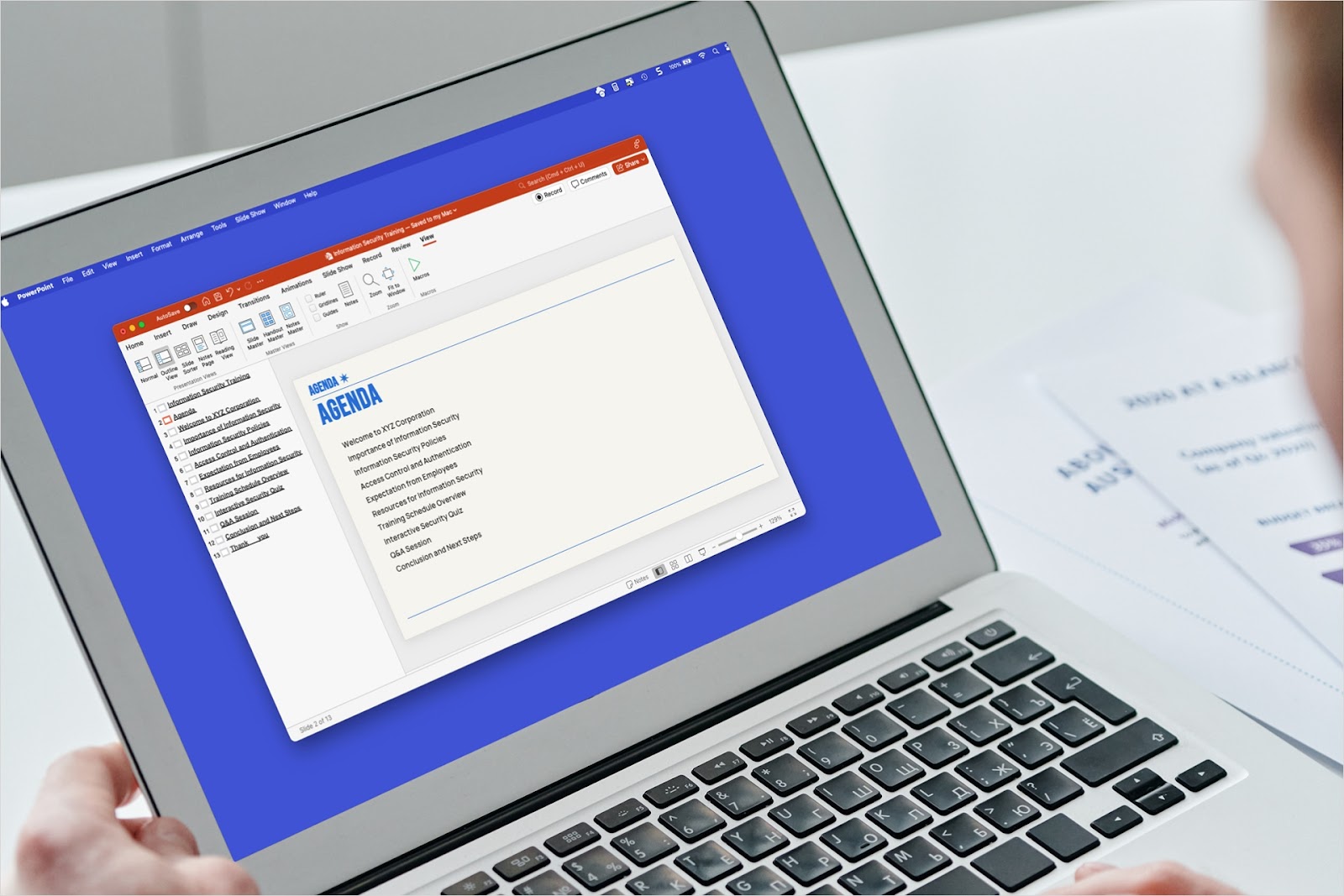
How to export a slide outline from PowerPoint
If you want an outline of your presentation for review, approval, or collaboration, we’ll show you various methods to export a slide outline from PowerPoint.
-
Resources
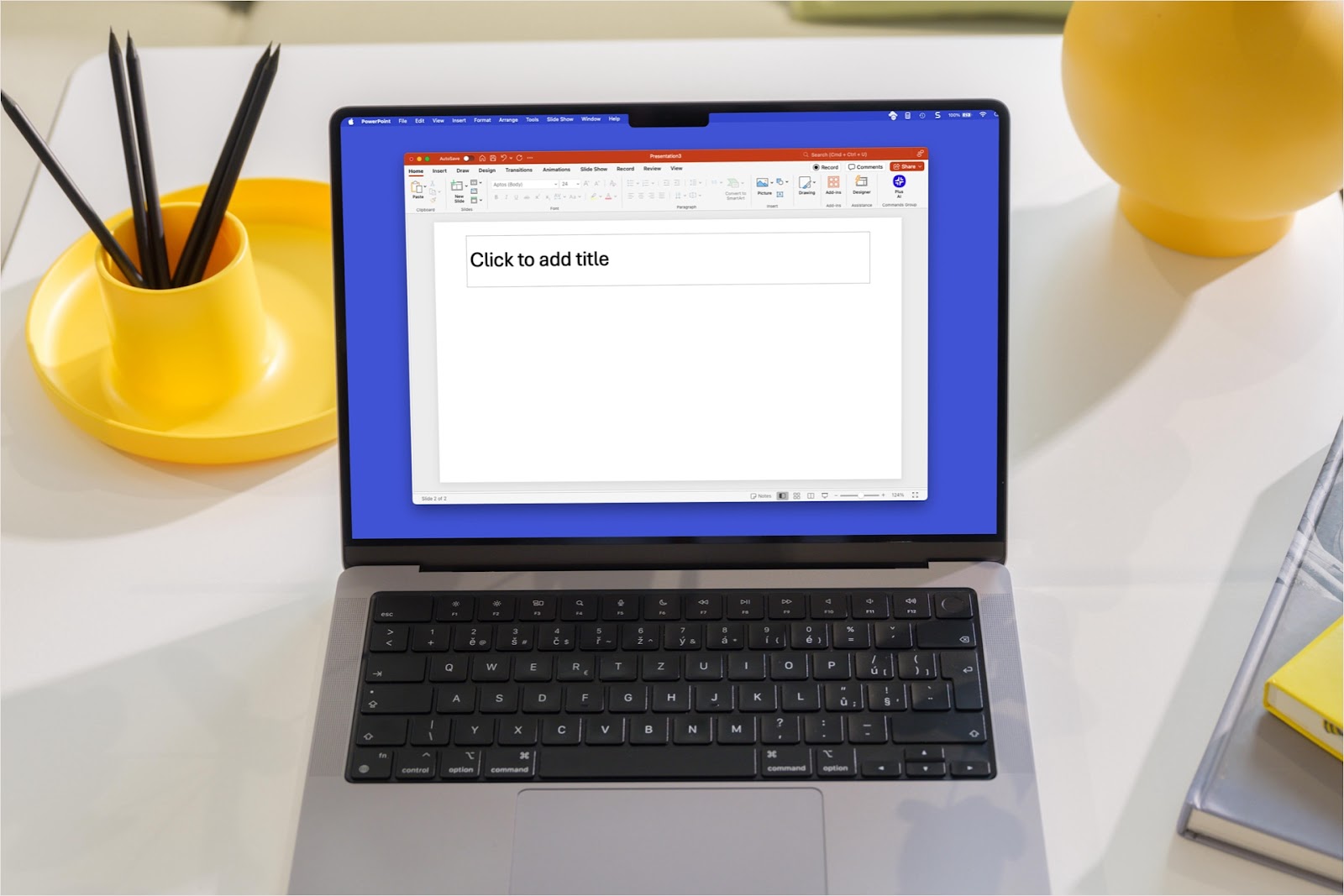
How to add slide titles in PowerPoint
Don’t create a slideshow with missing pieces. Our guide explains how to add slide titles in Microsoft PowerPoint and several reasons you should.