
Resources
Guides, how-tos, and tips for getting more done with Plus AI.
-
Resources
How to add audio to Google Slides: Steps and tips
Dramatic sound effect? Soothing music? Informative narrative? We’ll show you how to add audio to Google Slides and customize the playback and icon.
-
Resources
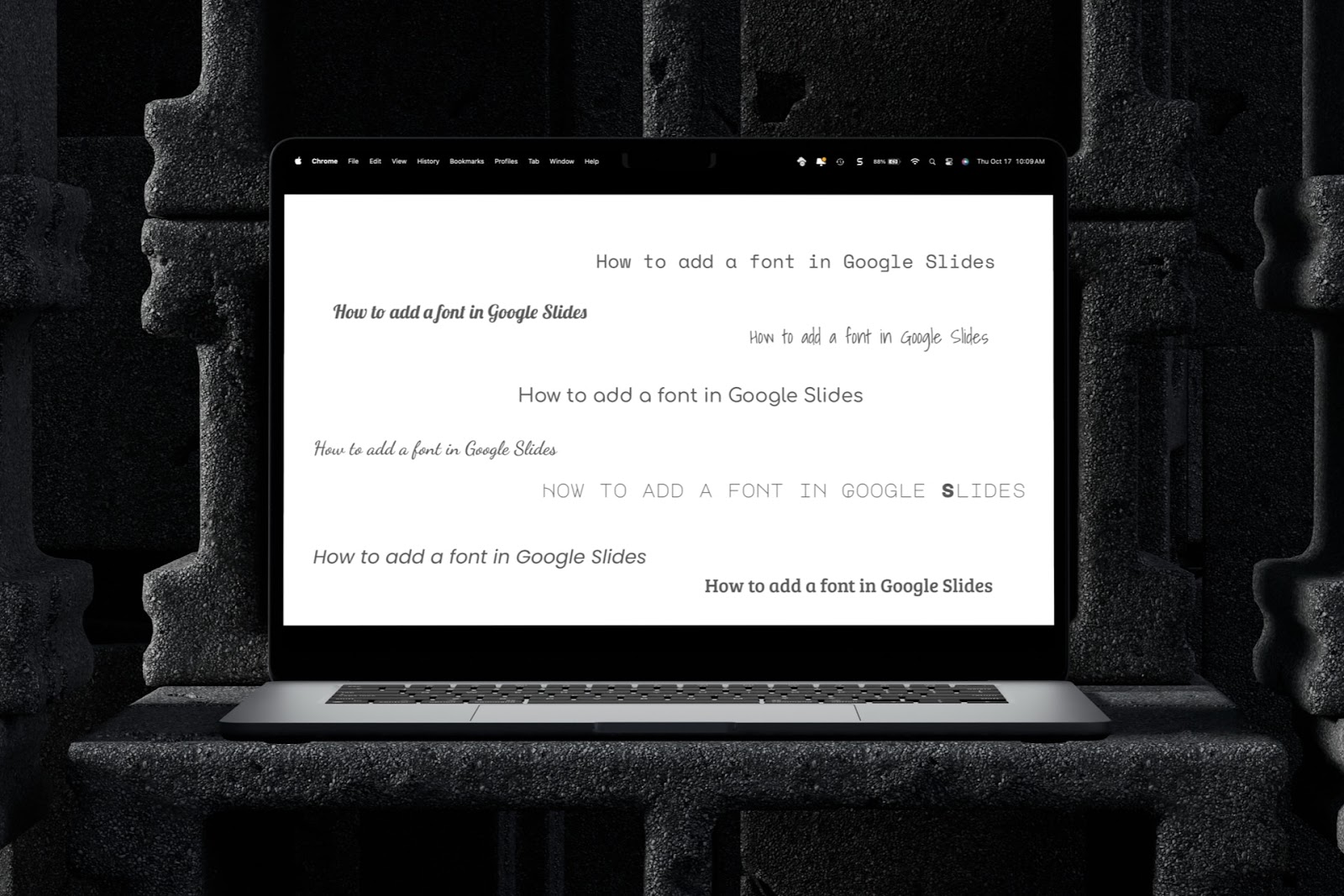
How to add a font in Google Slides
Got the perfect font for your design and topic? We’ll show you how to add a font in Google Slides.
-
Resources
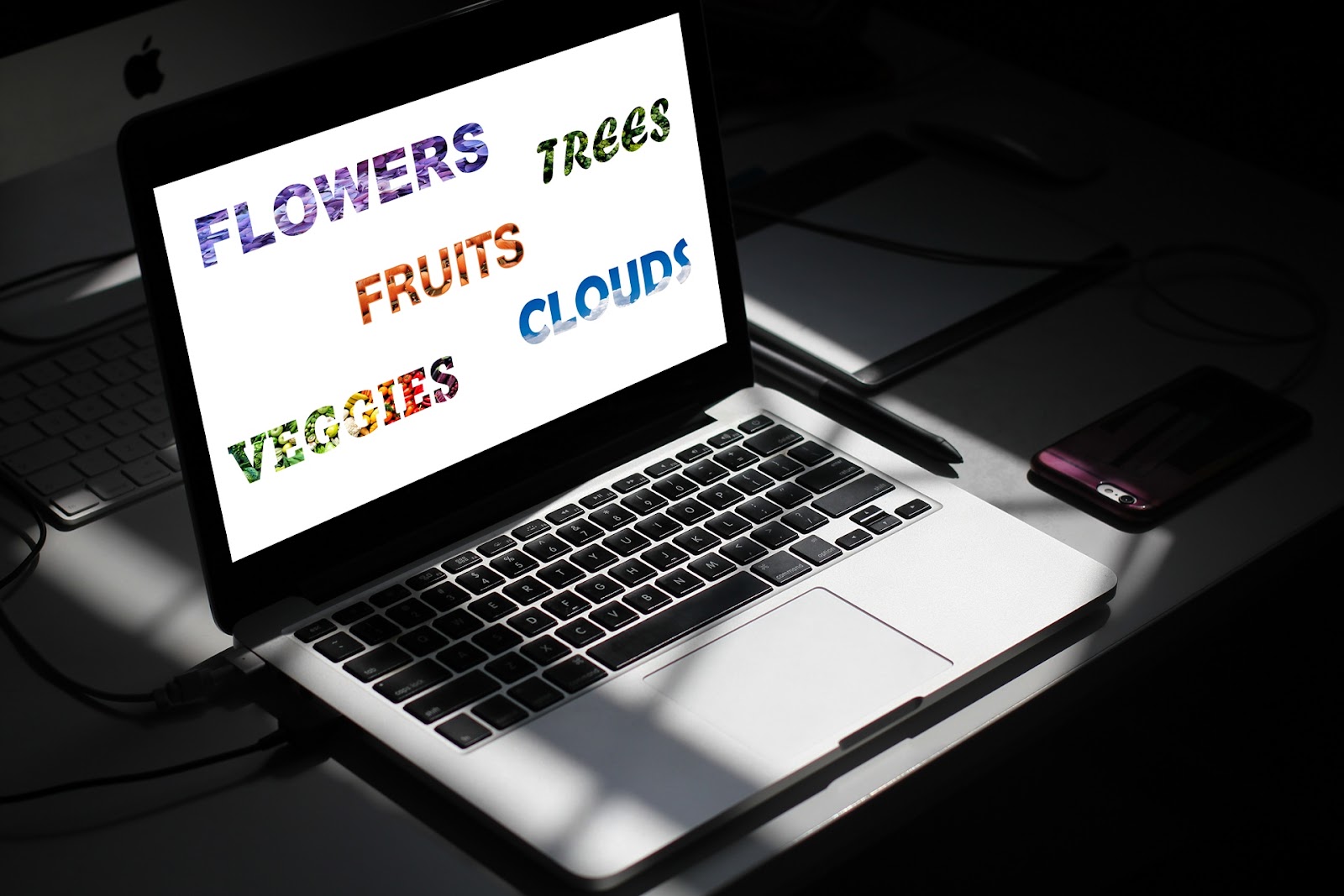
How to add an image through text in PowerPoint
Give your slide something special. Add an image through text in PowerPoint for a font that’s decorative, useful, or matches your brand.
-
Resources
How to edit videos in PowerPoint
Here’s how to edit a video in PowerPoint using some simple tools and features
-
Resources
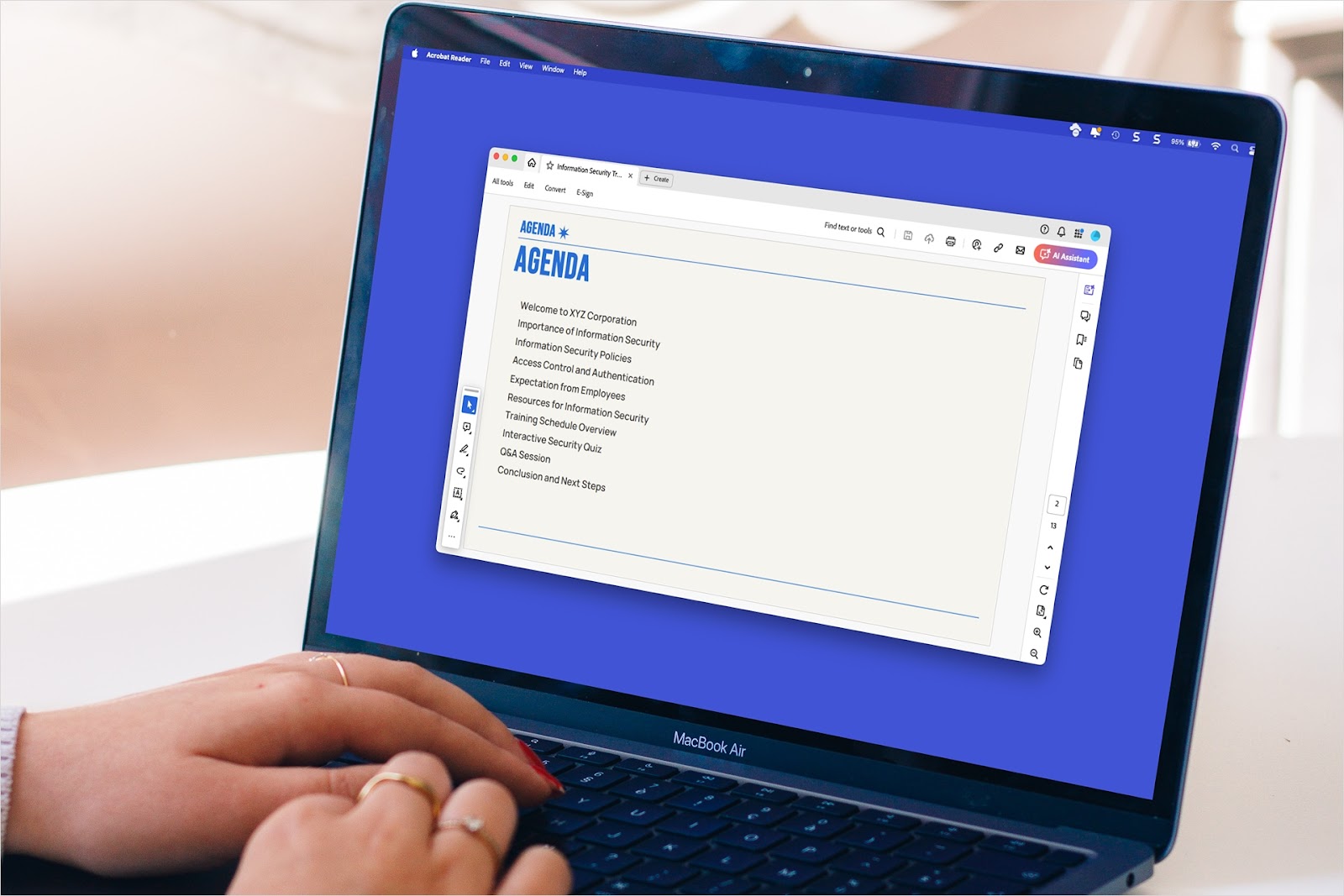
How to print full page PowerPoint on Mac without margins
Wondering how to print a full page PowerPoint on Mac without margins? This guide will show you how to do it
-
Resources
250 unique presentation ideas
Need inspiration for unique presentation topics that are not boring? Here are 250 of our favorite ideas
-
Resources
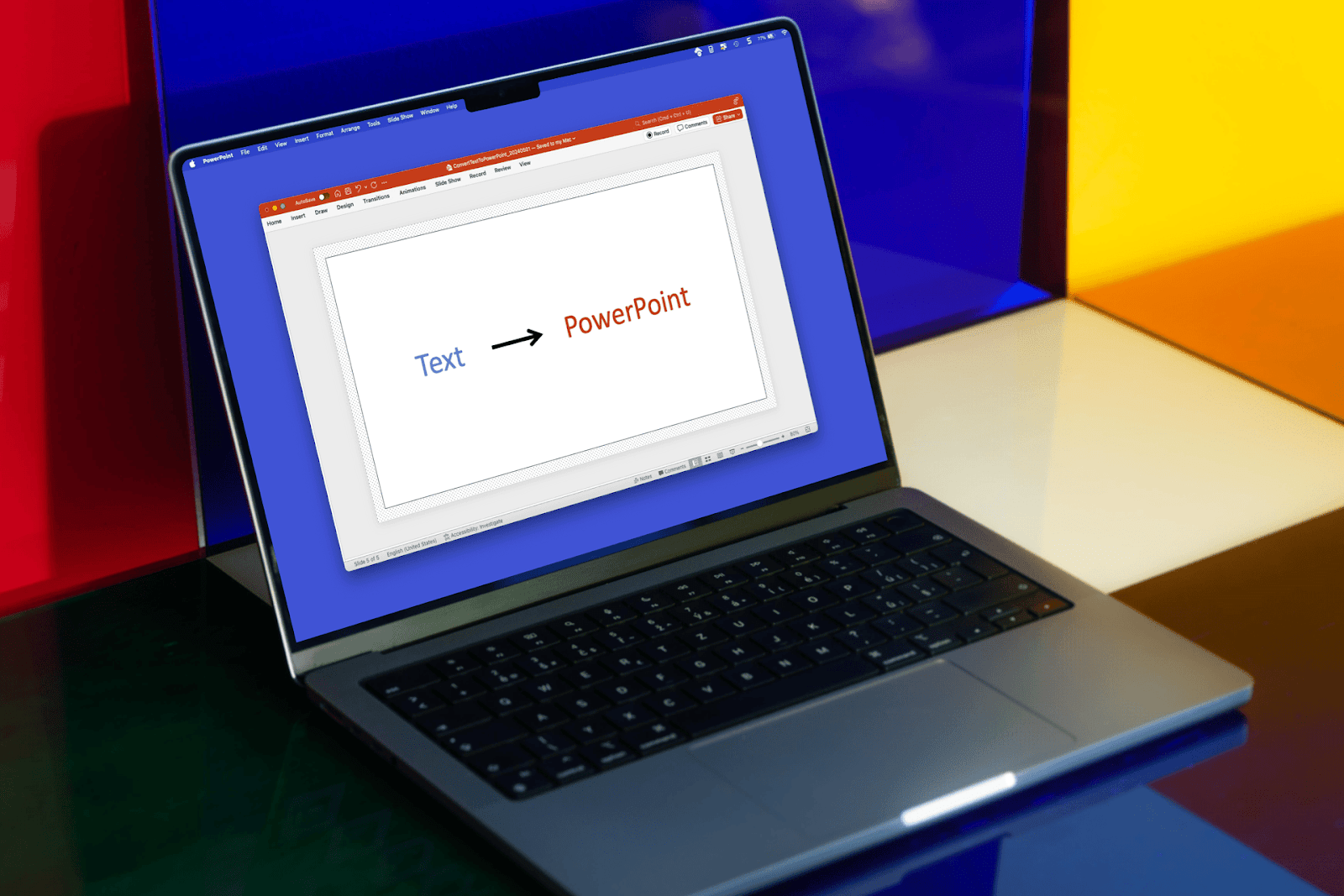
How to convert text to PowerPoint
Have a doc or notes to turn into a PowerPoint? Here are a few ways to convert text to PowerPoint
-
Resources
100+ ChatGPT prompts to make presentations
100+ AI prompts to help you brainstorm, plan, create, practice, and revise your next presentation
-
Resources
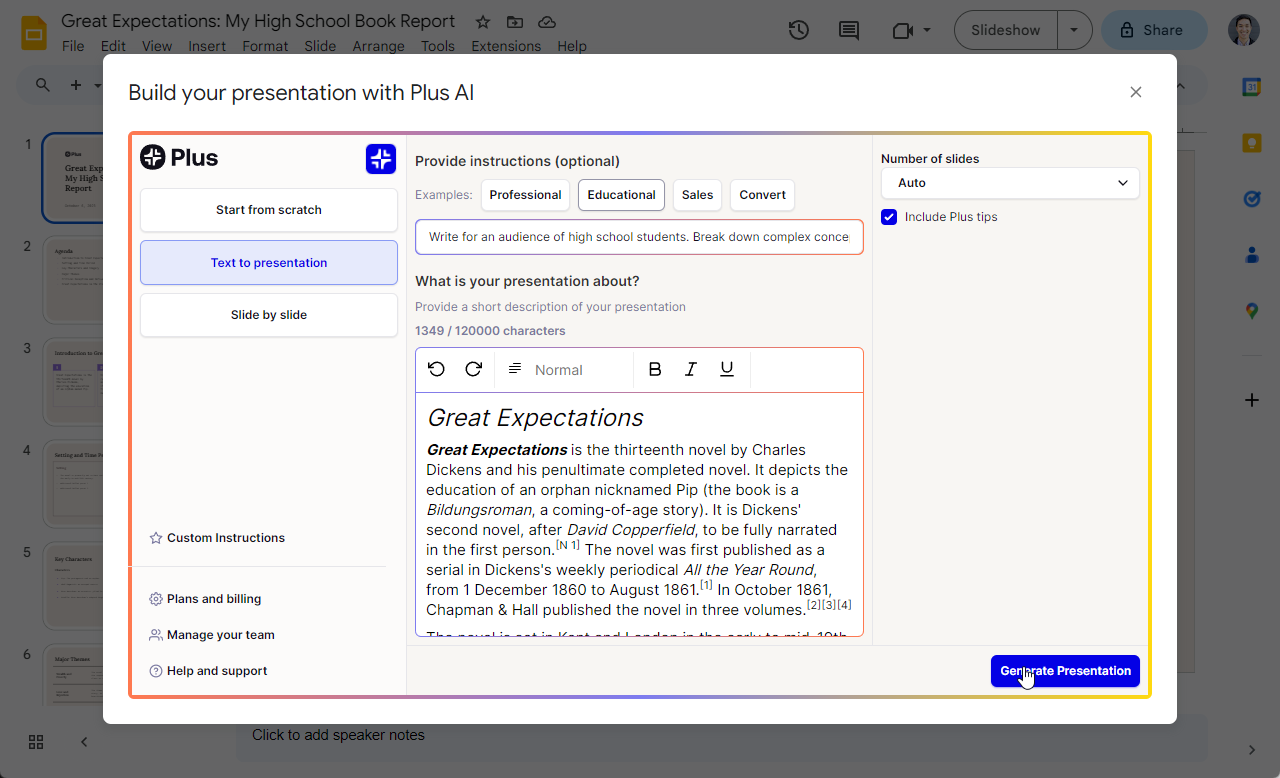
How to convert Google Docs to Google Slides
Step-by-step guide and best practices for converting Google Docs to Google Slides
-
Resources
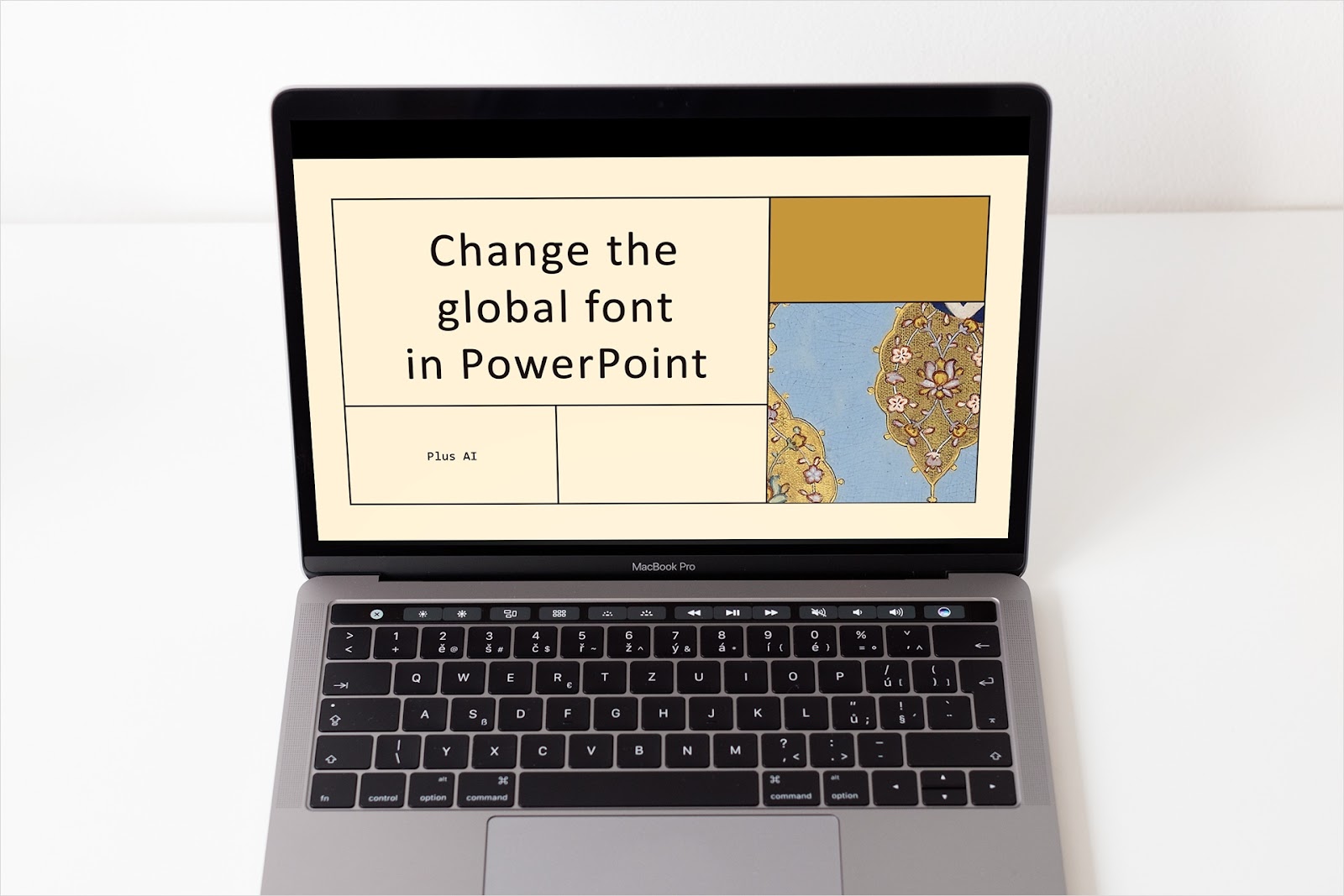
How to change the global font in PowerPoint
Updating all of your fonts doesn’t have to be time-consuming. We’ll show you two quick methods to change the global font in PowerPoint.
-
Resources
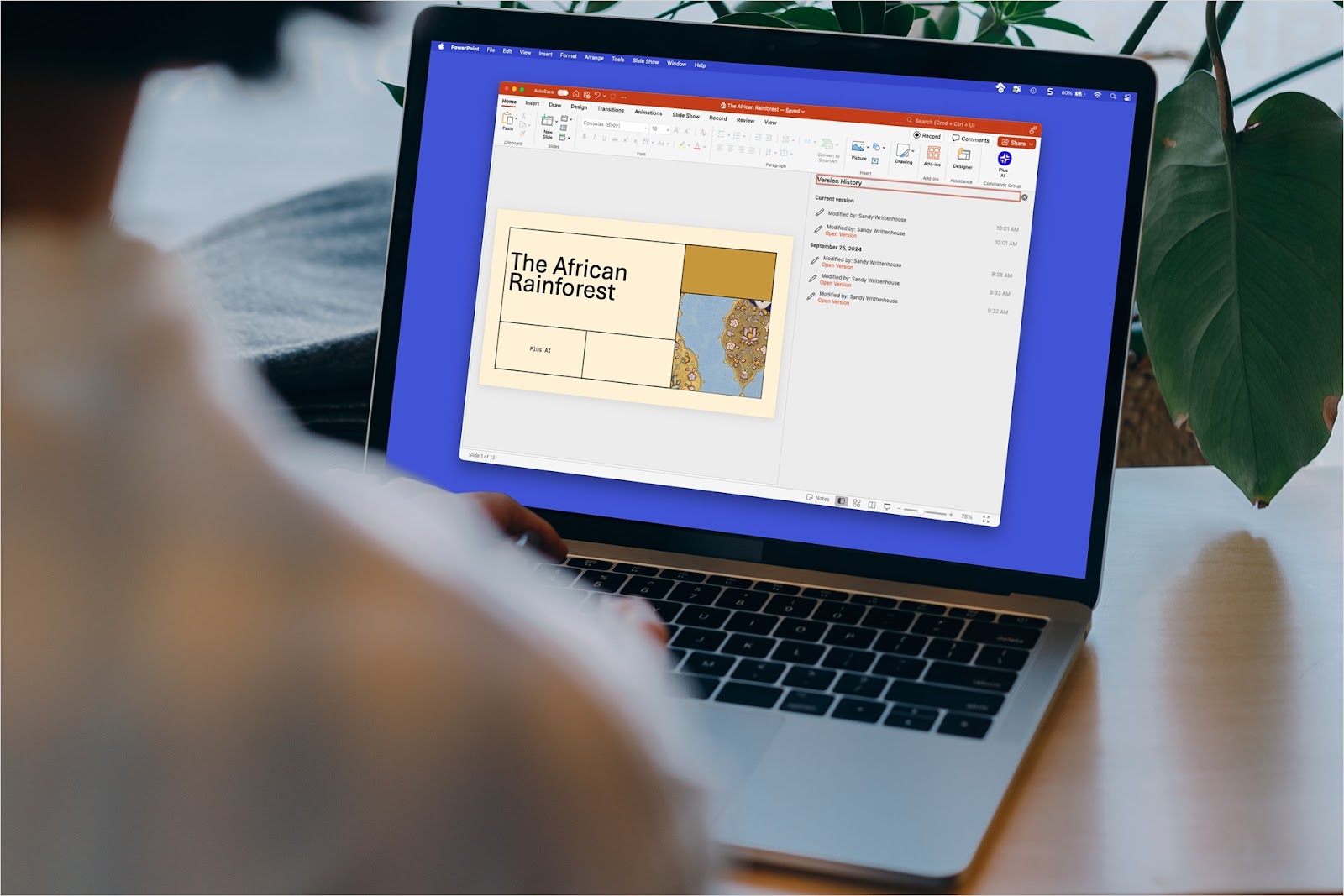
How to get a previous version of a PowerPoint presentation
No need to panic! We’ll show you how to get a previous version of a PowerPoint presentation on your desktop or the web.
-
Resources
How to make a PowerPoint a screen saver
Here are our step-by-step guides to convert a PowerPoint presentation into a screensaver on Mac and Windows