
Plus for Slack
Collaborate with live data in Slack as easily as sharing screenshots.
Use Plus to capture live Snapshots of any app or website, then share and create recurring subscriptions in Slack.
-
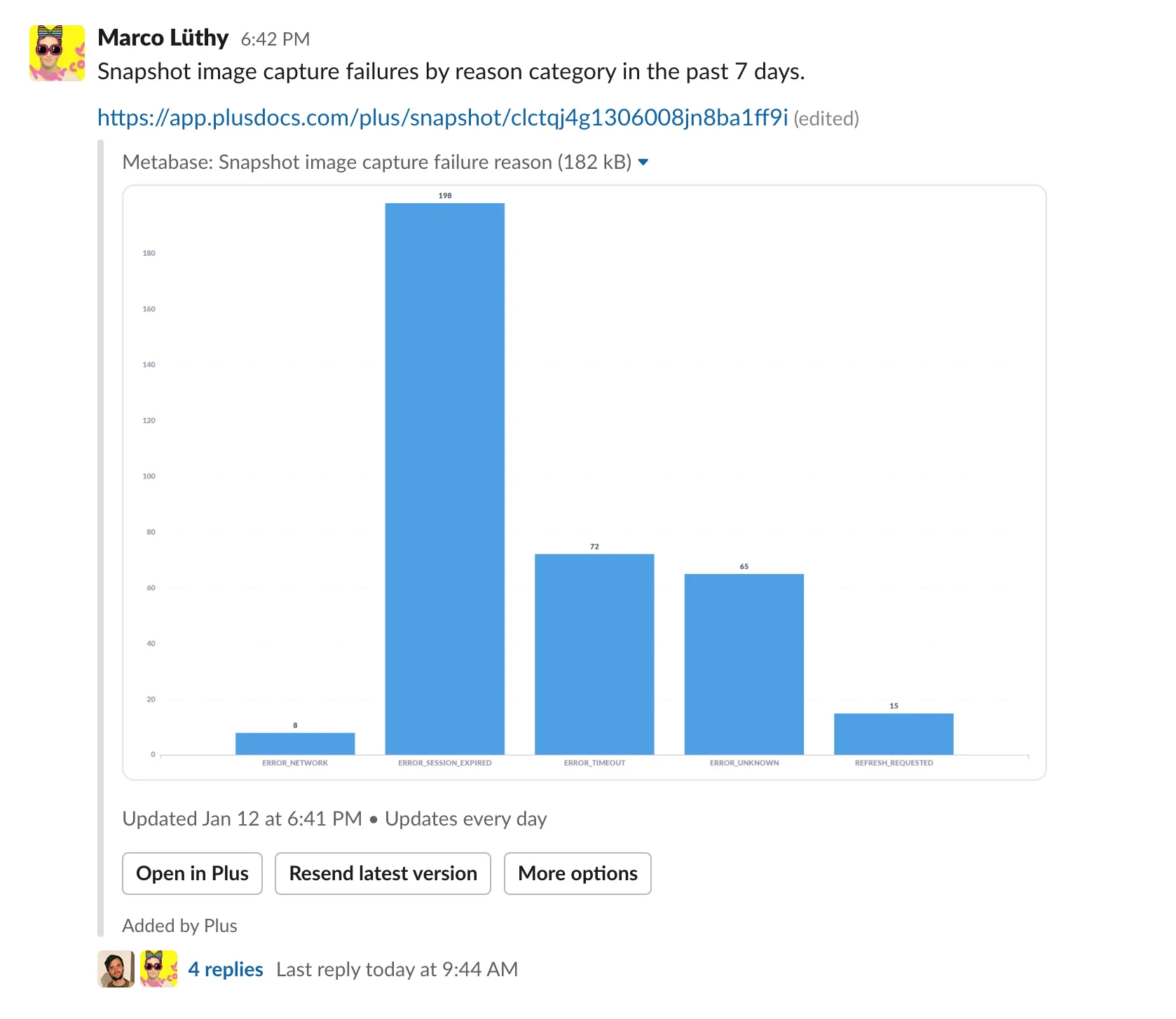
Start conversations around your data
Unfurl Plus Snapshots within Slack to share the latest data from any app or website. It's as easy as pasting the link to any Snapshot.
-
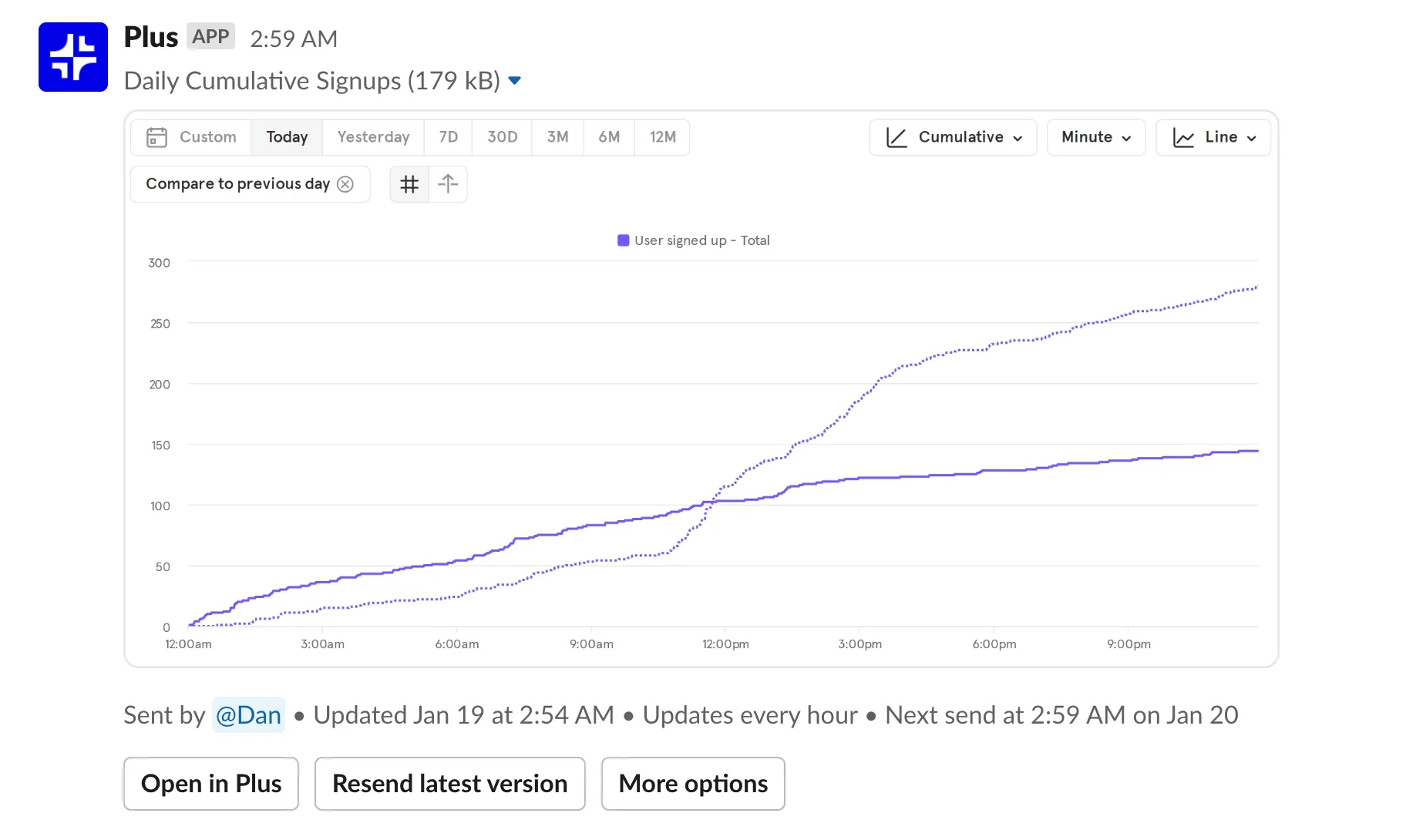
Stay up to date with Snapshot subscriptions
Push the latest data from any app to Slack on a recurring schedule. Easily keep up with key metrics, automate reporting, and keep an eye on critical monitoring.
-
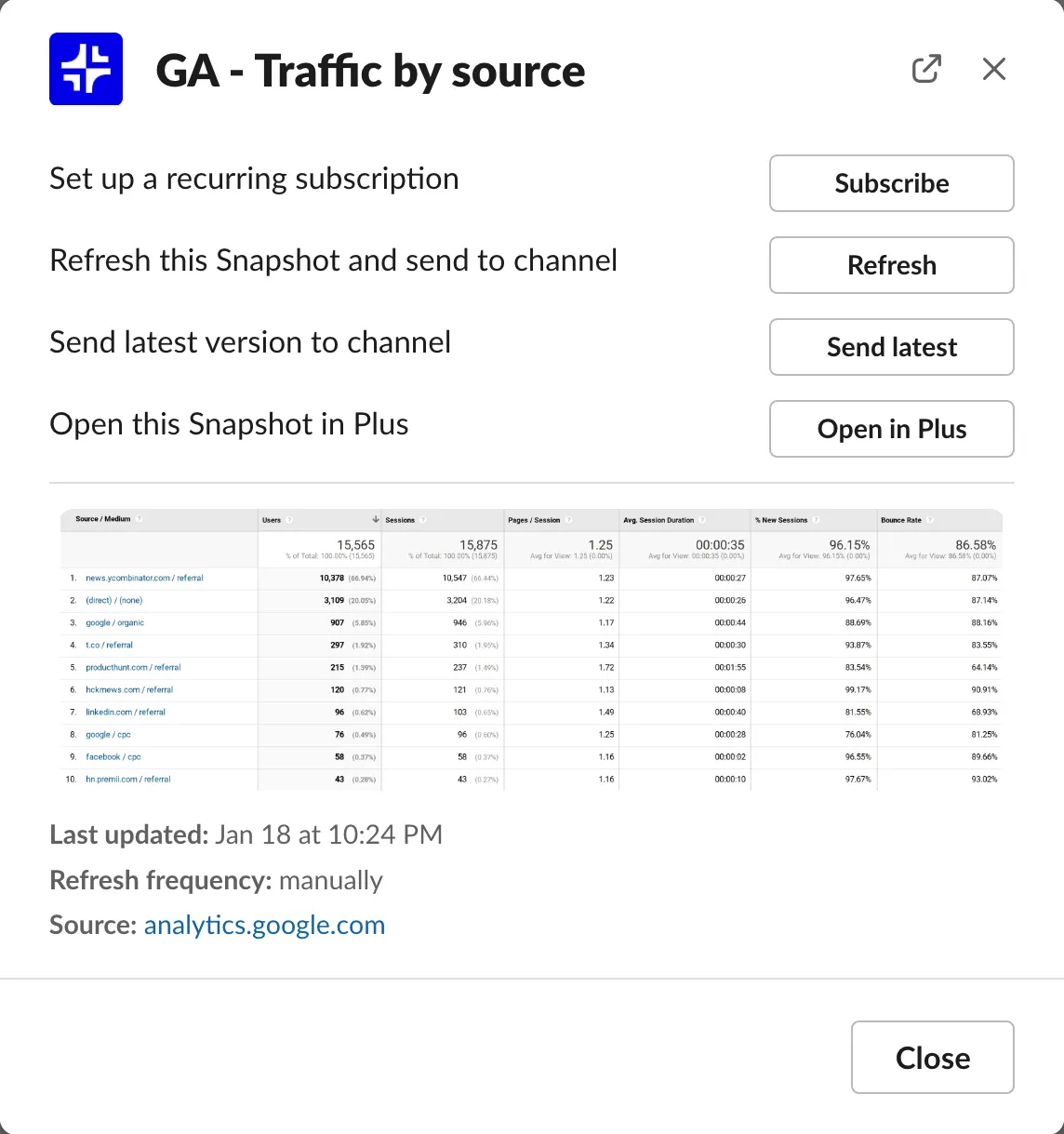
Get all the details without leaving Slack
View the latest Snapshot versions, set up subscriptions, and refresh Snapshots, all without leaving Slack.
How Plus works
Capture and share the latest data from any app or website with Live Snapshots.
-
Always fresh
Snapshots always reflect the latest data from your tools.
-
Version history
Every version of every Snapshot is at your fingertips.
-
Embed anywhere
Embed live data in tools like Notion, Slack, Coda, Confluence, and more.
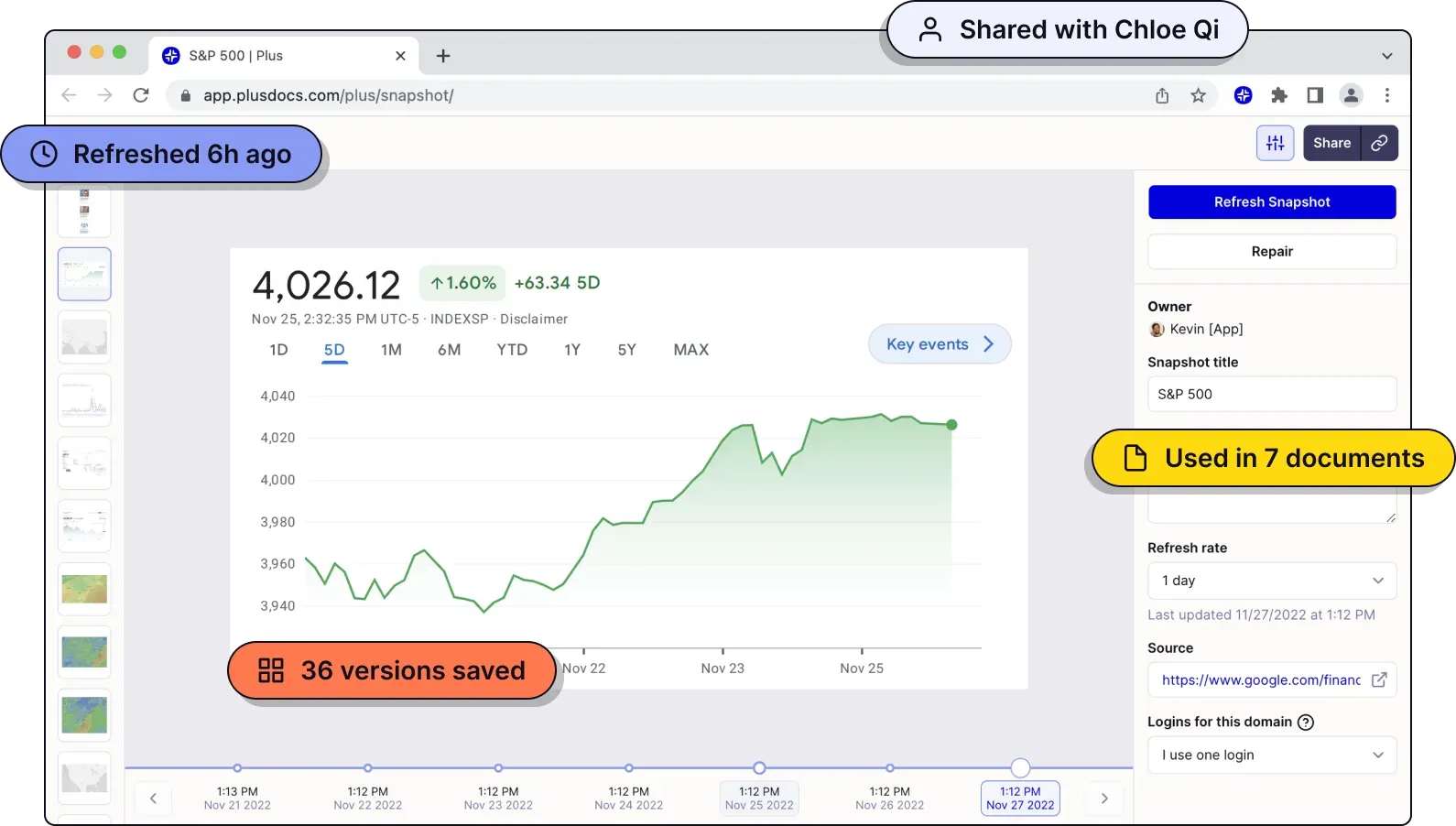
Snapshots in seconds
- 1
Install the extension
Our Chrome extension allows you to capture Snapshots.
- 2
Take a Snapshot
It’s like taking a screenshot, just click and drag to capture.
- 3
Use it anywhere
Embed directly in your favorite tools, or use our app to organize a library of Snapshots.
Build it with Plus
-
No-code dashboards for anything
Build a dashboard with data from any app in 60 seconds, no code required.
Learn more -
-
Works where you do
Snapshots embed easily in the tools you use every day. Stop wasting time moving data between tools. Plus integrates with modern business software to seamlessly connect everything. What’s more: our web app works great on mobile, so you can always check your Snapshots from your phone.
-

Slack
Share Snapshots with your team as easily as sending a link.
-

Google Slides
Embed live Snapshots directly in Google Slides.
-

Notion
Embed Snapshots directly in Notion.
-

Confluence
Embed Snapshots directly in Confluence.
-

Coda
Embed Snapshots directly in Coda.
-

Canva
Embed Snapshots directly in Canva.
-
And more!
Plus works automatically in any tool with embed support, and we’re hard at work on bespoke integrations for tools that don’t.
Used by teams that make great products
Build the big picture, together.
-
This is the easiest way to build dashboards I have ever seen — no training or extra tools required. This will save my team hours of work each week.

-
Plus makes it easier for us to get value out of our tools, rather than struggling to aggregate data.

-
Plus is the perfect solution for our weekly executive meetings, where we review data from a dozen different tools.

Stop copying and pasting screenshots.
Start with a 7-day free trial. Cancel any time.
Sign up for free