
Free presentation tools
Convert YouTube to PPT
Use our free YouTube to PPT tool to convert any YouTube video into a professionally-designed slide deck in minutes.
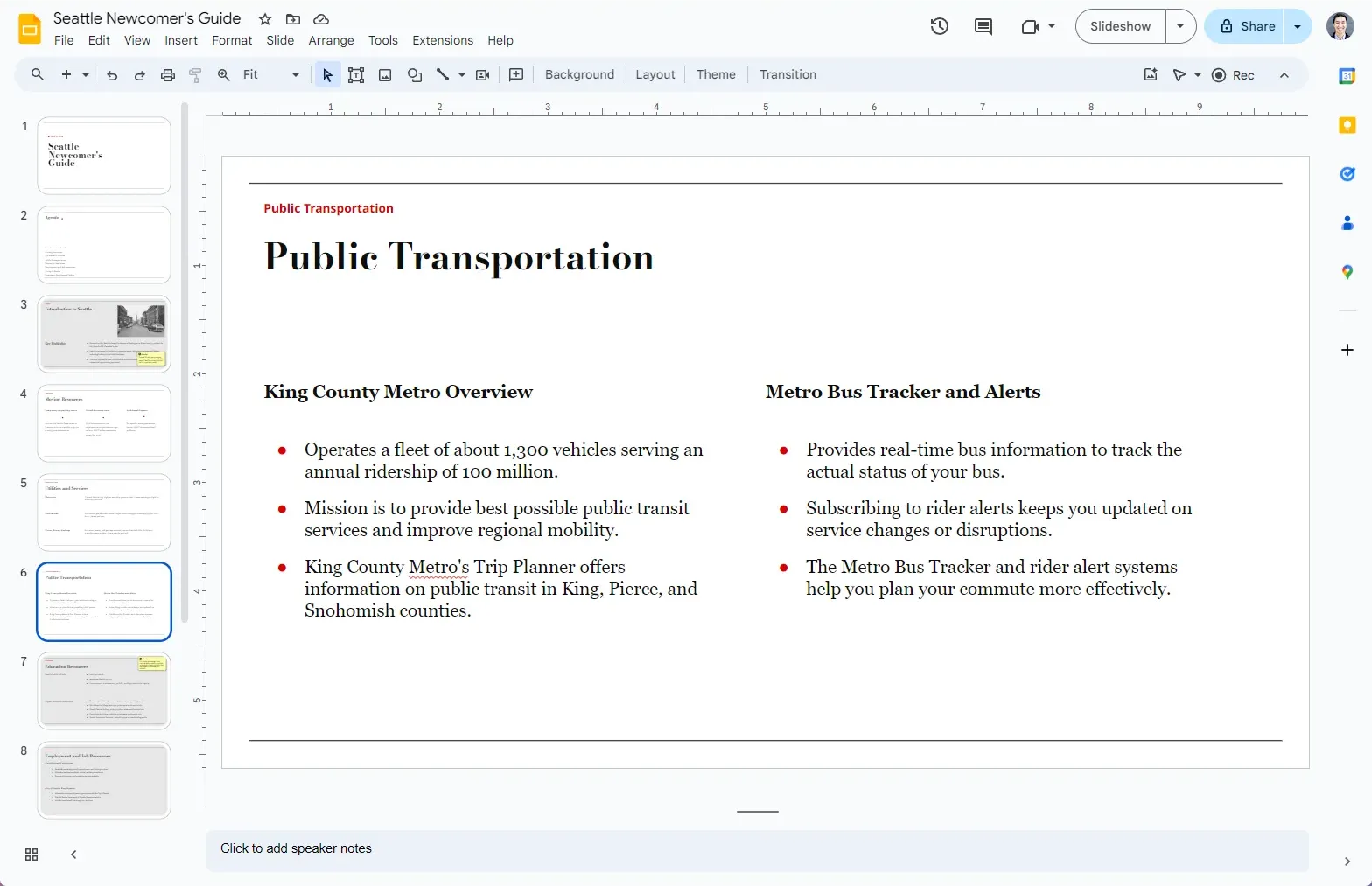
How does it work?
- 1
Enter the YouTube video
Paste your URL of a YouTube video into our form, and pick a presentation template.
- 2
Plus AI generates a presentation
We transcribe the video and use the latest AI models to create a presentation on your video.
- 3
You receive a link to the slides
Customize your presentation, edit it with AI, and share with customers or coworkers.
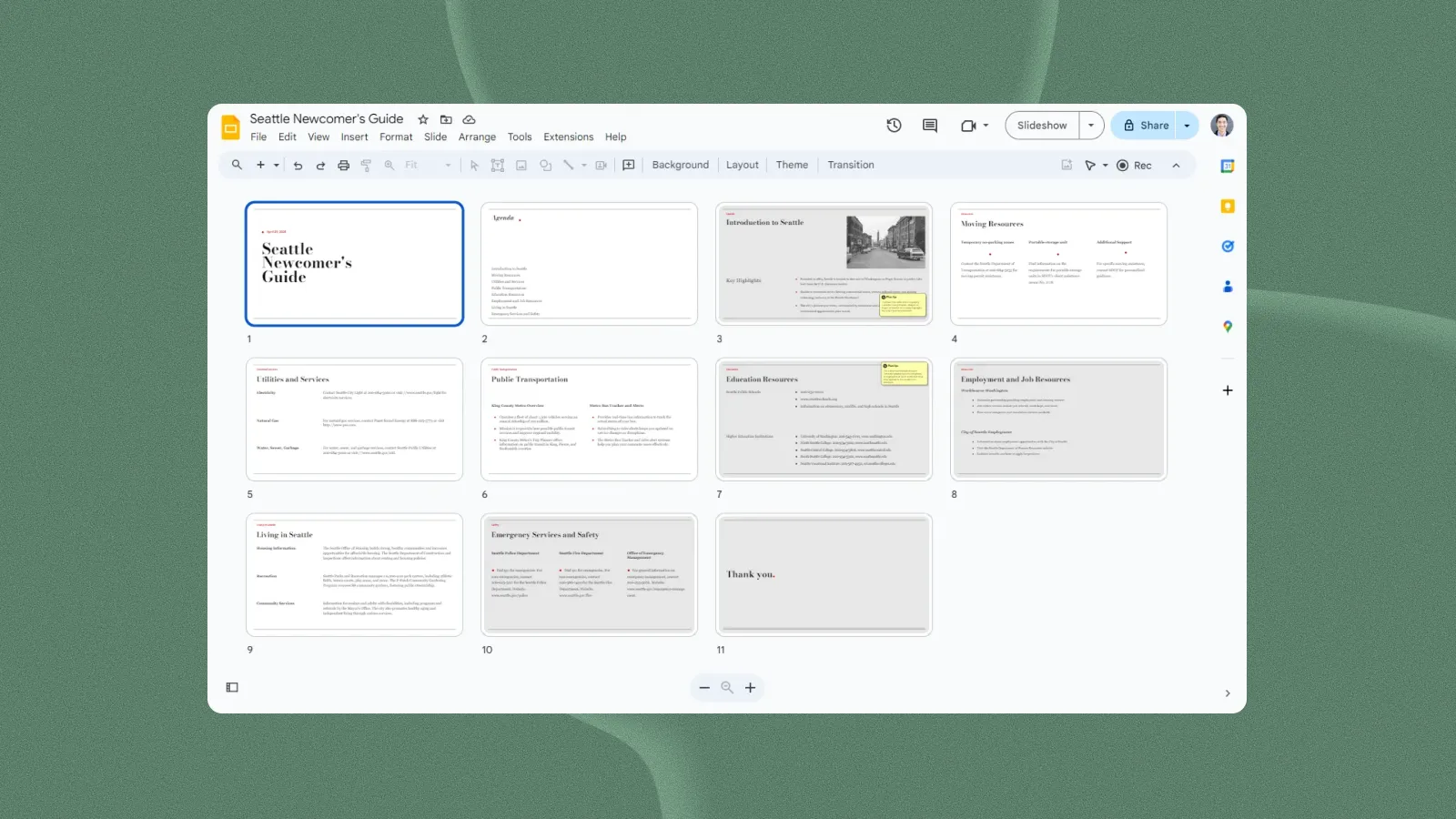
Designer templates — yours to customize
Preview our presentation templates
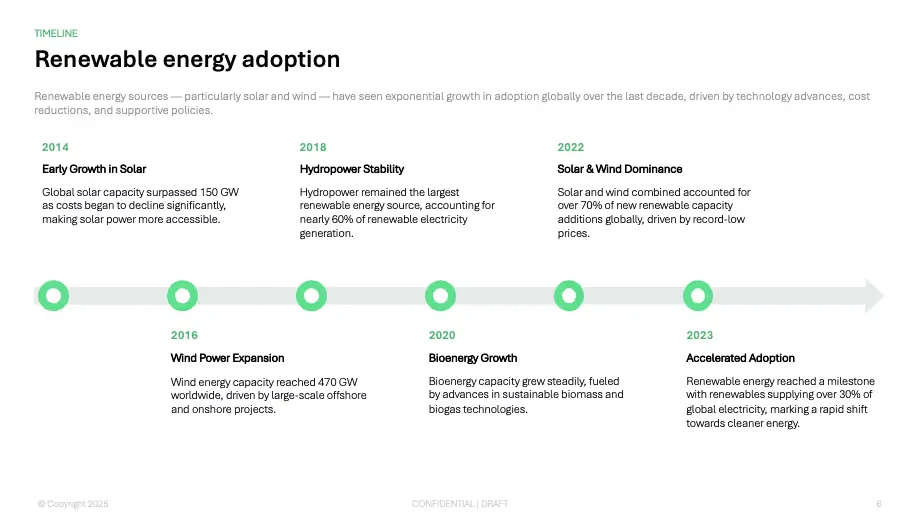
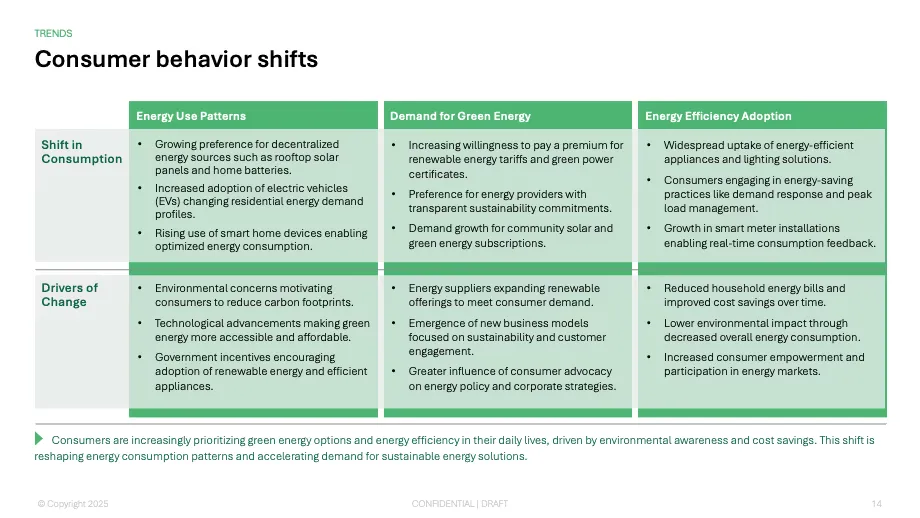
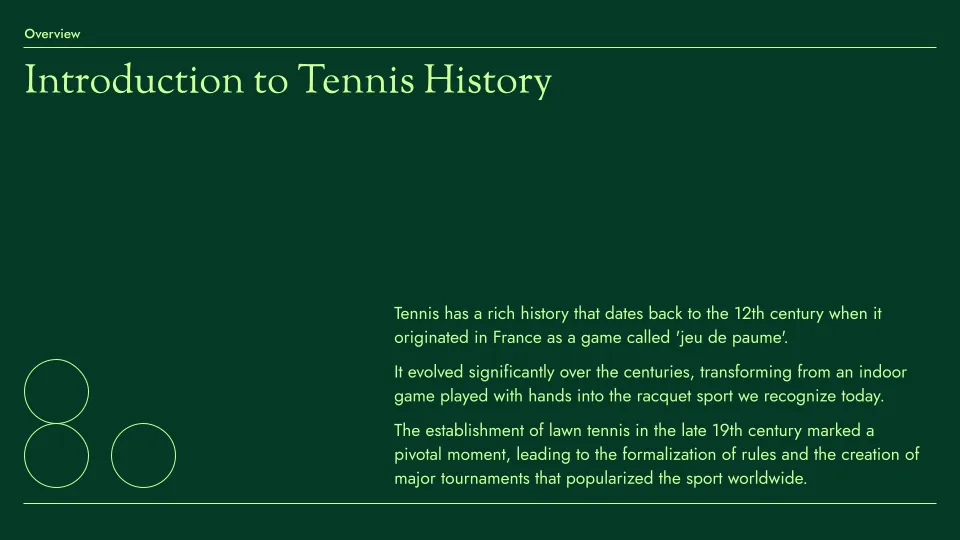
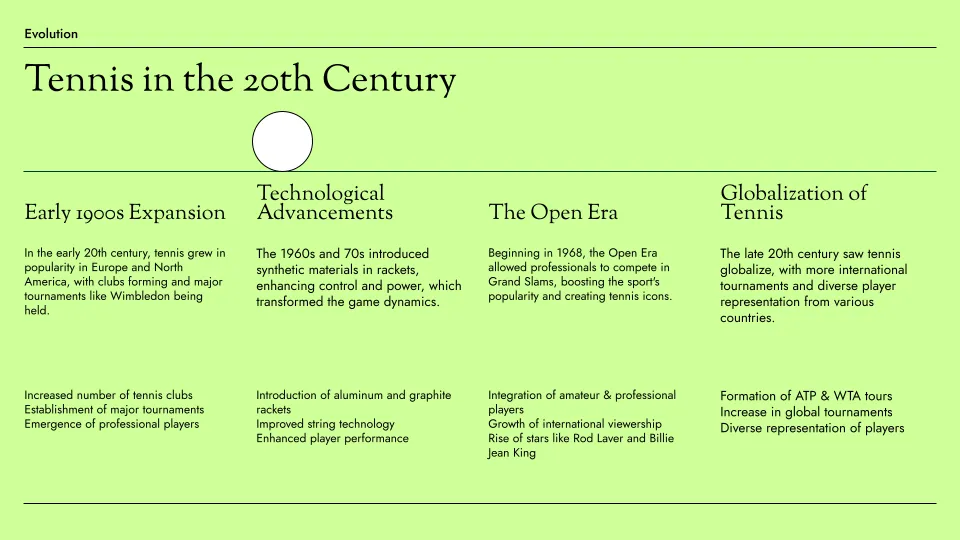
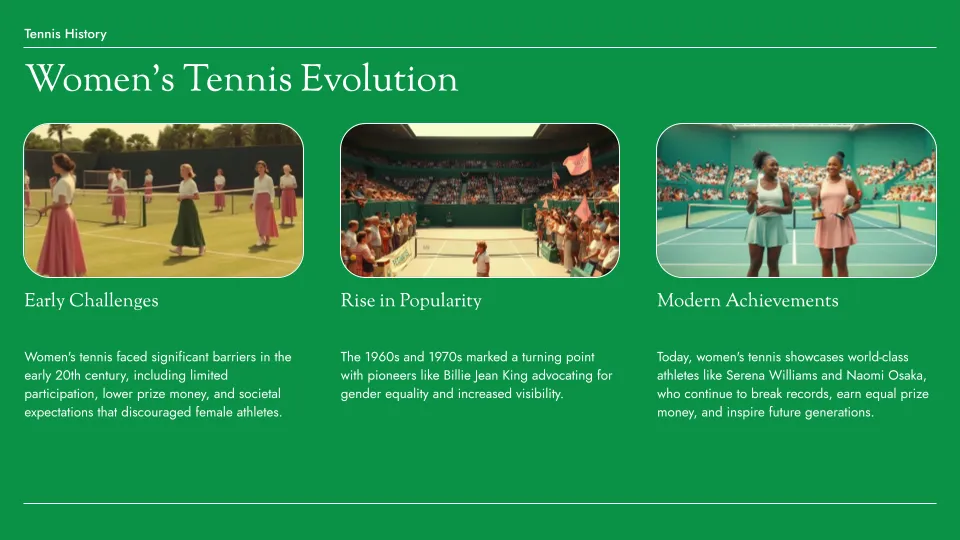
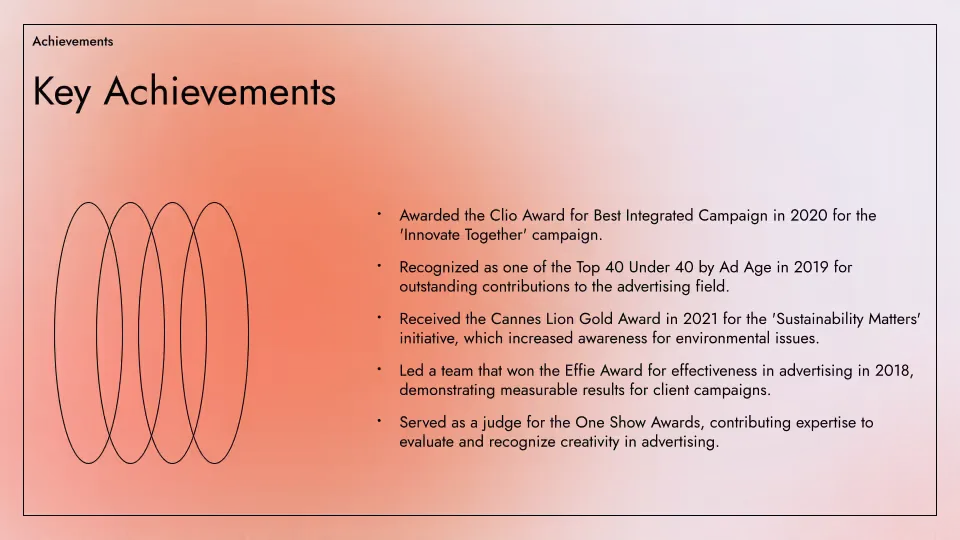
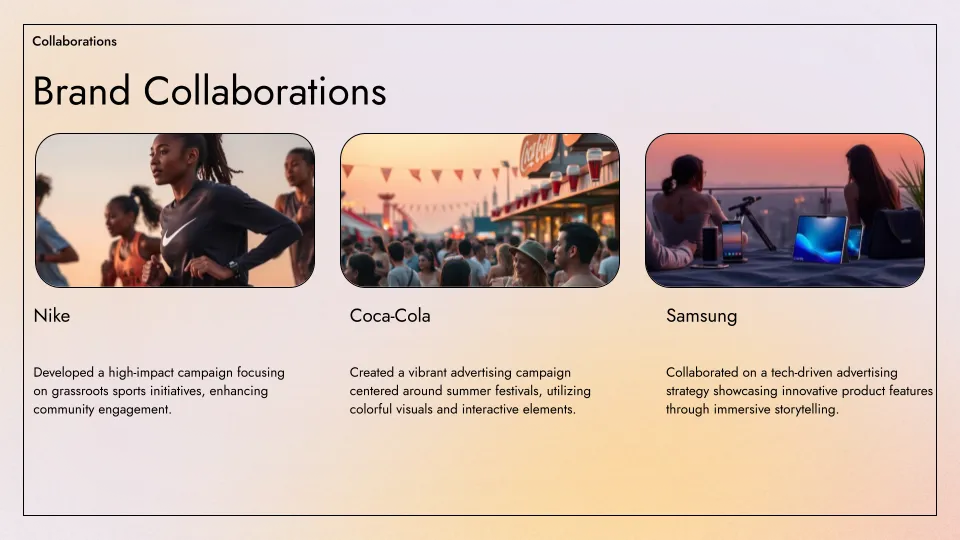
Plus AI's templates are created by professional slide designers and fully compatible with all of our AI tools for generation and editing.
- Renew template
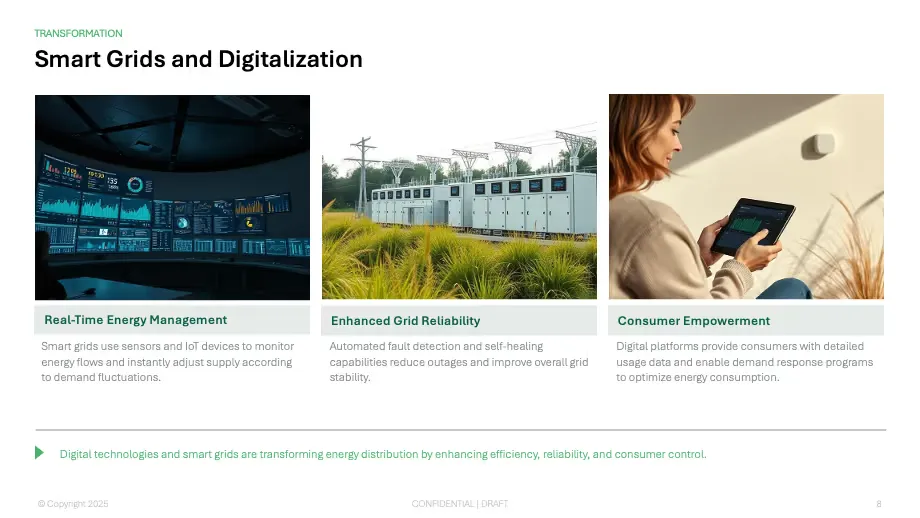
- Tennis template
- Aurora template

YouTube to PPT converter features
-
Professional presentations
Use our professionally-designed templates to create the perfect slide deck
-
Automated content extraction
Plus AI will automatically extract the transcript of your video as text for the presentation
-
One-click AI generation
No sign-up or credit card required. Just click a button and receive a slide deck
-
Easy to edit
Edit slides natively in Google Slides; use Plus AI to generate or remix existing slides
-
Easy to share
Share your Google Slides link with customers and coworkers. Or download to PowerPoint
-
Free to use
Best of all, it's free! If you need to create more presentations, check out Plus AI
FAQs
How do I convert a YouTube video to PPT?
To convert a YouTube video to PowerPoint, you should decide on what you what the final output to look like. If you just need screenshots from your video on a set of slides, you can take screenshots of the video and paste them into Google Slides or PowerPoint.
If you want to read and interpret the content of a video in order to make a new presentation, you can use the Plus AI YouTube to PPT tool.
How do I embed a YouTube video into PowerPoint?
Copy the "Embed Code" from YouTube. In PowerPoint, click Insert -> Video -> Online Video -> From Video Embed Code. Paste your code and then you can manipulate the video like a normal PowerPoint object.
Can I convert a YouTube video to PPT?
Yes, you can use the Plus AI YouTube to PPT tool to automatically transcribe a video and convert it into a slide deck.
How do I turn a video into a PowerPoint?
The easiest way to turn a video into a PowerPoint is embedding your video into a PowerPoint file.
You could also take screenshots of the video, copy them into PowerPoint, and add some annotations.
However, if you want to understand the content of a YouTube video and create a contextual presentation, you should use an AI presentation maker like Plus AI.
Plus AI for Enterprise
AI slides to make the whole team look good
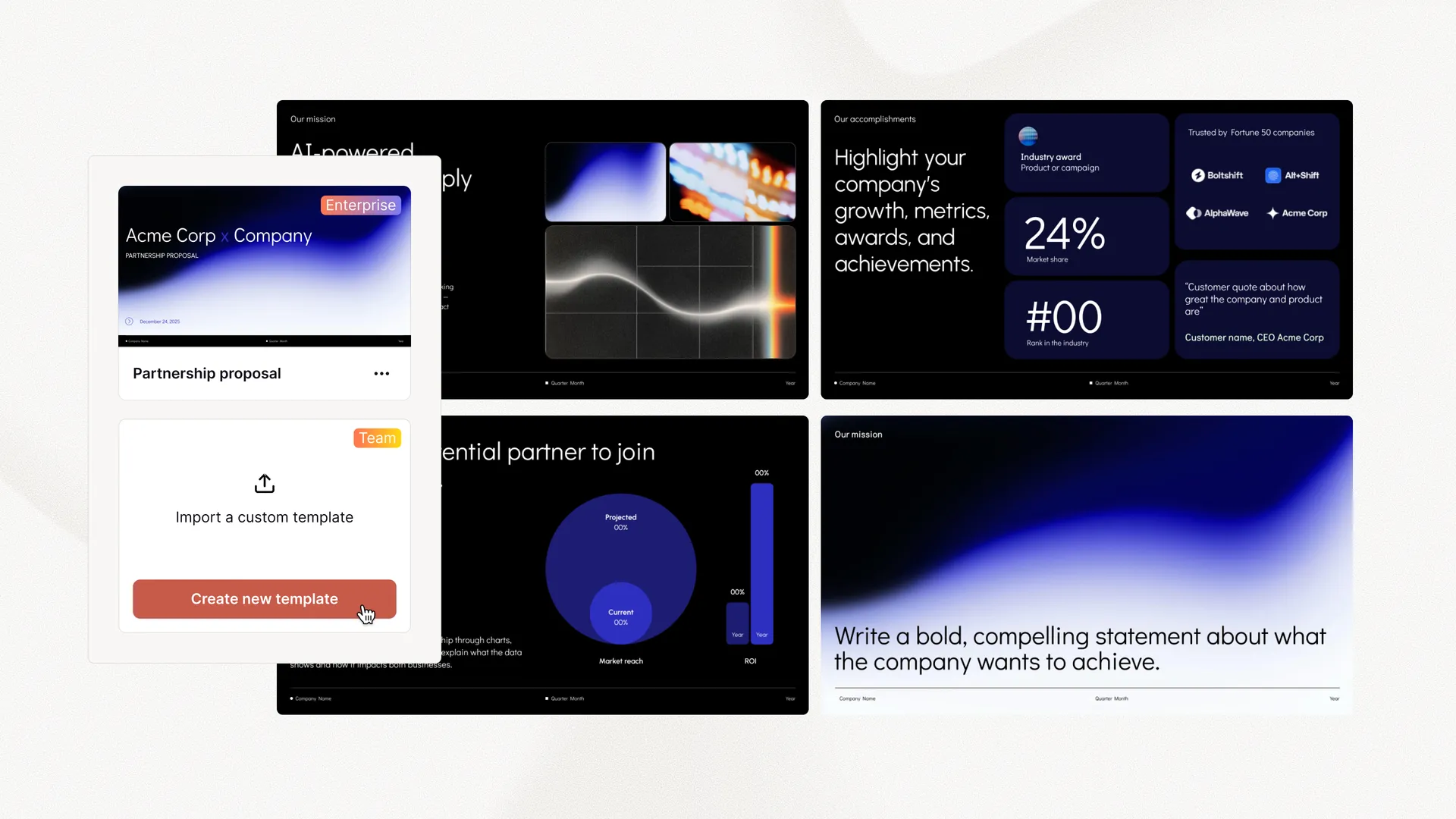
Everything your team needs to create polished, on-brand presentations at scale. Custom templates, integrated asset libraries, and automated workflows - all powered by Plus AI. Includes SSO, user management, and white-glove onboarding to customize everything for your organization.
-
Advanced templates
Support for unlimited slides and specialized designs like case studies and diagrams
-
Asset libraries
Plus AI can pull from your existing resource slides, pre-approved image and icons, and more
-
Works where you do
Works within PowerPoint and Google Slides — no new apps to install or tools to learn
Make decks better.
Edit and collaborate seamlessly — directly in Google Slides or PowerPoint.
Get started for free