
Free presentation tools
Topic to PPT
Use Plus AI to create a free, professionally-designed slide deck on any topic in minutes.
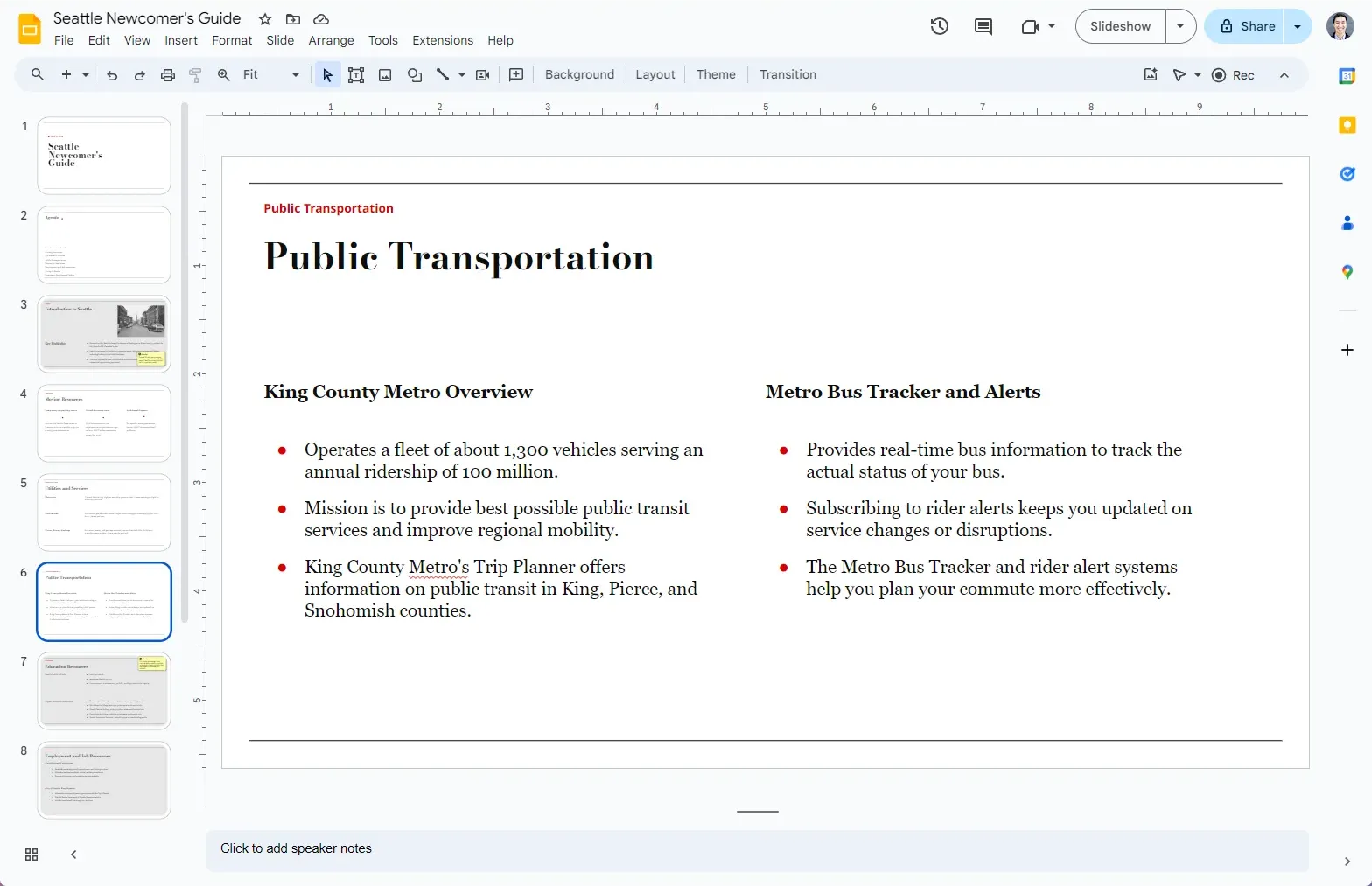
How does it work?
- 1
Enter your topic
Write a short description, or along description of the slide deck that you want
- 2
Plus AI generates your presentation
We use the latest AI models to create a presentation on your topic.
- 3
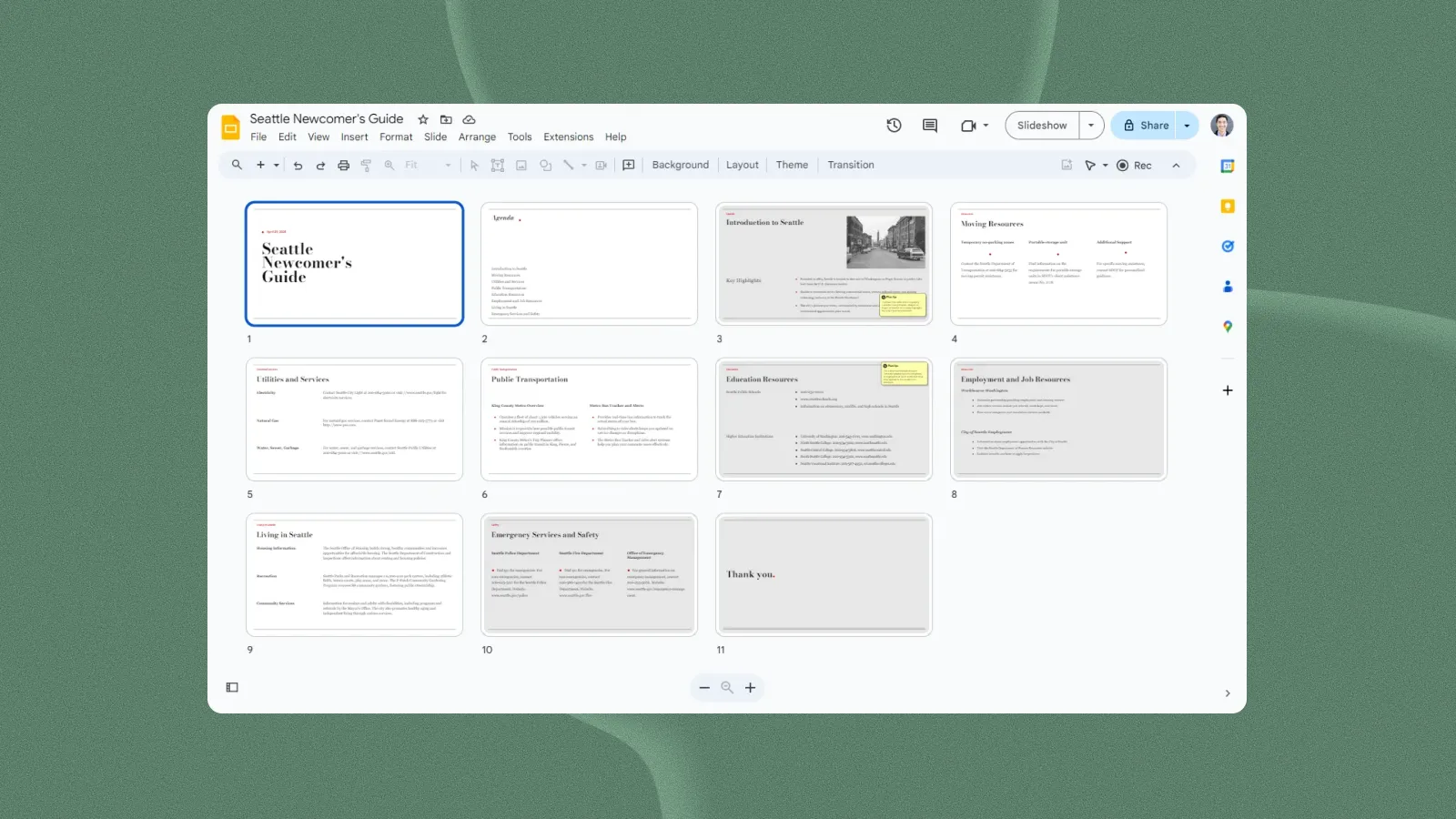
You receive a link to the slides
Customize your presentation, edit it with AI, and share with customers or coworkers.
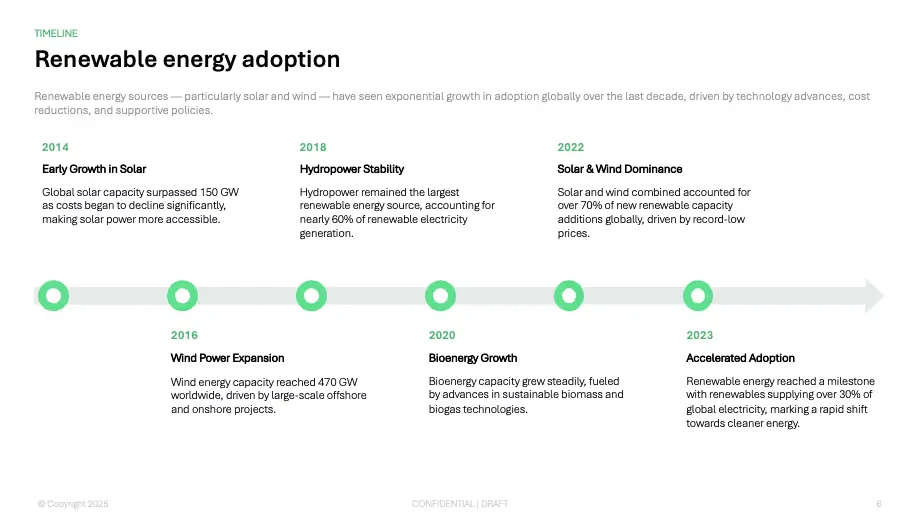
Designer templates — yours to customize
Preview our presentation templates
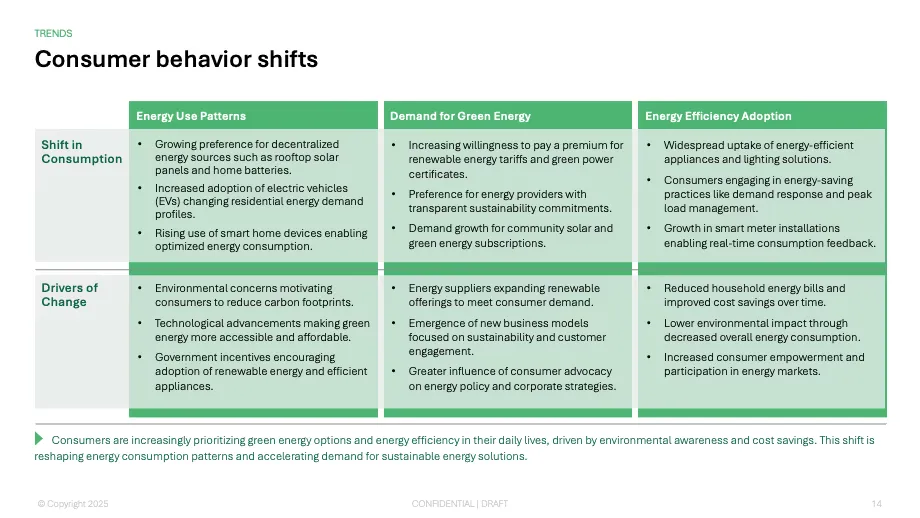
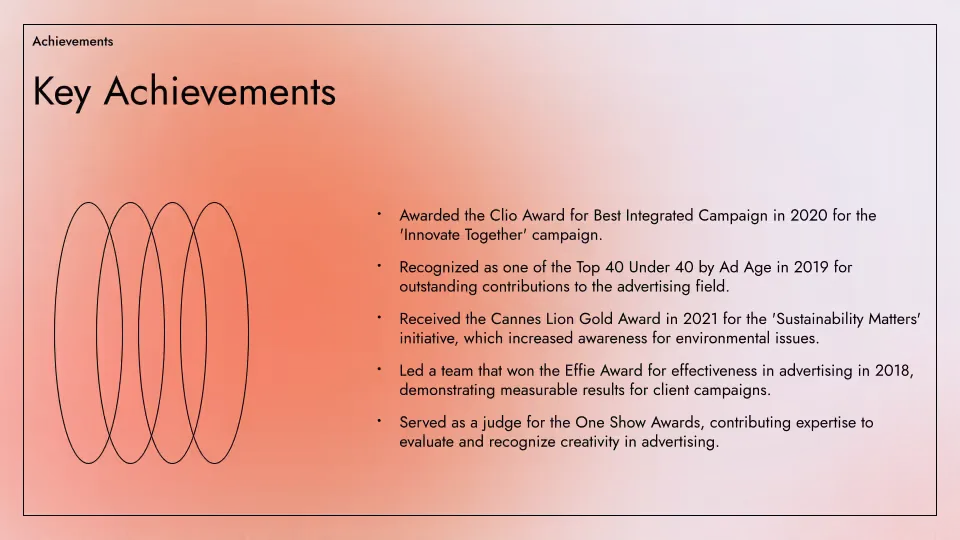
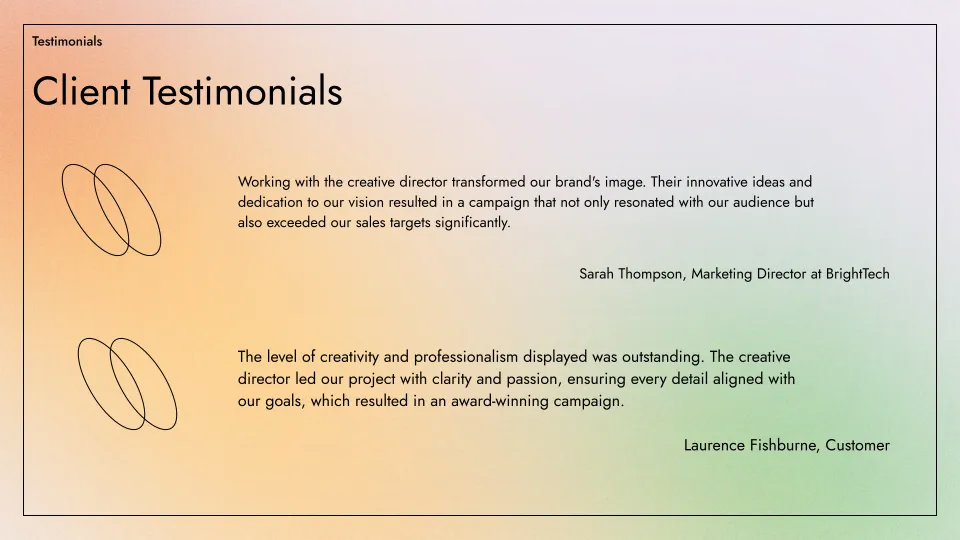
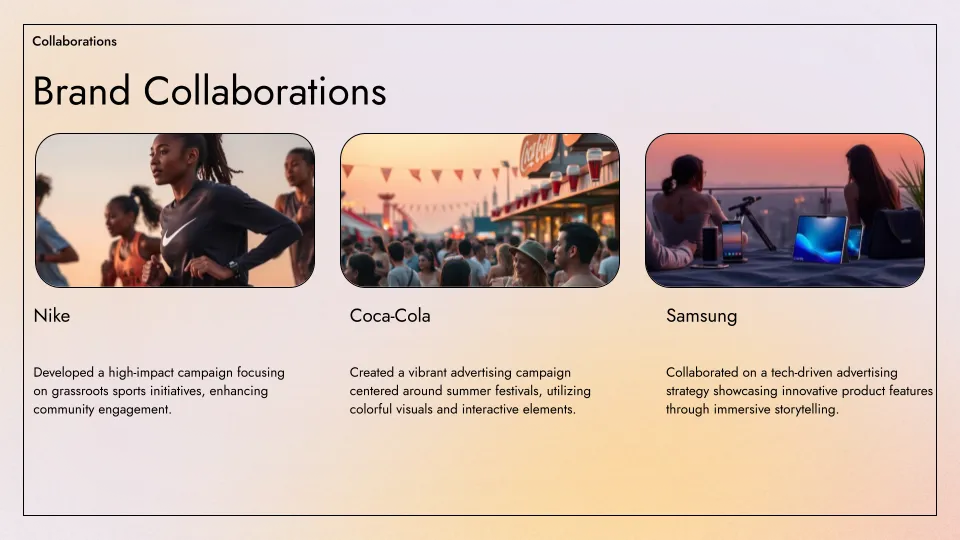
Plus AI's templates are created by professional slide designers and fully compatible with all of our AI tools for generation and editing.
- Renew template
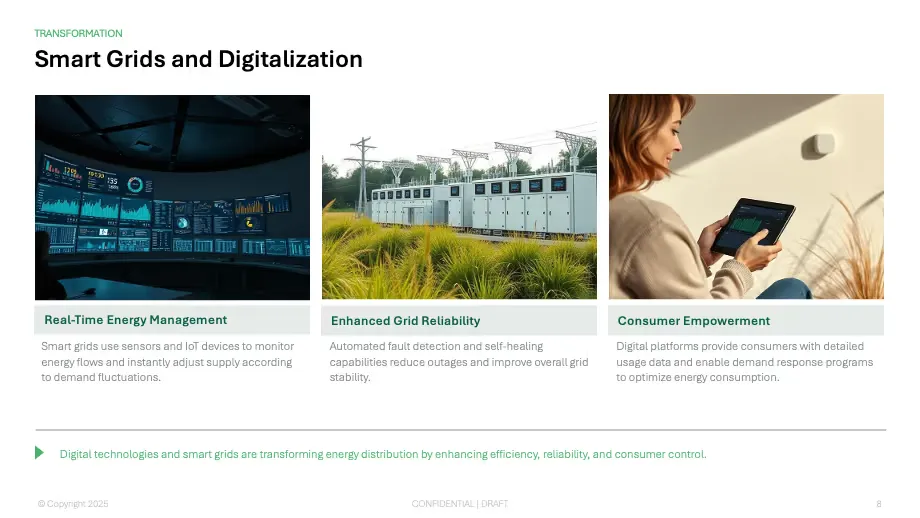
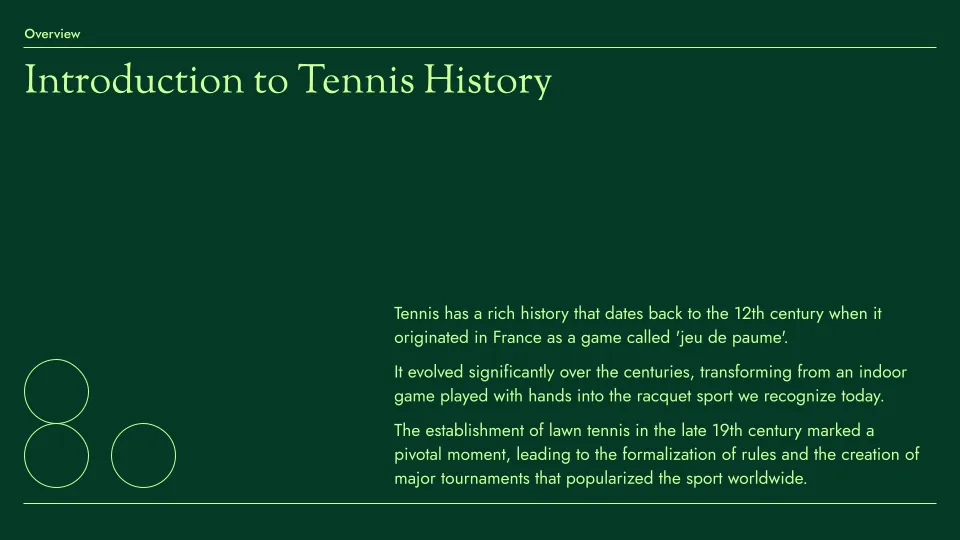
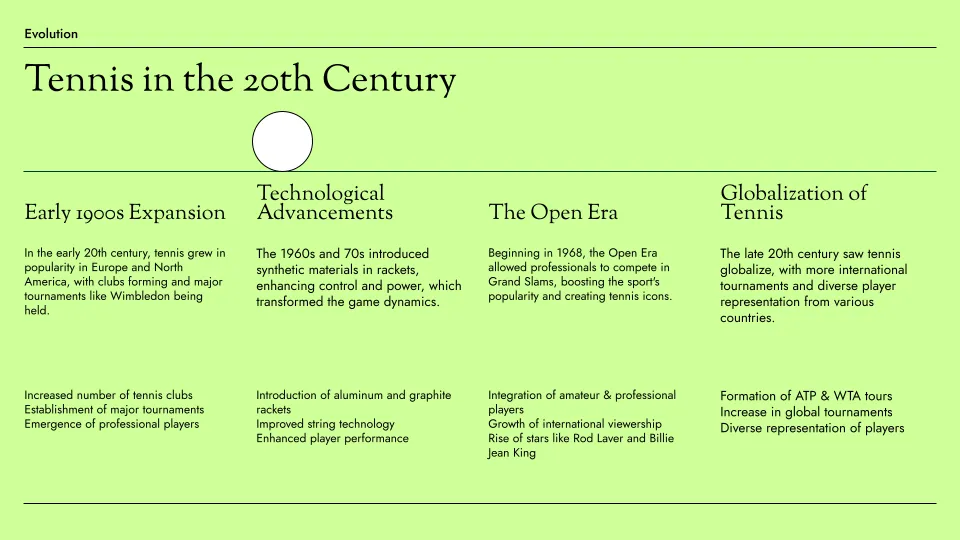
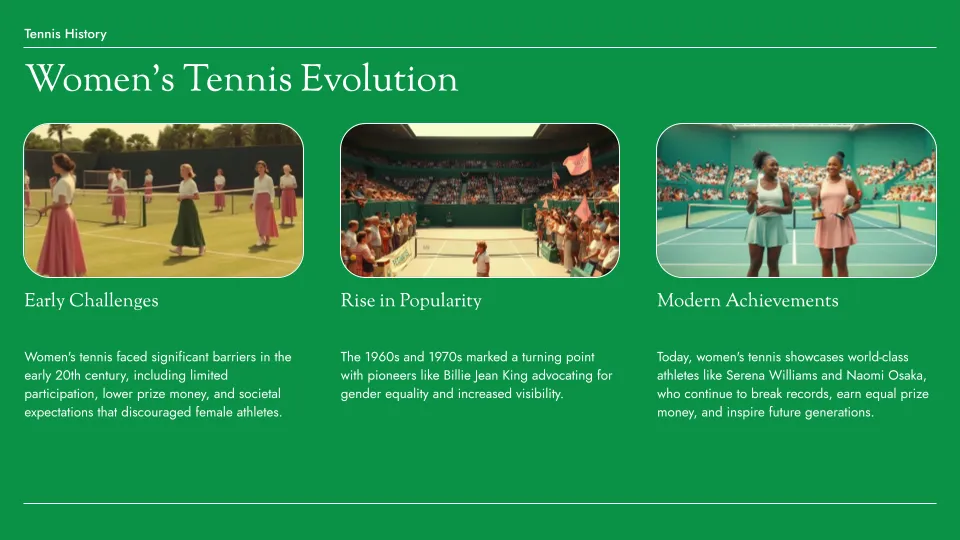
- Tennis template
- Aurora template
Topic to PPT features
-
Professional presentations
Use our professionally-designed templates to create the perfect slide deck
-
Automated content extraction
Plus AI will automatically pull the text content of any publicly-available URL
-
One-click AI generation
No sign-up or credit card required. Just click a button and receive a slide deck
-
Easy to edit
Edit slides natively in Google Slides; use Plus AI to generate or remix existing slides
-
Easy to share
Share your Google Slides link with customers and coworkers. Or download straight to PPT
-
Free to use
Best of all, it's free! If you need to create more presentations, check out Plus AI
FAQs
Is there an AI to make PPTs on any topic?
Yes! Plus AI can help you make presentations for free, using AI. Sign up for a free 7 day trial today and learn how you can save time on your next slide deck.
What are good topics to make a presentation for?
Here are some of our favorite ideas for a persuasive speech, like "Is student debt forgiveness a good idea?" and "Are politicians getting too old to be effective?"
If you need to do an informative presentation, here are some ideas for topics like "How to improve your sleep" and "The basics of personal finance."
How can I get a free PPT on any topic?
Plus AI can help you make a presentation about any topic, or you can start with an existing document! You can sign up for a free 7 day trial any time to see how it works.
How long should my presentation be?
A good general rule of thumb is you need 1 slide for every 2 minutes of your presentation, plus or minus 2 to 3 slides. For more detailed guidance, check out our guide on How many slides do I need for my presentation?
Plus AI for Enterprise
AI slides to make the whole team look good
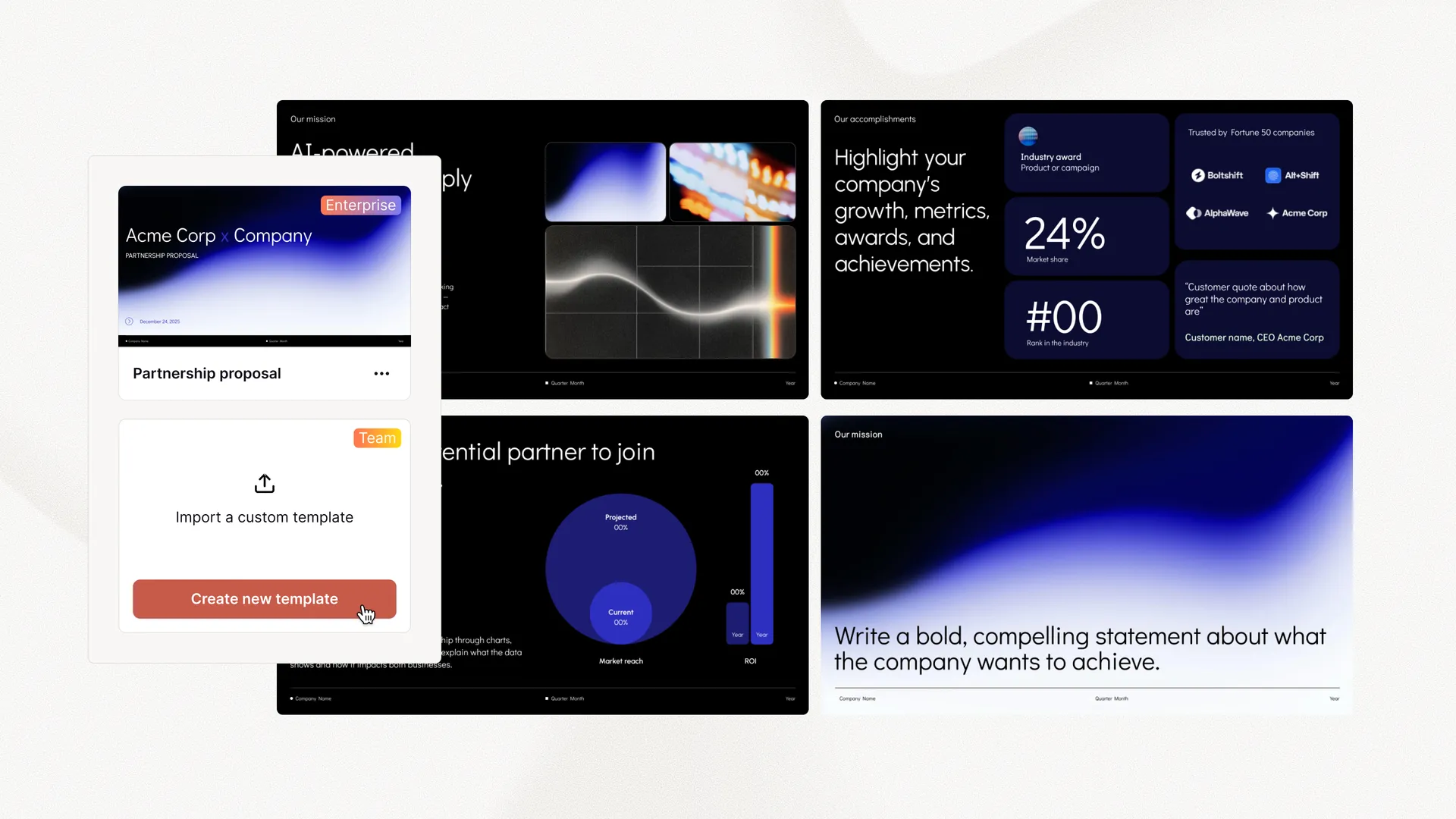
Everything your team needs to create polished, on-brand presentations at scale. Custom templates, integrated asset libraries, and automated workflows - all powered by Plus AI. Includes SSO, user management, and white-glove onboarding to customize everything for your organization.
-
Advanced templates
Support for unlimited slides and specialized designs like case studies and diagrams
-
Asset libraries
Plus AI can pull from your existing resource slides, pre-approved image and icons, and more
-
Works where you do
Works within PowerPoint and Google Slides — no new apps to install or tools to learn
Make decks better.
Edit and collaborate seamlessly — directly in Google Slides or PowerPoint.
Get started for free