
Plus AI Feature
100s of professional slide designs
Plus AI has a huge library of slide layouts. Let Plus design for you or select a specific layout for more control — directly in Google Slides and PowerPoint.




Never design a slide from scratch again.
Designer templates — yours to customize
Handcrafted designs, AI enabled.
Templates are fully compatible with all our AI tools for generation and editing
- Renew template
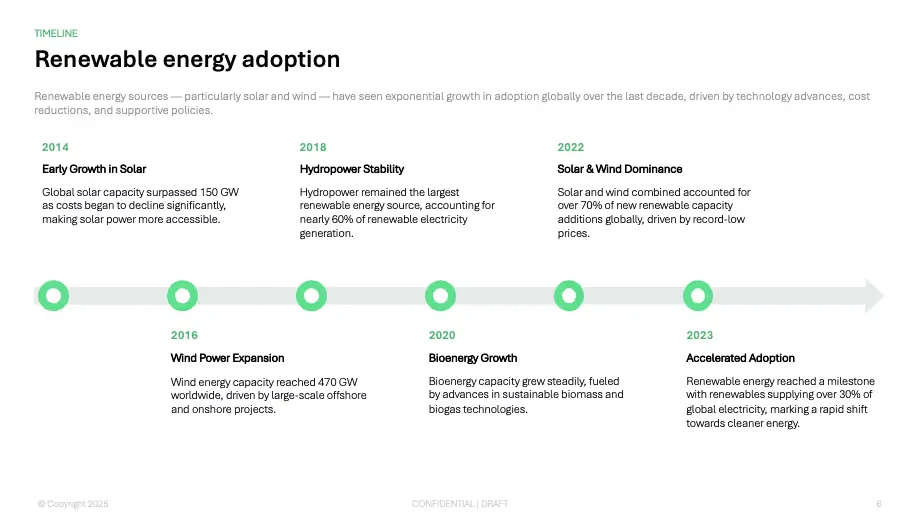
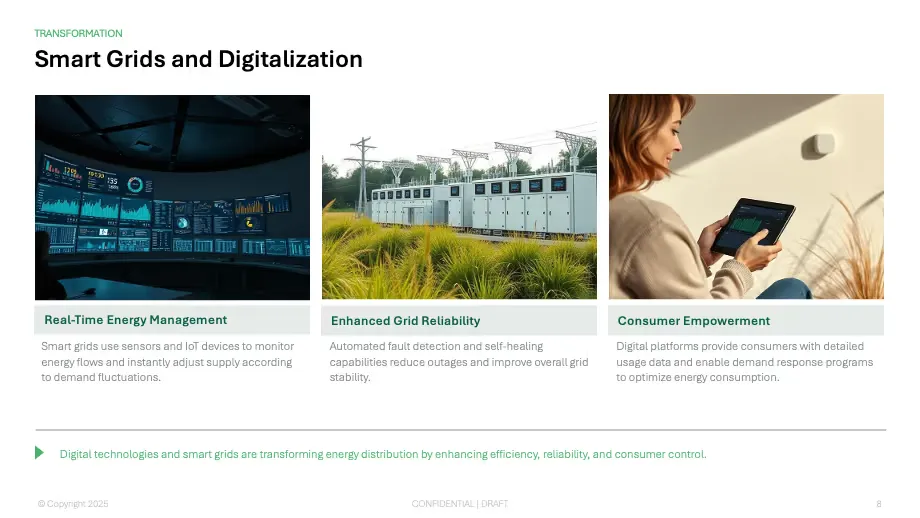
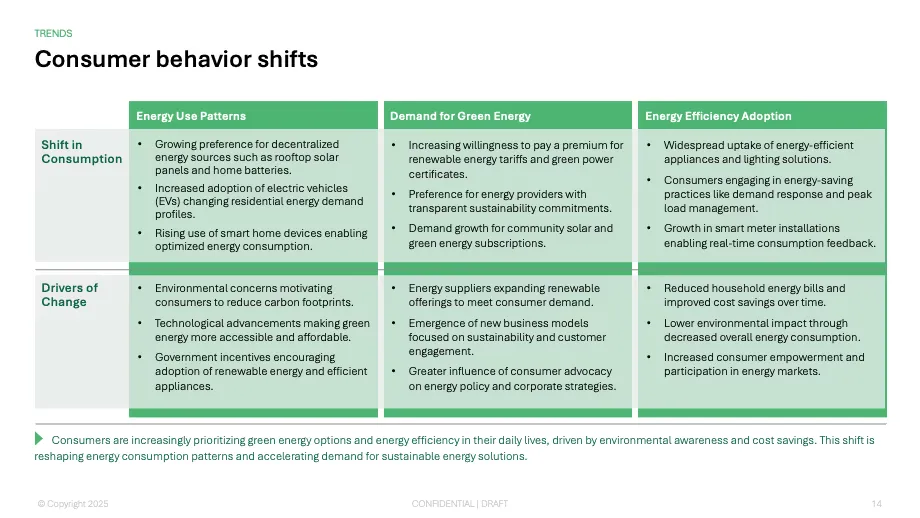
- Tennis template
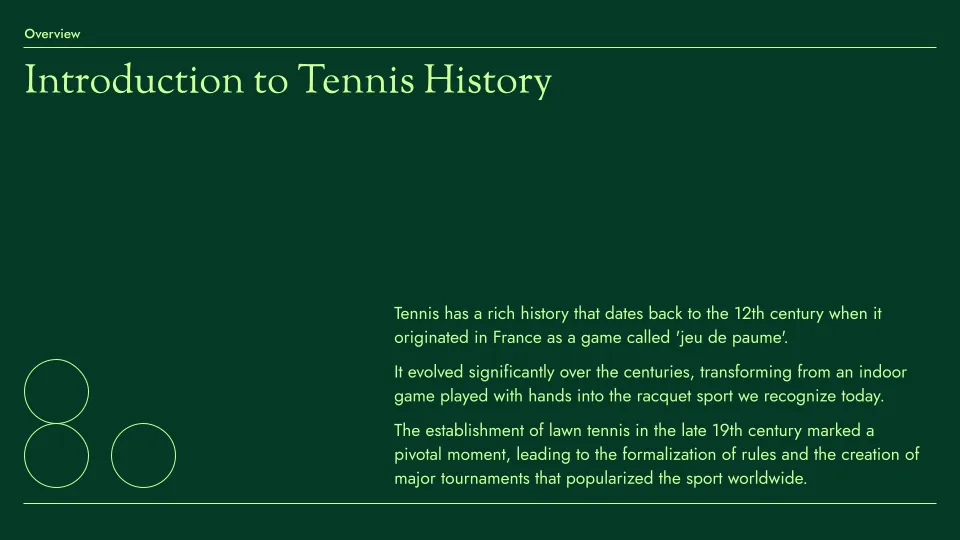
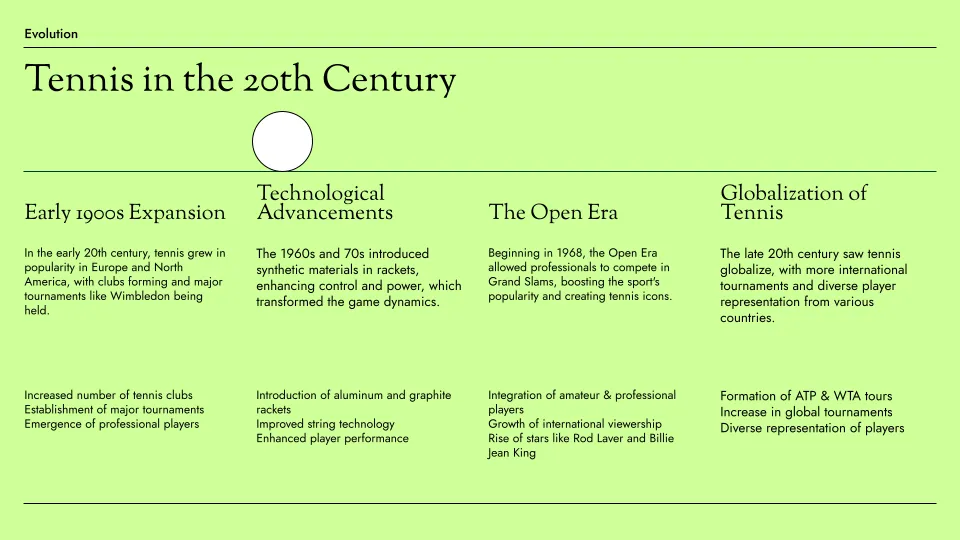
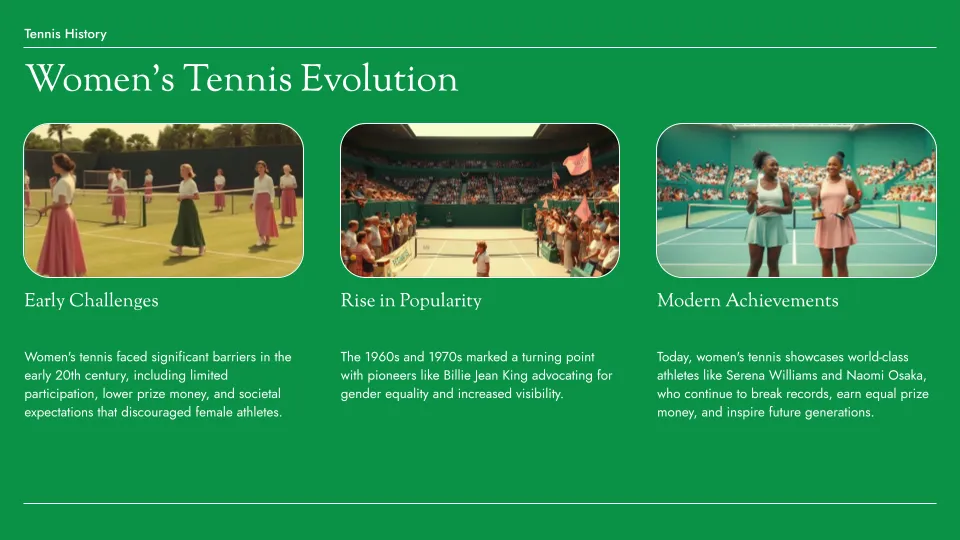
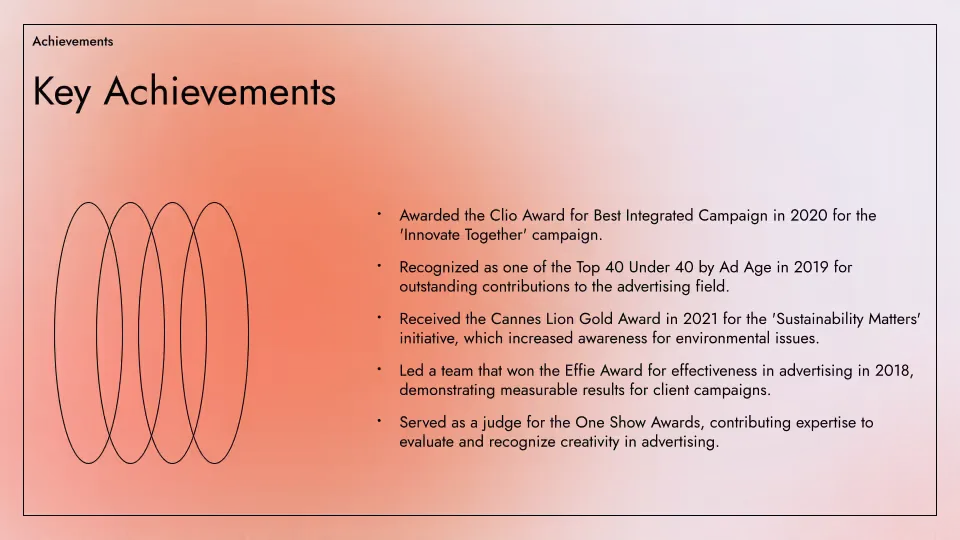
- Aurora template
Plus AI for Enterprise
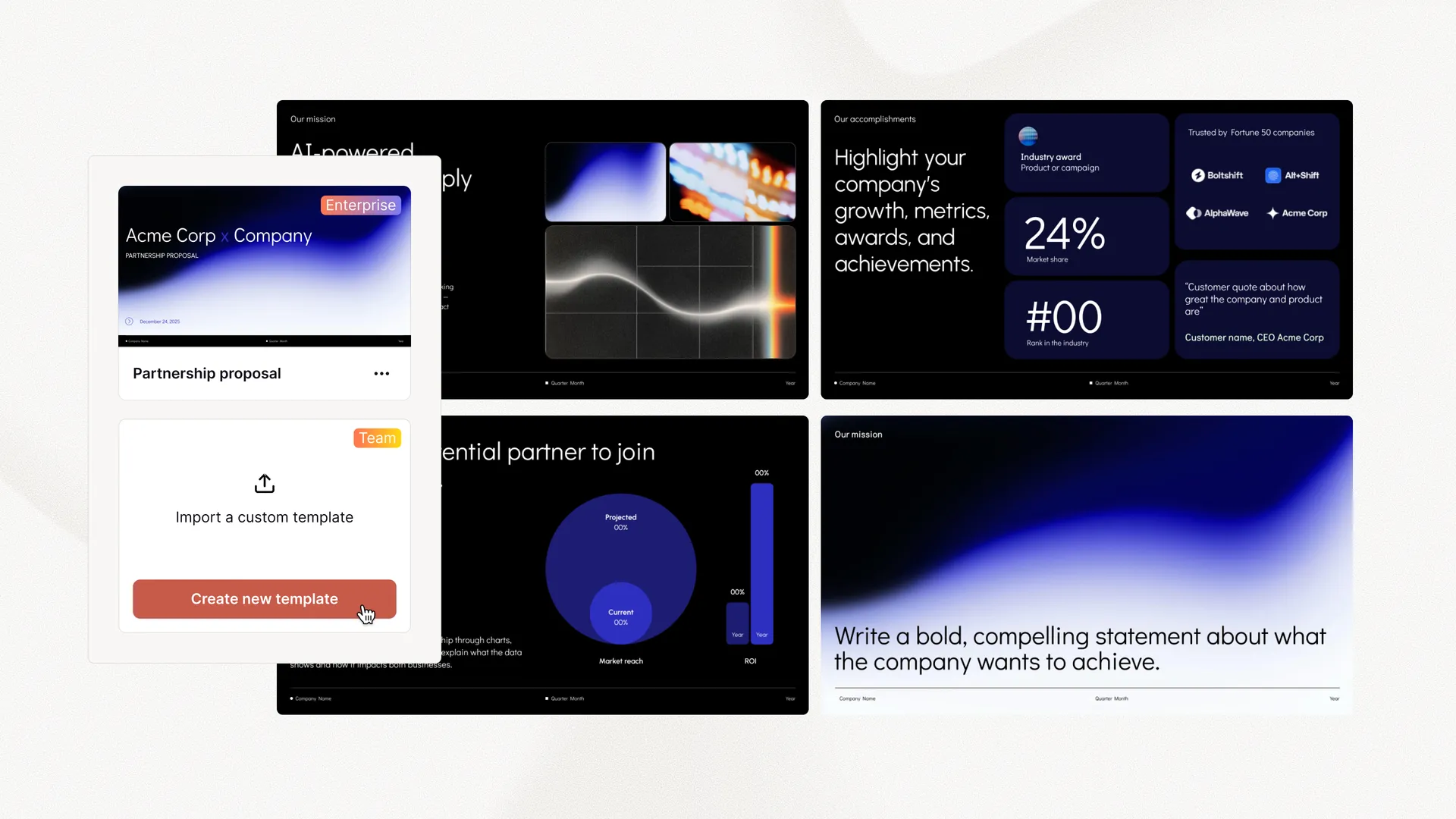
AI slides to make the whole team look good
Everything your team needs to create polished, on-brand presentations at scale. Custom templates, integrated asset libraries, and automated workflows - all powered by Plus AI. Includes SSO, user management, and white-glove onboarding to customize everything for your organization.
-
Advanced templates
Support for unlimited slides and specialized designs like case studies and diagrams
-
Asset libraries
Plus AI can pull from your existing resource slides, pre-approved image and icons, and more
-
Works where you do
Works within PowerPoint and Google Slides — no new apps to install or tools to learn
Empowering content creators at companies big and small.



















Testimonials
What our users say about Plus AI
-
Hands down the best AI presentation maker on the market when it comes to Google Slides. I can generate entire presentations from a prompt, or I can turn text into slides.

-
I'm particularly impressed by the "Remix" feature that reformats existing slides into new layouts. Love this feature Great work👍

-
Plus AI created a great structure and talking points for my presentation . I really like the tips on each slide to help me choose images or expand on a point. This tool is now in my arsenal!

-
The integration into Google Slides is seamless. It feels like something that should have been there all along! 5/5 stars overall.

-
Excellent tool that saves me a significant amount of time. It creates a presentation that needs only minor editing when used with detailed prompts . Our team loves it for brainstorming and account reps use it for collaborating with clients.

-
It really helped me to structure my outline which was a time and life saver for a presentation which was due. I like the fact that it can be implemented in Google Slides, a tool I'm already using for presentations anyway!

-
Tried most of the AI slide generators out there for Google Slide & PPT. This one just hands down the best - it just works.

-
The integration into PowerPoint is what makes this product so helpful . Making plenty of decks on a weekly basis, I turn to Plus AI for powerpoint first.

Tired of wasting time on slides? Try Plus AI for free.
Edit and collaborate seamlessly — directly in Google Slides or PowerPoint.
Get started for free