
Blog
Guides, reviews, and tips for making better presentations with AI.
-
Resources
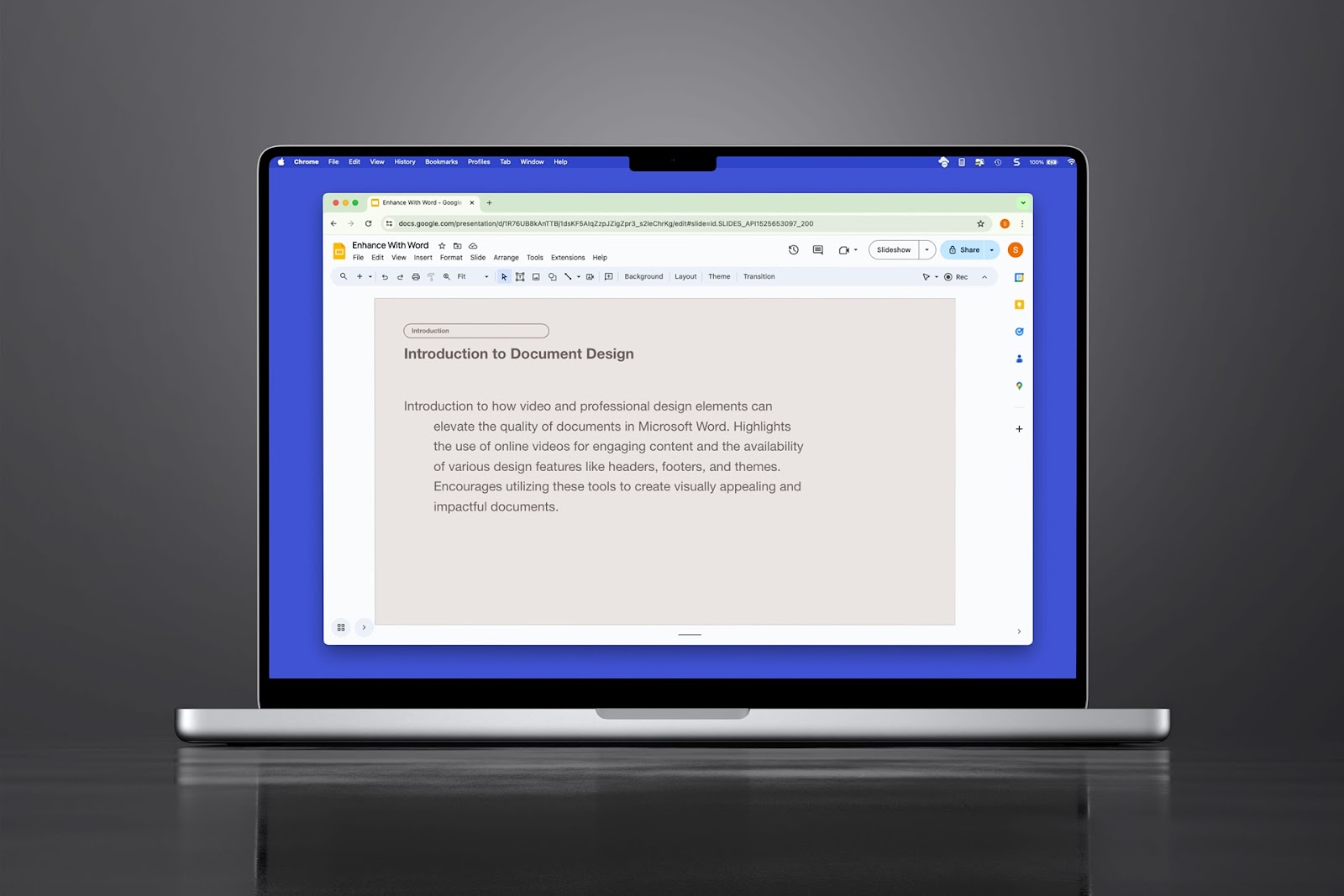
How to do a hanging indent in Google Slides
Need to create a bibliography on your slide or just want a unique paragraph appearance, here’s how to do a hanging indent in Google Slides three different ways.
-
Resources
MagicSlides and alternative AI presentation tools
An in-depth review of MagicSlides features, pricing, and alternative AI slide creation tools
-

Building a business
Five lessons for building AI apps
Five things we've learned the hard way about building AI-powered apps
-
Resources
How many slides do I need for my presentation?
How many slides for a 10 minute presentation and the 3-2-1 rule for presentations
-

Resources
How to create a statement of work (with example templates)
Step-by-step guide on how to write a statement of work, and a shortcut using Plus AI
-
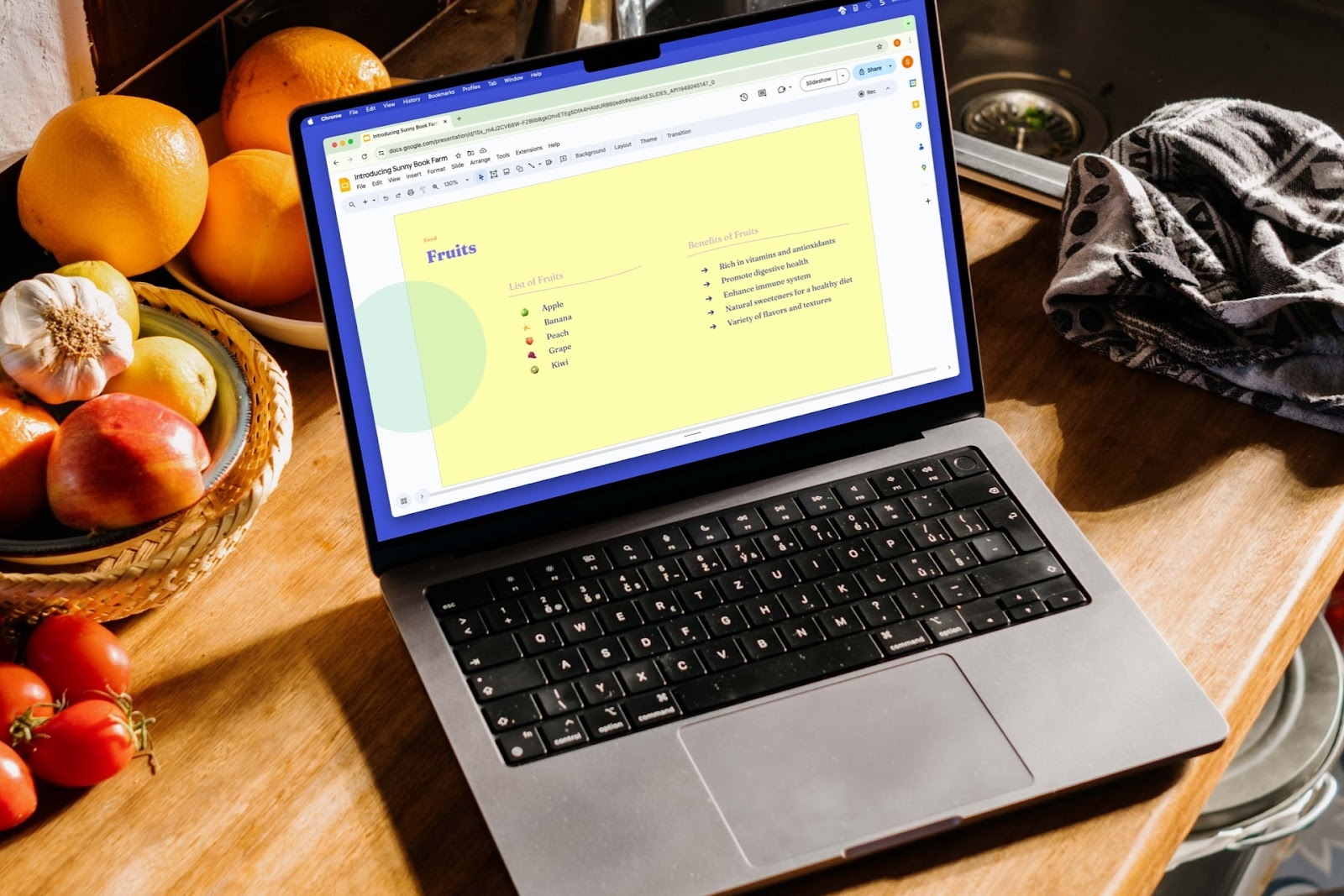
How to add bullet points in Google Slides
For an effective presentation, we’ll show you how to add bullet points in Google Slides as well as how Plus AI can provide you with content for your lists.
-
Resources
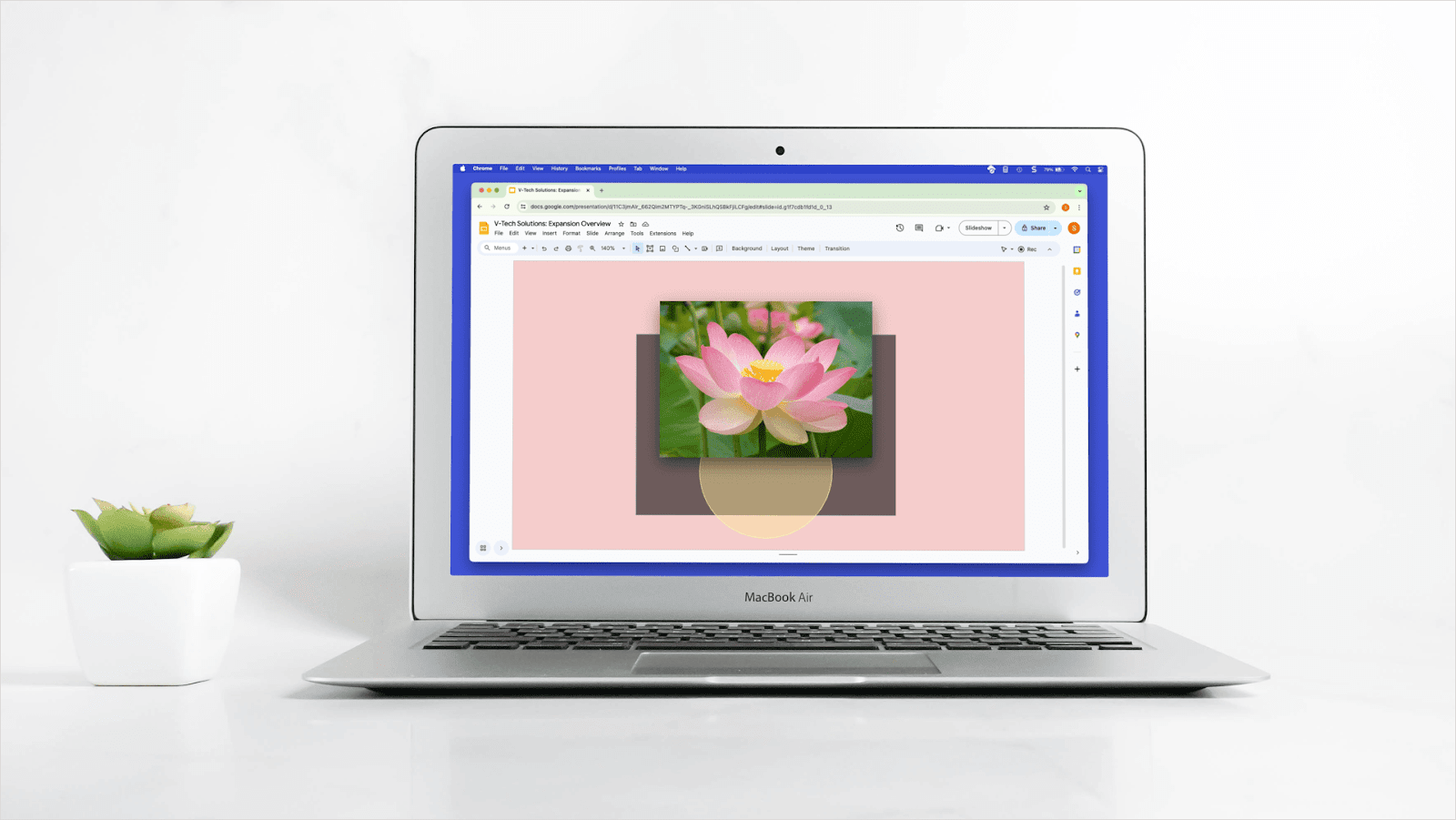
How to bring an image forward in Google Slides
Learn how to bring an image forward in Google Slides and how to use Plus AI to create just the right look for your slides.
-
Resources
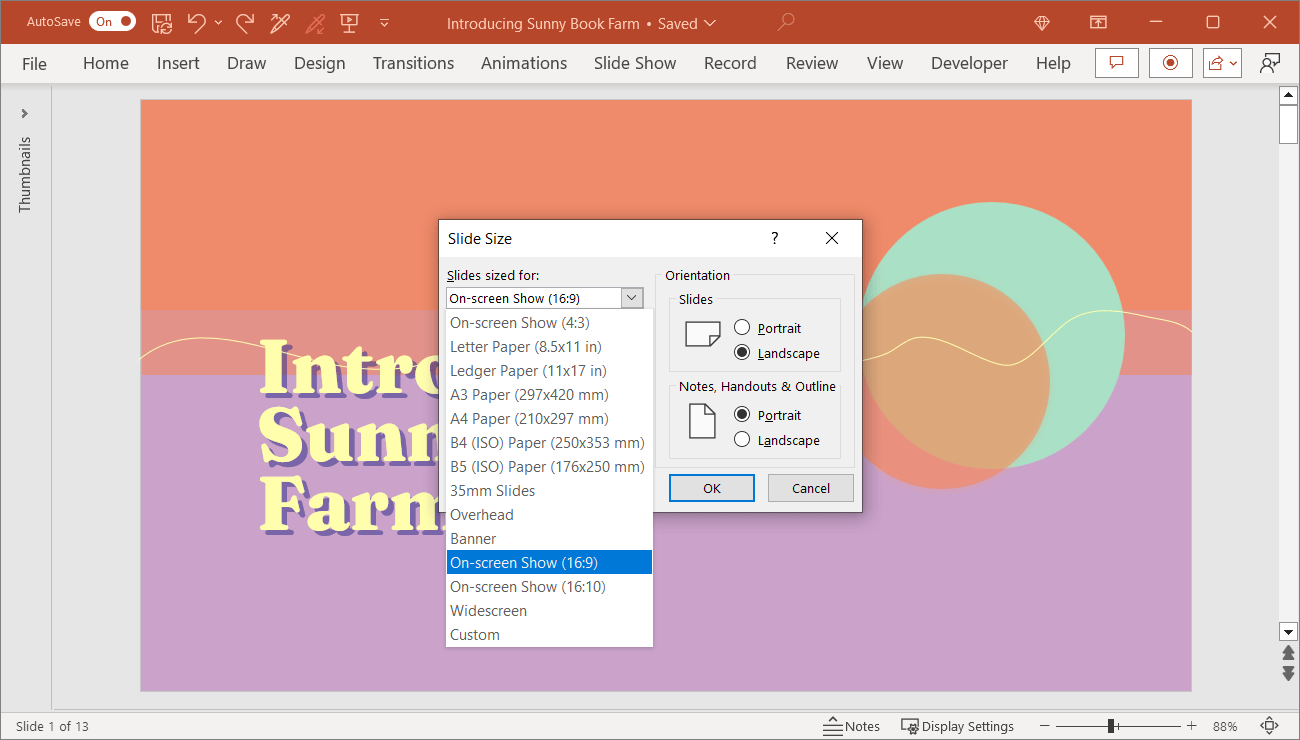
PowerPoint slide size and dimensions
Are you creating a presentation for a device other than a widescreen display? Our guide shows you how to change the slide size in PowerPoint for the right fit.
-
Resources
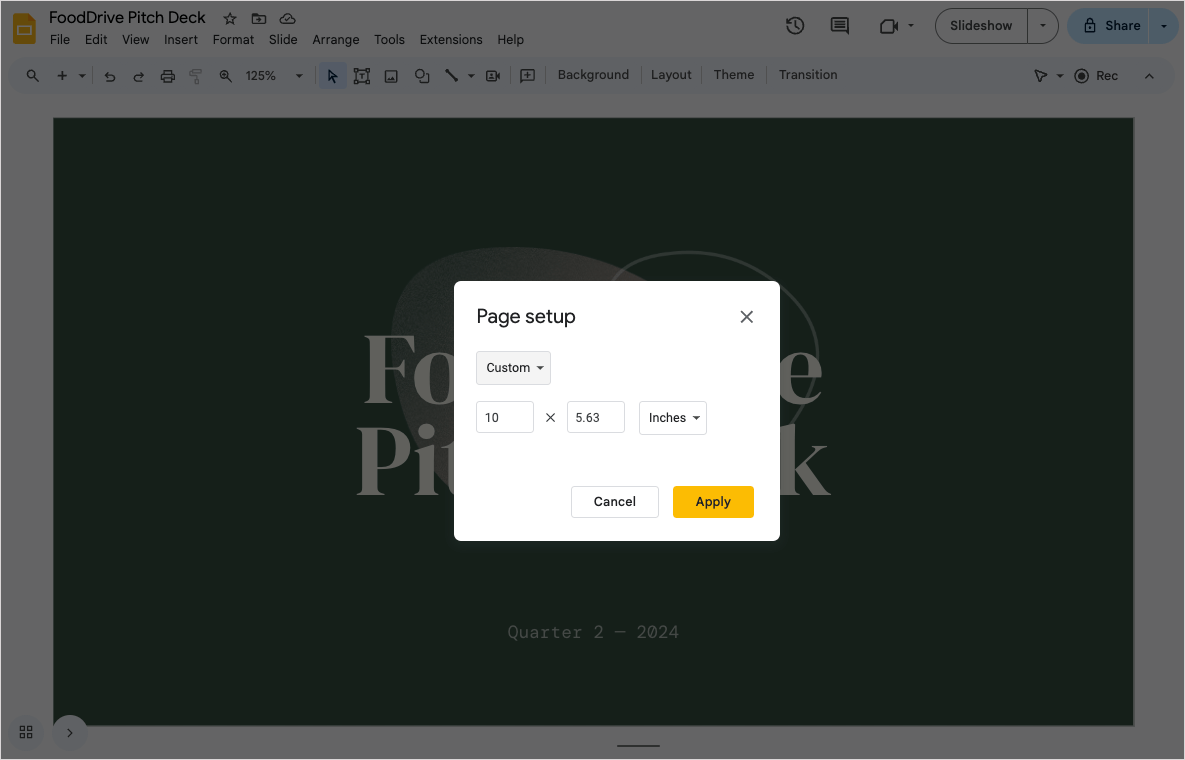
Google Slides size and dimensions
What are the standard Google Slides sizes and dimensions? If you need to change slide dimensions for your presentation, here's a guide on how to adjust Google Slides sizes.
-
Resources
How to create a marketing plan in 4 steps (using the power of AI)
A marketing plan is a roadmap that you use to visualize your strategy across channels. In this article, I’ll share exactly how you can create a marketing plan using AI tools.
-
Resources
100+ Best ChatGPT Prompts for Writing, Productivity, Social Media, and More
100+ of the best ChatGPT prompts for writing, social media, productivity, and more
-
Resources
What is an LLM?
A short guide to understanding what are LLMs, why they are important, and how they work