
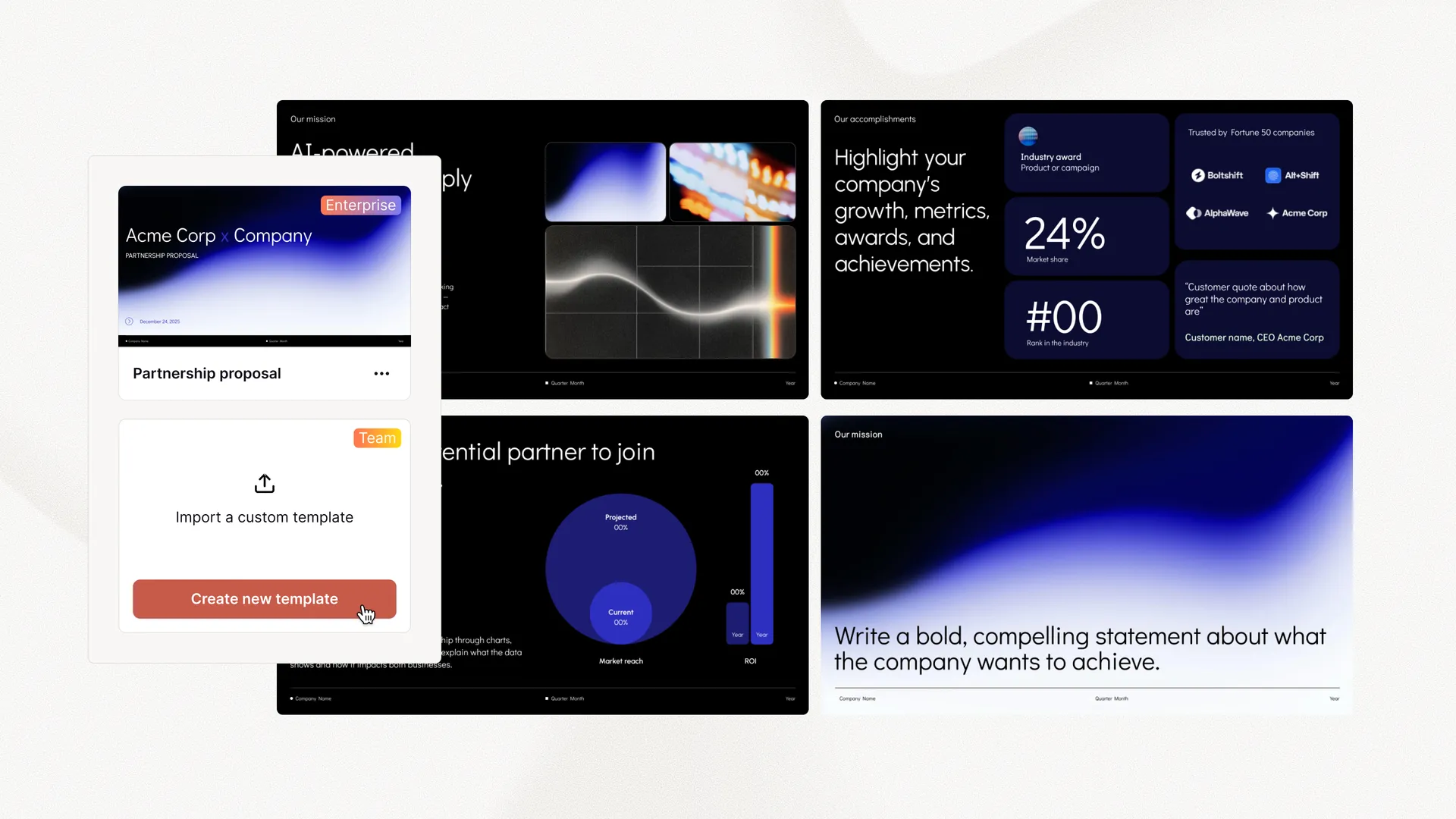
Set up custom branding with Plus for Teams
-
 Customize fonts and colors
 - Upload your logo

AI presentations for consultants
Prompt, polish, and present. Spend less time on slides and more time with clients.
Generate
Recommending new technology and AI investments to your clients? It's time to start using AI yourself. Use Plus AI to create a new client presentation. Start with a prompt or a doc, and Plus AI will take your ideas and convert them into slides.
Wish you had a full-time slide design team? Plus AI works 24/7 to automatically use AI to reformat slides for you. You can write a few notes or copy-paste a full article onto your page. Then use Plus AI's Remix feature to pick a slide template and format your content into the desired slide type.
Plus AI offers a library of professionally-designed slide templates for consultants. If you want more customization, you can explore our custom branding options and our ability to use your custom slide templates.
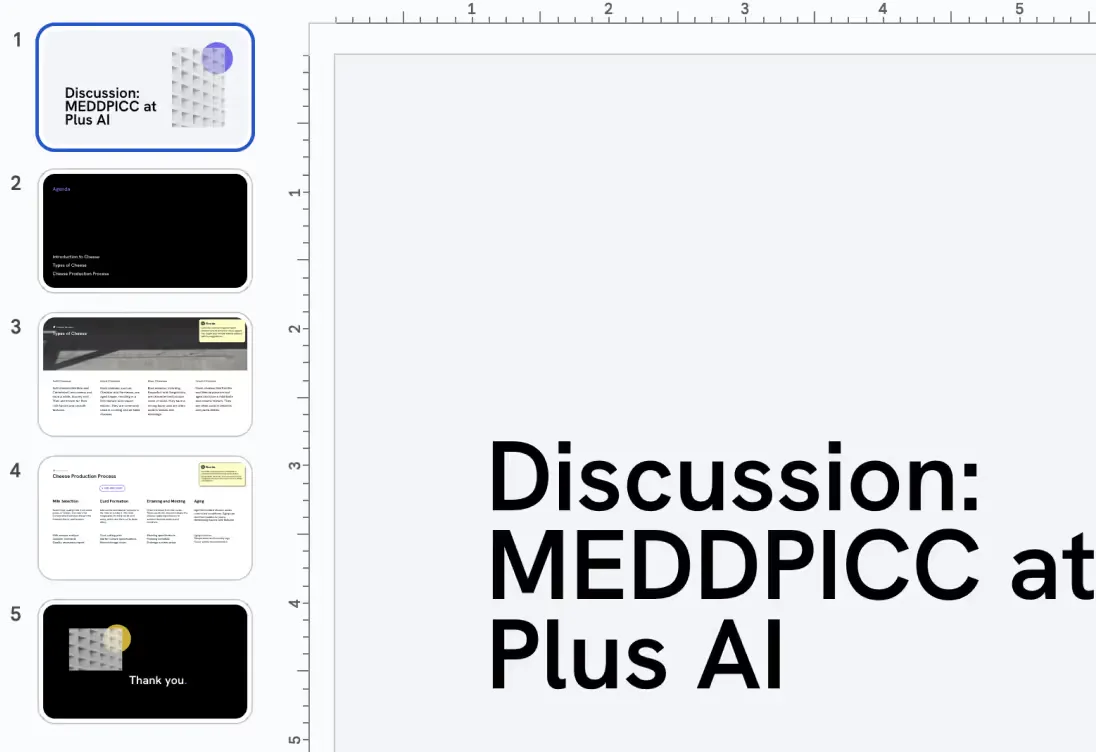
Create customized decks for each of your prospects and customers.
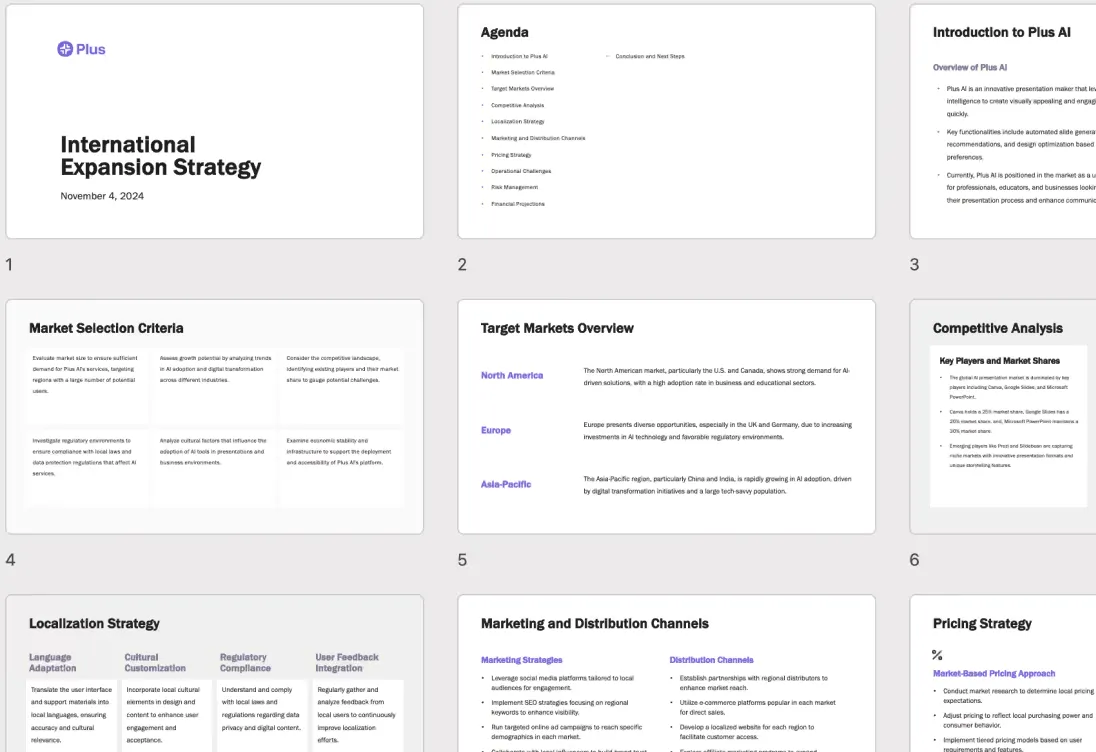
Plus AI is the perfect partner to help you draft your strategy presentation.
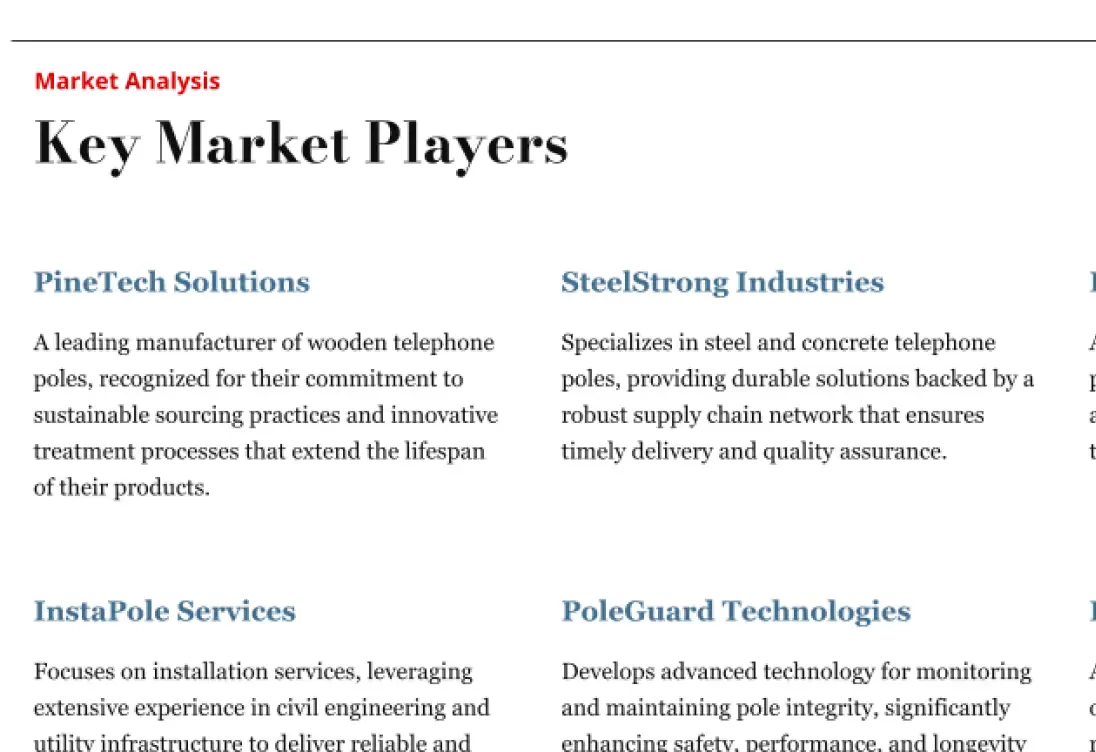
Use AI to quickly create materials and get up to speed on new topics.
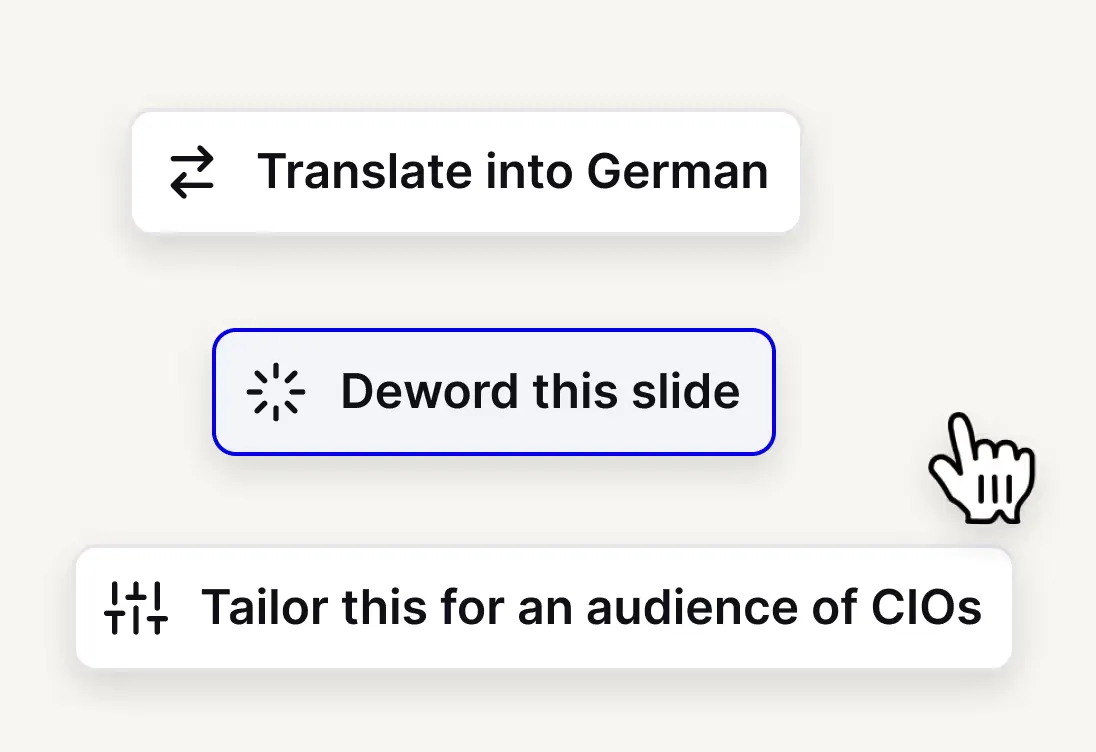
Deword, reword, and tailor your message for different audiences.
Make branded presentations easy by uploading a logo and brand colors
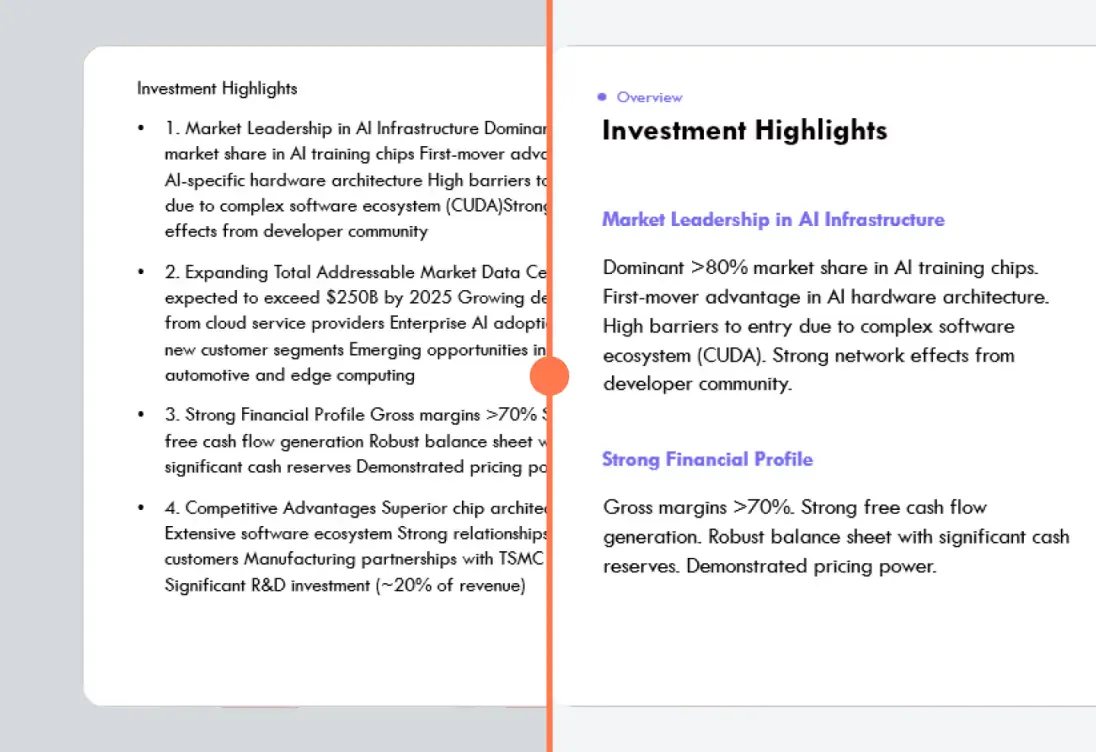
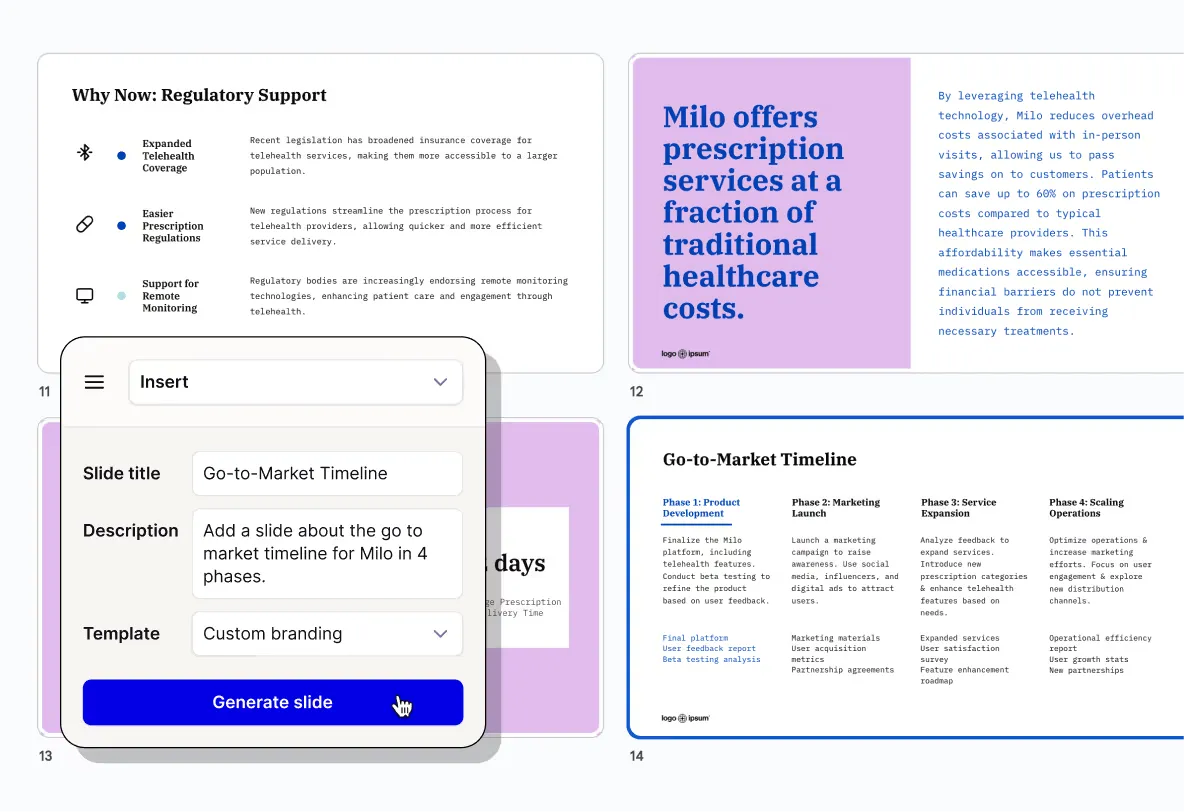
Just write down your thoughts, and let AI turn them into formatted slides for you
別のアプリは必要ありません
Plus はどこでも使えるので、プレゼンテーションの作成や編集を直接 グーグルスライド そして パワーポイント。
無料トライアルを開始Yes, you can use a custom presentation template with your company branding, but it requires an upgrade to our Enterprise plan. You can request a demo and more details here.
Plus AI works inside of both Google Slides and PowerPoint as a native add-on. We recommend signing up for our free trial to make sure the product is compatible with your presentation workflows. If you have any issues, contact us or check out our guide.
Plus AI offers a free 7 day trial. You can try out the features of any of our paid plans and choose the one that best fits your needs.
当社はエンタープライズグレードのセキュリティ対策を実施しており、SOC 2 Type II 準拠を取得しています。セキュリティポリシーと手順の詳細は、セキュリティページをご覧ください。
Plus AI を無料でお試しください。7 日間の無料トライアルから始められます。いつでもキャンセルできます。Google スライドや PowerPoint で、シームレスに編集・共同作業できます。
無料で始める