ライブスナップショット
あらゆるウェブサイトの常に最新なスクリーンショット。
あらゆるアプリやウェブサイトのライブスナップショットを、お気に入りの生産性ツールに埋め込めます。技術的な設定は不要です。


Plus で作成
あらゆるアプリのライブスナップショット
-
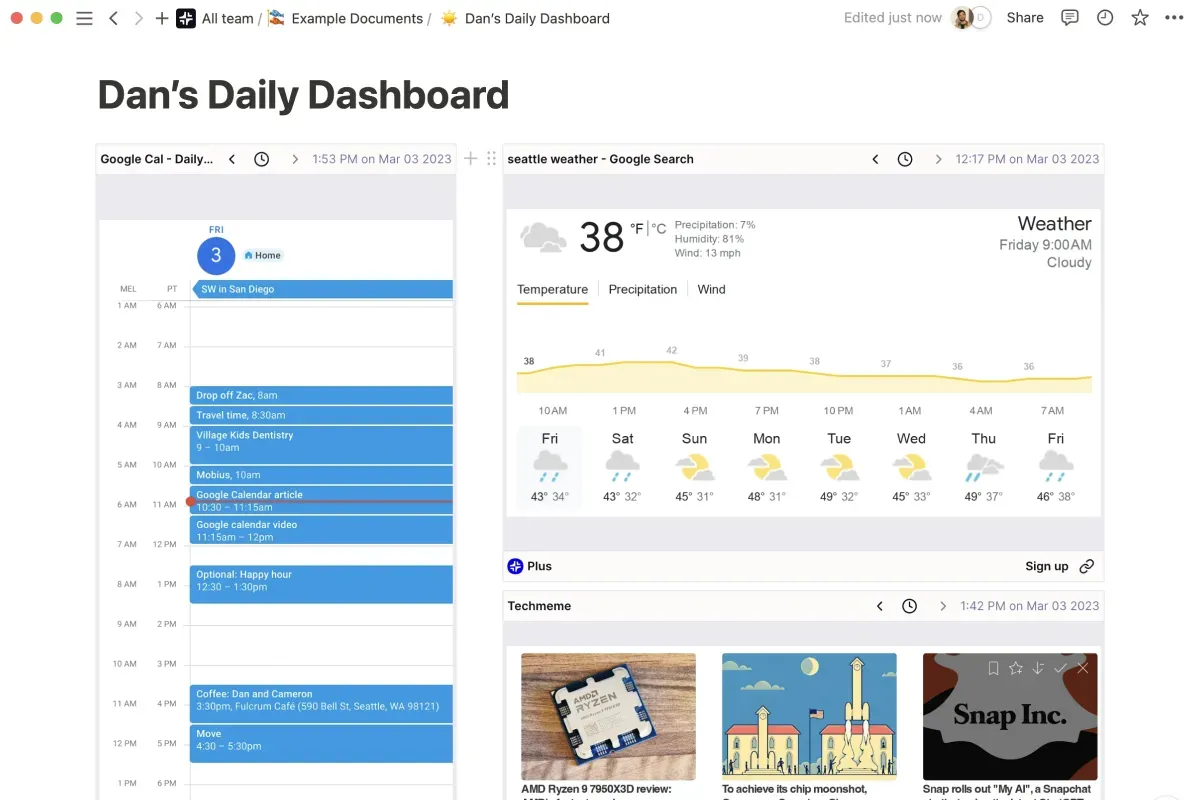
Stay updated with a personal dashboard
個人の生産性を最適化する、完璧なダッシュボードを構築できます。
-
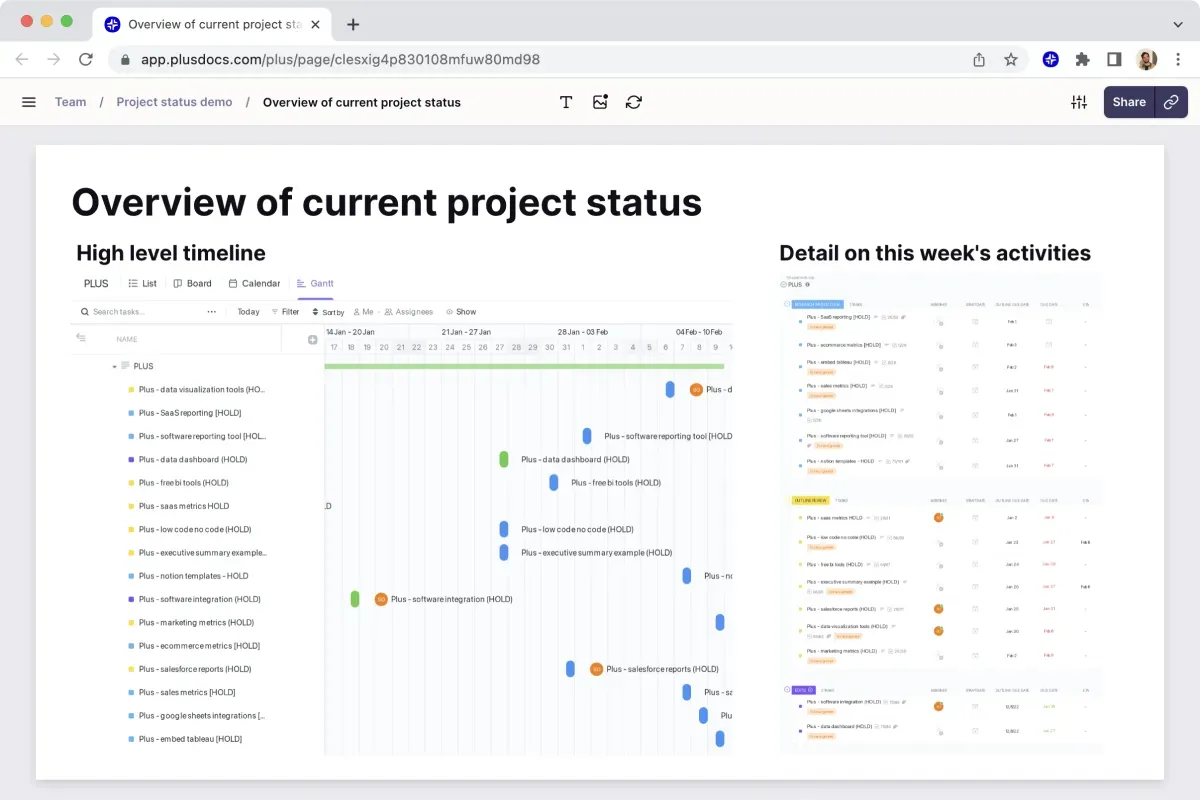
Share project updates with teams
面倒な設定やログインなしで、あらゆるアプリのビューを簡単に共有できます。
-
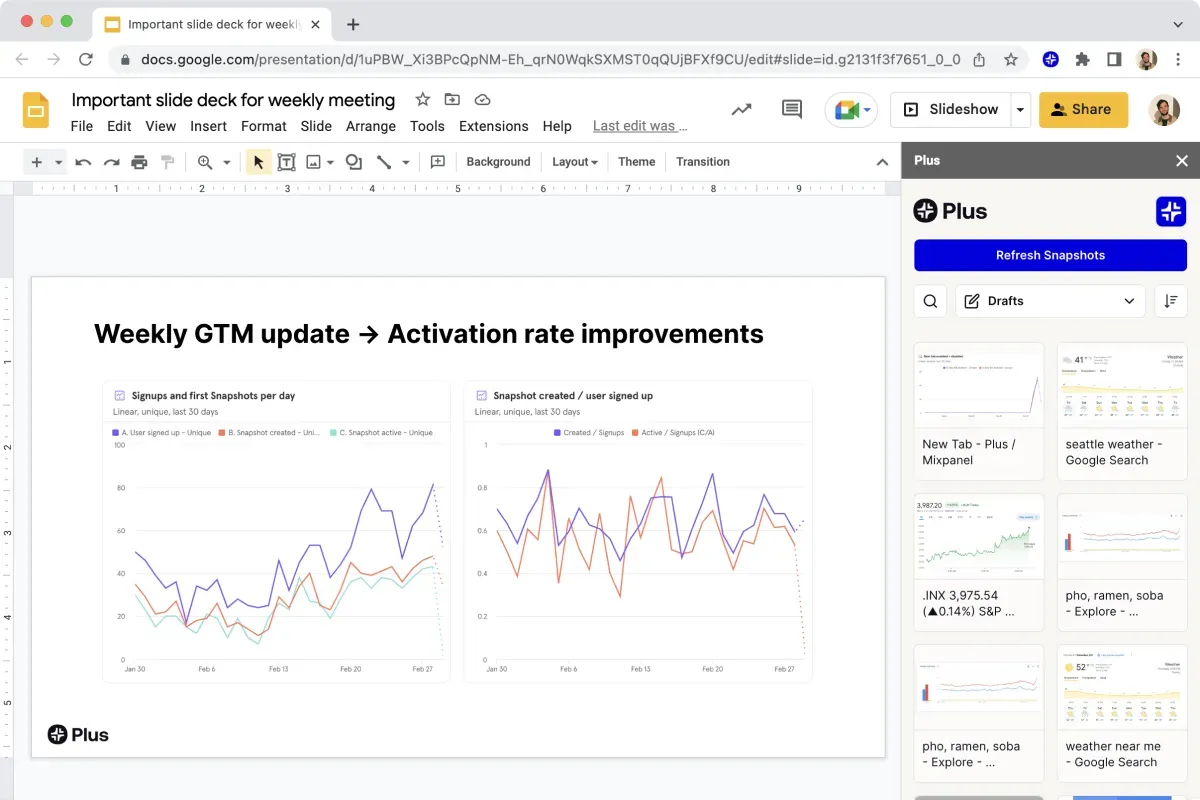
Automate reporting workflows
ワンクリックでスライドデッキ全体を更新したり、Slack で購読を設定したりできます。
数秒でスナップショット
- 1
Install the extension
当社の Chrome 拡張機能を使えば、スナップショットをキャプチャできます。
- 2
Take a Snapshot
It’s like taking a screenshot, just click and drag to capture.
- 3
Use it anywhere
新しいタブにピン留めしたり、お気に入りのツールに直接埋め込んだりできます。
スクリーンショットのように簡単な連携
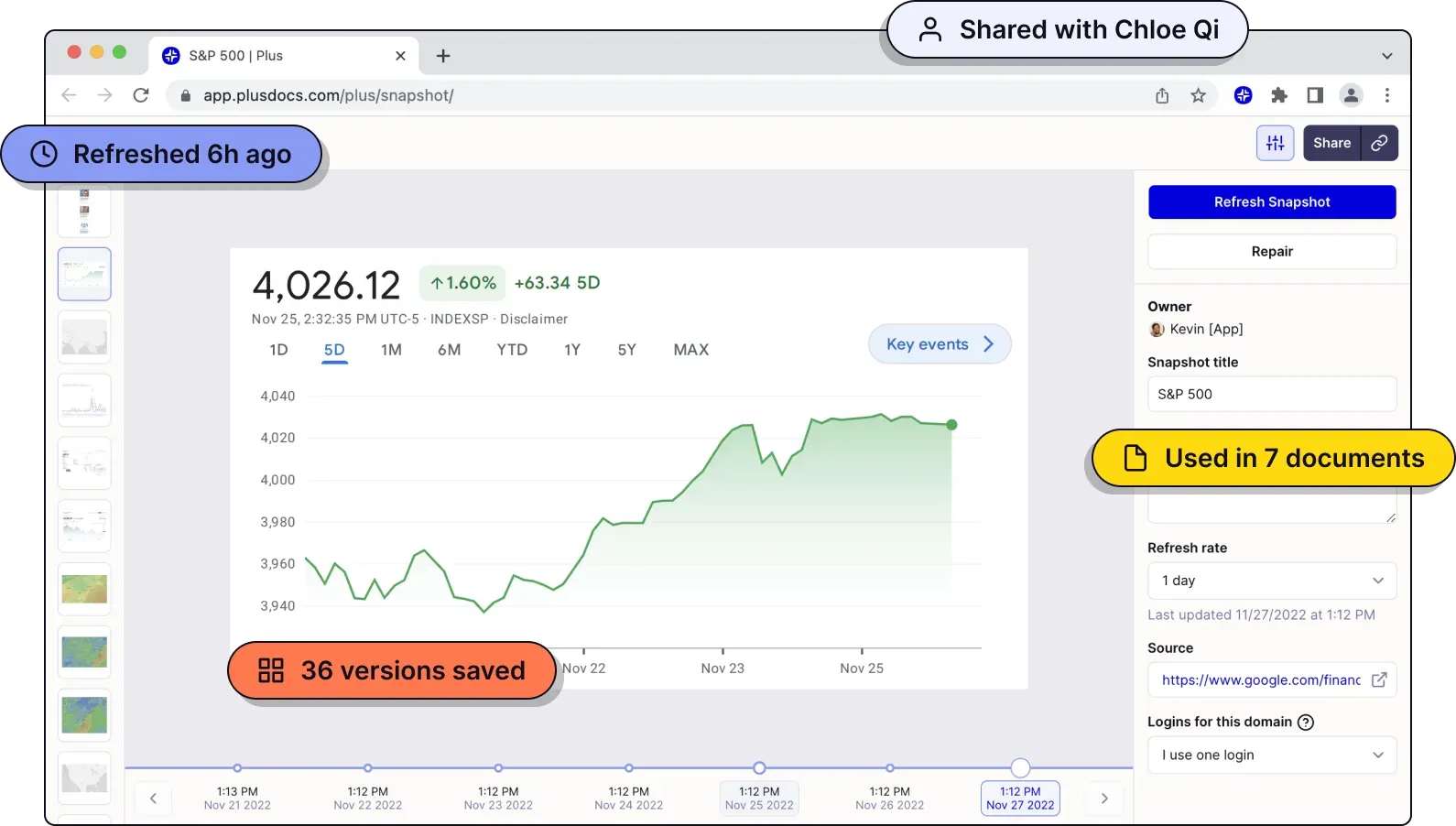
スナップショットは、あらゆるアプリやウェブサイトの自動更新される画像で、どこにでも埋め込めます。
-
Always fresh
スナップショットは常に、ツールの最新データを反映します。
-
Version history
あらゆるスナップショットのすべてのバージョンに、すぐにアクセスできます。
-
Embed anywhere
Notion、Slack、Coda、Confluence などのツールにスナップショットを埋め込めます。
あなたの作業環境で動作
Snapshots embed easily in the tools you use every day. Stop wasting time moving data between tools. Plus integrates with modern business software to seamlessly connect everything. What’s more: our web app works great on mobile, so you can always check your Snapshots from your phone.
-

Slack
リンクを送るのと同じくらい簡単に、チームとスナップショットを共有できます。
-

Google Slides
ライブスナップショットを Google スライドに直接埋め込めます。
-

Notion
スナップショットを Notion に直接埋め込めます。
-

Confluence
スナップショットを Confluence に直接埋め込めます。
-

Coda
スナップショットを Coda に直接埋め込めます。
-

Canva
スナップショットを Canva に直接埋め込めます。
-
And more!
Plus works automatically in any tool with embed support, and we’re hard at work on bespoke integrations for tools that don’t.
一流のチームに利用されています
全体像を、チームで描こう。
-
これは、私がこれまで見た中で最も簡単なダッシュボードの作り方です。トレーニングも追加ツールも不要。これでチームは毎週何時間もの作業を節約できます。

-
Plus のおかげで、データの集約に苦労するのではなく、ツールから価値を引き出すことが容易になりました。

-
Plus は、十数種類のツールのデータを確認する毎週の役員会議にとって、最適なソリューションです。