

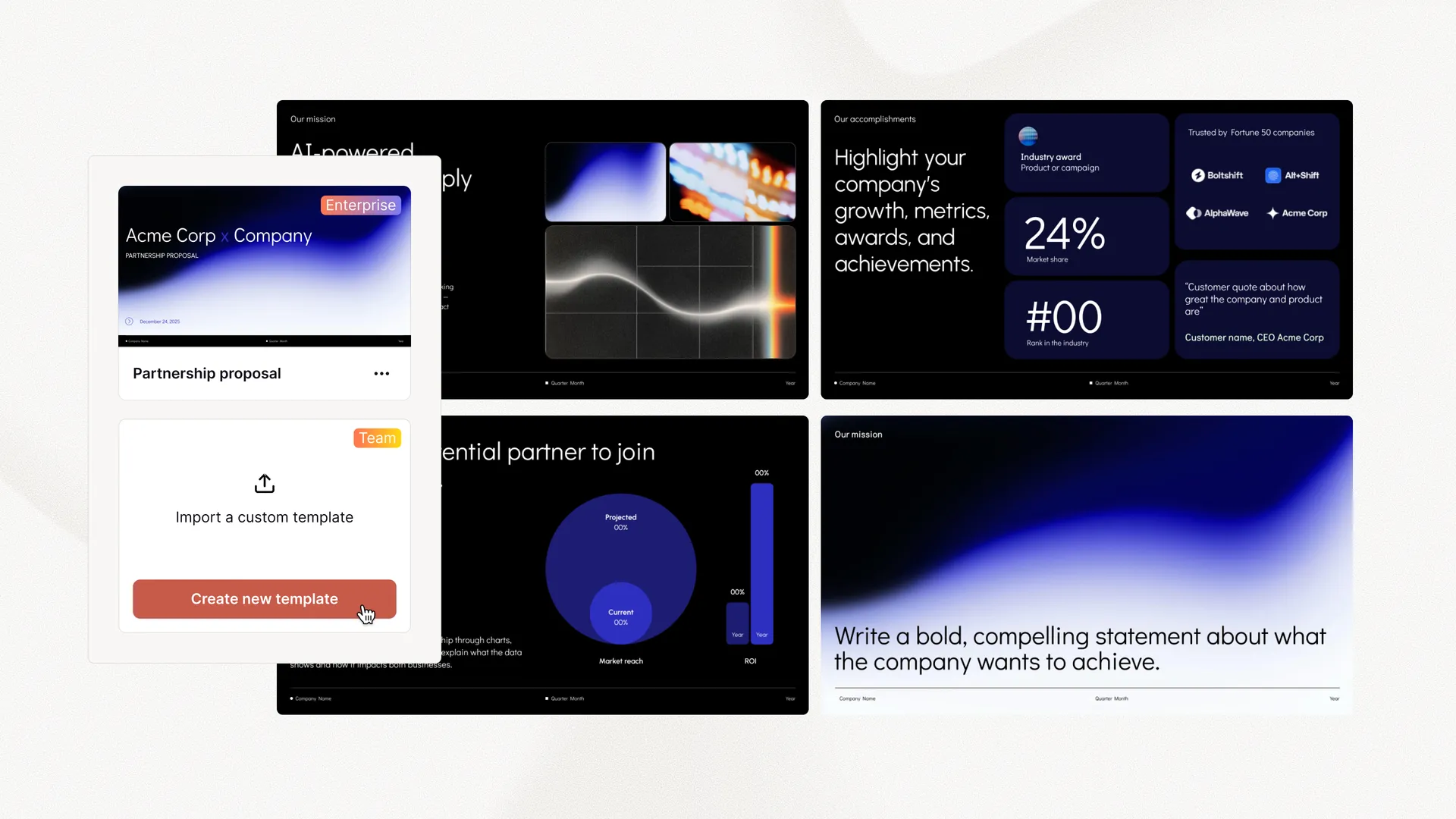
Plus AI(チーム向け)
-
 カスタムテンプレートをインポート
 - ロゴ、フォント、カラーを追加
- 共有プリセット、カスタム指示

Plus AI 機能
Let your AI agents and dev tools create — and keep improving — native PowerPoint and Google Slides presentations using the Plus AI MCP server.
Fast, template-based generation: a prompt, a slide count, and a language in — a finished, native PowerPoint out. The quickest way to a solid deck.
The full Plus AI Presentation Agent: it plans the story, writes the content, and designs every slide — from a prompt or from a deck you already have. Returns PPTX, PDF, and a thumbnail.
Agent runs take a few minutes, so each one is tracked as a session. Your agent can check on a run later — even from a different conversation — using its session id.
The Presentation Agent
Most AI slide tools are one-shot: prompt in, deck out, done. The Presentation Agent works the way real decks get made — in passes. Upload a PowerPoint through the Plus AI API, hand its file ID to the agent over MCP, and every follow-up call can pick that same deck back up.
Generate from scratch, or pass a pptx_file_id and the agent revises, extends, restyles, or translates the deck you already have — layout and branding preserved.
Not quite right? Ask again. Pass the same file ID with new instructions — tighten the story, swap the branding, translate it for another region — and the agent takes another pass.
Long runs don't block the conversation. Every run returns a session ID your agent can poll now or hours later, so multi-step workflows never lose a deck in progress.
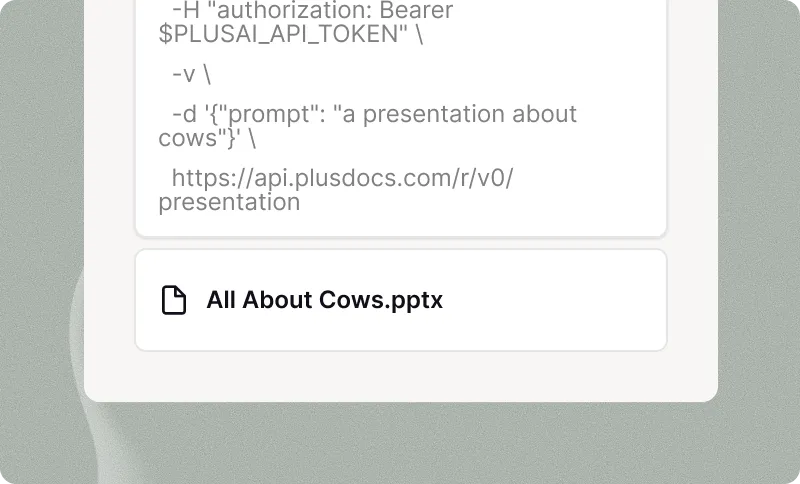
PDF、ワード文書 (.docx)、パワーポイント (.pptx)、またはテキストファイル。
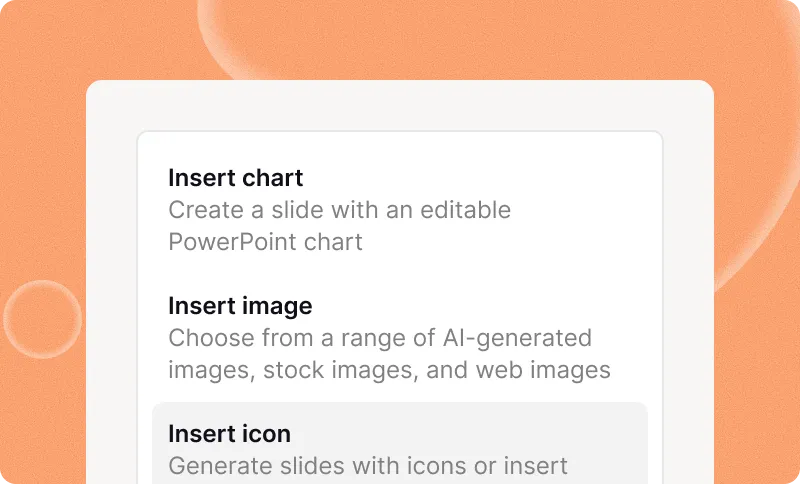
ファイルはサポートされていませんか?最大 10 万文字以上の任意のプレーンテキストを貼り付けます。
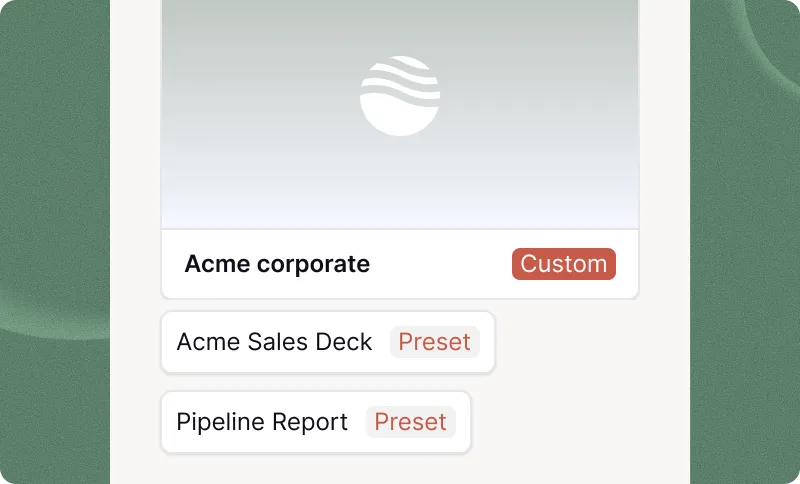
別の言語でのプレゼンテーションが必要ですか?Plus が代わりに処理します。
プレゼンテーションだとより魅力的になる
未加工の会議メモ、通話記録、メールスレッド、その他の構造化されていないテキストをクリーンアップして要約します。Plus AI API.
最新のニュース記事、学術論文、投資家の最新情報などをアップロードしてください。
独自の文書、チームドキュメント、社内Wiki、またはその他の独自のコンテンツを使用してください。
Quickstart
Add the remote server to any MCP-capable client and sign in with your Plus AI account when prompted — OAuth handles the rest. Then just ask for a deck.
claude mcp add --transport http plus-ai https://mcp.plusai.com/{
"mcpServers": {
"plus-ai": {
"url": "https://mcp.plusai.com/"
}
}
}“Make a 10-slide pitch deck for an AI bookkeeping startup.”
“Take the deck with file ID file_abc123 and restyle it with our Q3
brand template — then give me a German version of the same deck.”どこから始めたらいいかわからない?プレゼンテーションを数文で説明してください。
AI搭載のインサート、リミックス、リライトツールでプレゼンテーションを微調整できます。
海外の視聴者?プレゼンテーションを任意の言語に翻訳できます。
Create new presentations or translate existing slides into any language.
デザイナー製テンプレート — 自由にカスタマイズ
テンプレートは、生成・編集に使えるすべての AI ツールと完全に互換性があります。
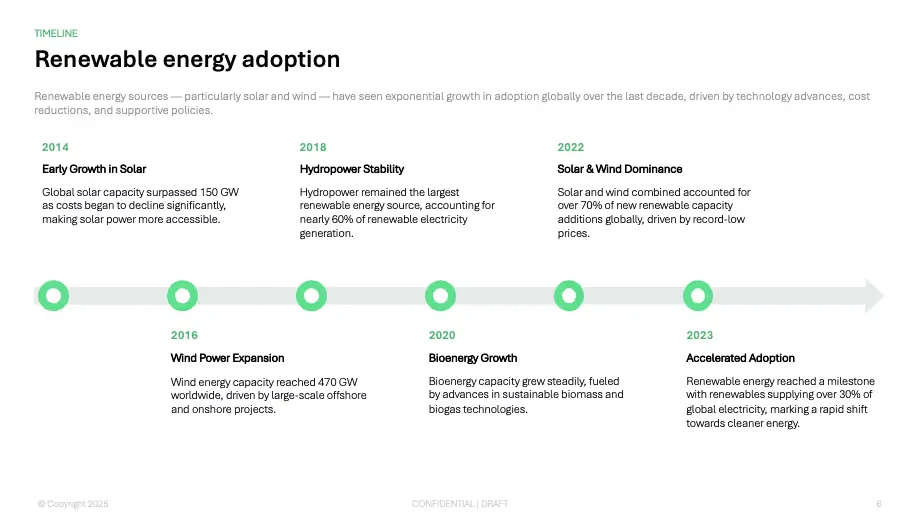
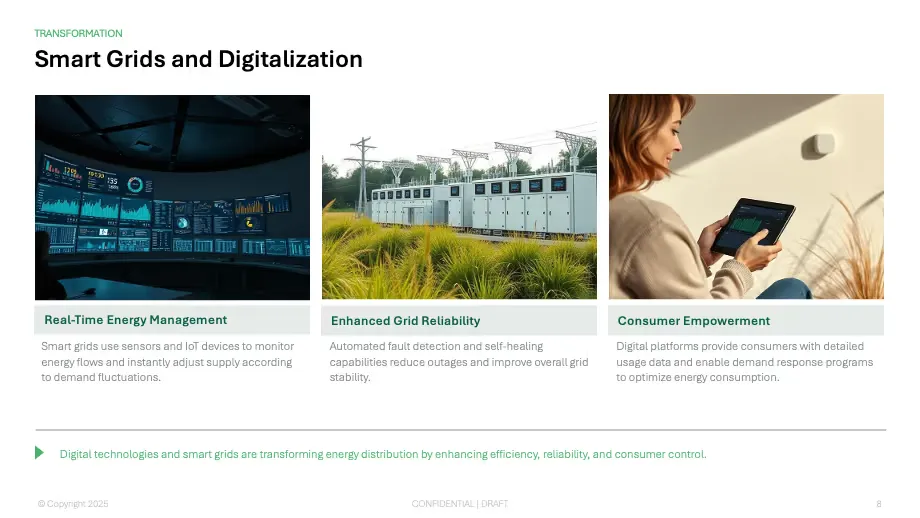
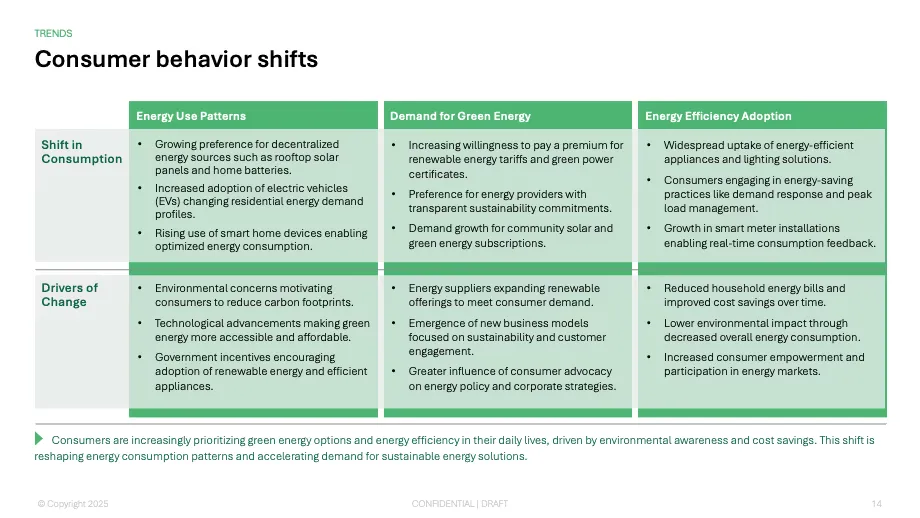



















Plus AIに圧倒されました! AIを活用した提案はゲームチェンジャーです。 パーソナルプレゼンテーションアシスタントがいるようなものです。プレゼンテーションマジックが必要な人には、この素晴らしいツールを強くお勧めします。
ビジネスに最適なシンプルで要点を絞ったスライドデザイン。 GoogleスライドとPowerpointの統合はシームレスなので、これがスライドを生成する際の私の主なワークフローになります。
Google スライドへの統合はシームレスです。それは ずっとそこにあったはずの何かのように感じます! 全体的に星5つ/5つ星。
The Plus AI Model Context Protocol (MCP) server allows AI agents and LLMs to interact with Plus AI using natural language commands.
This makes it easier for end-users and developers to access Plus AI features without setting up a complex integration, and it makes it easier for third-party AI agents to create presentations using Plus AI.
Three tools:
create_presentation — fast, template-based generation from a prompt, a slide count, and a language.create_presentation_with_agent — the full Presentation Agent, which plans, writes, and designs the deck. It can start from scratch or from an existing deck, and returns native PPTX, PDF, and thumbnail files.get_presentation_agent_session — check on a long-running agent session and fetch its results by session id.Yes. Upload a .pptx through the Plus AI API to get a file ID, then pass it as pptx_file_id when your agent calls create_presentation_with_agent. The agent revises, extends, restyles, or translates that deck instead of starting fresh — and passing the same file ID again in a later call lets it take another pass at the same deck, so agents can iterate across multiple turns.
Unlike other AI presentation providers, Plus AI creates native PowerPoint slides. This means each of the slides is formatted and editable like a standard presentation slide, making it easier to integrate Plus AI presentations into existing workflows.
当社はエンタープライズグレードのセキュリティ対策を実施しており、SOC 2 Type II 準拠を取得しています。セキュリティポリシーと手順の詳細は、セキュリティページをご覧ください。
Setting up the Plus AI MCP server is a quick process. You just add the remote MCP URL (https://mcp.plusai.com/) into your app, and authenticate via OAuth.
For more detailed instructions, you can follow the step-by-step MCP server guide in our guide page.
The Plus AI MCP makes it easy to add presentations to other AI workflows. Here are some examples:
Start with a 7-day free trial. Cancel any time. Edit and collaborate seamlessly — directly in Google Slides or PowerPoint.
無料で始める