
Free presentation tools
Icons for presentations
Search 200K+ icons to find the perfect icons for your next presentation
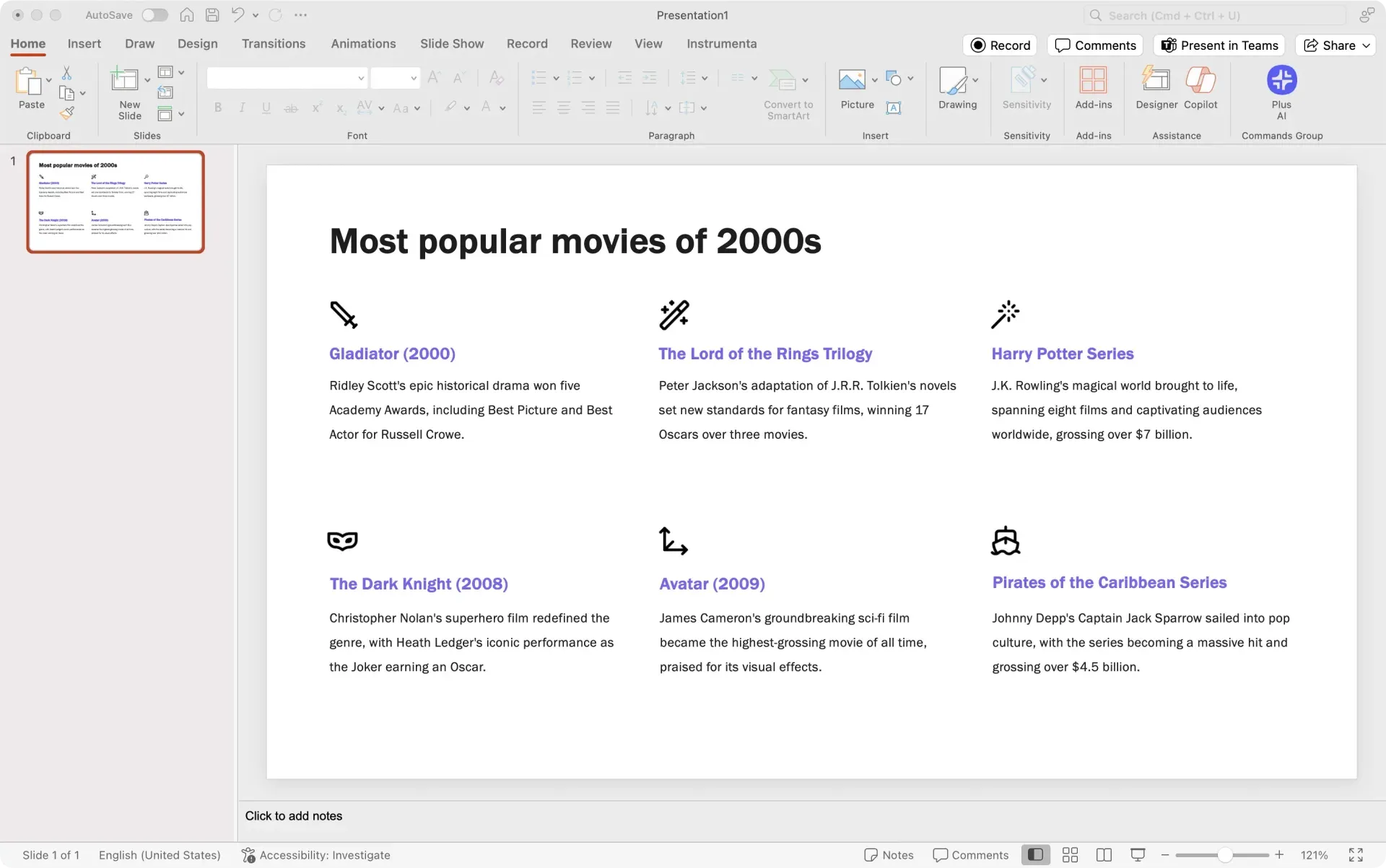
How does it work?
- 1
Search for an icon
Type a description of the icon you are looking for and press control enter to search across dozens of icon libraries.
- 2
Download the icon
You can download any of the icons to your computer as a PNG or SVG file.
- 3
Insert your icon into your presentation
You can use these icons like regular images inside of PowerPoint or Google Slides.
Plus icons for presentations features
Plus icons for presentations features
-
200K+ icons
Search from a database of 216,615 icons to find your perfect icon
-
100+ icon sets
Search the most popular icon sets like Material, Lucide, Feather, and more
-
Direct download
No sign-up, no payment, no other app required. Just download what you need
-
Intelligent searching
You don't need to search the 'perfect' word with the instant 'fuzzy' searching
-
Filters
Use filters to narrow down categories and find icons with filters instead of search
-
Multiple formats
Download icons as PNG or SVG, depending on your needs



FAQs
Where can I get free icons for PowerPoint?
One of the best ways to get free icons for PowerPoint is to use open source icon libraries.
Typically, these icon libraries are used by designers and developers building websites, but you can use them for presentations as well.
To quickly search across all of the most popular icon libraries, you can use the Plus AI icon library, powered by Icones.
What is the best website for free icons?
There are many website for free icons. The Plus AI icon library uses Icones to allow you to quickly search for icons in the most popular open source icon libraries.
Does Google Slides have free icons?
Google Slides does not have a native icon feature to insert icons. There are several add-ons that you can install to insert icons or you can copy and paste icons as images directly into Google Slides.
Can I find icons for presentations using AI?
Yes, you can use a tool like Plus AI to add an icon slide into your presentation. Plus will automatically generate the content for your slide and find the best icon for your slide.
How can I make my slides look good?
Learning to make beautiful presentations is both an art and a science. Here are our favorite tips on how to make PowerPoint slides look good.
If you'd rather focus on your presentation content instead of design, you can also try using Plus AI to create your next presentation.
Plus AI for Enterprise
AI slides to make the whole team look good
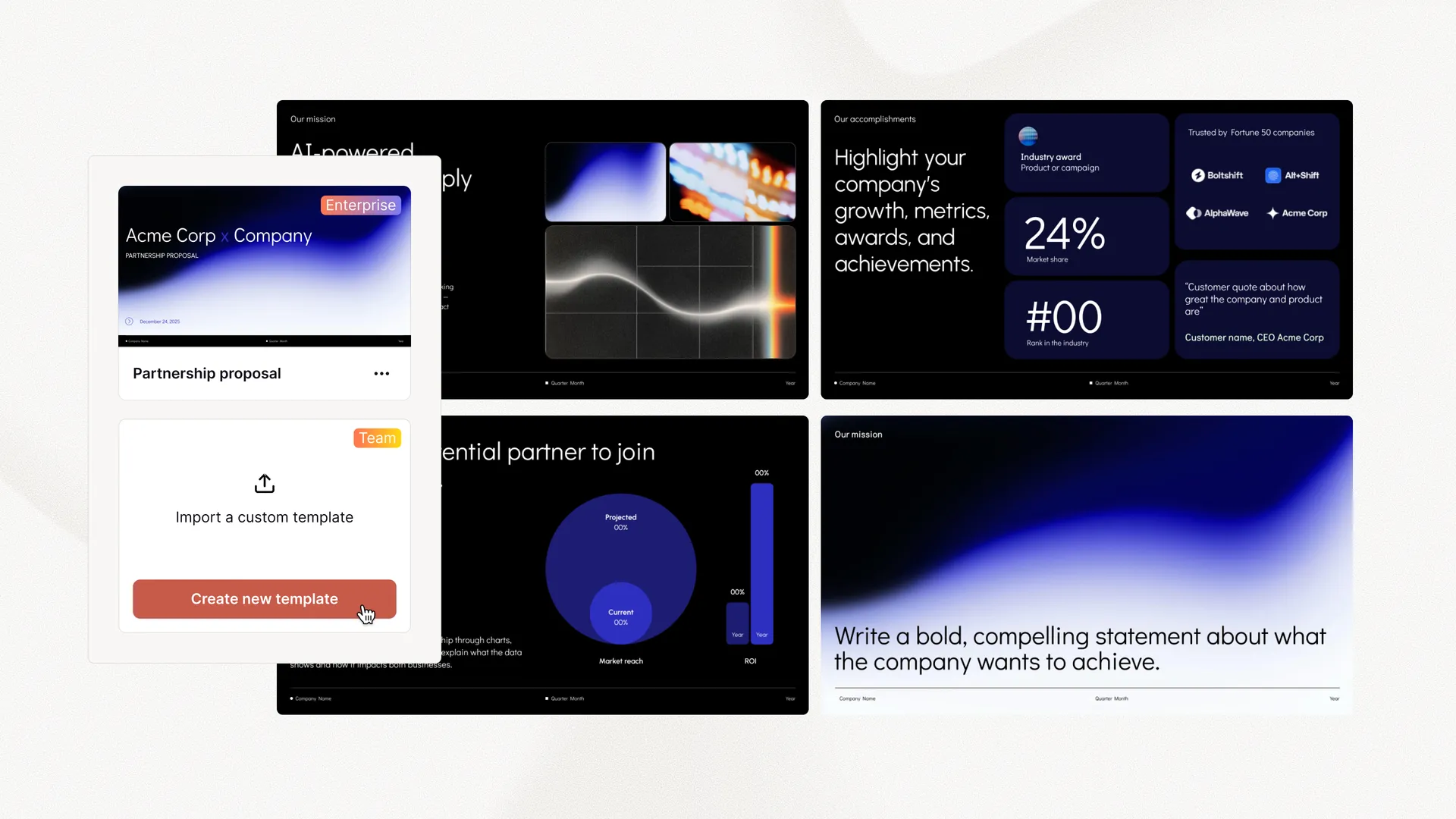
Everything your team needs to create polished, on-brand presentations at scale. Custom templates, integrated asset libraries, and automated workflows - all powered by Plus AI. Includes SSO, user management, and white-glove onboarding to customize everything for your organization.
-
Advanced templates
Support for unlimited slides and specialized designs like case studies and diagrams
-
Asset libraries
Plus AI can pull from your existing resource slides, pre-approved image and icons, and more
-
Works where you do
Works within PowerPoint and Google Slides — no new apps to install or tools to learn
Tired of wasting time on slides? Try Plus AI for free.
Edit and collaborate seamlessly — directly in Google Slides or PowerPoint.
Get started for free