Minimalist Light Professional Presentation Template
A bright and airy professional template for use with Plus AI.
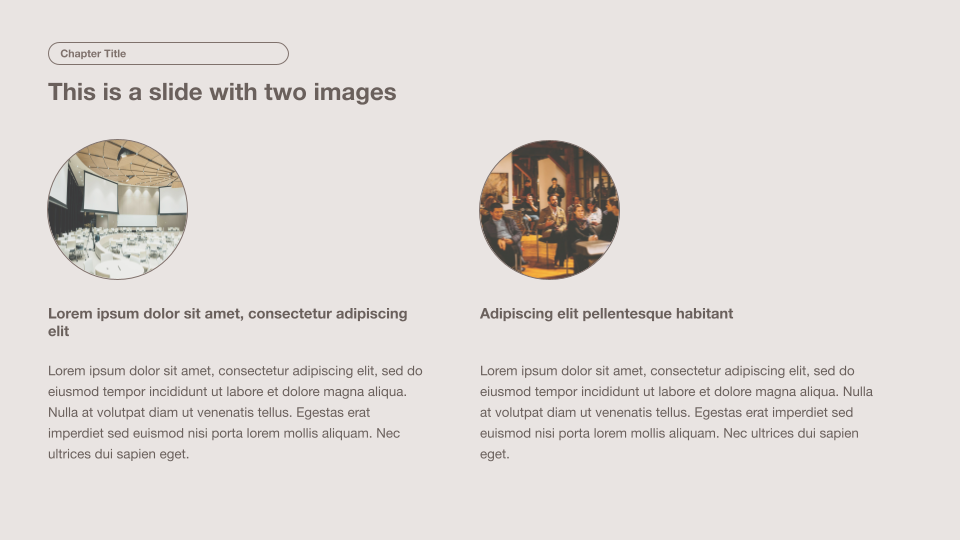
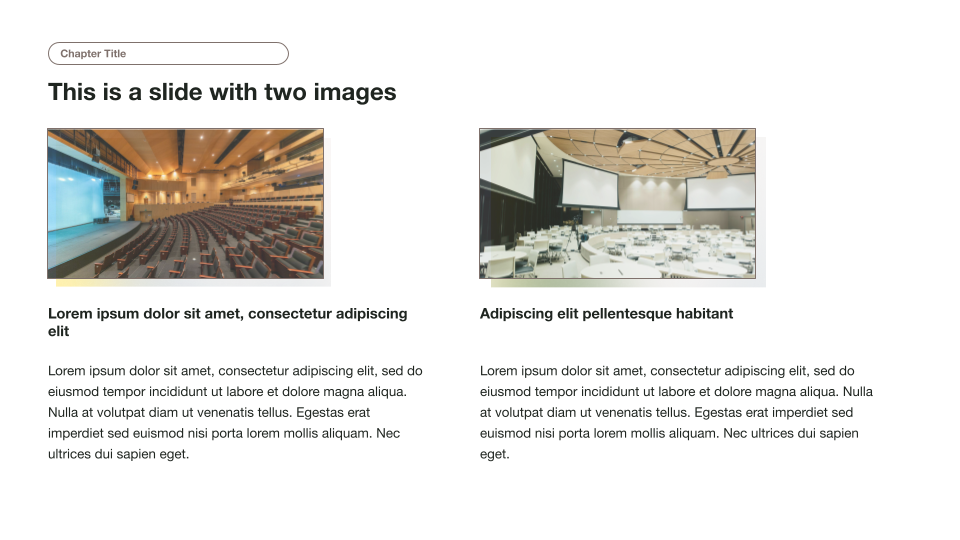
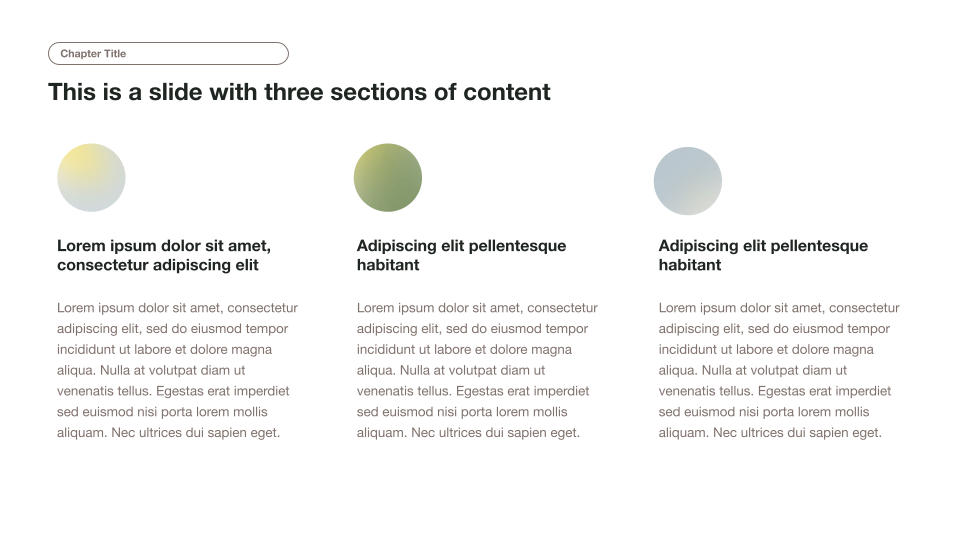
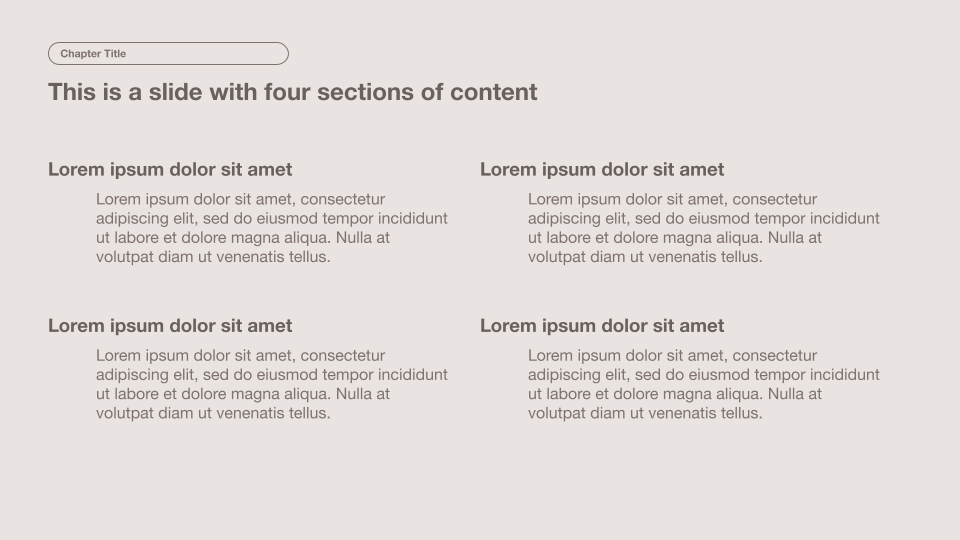
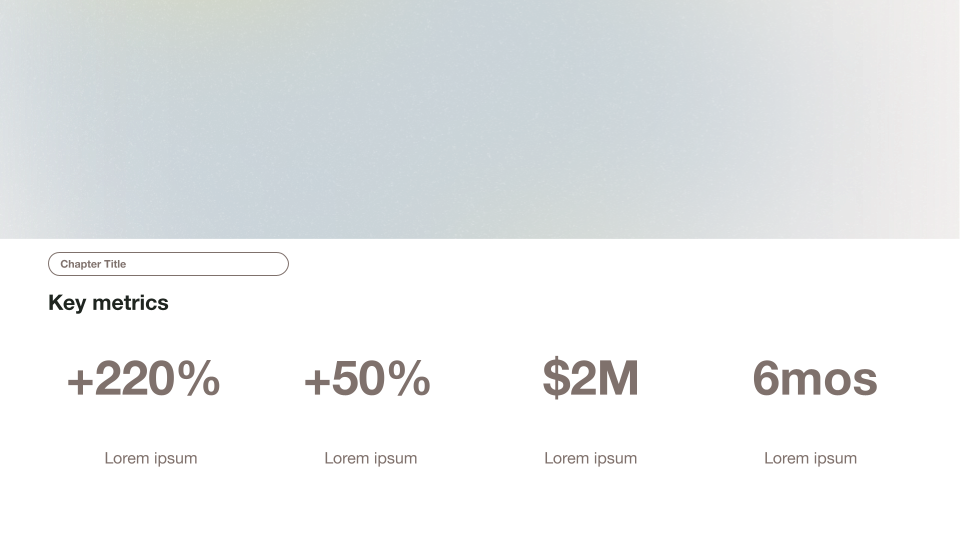
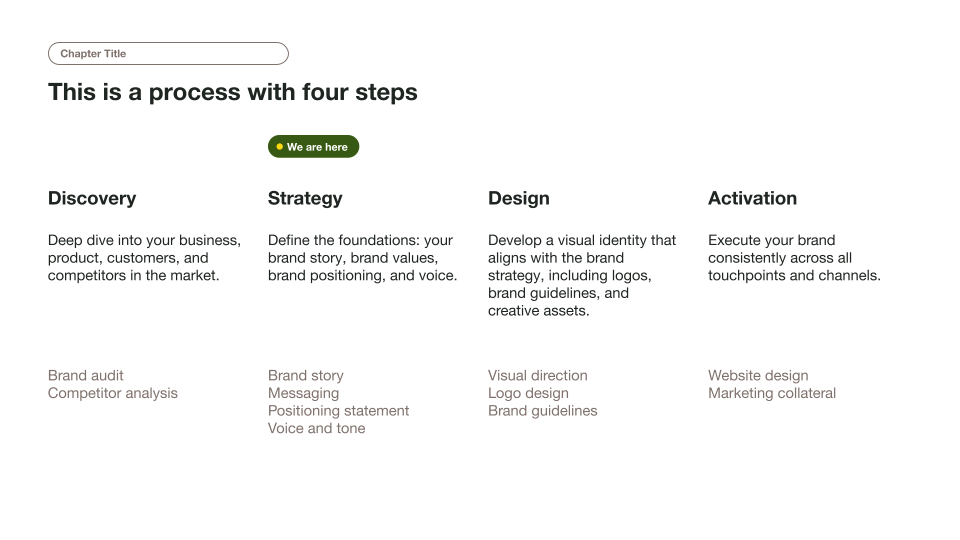

Our Minimalist Light Professional Presentation Template is your go-to for creating stylish and organized presentations.
This template features a light taupe background with soft charcoal text, complemented by gentle gradient accents in pastel yellow and blue. It’s designed to keep things clean and readable, with lots of white space and a tidy grid layout.
Whether you’re prepping for a corporate meeting, an academic lecture, or a business pitch, this template has got you covered with specialized slides for agendas, key metrics, process steps, multi-section layouts, images, and more.
Features of this template
- Minimalist presentation theme for business
- Neutral color palette with gradient accents in pastel yellow and blue
- Tidy grid alignment for clean layouts
- Slides for agendas, key metrics, process steps, and more
- Clear, sans-serif fonts for easy reading
- Lots of white space for a clean look
- Free to use in Google Slides or PowerPoint with Plus AI
More than a static template
So much better than a “normal” template that you have to fill out manually.
- Generate a custom presentation in a minute or two.
- Start from any prompt you want, or upload an existing document.
- Use remix to transform your existing slides in just a few clicks.
- Use any language.
Keep exploring
- Learn about Plus AI, presentation maker for Google Slides
- Get the Plus AI for Google Slides add-on in Google Marketplace
- Compare Plus with AI presentation generators like Gamma and Slidesgo
Plus AI for Google Slides & PowerPoint
How to use this template
Generate a custom presentation using this template in a few clicks.
- Install Plus AI for Google Slides or PowerPoint.
- Launch the add-in to create a new presentation.
- Go to “Start from a template” and select your template.
- Enter a prompt or upload a file to generate a custom presentation.
- Continue editing with Insert, Remix, and Rewrite.