
Función Plus AI
AI de PDF a presentación
Convierte tu PDF en una presentación de PowerPoint o Google Slides. Sube un PDF y Plus AI generará una presentación de diapositivas en cuestión de minutos.

Turn your slides into a video with an AI narrator
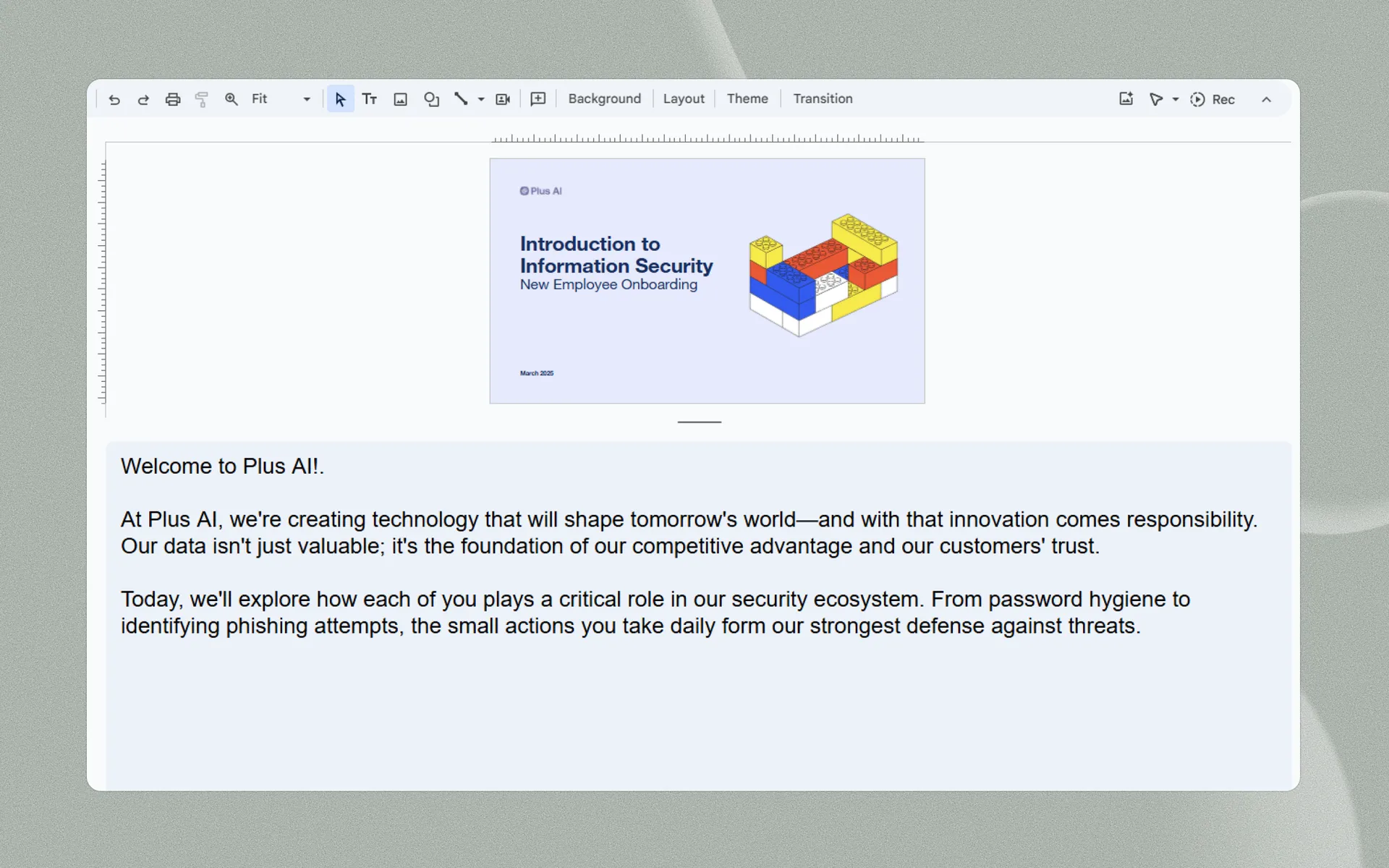
Genera diapositivas a partir de cualquier archivo de texto
Genera diapositivas a partir de cualquier archivo de texto
-
Cargar un archivo
PDF, documento de Word (.docx), PowerPoint (.pptx) o archivo de texto.
-
Pegar en texto
¿El archivo no es compatible? Pega cualquier texto sin formato, de hasta 100 000 caracteres.
-
Usa cualquier idioma
¿Necesitas una presentación en diferentes idiomas? Plus se encarga de ello por ti.
-
Seamless syncing
Don't worry about splicing and timing different video and audio tracks. Plus AI Narrator handles all of the transitions for you.
-
Save time on narration
Finish "recording" voiceovers in one take, thanks to the consistency of AI! Don't worry about recording multiple takes.
-
It's free!
Best of all, you can use the Plus AI Narrator for free.
Más atractivo cuando se trata de una presentación
¿No tienes tiempo para hacer diapositivas?
Convierte tus notas y documentos en cuestión de minutos.
-
Transcripciones no estructuradas
Limpia y resume las notas sin procesar de las reuniones, las transcripciones de las llamadas, las cadenas de correo electrónico y otros textos no estructurados.
-
Artículos y ponencias
Cargue los últimos artículos de noticias, documentos académicos, actualizaciones para inversores y más.
-
Conocimientos internos
Usa tu propia redacción, documentación de equipo, wiki interna u otro contenido propietario.
More AI presentation features
-
Generate with AI
Don't know where to start? Just describe your presentation in a few sentences.
-
Edita diapositivas con IA
Fine tune your presentation with AI-powered tools
-
Reformat slides
Remix existing content into polished slides in one click
-
Usa cualquier idioma
International audience? Translate your presentation into any language.
Testimonios
Lo que dicen nuestros usuarios sobre Plus AI
-
Sin duda, el mejor creador de presentaciones con IA del mercado en lo que respecta a Google Slides. Puedo generar presentaciones completas a partir de un prompt o convertir texto en diapositivas.

-
Me impresiona especialmente la función «Remix», que reformatea las diapositivas existentes en nuevos diseños. Me encanta esta función. ¡Gran trabajo!👍

-
Plus AI creó una excelente estructura y puntos de conversación para mi presentación. Me gustan mucho los consejos en cada diapositiva que me ayudan a elegir imágenes o a desarrollar una idea. ¡Esta herramienta ya forma parte de mi arsenal!

-
La integración con Google Slides es perfecta. ¡Es como si siempre hubiera tenido que estar ahí! 5/5 estrellas en general.

-
Una herramienta excelente que me ahorra muchísimo tiempo. Con prompts detallados crea una presentación que solo necesita ediciones menores. A nuestro equipo le encanta para hacer lluvia de ideas y los ejecutivos de cuentas la usan para colaborar con los clientes.

-
Me ayudó muchísimo a estructurar mi esquema, lo que fue un salvavidas y un ahorro de tiempo para una presentación que tenía que entregar. Me gusta que se pueda usar en Google Slides, una herramienta que ya utilizo de todos modos para mis presentaciones.

-
He probado la mayoría de los generadores de diapositivas con IA que existen para Google Slides y PPT. Este es, sin duda, el mejor: simplemente funciona.

-
La integración con PowerPoint es lo que hace que este producto sea tan útil. Como creo muchas presentaciones cada semana, recurro primero a Plus AI para PowerPoint.

Preguntas frecuentes
Can I use AI to narrate a presentation?
Yes, there are a few different ways to add an AI voiceover to your presentation. You could record your presentation slides and then sync it to an audio voiceover file. Or you could use a tool like Plus AI Narrator which will use AI text to speech to convert your speaker notes and slides into a video file.
Can I get AI to read my PowerPoint presentation?
Yes, using AI to narrate your PowerPoint presentation is a great way to avoid headaches around recording voiceovers and doing many takes of the same recording. Plus AI Narrator is a free tool that can use AI to read your slides out loud.
Is there an AI for voiceover?
Yes, there are a number of different AI apps for voiceovers. These AI tools are often developer-focused, so if you need a voiceover for a specific use case, try searching for that specifically.
For example, if you are looking for an AI voiceover tool for presentations, the best option is Plus AI, which integrates into your existing presentation tools to make it easy to turn presentation scripts into voiceovers and videos.
How can I add an AI voice to a presentation?
The easiest way to add an AI voice to a presentation is using an add-on like Plus AI Presentation Narrator. Just add your script to your speaker notes, and Plus will use text-to-speech to read the script out loud and automatically advance your slides.
Stop wasting your time on slides. Try Plus AI for free.
Edita y colabora sin problemas, directamente en Google Slides o PowerPoint.
Comienza gratis