
Kostenlose Präsentationstools
PNG to PowerPoint Converter
Turn your PNG into a PowerPoint file in seconds. Perfect for screenshots, logos, and graphics. Free to use, no sign up required.
Why use it
Why use our PNG to PowerPoint converter
-
Made for screenshots and graphics
Screenshots save as PNG files. Upload one and it lands on a clean slide, ready for your product demo, tutorial, or report.
-

Sharp at any size
PNG files keep text and lines crisp. Your slide looks as clear as the original file, with no blur and no fuzzy edges.
-

Ready to build on
The PPTX file is fully editable. Add text, add slides, or open it in Plus AI to build a full presentation around it.
Funktionen
PNG to PowerPoint converter features
-
True PPTX output
You get a real PowerPoint file, not a picture of one. It opens in PowerPoint and Google Slides.
-
Crisp, lossless quality
PNG is a lossless format. Every pixel of your image carries over to the slide.
-
Editable slides
Move, resize, or layer your image like any other slide object.
-
No watermark
Your slide comes out clean. No logos or stamps added.
-
Works in your browser
Nothing to install. Works on your computer, phone, or tablet.
-
Free and unlimited
No sign up, no payment, no file limits.
How it works
How to convert a PNG to PowerPoint
- 1
Upload your PNG
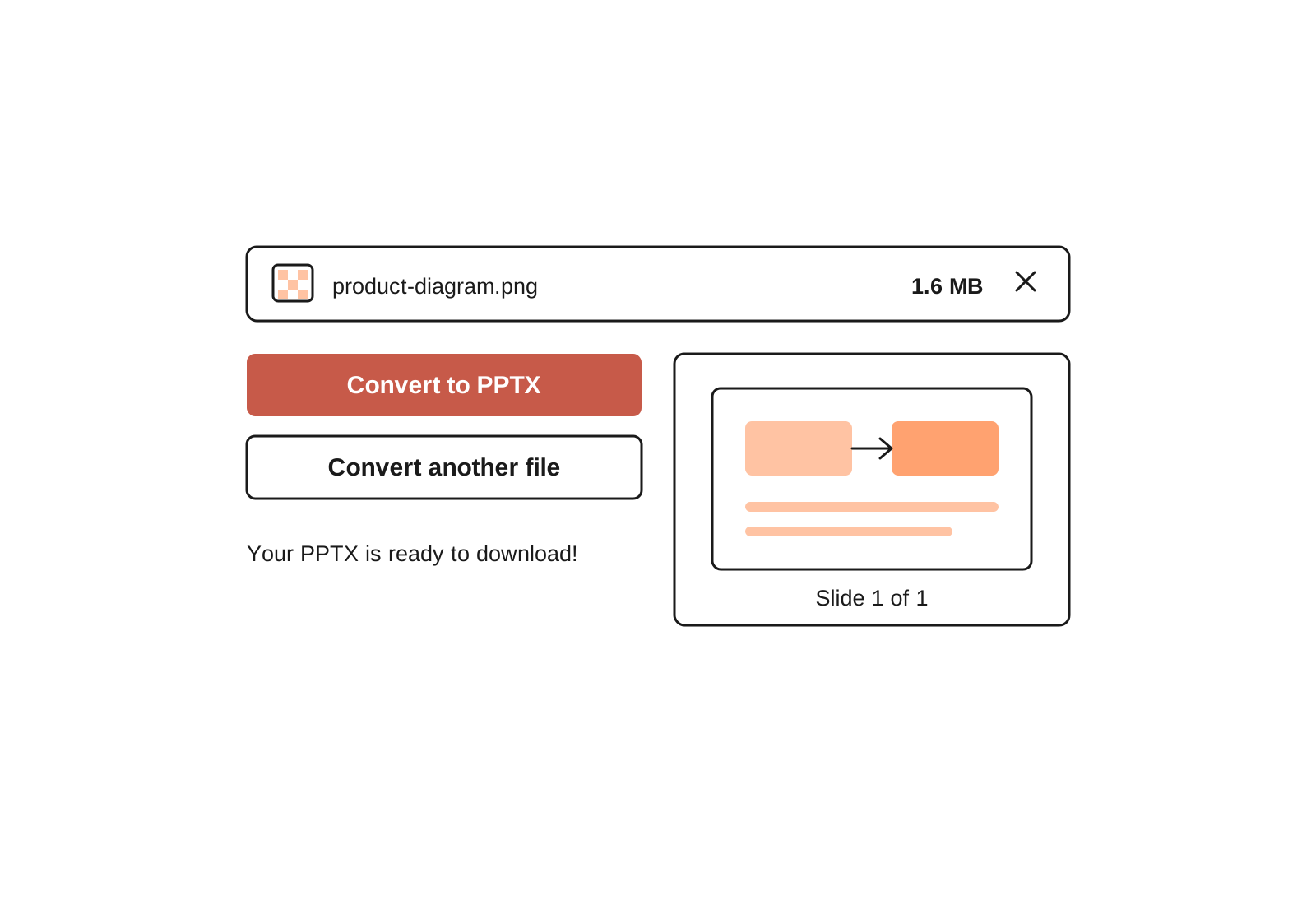
Drag and drop your file or select it from your device. Screenshots work great.
- 2
We build your slide
The tool places your PNG on a PowerPoint slide, sized to fit.
- 3
Download your PPTX
Open it in PowerPoint or Google Slides. Edit it, add to it, or present it as is.



Häufig gestellte Fragen
How do I convert a PNG to PowerPoint?
Upload your PNG to this free converter and download the PPTX file. Your image comes back on a clean, editable slide in seconds.
The manual route works too: open PowerPoint, add a blank slide, and insert your PNG through the Insert menu. The converter saves you those steps and works even without PowerPoint installed.
How do I put a screenshot in PowerPoint?
Most screenshots are already PNG files, so just upload yours here and download the slide. This is handy when you are building a deck from product screenshots or tutorial steps and do not want to size each one by hand.
What is the difference between PPT and PPTX?
Both are PowerPoint file types. PPT is the older format from before 2007. This tool creates PPTX, the modern format, which opens in PowerPoint, Google Slides, Keynote, and nearly every other presentation app.
Can I open the file in Google Slides?
Yes. In Google Slides, choose File, then Import slides to bring in your PPTX. Or upload the file to Google Drive and open it there.
Can I edit the slides after converting?
Yes. The PPTX is a normal PowerPoint file. Add text, move the image, or add more slides. To turn it into a full presentation, Plus AI can design and write slides around your image, right inside PowerPoint or Google Slides.
Is the PNG to PowerPoint converter free?
Yes. The tool is free with no sign up, no payment, and no watermark.
Keine Lust mehr, Zeit mit Folien zu verschwenden?
Try Plus AI for free. Start with a 7-day free trial. Cancel any time. Edit and collaborate seamlessly, directly in Google Slides or PowerPoint.
Kostenlos loslegen