Modern Sketchpad
Playful hand-drawn presentation template for work or school
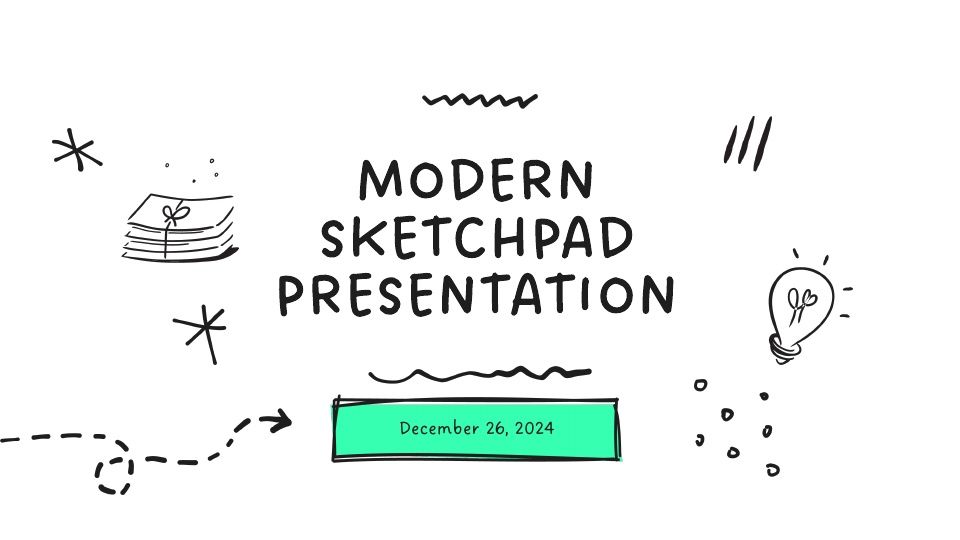
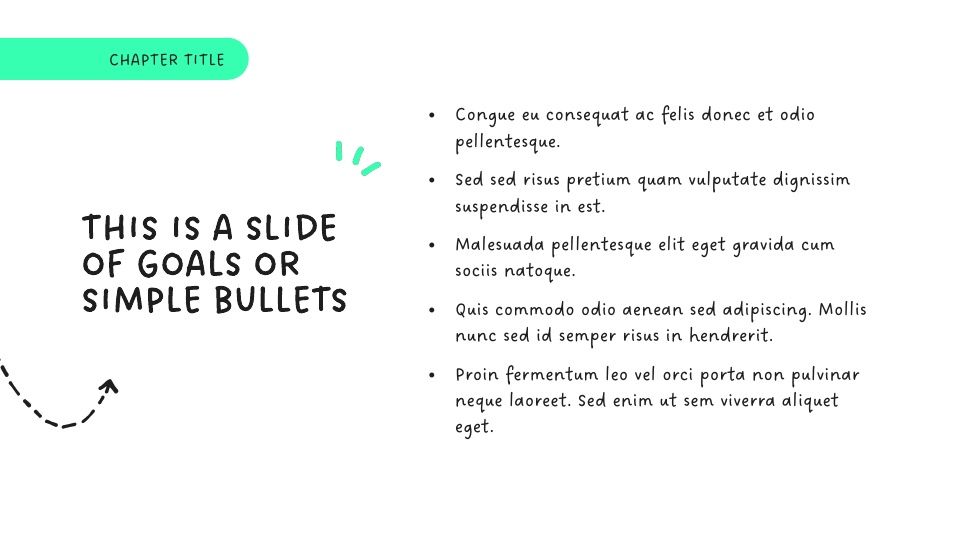
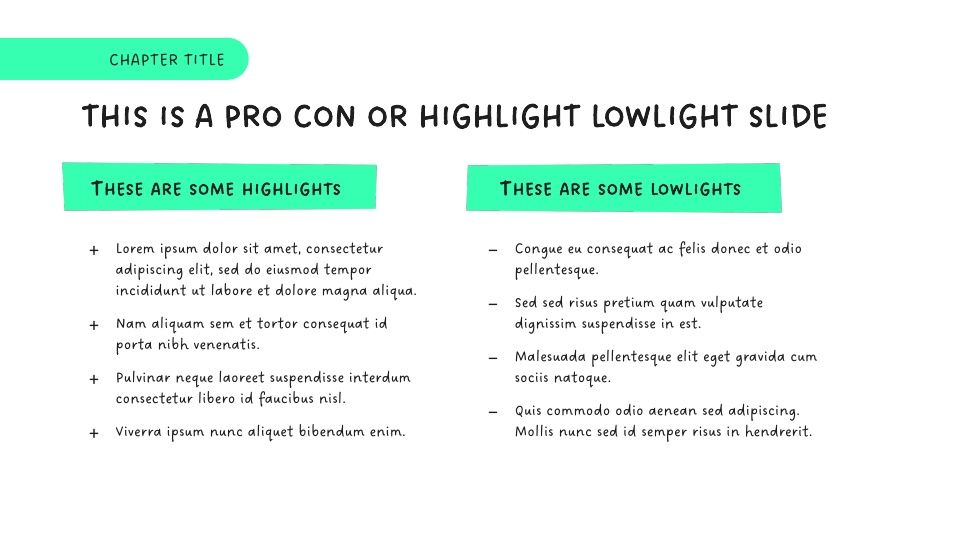
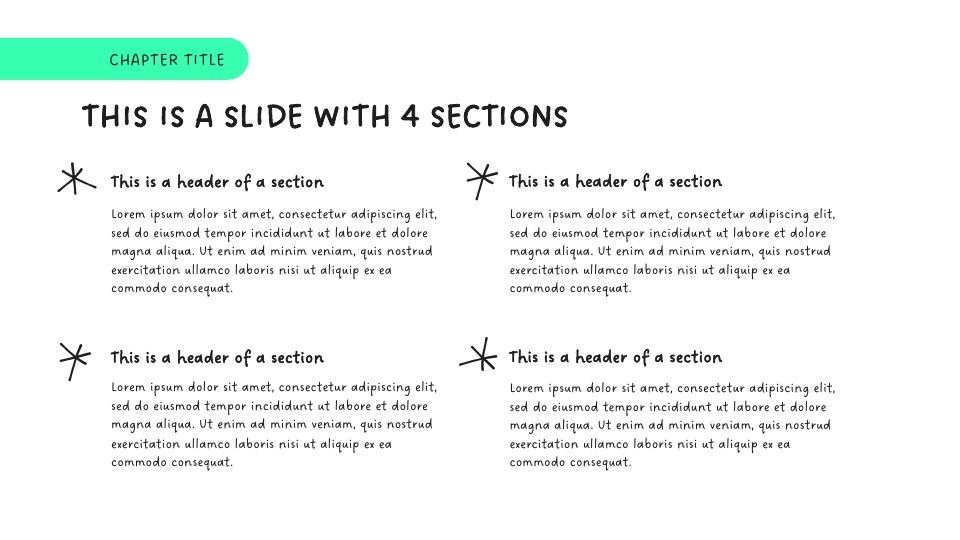
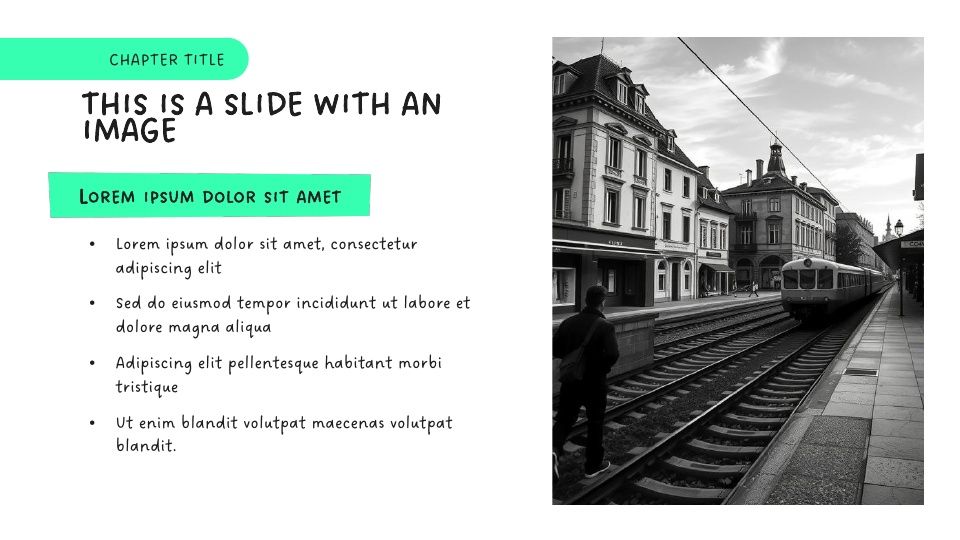
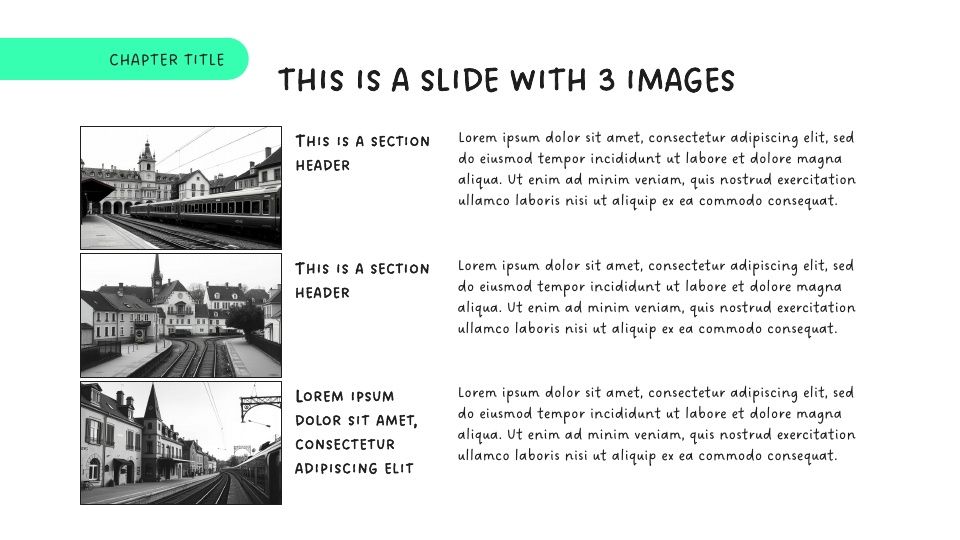
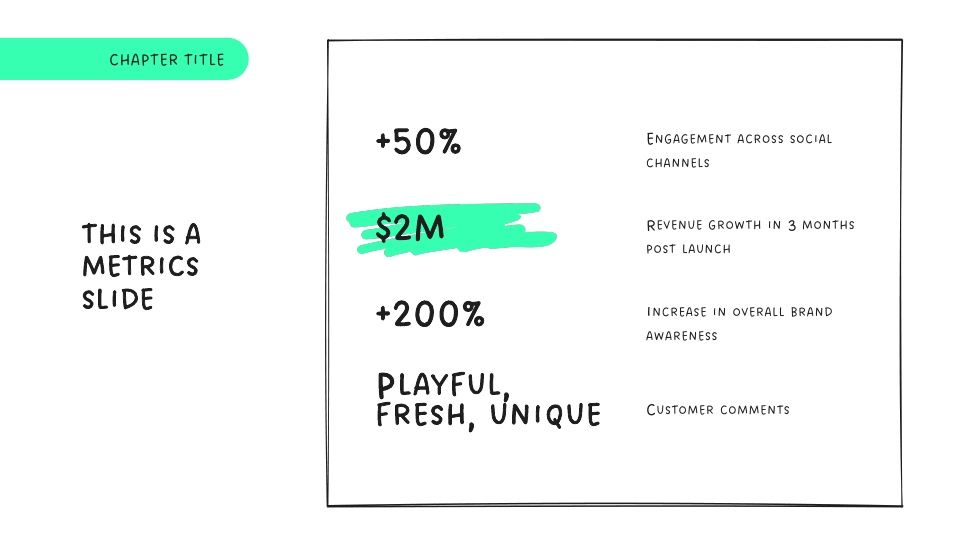
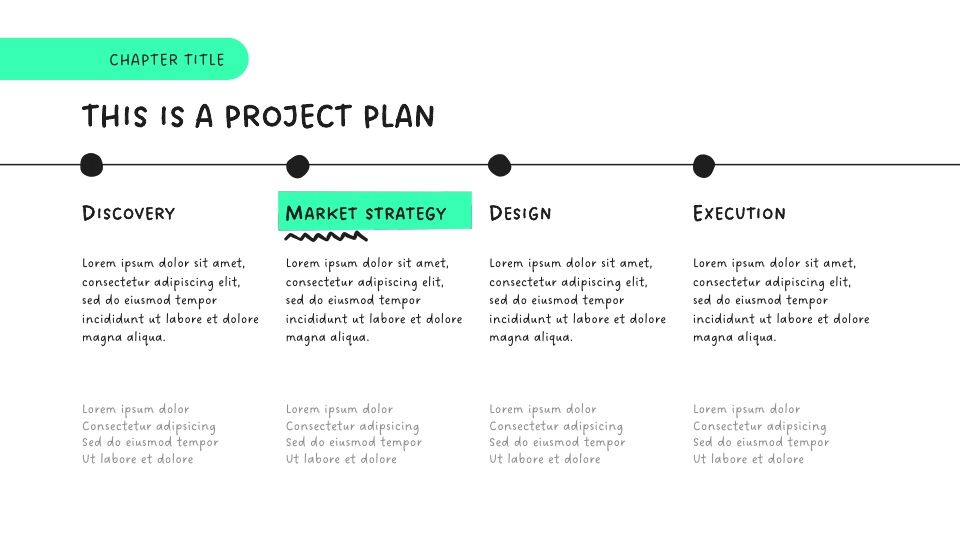
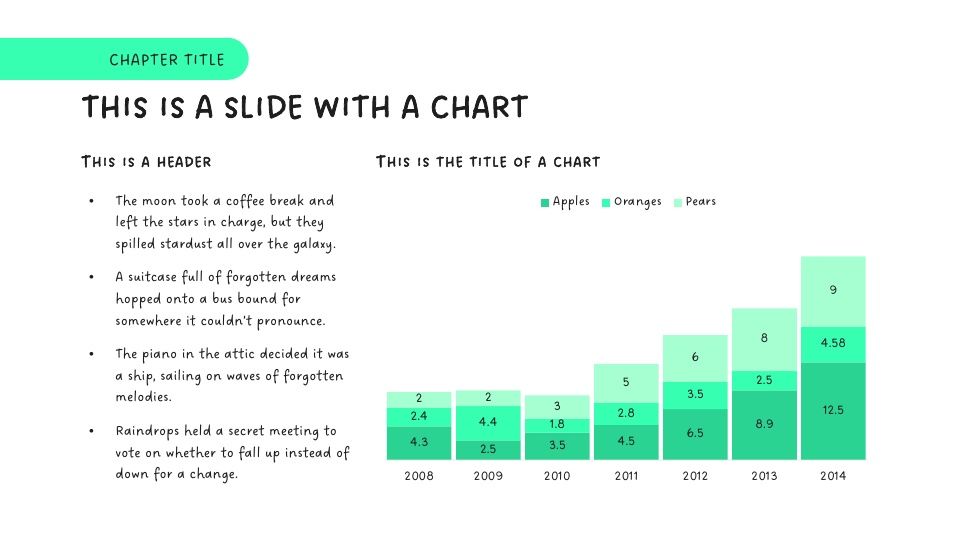
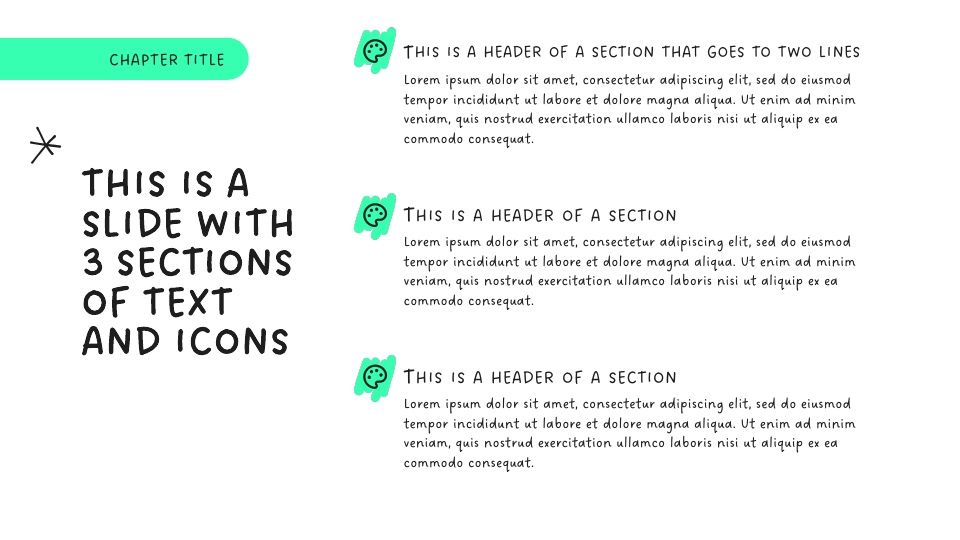
The Modern Sketchpad template uses clean white slides, bold black outlines, and a splash of neon green to give every slide a “sketched-in-the-margins” vibe.
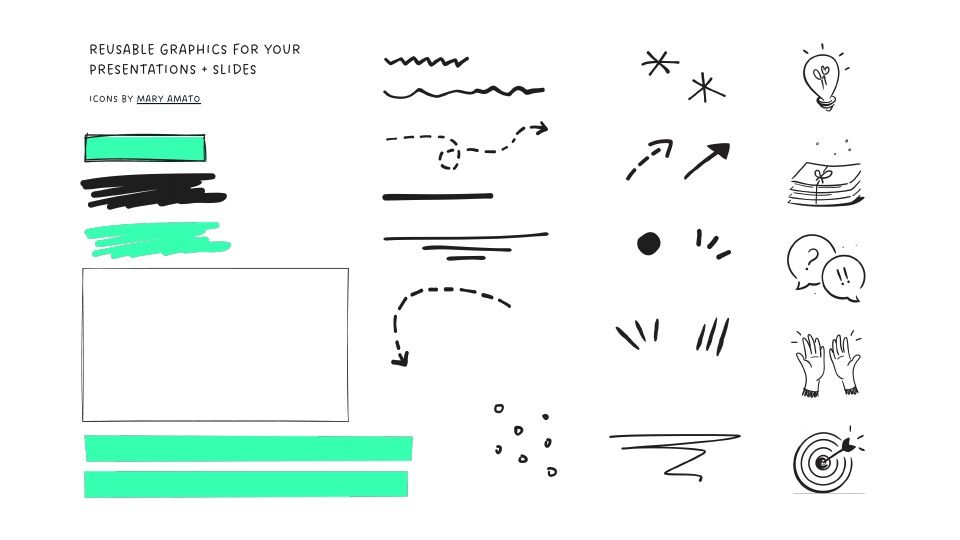
It uses all-caps headlines and a friendly handwriting font to keep your message casual but confident, and it uses playful doodles to frame charts, produces icons, and highlight callouts.
This is the perfect template for an ideation session at work or a playful presentation at work.
Features of this template
- “Hand sketched” look and feel
- Variety of slide layouts for lessons, research, new ideas, and more
- Charts, icons, and images
- Mix and match sticker pack that you can use to create more slides
- Fully compatible with Plus AI in Google Slides and PowerPoint
More than just a template
While this template is fully compatible with PowerPoint and Google Slides, using Plus AI is much better than a “normal” template that you have to fill out manually.
- Generate a custom presentation in a minute or two.
- Start from any prompt you want, or upload an existing document.
- Use remix to format your existing slides in just a few clicks.
- Use any language.
Keep exploring
- Learn about Plus AI, the best AI presentation maker for professionals
- Get Plus AI for Google Slides or Plus AI for PowerPoint
- Compare Plus with AI presentation makers
- Check out more templates for teachers or a lesson plan template
Plus AI for Google Slides & PowerPoint
How to use this template
Generate a custom presentation using this template in a few clicks.
- Install Plus AI for Google Slides or PowerPoint.
- Launch the add-in to create a new presentation.
- Go to “Start from a template” and select your template.
- Enter a prompt or upload a file to generate a custom presentation.
- Continue editing with Insert, Remix, and Rewrite.