
Create a free webinar presentation
Give us a description of your business and get a customized presentation for your next webinar, powered by Plus AI.


使い方は?
使い方は?
- 1
You give us a webinar topic
Tell us about your company and the work you are doing for your clients
- 2
Our AI creates a webinar
We use the latest AI technologies to create an easy-to-digest webinar presentation
- 3
We send you the link to the slides
Customize your presentation and share it with coworkers and clients
Beyond webinars
-
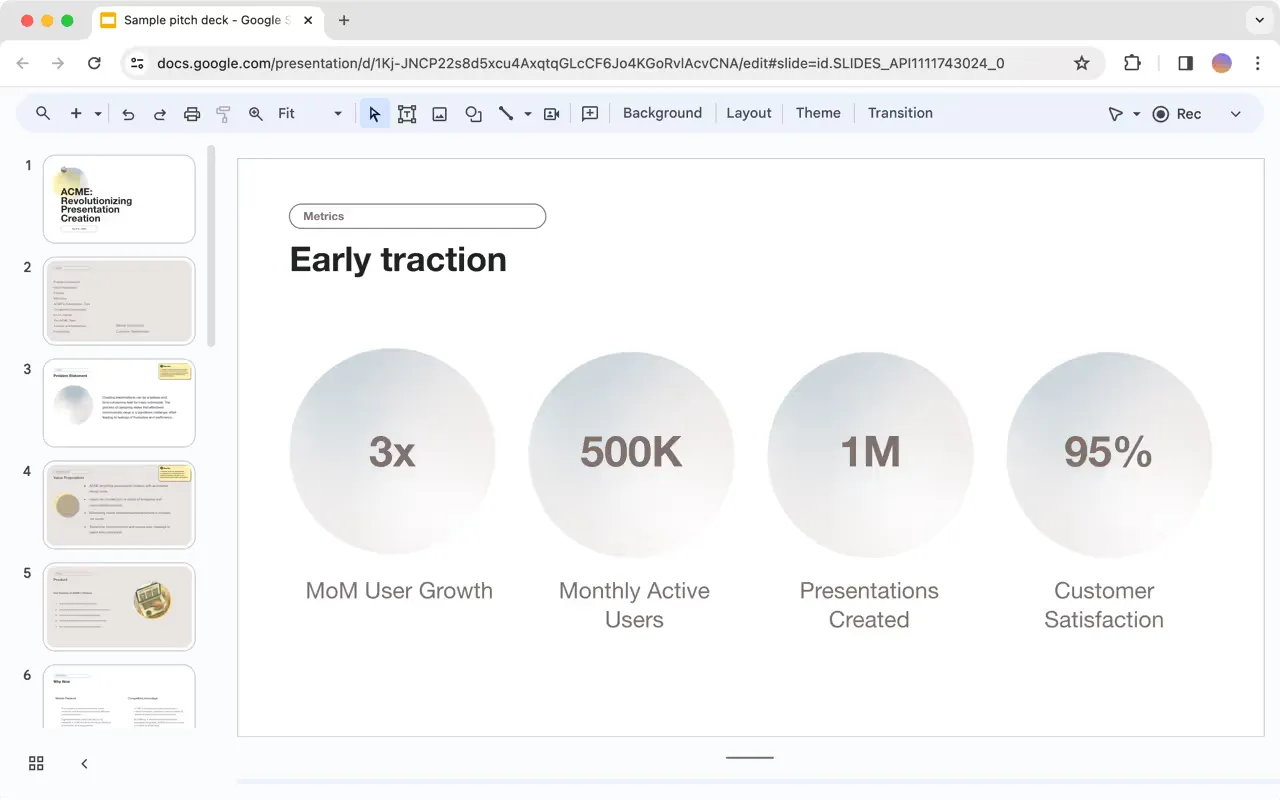
QBRs and sales presentations
Automate your client reports and generate presentations for pitch meetings.
-
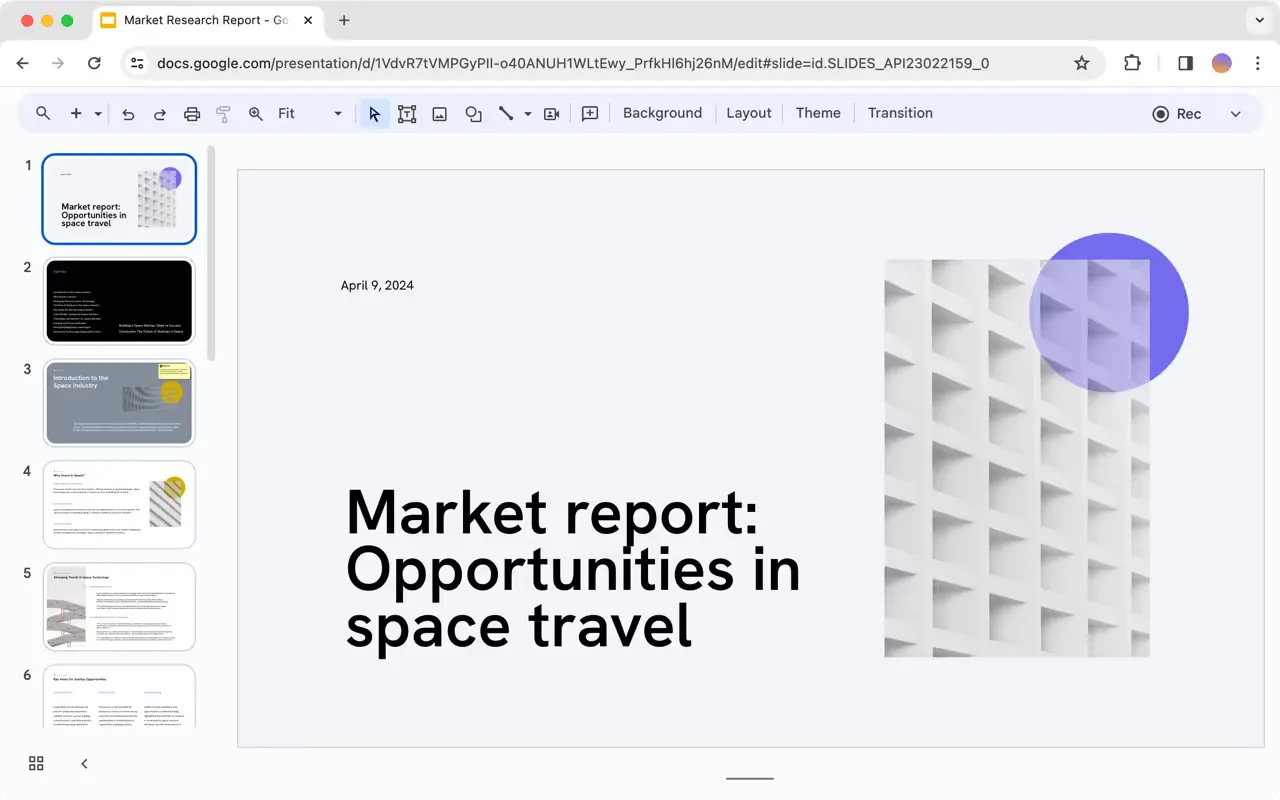
Strategy and research reports
Let our AI develop the first draft of your next strategy or research presentation.
-
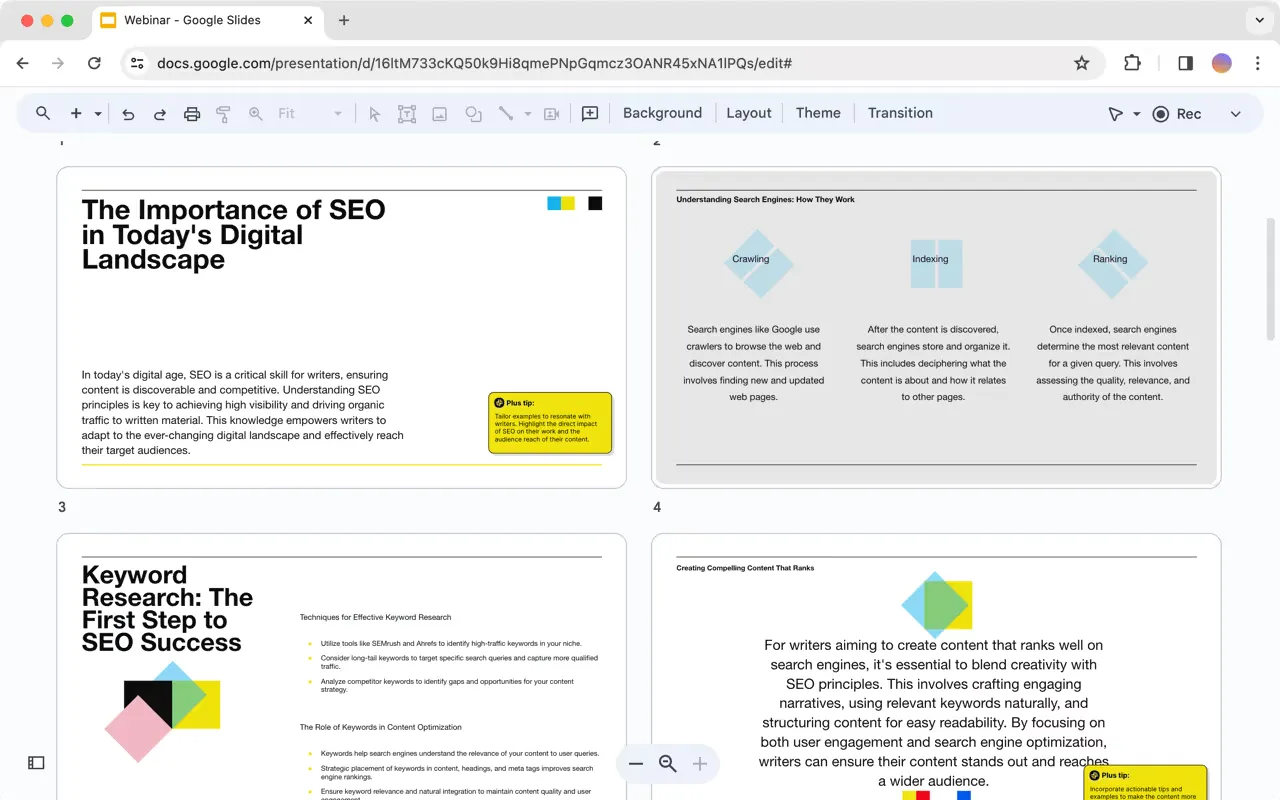
Any of your other presentations
Pitch decks, client overviews, weekly meetings, book reports, and anything else you need
Do it yourself with Plus AI
- 1
Install the Plus AI extension
Works with Google Slides and PowerPoint
- 2
Generate a presentation
Never start from scratch again. Use a prompt or upload a file.
- 3
Make it yours
With our AI-powered editing tools for writing, formatting, translation, and more.
エンタープライズ向け Plus AI
チーム全員が輝く AI スライド
洗練されたブランド準拠のプレゼンテーションを大規模に作成するために、チームに必要なすべてを。カスタムテンプレート、統合されたアセットライブラリ、自動化されたワークフロー — すべて Plus AI 搭載です。SSO、ユーザー管理、組織に合わせてすべてをカスタマイズする手厚いオンボーディングも含まれます。
-
高度なテンプレート
無制限のスライドと、事例紹介や図表などの専門的なデザインに対応
-
アセットライブラリ
Plus AI は、既存のリソーススライドや承認済みの画像・アイコンなどを活用できます
-
あなたの作業環境で動作
PowerPoint と Google スライドで動作 — 新しいアプリのインストールやツールの習得は不要
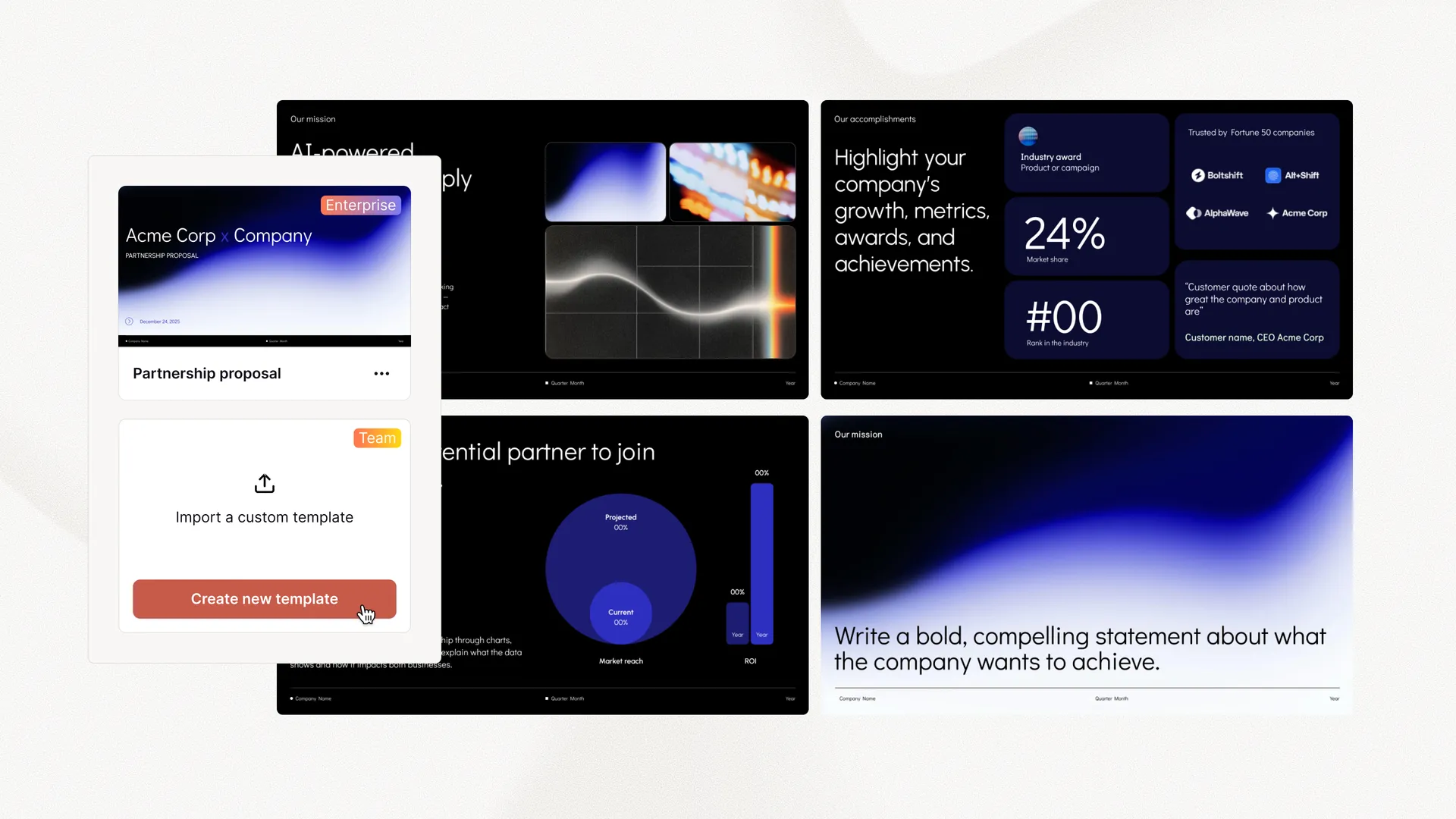
大小さまざまな企業のコンテンツ制作者を支援します。



















お客様の声
お客様の声
-
This is the easiest way to build dashboards I have ever seen — no training or extra tools required. This will save my team hours of work each week.
-
Plus makes it easier for us to get value out of our tools, rather than struggling to aggregate data.
-
Plus is the perfect solution for our weekly executive meetings, where we review data from a dozen different tools.
スライド作成に時間を取られていませんか?Plus AI を無料でお試しください。
Start with a 7-day free trial. Cancel any time. Edit and collaborate seamlessly — directly in Google Slides or PowerPoint.
無料で始める