
Resources
Guides, how-tos, and tips for getting more done with Plus AI.
-
Resources
An introduction to Tome and alternative AI presentation tools
A introduction to Tome, how to use it and which alternatives are available
-
Resources
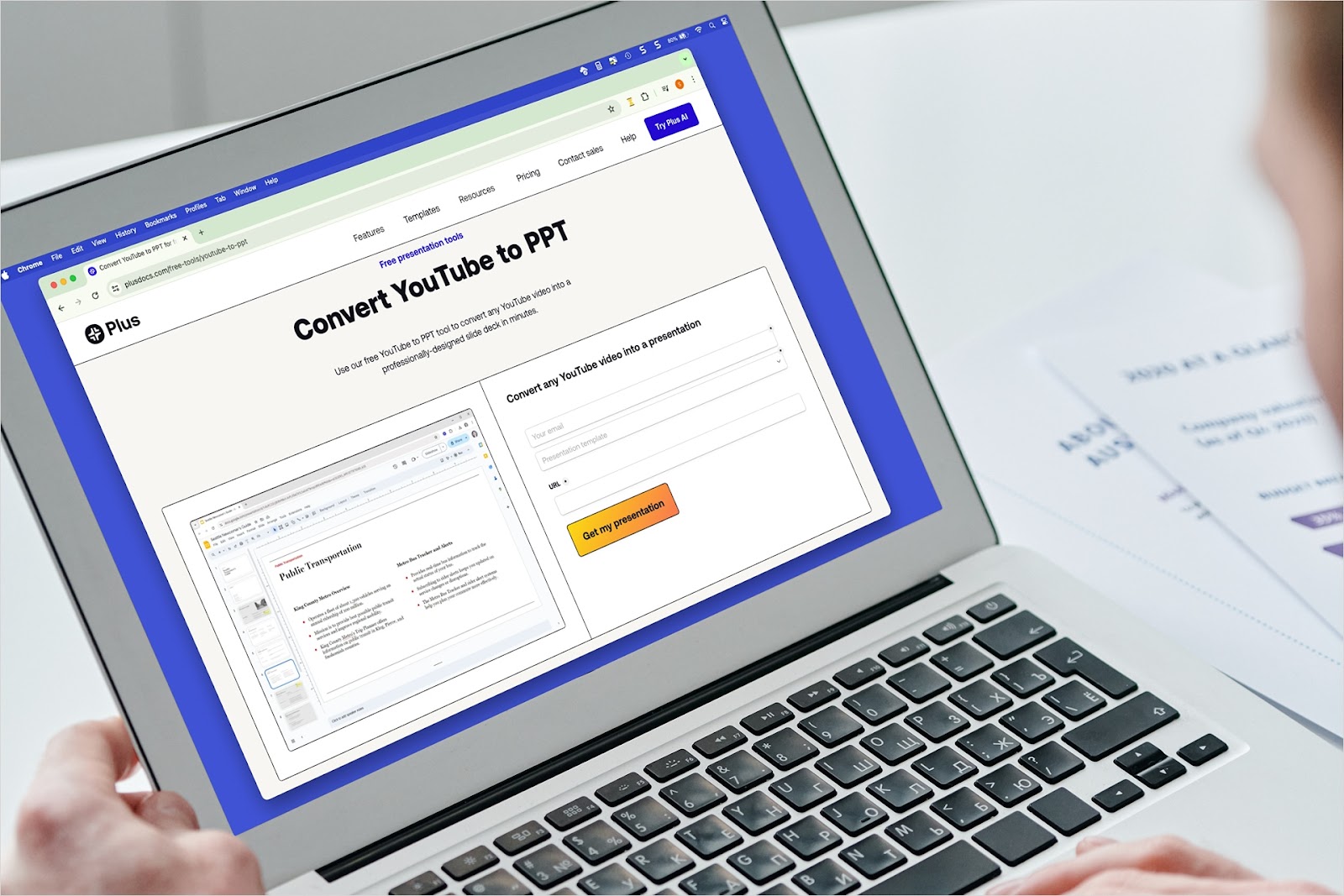
How to convert YouTube to PowerPoint
Have a video that would make the perfect presentation? We’ll show you how to convert YouTube video content to PowerPoint a couple different ways using Plus AI.
-
Resources
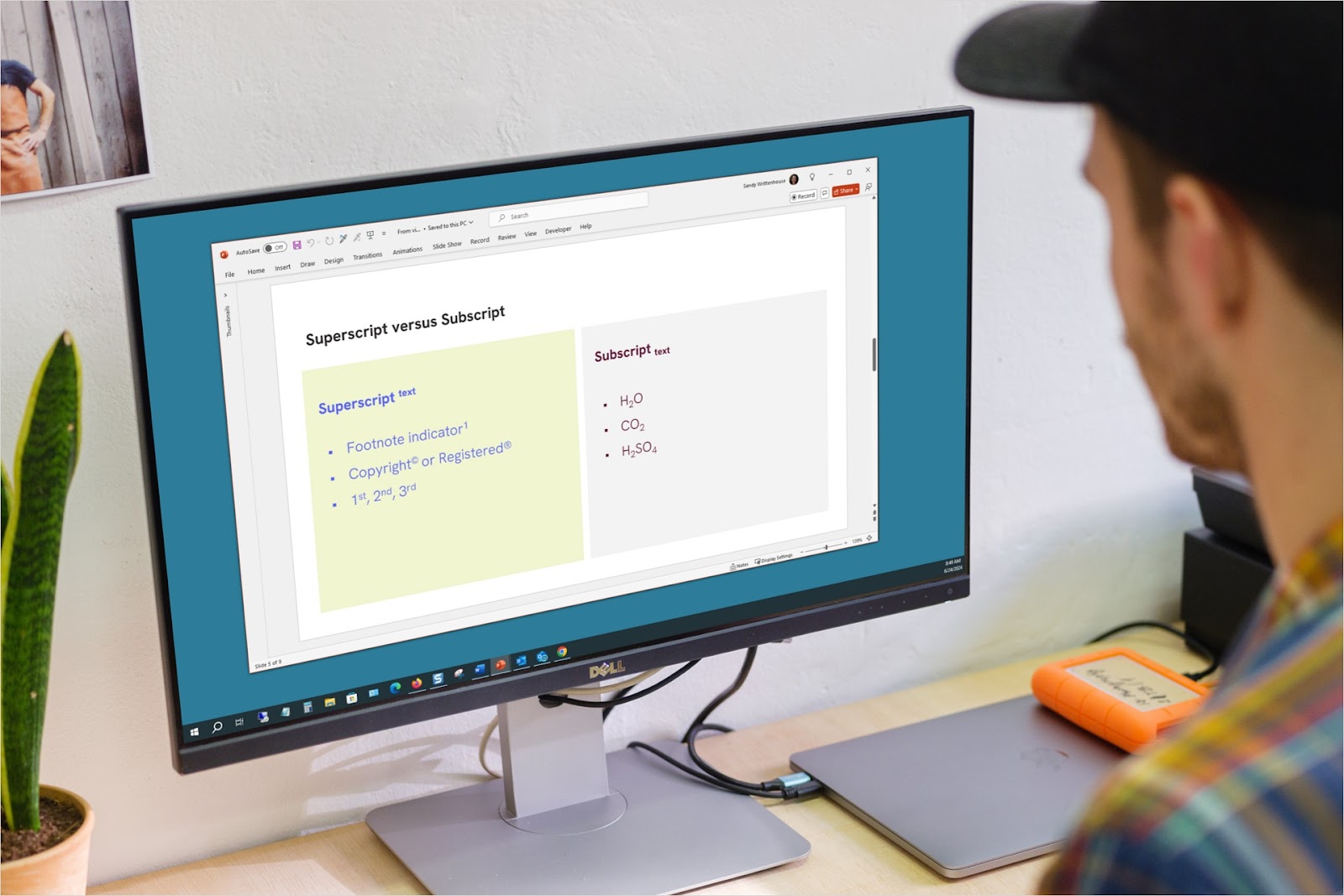
How to apply superscript and subscript in PowerPoint
For math, science, or common symbols, you can apply superscript or subscript to text in PowerPoint in just a couple of steps on Windows, Mac, and the web.
-
Resources
How to combine PowerPoints
Wondering how to combine PowerPoints to save time, blend ideas, or address a different audience? These methods for combining slideshows have you covered.
-

Resources
How to Give a Great Presentation: Move Your Viewers With These Tips and Tricks
Learn how to structure and give a killer presentation on any topic.
-
Resources
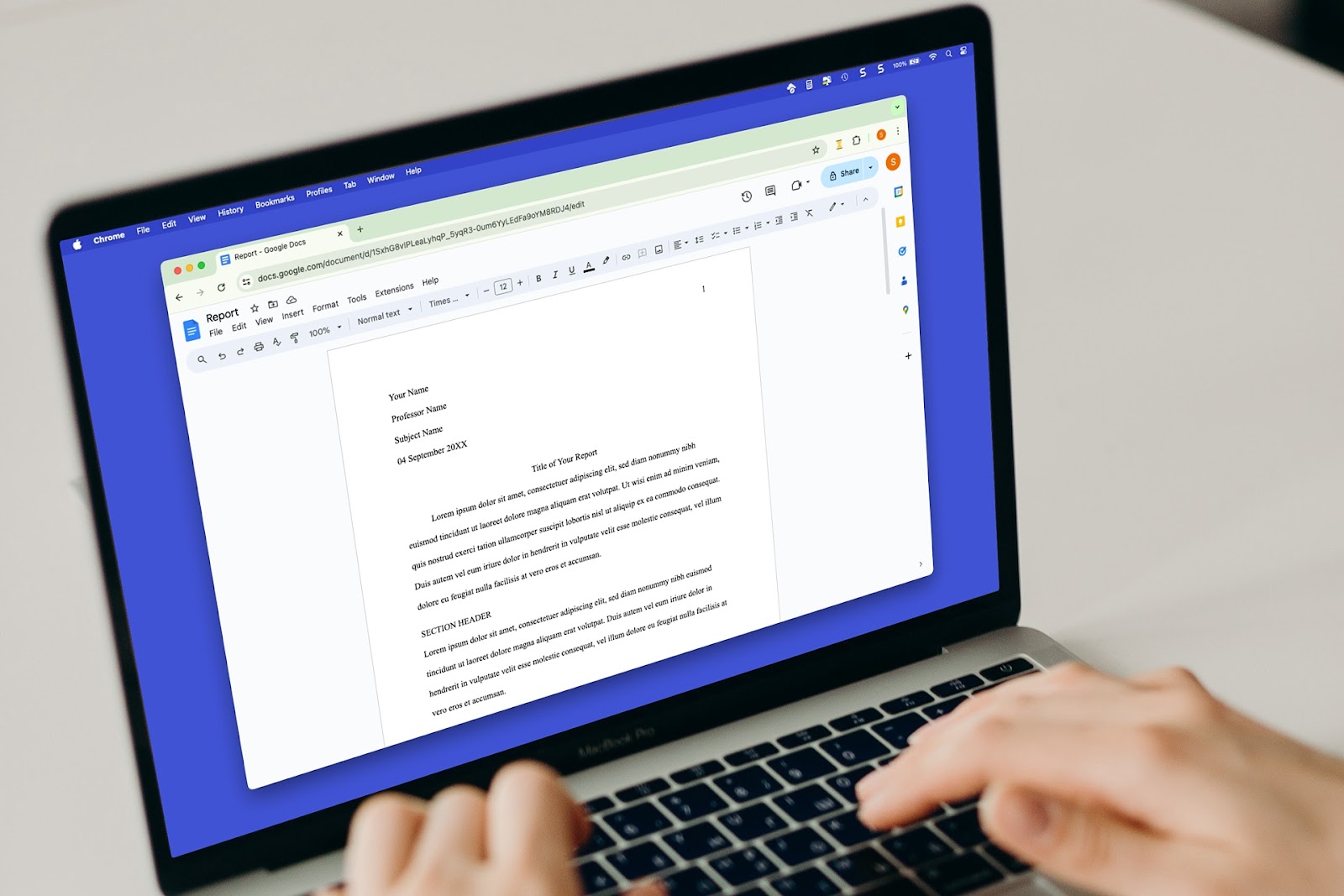
How to do MLA format in Google Docs
Need to create a document using MLA format? We’ll explain this format’s specifications and how to create your paper using MLA in Google Docs.
-
Resources
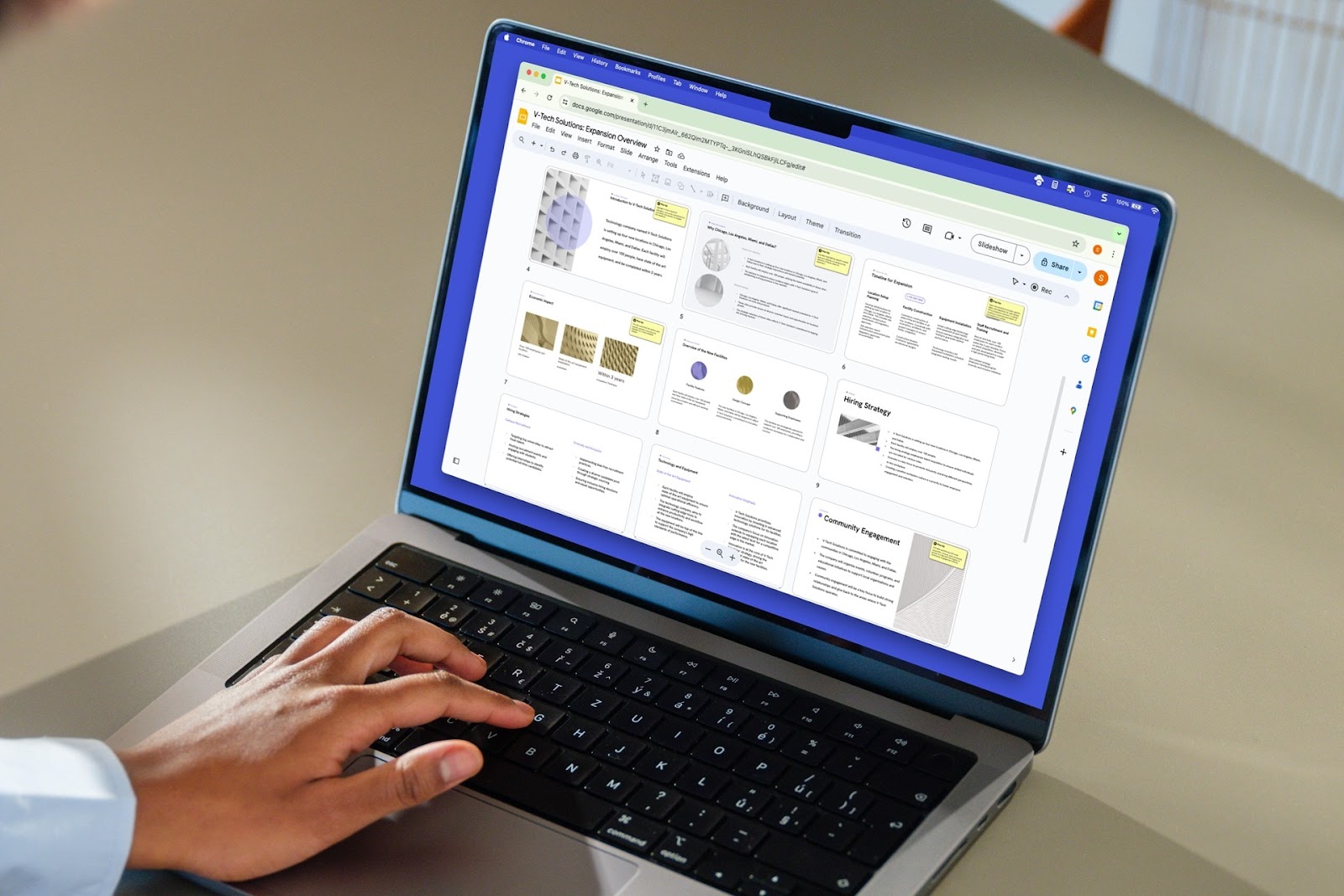
How to delete a slide in Google Slides
Learn how to delete a slide or delete multiple slides in Google Slides, as well as how to use Plus AI to remix your slide content instead of removing it.
-
Resources
Best GIFs for Presentations: Keep Your Viewers Engaged (or Awake)
Find the best GIFs for any situation to liven up your next presentation
-
Resources
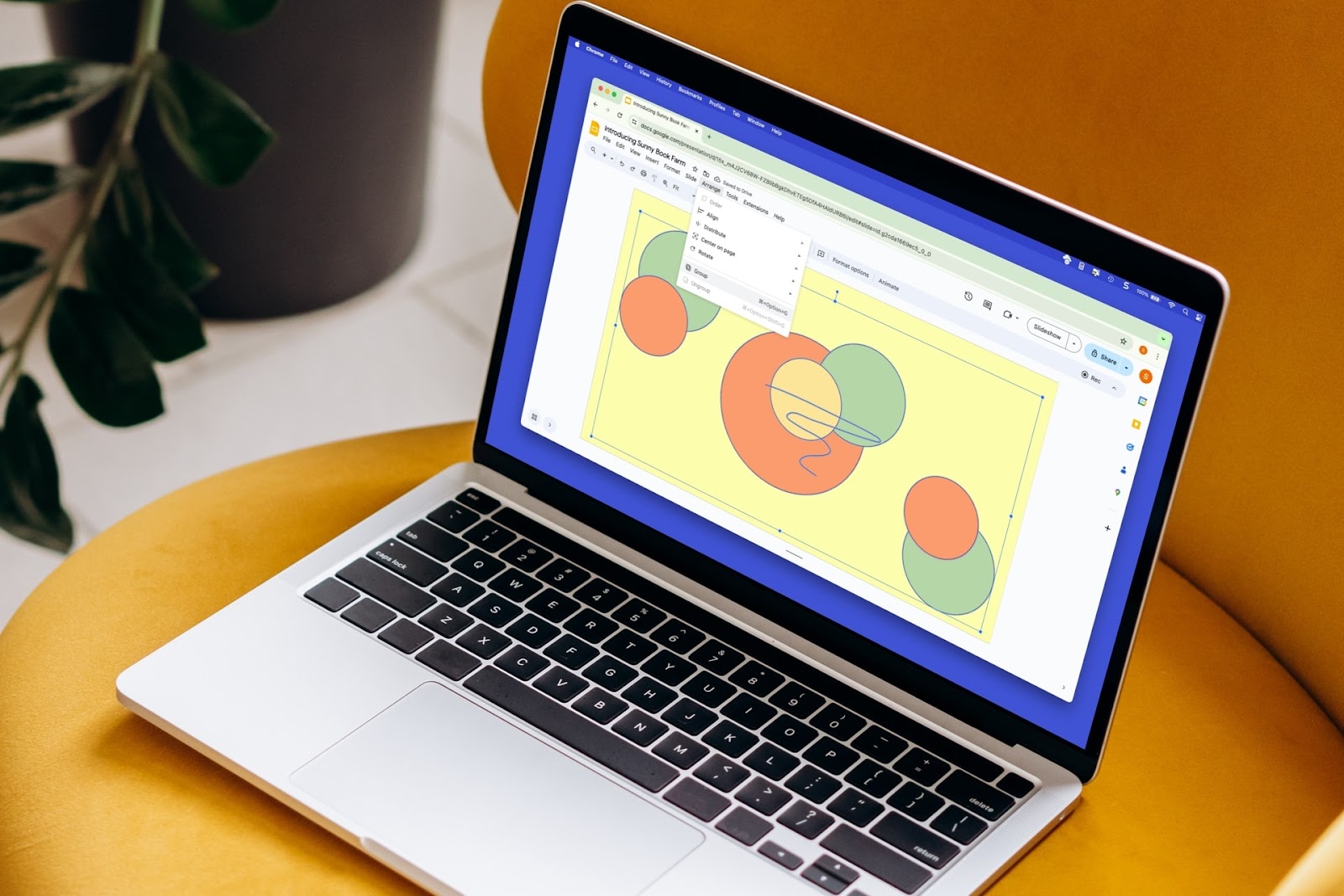
How to group things on Google Slides
To more easily resize, move, or manage a group of slide elements, you can group them. Here’s how to group things in Google Slides.
-
Resources
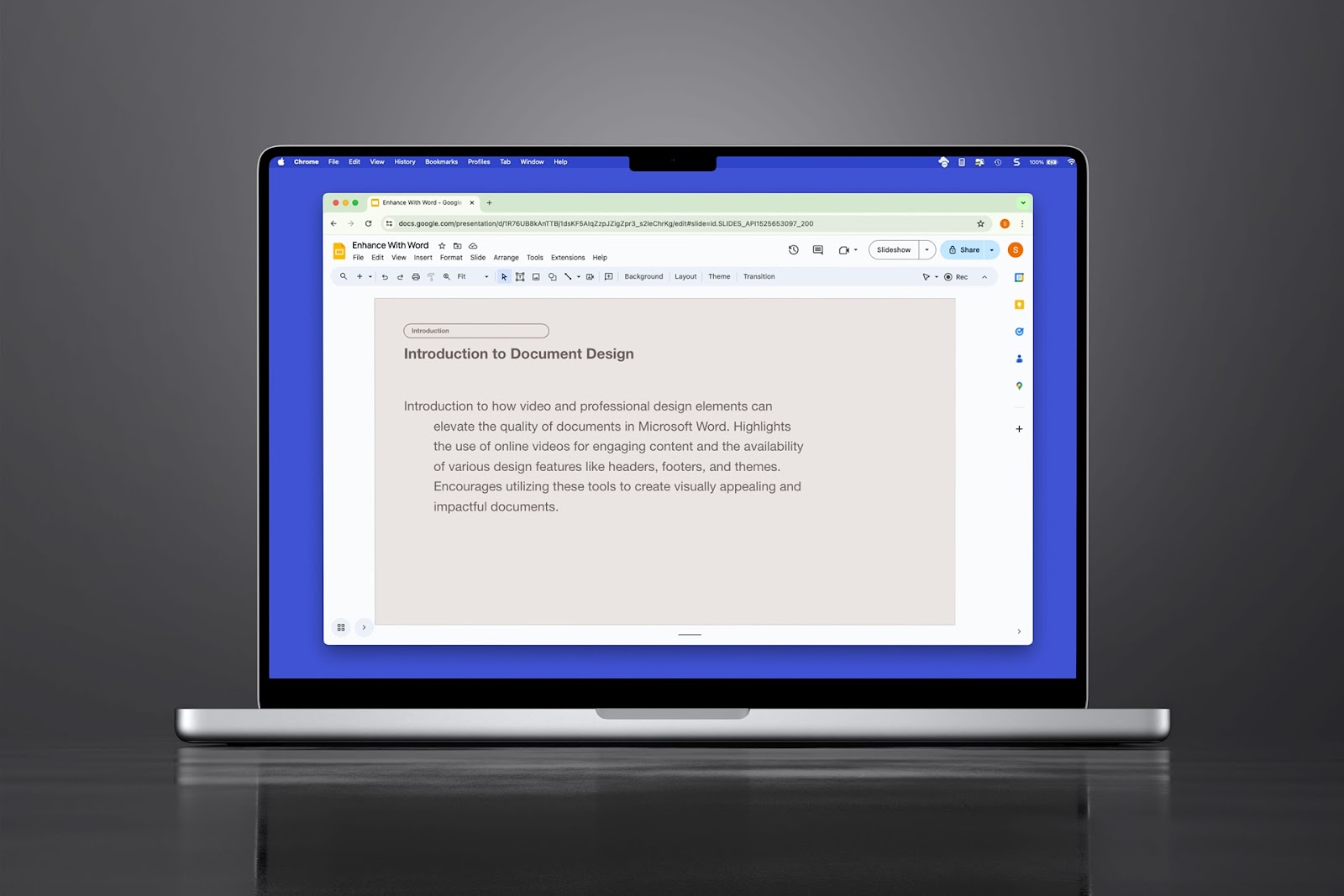
How to do a hanging indent in Google Slides
Need to create a bibliography on your slide or just want a unique paragraph appearance, here’s how to do a hanging indent in Google Slides three different ways.
-
Resources
Google スライドで AI を使用するための総合ガイド
この包括的なガイドでは、Google スライドで AI テクノロジーを使用する方法の概要を説明しています。
-
Resources
How many slides do I need for my presentation?
How many slides for a 10 minute presentation and the 3-2-1 rule for presentations