
無料のプレゼンテーションツール
JPG to PowerPoint Converter
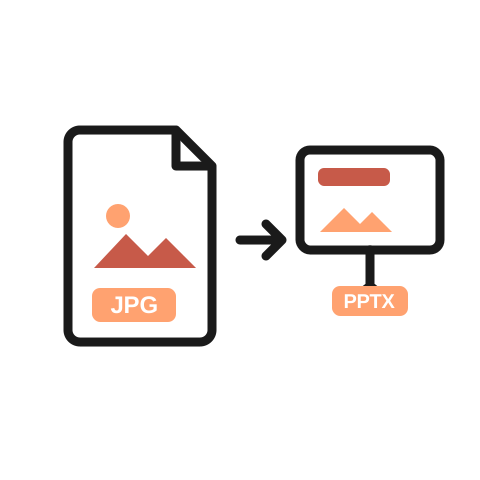
Turn your JPG into a PowerPoint file in seconds. Download it as a PPTX that opens in PowerPoint or Google Slides. Free to use, no sign up required.
Why use it
Why use our JPG to PowerPoint converter
-
Skip the copy-paste work
No need to open PowerPoint, make a blank slide, and drag your image in. Upload your JPG and get a ready-made slide.
-

Your image, sized right
Your JPG lands on a clean slide at the right size. No stretching, no awkward crops, no fiddling with corners.
-

Ready to build on
The PPTX file is fully editable. Add text, add slides, or open it in Plus AI to build a full presentation around it.
機能
JPG to PowerPoint converter features
-
True PPTX output
You get a real PowerPoint file, not a picture of one. It opens in PowerPoint and Google Slides.
-
Keeps your image quality
Your image looks the same on the slide as it did in the file.
-
Editable slides
Move, resize, or layer your image like any other slide object.
-
No watermark
Your slide comes out clean. No logos or stamps added.
-
Works in your browser
Nothing to install. Works on your computer, phone, or tablet.
-
Free and unlimited
No sign up, no payment, no file limits.
How it works
How to convert a JPG to PowerPoint
- 1
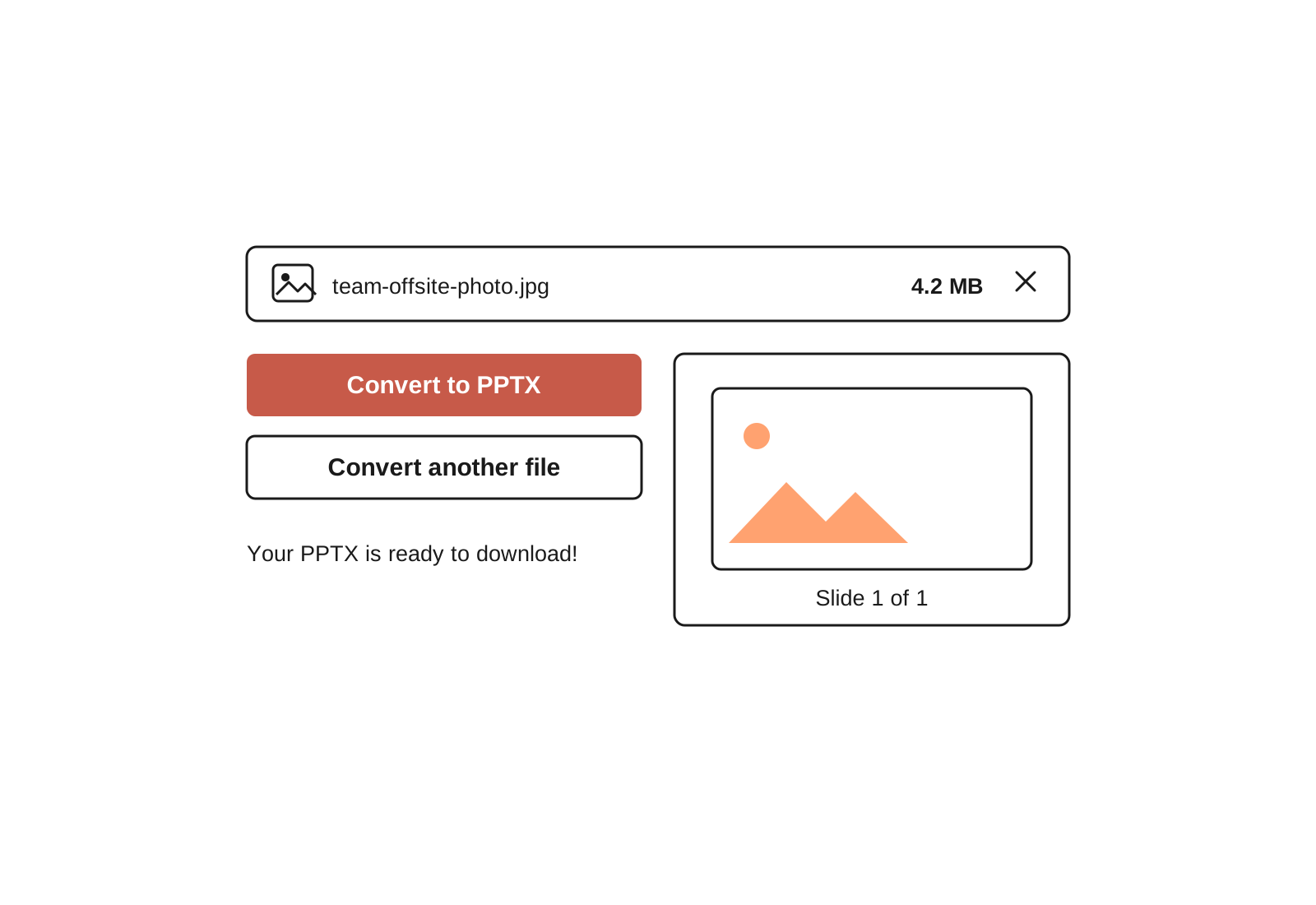
Upload your JPG
Drag and drop your file or select it from your device.
- 2
We build your slide
The tool places your image on a PowerPoint slide, sized to fit.
- 3
Download your PPTX
Open it in PowerPoint or Google Slides. Edit it, add to it, or present it as is.



よくある質問
How do I convert a JPG to PowerPoint?
Upload your JPG to this free converter and download the PPTX file. Your image comes back on a clean, editable slide in seconds.
You can also do it by hand: open PowerPoint, insert a blank slide, and add your image through the Insert menu. The converter just saves you those steps, and it works even if you do not have PowerPoint installed.
What is the difference between PPT and PPTX?
Both are PowerPoint file types. PPT is the old format from before 2007. PPTX is the modern one, and it is what this tool creates. PPTX files open in PowerPoint, Google Slides, Keynote, and almost every other presentation app.
Can I open the file in Google Slides?
Yes. Go to Google Slides, create a blank presentation, then choose File and Import slides to bring in your PPTX. You can also upload the file to Google Drive and open it directly.
Will my image lose quality?
No. Your image is placed on the slide at its original quality. What you upload is what you see.
Can I edit the slides after converting?
Yes. The PPTX is a normal PowerPoint file. You can add text, move the image, or add more slides. If you want to turn it into a full presentation, Plus AI can design and write slides around your image, right inside PowerPoint or Google Slides.
Is the JPG to PowerPoint converter free?
Yes. The tool is free with no sign up, no payment, and no watermark.
スライド作成に時間を取られていませんか?
Try Plus AI for free. Start with a 7-day free trial. Cancel any time. Edit and collaborate seamlessly, directly in Google Slides or PowerPoint.
無料で始める