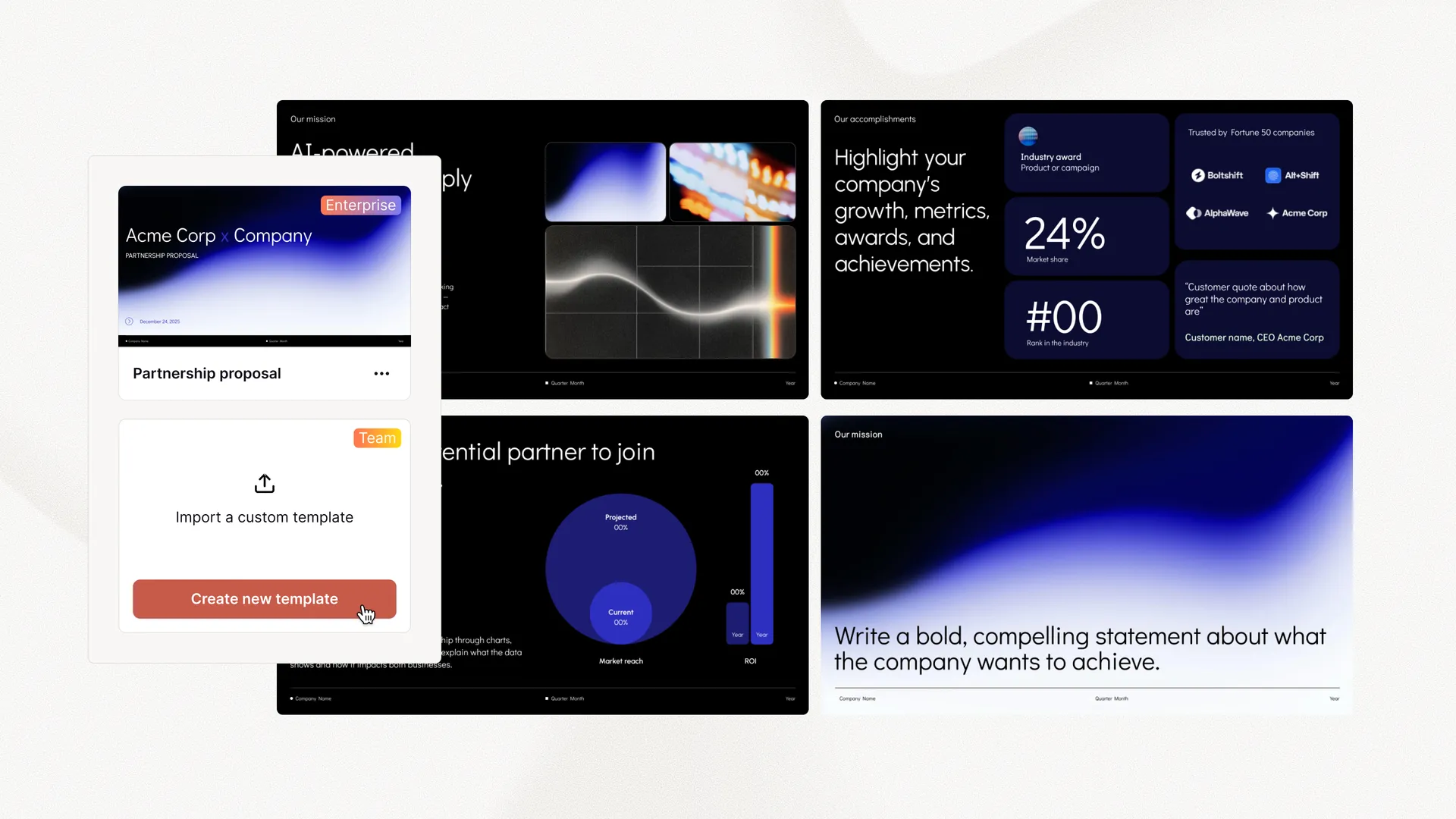
無料のプレゼンテーションツール
Convert HTML to PPT
Paste in your HTML or a URL, and Plus AI will transform it into client-ready presentation. No sign-up required.
使い方は?
- 1
Paste your HTML
Paste your HTML or give Plus AI a URL
- 2
Plus AI generates your presentation
We use the latest AI models to create a presentation on your topic.
- 3
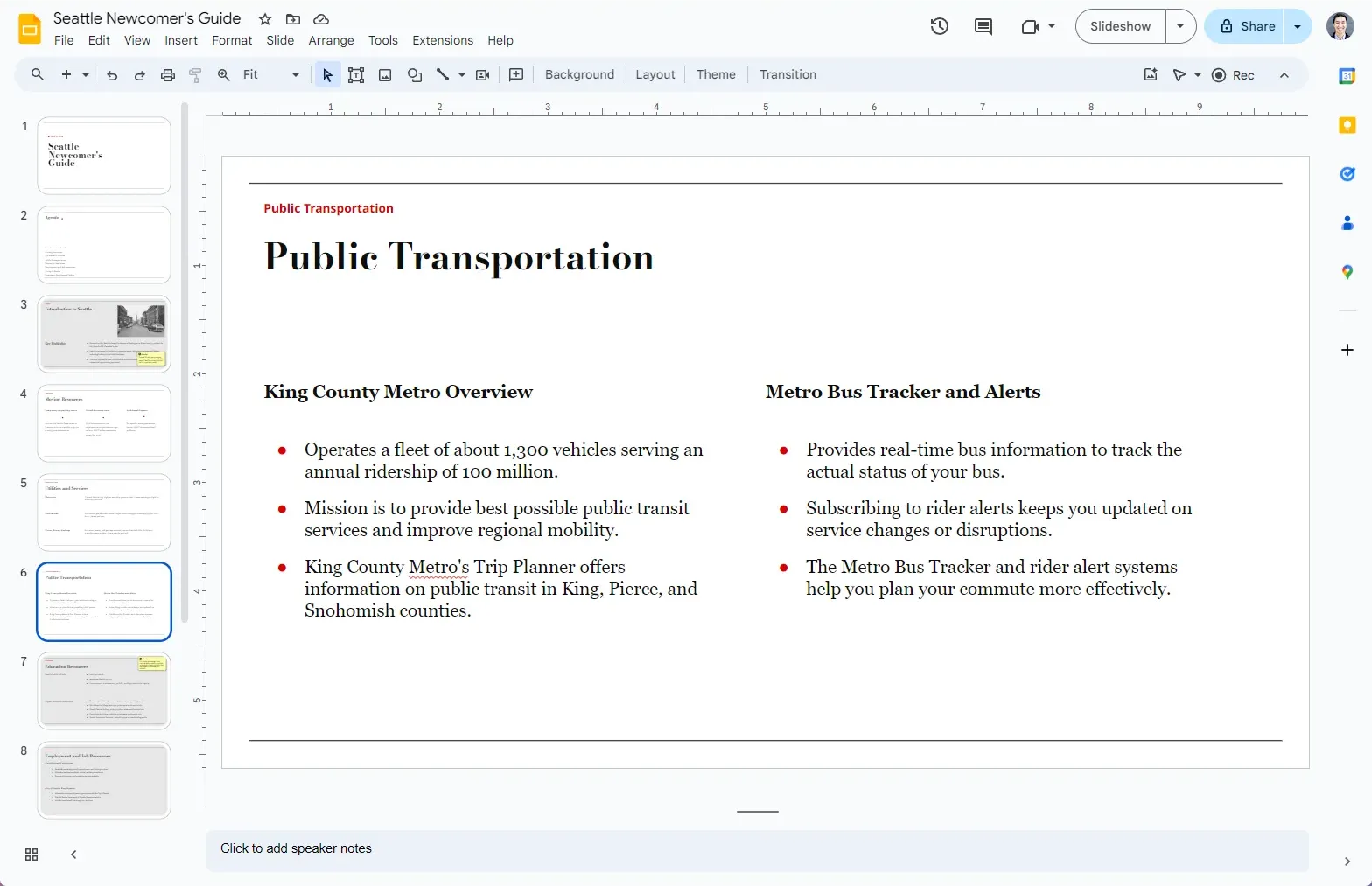
スライドへのリンクが届きます
プレゼンテーションをカスタマイズし、AI で編集して、顧客や同僚と共有できます。
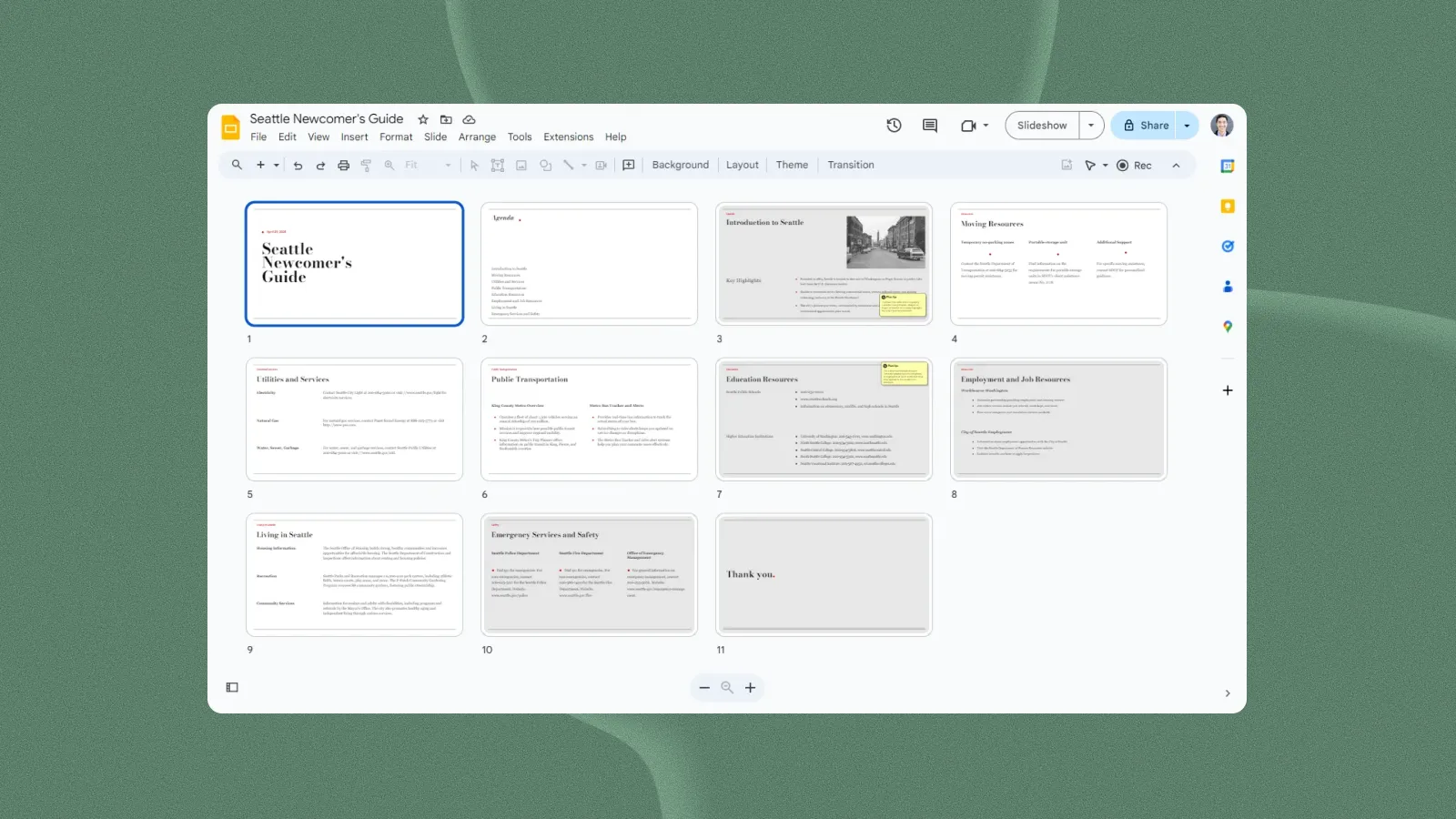
デザイナー製テンプレート — 自由にカスタマイズ
プレゼンテーションテンプレートをプレビュー
Plus AI のテンプレートはプロのスライドデザイナーが作成しており、生成・編集に使えるすべての AI ツールと完全に互換性があります。
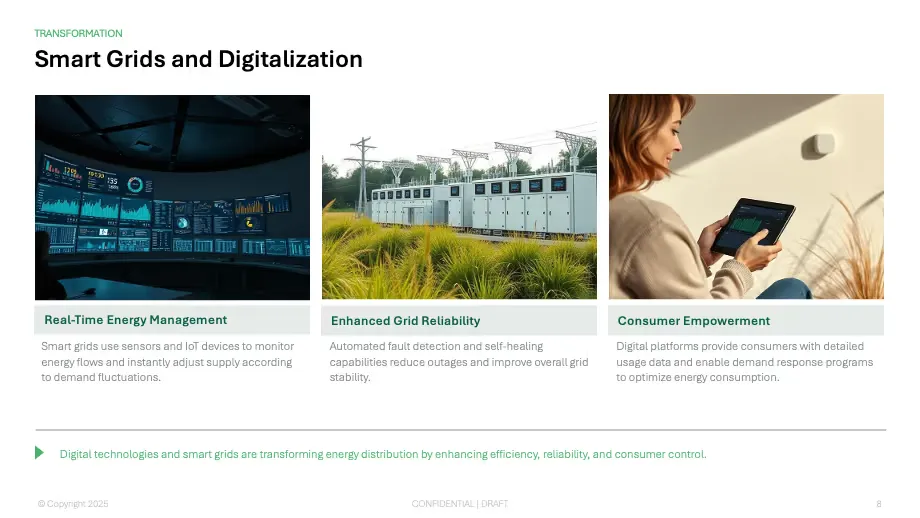
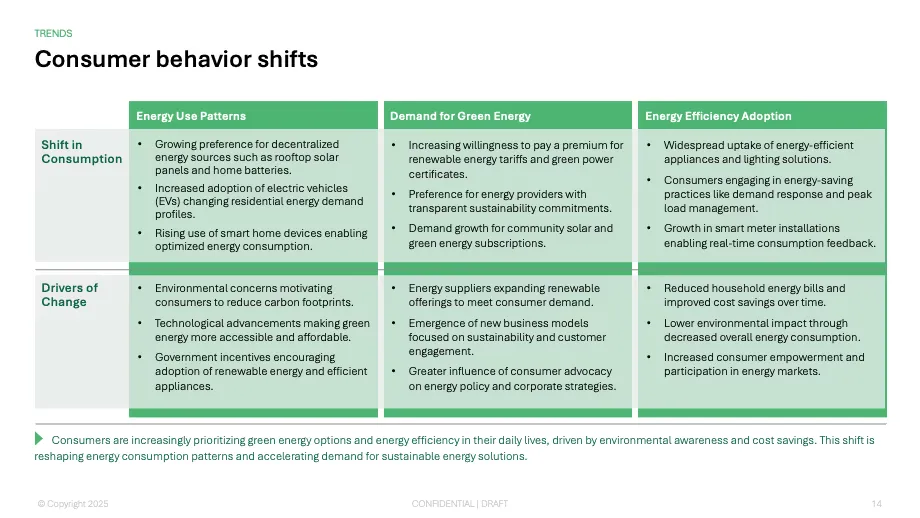
- Renew template
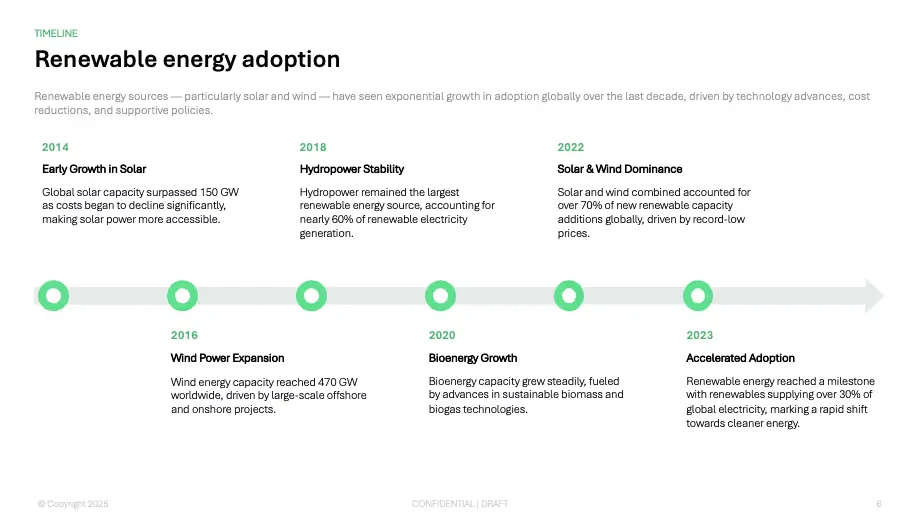
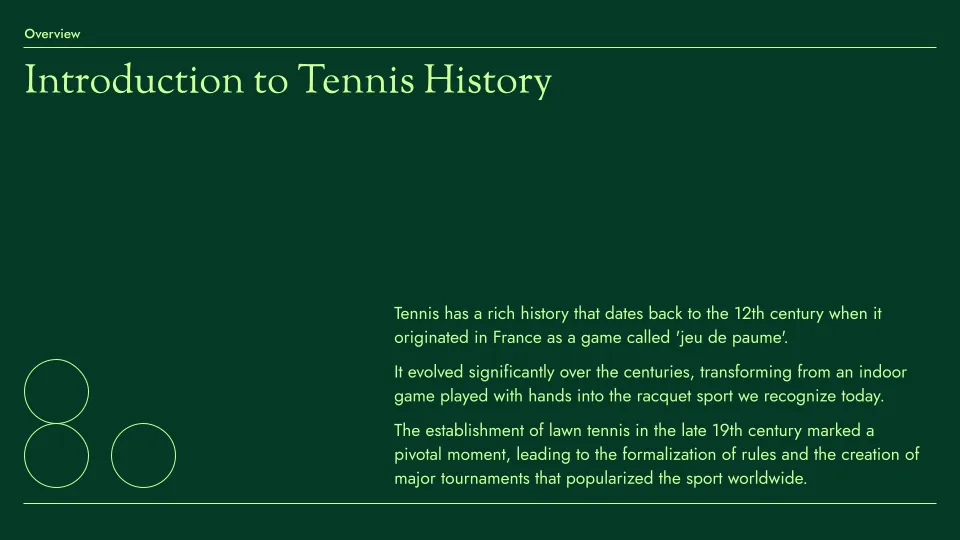
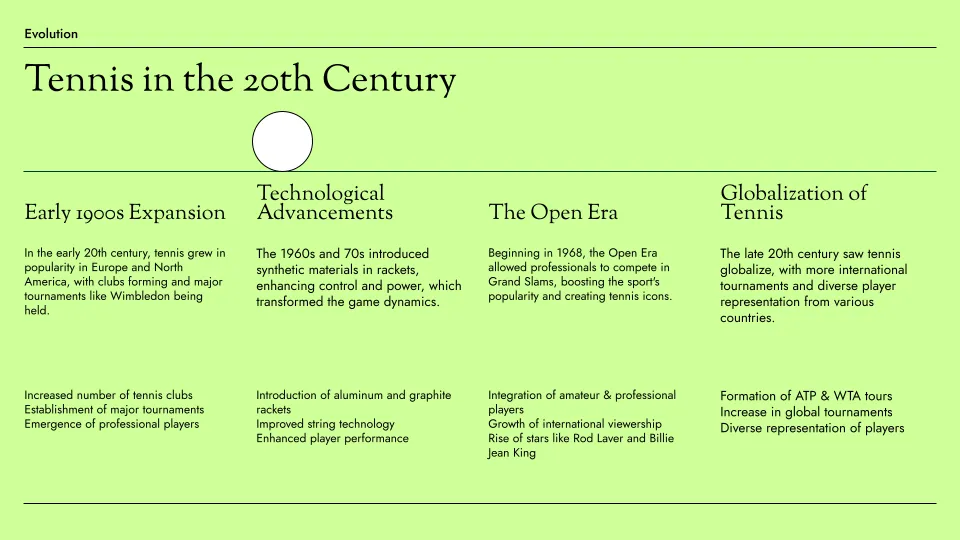
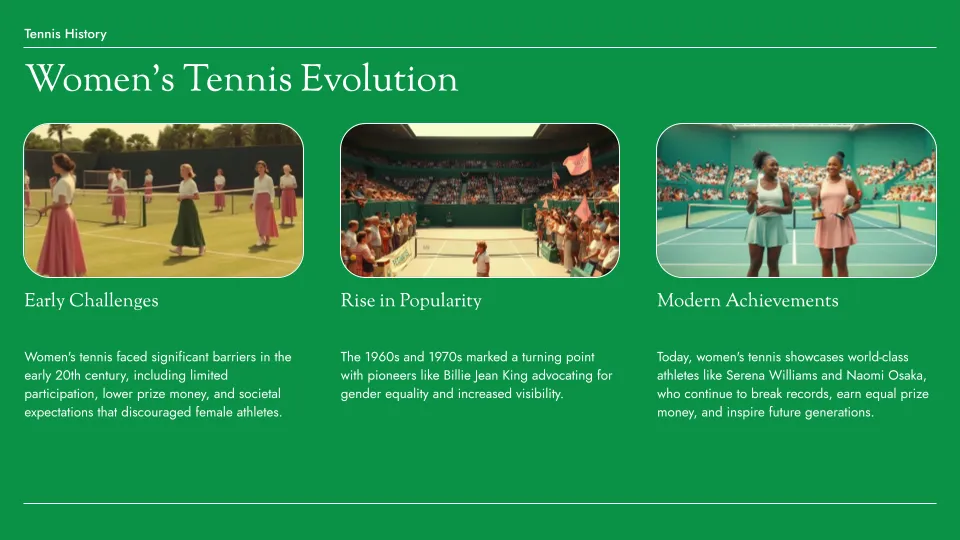
- Tennis template
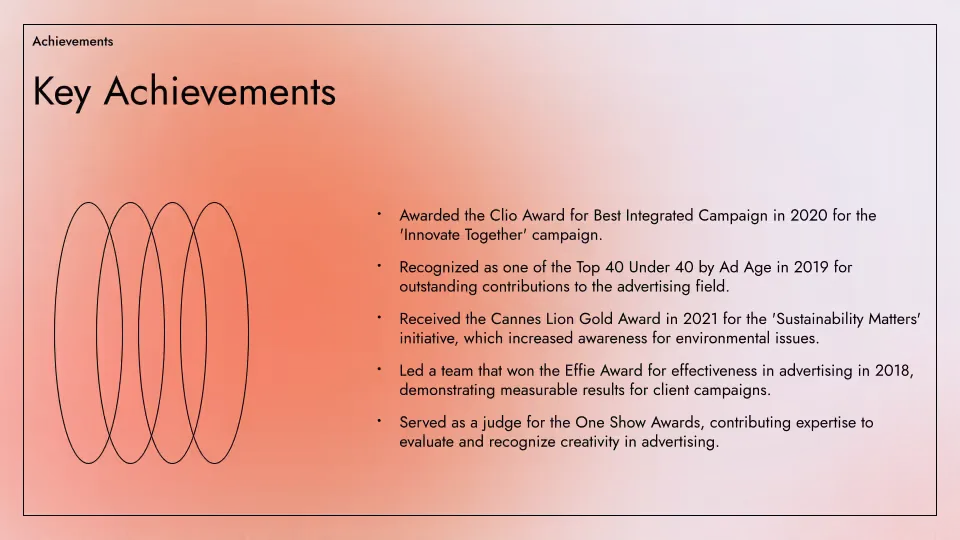
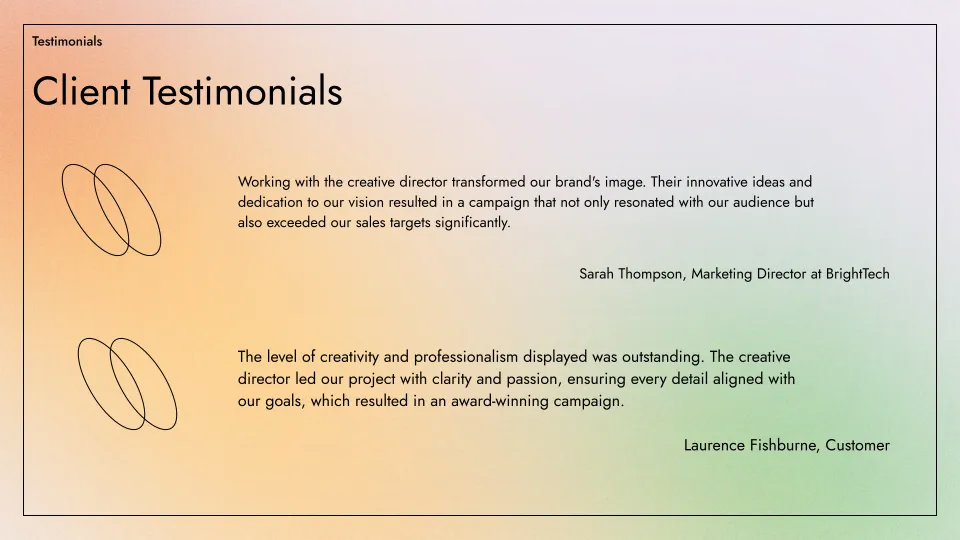
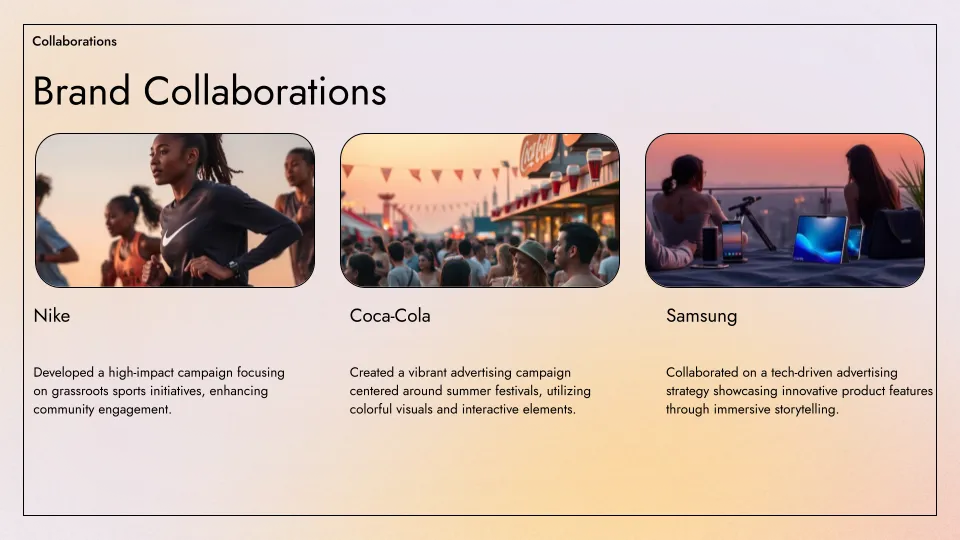
- Aurora template
HTML to PPT features
-
プロ品質のプレゼンテーション
プロがデザインしたテンプレートを使って、完璧なスライドデッキを作成できます
-
コンテンツの自動抽出
Plus AI は、公開されているあらゆる URL のテキストコンテンツを自動的に取得します
-
ワンクリックで AI 生成
登録もクレジットカードも不要。ボタンをクリックするだけでスライドデッキが手に入ります
-
編集が簡単
Edit slides natively in Google Slides or PowerPoint; use Plus AI to generate or edit your slides
-
共有が簡単
Google スライドのリンクを顧客や同僚と共有できます。または、そのまま PPT としてダウンロードできます
-
無料で利用可能
何より、無料です!さらにプレゼンを作成したい場合は、Plus AI をご覧ください
よくある質問
Can I automatically convert HTML to PowerPoint?
Yes! Plus AI can turn HTML pages into fully-formatted PowerPoint presentations in minutes. Paste a URL or your HTML, and Plus AI will create slides with structured layouts, text, and visuals.
Can I edit slides after converting them from HTML?
Yes, Plus AI is designed for professional presentation creators, so every slide is fully editable and compatible with your existing Google Slides and PowerPoint presentations.
Is there a free way to convert HTML to PPT?
Yes, you can use the free HTML to PPT tool on the Plus AI site to convert your HTML into slides.
How long should my presentation be?
A good general rule of thumb is you need 1 slide for every 2 minutes of your presentation, plus or minus 2 to 3 slides. For more detailed guidance, check out our guide on How many slides do I need for my presentation?
エンタープライズ向け Plus AI
チーム全員が輝く AI スライド
洗練されたブランド準拠のプレゼンテーションを大規模に作成するために、チームに必要なすべてを。カスタムテンプレート、統合されたアセットライブラリ、自動化されたワークフロー — すべて Plus AI 搭載です。SSO、ユーザー管理、組織に合わせてすべてをカスタマイズする手厚いオンボーディングも含まれます。
-
高度なテンプレート
無制限のスライドと、事例紹介や図表などの専門的なデザインに対応
-
アセットライブラリ
Plus AI は、既存のリソーススライドや承認済みの画像・アイコンなどを活用できます
-
あなたの作業環境で動作
PowerPoint と Google スライドで動作 — 新しいアプリのインストールやツールの習得は不要