

Plus AI(チーム向け)
-
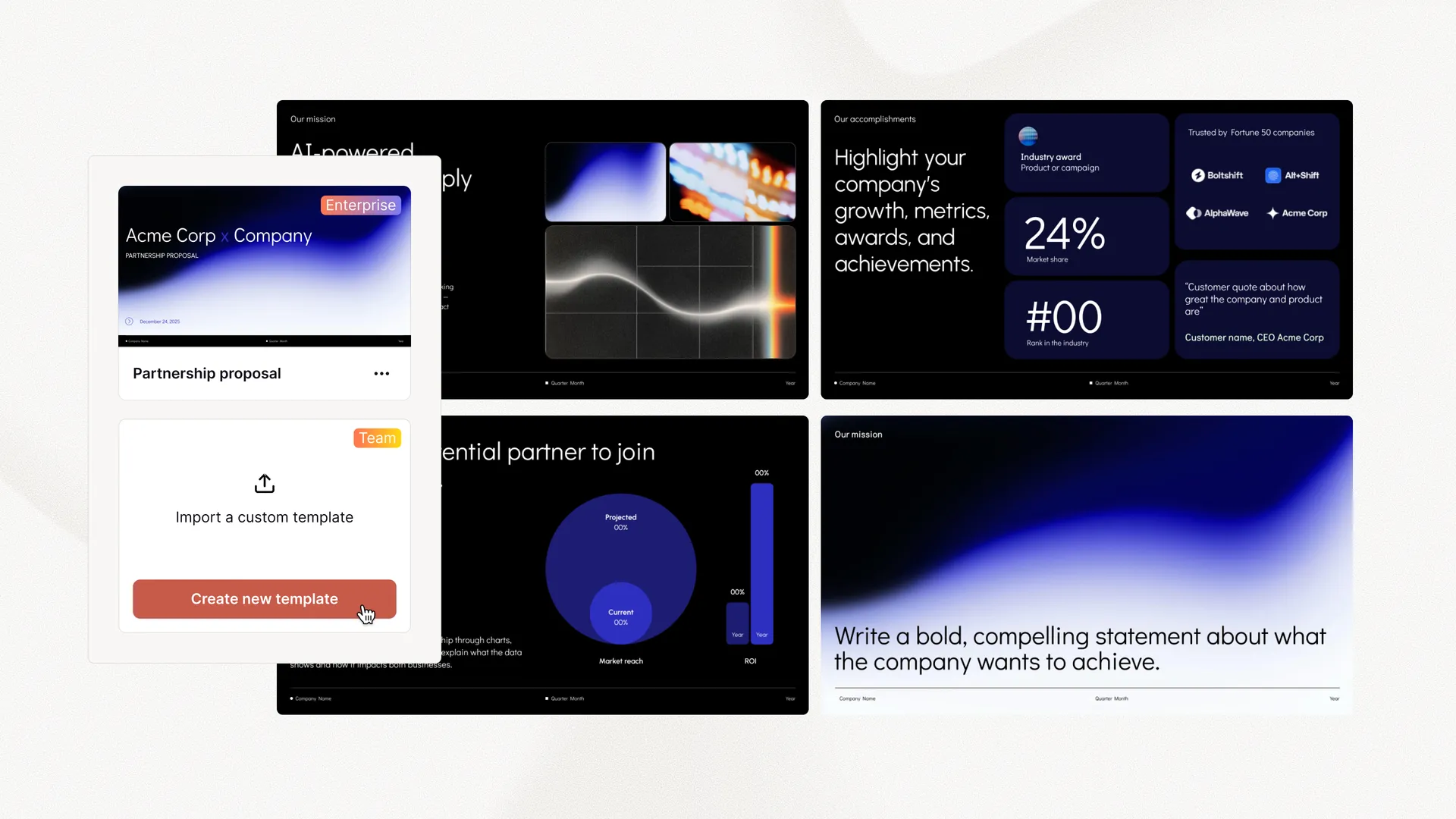
 カスタムテンプレートをインポート
 - ロゴ、フォント、カラーを追加
- 共有プリセット、カスタム指示

Plus AI Presentation Agent でスライドのリサーチ、プランニング、デザインを。プロのプレゼンテーション作成者のために構築されています。
アイデア、メモ、文字起こしを、そのまま発表できるスライドに
ブログ記事、ホワイトペーパー、メモを読みやすいプレゼンテーションに変換
市場や競合の情報が必要ですか?AI がすばやくレポートを作成します
Plus AI エージェントの助けを借りて、データからインサイトへ
ソーシャルメディア投稿や製品スケッチなどのビジュアルを生成
既存のスライドを新しいフォーマットに変換し、別のレイアウトを生成
別のアプリは必要ありません
Plus はどこでも使えるので、プレゼンテーションの作成や編集を直接 グーグルスライド そして パワーポイント。
無料トライアルを開始Yes, you can use the Plus AI agent with your existing Plus AI subscription. Open it from the editing menu and click "Agent mode."
Yes, Plus AI will work with your existing slides and custom presentation templates. However, for best results, we would recommend setting up a custom template in Plus AI, which will improve the performance of the agent and allow it to use pre-selected slides from your slide library.
Yes, the Plus AI agent can create new slides and edit existing slides using the formats and styles from your presentation.
No. The Plus AI agent does not yet support Google Slides. However, it can create native PPTX files that can be uploaded to Google Slides.
The Plus AI agent is purpose-built for professional presentation workflows inside PowerPoint. It's not a general-purpose chatbot or code generation model asked to make slides.
Because it's specifically built for presentations, it can:
Plus AI only uses purpose-built presentation tools. This means it does not execute arbitrary or unreviewed code on your local machine or cloud infrastructure.
The Plus AI agent adds a layer of functionality to the Plus AI add-in. The agent is able to plan and execute multi-step actions in PowerPoint to create and edit slides.
It can also use the existing Plus AI tools for inserting, formatting, and rewriting slides.