Brut Brick
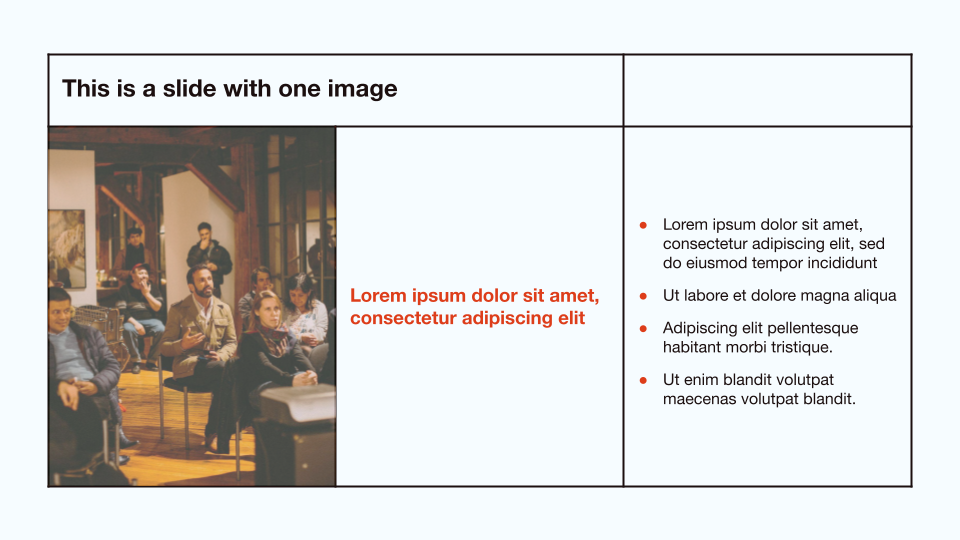
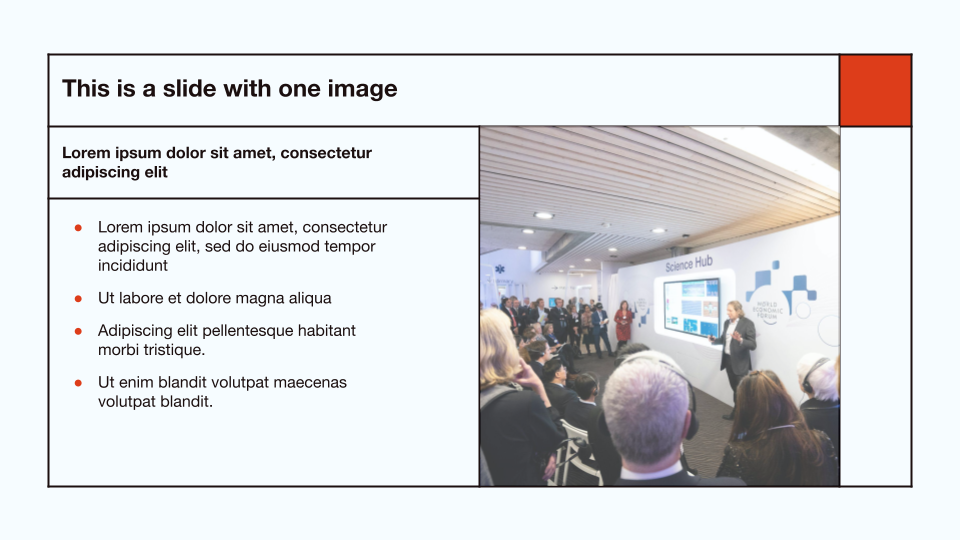
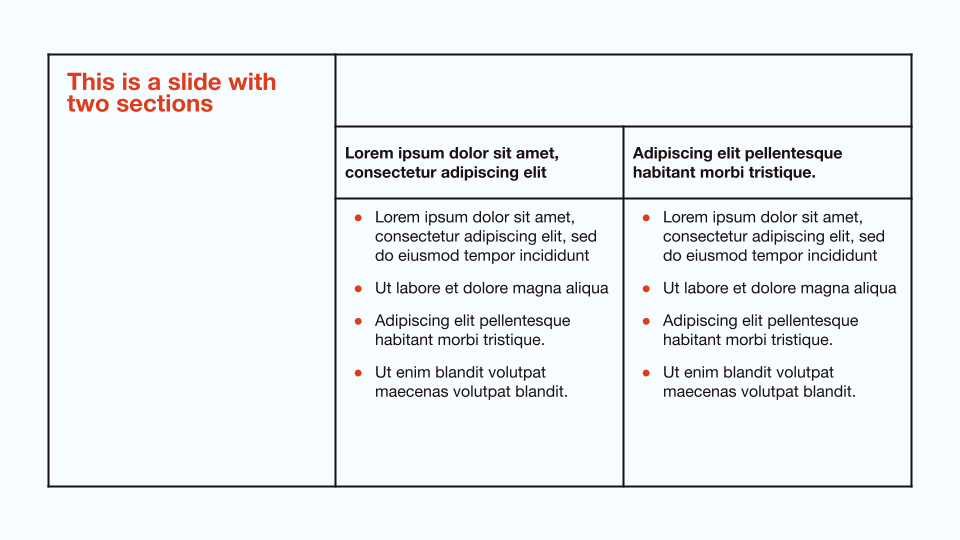
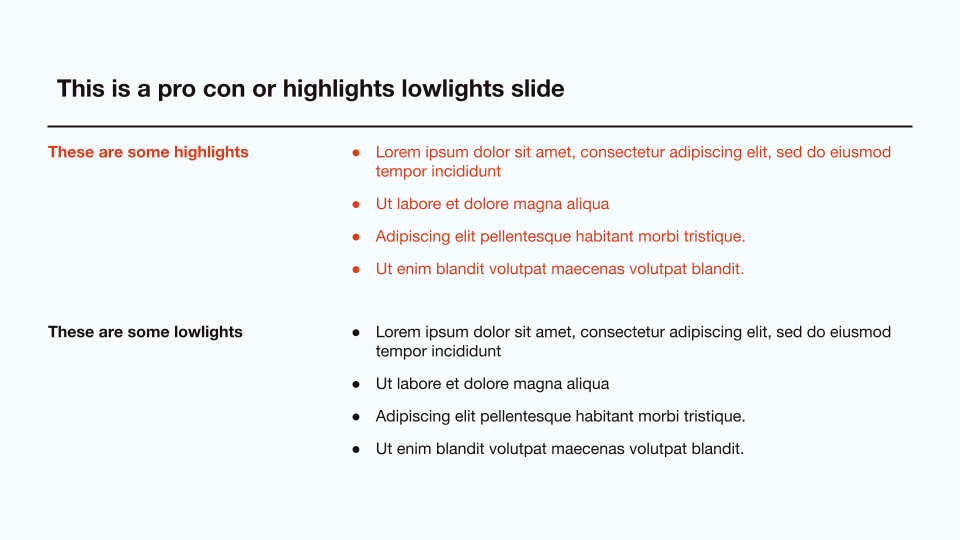
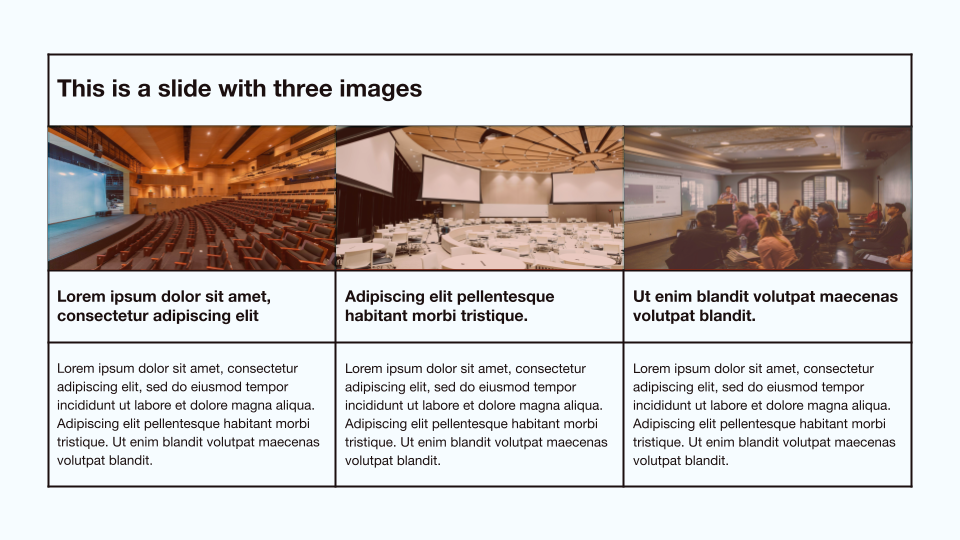
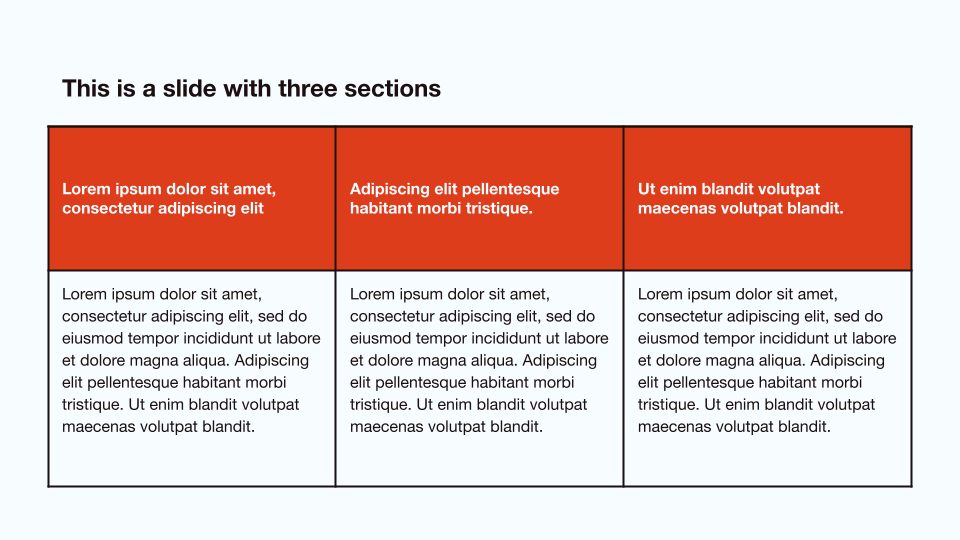
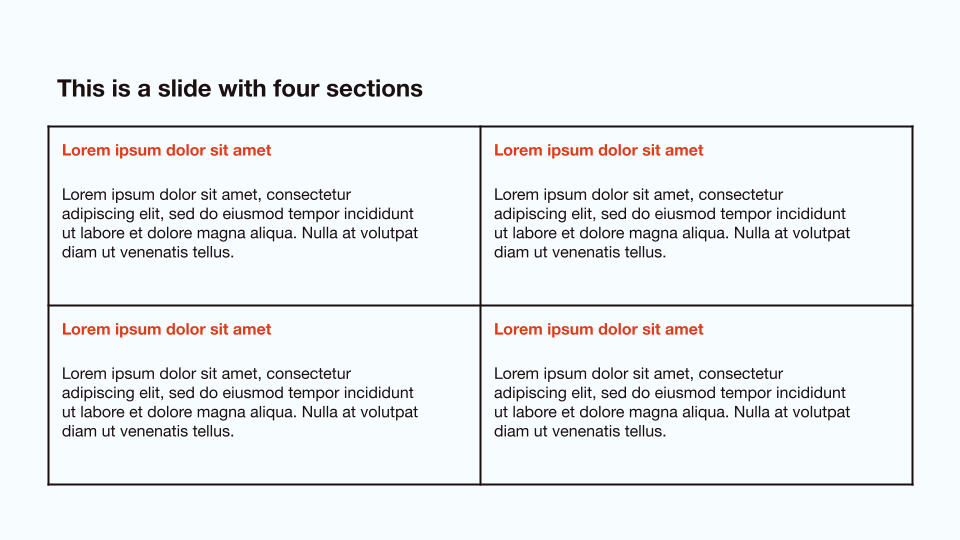
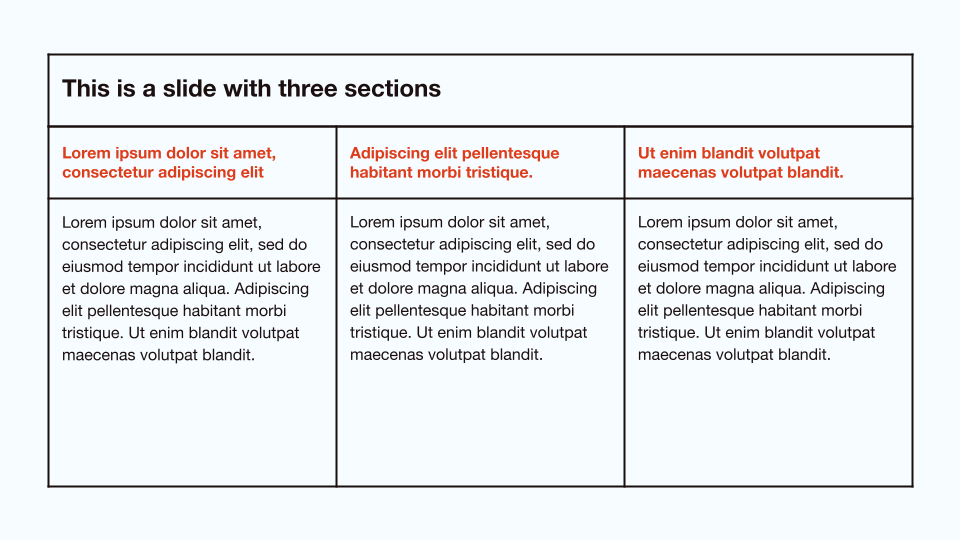
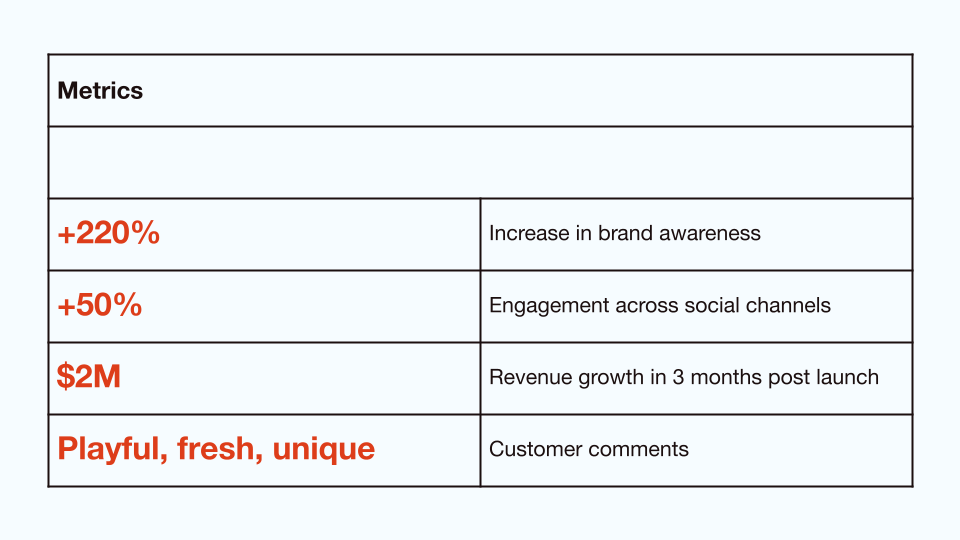
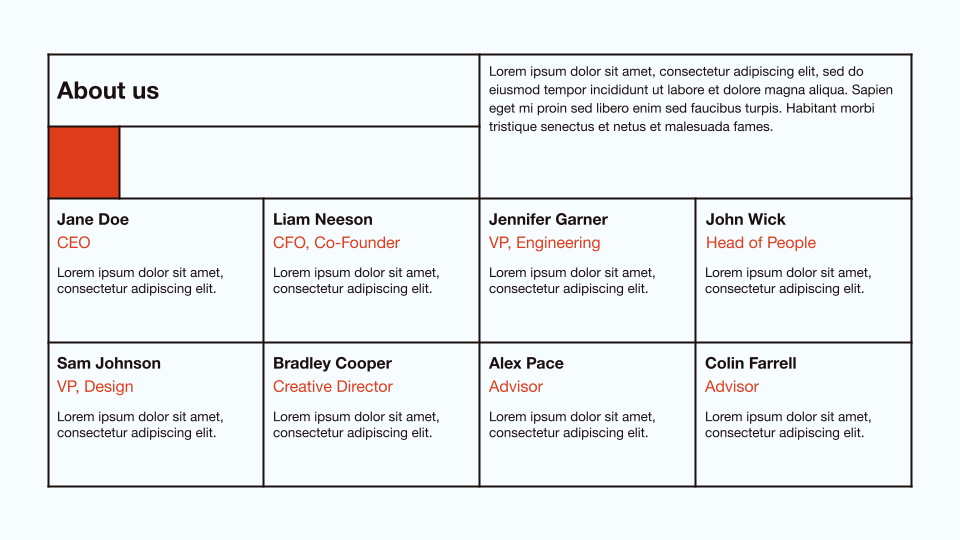
Graphic grid layouts and a minimalist color scheme ensure this template is versatile for both professional and creative presentations.
1 / 16
This professional template is inspired by 20th century graphic design. It uses a strong grid layout and keeps to a minimalist color palette. You can use it for just about any type of presentation, including client proposals, team meetings, and creative portfolios.
Features of this template
- Simple grid layouts
- Limited color palette, with a pop of red to stand out
- Great for professional and creative presentations
- Free to use in Google Slides and PowerPoint with Plus AI
More than a static template
So much better than a “normal” template that you have to fill out manually.
- Generate a custom presentation in a minute or two.
- Start from any prompt you want, or upload an existing document.
- Use remix to transform your existing slides in just a few clicks.
- Use any language.
- Edit directly in Google Slides and PowerPoint.
Plus AI for Google Slides & PowerPoint
How to use this template
Generate a custom presentation using this template in a few clicks.
- Install Plus AI for Google Slides or PowerPoint.
- Launch the add-in to create a new presentation.
- Go to “Start from a template” and select your template.
- Enter a prompt or upload a file to generate a custom presentation.
- Continue editing with Insert, Remix, and Rewrite.