
Além do recurso AI
PDF para apresentação AI
Converta seu PDF em uma apresentação do PowerPoint ou do Google Slides. Faça o upload de um PDF e o Plus AI gerará um conjunto de slides em minutos.

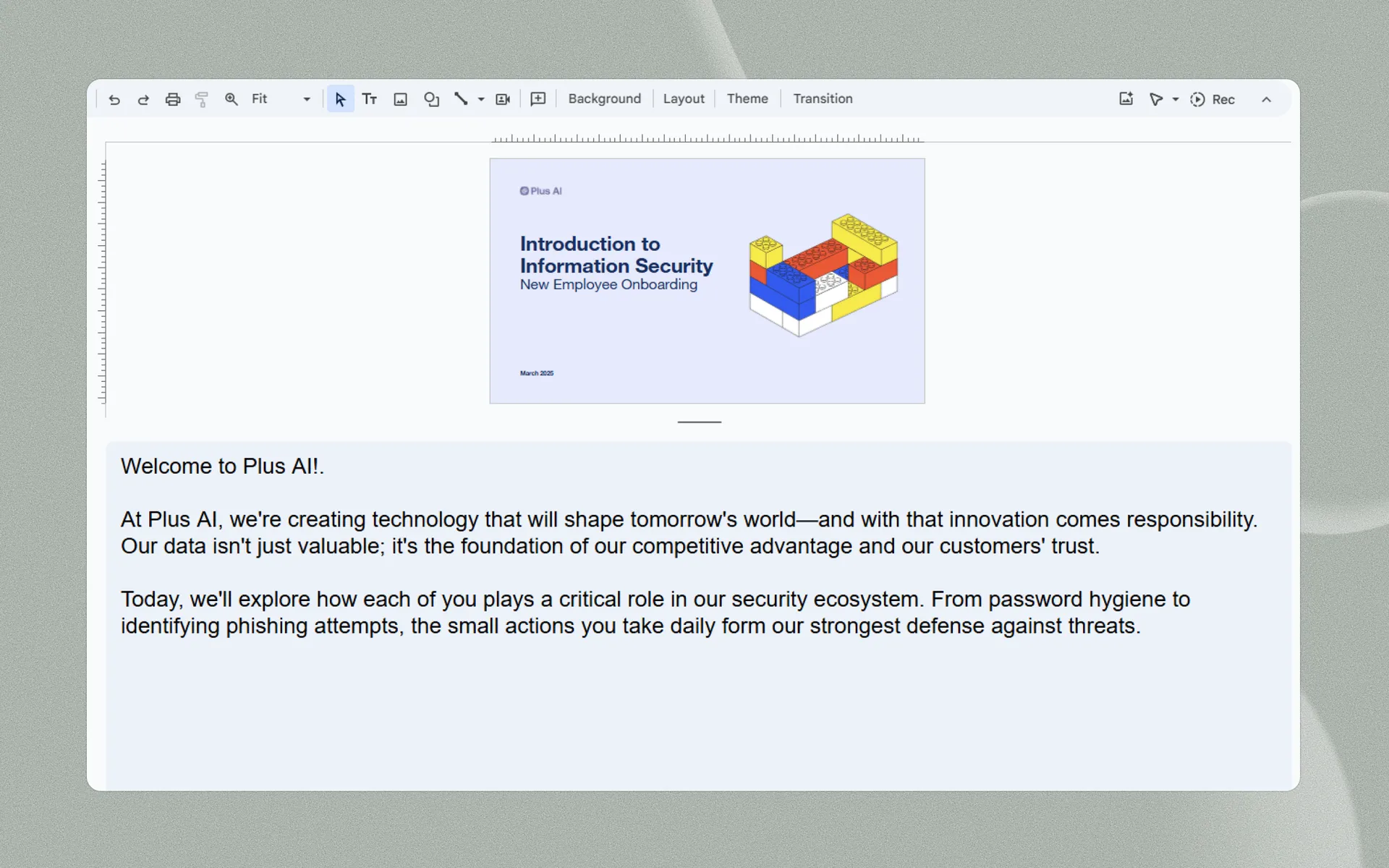
Turn your slides into a video with an AI narrator
Gere slides a partir de qualquer arquivo de texto
Gere slides a partir de qualquer arquivo de texto
-
Carregar um arquivo
PDF, documento do Word (.docx), PowerPoint (.pptx) ou arquivo de texto.
-
Colar no texto
Arquivo não suportado? Cole em qualquer texto simples, com mais de 100 mil caracteres.
-
Use qualquer idioma
Precisa de uma apresentação em diferentes idiomas? Além disso, cuida disso para você.
-
Seamless syncing
Don't worry about splicing and timing different video and audio tracks. Plus AI Narrator handles all of the transitions for you.
-
Save time on narration
Finish "recording" voiceovers in one take, thanks to the consistency of AI! Don't worry about recording multiple takes.
-
It's free!
Best of all, you can use the Plus AI Narrator for free.
Mais envolvente quando é uma apresentação
Não tem tempo para fazer slides?
Converta suas notas e documentos em minutos.
-
Transcrições não estruturadas
Limpe e resuma notas brutas de reuniões, transcrições de chamadas, tópicos de e-mail e outros textos não estruturados.
-
Artigos e papéis
Faça o upload dos últimos artigos de notícias, trabalhos acadêmicos, atualizações para investidores e muito mais.
-
Conhecimento interno
Use sua própria redação, documentação de equipe, wiki interna ou outro conteúdo proprietário.
More AI presentation features
-
Generate with AI
Don't know where to start? Just describe your presentation in a few sentences.
-
Edite slides com IA
Fine tune your presentation with AI-powered tools
-
Reformat slides
Remix existing content into polished slides in one click
-
Use qualquer idioma
International audience? Translate your presentation into any language.
Depoimentos
O que nossos usuários dizem sobre o Plus AI
-
Sem dúvida, o melhor criador de apresentações com IA do mercado quando o assunto é Google Slides. Consigo gerar apresentações inteiras a partir de um prompt ou transformar texto em slides.

-
Estou particularmente impressionado com o recurso "Remix", que reformata slides existentes em novos layouts. Adoro esse recurso. Ótimo trabalho👍

-
O Plus AI criou uma ótima estrutura e tópicos de discussão para a minha apresentação. Gosto muito das dicas em cada slide que me ajudam a escolher imagens ou desenvolver um ponto. Essa ferramenta agora faz parte do meu arsenal!

-
A integração com o Google Slides é perfeita. Parece algo que deveria ter existido desde sempre! No geral, 5/5 estrelas.

-
Uma ferramenta excelente que me poupa bastante tempo. Com prompts detalhados, ela cria uma apresentação que precisa de apenas pequenos ajustes. Nossa equipe adora usá-la para brainstorming, e os executivos de conta a utilizam para colaborar com os clientes.

-
Ele me ajudou muito a estruturar meu roteiro, o que foi um salva-vidas e uma economia de tempo para uma apresentação que estava no prazo. Gosto de poder usá-lo no Google Slides, uma ferramenta que já uso para apresentações de qualquer forma!

-
Testei a maioria dos geradores de slides com IA disponíveis para Google Slides e PPT. Este é, sem dúvida, o melhor — simplesmente funciona.

-
A integração com o PowerPoint é o que torna este produto tão útil. Como faço muitas apresentações toda semana, recorro primeiro ao Plus AI para PowerPoint.

Perguntas frequentes
Can I use AI to narrate a presentation?
Yes, there are a few different ways to add an AI voiceover to your presentation. You could record your presentation slides and then sync it to an audio voiceover file. Or you could use a tool like Plus AI Narrator which will use AI text to speech to convert your speaker notes and slides into a video file.
Can I get AI to read my PowerPoint presentation?
Yes, using AI to narrate your PowerPoint presentation is a great way to avoid headaches around recording voiceovers and doing many takes of the same recording. Plus AI Narrator is a free tool that can use AI to read your slides out loud.
Is there an AI for voiceover?
Yes, there are a number of different AI apps for voiceovers. These AI tools are often developer-focused, so if you need a voiceover for a specific use case, try searching for that specifically.
For example, if you are looking for an AI voiceover tool for presentations, the best option is Plus AI, which integrates into your existing presentation tools to make it easy to turn presentation scripts into voiceovers and videos.
How can I add an AI voice to a presentation?
The easiest way to add an AI voice to a presentation is using an add-on like Plus AI Presentation Narrator. Just add your script to your speaker notes, and Plus will use text-to-speech to read the script out loud and automatically advance your slides.
Stop wasting your time on slides. Try Plus AI for free.
Edite e colabore sem complicações — diretamente no Google Slides ou PowerPoint.
Comece gratuitamente