
Herramientas de presentación gratuitas
Compresor de PowerPoint
Usa nuestra herramienta gratuita de compresión de PowerPoint para reducir el tamaño de los archivos PPT, de modo que puedas enviarlos como correos electrónicos y acelerar tu computadora.
Why you should compress PowerPoint files
-
Send as an email attachment
Most email providers limit the attachment file size to 20-25 MBs
-
Speed up the PowerPoint app
Very large PPT files can slow down your app performance, especially on older machines
-
Collaborate with others
Unnecessarily bloated PowerPoint files are annoying for your collaborators to work with
Características del compresor de PowerPoint
Características del compresor de PowerPoint
-
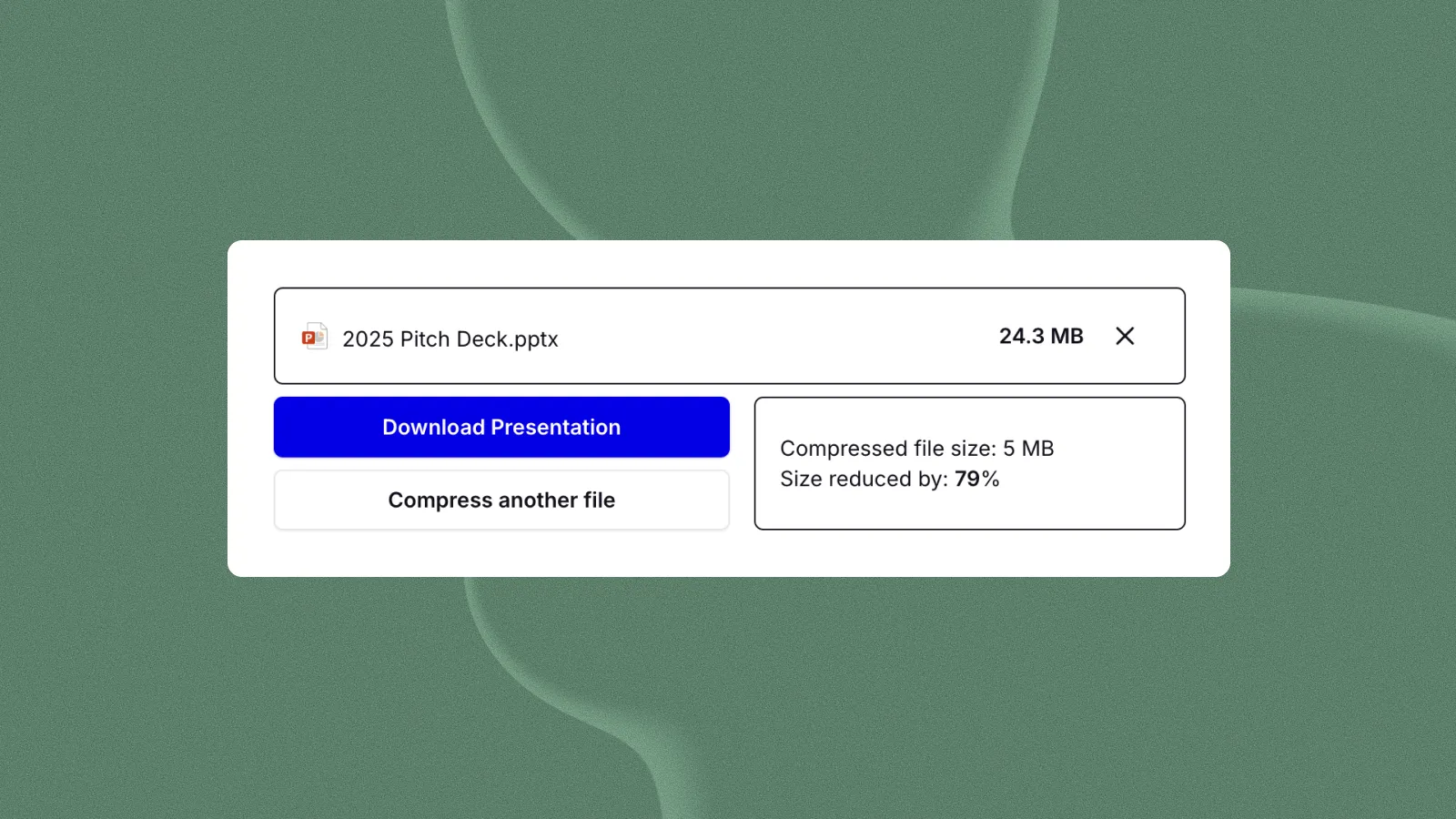
Reducción del tamaño de los archivos de hasta un 90%
Most compressed files will be < 20 MB
-
Reducir el tamaño de las imágenes
Comprimimos el tamaño de las imágenes en tu PPT, para que tu presentación sea más eficiente
-
De uso gratuito
¡Es gratis!
-
Seguro, sin datos almacenados
No almacenamos ningún archivo. Simplemente comprimimos los archivos y los devolvemos inmediatamente
-
Comparte tu PPT por correo electrónico
Hacer que tus archivos adjuntos tengan un tamaño inferior a 25 MB te permite enviarlos por correo electrónico
-
Acelera tus archivos
Si tienes una presentación grande que parece muy lenta, puede deberse a que el tamaño del archivo es demasiado grande
¿Cómo funciona?
- 1
Sube tu PPT
Sube tu archivo PPT.
- 2
Además, la IA comprimirá el archivo
Usamos una variedad de algoritmos para reducir el tamaño de las cosas que aumentan el tamaño de tus archivos (por ejemplo, fotos y vídeos)
- 3
Recibes un archivo adjunto
Te enviaremos un archivo PPT comprimido como adjunto de correo electrónico (¡para que sepas que funciona enviar por correo electrónico!)



Preguntas frecuentes
How can I reduce the file size of a PowerPoint file?
If you need to compress a PowerPoint presentation, you should always start with the native compression features in PowerPoint. They can help you cropped areas of pictures and reduce the resolution of photos without affecting presentability.
If you need to further reduce the size of your PowerPoint, you can try things like compressing the file in a .zip folder, compressing the file as a PDF, or using an online PowerPoint compressor.
Why is my PowerPoint file so large?
The primary reason that PowerPoint files become very large is because of media - images, video, and audio.
You can have dozens or hundreds of text slides, and still maintain a small file size, but just one or two large images can drastically increase the file size of your PPT file.
If you would like to nerd out and see what is driving the size of your PowerPoint file, you can convert it to a .zip folder by renaming the file extension from .pptx to .zip, and then open up the .zip to see the sizes of the individual items within the file.
How do I send a large PowerPoint file?
To send a PowerPoint as an email attachment, you should try to keep it (or compress it to) under 20MB. The limit can be higher for certain email providers, but this will help to maximize your deliverability.
If you file is larger than 20-25MB, you should use a cloud file-sharing platform like OneDrive or Google Drive and send your recipient a link to download the presentation, rather than using an attachment.
Why is my PowerPoint so slow?
When PowerPoint files become very large, they can noticeably slow down your PowerPoint app and make it difficult to work.
In these cases, you may want to reduce the file size of your presentation to ensure you can work efficiently, and the app does not crash.
How do I create a PowerPoint with AI?
Creating a PowerPoint with AI is easy! You can use tools like Plus AI and Copilot to create a presentation from a prompt or an existing source document like a PDF or a Word doc.
Check out our list of the Best AI Presentation Makers to see what's out there, and the latest capabilities of these types of tools.
Will zipping a .PPTX file reduce its file size?
Interestingly, a .pptx file is actually already a zip folder with the contents of a presentation. If you change the file name of your .pptx file to .zip, you can open it like a normal .zip folder and view the contents of your presentation.
Nevertheless, it seems like "rezipping" the already compressed files can reduce the size of your .pptx document.
How to I reduce the file size of a PPT as a PDF?
Sometimes you can reduce the file size of a PowerPoint presentation by exporting it as a PDF document.
When going through this process, you can change the desired quality of the PDF document, and selecting a lower quality will reduce the size of the PPT file.
You may also notice differences between the size of the PDF file from a PPT export when using Windows or Mac because they use different PDF utilities, so that is another way to experiment with reducing the file size of your PDF.
Can I reduce the file size of a PDF file?
PDF files can sometimes be larger than the original document, and if you are trying to send a presentation as a PDF attachment in an email, that might be a problem.
To reduce the size of your PDF, try opening the PDF in Adobe Acrobat and using the "Reduce file size" feature.
¿Cansado de perder tiempo con las diapositivas? Prueba Plus AI gratis.
Edita y colabora sin problemas, directamente en Google Slides o PowerPoint.
Comienza gratis