
免费演示文稿工具
PPT to PPTX Converter
Turn an old .ppt file into a modern .pptx in seconds. No PowerPoint needed. Free to use, no sign up required.
Why use it
Why use our PPT to PPTX converter
-
Update old PowerPoint files
PPT is the format PowerPoint used before 2007. Converting to PPTX brings your old deck into the format every modern app expects.
-

No PowerPoint needed
Convert your file right in the browser. You do not need PowerPoint installed, and you do not need a Microsoft account.
-

Smaller files, safer files
PPTX files are compressed, so they are smaller and easier to email. They are also less likely to be blocked, since old PPT files can carry macros.
功能
PPT to PPTX converter features
-
True PPTX output
You get a real PowerPoint file, fully editable and ready to present.
-
Keeps your slides intact
Text, images, and layouts carry over to the new file.
-
Google Slides friendly
PPTX imports cleanly into Google Slides. Old PPT files often do not.
-
Nothing to install
Works in your browser on Windows, Mac, phone, or tablet.
-
No watermark
Your slides come out clean. No logos or stamps added.
-
Free and unlimited
No sign up, no payment, no file limits.
How it works
How to convert PPT to PPTX
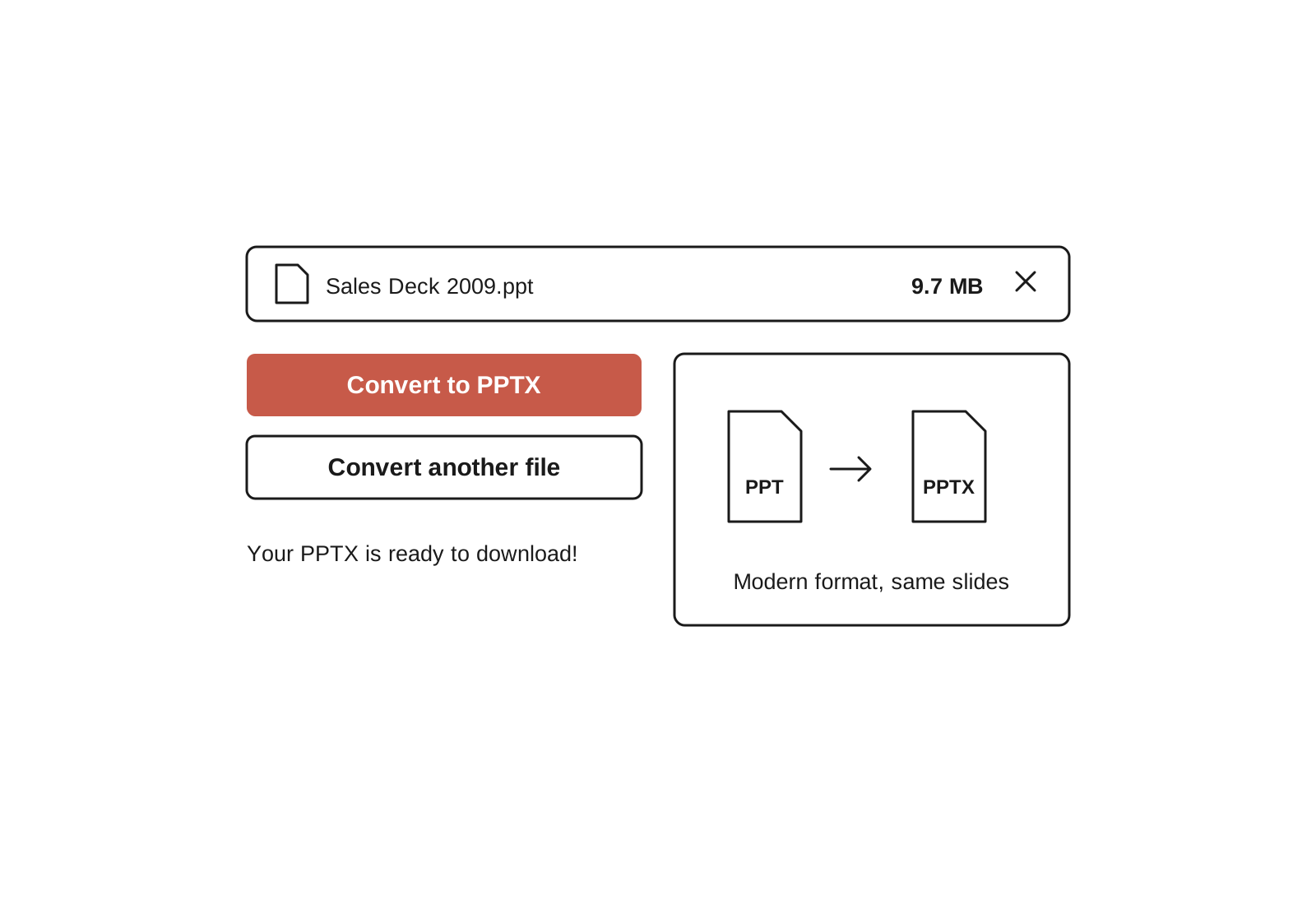
- 1
Upload your PPT file
Drag and drop your .ppt file or select it from your device.
- 2
We convert it to PPTX
The tool rewrites your presentation in the modern PowerPoint format.
- 3
Download your PPTX
Open it in PowerPoint or Google Slides. Edit it, share it, or present it as is.

常见问题解答
What is a PPTX file?
A PPTX file is a PowerPoint presentation saved in the modern format that PowerPoint has used since 2007. It is the standard format for slides today, and it opens in PowerPoint, Google Slides, Keynote, and most other presentation apps.
What does PPTX stand for?
PPTX stands for PowerPoint Presentation XML. The X at the end means the file is built on XML, an open format that stores your slides as compressed, readable data. PPT, the older format, used a closed Microsoft format instead.
What is the difference between PPT and PPTX?
PPT is the old PowerPoint format, used before 2007. PPTX is the modern one. Three differences matter:
- File size. PPTX files are compressed, so they are smaller.
- Compatibility. PPTX opens in Google Slides, Keynote, and most modern apps. PPT often does not.
- Safety. Old PPT files can hide macros, so some email systems block them.
If you have a choice, use PPTX. If you have an old PPT file, convert it above.
How do I convert a PPT file to PPTX?
Upload your .ppt file to this free converter and download the PPTX. It takes seconds, and no software is needed.
If you have PowerPoint installed, you can also open the file and choose File, then Save As, then pick PowerPoint Presentation (.pptx) from the format list. The converter is for anyone who does not have PowerPoint on hand.
How do I open a PPTX file?
PPTX files open in PowerPoint, Google Slides, Keynote, LibreOffice Impress, and the free PowerPoint viewer on the web. If you do not have any of these, upload the file to Google Drive and open it with Google Slides for free.
Can I open a PPTX file without PowerPoint?
Yes. Google Slides opens PPTX files for free in your browser. Just upload the file to Google Drive and open it. LibreOffice Impress and Apple Keynote also open PPTX files.
Why won't my old PPT file open?
Newer apps sometimes refuse to open .ppt files, especially Google Slides. Some email systems and workplaces also block them, because the old format can carry macros that hide harmful code.
Converting the file to PPTX usually fixes it. The slides stay the same, and the file becomes readable by modern apps.
Should I use PPT or PPTX?
Use PPTX. It is the current standard, the file is smaller, and it works in nearly every app your audience might have. The only reason to use PPT is if you need to open the file in a version of PowerPoint older than 2007, which is rare today.
Is the PPT to PPTX converter free?
Yes. The tool is free with no sign up, no payment, and no watermark.
厌倦了在幻灯片上浪费时间?
Try Plus AI for free. Start with a 7-day free trial. Cancel any time. Edit and collaborate seamlessly, directly in Google Slides or PowerPoint.
免费开始