免费演示文稿工具
Convert HTML to PPT
Paste in your HTML or a URL, and Plus AI will transform it into client-ready presentation. No sign-up required.
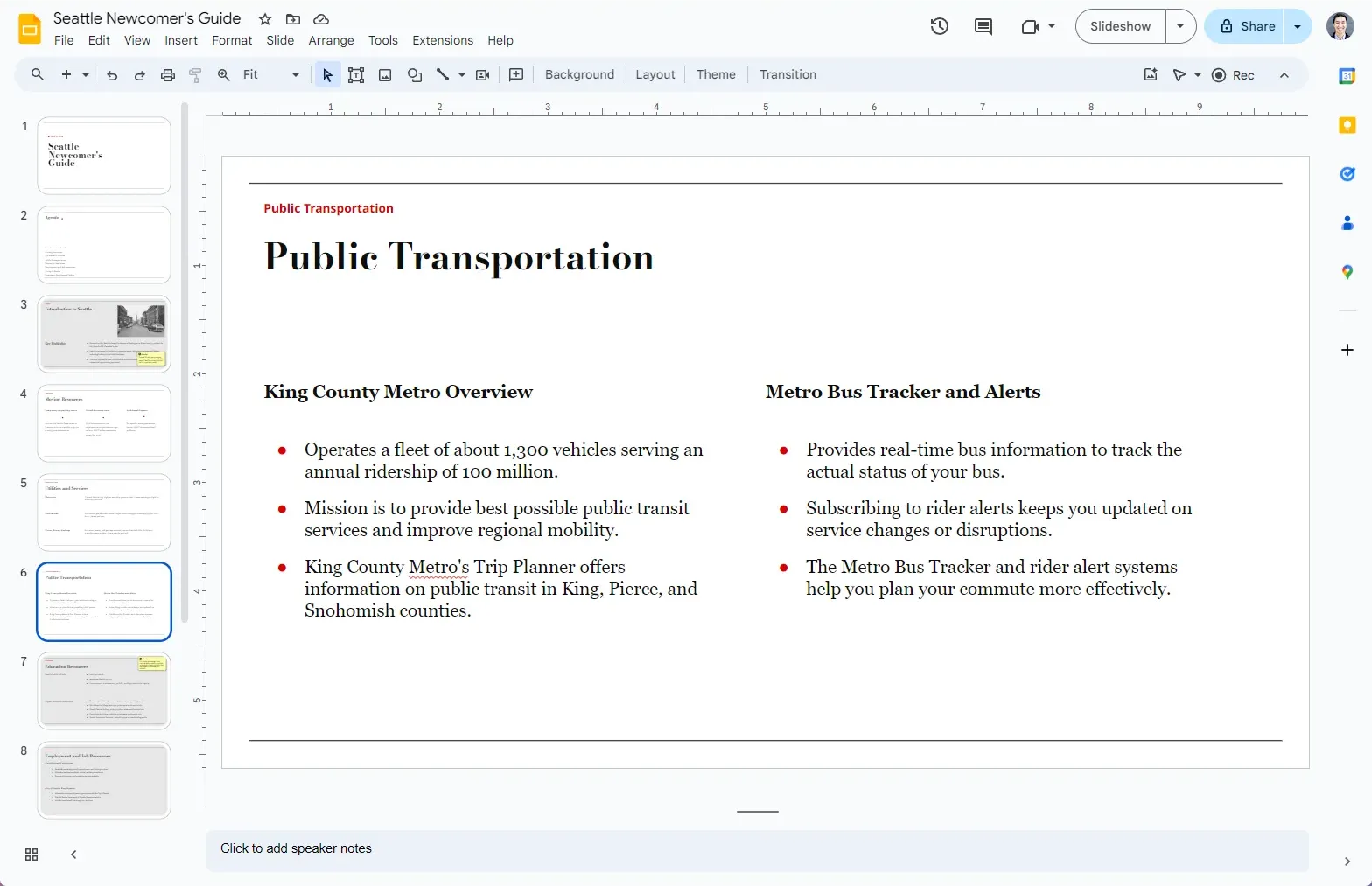
它是如何工作的?
- 1
Paste your HTML
Paste your HTML or give Plus AI a URL
- 2
Plus AI generates your presentation
We use the latest AI models to create a presentation on your topic.
- 3
您会收到一个幻灯片链接
自定义您的演示文稿,用 AI 编辑,并与客户或同事分享。
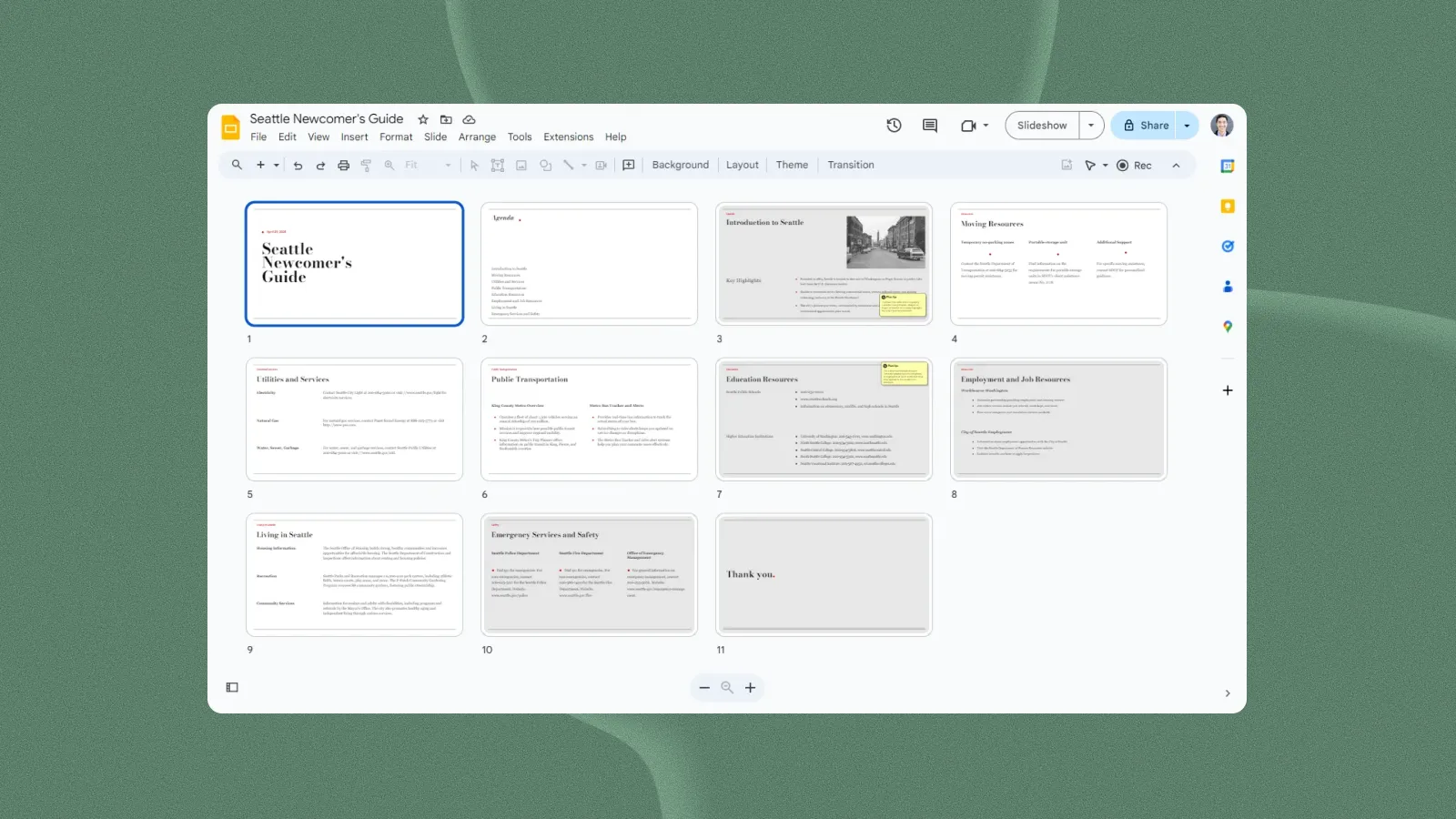
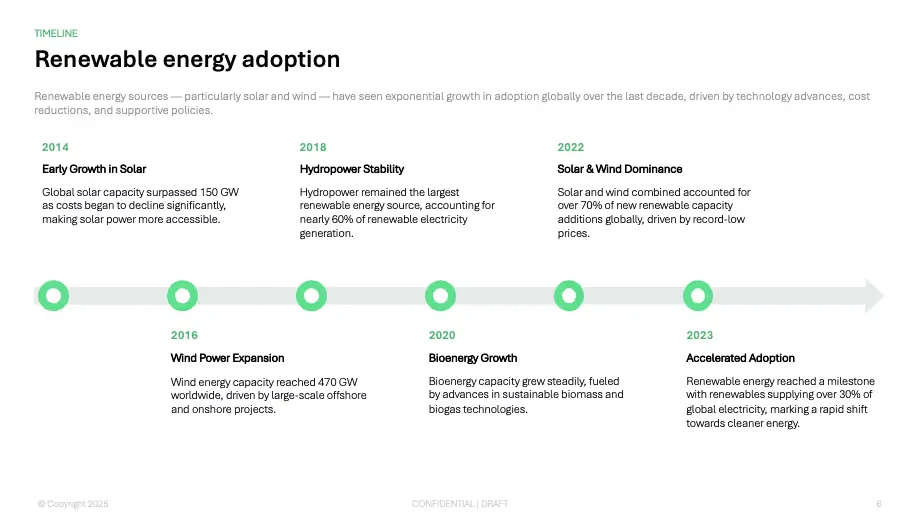
设计师模板——任您自定义
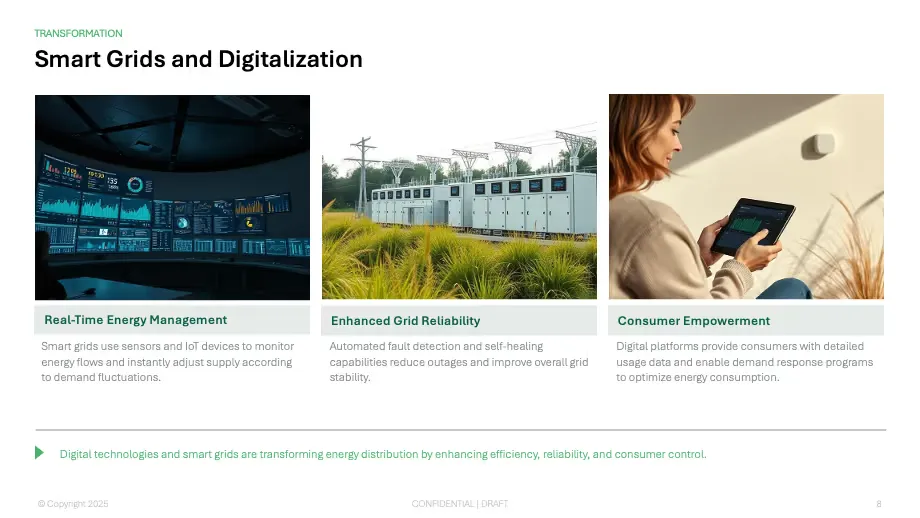
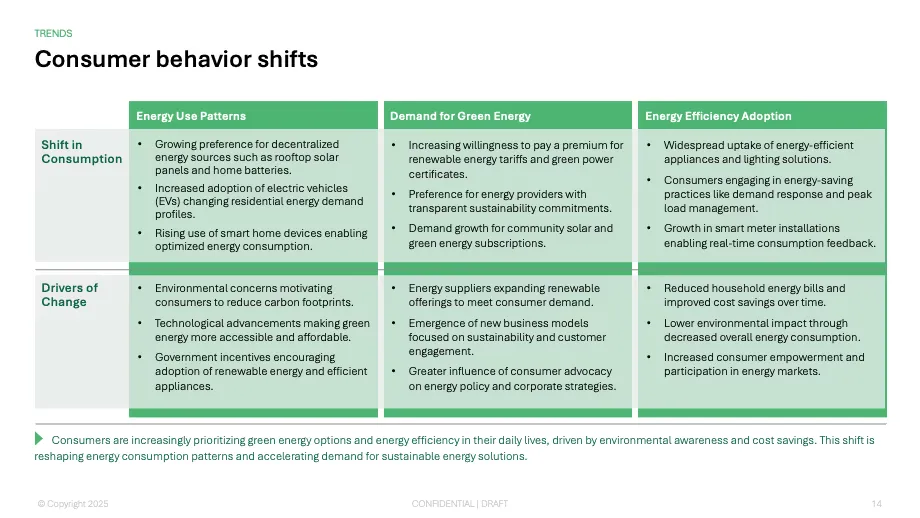
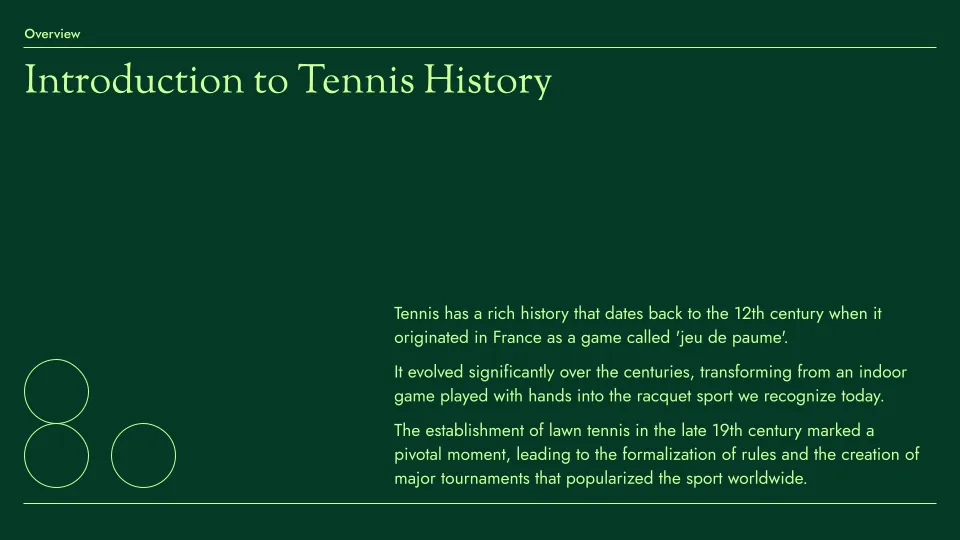
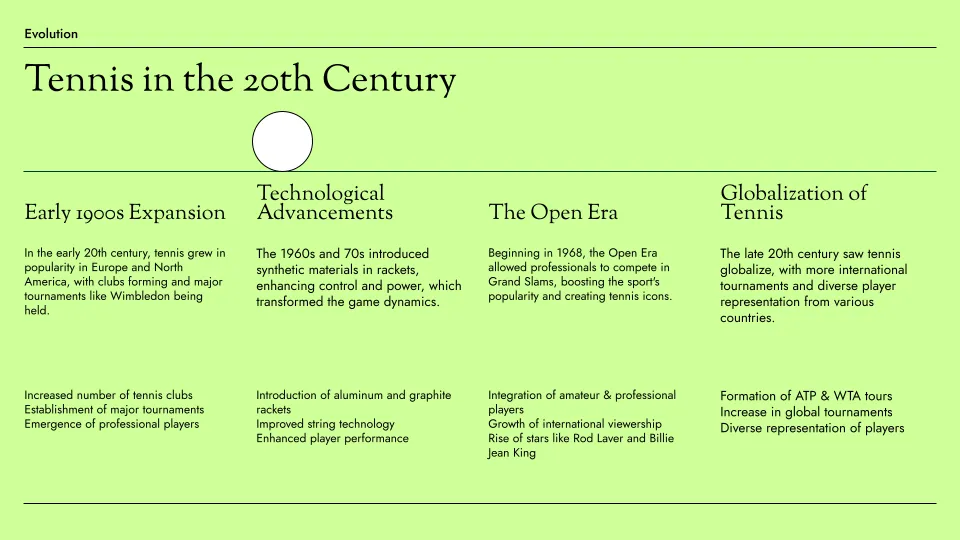
预览我们的演示文稿模板
Plus AI 的模板由专业幻灯片设计师制作,并与我们所有用于生成和编辑的 AI 工具完全兼容。
- Renew template
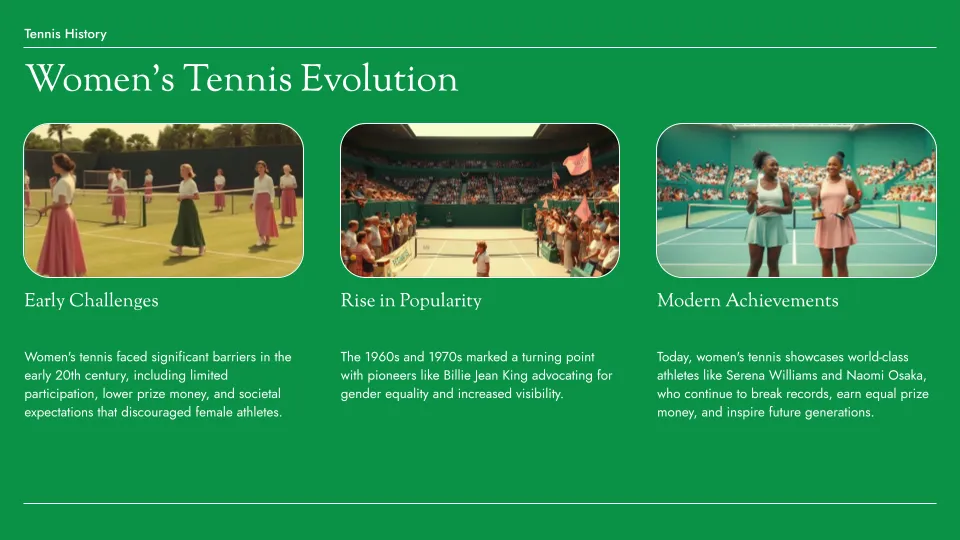
- Tennis template
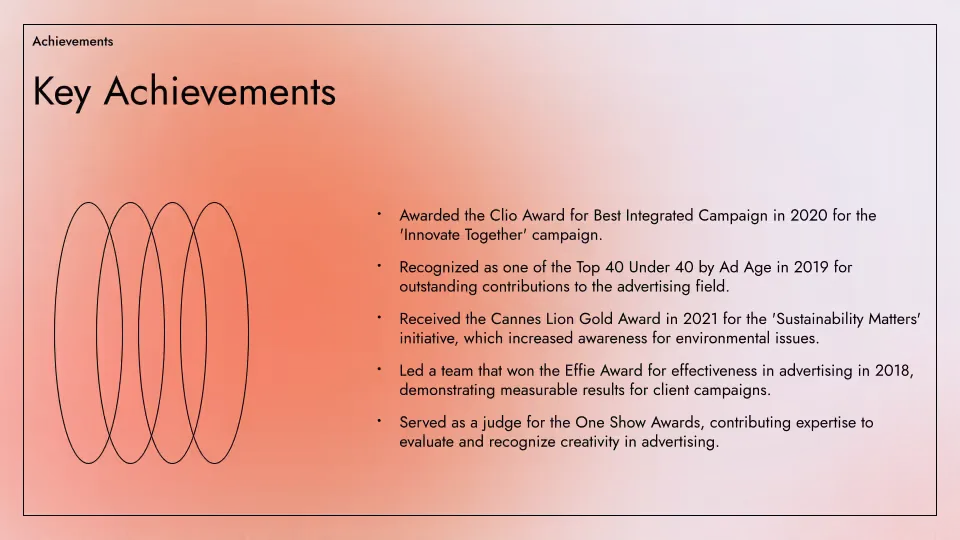
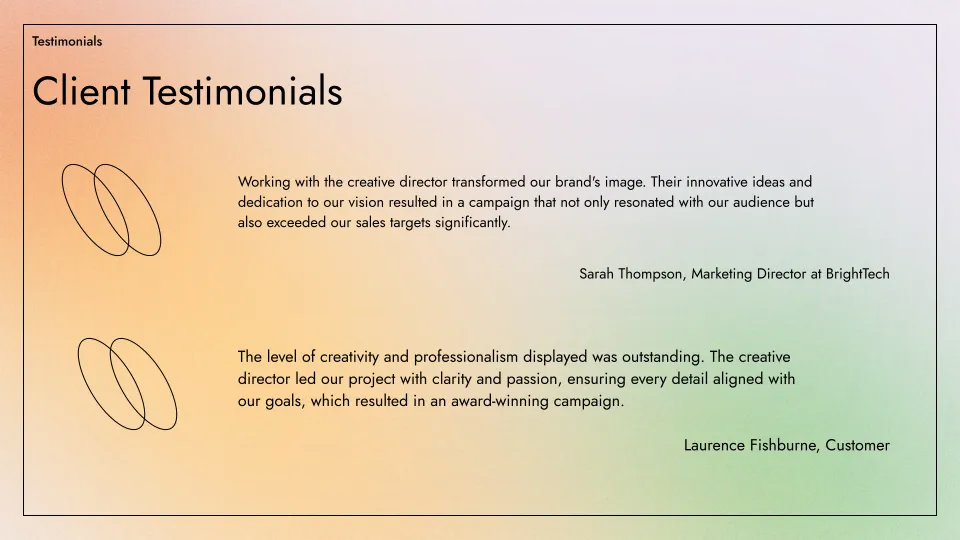
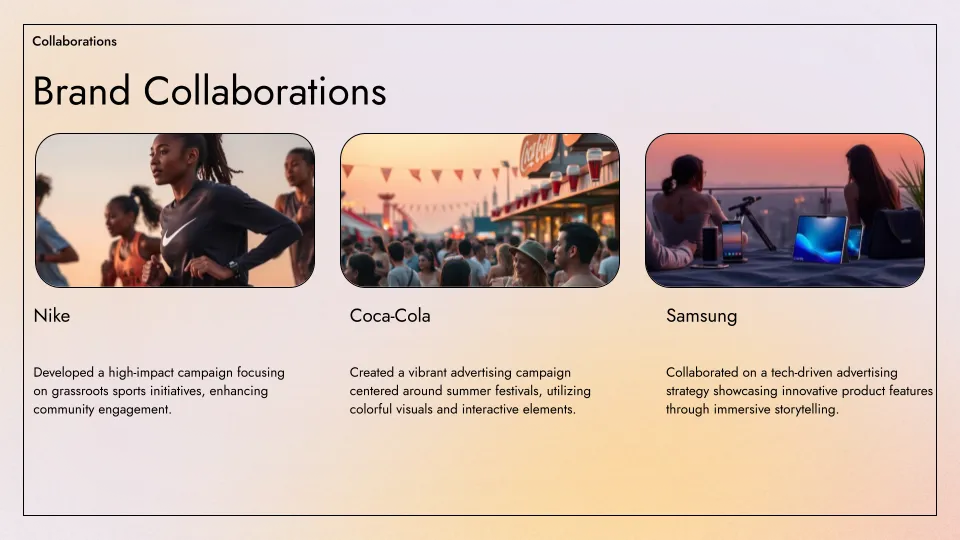
- Aurora template
HTML to PPT features
-
专业的演示文稿
使用我们专业设计的模板,打造完美的幻灯片
-
自动提取内容
Plus AI 会自动提取任何公开可访问网址的文本内容
-
一键 AI 生成
无需注册或信用卡。只需点击一个按钮,即可获得一份幻灯片
-
易于编辑
Edit slides natively in Google Slides or PowerPoint; use Plus AI to generate or edit your slides
-
易于分享
与客户和同事分享您的 Google Slides 链接,或直接下载为 PPT
-
免费使用
最棒的是,它是免费的!如果您需要创建更多演示文稿,欢迎了解 Plus AI
常见问题解答
Can I automatically convert HTML to PowerPoint?
Yes! Plus AI can turn HTML pages into fully-formatted PowerPoint presentations in minutes. Paste a URL or your HTML, and Plus AI will create slides with structured layouts, text, and visuals.
Can I edit slides after converting them from HTML?
Yes, Plus AI is designed for professional presentation creators, so every slide is fully editable and compatible with your existing Google Slides and PowerPoint presentations.
Is there a free way to convert HTML to PPT?
Yes, you can use the free HTML to PPT tool on the Plus AI site to convert your HTML into slides.
How long should my presentation be?
A good general rule of thumb is you need 1 slide for every 2 minutes of your presentation, plus or minus 2 to 3 slides. For more detailed guidance, check out our guide on How many slides do I need for my presentation?
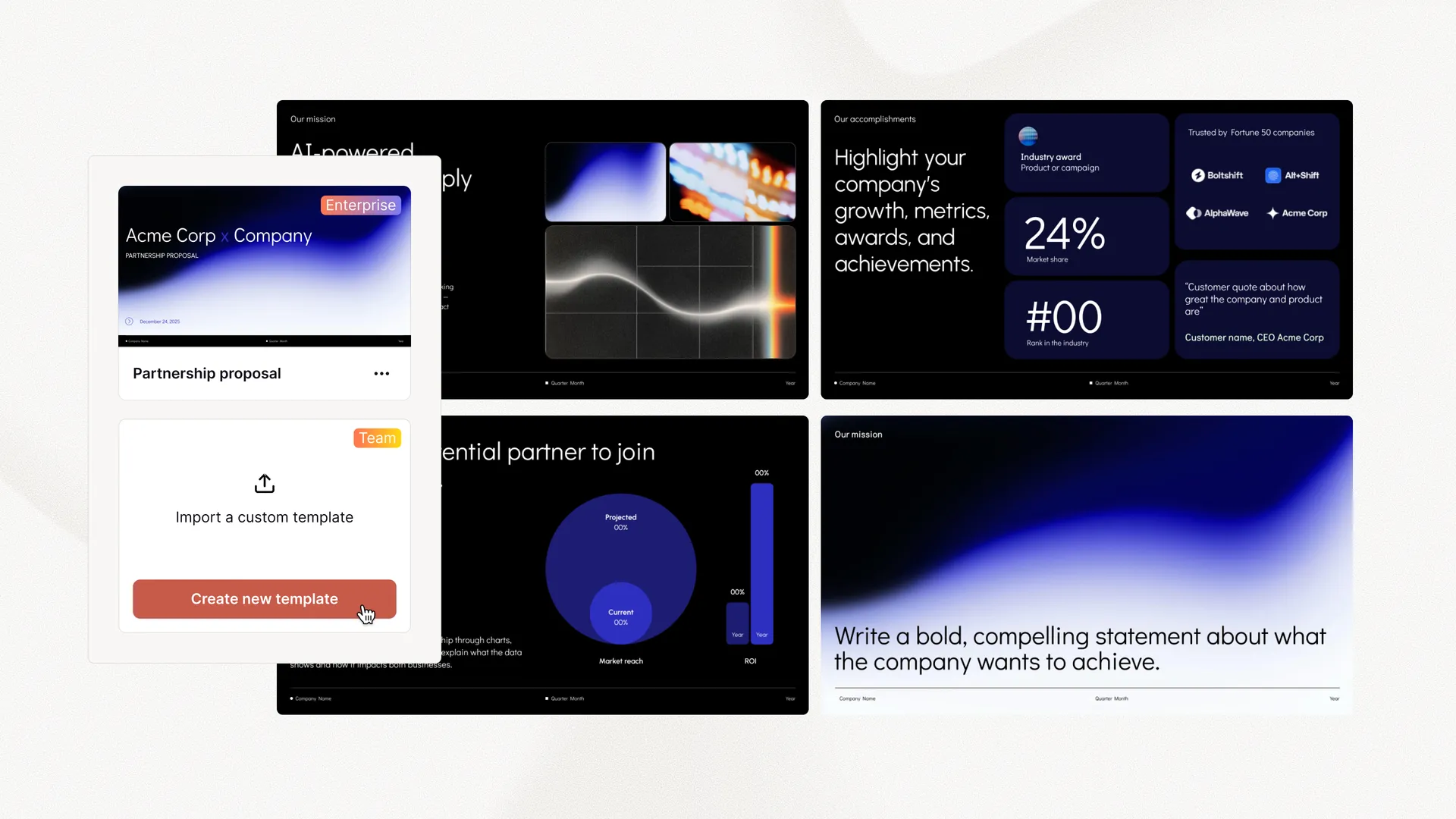
面向企业的 Plus AI
用 AI 幻灯片让整个团队都出彩
为您的团队提供大规模制作精致、符合品牌的演示文稿所需的一切。自定义模板、集成的素材库和自动化工作流程——全部由 Plus AI 驱动。包含 SSO、用户管理,以及为贵组织量身定制一切的全程贴心引导。
-
高级模板
支持无限量幻灯片以及案例研究、图表等专业设计
-
素材库
Plus AI 可以调用您现有的资源幻灯片、预先批准的图片和图标等
-
在您工作的地方运行
可在 PowerPoint 和 Google Slides 中使用——无需安装新应用或学习新工具